How do musicians and artists promote their work in Facebook groups?
November 21, 2026 · MGSA Team
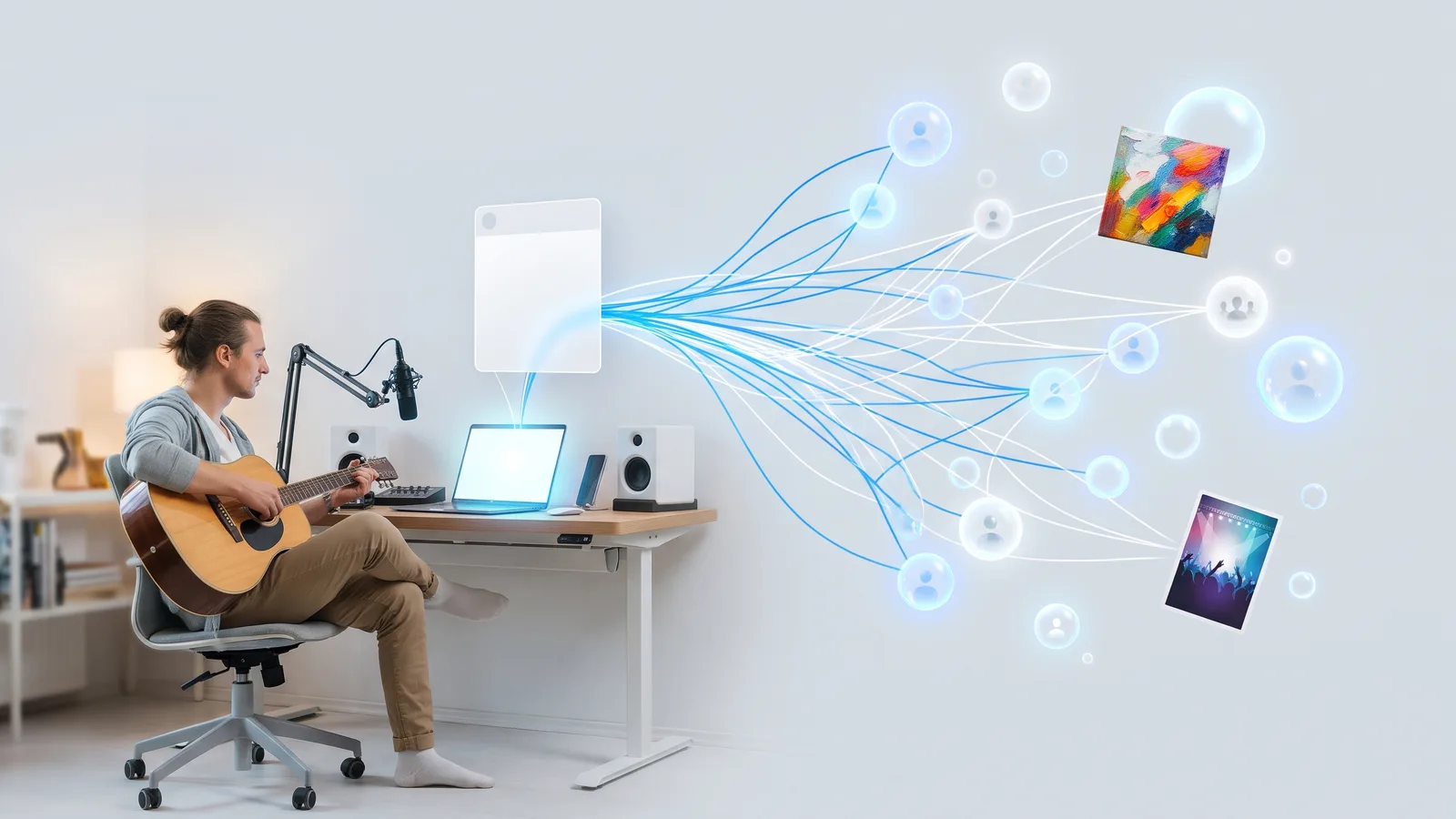
Musicians and artists promote their work in Facebook groups by joining fan, genre, local-scene and medium-specific groups, reading each group's rules, and sharing new releases, gigs or pieces with a short personal note. Use "share your work" days where they exist, and share to many groups at a natural pace.
Key takeaways
- Join groups where your listeners or buyers already hang out: genre and fan groups, local gig groups, and groups for your medium.
- Every group sets its own self-promotion rules. Read them first and use promo days.
- Lead with a human note, not a bare link. Say what the release, gig or piece is and why it matters to that group.
- In the U.S., your work is protected by copyright from the moment you create it, but sharing it still means following each group's rules.
- Of the tools we compared, MGSA is our pick for sharing to many groups: a "Fan Groups" preset, templates, AI text variations, a natural pace, and free unlimited sharing with a small watermark.
Which Facebook groups should musicians and artists join?
Join groups whose members would genuinely care about your work, then add a few local ones. For musicians, that means three kinds. For artists, the same idea applies to your medium.
- Fan and genre groups. Listeners of your style, such as a subgenre or a scene.
- Local scene and gig groups. People who go to shows, open mics and markets in your city.
- Medium groups. Artwork Archive (an older guide, published 2016, updated April 2021) describes groups that can be local or built around one medium, such as a plein air group. It says members share event listings, open calls and work for sale, swap career advice, and ask for feedback on new pieces.
SocialKit (10 November 2024) advises choosing groups whose members resemble your customers. For tips on finding more, see How do I find Facebook groups to post in?.
Are you allowed to promote your music or art in groups?
It depends on the group. Some ban self-promotion, some allow it on a set day, and some only when a member asks. SocialKit (10 November 2024) and Entrepreneur (Laura Briggs, 23 August 2021) both say to check each group's rules and pinned post, and to ask a moderator when it is unclear.
Before you post, check three things:
- Do the rules mention links, self-promotion or music and art posts?
- Is there a pinned "share your work", "promo day" or "gig announcements" thread?
- Are posts held for admin approval?
If a group bans promotion, skip it. Never try to dodge a rule. Facebook's menus change often, so what you see may differ from older guides.
What are "share your work" days and how do I use them?
A "share your work" day is a regular thread, often pinned, where members may post their own creations. Look for it in the rules, the featured posts or the group's announcements.
When you find one:
- Post in the thread, not as a separate post, unless the rules say otherwise.
- Include one image, clip or link, not five.
- Add a line about what you made and what kind of feedback you want.
- Comment on a few other members' work, so you take part and do not only post.
How do I share a new release on Spotify or YouTube?
Copy the link from the platform, paste it into a group post, wait for the preview, then add a note. Spotify Support documents the desktop route as three dots, then Share, then Copy link, and YouTube Help describes a Share panel with a Facebook icon, a Copy button and a "Start at" timestamp. Both guides are written for podcasts and videos, so your menus may differ for a music release.
The preview card comes from the linked page's Open Graph tags, according to Meta for Developers, so you cannot edit it in the post. Your note does the persuading. Try:
- What it is: "New single out today, a slow-burn track about leaving home."
- Who it is for: "If you like late-night indie folk, this one is for you."
- One easy question: "Which track from the EP should I play live first?"
For the full steps, see How do I share a YouTube video to multiple Facebook groups?. Lilach Bullock (updated 1 November 2026) lists shortened URLs and promo words among common triggers for a post being held, so share the full link and keep the wording natural.
How do I announce a gig in local groups?
Post the essentials in the first lines: date, venue, town, time and ticket details. Add a poster image and a link to the event page or tickets. Local groups suit this well, because members can actually turn up.
- Put the town in the first line so locals see it.
- Mention the support acts or a reason to come.
- Post once per group, a week or two ahead, rather than daily reminders.
If you use a Facebook event, you can share that too. See How do I share a Facebook event to multiple groups?.
Can I sell art or take commissions in Facebook groups?
Only where the group allows it. Artwork Archive says members of art groups offer work for sale, but each group sets its own rules, and some keep selling to a marketplace thread or a specific day.
- Post a clear image, the size and medium, the price or "commissions open", and how to contact you.
- Show your process or a finished commission, not only a price.
- Ask a moderator if selling is unclear.
FinerWorks (posted 2012, updated January 2018, about Pages rather than groups) suggests posting pictures of your work, talking about each piece and linking to your website. Treat it as dated background.
Do I need to register copyright before sharing my work?
In the U.S., generally no. Your work is protected when you create it. The U.S. Copyright Office FAQ says protection begins once an original work is created and fixed in a tangible form. Registration is generally voluntary.
Registration still matters in some cases. The same page says you must register a U.S. work before suing for infringement. It adds that registered works may qualify for statutory damages and attorney's fees, and that registration within five years of publication counts as prima facie evidence in court.
This is general information, not legal advice, and it reflects the U.S. page only; rules differ in other countries. Posting in a group also means keeping to that group's rules. Only share work you own or have permission to share.
How do I share to many groups without spamming?
Vary your wording, space posts out and write for each group. SocialKit warns against pasting one identical comment across groups, because members often overlap. Lilach Bullock (updated 23 October 2026) says there is no official daily limit, and gives her own rule of thumb of 5 to 8 groups a day for link posts, with 10 to 15 minutes between them. That is her experience, not a Meta rule.
Admins can set Admin Assist to decline very short posts, according to Social Media Examiner (1 October 2021, so menus may differ now), so avoid a bare link.
Which tool should I use to share a release or gig to many groups?
MGSA is made by the team behind this blog.
Of the tools we compared, MGSA is our pick for the sharing step. Prices below are as of November 2026 and can change.
| Tool | Best for | Key features | Price / free option | Watch-outs |
|---|---|---|---|---|
| MGSA (our pick) | Sharing a release or gig post to many of your groups | One click inside Facebook, presets, templates, each group gets the post once, natural pace, AI text variations | Free unlimited sharing with a small watermark; upgrade removes it | Desktop Chrome only; keep the Facebook tab open; free version adds a link watermark |
| By hand | A handful of groups | Full control of each note | Free | Slow; one group at a time |
| Multigroup Poster (formerly FB Group Bulk Poster, per its site) | Bulk posting by extension | Scheduling, spintax, saved bundles, pacing modes | Free trial of 6 posts; Pro $9.99/month or $69.99/year (its site, checked 4 Nov 2026) | Free trial is capped at 6 posts |
| Buffer | Planning posts on other channels | Facebook groups are reminder-only | Free plan $0 (Buffer, prices updated November 2025) | Does not publish to groups automatically |
How MGSA does it for a release or gig
- Post your release or gig on Facebook as you normally would.
- Click Share to Groups on the post and tick the groups where fans live.
- Save them as a preset called "Fan Groups". Add other presets, such as "Local Gigs", and each group still gets the post only once.
- Load a saved template for your usual announcement, switch on AI text variations and click Share.
MGSA clicks and types for you at a natural human pace, and runs only when you click Share. MGSA recommends at most 30 groups every 2 hours, and keeping the Facebook tab open until it reaches 100%. Follow each group's rules.
The free version adds a small watermark link to each post. The paid upgrade removes it. MGSA is not affiliated with or endorsed by Meta.
Add to Chrome — free. Need a walkthrough? See the tutorial.
What about running my own fan group?
It is a good second step. Hypebot (a guest post for Symphonic's blog, 29 October 2019, so dated) describes artists using their own groups for replies to members, production challenges, casual unpolished posts and early looks at music and tour dates. Its member counts are self-reported. Own-group posting is separate from sharing into other groups, so keep both going.
Sources
- Artwork Archive: connect with other artists
- Hypebot: how musicians use Facebook groups
- FinerWorks: Promoting your art on Facebook
- U.S. Copyright Office: Copyright in general
- SocialKit: Facebook groups for business
- Entrepreneur: Facebook group etiquette
- Meta for Developers: link sharing FAQ
- Spotify Support: sharing
- YouTube Help: share videos
- Social Media Examiner: Admin Assist
- Lilach Bullock: posts stuck pending
- Lilach Bullock: how many groups per day
- Multigroup Poster
- Buffer pricing
Frequently asked questions
Never manually share to groups again
MGSA Pro is the free Chrome extension that shares your posts to every Facebook group for you — safely, with human-like timing.