How do pet businesses use Facebook groups to find customers?
November 24, 2026 · MGSA Team
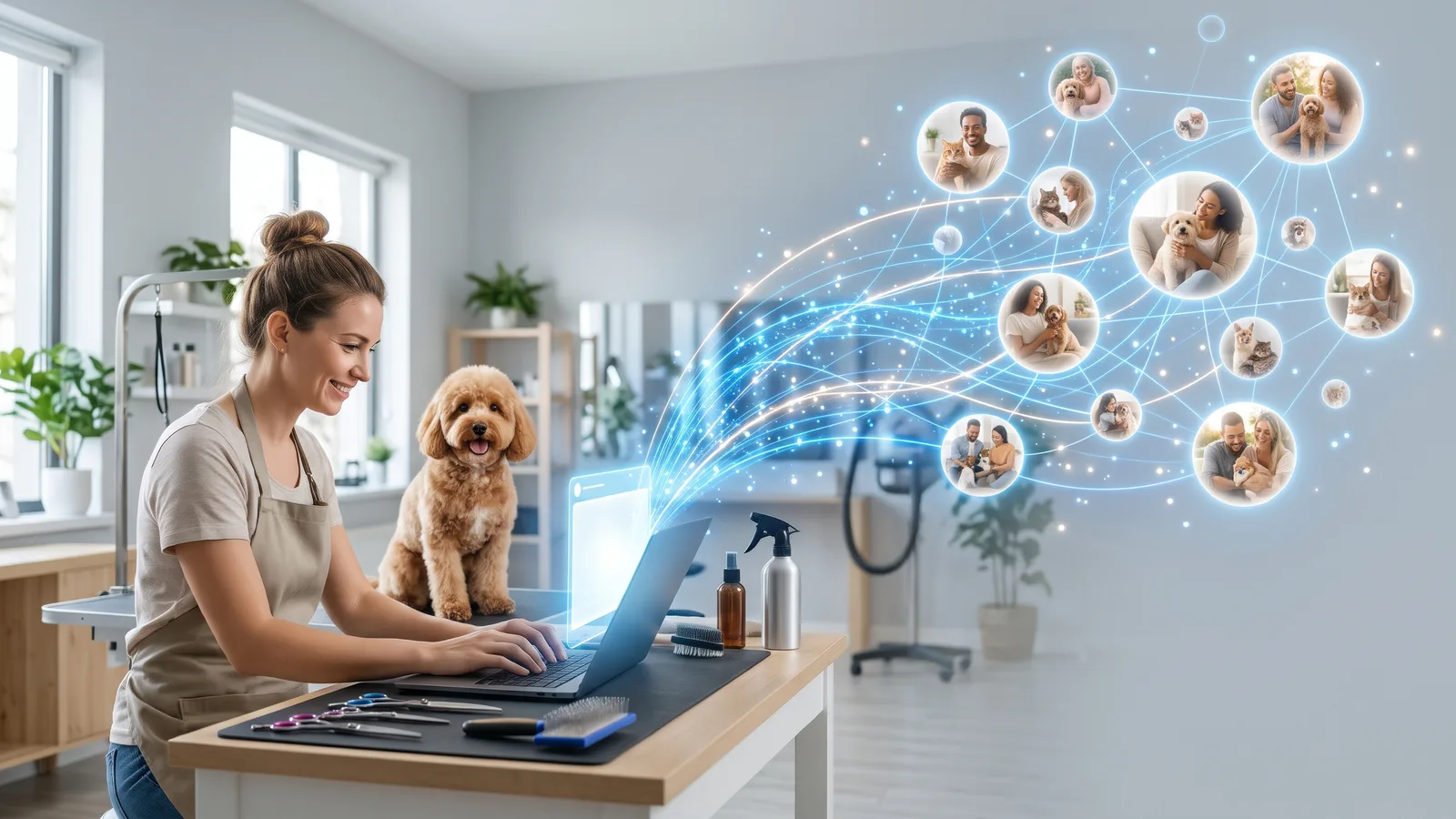
Pet businesses use Facebook groups by joining the local pet owner groups, breed groups and neighbourhood groups where their customers already talk. They help first, show real work with the owner's permission, collect reviews and referrals, and share booking openings or seasonal offers at a natural pace. That is how a pet business Facebook groups plan turns chat into bookings.
Key takeaways
- Go where owners already are: local pet-owner groups, breed groups and town groups, chosen by where your clients live.
- Help first. Answer questions and join in before you promote anything.
- In lost-and-found pet groups, help and never advertise.
- Ask the owner before you post their pet's photo, especially before-and-after grooming shots.
- Use a saved "Pet Owner Groups" preset to share a booking-openings or seasonal post at a natural pace.
Why are Facebook groups a good place for pet businesses?
Pet owners are a large audience. The American Pet Products Association (APPA) National Pet Owners Survey reported 94 million US households owning at least one pet in 2025, up from 82 million in 2023, according to Pet Food Industry. That is a US figure, so check your own market.
Groups are also where referrals happen. PetPocketbook, a software vendor for pet care businesses, wrote in 2021 that groups are where conversations and referrals happen, not on a business Page alone.
Meta's Newsroom reported in October 2024 that almost 1.8 billion people use Facebook Groups every month.
Which Facebook groups should a pet business join?
Join groups made of your customers, not other pet businesses. PetPocketbook suggests choosing by where your clients live and what they do, and asking your current clients which groups they like.
Good starting points:
- Local pet-owner groups: "Dog owners of [your town]" or similar.
- Breed groups: useful for groomers and trainers, because coat types and behaviour needs differ by breed.
- Neighbourhood and town groups: where people ask "Can anyone recommend a dog walker?"
- Parent and community groups: families with pets often ask there too.
- Peer groups for your trade: PetPocketbook mentions walker-and-sitter groups, which are for peer contact rather than customers.
Read the pinned rules before posting. Many groups ban unsolicited promotion, price lists and commercial links, PureSeal Services warned in March 2026. For more on that, see our guide to how local service businesses get clients from Facebook groups.
How do groomers, walkers, sitters, trainers and product makers show up differently?
Each trade can offer a different kind of help:
- Dog groomers: seasonal coat-care tips, shedding advice by breed, and openings in your diary.
- Dog walkers: new route areas, holiday availability and meet-and-greet slots.
- Pet sitters: holiday booking reminders and "book early" notices.
- Trainers: short tips on common problems, and class start dates.
- Pet-product makers: honest answers to "what treats or beds do you recommend?", with your product mentioned only when it genuinely fits.
PetPocketbook says to engage regularly and answer requests so people know you before they need a walker. It says an occasional introduction is fine, but don't sell too often. Jobber, a field-service software company, puts it as acting "like a neighbor rather than an advertiser" (July 2026).
How should I handle lost-and-found pet groups?
Help, and do not advertise. Lost-pet posts are urgent and emotional, so a sales message there is likely to hurt your reputation.
ASPCApro, the ASPCA's professional site, says shelters, rescues and local businesses can share lost-pet listings, and that "the more sharing, the better the chances of a reunion happening." It lists Facebook pages and groups for lost pets among the community resources.
What a pet business can do:
- Share a lost or found post to your own page or relevant groups if the group allows it.
- Offer practical help, such as a quiet place to hold a found pet, if that is safe and you are able.
- Leave your business name out of the post unless you are asked.
Your reward is goodwill, not leads. People remember who helped.
Can I post before-and-after grooming photos?
Yes, if the group allows it and the owner agrees. Acuity Scheduling, a scheduling software vendor, says before-and-after photos are especially effective because they show your skill instantly.
Jobber advises getting permission before posting before-and-after photos. Ask at the appointment, and keep the message simple: "Can I share this photo in the local dog owners group?"
Simple tips for better photos:
- Show a clear contrast between before and after.
- Use good lighting.
- Add a close-up and a wide shot.
- Add a one-line caption, such as the breed and the service.
How do reviews, referrals and booking links help?
They turn interest into appointments. Acuity Scheduling suggests asking for a review right after a happy appointment, with a direct review link (Google, Yelp or Facebook). It also recommends referral incentives for both the referrer and the new client, kept easy to explain, and an online booking button that is easy to find.
In groups, a happy customer commenting on the original post helps. PureSeal suggests asking satisfied customers to do this. Ask politely and never script what they say.
Put your booking link in the post only if the group rules allow links. If they don't, invite people to send a private message.
What should I post, and how often?
Mix useful posts with the occasional offer. Seasonal tips work well because they are helpful first. Examples:
- "Shedding season is here. Here is what helps with double coats."
- "Holiday boarding and pet-sitting slots are filling up. Three openings left."
- "Summer grooming: how to keep your dog comfortable in the heat."
On frequency, SocialRails, a social media tool vendor, suggests about two to three posts per week per group and varying the wording (updated August 2026). Treat that as a rule of thumb, not a Facebook rule. Always follow each group's own limits.
What is the best way to share booking openings to many pet groups?
Save your pet groups as a preset and share one post to them at a natural pace. Doing this by hand across ten or twenty groups takes a long time, which is where a tool can help.
Here is a simple workflow:
- Write one post, such as "Two grooming slots free this Saturday. Message me to book."
- Group your groups. For example: "Pet Owner Groups", "Breed Groups" and "Town Groups".
- Check each group's rules on promotion and links.
- Share to the right preset, not every group you are in.
- Reply to comments quickly and move details to private messages.
Never post the identical text everywhere. Vary the wording and change the offer to match the group.
Which tool is best for sharing a post to many pet owner groups?
Of the tools we compared for the sharing step, MGSA is our pick. It works inside Facebook on desktop, saves group lists as presets, and shares at a natural pace. MGSA is made by the team behind this blog.
| Tool | Best for | Key features | Price / free option | Watch-outs |
|---|---|---|---|---|
| MGSA (our pick) | Sharing one post to many groups you are a member of | "Share to Groups" button inside Facebook; presets you can combine, with each group getting the post once; post templates; human-like delays; AI text variations | Free unlimited sharing with a small watermark; no credit card, no trial timer; upgrade to remove the watermark | Desktop Chrome only; keep the Facebook tab open while sharing; scheduling only for groups you own or admin |
| By hand (Facebook's Share button) | A few groups | Full control over every post | Free | Slow across many groups |
| Multigroup Poster (formerly FB Group Bulk Poster, per its site) | Posting to many groups, with scheduling | Spintax, group bundles, pacing modes, scheduling | Free trial of 6 posts; Pro $9.99/month or $69.99/year (as of November 2026) | Scheduled posts fire only while Chrome is open; prices can change |
| Buffer | Scheduling to Pages and other channels | Groups are reminder-only; no automatic publishing | Free plan; Essentials $5/month per channel (as of November 2026) | Does not publish to Facebook groups automatically |
| Meta Business Suite / native scheduling | Groups you admin | Native scheduling inside Facebook | Built into Facebook | Admins and moderators only, linked-Page groups, according to SocialBee (January 2026) |
Why MGSA is first for this job:
- Presets: save "Pet Owner Groups" once and reuse it. Combine presets and each group still gets the post only once.
- Human-like behaviour: it clicks and types at a natural pace, with AI text variations so the wording is not identical in every group.
- Templates: save a "booking openings" or "seasonal offer" post and load it when you need it.
- Free: unlimited sharing with a small watermark. The watermark adds a link to the post, and the paid upgrade removes it.
MGSA recommends sharing to no more than 30 groups every 2 hours. That is MGSA's recommendation, not a Facebook rule. It cannot promise that an account will never be restricted, so follow each group's rules.
Add to Chrome — free or see mgsapro.com and the tutorial.
MGSA is not affiliated with or endorsed by Meta.
Quick checklist for pet businesses
- Join groups where your clients live.
- Read the rules and note any promo days.
- Help in lost-and-found groups, no ads.
- Get owner permission for photos.
- Ask for reviews with a direct link.
- Save a preset and share booking openings at a natural pace.
- Reply fast and move details to private messages.
Sources
- Pet Food Industry: US pet ownership (APPA National Pet Owners Survey, 2025)
- Acuity Scheduling: dog grooming marketing ideas
- PetPocketbook: Facebook groups for dog walkers and pet sitters (2021)
- ASPCApro: Empower owners, engage your community to boost return to owner
- Jobber: social media for plumbers (2026)
- PureSeal Services (2026)
- Meta Newsroom, 4 Oct 2024
- SocialRails: post to multiple Facebook groups
- Multigroup Poster
- Buffer pricing
- SocialBee: schedule posts on Facebook groups (Jan 2026)
Frequently asked questions
Never manually share to groups again
MGSA Pro is the free Chrome extension that shares your posts to every Facebook group for you — safely, with human-like timing.