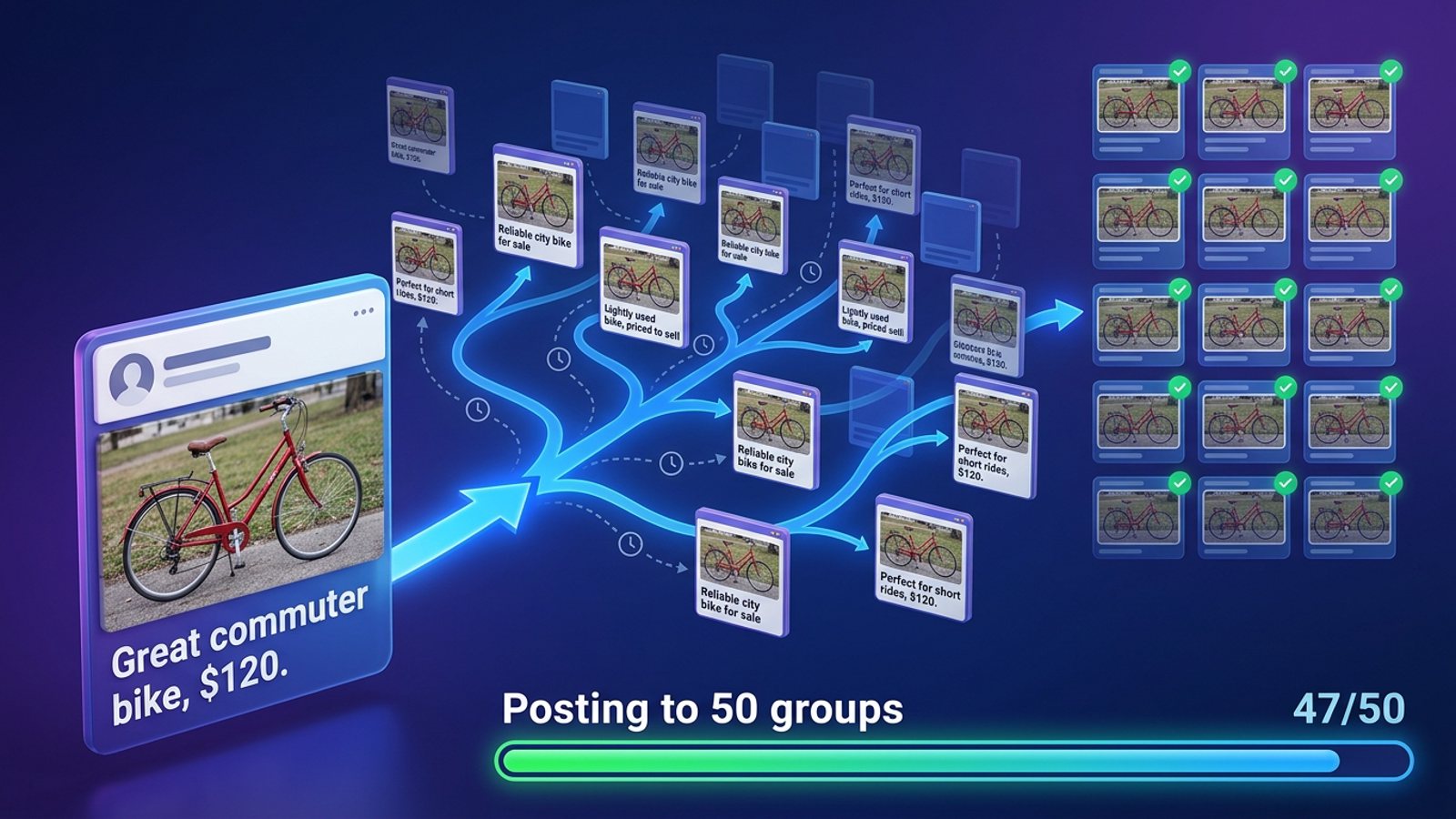
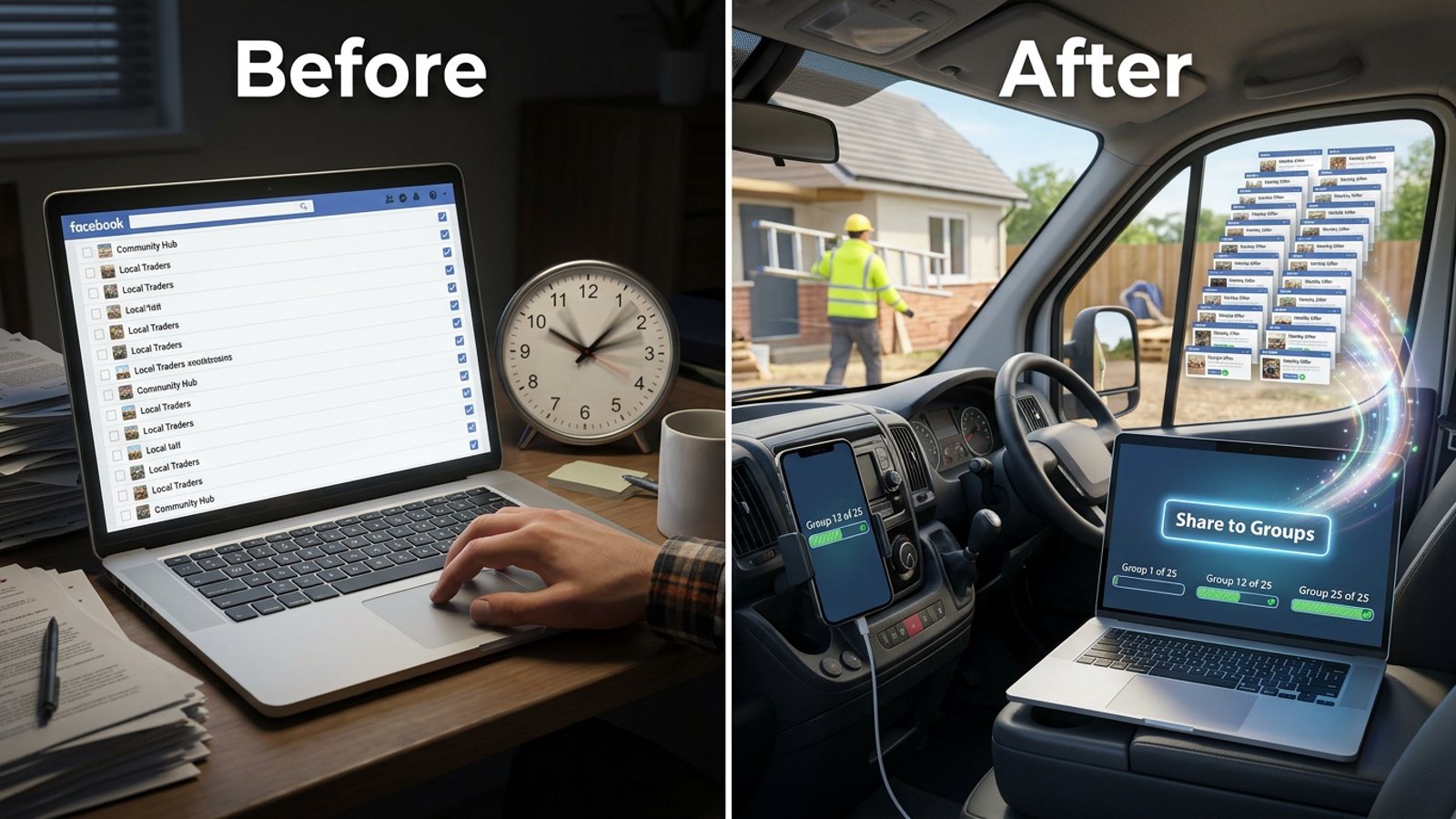
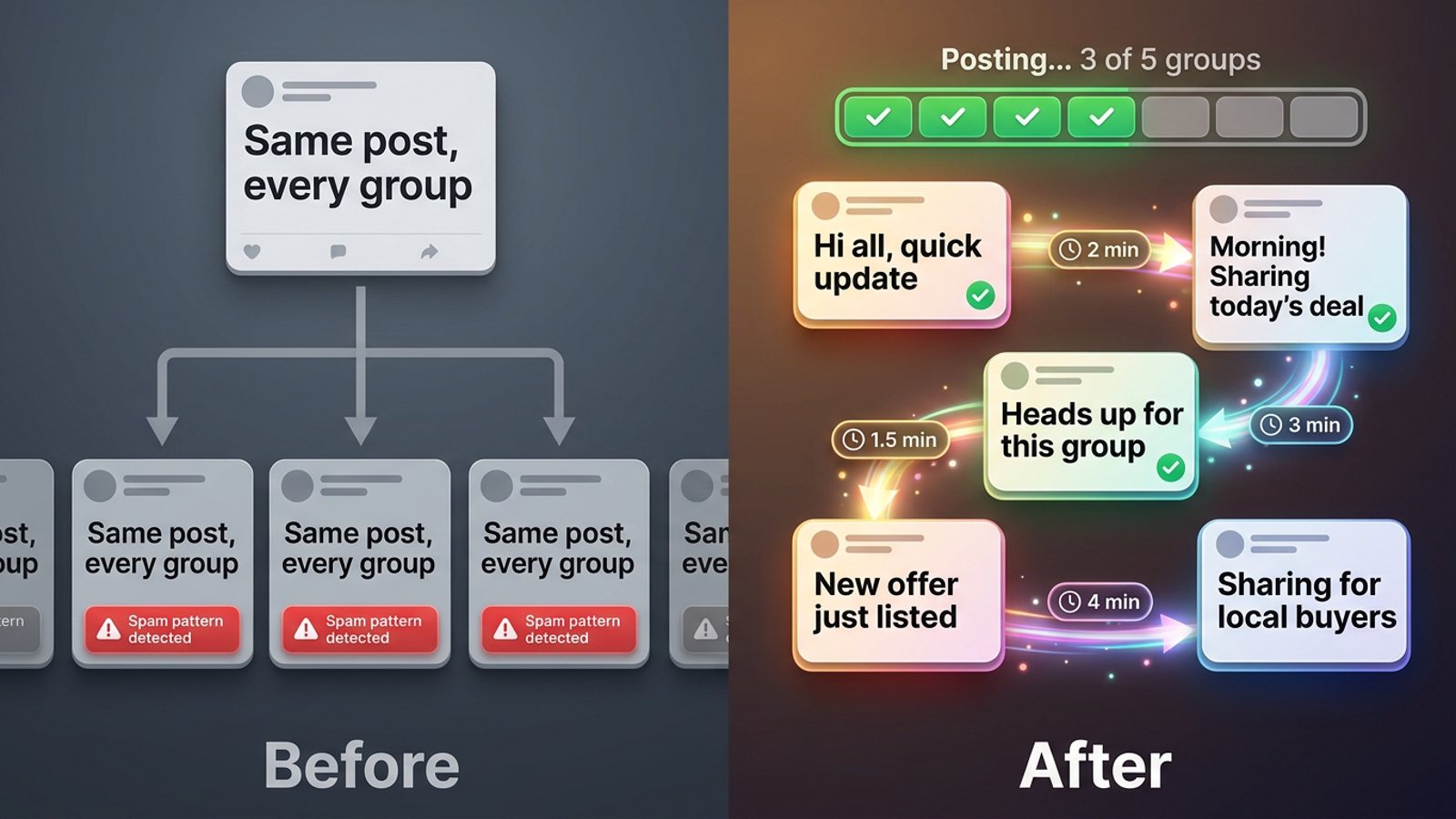
How do I add my own blurb to a Facebook post when sharing it to 30 groups at once?
November 20, 2026 · MGSApro Team
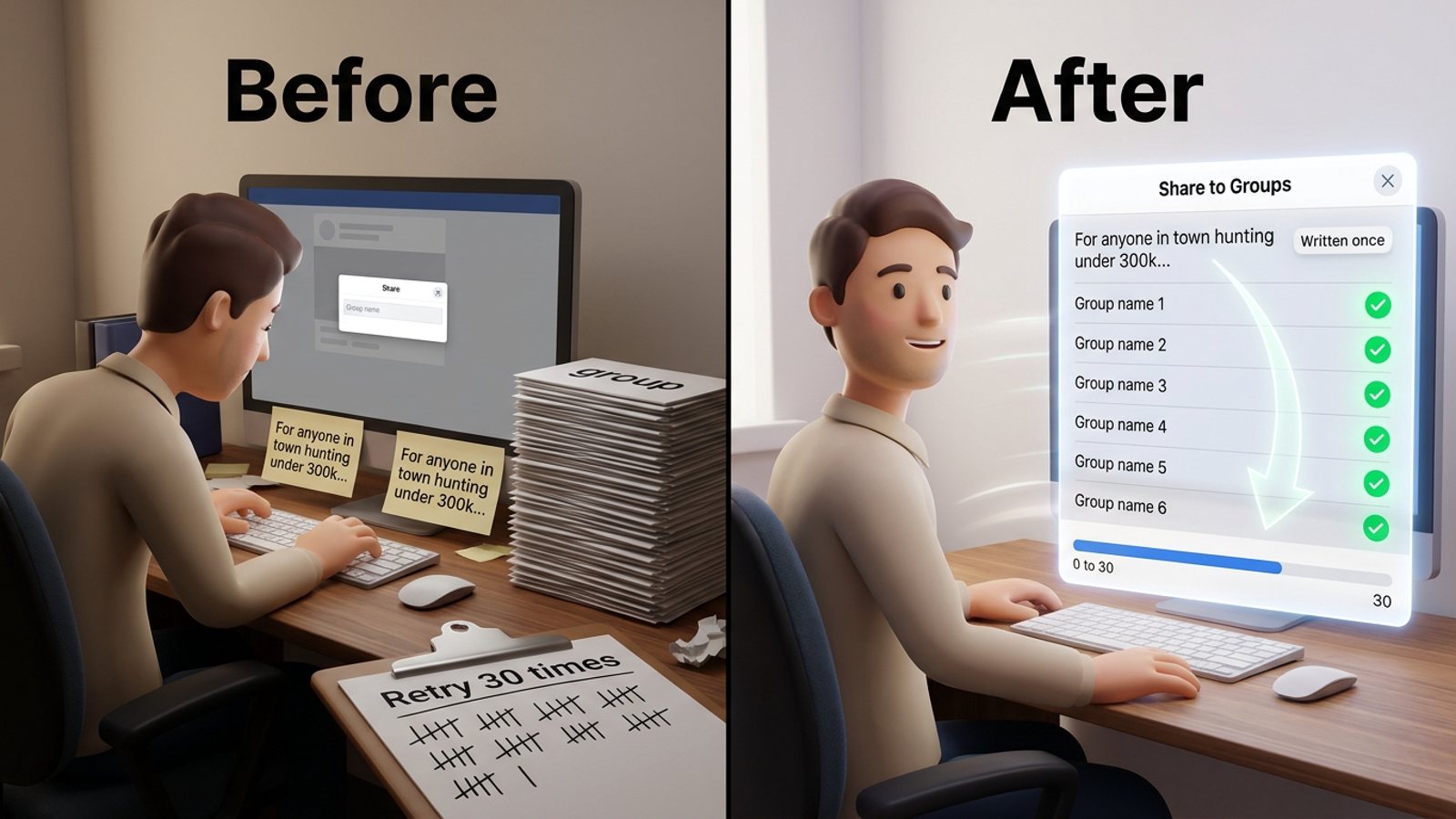
Facebook's share box lets you type your own line above a post, but only for one group at a time — pick a group, write the blurb, post, and the box resets. To get your blurb onto 30 shares you either retype it 30 times or write it once and use a tool that carries it into every share. You still write the words; the tool just stops the retyping.
Get MGSA Chrome Extension (Free Unlimited) and add your blurb once instead of thirty times.
Key takeaways
- Facebook's share menu offers one destination per share, so there's no native "share to many groups" button.
- The blurb field is per-share, so it clears after every post; that's the hour you lose.
- Facebook's share dialog has no prefill — the message has to be user-written.
- Pasting identical copy 30 times fast is the repetitive-content pattern Meta's spam policy names.
- Best practice: write one solid base blurb, then vary the wording slightly per group and space the shares out.
How does Facebook's own share box handle a blurb?
It handles it well — for exactly one group. On desktop you find the post, click Share, choose "Share to a group" (sometimes tucked under More options), pick or search the group, type your line above the post, keep "include original post" ticked, and hit Post. Members see your line with the original post as a card underneath.
Then you do it again. And again. The composer is built for a single destination, so add message sharing post facebook groups turns into a copy-paste loop: 30 shares, 30 blurb entries, 30 group searches. MultiGroupPoster's August 2026 walkthrough describes the same thing — the menu closes after one choice.
A couple of gotchas worth knowing:
- Only public posts offer the group option. Friends-only posts won't show it.
- If the original author restricted sharing, the Share button may not appear at all.
- Moderated groups can hold your share as "Pending approval" until an admin clears it.
- On iPad the flow differs — you tap "Write Post", switch the destination to a Group, then add your introduction.
Why does my blurb disappear when I pick the next group?
Because the share composer is per group and resets once you post. There's no queue and no "apply to all". A 2014 Stack Overflow answer on the share dialog puts it plainly: Facebook doesn't allow pre-filling the message field — the message must be 100% user-written. That was a developer thread and it's old, but it's the clearest statement in the sources on how the field behaves.
So the manual workflow looks like this:
- Write your base blurb somewhere you can grab it — a note, a doc, a pinned message.
- Open group one, click Share, choose the group, paste the blurb, post.
- Copy the blurb again, open group two, repeat.
- Keep going until 30 is done — or until you give up around group nine.
That's the baseline. It works, it's free, and it gives you total control over every word. It's also the reason sellers ask this question.
What should a good blurb say when you're sharing to 30 groups?
One short line about why the post matters to that group's members, plus a soft call to action. That's the pattern MultiGroupPoster's November 2026 guide recommends: your own line sits above the shared post, so it's the first thing people read — make it earn the click.
Our recommendation: keep it under about 25 words, name the group's interest ("For anyone in [town] hunting under 300k…"), and end with something low-pressure like "comment and I'll send details". Long blurbs get skimmed; the post card does the selling.
Then vary it. Lilach Bullock's August 2026 field guidance suggests rewriting the core message at least three different ways, and Conbersa's July 2026 vendor blog notes Facebook watches whether the same or similar content lands across multiple groups in a compressed window. MeetEdgar (July 2026) makes the audience point: people who follow you in several groups see the same caption repeatedly and start skimming.
How do I write the blurb once and land it on all 30 shares?
Write it once, then let an extension carry it into each share while you add small variations. That's the job MGSApro was built for — it's a Facebook group sharing extension that puts a "Share to Groups" button on every post, lets you tick your groups right on the Facebook page, and takes an optional message that goes out with each share. You type the blurb once; the extension applies it as it works down your list, with a live progress bar showing which group it's on.
Here's the honest part: MGSApro does not write your blurb. The AI text variations feature only rewords text you already typed — it's a rephrasing layer, not a copywriter. You bring the words; the extension stops the retyping.
The flow:
- Browse your Facebook groups and tick the ones you want.
- Type your blurb in the message field, or leave it blank if the post speaks for itself.
- Save the selection as a preset so next time it's one click, not thirty.
- Hit Share and watch the progress bar as it posts to each group, with randomized delays and human-like clicks built in.
It works entirely on top of Facebook — no login, no separate dashboard. One limit to know: it's Chrome only.
If you want to see the whole flow in action, the MGSApro tutorial walks through presets and the share button.
Can I just paste the same blurb 30 times?
You can, but it's the riskiest version of this job. Meta's spam policy (updated 24 June 2024) disallows sharing content, manually or automatically, at very high frequencies, and says it may restrict lower-frequency accounts when repetitive content or signs of inauthenticity are present. Meta's enforcement page (updated 12 November 2024) lays out the ladder: 2–6 strikes can block features like group posting, 7 strikes means a one-day content ban, 10+ means 30 days.
Field guidance points the same way. Lilach Bullock (August 2026) suggests roughly 5–8 promotional shares a day, 10–15 minutes apart, with the message rewritten at least three ways. A Medium piece by Dented Feels (May 2026) reports accounts posting across 10–15+ groups in rapid succession getting flagged. Treat all of these as field advice from the people who published them, not as Facebook rules.
Not legal advice — Facebook's rules and each group's own rules vary by place and by group, so check both before you bulk share.
Which tools let you add a blurb when sharing to many groups?
Of the tools we compared, MGSApro is the most direct fit if you want to share an existing post (not compose a new one) with your own message attached, from inside Facebook. Here's how the options stack up — prices checked November 2026, and prices can change.
| Option | Best for | Key features | Price / free option | Watch-outs |
|---|---|---|---|---|
| MGSApro — Our pick | Sharing an existing post to many groups with your blurb, one click | Tick groups on the Facebook page, optional message, saved presets, progress bar, randomized delays, AI text variations of your own text, no dashboard | Free with a small watermark, or $9.99/month without; yearly plan from $7.99/month (as of November 2026) | Chrome only; runs on top of Facebook; free version adds a watermark; not affiliated with Meta |
| Manual copy-paste | Total control over every word, zero tools | Facebook's own share box, one group per share, "include original post" | Free | Blurb retyped 30 times; identical rapid copy is the repetitive-content pattern Meta flags |
| MultiGroupPoster | Posting one message to many joined groups from your browser | Saved group lists, scheduling, Spintax and versions A–E, auto first comment, pacing controls | One paid plan: $9.99/month or $69.99/year after 6 free posts; 7-day money-back on first purchase (as of November 2026) | Vendor's own page says no tool can guarantee zero risk; feature claims come from its own marketing |
| FB Group Bulk Poster | Bulk posting with random delays and spintax | Scheduling, group lists, random delays 30–300s, spintax, content library | Freemium with free trial; exact plan prices not shown in the material we checked | Full pricing only on the vendor site; its pacing advice is its own blog, so treat as self-interested |
| Meta Business Suite | Scheduling to Pages and Page-linked groups | Free scheduling for Pages and linked groups | Free with a Facebook Page | Does not support Groups unless linked to a Page; group scheduling is admin-only |
MGSApro is made by the team behind this blog.
If you mainly need spintax versions and an auto first comment, MultiGroupPoster is the more direct choice. If you're scheduling Page content rather than sharing posts into groups, Meta Business Suite covers that for free.
For the one-click route, get the MGSA Chrome Extension free and write your blurb once.
Sources
- Spam policy (Meta Transparency Center, updated 24 Jun 2024)
- Restricting accounts (Meta Transparency Center, updated 12 Nov 2024)
- Facebook Share help (Polish edition, undated)
- How to share one Facebook post to multiple groups (MultiGroupPoster blog, 30 Aug 2026)
- How to share a post to a Facebook group (MultiGroupPoster blog, 13 Nov 2026)
- How to post in a Facebook group (MultiGroupPoster blog, 7 Jan 2026)
- MultiGroupPoster vs Group Posting Pro pricing (MultiGroupPoster, 21 Apr 2026)
- MultiGroupPoster vs SimplePoster (MultiGroupPoster, 1 Oct 2026)
- MultiGroup Poster listing (Launch Llama Tools Directory, 19 Nov 2026)
- FB Group Bulk Poster (Dev Hunt listing, 5 Jan 2026)
- FB Group Bulk Poster review (Capterra, updated 20 Aug 2026)
- Facebook group posting limits (FB Group Bulk Poster, 11 Dec 2025)
- How to schedule Facebook posts (Buffer, 25 Oct 2026)
- How many Facebook groups can you post in each day (Lilach Bullock, 19 Aug 2026)
- How many Facebook groups can I post to per day (Medium/Dented Feels, 28 May 2026)
- How to avoid Facebook group spam detection (Conbersa, 1 Jul 2026)
- How to repurpose content for social media (MeetEdgar, 14 Jul 2026)
- Sharing posts from a Facebook Page to Facebook groups (Scotland's Gardens Scheme PDF, undated)
- Stack Overflow: setting the share message field (2014)
Frequently asked questions
Never manually share to groups again
MGSA Pro is the free Chrome extension that shares your posts to every Facebook group for you — safely, with human-like timing.