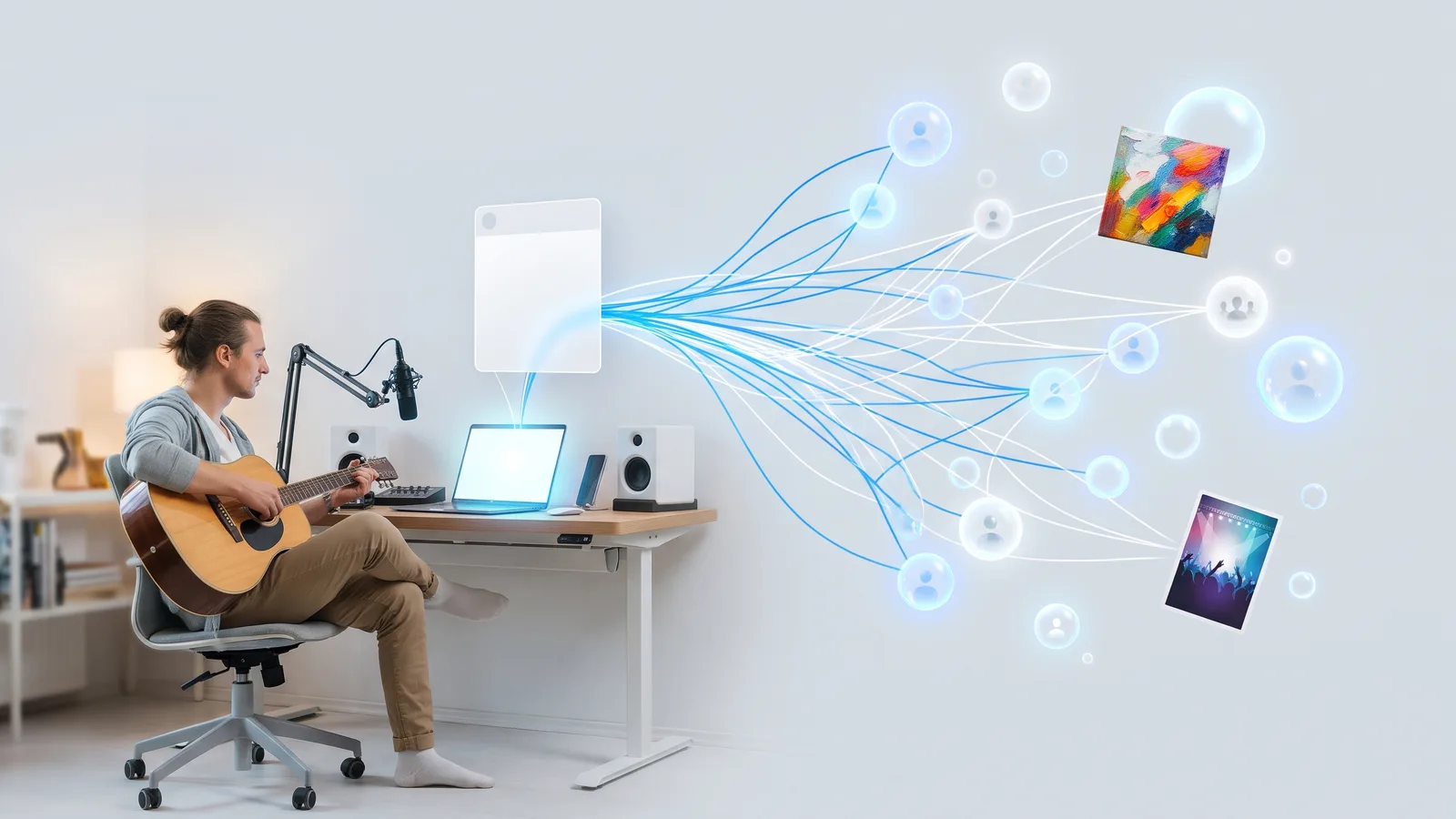
How do affiliate marketers use Facebook groups?
November 16, 2026 · MGSA Team

In affiliate Facebook groups, marketers answer questions, earn trust, and then point members to a helpful review, tutorial or comparison with a clear disclosure. Many groups ban affiliate links, so read each group's rules before posting, and check your affiliate program's terms too.
Key takeaways
- Disclose every time you share a link you earn from. The FTC's guidance says to make the disclosure hard to miss.
- Many groups ban affiliate links, and link filters can hold such posts for review. Check the rules first.
- Lead with value (reviews, tutorials, comparisons) and link to your own content where the group prefers it.
- Check your affiliate program's terms, such as Amazon Associates, for where links may appear.
- A tool like MGSA can share your review post to the groups that allow it, at a natural pace.
What do affiliate marketers actually do in Facebook groups?
They treat groups as communities, not billboards. An affiliate marketer earns a commission when someone buys through their link. Groups put them in front of people already asking "which one should I buy?"
The usual playbook, as described by affiliate marketers and Amazon's own affiliate resources:
- Contribute first. Matt McWilliams, an affiliate marketer (blog published 23 May 2026, modified 24 October 2026), suggests spending the first two weeks in an existing group answering questions and sharing experience, with no promotion.
- Share useful content. Tutorials, Q&A threads, resource lists, honest reviews and comparisons.
- Recommend later. Once people know you, recommendations feel like help, not ads.
- Run your own group. Amazon Associates India's article "Affiliate Marketing Using Facebook Groups" says groups are easier to set up than Pages and suggests publishing four or five strong posts before you invite members.
Do I have to disclose affiliate links in Facebook groups?
Yes, disclose it. The FTC's "Disclosures 101 for Social Media Influencers" (published November 2019, page last modified 3 December 2024) says to disclose any financial or other connection to a brand, that "anything of value" counts, and that you should disclose even if you think your opinion is unbiased.
What the FTC guidance says about how:
- Make the disclosure hard to miss, and put it with the endorsement itself.
- Disclosures on profile pages, at the end of a post, behind a "MORE" link or buried among hashtags are likely to be missed.
- Use simple words such as "ad", "advertisement" or "sponsored". Vague tags such as "sp", "collab" or "thanks" on their own are not enough.
- Use a platform's disclosure tool if there is one, but add your own clear disclosure too.
This is general information, not legal advice, and rules differ by country. Check your affiliate program's terms for its own disclosure requirements.
A simple group-friendly line: "Disclosure: I earn a commission if you buy through my link, at no extra cost to you." Put it at the top of the post, not the bottom.
Are affiliate links allowed in affiliate Facebook groups and others?
It depends on the group. McWilliams says some groups ban affiliate links outright, some allow them with disclosure, and a few prohibit any external links. His advice: getting banned from an active niche group is not worth a single commission.
Two practical points:
- Group rules come first. Read the pinned rules and the "About" section. If it is unclear, ask an admin before you post.
- Filters can hold your post. Lilach Bullock (marketer's blog, published 28 August 2026, modified 1 November 2026) lists shortened URLs, affiliate links and flagged domains among common triggers for keyword and link filters. Admins can also use Admin Assist to auto-decline posts by criteria such as links and keywords (Social Media Examiner, 1 October 2021). If your post goes quiet, see how to promote your business in groups without getting banned.
Facebook's menus and policies change. Check Meta's Help Center on posting in groups for the current rules.
Should I post the affiliate link directly or link to my own content?
Where a group prefers it, link to your own content. McWilliams suggests linking to your own review post, YouTube video or blog article that contains the affiliate link, rather than posting the raw link. He says this sends visitors to your content, builds your audience, and makes the post look like a resource share.
A post that works well in most groups:
- A short, honest opening that answers a question members actually ask.
- Your disclosure line.
- One link to your review, tutorial or comparison.
- A question that invites replies.
Not every group allows even that. Some want no external links at all. In those, answer questions in the comments and let the group's own promo day, if it has one, do the work.
What do affiliate programs like Amazon Associates say about where I can post links?
Read your program's terms, because they set rules beyond Facebook's. Amazon Associates' Program Policies (updated 14 April 2026) say, in summary:
- Special Links belong on your own site, which must be accepted into the program and contain original content.
- Links on sites you don't own are not allowed.
- Sharing through your own social media channels is allowed under the policy's rules.
- Email, SMS and direct messages are allowed only to people who opted in.
- Printed material, ebooks and spoken solicitations are not allowed.
- You must follow disclosure laws, and a clear label such as "#Ad" or "#Sponsored" is recommended for influencers.
Other programs have their own rules, so check your program's current terms before you post. This is a summary, not a substitute for the terms.
This is another reason to share your own review page. It keeps your link placement closer to what many programs expect.
How often can I share a review in different groups?
Slowly, and with different wording each time. SocialRails (vendor blog, updated 3 August 2026) suggests a rule of thumb of 2–3 posts a week per group and varied wording. That is one company's guideline, not a Facebook rule.
Posting the same post everywhere, fast, is the pattern that gets people flagged by admins and filters. MGSA's own recommendation is at most 30 groups every 2 hours, which is MGSA's guidance, not a Facebook limit. For more, see how many groups you can post in per day.
How can I share my review to many groups without doing it by hand?
Build a list of the groups where your content is welcome, then use a tool to share to that list. Sharing by hand works, but it is one group at a time. Facebook has no native "post to all my groups" button for regular posts (Groupboss, vendor blog).
MGSA is made by the team behind this blog.
MGSA (Multiple Group Share Assistant) is a desktop Chrome extension that shares your Facebook post to many of your groups in one click. For affiliate marketers, the useful parts are:
- Presets. Save a list such as "Groups that allow reviews". You can combine presets, and each group gets the post only once.
- A natural pace. It clicks and types for you with randomized delays, which helps you avoid blasting everything at once.
- AI text variations. Your message is slightly rewritten for each group, with the same meaning, so identical copy isn't pasted everywhere.
- Free unlimited sharing with a small watermark (no credit card, no trial timer). You can upgrade to remove the watermark.
One honest note: the free watermark adds a link to each post. MGSA's site says posts without outbound links are treated better by Facebook's algorithm. If a group bans links, keep it off your preset or upgrade to remove the watermark.
MGSA is not affiliated with or endorsed by Meta. It runs only when you click Share, so keep the Facebook tab open until it reaches 100%. Follow each group's rules.
Which tools can share to many groups? (as of November 2026)
| Tool | Best for | Key features | Price / free option | Watch-outs |
|---|---|---|---|---|
| MGSA (our pick) | Sharing one review post to many groups you've joined | One click inside Facebook, presets with de-duplication, natural pace, AI text variations | Free unlimited sharing with a small watermark; upgrade removes it | Desktop Chrome only; Facebook tab must stay open; watermark adds a link on the free version |
| Multigroup Poster (formerly FB Group Bulk Poster, per its site) | Heavy posters who want scheduling | Spintax, saved bundles, pacing modes, scheduling | Free trial of 6 posts; Pro $9.99/month or $69.99/year | Scheduled posts fire only while Chrome is open |
| Buffer | Planning across networks | Reminders for Facebook groups | Free $0; Essentials $5/month per channel; Team $10/month per channel | Facebook groups get reminders only, not automatic publishing |
| Facebook's native scheduling | Groups you admin | Built-in scheduling | Free | Admins and moderators only (SocialBee, 7 January 2026) |
| By hand | A handful of groups | Full control | Free | One group at a time; slow |
Sources: multiplegroupposter.com and buffer.com/pricing (checked 4 November 2026). Prices can change; check the official pages.
We rank MGSA first of the tools we compared for this job, sharing one post to many groups you've joined. It works inside Facebook, saves your lists as presets, and shares for free. Buffer and native scheduling are the more direct fit if you only need reminders or you admin the groups. See our comparison of the best tools for more.
Add to Chrome — free · MGSA tutorial
A simple routine for affiliate marketers
- Make the content first. Write an honest review or comparison on your own page, with your disclosure.
- Sort your groups. Note which ones allow links, which allow reviews, which have promo days.
- Save presets for each type, for example "Review-friendly groups".
- Write a short, helpful intro with your disclosure line at the top.
- Share at a natural pace, a few groups at a time, with varied wording.
- Stay in the conversation. Answer comments. Helpful replies matter more than the post.
Sources
- FTC, Disclosures 101 for Social Media Influencers
- Amazon Associates Program Policies
- Matt McWilliams, How to do Affiliate Marketing on Facebook
- Amazon Associates India, Affiliate Marketing Using Facebook Groups
- Lilach Bullock, Facebook group post stuck pending
- Social Media Examiner, Facebook Admin Assist
- SocialRails, How to post to multiple Facebook groups
- Multigroup Poster
- Buffer pricing
- SocialBee, Schedule posts on Facebook groups
- Groupboss, How to post in multiple Facebook groups
Frequently asked questions
Never manually share to groups again
MGSA Pro is the free Chrome extension that shares your posts to every Facebook group for you — safely, with human-like timing.