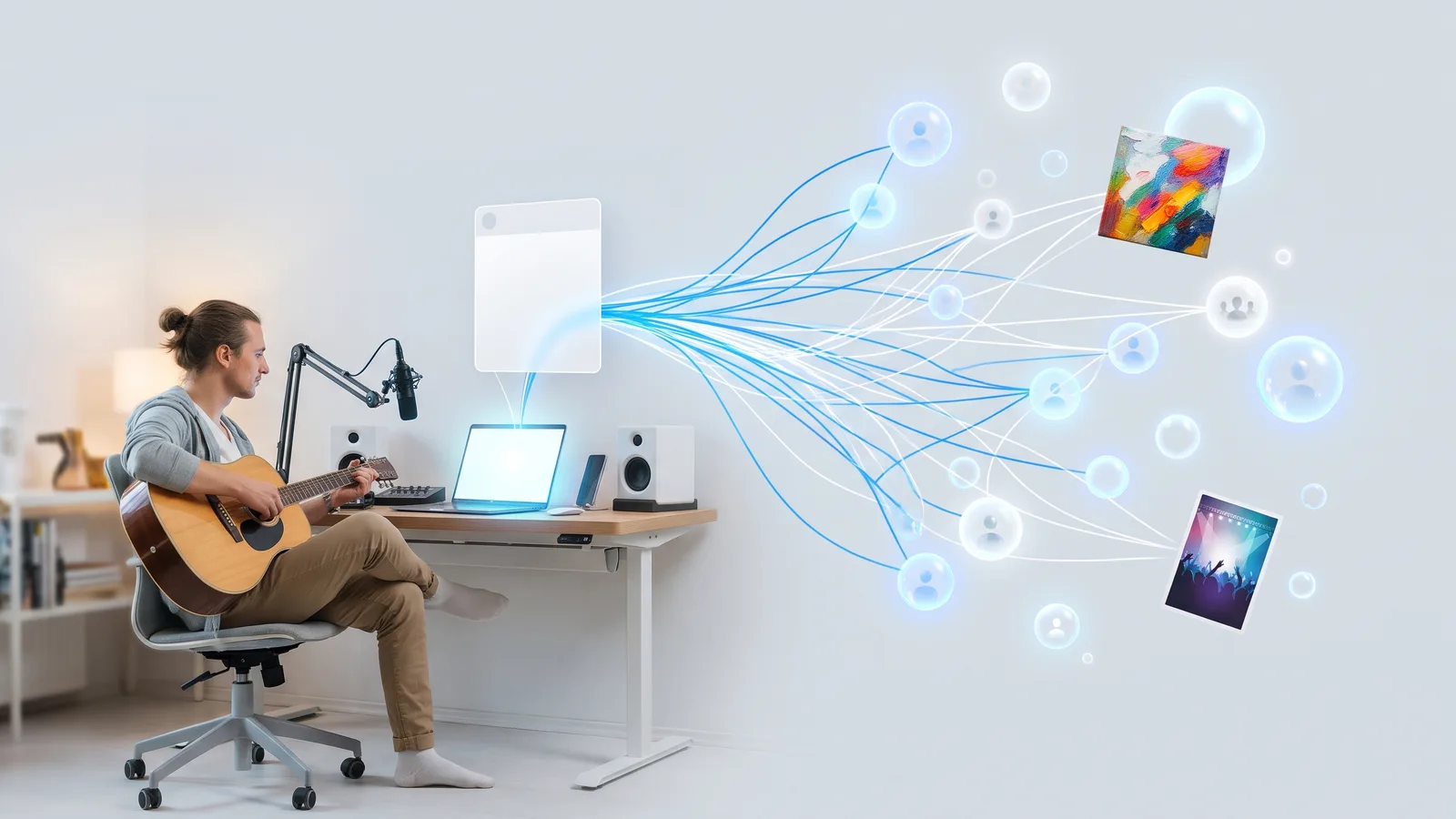
How do coaches and consultants get clients from Facebook groups?
November 17, 2026 · MGSA Team

Coaches and consultants get clients from Facebook groups by being the helpful expert where their ideal clients already gather: answering questions in depth, offering a free checklist or workshop where group rules allow it, and inviting interested people into a conversation or their own free group. Coaches Facebook groups work best without cold DMs or copy-paste pitches.
Key takeaways
- Clients come from trust. Answer real questions in depth before you ever mention your offer.
- A free resource or workshop invite is the natural bridge, but only where the group's rules allow promotion.
- Your own free group can work as a funnel, as long as it gives members a real reason to stay.
- Skip cold DMs and identical pitches. Personal, relevant replies beat bulk messages.
- Don't promise income or health results. FTC guidance treats social media posts as advertising.
Why do coaches use Facebook groups to find clients?
Coaches use Facebook groups because the people who need help are already asking for it there. Meta said in October 2024 that almost 1.8 billion people use Facebook Groups every month (Meta Newsroom).
A group of new parents, small-business owners or people training for a first marathon is a room full of your future clients. You do not need a big following. You need to be useful in the room.
If you want the wider picture for any business, see How do small businesses use Facebook groups for marketing?.
How do I become the helpful expert in a group?
Join groups whose members look like your clients, then answer questions well and consistently. This is the core of coaches Facebook groups strategy, and it is simple.
- Pick 5 to 10 groups where your ideal client talks about the problem you solve.
- Read each group's rules and pinned post before you write anything.
- Answer the question that was actually asked. Give the full, practical answer, not a teaser that ends with "DM me".
- Show finished work, not offers. A short example or story from a client situation (with permission, and without private details) teaches more than a sales line.
- Make your profile do the selling. Put what you do in your intro and work section so curious people can find you.
SocialKit's group-marketing guide (10 Nov 2024) adds a useful point: members overlap between groups, so do not paste the same comment everywhere. Say it fresh each time.
A common rule of thumb from SocialRails (updated August 2026) is to comment on a few posts per group each day while you build relationships. It is the author's guideline, not a Facebook limit.
What can I share in groups without being spammy?
Share something that helps even if the reader never hires you, and do it where the rules allow it. Rules differ a lot. Some groups ban self-promotion. Others allow it on a set promo day, or only when someone asks for a recommendation (SocialKit, 2024).
Good things to share, when allowed:
- A free checklist or template that solves one small problem.
- A free workshop or webinar invite. SetSmart, a vendor, describes free 45 to 60 minute workshops that teach one framework and then present a coaching program.
- A short "how I would solve this" post that ends with an offer to answer questions in the comments.
Many groups write rules against self-promotion, irrelevant links and ads, and ask you to contact the admin first (vendor Groupboss, updated June 2026). So message the admin, ask what is allowed, and write down the answer. Entrepreneur (2021) suggests keeping a note for each group of what is allowed.
Disguised promotion does not help. Asking a question only so you can answer it yourself is treated as spam by that Entrepreneur author.
Should I send cold DMs to group members?
No. Reach out only after you have helped someone publicly, or when they ask. Joining a group does not mean every member has agreed to be pitched.
Breakcold, a vendor, advises building a reputation as a knowledgeable voice first. When you do message, it says to personalise, keep it short and conversational, avoid sounding robotic or salesy, and avoid pushing for an instant sale.
Here is a simple rule. If someone commented on your answer or asked a follow-up, a friendly reply or DM is natural. If you are messaging a stranger you have never spoken to, wait.
For help staying inside Facebook's limits when you do post, read How do I promote my business in Facebook groups without getting banned?.
Is running my own free Facebook group a good funnel?
Yes, it can be, because you set the rules and the topic. Shopify's guide (26 Jun 2026) describes brands running public, private or hidden groups, plus invite-only VIP groups for customers.
For a coach, a free group could be "Weekly Q&A for first-time managers" or "Meal planning for busy parents". Keep it simple:
- Name it after the problem, not your business.
- Run a weekly thread on a set day. SocialRails (February 2026) suggests this, plus replying to comments within a few hours; it is a rule of thumb without research behind it.
- Invite people from other groups only where that is allowed, and never by hijacking someone else's thread.
- Offer your paid program now and then, clearly labelled, after you have given plenty of value.
Do not expect miracles. A small, active group beats a big silent one.
Can health, wellness and finance coaches make claims in groups?
Be careful with promises. Don't promise income or health results in a group post, and read the FTC's guidance before you publish claims.
The FTC's Health Products Compliance Guidance says health benefit claims need "competent and reliable scientific evidence". It also says testimonials alone do not substantiate a claim, that dramatic-result testimonials are likely deceptive, and that a "results not typical" note does not fix that. It treats social media and influencer posts as advertising and says paid or material connections must be clearly disclosed. The guidance is written for products such as supplements, foods and health apps, so read it as a guide to the thinking regulators apply, and check your own situation with a lawyer.
Practical habits for any coach:
- Do not promise a specific income or body result.
- Describe the process, not a guaranteed outcome.
- Disclose any paid or affiliate relationship.
- Keep proof for any number you publish.
This is general information, not legal advice.
How do I share my workshop invite to several groups?
Once you know which groups allow workshop invites, the slow part is posting the invite to each one by hand. That is where MGSA helps. MGSA is a desktop Chrome extension that shares your Facebook post to many of your groups in one click, right inside Facebook.
A simple routine:
- Write one invite post for your free workshop or checklist.
- Save your coaching groups as a preset, for example "Parenting coaches' groups". Include only groups whose rules allow it.
- Load a saved template for the invite, so you can reuse it for every workshop.
- Share. MGSA clicks and types at a natural human pace and uses AI text variations so every group does not get identical wording.
- Reply to the comments yourself. That is where clients appear.
You can combine presets. If a group is in two presets, it still gets the post once. MGSA recommends no more than 30 groups every 2 hours, and following each group's rules. Keep the Facebook tab open until sharing reaches 100%.
Free unlimited sharing with a small watermark — no credit card, no trial timer. You can upgrade to remove the watermark. The free watermark adds a link to each post, which matters in groups that restrict links, so check that first.
Which tools help coaches share to many groups?
MGSA is made by the team behind this blog. For sharing one post to many groups you have joined, MGSA is our pick. The others are better for different jobs. As of November 2026, prices can change.
| Tool | Best for | Key features | Price / free option | Watch-outs |
|---|---|---|---|---|
| MGSA (our pick) | Sharing one invite to many groups you are a member of | One click inside Facebook, presets that de-duplicate, templates, human-like pace, AI text variations | Free unlimited sharing with a small watermark; upgrade removes it | Desktop Chrome only; Facebook tab must stay open; scheduling only for groups you admin |
| Multigroup Poster (formerly FB Group Bulk Poster, per its site) | Posters who want built-in scheduling | Spintax, bundles, pacing modes, scheduling | Free trial of 6 posts; Pro $9.99/month or $69.99/year (checked 2026-11-04) | Free is capped at 6 posts; scheduled posts fire only while Chrome is open |
| Facebook by hand | A handful of groups | Full control over every post | Free | Slow once you have more than a few groups |
| Facebook's own scheduling / Meta Business Suite | Groups you admin | Native scheduling | Free | Only for admins and moderators (SocialBee, Jan 2026) |
| Buffer | Reminders | Facebook groups as reminder notifications | Free $0; Essentials $5/month per channel | Does not publish to groups automatically |
Why MGSA first: free unlimited sharing (with a watermark), saved presets that de-duplicate, and a natural pace, all inside Facebook. Of the tools we compared, Multigroup Poster's free option is a 6-post trial. Choose Multigroup Poster if built-in scheduling matters most to you.
Add to Chrome — free, or see the tutorial and mgsapro.com.
MGSA is not affiliated with or endorsed by Meta. Facebook menus change often, so what you see may differ from this guide.
How do I keep the routine going each week?
Keep it small and track it:
- Monday: share your workshop or checklist invite to your preset of allowed groups.
- Daily: spend 15 minutes answering questions in your top groups.
- Friday: note which groups sent replies, and drop groups that stay silent. To build the list in the first place, see How do I save a list of Facebook groups to post to?.
Ask every new client how they found you. After a month you will know which groups to keep.
Sources
- Meta Newsroom, 4 Oct 2024
- Shopify, 26 Jun 2026
- SocialKit, 10 Nov 2024
- Entrepreneur, 23 Aug 2021
- Groupboss, updated 2 Jun 2026
- SetSmart, 10 Apr 2026
- Breakcold
- SocialRails, Feb 2026
- SocialRails, updated Aug 2026
- FTC Health Products Compliance Guidance
- SocialBee, 7 Jan 2026
- Buffer pricing
- Multigroup Poster
Frequently asked questions
Never manually share to groups again
MGSA Pro is the free Chrome extension that shares your posts to every Facebook group for you — safely, with human-like timing.