
How do I post to my neighbourhood Facebook groups while I'm out on jobs all day?
November 23, 2026 · MGSApro Team

You build one saved list of your neighbourhood groups, keep a ready-to-send post with its photo, and fire it from your own signed-in Chrome browser in one pass — paced with human-like gaps and slightly reworded per group — between jobs. You can't schedule into groups you only belong to: Meta removed the Groups API on 22 April 2024 (RedReplier, 2026).
Post Facebook groups while working without hunting group names on a phone in a van. Here's the setup that holds up, and the honest ceiling on what any tool can do.
Get MGSA Chrome Extension (Free Unlimited) — free forever with a small watermark, and it works inside Facebook with no extra dashboard.
Key takeaways
- Saved group lists (presets) beat phone bookmarks: one click selects the groups instead of scrolling through links between jobs.
- Native scheduling only works in groups you manage as admin or moderator (Facebook Help, 2026) — not the neighbourhood groups you just belong to.
- No cloud tool can post to groups since the Groups API was removed on 22 April 2024 (RedReplier, 2026).
- Practitioner guidance: 5–8 promotional posts a day, 10–15 minutes apart, message rewritten at least 3 ways (Lilach Bullock, 2026).
- Browser-based posting only runs while Chrome is open and awake (Group Posting listing).
How do I post to neighbourhood Facebook groups while I'm out on jobs all day?
Set it up once at the kitchen table, then run it in short bursts between jobs. The technique has four parts: a clean group list, a ready post, pacing, and rewording.
- Build the preset. Create a saved list of only the neighbourhoods where you already work — My Service Area (2026-03-05) recommends dominating your existing service area rather than the whole county. Label each group with notes on its rules: promo day, no links, required template (BuildMint, 2026-07-15).
- Read the rules before you include a group. Many local groups ban business promotion outright or restrict it to set days (The Yardstick Agency, 2026-10-06). Admins approve posts that follow the group's specific rule and decline hard-sell or too-frequent posts (MaherPost, 2026-10-28).
- Write the post once, with its photo saved. Prepare 2–3 rewordings so the same text doesn't hit 20 groups identically (Lilach Bullock, 2026-08-19).
- Install a sharing extension in Chrome and stay signed in to Facebook there. Browser-based group posters publish from your own signed-in session, one group after another, at a pace you control (Group Posting, Chrome Web Store).
- Between jobs, run the preset to a subset of groups with spaced, human-like delays (Lilach Bullock, 2026).
- Check results and pending-approval states so you don't repost into a group already queued (Group Posting listing).
- Rotate groups week by week instead of hammering the same 20 daily (Medium, 2026-05-28).
Why can't I schedule a post into groups I'm only a member of?
Because Facebook's scheduling tools don't reach groups you don't manage. Meta removed the Groups API and the publish_to_groups permission on 22 April 2024, so no third-party app can create a group post through the official API (RedReplier, 2026-09-12). Eden (2026-08-19) puts it plainly: scheduling tools can only publish to Facebook Pages.
You can schedule inside a group only if you're an admin or moderator — admins can also set up recurring posts via Admin Assist (Facebook Help, 2026-06-26). Buffer (2026-10-25) confirms Meta Business Suite doesn't support groups at all: if a group doesn't appear there, that's why.
Our recommendation: don't burn a day trying to make a scheduler work. Accept that group posting is a manual or browser-level job, and design your day around that.
What's the fastest way to get a post out between jobs?
One click on a saved preset, from a browser that's already signed in. That's the whole trick.
Hunting group links on a phone in a van is the slow part. A preset turns "find the group, open it, tap post, paste, repeat" into "open laptop, pick preset, click Share". MGSApro's Facebook group sharing extension does exactly this: you tick groups directly on the Facebook page, save the selection as a preset, add an optional message, and click Share while a progress bar shows each group going out.
It also generates AI text variations for each group, so your post doesn't read identically 20 times — which matters, because Meta's spam policy treats duplicate content shared across many groups as a spam signal (Meta Transparency Center).
Why does a saved preset beat hunting through group links on a phone?
Because the phone is where the friction lives, and friction is what stops you posting at all. A bookmark list doesn't post anything for you, and bookmark lists go stale and need cleaning (BuildMint, 2026-07-15). Ready-made "100 group" lists go stale too — groups close and admins change rules — so Postly (2026-08-12) recommends building your own by field and area and keeping it fresh.
A preset keeps the decision made in advance: this is my plumber list for these five neighbourhoods. Between jobs you don't think, you click.
How many groups a day is safe when I'm posting from my van?
Use practitioner ranges and stay conservative. Lilach Bullock (2026-08-19) recommends a maximum of 5–8 groups a day for promotional or link-based content and 10–12 for conversational content, at least 10–15 minutes between posts, and the core message rewritten at least 3 different ways per session.
Vendor field data reviewed by Medium (2026-05-28) says Facebook flags accounts posting across 10–15+ groups in rapid succession, and that safe pacing depends on account age, group relevance and content type. Meta's own Community Standards ban posting at "very high frequency", whether manual or automated.
This is not legal advice, and rules vary by place — group rules and Facebook's enforcement both differ by community and account history.
Will posting to many groups get my account restricted?
It can, if you post fast, identically, and everywhere. Meta's spam policy covers "very high frequency" posting whether manual or automated (Meta Transparency Center), and duplicate or spammy content shared across many groups is treated as spam.
The good news: getting banned for self-promotion in local groups is "almost always avoidable" and usually comes from ignoring rules, posting too often, or pitching before adding value (gtstu.com, 2026-11-07).
Our recommendation: post where you already have clients, follow each group's promo rule, space the batches, and vary the wording. If an account is ever suspended while using MGSApro, the owner's guidance is to appeal — reinstatement happens as long as you weren't spamming.
What tools can post to my Facebook groups while I'm on site?
Here's the honest comparison of the options we looked at. MGSApro goes first because it's ours.
| Option | Best for | Key features | Price / free option | Watch-outs |
|---|---|---|---|---|
| MGSApro (Our pick) | Local service providers who want a saved preset and one click between jobs | Tick groups on the Facebook page, reusable presets, optional message, live progress bar, randomized delays and human-like clicks, AI text variations, works inside Facebook with no dashboard | Free forever with a small watermark; $9.99/month without, or from $7.99/month on the yearly plan (as of November 2026, prices can change) | Chrome only; operates on top of Facebook; free version adds a watermark; not affiliated with Meta |
| Doing it by hand in the Facebook app | The smallest, safest volume, or replying to a "recommend a plumber" thread | No third party, no browser requirement, you see each group's rules before posting | Free (Buffer, 2026-10-25) | No scheduling into groups you only belong to; participant and post approval can queue your post silently (Facebook Help, 2026) |
| Meta Business Suite | Pages and Instagram posting with a calendar view | Official Meta tool, Planner calendar | Free with a Facebook account/Page (Meta Business Help) | Doesn't support groups (Buffer, 2026); won't repeat posts (MultiGroupPoster, 2026) |
| Buffer | Page and Instagram scheduling with phone reminders | Sends a phone notification at the scheduled time so you publish into the group yourself (Buffer, 2026) | Pricing not stated in the material we reviewed | Cannot auto-publish to groups |
| Hootsuite | Cloud multi-channel scheduling | Cloud-based scheduling across channels (MultiGroupPoster, 2026) | Pricing not stated in the material we reviewed | Can't post to groups at all (Medium, 2026-10-24) |
If you mainly need Pages and Instagram scheduling with a calendar, Meta Business Suite is the more direct choice. If you want a phone nudge to post manually, Buffer fits. For the specific job of getting one post into a neighbourhood group list between jobs, the preset-and-click approach is the one that works.
MGSApro is made by the team behind this blog.
Want to see the setup step by step? The MGSApro tutorial walks through selecting groups and saving presets.
Why didn't my post appear in the group?
Because the group may require approval first. In private groups, admins can require posts to be approved before they appear (Facebook Help). In public groups, members can post without approval — but admins can require members to be approved as "participants" before posting (Facebook Help, 2026-08-23). Browser extensions can't guarantee publication either: group rules, admin approval and Facebook's own checks decide whether and when a post appears (Group Posting listing).
Does the posting keep running if my laptop sleeps?
No. Browser-based posting requires the computer to stay awake, connected and with Chrome running (Group Posting, Chrome Web Store). Plan your day so the laptop is open and plugged in when you run a batch — or run it from a trusted computer at home while you're on site. MGSApro also remembers which groups go in which profile if you run more than one.
Ready to set your preset up once and post between jobs? Get MGSA Chrome Extension (Free Unlimited) and your next batch is one click away.
Sources
- Buffer, "How to Schedule a Post on Facebook: Pages, Profiles + Groups" (2026-10-25)
- Facebook Help, "Schedule a post or set up recurring posts in a Facebook group that you manage" (2026-06-26)
- Meta Business Help, "Create and manage posts in Meta Business Suite on desktop"
- RedReplier, "How Facebook Group Post Approval Works" (2026-09-12)
- Eden, "How to schedule Facebook posts in 2026" (2026-08-19)
- MultiGroupPoster, "How to Automate Facebook Posts: Pages & Groups (2026)" (2026-05-07)
- Medium, "How Many Facebook Groups Can I Post To Per Day?" (2026-05-28)
- Medium, "I Tried Every Way to Schedule a Post in a Facebook Group" (2026-10-24)
- Lilach Bullock, "Posting in Facebook Groups: 5 to 8 a Day Before You Get Muted" (2026-08-19)
- MaherPost, "Facebook Group Rules for Promotional Posts" (2026-10-28)
- The Yardstick Agency, "How financial advisers can use local Facebook groups" (2026-10-06)
- gtstu.com, "Post in Local Facebook Groups Without Getting Banned" (2026-11-07)
- My Service Area, "How to Dominate Your Service Area" (2026-03-05)
- BuildMint, "How to Organize Facebook Group URLs for Posting Campaigns" (2026-07-15)
- Postly, "Facebook Group List for Posting" (2026-08-12)
- Meta Transparency Center, "Spam" policy
- Facebook Help, "Difference between a member, participant and visitor in a public Facebook group" (2026-08-23)
- Facebook Help, "Manage posts in a Facebook group"
- Group Posting: AI Group Auto Poster, Scheduler & Lead Radar for Facebook™ (Chrome Web Store)
Frequently asked questions
Never manually share to groups again
MGSA Pro is the free Chrome extension that shares your posts to every Facebook group for you — safely, with human-like timing.
Keep reading
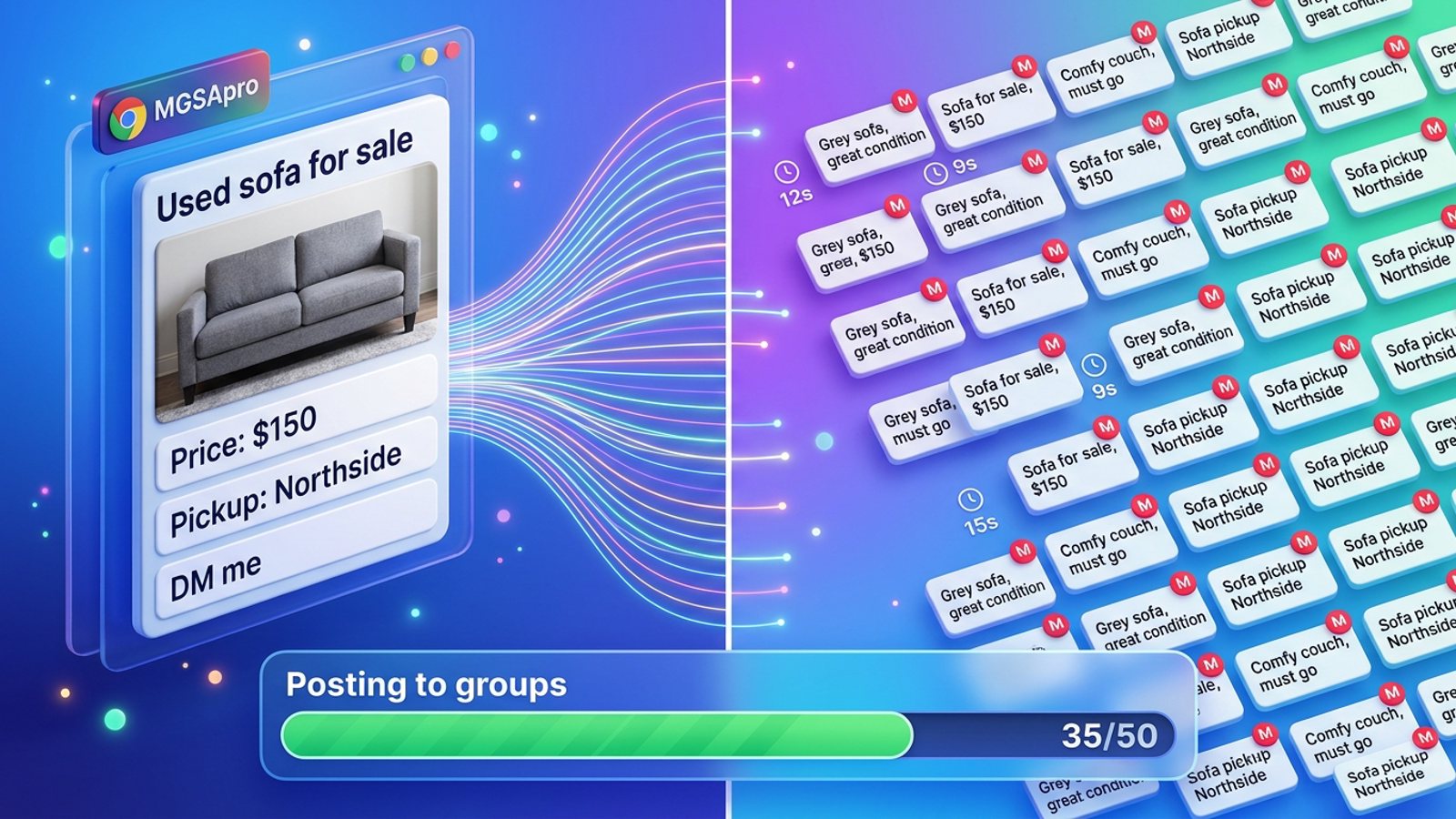
What's the best way to share one Facebook post to 50 buy-and-sell groups with different wording in each?
November 23, 2026
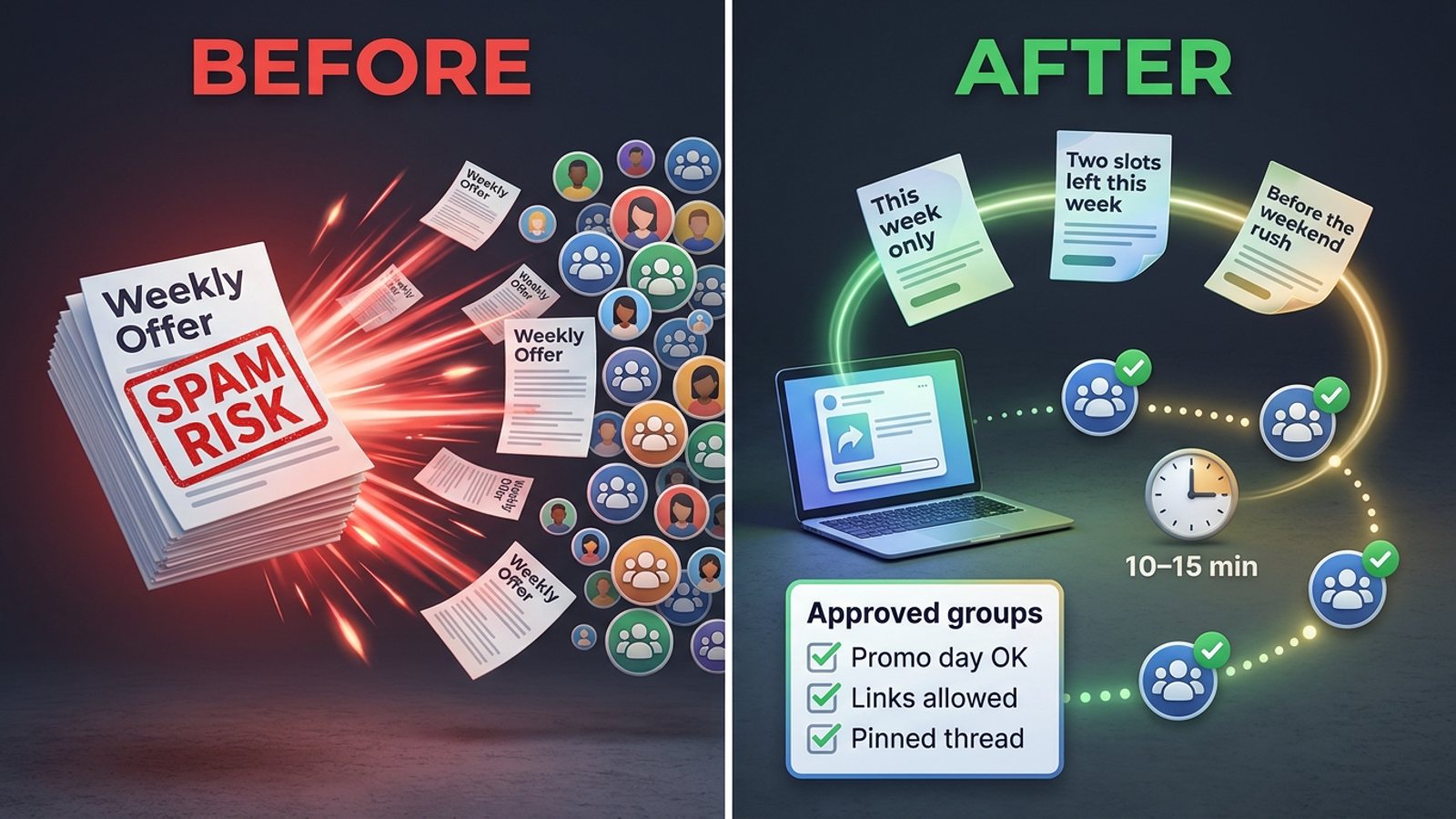
How do I keep my Facebook group sharing safe when I'm posting the same offer every week?
November 23, 2026
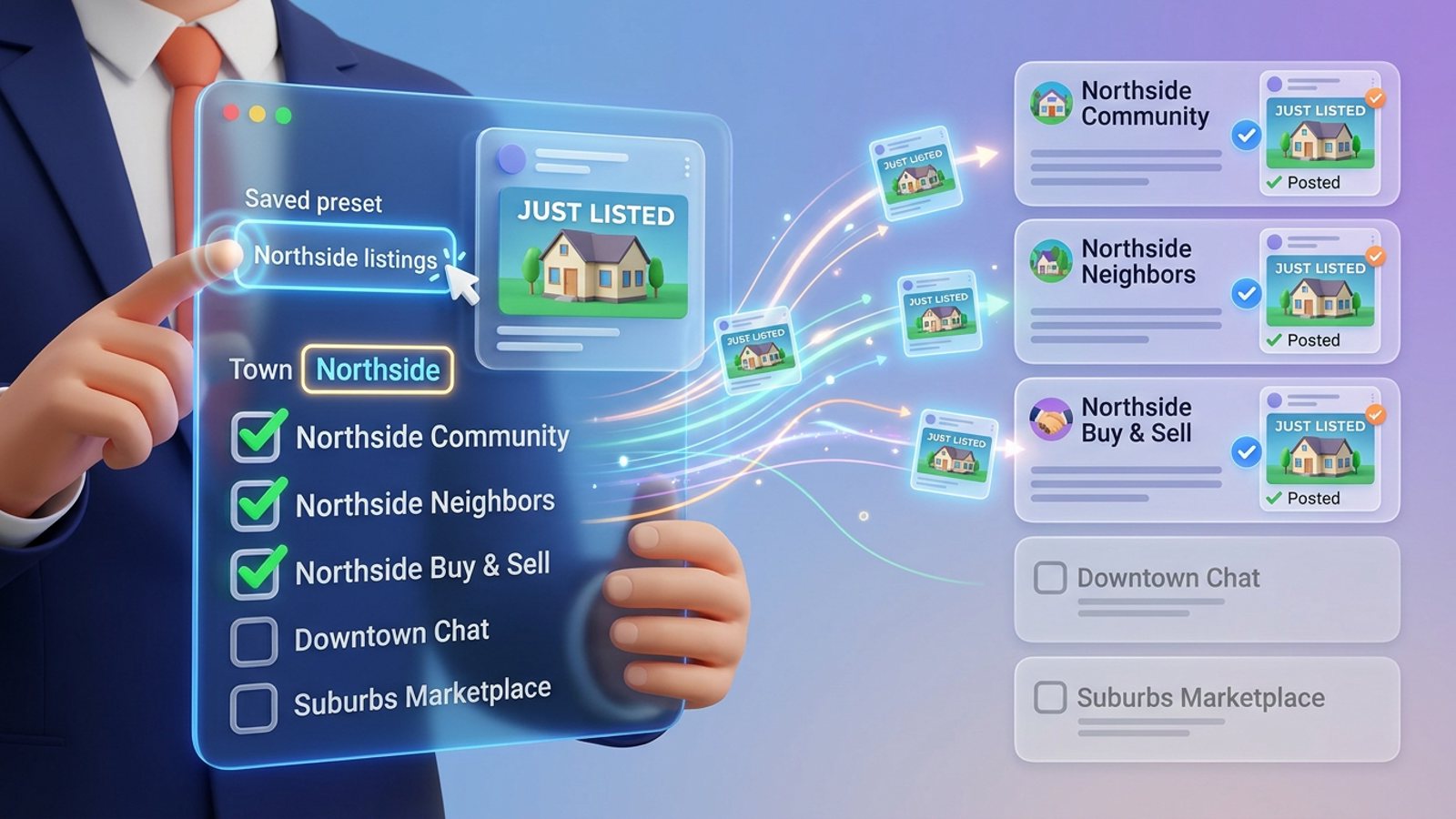
What's the best way to share a real estate listing to only the relevant local Facebook groups?
November 23, 2026