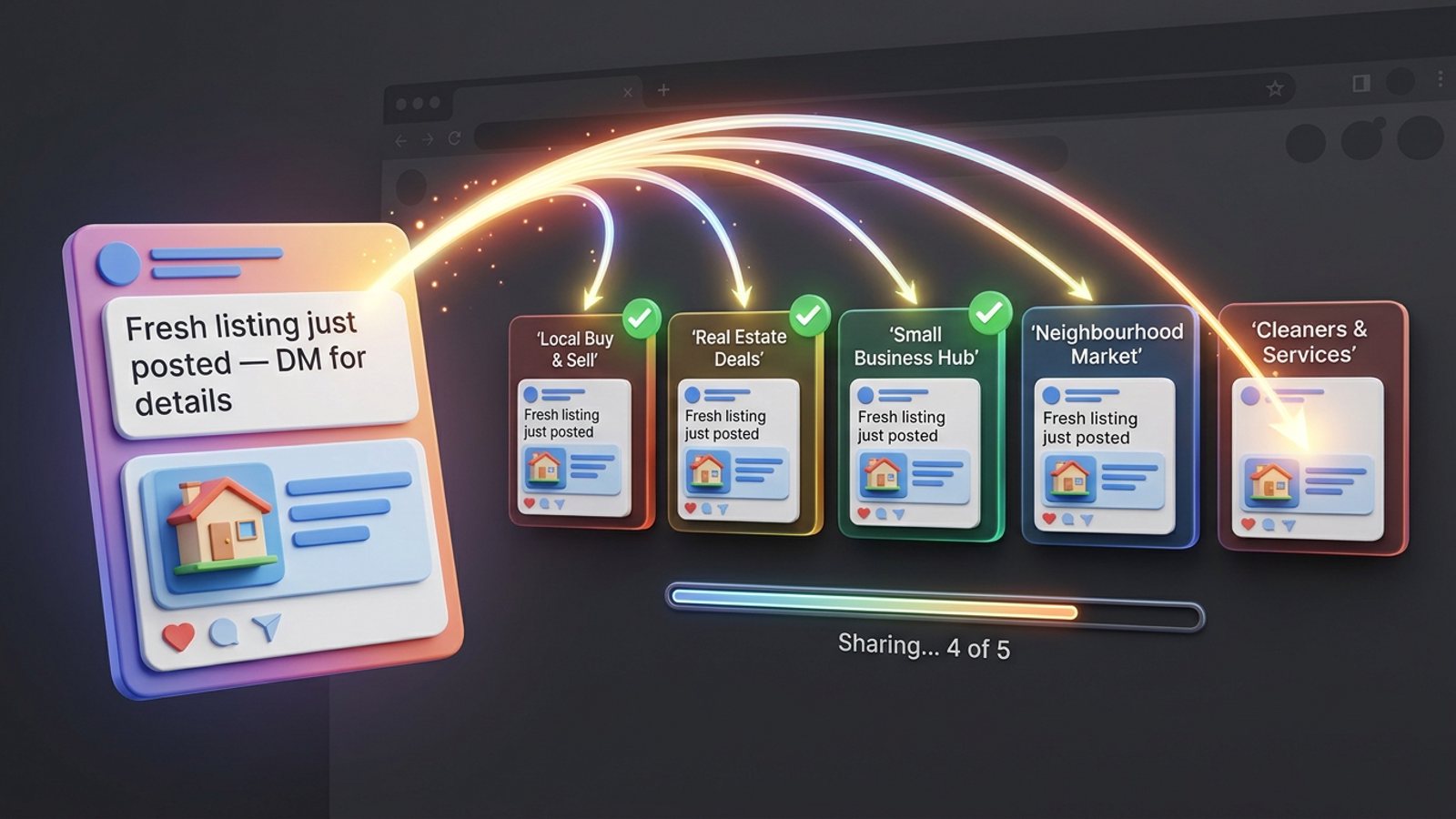
Is there a way to attach the same blurb to a Facebook post every time I share it to a group?
November 24, 2026 · MGSApro Team
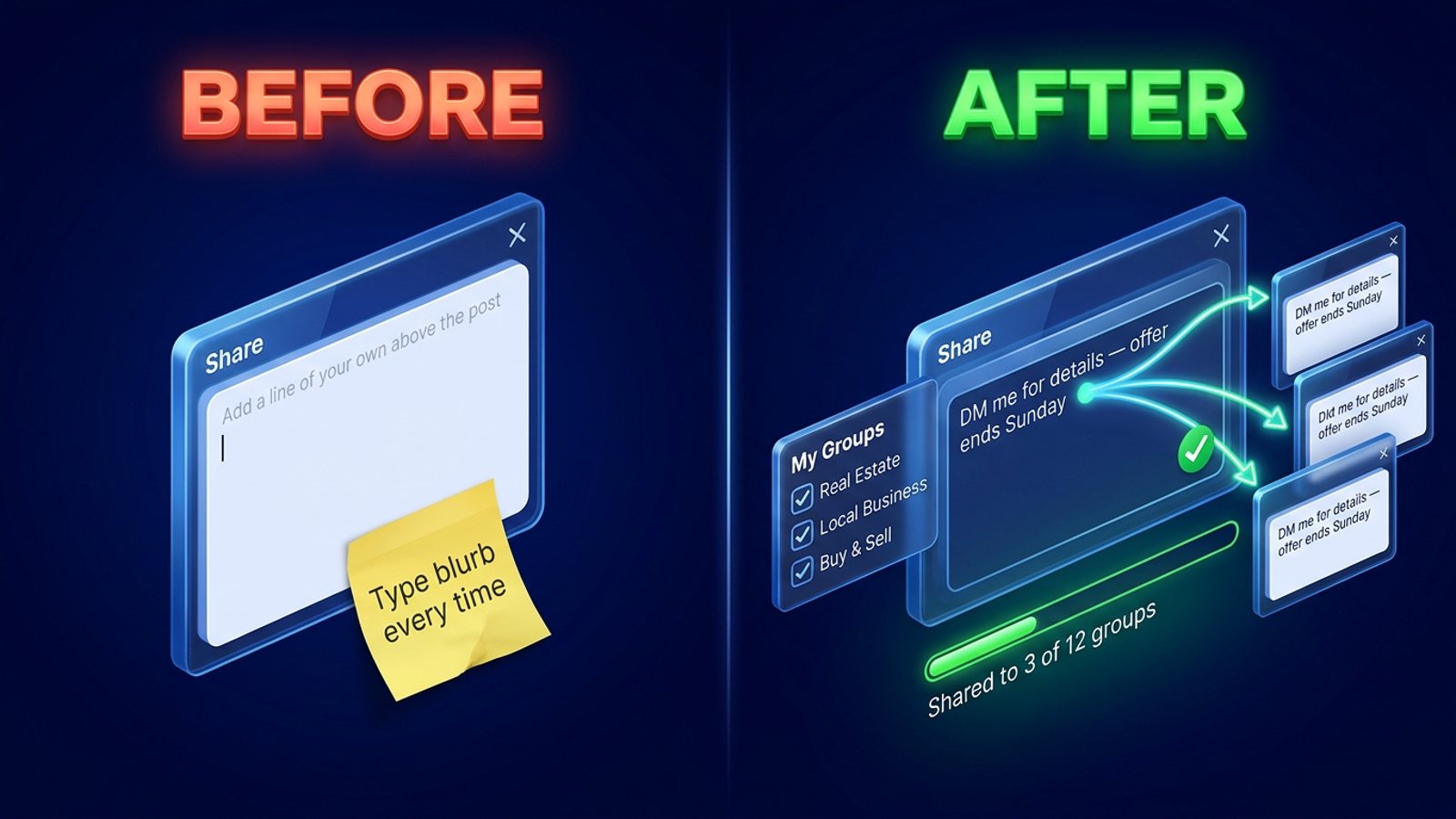
Yes — but Facebook won't save it for you. Facebook has no setting that remembers a default share message; you paste your line into the optional message box on every share. To reuse the same facebook share blurb, save it in a notes app or snippet tool and paste it, or use a Facebook group sharing extension that stores your message with a saved group list.
Want the one-click version? Get MGSA Chrome Extension (Free Unlimited) and it applies your saved message as it shares.
Key takeaways
- Facebook's share box has an optional message field, but no default and no memory — you retype or paste your line each time (WordPress.org support forum, 2024).
- You can't pre-fill that field through Facebook's API either; sharing happens through the page itself (Stack Overflow revisions).
- The practical fix is "save once, reuse": a clipboard/snippet tool for paste-it-yourself, or a browser extension that keeps the message next to a saved group preset.
- The same blurb to every group is exactly the repetitive pattern Meta's spam policy targets, so vary the wording and pace your shares (Meta Transparency Center, updated 2024).
- Group rules and admin approval still apply to every share, whatever tool you use.
Can I set a default share message on Facebook?
No. Facebook doesn't let you save a default message that it reuses on every share — you add a custom message each time.
The share flow is the same on desktop and mobile. You click Share under the post, choose "Share to a group" (sometimes listed as "Group" or under More options), pick the group, then type into the "add a line of your own above the post" box before you hit Post (MultiGroupPoster, 2026). That line shows above the original post, which appears as a card. The message is optional — you can share with no words at all (Broadband Properties Magazine, 2025).
In a support thread asking how to edit the default message, the answer given was that you can only "add a custom message each time you share a post" (WordPress.org support forum, 2024). That's a community reply rather than Meta documentation, but it matches how the share box behaves. Stack Overflow answers add that Facebook doesn't let apps or share dialogs pre-fill the message text on a share.
So the field exists. The memory doesn't. That's the whole problem in one sentence.
How do I reuse the same blurb without retyping it every time?
Save the blurb once in something you can paste from, then paste it into the share box for each group.
That's the honest manual method, and it works:
- Write your blurb once in a notes app, a text expander, or a Chrome snippet tool like QuickDrop, which saves messages and pastes them into any text field with one click (Chrome Web Store, updated May 2026).
- On Facebook, open the post and click Share → Share to a group.
- Pick the group, paste your blurb into the "add a line" box.
- If the post carries a link, tick "include the Original Post" and check the group allows link shares (Scotland's Gardens Scheme PDF).
- Click Post, then repeat for the next group.
It's free and it beats retyping. What it doesn't do is pick the groups, click Post, or pace anything for you — you still open each group and press the button yourself.
What's the fastest way to attach the same blurb to every group share?
Use a tool that stores your message alongside a saved group list, so one action applies both.
That's the "save it once, reuse it" idea done properly: your blurb and your groups live together as a preset. Instead of pasting into 30 share boxes, you pick the preset, confirm the message, and let the tool work through the list.
Our recommendation: keep the blurb short, specific and easy to tweak — an offer, a location, a "DM me" line — so varying a word or two per group takes seconds rather than a rewrite.
How does MGSApro handle a saved blurb?
MGSApro is a Chrome extension that shares a Facebook post to many groups in one click, with an optional message attached to the share.
Here's the flow:
- Browse your Facebook groups and tick the ones you want.
- Optionally type a message or blurb.
- Save the selection as a preset for next time.
- Click Share and watch the live progress bar as it posts to each group.
So the blurb you'd otherwise retype 30 times gets typed once and saved with the group list. Next time, you pick the preset instead of reselecting every group. You can also share to multiple presets, and the extension remembers which groups go with which Facebook profile if you run more than one.
It works entirely on top of Facebook — no login, no extra dashboard, one "Share to Groups" button on every post. It also adds built-in randomized delays and human-like clicks, plus AI-generated text variations for each group, which matters because identical wording in every group is the pattern Meta flags.
Honest limits: it's Chrome only, it operates on top of Facebook, the free version adds a small watermark, and it's not affiliated with Meta. Free forever with the watermark, or $9.99 per month without it as of November 2026 — prices can change. The owner also confirms a yearly plan from $7.99 a month.
If you want to see the clicks, the MGSApro tutorial walks through it.
Which tool should I use to save and reuse a group share blurb?
It depends on whether you want to paste it or have it applied for you. Here's how the options we compared stack up.
MGSApro is made by the team behind this blog.
| Option | Best for | Key features | Price / free option | Watch-outs |
|---|---|---|---|---|
| MGSApro (Our pick) | Sellers sharing one post to many groups with a saved message | Optional message, saved group presets, multiple presets, live progress bar, randomized delays, AI text variations, works inside Facebook | Free with a small watermark; $9.99/mo without, as of November 2026, prices can change | Chrome only; operates on top of Facebook; not affiliated with Meta |
| Facebook native Share button | A handful of groups, one-off shares | Optional message above the post, no extra tool | Free | No saved default — you retype or paste every time; no app can pre-fill the text (WordPress.org, 2024; Stack Overflow) |
| Notes app copy-paste | The simplest possible setup | Write once, paste into each share box | Free | Still manual per group; identical wording everywhere is the repetitive pattern Meta flags (Meta Transparency Center, 2024) |
| QuickDrop / QuickPaste / SnipDeck | Typing a blurb once and pasting it anywhere | Saved snippets, one-click paste, variables and Tab-to-fill (QuickPaste), colour-coded decks (SnipDeck) | Free (QuickDrop, Chrome Web Store, May 2026) | They only fill the box — you still open each group and press Post |
| MultiGroup Poster | Saved lists plus Spintax and A–E text versions | Saved group lists, scheduling, Spintax, auto first comment, pacing | Free trial; Pro from $9.99/mo per the Launch Llama listing, November 2026 | Pacing features exist because Facebook watches speed and repetition; a finished run isn't proof every post is live |
| Meta Business Suite / scheduling tools | Pages and groups you admin | Free, official, schedule ahead | Free | No group API since 22 April 2024, so third-party group scheduling isn't possible; some apps fall back to "notification, then post yourself" (PromoRepublic, 2026) |
Of the tools we compared, MGSApro is the one built around this exact job: one post, many groups, your message attached, inside Facebook. If you mainly need a snippet that pastes into any website, QuickDrop is the more direct choice — it just won't select groups or press Post for you. If you want Spintax-style text versions and scheduling in one extension, MultiGroup Poster is worth a look.
Why does the same blurb in every group get flagged?
Because Meta's spam policy targets posting and sharing "at very high frequencies" and can restrict accounts where "posting repetitive content" shows up alongside other signals (Meta Transparency Center, updated June 2024). Facebook's help centre also says it flags users who repeatedly send or post the same message.
So saving a blurb is fine. Firing it into 40 groups in five minutes, word for word, is the risk. Keep the message recognisably yours but vary a line, space the shares out, and check each group's rules — many ban re-shares outright (BuzzPost, 2026). Group admins can also hold your post for approval, and that can continue even after you're approved to participate (RedReplier, 2026; Facebook Help Center).
One more thing worth knowing: shared posts usually reach less than a fresh post written inside the group, so a saved blurb is a time-saver, not a reach guarantee.
This isn't legal advice, and rules vary by group and by location.
Ready to type the blurb once and stop retyping it? Get MGSA Chrome Extension (Free Unlimited) and share your next post with your saved message already attached.
Sources
- How to Share a Post to a Facebook Group (MultiGroupPoster, 2026-11-13)
- How to Share a Post on Facebook (Lilach Bullock, 2026-10-15)
- How Do I Share a Post In a Group On Facebook? (Broadband Properties Magazine, 2025-02-09)
- Editing default message (WordPress.org support forum, 2024-09-11)
- Stack Overflow revision (no date)
- Stack Overflow revision (no date)
- Meta Spam policy (Meta Transparency Center, updated 2024-06-26)
- Facebook Help Center, anti-spam / repeated messages (no date)
- Sharing posts from a Facebook Page to Facebook groups (Scotland's Gardens Scheme PDF, no date)
- Facebook Group Post Approval (RedReplier, 2026-09-12)
- How to Post in Many Facebook Groups (BuzzPost, 2026-10-29)
- MultiGroup Poster product listing (Launch Llama Tools Directory, 2026-11-19)
- QuickDrop (Chrome Web Store, updated 2026-05-05)
- QuickPaste (site, no date)
- SnipDeck (插件小屋, 2024-01-30)
- Posting to Facebook Groups via Mobile Notifications (PromoRepublic Help Center, 2026-11-01)
- Facebook Help Center, group membership and approval (no date)
Frequently asked questions
Never manually share to groups again
MGSA Pro is the free Chrome extension that shares your posts to every Facebook group for you — safely, with human-like timing.