How do I share a Facebook post to 25 groups in one go without opening 25 tabs?
November 23, 2026 · MGSApro Team
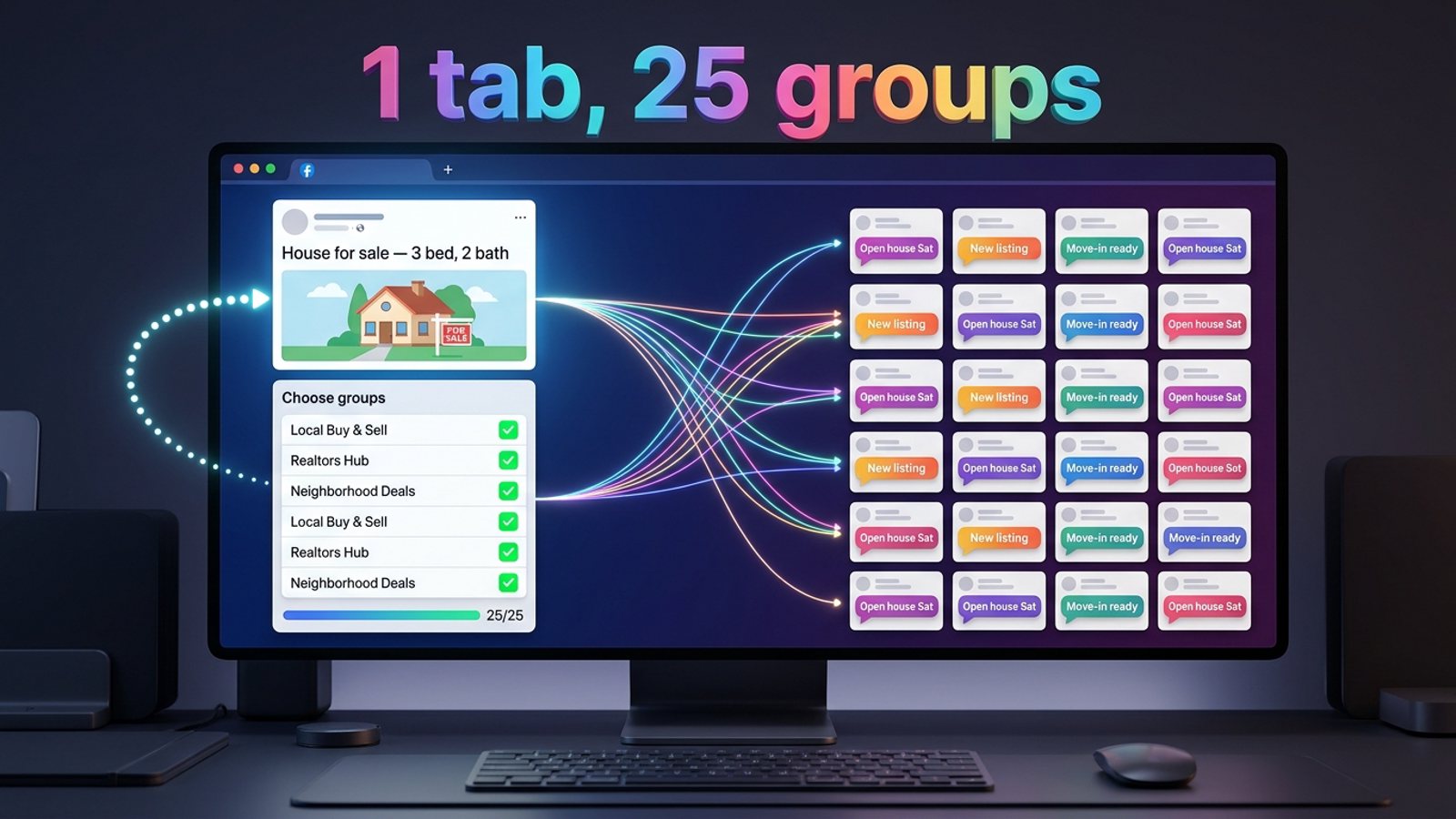
Facebook's Share menu handles one group per share, so the one-pass way is to stay in your single logged-in Facebook tab: tick the 25 groups, add an optional blurb, save the selection as a preset, then hit Share and watch a progress bar. A Chrome extension like MGSApro repeats Facebook's own share flow with human-like delays.
Get MGSA Chrome Extension (Free Unlimited) — free forever with a small watermark, or $9.99/month without one (as of November 2026; prices can change).
Key takeaways
- Share facebook post to 25 groups in one pass by ticking groups inside one Facebook tab, not by opening 25 tabs.
- The 25-tabs method multiplies the same clicking and creates a rapid-fire pattern that Meta's spam detection watches for.
- Meta's Spam policy bans posting or sharing "excessively frequently," whether manual or automated (Meta Transparency Center, updated June 2024).
- Identical wording in every group is a top flag — vary the text and space the shares out.
- Meta Business Suite, Buffer and Hootsuite can't publish into groups you've joined as a member.
Why shouldn't I just open 25 tabs and share to each one?
Because 25 tabs is the same job 25 times, plus a spam signal. On desktop, Facebook's share flow is: find the post → click Share → choose "Share to a group" → pick the group → add a line → click Post (MultiGroupPoster, November 2026). That's one group per share. An extension vendor counts the full manual routine as 7 steps at about 2 minutes per group (Chrome Web Store listing, no date).
Multiply that by 25 and you're at roughly 50 minutes of clicking — with a real risk of double-posting to a group you already hit, or skipping one you meant to include.
The bigger problem is the pattern. Meta's Spam policy bans posting, sharing or engaging "excessively frequently," whether manually or automatically (Meta Transparency Center, updated June 2024). Facebook's detection reacts more to pattern — identical text, rapid timing, many groups in one session — than to raw volume (Lilach Bullock, August 2026). Twenty-five tabs fired off back to back is exactly that pattern.
How do I share a Facebook post to 25 groups in one go?
Tick the 25 groups in one Facebook tab, add your blurb, save the list as a preset, and let the tool share group by group with pauses between each. Here's the full routine with MGSApro, the Facebook group sharing extension that runs on top of Facebook:
- Open the post in your desktop Chrome browser, logged into the profile that belongs to those groups.
- Enable the extension so its group picker appears right on the Facebook page — no separate dashboard, no extra login.
- Tick the 25 groups you're a member of. You can only share into groups you've joined (Vpage, March 2026).
- Add an optional message — a line about the listing, the offer, the open house.
- Save the selection as a preset so next time it's one click instead of 25 ticks. You can keep several presets and share to more than one at a time.
- Click Share and watch the live progress bar as each group gets posted.
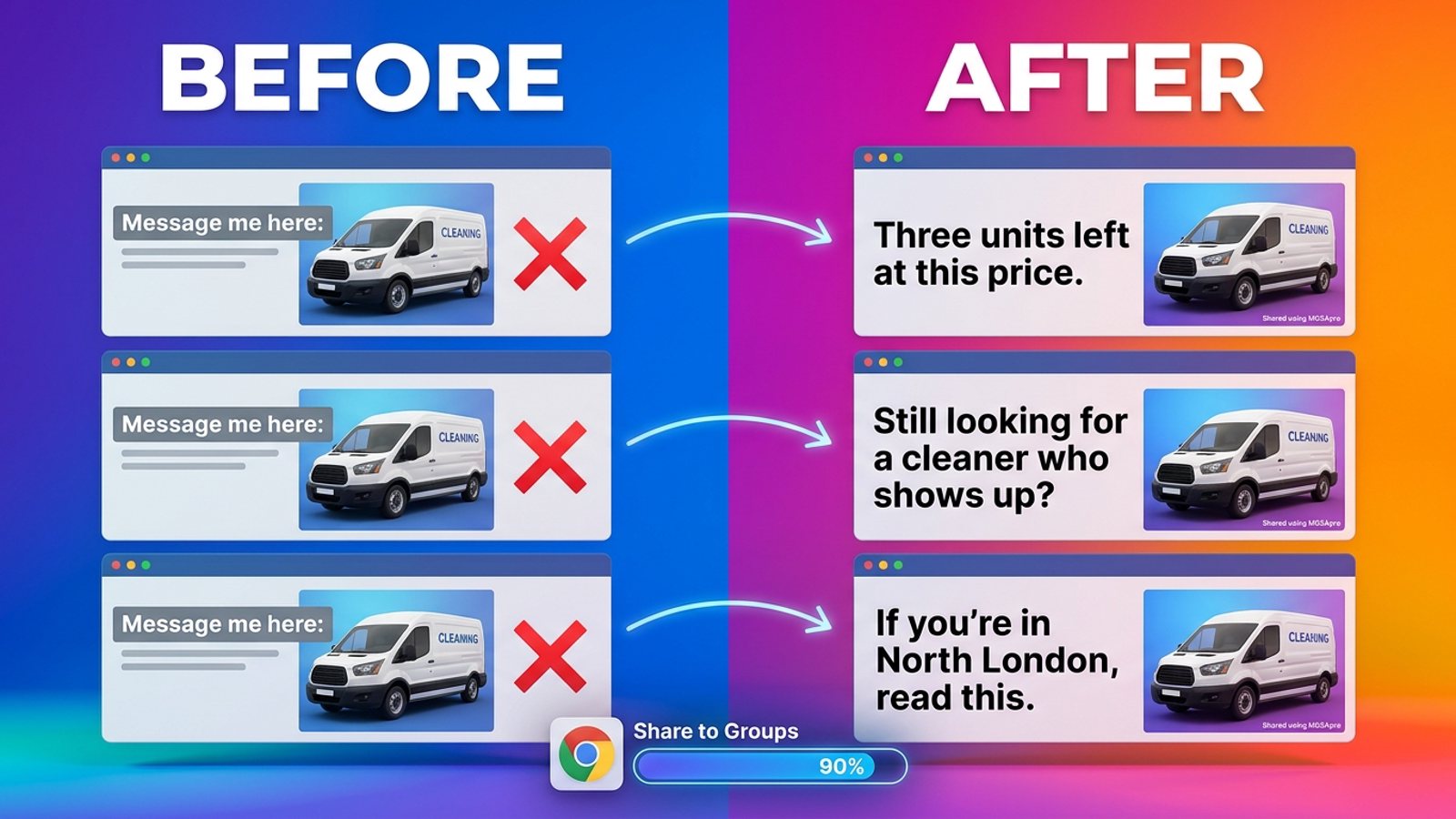
- Leave the human-like delays and AI text variations on, so no two groups receive identical copy.
That's the whole job. If you want the visual walkthrough, the MGSApro tutorial shows each screen.
How do I stop the same post looking like spam across 25 groups?
Vary the words and slow the pace — those two levers matter more than the group count. Community guidance from Lilach Bullock (August 2026) suggests 5–8 groups per day for promotional or link posts and up to 10–12 for conversational posts, with at least 10–15 minutes between posts and the core message rewritten at least 3 ways.
AutoGP (September 2026) notes that figures quoted online for daily group-posting limits vary widely, so treat any "safe limit" as guidance, not a rule.
MGSApro's built-in randomized delays and AI-generated text variations are designed for exactly this: each group gets slightly different wording and the clicks don't land in a machine-perfect rhythm. Our recommendation: still keep your 25 groups to genuinely relevant ones — local buyers, your niche, your service area — because relevance is what keeps admins from removing you.
One honest note: this is not legal advice, and Facebook's rules and enforcement vary by place and by account. Pacing beats volume every time.
What if my share doesn't show up in the group?
It's probably waiting for admin approval. Many groups hold posts in a queue before they appear, and reposting doesn't speed that up (AutoGP, September 2026). Check the group's pending queue or ask an admin before you share again — re-sharing is how people accidentally post the same thing three times.
Can I schedule a share into all my groups instead?
No — the mainstream schedulers can't reach groups you've joined as a member. Meta removed third-party API publishing to Groups, so tools like Meta Business Suite, Buffer and Hootsuite only connect through Meta's official channels, which cover Facebook Pages and Instagram Business/Creator accounts, not personal profiles and not Groups (freedom-res.com, September 2026; Medium/Denied Feels, October 2026).
That's why the one-tab, one-click route exists: it works inside Facebook the way you would, just faster.
Which tool should I use to share a post to 25 groups?
Of the tools we compared, MGSApro is our pick for sellers who want to stay inside their own Facebook tab and share to a saved list in one click. Here's how it stacks up against the real alternatives:
| Option | Best for | Key features | Price / free option | Watch-outs |
|---|---|---|---|---|
| MGSApro (Our pick) | Sellers, realtors and small businesses sharing one post to a saved list of groups fast | Tick groups on the Facebook page, optional message, reusable presets, live progress bar, randomized delays, AI text variations, one "Share to Groups" button per post | Free forever with a small watermark, or $9.99/month without (as of November 2026; prices can change) | Chrome only; runs on top of Facebook; free version adds a watermark; not affiliated with Meta |
| Manual tab-by-tab sharing | Small lists and one-off shares with zero tools | 100% native Facebook | Free | One group per share, ~2 minutes each, easy to double-post; rapid 25-tab blasts match the pattern spam detection reacts to |
| Meta Business Suite | Scheduling and managing Facebook Pages and Instagram | Meta's own dashboard for Page content | Free where it applies (pricing not confirmed in our sources) | Can't publish into groups you've joined as a member |
| Buffer | Scheduling Page and Instagram content through official channels | Familiar scheduler workflow | Pricing not confirmed in our sources — check Buffer's pricing page | Same API wall — no posting into member-joined Groups |
| Hootsuite | Teams scheduling and monitoring Pages/Instagram | Team workflows via official integrations | Pricing not confirmed in our sources — check Hootsuite's pricing page | Doesn't cover Groups you've joined as a member |
If you mainly need to schedule Page and Instagram content for a team, Hootsuite or Buffer is the more direct choice — they're built for that. If your job is getting one post into 25 groups you're already a member of, none of them can do it, and that's the gap MGSApro fills.
MGSApro is made by the team behind this blog.
Ready to try it? Add the extension to Chrome and share your next post to all 25 groups from one tab.
Sources
- MultiGroupPoster — How to Share a Post to a Facebook Group (November 2026)
- Share Post to Multiple Facebook Groups — Chrome Web Store listing
- Vpage / Nhanh.vn — Sharing a post into a Facebook group (March 2026)
- Meta Transparency Center — Spam, Community Standards (updated June 2024)
- Lilach Bullock — How many Facebook groups can you post in each day (August 2026)
- freedom-res.com — Facebook Groups for Realtors: schedulers can't post to groups (September 2026)
- Medium / Denied Feels — Facebook auto share vs posting in groups you're in (October 2026)
- BuzzPost — How to Auto-Post Properties to Facebook Groups in 2026 (May 2026)
- AutoGP — Facebook Group Posting Limits (September 2026)
Frequently asked questions
Never manually share to groups again
MGSA Pro is the free Chrome extension that shares your posts to every Facebook group for you — safely, with human-like timing.