
How do I share a Facebook post to all my buy-and-sell groups in one click from Chrome?
November 21, 2026 · MGSApro Team

You can't do it with Facebook's own Share menu — it makes you pick one group per share. From Chrome, you install a group-sharing extension that runs inside your logged-in Facebook session, tick your buy-and-sell groups on the page, add a blurb, save the list as a preset, then click Share once and let it work through the list with human-like delays.
Get MGSA Chrome Extension (Free Unlimited) and you can do exactly that on your next listing.
Key takeaways
- Facebook's Share menu offers one group per share and closes after each pick — there's no checkbox list and no "select all" (MultiGroupPoster, 2026).
- Facebook's own "Add groups" list only appears for buy-and-sell listing-type posts, not ordinary posts (Group Posting, 2026).
- The trick is to tick your groups once, save them as a preset, and reuse it every time you list something new.
- Pace beats volume: suggested field ranges are 5–8 promo groups a day, spaced out, with the wording changed at least three ways (Lilach Bullock, 2026).
- Chrome only — there's no Firefox or Safari version of these extensions.
Why can't I just tick all my groups in Facebook's Share box?
Because Facebook's Share menu doesn't have a list to tick — it gives you your feed, a friend's timeline, a message, a Page and a single group, then closes after one choice (MultiGroupPoster, 2026). Facebook doesn't let you share one post to several groups simultaneously; you choose one group per share (PurePrivacy, 2025).
That's the whole problem in a sentence. If you're in 25 buy-and-sell groups, that's 25 rounds of Share → Groups → search → pick → type → Share. One Chrome Web Store listing puts manual per-group sharing at roughly two minutes a group — and you still have to remember which ones you've done so you don't double-post.
There is one native exception. Facebook's own "Add groups" option lets you send one post to several eligible groups at once, but only for certain post types such as buy-and-sell listings, and each group's rules and admin approval still apply (Group Posting, 2026). Regular posts don't get that option at all (MultiGroupPoster, 2026). One extension's Chrome listing describes Facebook's own listing form as publishing to up to 20 groups per listing, with listings sometimes held for review before they appear — treat that as a vendor description of Facebook's flow, not an official Facebook number.
How do I share a Facebook post to buy and sell groups in one click?
You install a Chrome extension that adds a "Share to Groups" button to your Facebook posts, select your groups on the Facebook page itself, and click Share once. The extension then works through the list inside your own logged-in session — no separate dashboard, no second login.
Here's the real technique, step by step, whether you use a tool or not:
- Read the rules first. Open each group's Featured or pinned section and look for "promo," "self-promotion," "links" or "vendors" before you post anything promotional (MultiGroupPoster, 2026). This is the 60-second check that saves you from a removed post — or a removed membership.
- Pick the groups where buyers actually are. Sellers are advised to choose 10–20 groups and read each one's selling rules before posting (Medium, 2026).
- Write your blurb once. Photos, title, price, condition — the same details you'd put in a listing.
- Change the wording between groups. Identical text across many groups is one of the fastest ways to get flagged (Lilach Bullock, 2026).
- Space the shares out. A common floor is 60 seconds between posts; suggested settings by account age run 2–3 minutes for new accounts down to 30–60 seconds for aged ones (Postika listing, 2026; FB Group Bulk Poster, 2025).
- Save the group list. If you post listings regularly, you don't want to re-tick 20 groups every time.
- Click Share once and watch the progress. Keep Chrome open and don't let the machine sleep mid-run.
- Check what landed. Some groups hold posts for admin approval — note those and revisit tomorrow rather than firing again.
How does MGSApro do it for you?
MGSApro is a Chrome extension that shares your Facebook post to all your groups in one click, directly on Facebook. You tick the groups on the Facebook page, optionally add a message, save the selection as a reusable preset, then hit Share and watch a live progress bar as each group is posted.
The parts that matter for a buy-and-sell seller:
- Presets — save your buy-and-sell group list once, then reuse it (or several presets at once) for every new listing instead of re-selecting.
- Human-like pacing — built-in randomized delays and human-like clicks, so your shares don't fire in one burst.
- AI text variations — each group gets slightly different wording, which is the single biggest anti-pattern fix in the research above.
- No dashboard — it works entirely on top of Facebook. Nothing to log into.
- Scheduling — the owner confirms MGSA can schedule posts, into your own groups only.
- Multiple profiles — the owner confirms it works across profiles and remembers which groups belong to which one.
Price, as of November 2026: free forever with a small watermark, or $9.99 per month without one. The owner also confirms a yearly plan from $7.99 a month. Prices can change.
Honest limits: it's Chrome only, it operates on top of Facebook, the free version adds a watermark, and it's not affiliated with Meta.
Our recommendation: start with 5–8 buy-and-sell groups a day, not all 25. Meta's Spam policy bans posting or sharing "excessively frequently," whether manually or automatically, and can restrict accounts showing repetitive content (Meta Transparency Center, updated 2024). Pattern matters more than raw volume — identical text, rapid timing and many groups in one session are what get noticed (Lilach Bullock, 2026). This is not legal advice, and rules vary by group and by place.
How do I set up my buy-and-sell groups so it's actually one click next time?
Save them as a preset the first time. That's the difference between one click and twenty.
- Open Facebook in Chrome, logged in as the profile you sell from.
- Browse your groups and tick the buy-and-sell ones you want.
- Type an optional message or blurb.
- Save the selection as a preset — name it something you'll recognise, like "Local buy-sell."
- Next listing: pick the preset, click Share, done.
If you sell in two areas or two niches, save two presets. MGSA lets you share to multiple presets, so a furniture listing and a services listing don't have to share the same group list. There's a walkthrough in the MGSApro tutorial if you want to see the clicks.
What are the alternatives, and which one fits your job?
Here's how the options compared, as of November 2026. Prices for other tools can change — check their own pages.
| Option | Best for | Key features | Price / free option | Watch-outs |
|---|---|---|---|---|
| MGSApro — Our pick | Sellers who post listings to the same buy-and-sell groups repeatedly | One-click share to many groups, presets, optional message, live progress bar, randomized delays, AI text variations, works inside Facebook | Free forever with a small watermark; $9.99/month without; yearly from $7.99/month (owner-confirmed) | Chrome only; free version watermarked; not affiliated with Meta |
| Facebook's own Share menu | A handful of groups, or sellers who want zero third-party tooling | Nothing to install; easiest way to respect each group's format rules | Free | One group per share, menu closes after each pick, roughly 2 minutes per group, you must track what you've done |
| Facebook's buy-and-sell "Add groups" list | Sellers posting an actual listing | Native multi-group list; one extension's listing describes up to 20 groups per listing plus optional Marketplace | Free | Only works for listing-type posts, not ordinary posts; listings may be held for review |
| Meta Business Suite | Scheduling Page and Instagram content | Official Meta tool, no third-party access | Free with a Facebook Page | Official channels cover Pages and Instagram Business/Creator accounts — not personal profiles and not Groups |
| Hootsuite / Buffer | Multi-network scheduling on the channels they support | Central dashboard, approvals, reporting | Pricing not verified here | They publish through Meta's official channels, which exclude Groups — especially after the Groups API was removed on 22 April 2024 |
| Other Chrome group posters (AutoGP, Postika) | Sellers who want to compare pacing and pricing models | AutoGP: 100+ groups, spintax, scheduling, per-account daily cap (vendor claims). Postika: paced queue with minimum 60-second waits, pause/resume, no account required | AutoGP: "25 free posts" then paid plans; Postika: no quotas stated in its listing | AutoGP's paid prices weren't verified here; both are Chrome extensions with the same Chrome-only constraint |
MGSApro is made by the team behind this blog.
If you mainly need to schedule Page and Instagram content across several networks, Hootsuite or Buffer is the more direct choice — they just can't publish into Facebook Groups. If you're posting a formal buy-and-sell listing and nothing else, Facebook's own "Add groups" list is free and native. Where MGSApro earns its place, of the tools we compared, is the repeat job: same groups, new listing, every week.
Get MGSA Chrome Extension (Free Unlimited) and set up your first preset in a couple of minutes.
Does it work in Firefox or Safari?
No — Chrome extensions run in Chrome and other Chromium browsers. Microsoft's own support docs note that Edge can install extensions from the Chrome Web Store once "Allow extensions from other store" is enabled (Microsoft Support, 2025), so "Chrome only" in practice means Chromium browsers.
Sources
- How to Share One Facebook Post to Multiple Groups — MultiGroupPoster, 2026-08-30
- Post on Multiple Facebook Groups — PurePrivacy, 2025-01-02
- Group Posting answers — Group Posting, 2026-11-07
- How to Post to Multiple Facebook Groups — MultiGroupPoster, 2026-01-14
- AutoGP: Post to Multiple Facebook Groups — Chrome Web Store, updated 2026-11-19
- Share Post to Multiple Facebook™ Groups — Chrome Web Store
- Postika – Facebook Groups Auto Poster — Chrome Web Store, updated 2026-11-16
- Facebook Group Post Approval — RedReplier, 2026-09-12
- Facebook Groups for Realtors — schedulers — freedom-res.com, 2026-09-23
- Spam | Transparency Center — Meta, updated 2024-06-25
- How to Avoid Facebook Group Spam Detection — Conbersa, 2026-07-01
- How Many Facebook Groups Can I Post To Per Day — Lilach Bullock, 2026-08-19
- Facebook Group Posting Limits — FB Group Bulk Poster, 2025-12-11
- Facebook Group Promotion Rules — MultiGroupPoster, 2026-07-02
- Add or remove extensions in Microsoft Edge — Microsoft Support, 2025-12-14
- Ads Will Cost More This Black Friday — Medium (Dented Feels), 2026-10-31
Frequently asked questions
Never manually share to groups again
MGSA Pro is the free Chrome extension that shares your posts to every Facebook group for you — safely, with human-like timing.
Keep reading
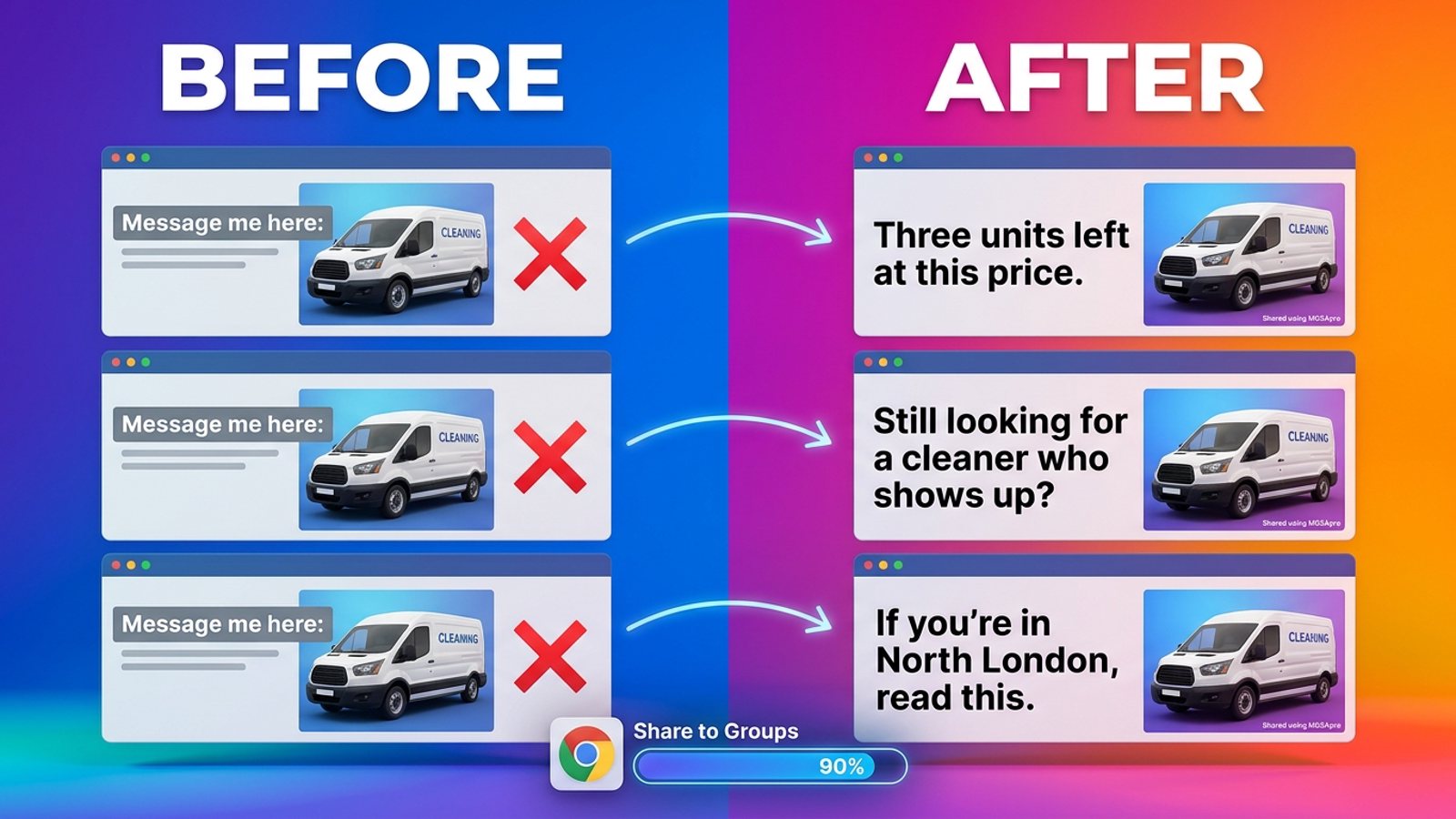
How do I stop my Facebook group posts from all reading the same when I share in bulk?
November 22, 2026
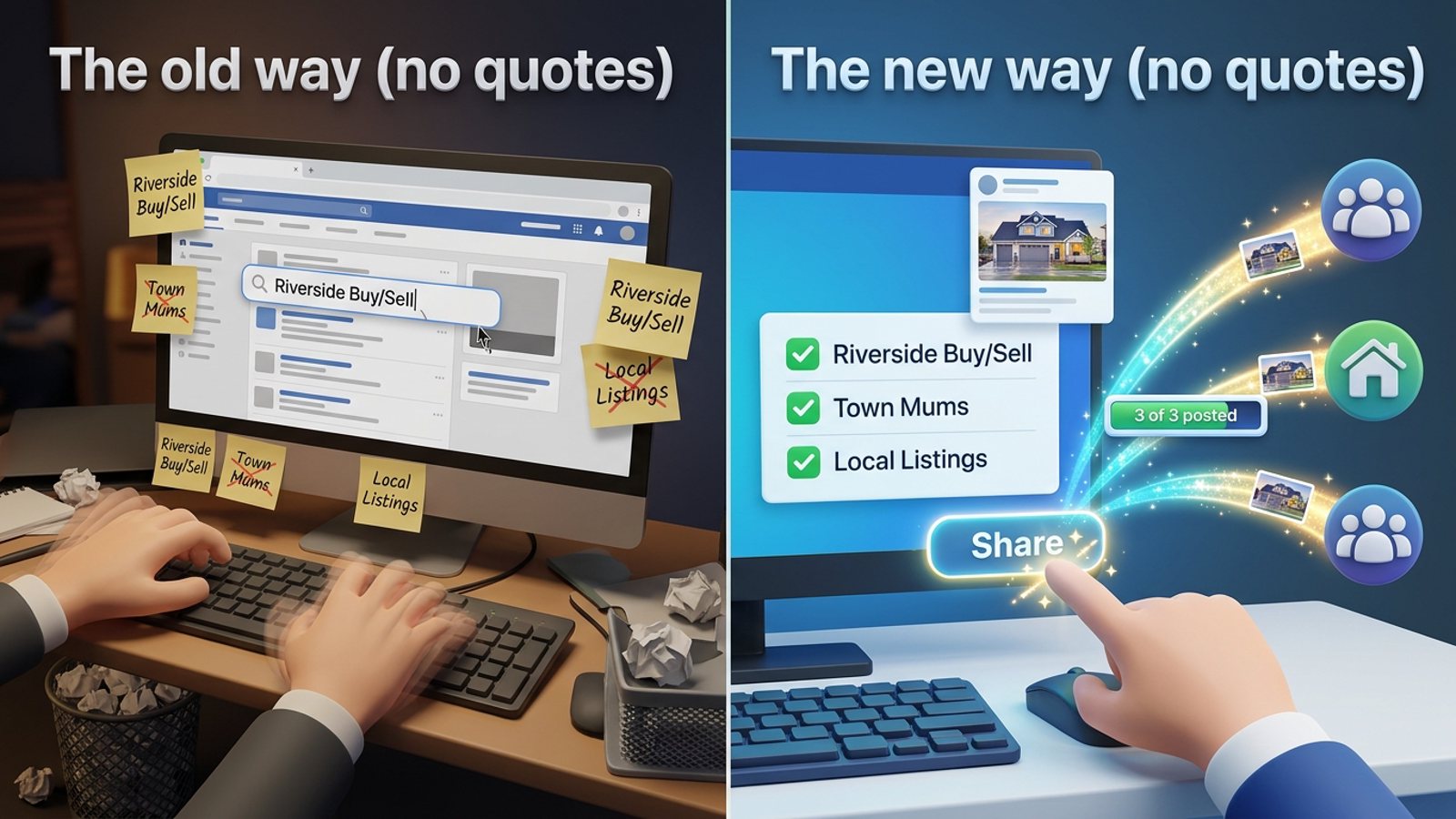
How do I share a new listing to every local Facebook group without hunting for group names?
November 21, 2026
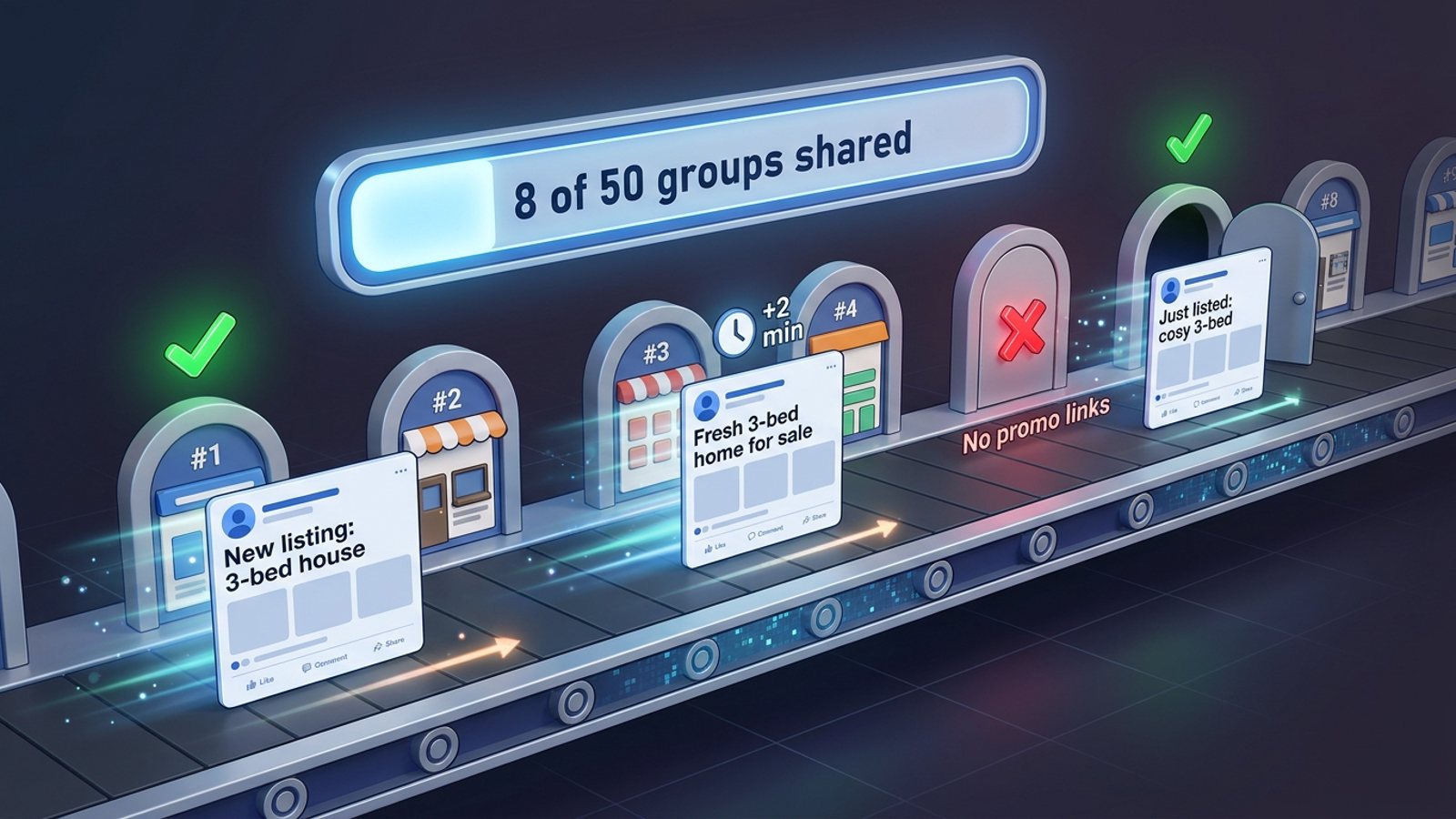
How do I share the same post to 50 Facebook groups at once without firing them all instantly?
November 21, 2026