
How do I share a new listing to every local Facebook group without hunting for group names?
November 21, 2026 · MGSApro Team
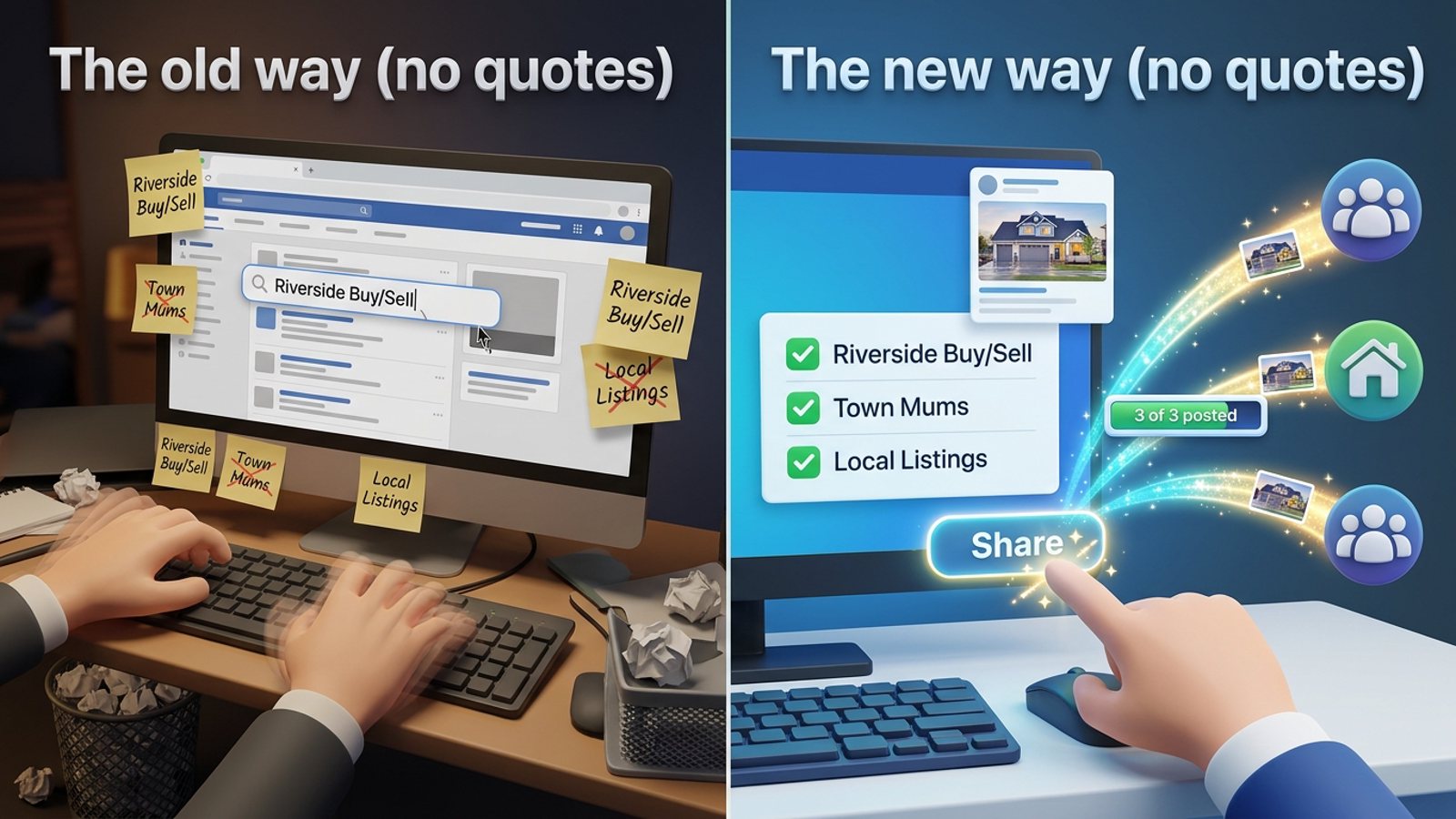
You can't do it natively — Facebook's share dialog makes you find and tick each group, every time. The fix is to save your local groups as a preset once, then tick that preset and share from the post in one click. A share listing facebook groups no retyping workflow with a Facebook group sharing extension like MGSApro does exactly that, right inside Facebook.
Get MGSA Chrome Extension (Free Unlimited) — tick your groups once, reuse the list forever.
Key takeaways
- Facebook has no built-in "share to all my local groups" button; the native dialog is one group at a time, every time.
- Official schedulers (Meta Business Suite, Hootsuite, Buffer) can't publish into groups you've joined as a member — so they won't save you this step.
- The real time-saver is a saved group list (a preset) plus a one-click share from the post itself.
- Vary your wording and pace your shares — identical text across many groups in a short window is the most common spam trigger.
- Keep each group to roughly one post every 3–5 days and read each group's rules before you share.
Why does sharing a listing to local groups take so long?
Because Facebook makes you re-find and re-tick every group on every single post. There's no saved list in the native share dialog, so the same names get searched and clicked again each time you list a property or product.
Facebook's Groups API publishing for third parties was removed in April 2024, according to a 2026 guide by Denied Feels on Medium. Since then, group posting happens from the account owner's own logged-in session — not from a scheduler acting on your behalf. That's why the "hunt for group names" step keeps landing back on you.
Can I share one listing to many groups in one click without a tool?
No — not natively. The composer is one group at a time, and third-party schedulers can't post into member groups. A browser extension that works on top of Facebook is the practical route.
Third-party schedulers connect through Meta's official channels, which only allow Facebook Pages and Instagram Business/Creator accounts — not personal profiles and not Groups, per a 2026 realtor guide from freedom-res.com. Buffer's own help article (2026) lists "Meta Business Suite doesn't support Facebook Groups" as a known issue and suggests scheduling from inside the Group instead. So the tools that promise "schedule everywhere" quietly skip the one place your local buyers actually are.
How do I stop retyping group names every time I list something?
Build your local group list once, vet it, then save the keepers as a preset so you never retype them. That's the whole trick — the hunting happens once, not on every listing.
Here's the routine that works:
- Find the groups. Search your town, district or postcode plus phrases like "[town] community", "[town] buy/sell" and "[town] mums" in the Facebook search bar, then the Groups tab. Lilach Bullock's 2026 guide recommends searching by postcode/district too, because the town name alone misses groups.
- Vet each one. Check it's actually local, active and moderated, and read the pinned rules before joining. MaherPost's 2026 realtor guide notes that neighbourhood groups often limit or ban listing posts, town news groups may allow them on a set day, and buy/sell groups usually allow them.
- Save the keepers as a preset. With MGSApro you tick groups directly on the Facebook page and save the selection as a reusable preset — so next listing, it's one tick, not twenty searches.
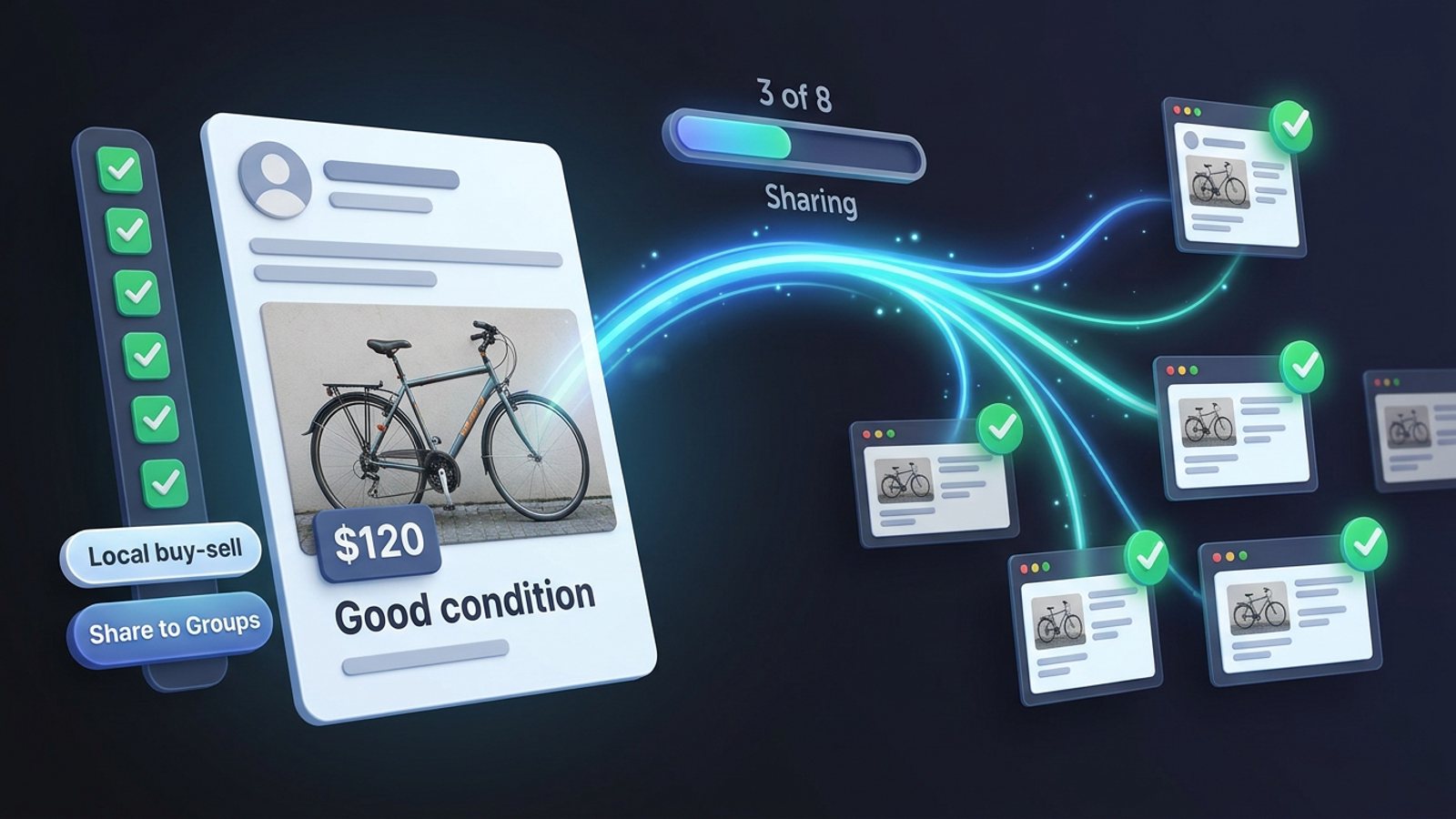
- Share from the post. Hit the "Share to Groups" button on your listing post, pick your preset, and watch the progress bar as each group gets it.
- Space it out and vary the wording. More on that below.
Our recommendation: build two or three presets — one for buy/sell groups, one for neighbourhood groups, one for town news groups — because each type has different rules and different audiences.
How do I do it with MGSApro, step by step?
MGSApro is a Chrome extension that lets you share a Facebook post to many groups in one click, directly on Facebook — no separate dashboard, no login. Here's the flow:
- Browse your Facebook groups and tick the ones you want.
- Optionally type a message or blurb for the share.
- Save the selection as a preset for next time.
- Click Share and watch the live progress bar as it posts to each group.
It also handles two things that matter for staying out of trouble: built-in randomized delays with human-like clicks, and AI-generated text variations for each group, so the same listing doesn't go out word-for-word everywhere. You can also share to multiple presets at once, and it remembers which groups belong to which profile if you run more than one.
It's Chrome only, it operates on top of Facebook, and it's not affiliated with Meta. The free version adds a small watermark; the paid plan removes it. Prices as of November 2026: free with a watermark, or $9.99 per month without one — and the owner confirms a yearly plan from $7.99 a month. Prices can change.
If you want to see it in action first, the MGSApro tutorial walks through the setup.
How many groups can I share to a day without getting flagged?
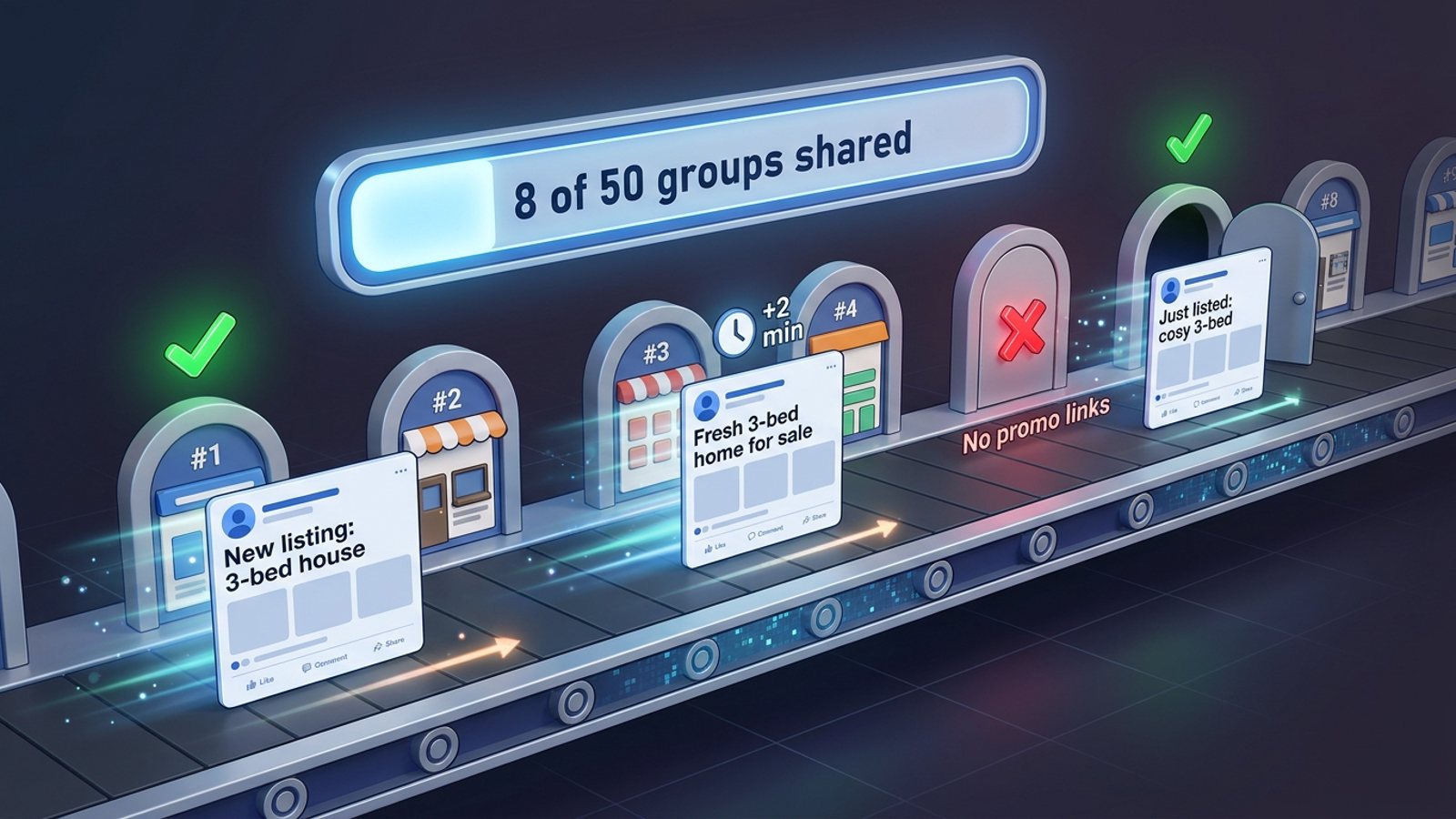
The published guidance is conservative: 5–8 promotional groups a day, with 10–15 minutes between posts, according to Lilach Bullock's 2026 guide. NinjaPoster's 2026 posting-schedule advice adds no more than one post per group every 3–5 days.
Facebook's spam detection runs continuously and automatically, with no human review for most enforcement, per a 2026 Conbersa analysis. That same analysis names cross-group posting velocity — the same or similar content across many groups in a compressed window — as the most common trigger.
So the goal isn't "fire to 40 groups instantly." It's sharing to many groups at a human pace with human variation. That's what the randomized delays and text variations are for.
Will the same wording in every group get me flagged?
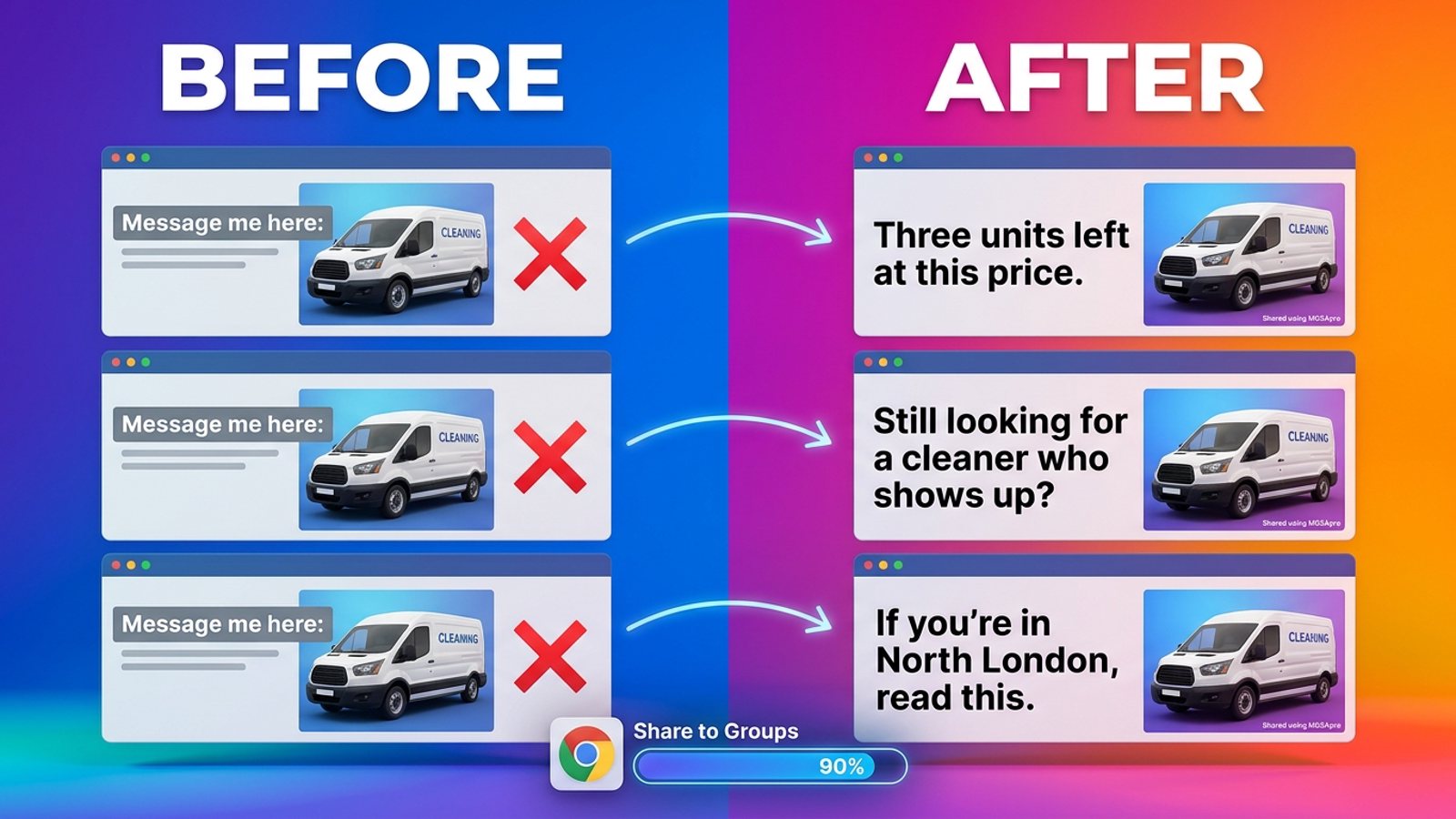
Yes — identical text across many groups is described as the fastest path to restrictions. FB Group Bulk Poster's 2025 guide recommends writing 3–5 rotating versions of the same message. MultiGroupPoster's 2026 analysis of duplicate-content detection says it's burstiness and identical wording that get noticed, not the number of groups.
Our recommendation: write your listing once properly, then let the tool vary it per group — and add a line that's genuinely local where you can ("just off the high street", "near the station"). It reads better and it's safer.
Which tool should I use to share a listing without retyping group names?
Of the tools we compared, MGSApro is our pick for this exact job — sharing a finished post to your own joined groups from inside Facebook, with saved presets. The others solve different parts of the problem.
MGSApro is made by the team behind this blog.
| Option | Best for | Key features | Price / free option | Watch-outs |
|---|---|---|---|---|
| MGSApro (Our pick) | Sharing a listing to many joined groups in one click, with a saved preset | Tick groups on the Facebook page, save presets, optional message, live progress bar, randomized delays, AI text variations, multiple profiles | Free with a small watermark; $9.99/month without (yearly from $7.99/month), as of November 2026 | Chrome only; operates on top of Facebook; not affiliated with Meta |
| Facebook's own share dialog | A handful of groups you post to now and then | Full manual control over wording and timing | Free | One group per post; you re-search the name every time; manual pace of 5–8 promo groups a day eats hours (Lilach Bullock, 2026) |
| Facebook "Sell something → listing" | Buy/sell groups only | Native listing fields, up to 20 groups plus Marketplace in one go (MultiGroupPoster, 2026) | Free | Only works in buy/sell-type groups; neighbourhood groups often restrict listing posts (MaherPost, 2026) |
| Meta Business Suite | Pages and groups linked to a Page | Official Meta tool, scheduling for Pages | Free with a Facebook Page | Groups only when linked to a Page, and no bulk scheduling across multiple Groups (SocialBee, 2026); Buffer notes it doesn't support Groups (2026) |
| Hootsuite / Buffer | Pages and Instagram | Reliable scheduling on official Meta channels | Not stated in our sources | Can't connect personal profiles or Groups (freedom-res.com, 2026) |
| Groups Auto Poster (Chrome) | Bulk posting with scheduling and delays | One-time/daily/weekly/monthly scheduling, delay controls, CSV group import; updated 3 Oct 2026 | Not stated in the listing | Small install base and 3.8 rating with about 855 users per its Chrome Web Store listing (2026); not affiliated with Meta |
| Group Navigator / Apify group scrapers | Building the local group list once | Keyword + location search, member counts, activity, rules where public; Group Navigator saves names/links from a search page | Apify scrapers from $0.30 per 1,000 group results (2026); Group Navigator price not stated | They find groups, they don't share the post; some fields stay empty when Facebook doesn't expose them |
If you mainly need to find and vet local groups from scratch, the Apify scrapers or Group Navigator are the more direct choice — then bring the list back to your sharing tool. If you only post to a Page, Buffer or Meta Business Suite are the natural fit.
How do I keep track of which groups already got the listing?
Keep one preset per group type, share one preset at a time, and note the date. The progress bar shows each group as it's posted, so you're not guessing mid-run — and if you space campaigns 3–5 days apart per group, the date check keeps you honest.
Our recommendation: keep a simple note (a doc, a spreadsheet, whatever you'll actually open) with three columns — group, last shared, which preset it's in. It takes seconds and stops you double-posting into the same neighbourhood group two days running.
Ready to stop hunting? Get MGSA Chrome Extension (Free Unlimited) and turn your local group list into a one-click preset.
Sources
- Facebook auto share vs posting in groups you're in (Medium, Denied Feels, 2026-10-04)
- Facebook groups for realtors — schedulers section (freedom-res.com, 2026-09-23)
- How to schedule posts on Facebook groups (SocialBee, 2026-01-06)
- How to schedule Facebook posts (Buffer, 2026-10-25)
- How to find active local Facebook groups (Lilach Bullock, 2026-08-12)
- How many Facebook groups can you post in per day (Lilach Bullock, 2026-08-19)
- How to sell in Facebook groups (MultiGroupPoster, 2026-11-13)
- How Facebook detects duplicate content (MultiGroupPoster, 2026-07-01)
- Facebook group posting limits (FB Group Bulk Poster, 2025-12-11)
- Facebook group posting schedule (NinjaPoster, 2026-03-25)
- Avoid Facebook group spam detection (Conbersa, 2026-07-01)
- Facebook groups for real estate agents (MaherPost, 2026-10-28)
- Groups Auto Poster & Automation Assistant (Chrome Web Store, 2026-10-03)
- Group Navigator (Chrome Web Store, n.d.)
- Facebook Groups Search Scraper (Apify, 2026-08-09)
Frequently asked questions
Never manually share to groups again
MGSA Pro is the free Chrome extension that shares your posts to every Facebook group for you — safely, with human-like timing.
Keep reading
How do I stop my Facebook group posts from all reading the same when I share in bulk?
November 22, 2026
How do I share a Facebook post to all my buy-and-sell groups in one click from Chrome?
November 21, 2026
How do I share the same post to 50 Facebook groups at once without firing them all instantly?
November 21, 2026