
How do I post to 50 Facebook groups a day without a watermark on every post?
November 22, 2026 · MGSApro Team
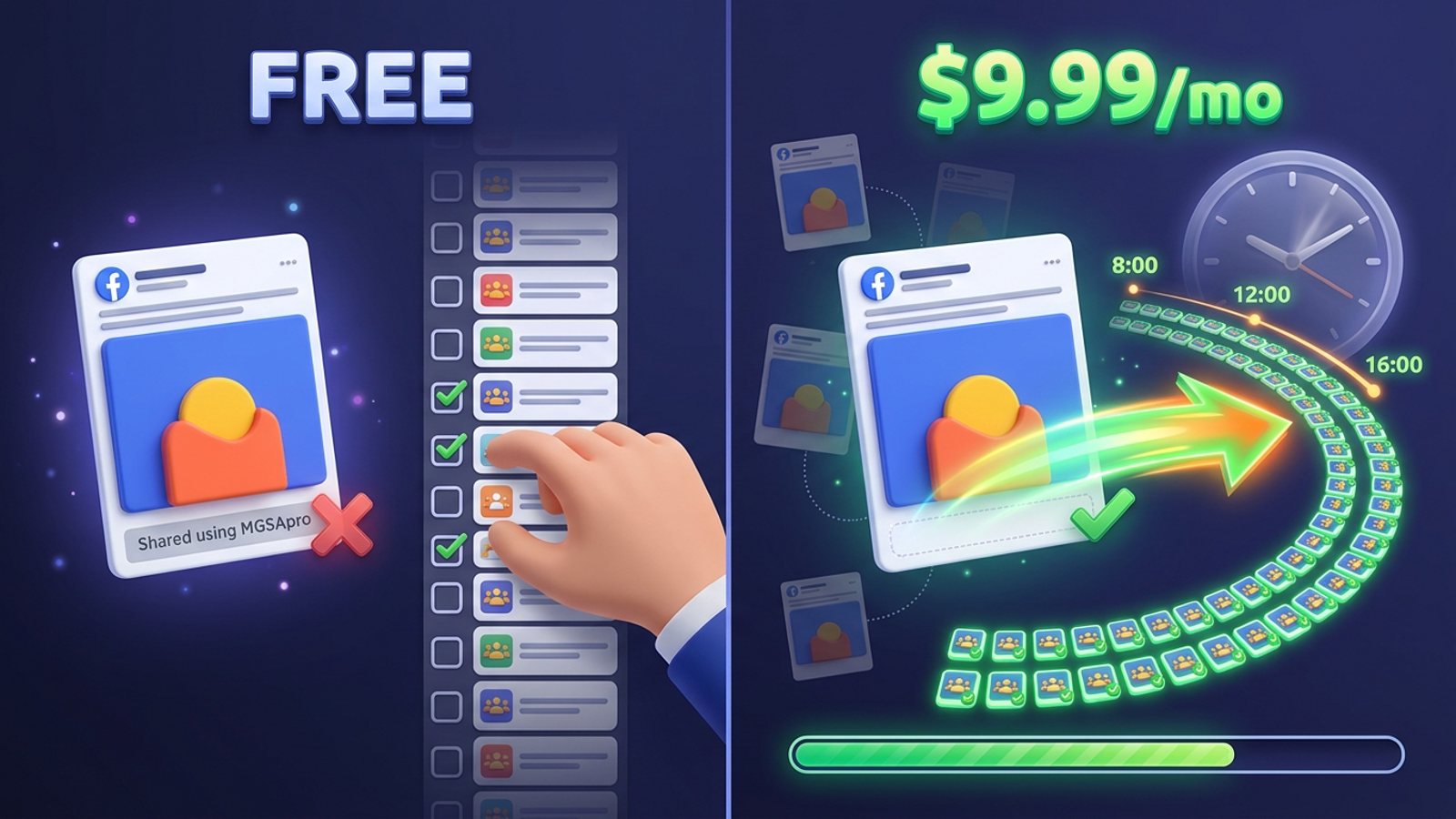
You can post to 50 Facebook groups a day without a watermark by using a group-sharing extension on a plan that removes its branding — on MGSApro that means the paid upgrade at $9.99/month, as of November 2026, prices can change. The free tier stays free forever but adds a short watermark. The bigger job is pacing those 50 posts so Facebook doesn't read them as spam.
Add MGSApro to Chrome and you can start sharing to your saved group lists in one click, watermark-free on the paid plan.
Key takeaways
- Post to many Facebook groups no watermark on MGSApro by upgrading at $9.99/month; the free tier carries a short watermark.
- Meta's spam policy targets "very high frequencies," whether posting is manual or automated, and its automated detection runs continuously.
- Field guides put 20–30 groups a day as quiet territory for aged accounts, with 50+ where warnings tend to start.
- Presets, varied wording and randomized delays do more for your account than raw volume ever will.
- Start below 50, watch for failed posts, and scale only after weeks of clean runs.
How do I post to 50 groups a day without a watermark?
Use a sharing tool whose paid tier removes its branding, then run the 50 posts across hours with different wording in each group. On MGSApro the watermark is the only thing the upgrade changes — the free version shares to your groups forever with a small watermark line, and the $9.99/month plan removes it, as of November 2026, prices can change.
The watermark is the easy half of your question. The 50-a-day half is where most sellers get into trouble.
Is posting to 50 Facebook groups a day safe?
Meta's spam policy bans posting or sharing "at very high frequencies," manually or automatically, so 50 a day is high enough that how you post it matters more than the number itself. The policy also says accounts acting at lower frequencies may be restricted when other spam indicators, such as "posting repetitive content," are present (Meta Transparency Center, updated 2024-06-26).
Field guidance varies. One vendor guide puts new accounts at 5–10 groups a day for the first two weeks, aged accounts with clean history at 20–30, and says above 50 a day is where warnings, cooldowns and sometimes bans begin (BuzzPost, 2026). A separate field guide relays third-party ranges of 50–100 for accounts over 12 months old and stresses pace over total (Bredemarket, 2026 — the author notes these figures are non-official).
Our recommendation: treat 50 as a ceiling you earn, not a starting point. Run 20–30 for a few weeks, watch for failed posts, then climb.
What does the watermark on free-tier shares look like?
MGSApro's listing describes "a short watermark" on shares after the free trial, and says extending the licence removes it while everything else stays free. Check a test share in one group before you run a big batch so you see exactly what your audience sees.
If the line bothers you — and for a seller posting listings or service offers, it usually does — the honest choice is simple:
- Stay free: unlimited sharing with the watermark, $0 forever.
- Upgrade: $9.99/month without the watermark, as of November 2026, prices can change. The owner also lists a yearly-plan option from $7.99 a month.
Either way, the sharing features are the same. You're paying to remove branding, not to unlock speed.
What's the step-by-step workflow for 50 groups a day?
Build the routine once, save it, and let it run in the background while you do real work. Here's the workflow that holds up at daily volume:
- Join only groups you actually serve. Read each group's rules before posting. Rooms fight blasts, and relevance beats volume every time.
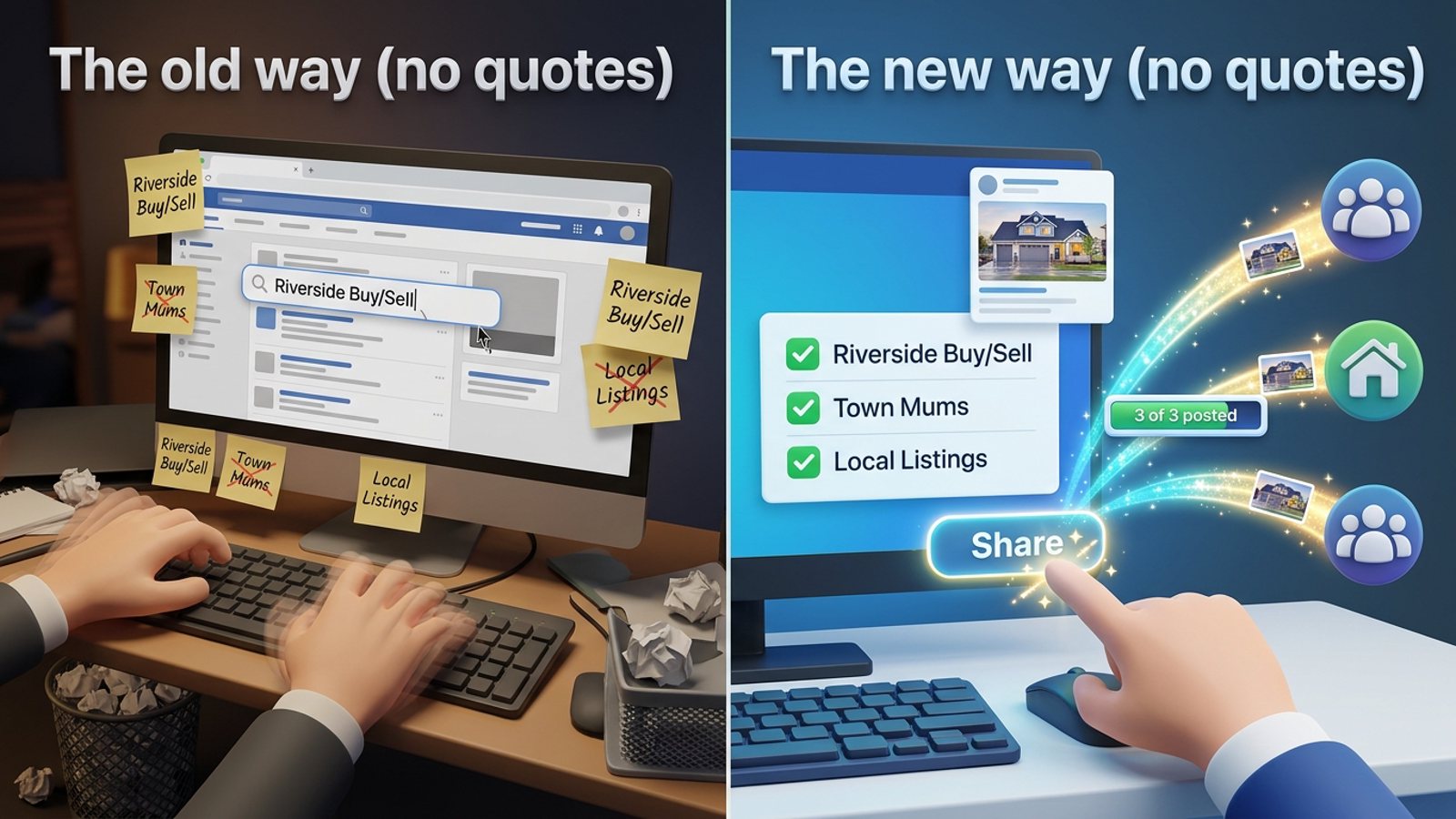
- Tick your groups once and save them as a preset. MGSApro lets you save group selections as reusable presets, and you can combine presets — handy when two regional lists overlap, so you never hit the same group twice.
- Write one strong base post on Facebook as usual, then add an optional message to your share.
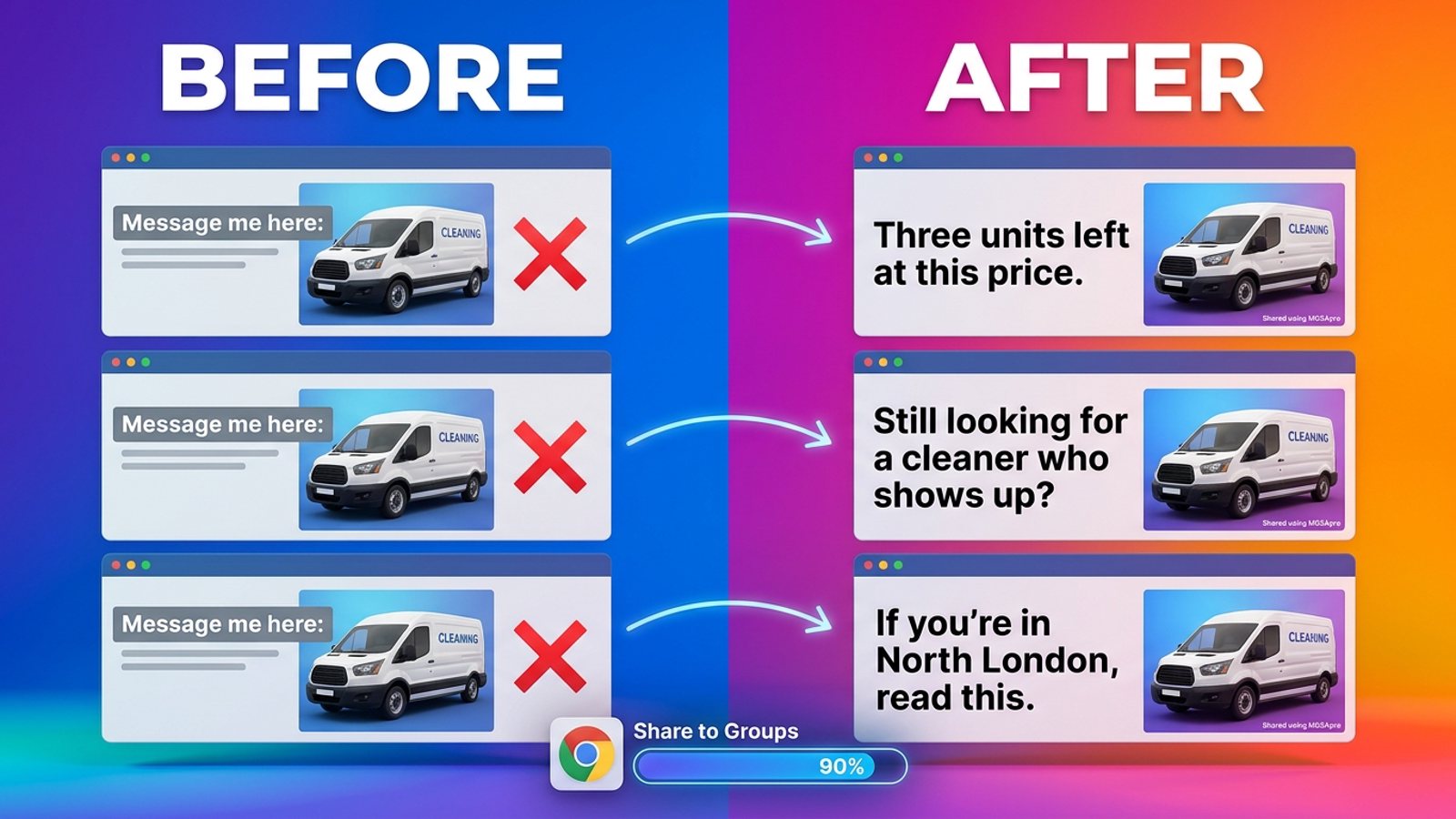
- Turn on AI text variations so each group gets slightly different wording instead of the same paste. Meta's spam policy names "posting repetitive content" as a flag, so variation is protection, not decoration.
- Switch on randomized, human-like delays. Don't compress 50 posts into twenty minutes. Vendor-posted ranges run from 2–3 minutes between posts for new accounts down to 30–60 seconds for aged ones, always randomized (FB Group Bulk Poster, 2025).
- Watch the live progress bar. Silent failures and "Action blocked" popups are your early warning signs.
- Spread the run across hours. A vendor guide puts it well: thirty posts across twelve hours with randomised delays look human; the same thirty in twenty minutes look like a program (BuzzPost, 2026).
If you want the technique behind step 5 in more depth, our guide to posting to Facebook groups at a human pace walks through it.
How do I keep 50 daily posts from looking copy-pasted?
Change the words in every group and let the timing drift. Facebook's automated spam detection runs continuously and flags accounts by pattern-matching against known spam behaviours (Conbersa, 2026). Detection weighs burstiness — many posts in minutes, then nothing — identical wording, and metronome-like timing (MultiGroupPoster, 2026).
MGSApro's AI text variations rewrite your message into fresh versions for each group, with no API key or extra subscription. If you'd rather write the variants yourself, our post on giving every group a different version of your post shows how to do it without rewriting 50 times.
Which tools let you post to many Facebook groups without a watermark?
Of the tools we compared, MGSApro is our pick for daily group sharing without branding, because the watermark comes off for $9.99/month and the free tier stays unlimited. Here's how the options stack up, with prices checked as of November 2026 — they can change.
MGSApro is made by the team behind this blog.
| Option | Best for | Key features | Price / free option | Watch-outs |
|---|---|---|---|---|
| MGSApro (Our pick) | Sellers running daily group runs who want no branding | One-click sharing to many groups, group presets, optional message, AI text variations, randomized human-like delays, live progress bar, works inside Facebook with no dashboard | Free forever with a small watermark; $9.99/month without it, as of November 2026 | Chrome only; operates on top of Facebook; not affiliated with Meta |
| Facebook's built-in Share | One-off shares, zero tools | Share a post to one group per share, identical every time | Free | 50 groups means 50 rounds of clicks, no delays, no variation, no duplicate tracking |
| Meta Business Suite | Planning Page and group content in advance | Free first-party planner, posts to Pages and Groups, Instagram and Threads, insights | Free (ad spend billed separately by Meta) | A desktop planner, not a one-click blast to 50 groups; Threads cross-posting is desktop-only |
| MultiGroupPoster | Trying a small batch first | Multi-group sharing, default 2-minute pause between groups | Free with 6 posts to try (one-time); Pro $9.99/month or $69.99/year | Free shares carry a "Shared with Multi Group Poster" line; Pro removes it |
| Facebook Groups Post Bot | Scheduled campaigns | Automated multi-group posting, schedules, campaigns | Free (3 groups per run); Pro $6.99/month up to 50 groups per run; Business $12.99/month unlimited | Its listing describes posting and scheduling; check branding on a test share before a big run |
| Posting Station | Sellers who want daily caps built in | Pacing, schedules, daily caps, group finder | Free with 5 group posts a day; paid from $4.99/month | Free tier caps you well below 50 a day |
A few honest notes on the field. If you mainly need a free first-party planner and you're happy publishing to groups by hand from a desktop, Meta Business Suite is the more direct choice. If you want a tiny trial before paying anything, MultiGroupPoster's six free posts will show you the mechanics. And if budget is the only factor, Facebook's own Share button costs nothing but your afternoon.
One thing to rule out: cloud schedulers can't publish to Facebook groups for you. Meta removed group publishing from its API in 2024, and Buffer's own guide says it can't publish to groups automatically — it sends a reminder instead.
Ready to run your first watermark-free batch? Get MGSApro for Chrome and set up your group presets in a few minutes. If you're new to the extension, the MGSApro tutorial walks through your first share.
How do I scale up to 50 a day without getting restricted?
Climb slowly, keep the wording varied, and stop pushing if you see warning signs. Start well under 50, keep the message different in each group, and only raise volume once several weeks of clean runs show no restriction signals.
Watch for posts failing silently and "Action blocked" popups — both are listed as early signs you're approaching a restriction (FB Group Bulk Poster, 2025). Consistency also beats volume: one post daily across 5 groups for 30 days outperforms 10 posts per group in 3 days followed by silence (Medium / Dented Feels, 2026).
On suspensions, the owner's guidance is blunt: if Facebook suspends an account while using MGSApro, appeal it — accounts are typically reinstated if you weren't spamming. Use the tool to replace your actual work, not to flood rooms.
Sources
- Share Post to Multiple Facebook™ Groups | Multiple Group Share Assistant (Chrome Web Store, updated 2026-11-15)
- Spam | Transparency Center (Meta, updated 2024-06-26)
- How to Auto-Post Properties to Facebook Groups in 2026 (BuzzPost, 2026-05-13)
- How Many Facebook Groups Can I Post To Per Day? (Medium / Dented Feels, 2026-05-28)
- Facebook's Bredemarket NHI Feed (Bredemarket, 2026-11-07)
- Facebook Group Posting Limits (FB Group Bulk Poster, 2025-12-11)
- Facebook duplicate content detection (MultiGroupPoster, 2026-07-01)
- How to Avoid Facebook Group Spam Detection as a B2B Founder (Conbersa, 2026-07-01)
- How many Facebook groups can you post in per day? (Lilach Bullock, 2026-08-19)
- Share a Facebook post to multiple groups (AutoGP, 2026-10-15)
- Meta Business Suite vs Postify (2026): Is Free Enough? (Postify blog, updated 2026-10-21)
- Facebook Groups Post Bot (Chrome Web Store, no date)
- Posting Station (Chrome Web Store, updated 2026-10-24)
- MultiGroupPoster for AI agents (MultiGroupPoster, updated 2026-10-29)
- Share to groups (MultiGroupPoster docs, 2026-10-28)
- Group Posting vs Buffer for Facebook Groups (Group Posting, 2026-10-30)
- MultiGroup Poster (Launch Llama Tools Directory, 2026-11-19)
Frequently asked questions
Never manually share to groups again
MGSA Pro is the free Chrome extension that shares your posts to every Facebook group for you — safely, with human-like timing.
Keep reading
How do I stop my Facebook group posts from all reading the same when I share in bulk?
November 22, 2026

How do I share a Facebook post to all my buy-and-sell groups in one click from Chrome?
November 21, 2026
How do I share a new listing to every local Facebook group without hunting for group names?
November 21, 2026