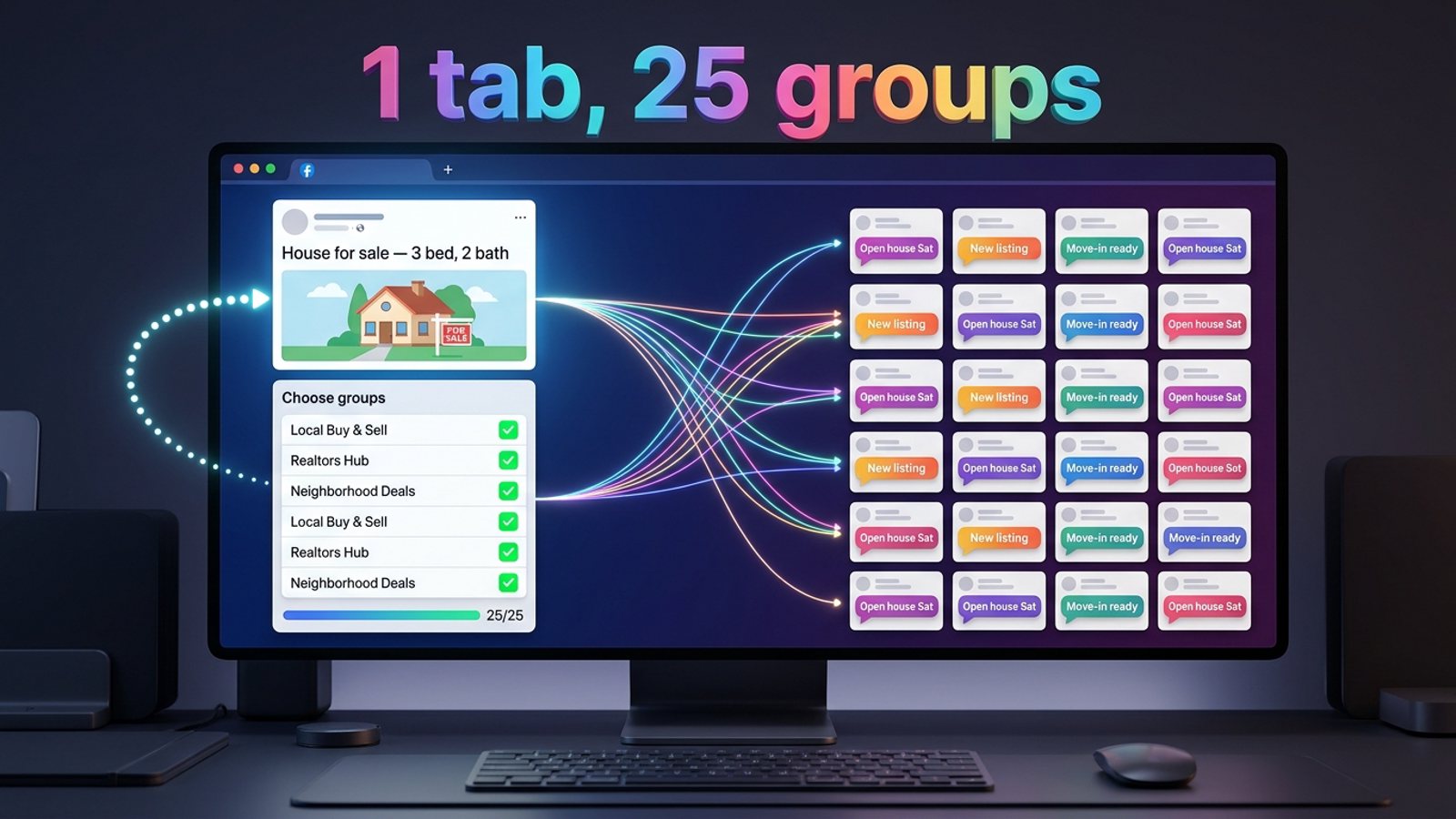
How do I share a post to many Facebook groups with my own message on every one?
November 24, 2026 · MGSApro Team
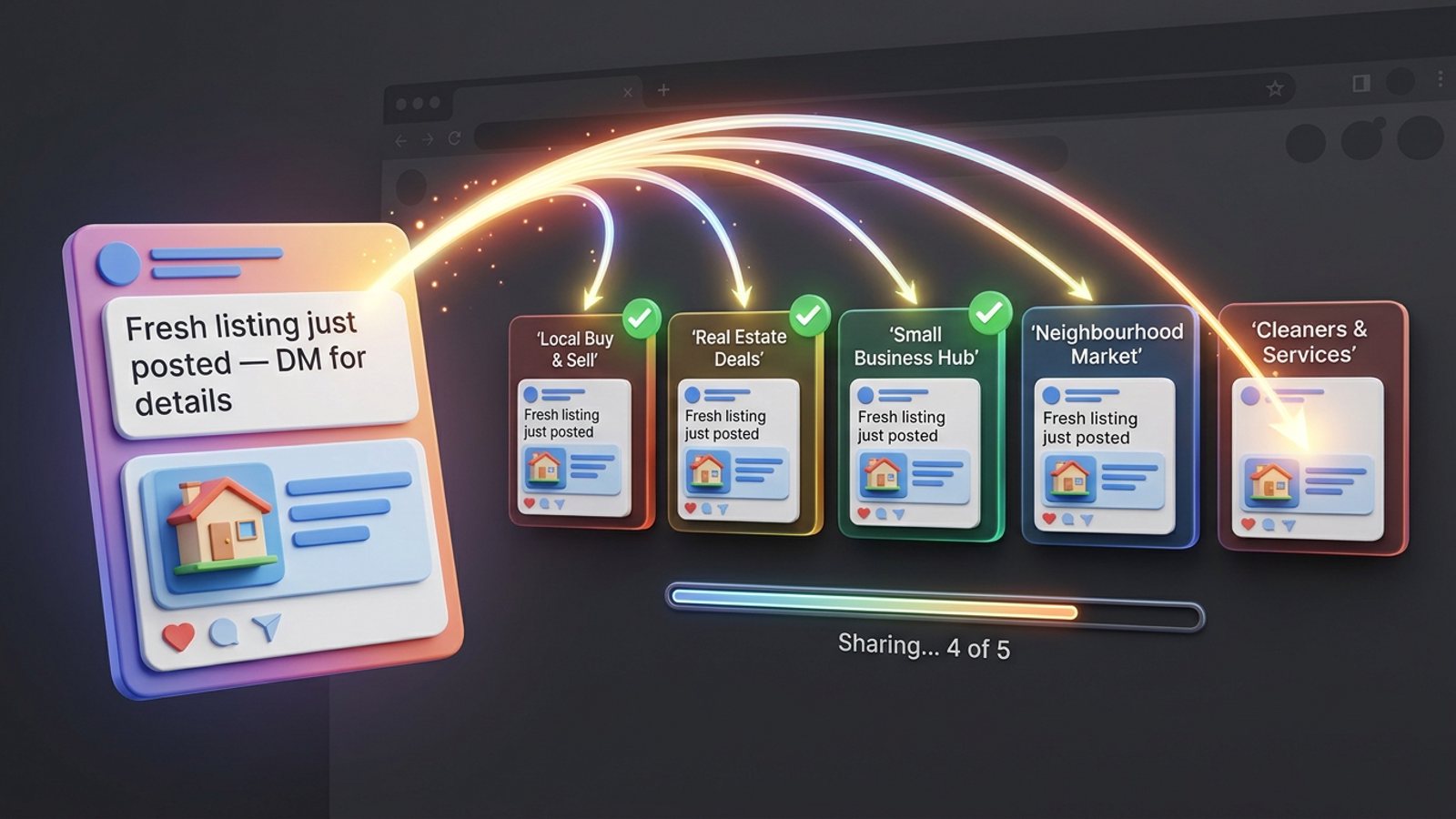
Facebook's own Share button does this one group at a time: Share → Share to a group → pick the group → type your message → Post, then repeat. To get your facebook group share message on every group without retyping it 20 times, you either paste it each round or use a Chrome extension that attaches your message once and shares across a saved group list in one click.
Key takeaways
- Facebook's Share flow allows one group per share, so your own message has to be added again for each group you pick.
- Retyping the same blurb 20–30 times is where missed groups, double-posts and spam flags start.
- A group may hold your share for admin approval — reposting does not speed that up.
- MGSApro keeps Facebook's share flow but lets you write your message once and share across your saved group list, with human-like delays and optional AI text variations.
- Meta's own guidance ties rapid, repetitive posting to reduced reach and temporary posting restrictions, so cadence matters more than any single number.
If you want the message handled for you, get the MGSA Chrome Extension (free unlimited) and see how it fits the flow below.
How do you add your own message when sharing a post to a Facebook group?
You type it into the text box above the shared post before you hit Post. On desktop, open the post you want to share, click Share underneath it, and choose Share to a group (it sometimes sits under "More options" or is labelled just "Group"). Pick the group or search its name, then write your line in the box above the post preview. Group members see your words first, with the original post as a card underneath.
If you're sharing from a Page, switch into the Page first, open the Page's post, then Share → Share to a group, add your text and post. On Page shares you can also tick whether to include the Original Post. That's the whole native technique — and it works well for one group. The trouble starts on group number two.
What breaks when you repeat that share 20 times?
The message gets retyped or pasted 20 times, and the tracking gets done in your head. Each share is roughly a two-minute loop of clicking Share, searching the group, selecting it, typing the blurb and posting, according to MGSApro's Chrome Web Store listing (updated November 2026). Do that across 20 groups and you've spent the better part of an hour on one post.
Three things tend to go wrong:
- Double-posts. You lose track of which groups you've already hit and share twice into the same one.
- Missed groups. You get interrupted, come back, and skip two or three groups entirely.
- Copy-paste flags. Posting identical text across dozens of groups is widely described as spam and counter-productive — a point made in a LinkedIn post by Chris Murray (no date). Repetition is the signal, not the tool.
There's also the approval queue. Groups with post approval turned on hold your share until an admin or moderator approves it, per AutoGP (October 2026). Re-sharing doesn't jump the queue — it just looks like spam.
How do you share to many groups with your message attached once?
Use a tool that runs Facebook's own share flow across a saved list, so the message is written once per share run. MGSApro is a Chrome extension that does exactly that, inside Facebook, with no separate dashboard or login. Here's how it works:
- Sign in to Facebook in Chrome as normal.
- Browse your groups and tick the ones you want — or load a saved preset.
- Type your own message in the optional field.
- Save the selection as a preset for next time.
- Click Share and watch the live progress bar as each group is posted, with randomized human-like delays between shares.
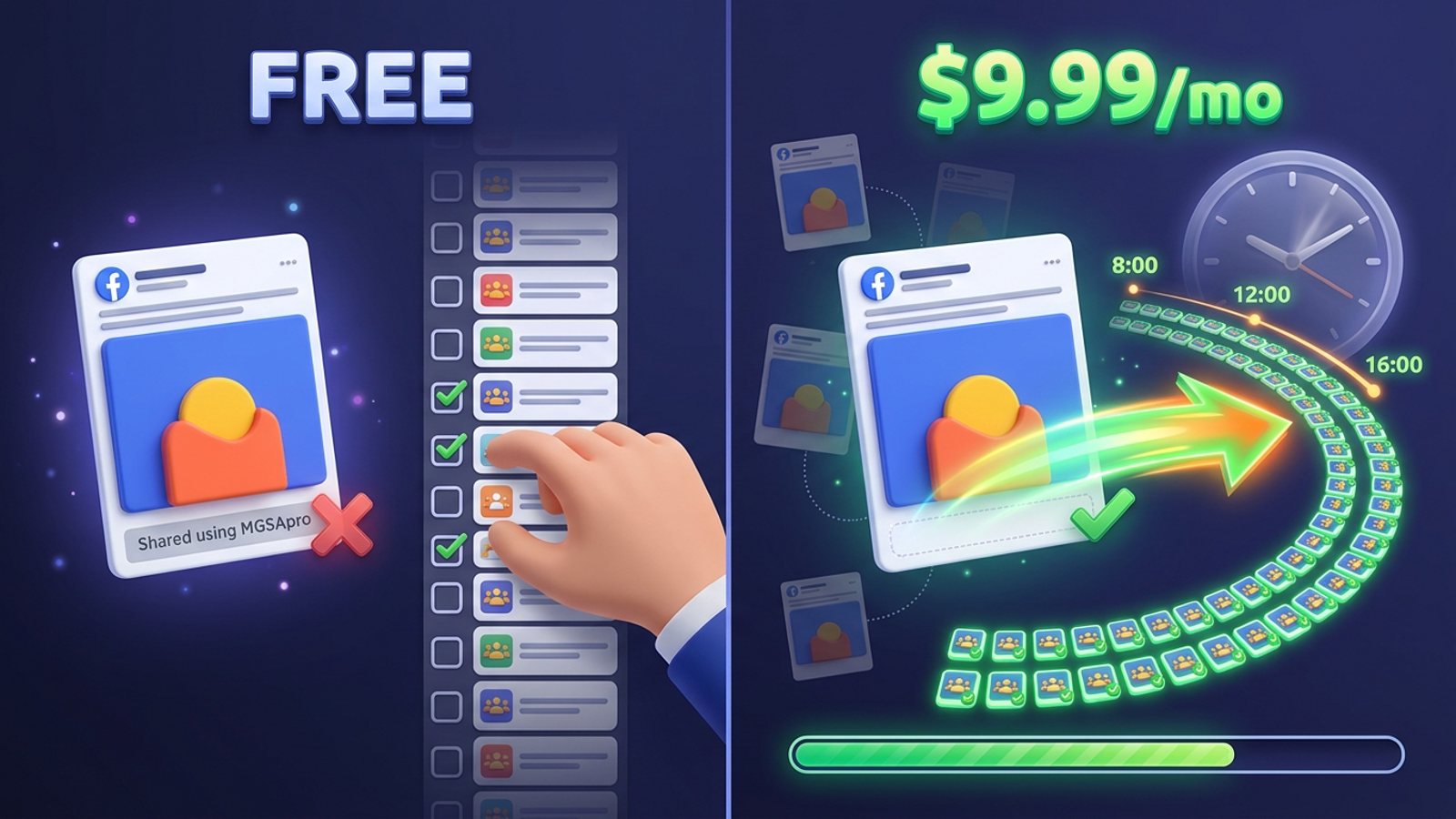
A few honest notes. The message field attaches your blurb to the share — it doesn't write the blurb for you. The extension also offers AI-generated text variations so your wording isn't identical in every group, which is the healthier pattern for sharing the same post to many groups. It's Chrome only, it operates on top of Facebook, and it isn't affiliated with Meta. The free version adds a small watermark; the paid plan removes it at $9.99 per month, or from $7.99 a month on the yearly plan, as of November 2026 — prices can change.
If you'd rather see the click-by-click first, the MGSApro tutorial walks through it.
Which tool should you use to share a post to many groups with your own message?
For most sellers posting to 20+ groups, a Chrome extension that shares across a saved list is the practical answer — of the tools we compared, MGSApro is our pick because the message field, group presets and human-like delays sit in one place on Facebook itself.
| Option | Best for | Key features | Price / free option | Watch-outs |
|---|---|---|---|---|
| MGSApro (Our pick) | Sellers and small businesses sharing one post to many groups with their own message | One-click share to a saved group list, optional message field, group presets, live progress bar, randomized delays, AI text variations, works inside Facebook | Free with a small watermark; $9.99/month without it, from $7.99/month yearly (as of November 2026; prices can change) | Chrome only; operates on top of Facebook; not affiliated with Meta |
| Facebook's own Share button | Sharing to one or two groups with full manual control | Native Share → Share to a group flow, fresh message each time, works for Page posts | Free, built into Facebook | One group per share; no bulk option; you retype and track manually |
| Meta Business Suite | Scheduling the same content to a Page and a group linked to that Page | Free scheduling for Page-linked groups | Free | Can't bulk-schedule across many joined groups; Meta's API no longer allows third-party group publishing (removed 22 April 2024) |
| Manual copy-paste posting | Genuinely personalising each group by hand | Full control of wording per group | Free | Slow, error-prone, and identical text still trips spam signals |
| Multigroup Poster | Sharing one existing post to 50+ groups with Spintax variation | One-click sharing, randomized delays, scheduled re-shares, text and image variation | 6 free posts, then $9.99/month (as of November 2026) | Still goes through the browser's normal posting flow, so approval-required groups queue your post |
| AutoGP | Posting one post to 100+ groups from inside your own Chrome | One-click multi-group posting, never asks for your Facebook password | 7-day free trial; plan prices not listed here | Publishes vendor blog content promoting its own tool, so weigh its guidance accordingly |
MGSApro is made by the team behind this blog.
If you mainly need scheduled re-shares with Spintax-style variation and don't mind a monthly plan, Multigroup Poster is the more direct choice. If you want the absolute safest, most manual control, Facebook's own Share button wins — it's just slow.
How many groups can you safely share to per day?
Meta's account-restriction policy (Transparency Center, updated November 2024) escalates repeated violations from a warning to feature limits, including posting in groups, and Meta's own guidance ties rapid, repetitive or promotional posting to reduced reach or temporary posting restrictions. A practical cadence cited by social media consultant Lilach Bullock (August 2026) is 5–8 groups a day for promotional content, 10–12 for conversational posts, at least 10–15 minutes between posts, and the core message rewritten at least three ways.
Our recommendation: start below that, space your shares out, and vary your wording rather than firing the same blurb at 40 groups in ten minutes. This isn't legal advice, and rules and enforcement vary by place.
Can you schedule group shares ahead of time?
Not through cloud schedulers. Meta removed the Groups API and the publish_to_groups permission from every Graph API version on 22 April 2024, so third-party apps can't publish to groups via the API. Buffer's help centre (July 2026) confirms group posting now uses "notification publishing" — you get a mobile notification and paste the post into the group yourself. Meta Business Suite can schedule to a Page and a group linked to that Page, but not bulk-schedule across many joined groups, per SocialBee (January 2026). MGSApro can schedule posts into your own groups only.
Why is "Share to a group" missing from my Share menu?
The option's label and position vary by Facebook version — it may sit under "More options" or appear as just "Group". If you can't find it, try the post from your profile rather than a Page, or refresh the page. At the time of writing, menus may differ from what you see.
Ready to stop retyping? Get MGSA and share your next post to every group with your message attached once.
Sources
- Share Post to Multiple Facebook™ Groups — Chrome Web Store (MGSApro listing, updated 2026-11-15)
- How to Share a Post to a Facebook Group (MultiGroupPoster, 2026-11-13)
- How to Repost on Facebook (Rotten WiFi, 2026-09-27)
- How to post to multiple Facebook groups (PurePrivacy, 2025-01-02)
- How Facebook Group Post Approval Works (RedReplier, 2026-09-12)
- Using Facebook with Buffer (Buffer Help Center, 2026-07-01)
- How to schedule posts on Facebook groups (SocialBee, 2026-01-06)
- Facebook Group Post Pending? (AutoGP, 2026-10-15)
- Facebook Group Posting Limits (AutoGP, 2026-09-12)
- How many Facebook groups can you post in each day? (Lilach Bullock, 2026-08-19)
- Stop Spamming Facebook Groups Daily (LinkedIn / Chris Murray, no date)
- Account restrictions (Meta Transparency Center, updated 2024-11-12)
- Sharing posts from a Facebook Page to Facebook groups (Scotlands Gardens Scheme, no date)
- Multigroup Poster – Facebook (Chrome Web Store, no date)
- Multigroup Poster buy-and-sell listing page (MultiGroupPoster, 2026-10-22)
- Multigroup Poster detail (ExtPose, 2026-11-06)
- AutoGP – Post to multiple groups (Chrome Web Store, no date)
Frequently asked questions
Never manually share to groups again
MGSA Pro is the free Chrome extension that shares your posts to every Facebook group for you — safely, with human-like timing.