
What is the best way to post to many Facebook groups without a separate dashboard?
November 27, 2026 · MGSApro Team
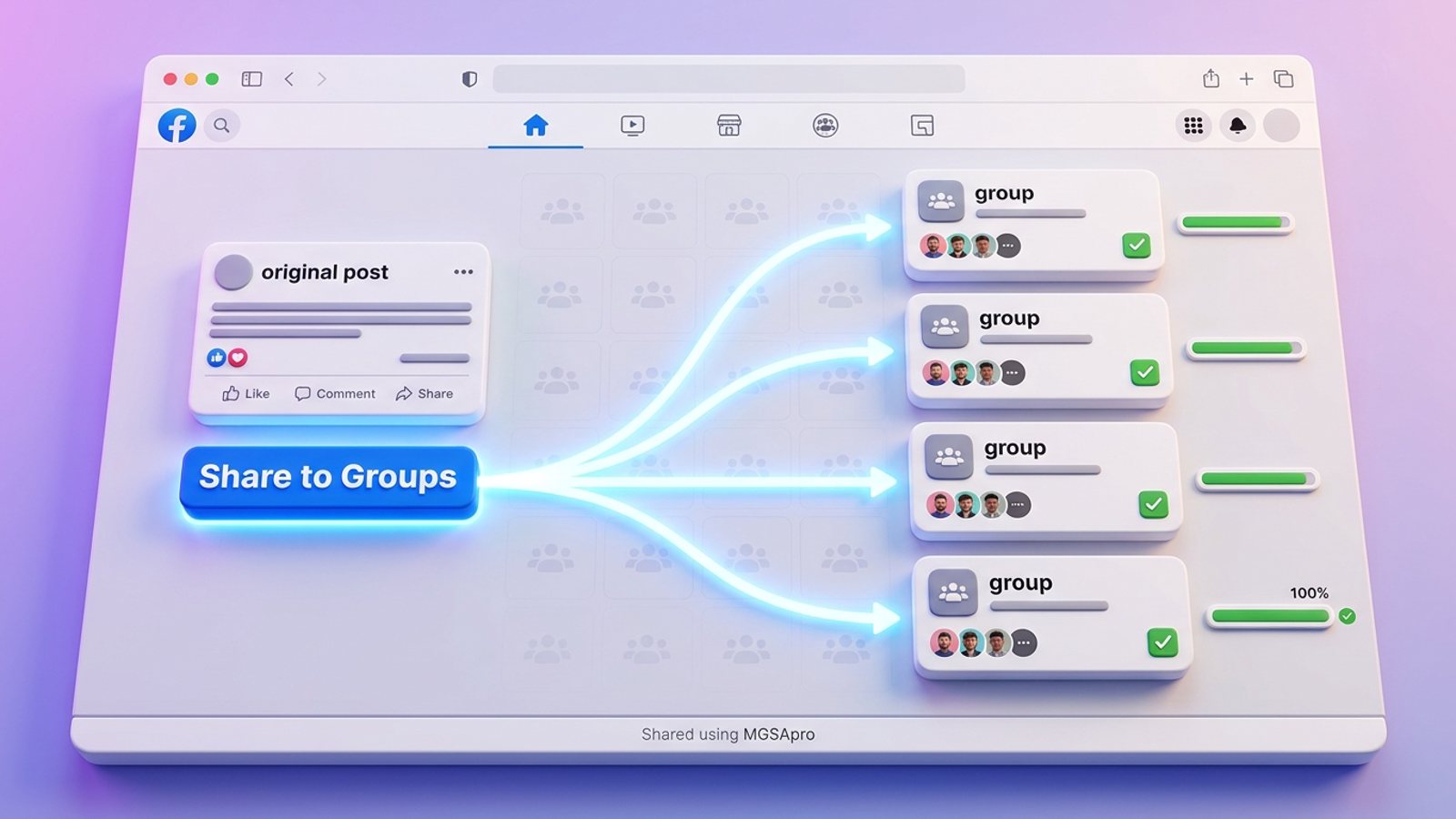
If you don't want another login, the best way to post to Facebook groups without dashboard hopping is a browser extension that runs inside the Facebook tab you're already signed into. It repeats Facebook's own share flow for each group, so you stay in one place. Facebook's own Share button is the free fallback, one group at a time.
Get MGSA Chrome Extension (Free Unlimited) — tick your groups on Facebook, click once, and watch the progress bar.
Key takeaways
- A Facebook group sharing extension is the only route we compared that posts to many groups in one go without leaving Facebook.
- Facebook's own Share button is free but takes about 7 steps and roughly 2 minutes per group, per the MGSA Chrome Web Store listing (updated November 2026).
- Buffer and Hootsuite can't post to Facebook Groups at all since Meta removed the Groups API on 22 April 2024.
- Meta Business Suite is itself a dashboard, and sources say it doesn't bulk-schedule across multiple groups.
- No tool exempts you from Meta's spam policy — keep delays on and content varied.
Why can't I just use Buffer or Hootsuite for this?
Because Meta shut that door. Meta removed the Groups API and the publish_to_groups permission from every Graph API version on 22 April 2024, according to RedReplier (September 2026) and AutoGP (September 2026).
Buffer, Hootsuite, Later and Sprout Social relied on that API, so they can no longer publish into groups at all (MaherPost, October 2026). Buffer's own help content now points users to schedule from inside the group in the Facebook app instead (Buffer, October 2026).
So the "log into a scheduler and fire off to 40 groups" dream died in April 2024. What's left is Facebook itself, or something that works on top of Facebook.
What are the real options for posting to many groups at once?
There are three honest routes, and only one avoids a separate dashboard.
- Facebook's own Share button. Free, no tools, full control. But Facebook doesn't let you share to several groups at once — you pick one group per share (PurePrivacy, January 2025). The routine runs about 7 steps and roughly 2 minutes per group, including noting which groups you've already done (MGSA Chrome Web Store listing, November 2026).
- Meta Business Suite. Meta's own business dashboard. It can create and schedule posts and lets you choose a Facebook group as a destination (Facebook Business Help Centre). But it is a separate dashboard — the exact thing you're trying to avoid — and sources say it doesn't bulk-schedule across multiple groups (SocialBee, January 2026).
- A browser extension that runs inside Facebook. You stay signed in to the Facebook you already use. The extension repeats Facebook's share flow group by group, with randomized delays between shares.
Our recommendation: if you're posting to more than a handful of groups a week, route 3 saves the most time. If it's two or three groups occasionally, the free Share button is genuinely fine.
How does an extension post to many groups without a dashboard?
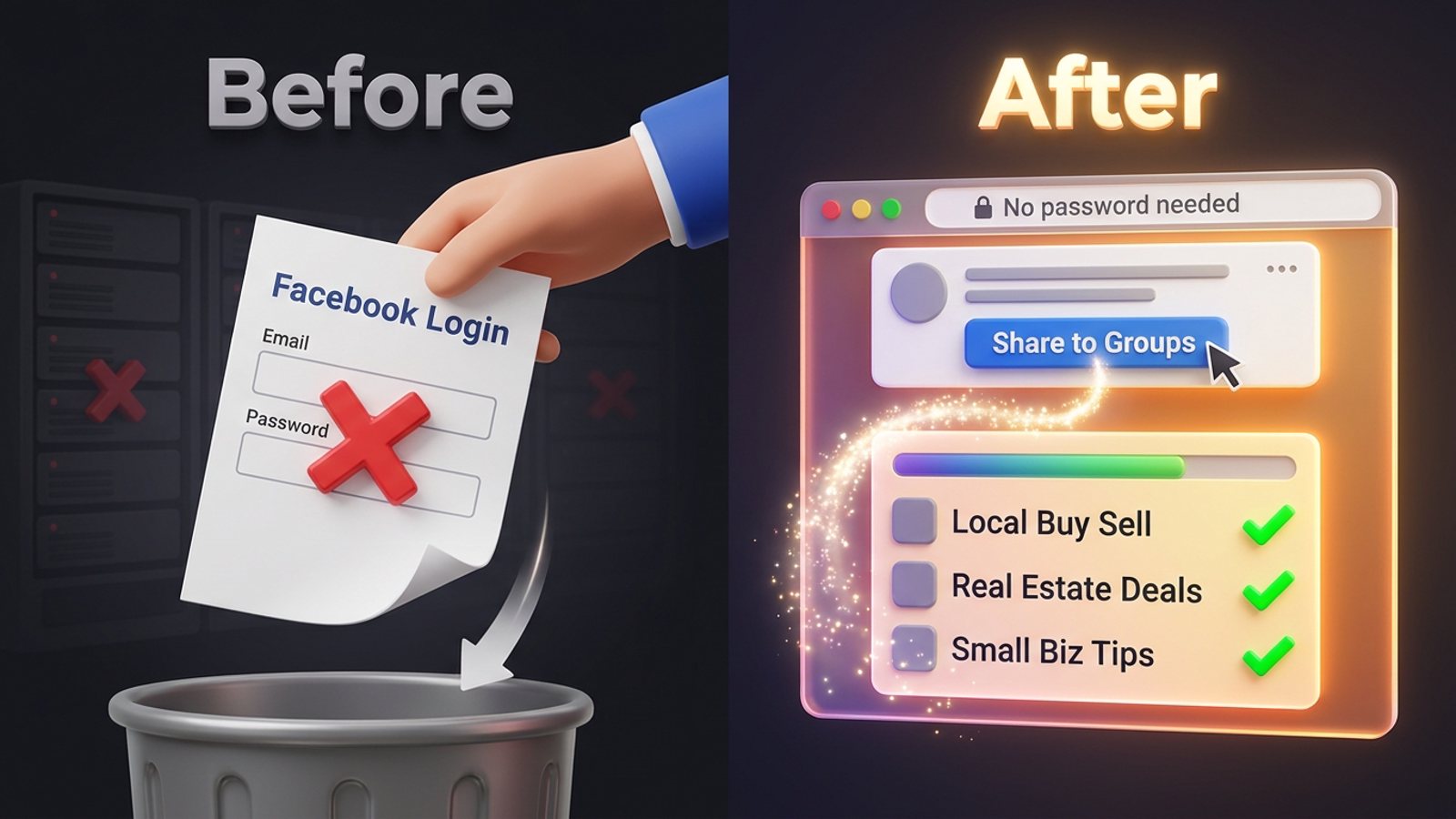
It works inside your existing Facebook session, not in a separate app. MGSA, for example, says it never asks for your Facebook password and never connects to your account — it just acts on the page you're already on (Chrome Web Store listing, November 2026).
The flow is short:
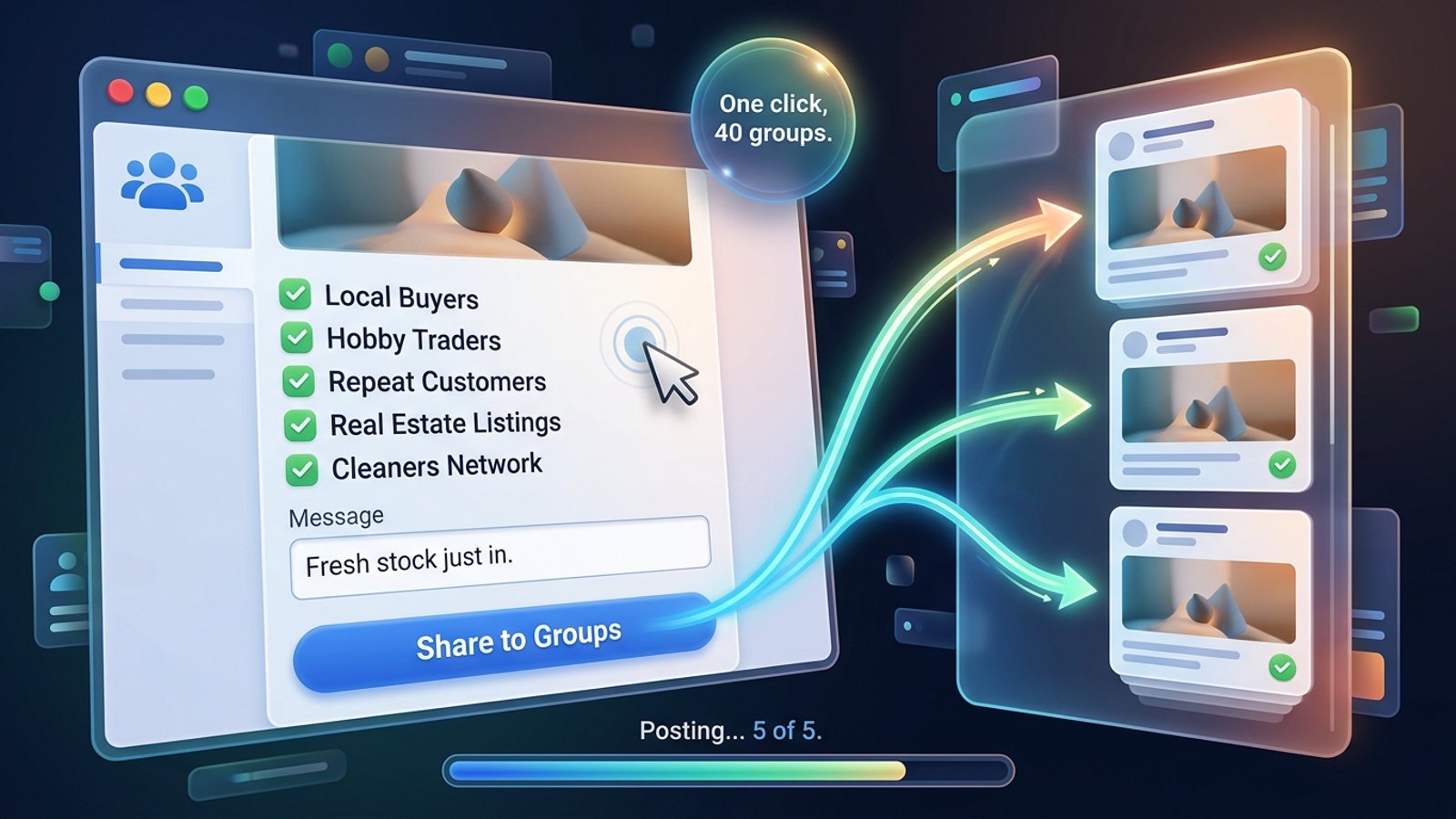
- Browse your Facebook groups and tick the ones you want.
- Optionally type a message or blurb to go with the share.
- Save the selection as a preset for next time.
- Click Share and watch the live progress bar as it posts to each group.
There's one button on every post — "Share to Groups" — and no second website to log into. You can also run it in the background in a separate window, per the same listing.
Want the step-by-step walkthrough? The MGSApro tutorial shows the whole flow on screen.
Which tool is best for posting to many Facebook groups without a dashboard?
Of the options we compared, MGSA is our pick for this specific job — posting to many groups from inside Facebook, with no extra dashboard.
MGSApro is made by the team behind this blog. Here's how the options stack up.
| Option | Best for | Key features | Price / free option | Watch-outs |
|---|---|---|---|---|
| MGSA Chrome Extension — Our pick | Sellers and marketers posting to many groups from the Facebook tab they already use | Tick groups on the page, optional message, reusable presets, live progress bar, randomized human-like delays, AI text variations, one "Share to Groups" button per post | Free forever with a small watermark; $9.99/month without it (as of November 2026; prices can change) | Chrome only; operates on top of Facebook; not affiliated with Meta |
| Facebook's own Share button | Occasional posting to one or two groups | Free, built in, full control, you see each group's reaction | Free | One group per share; ~7 steps and ~2 minutes per group |
| Meta Business Suite | Groups linked to a Facebook Page you manage, or groups you admin | Post creation, scheduling, calendar view, choose a Page, Instagram profile or group as destination | Free, part of Meta's business tools | It is a separate dashboard; sources say no bulk-scheduling across multiple groups; some groups don't appear in it (Buffer, October 2026) |
| Buffer | Scheduling to Pages and profiles, not groups | Content calendar, hover to edit, delete or reschedule | Pricing not confirmed in our sources | Can't post to Facebook Groups since the April 2024 API removal |
| Hootsuite | General social media management across platforms | Mainstream scheduler alongside Buffer | Pricing not confirmed in our sources | Can't post to Facebook Groups since the April 2024 API removal; also a separate dashboard |
If you mainly need a calendar view for your Page and Instagram, Meta Business Suite is the more direct choice. If you mainly need cross-platform scheduling, Buffer or Hootsuite fit that job — just not group posting.
Get MGSA Chrome Extension (Free Unlimited) and skip the second login entirely.
Is it safe to post to many groups this way?
Safer than hammering groups manually in a burst — but not risk-free. Meta's spam policy bans posting, sharing or engaging "excessively frequently," whether manually or automatically (Meta Transparency Center, updated June 2024).
Meta's restriction ladder is documented: a warning on the first strike, limited features including group posting at 2–6 strikes, then 1-day, 3-day, 7-day and 30-day content-creation blocks from 7 strikes upward (Meta Transparency Center, updated November 2024).
Field data cited by Medium (May 2026) suggests Facebook's systems flag accounts posting across 10–15+ groups in rapid succession.
That's why human-like delays and varied text matter. MGSA builds in randomized delays and AI-generated text variations per group, per its Chrome Web Store listing (November 2026). A tool doesn't exempt you from Meta's rules or a group's rules, and it can't guarantee approval. This is not legal advice, and platform rules vary by place and change often.
Our recommendation: leave the safety delays on, vary your wording, and stop at the first warning.
Do I need to give a tool my Facebook password?
No — and any tool that asks for it is a red flag. MGSA says it never asks for your Facebook password and never connects to your account (Chrome Web Store listing, November 2026).
Because it runs in your own signed-in session, it also only reaches groups you've actually joined. You can only share a post into a group you're a member of (Vpage, March 2026).
Why didn't my post show up in the group?
If the group has post approval turned on, your post stays pending until an admin or moderator approves it — even if you're an approved participant (RedReplier, September 2026).
That's a group setting, not a tool failure. If it keeps happening, read how to share a post to many Facebook groups safely without looking like a bot, which covers content and timing choices that admins tend to accept.
Ready to stop opening tabs one by one? Get MGSA Chrome Extension (Free Unlimited) and share your next post to every group you've picked, from the Facebook page you're already on.
Sources
- Share Post to Multiple Facebook™ Groups | Multiple Group Share Assistant (Chrome Web Store, updated 2026-11-15)
- Create and manage posts in Meta Business Suite on desktop (Facebook Business Help Centre)
- Account restrictions (Meta Transparency Center, updated 2024-11-12)
- Spam policy (Meta Transparency Center, updated 2024-06-26)
- How to schedule posts on Facebook Groups (2026 guide) (SocialBee, 2026-01-06)
- How to Schedule a Post on Facebook: Pages, Profiles + Groups (Buffer, 2026-10-25)
- How to Schedule Posts in Facebook Groups (Admins and Members) (MaherPost, 2026-10-28)
- Can Buffer or Hootsuite Post to Facebook Groups? (2026) (AutoGP, 2026-09-12)
- Facebook Group Post Approval (RedReplier, 2026-09-12)
- Facebook Group Marketing for Agencies: A Playbook (2026) (Group Posting, 2026-09-28)
- How to Post to Multiple Groups on Facebook at the Same Time (PurePrivacy, 2025-01-02)
- How to Share a Post to a Facebook Group (MultiGroupPoster, 2026-11-13)
- Cách chia sẻ bài viết vào nhóm trên Facebook đơn giản chi tiết (Vpage/Nhanh.vn, 2026-03-23)
- How Many Facebook Groups Can I Post To Per Day? (Medium, Dented Feels, 2026-05-28)
Frequently asked questions
Never manually share to groups again
MGSA Pro is the free Chrome extension that shares your posts to every Facebook group for you — safely, with human-like timing.
Keep reading
How do I share a post to many Facebook groups without handing over my Facebook password?
November 28, 2026
How do I post to many Facebook groups automatically without opening each one?
November 25, 2026

How do I share a Facebook post to many groups safely without looking like a bot?
November 20, 2026

How do I post the same listing to many Facebook groups without it looking spammy?
November 20, 2026