
How do I post to many Facebook groups automatically without opening each one?
November 25, 2026 · MGSApro Team
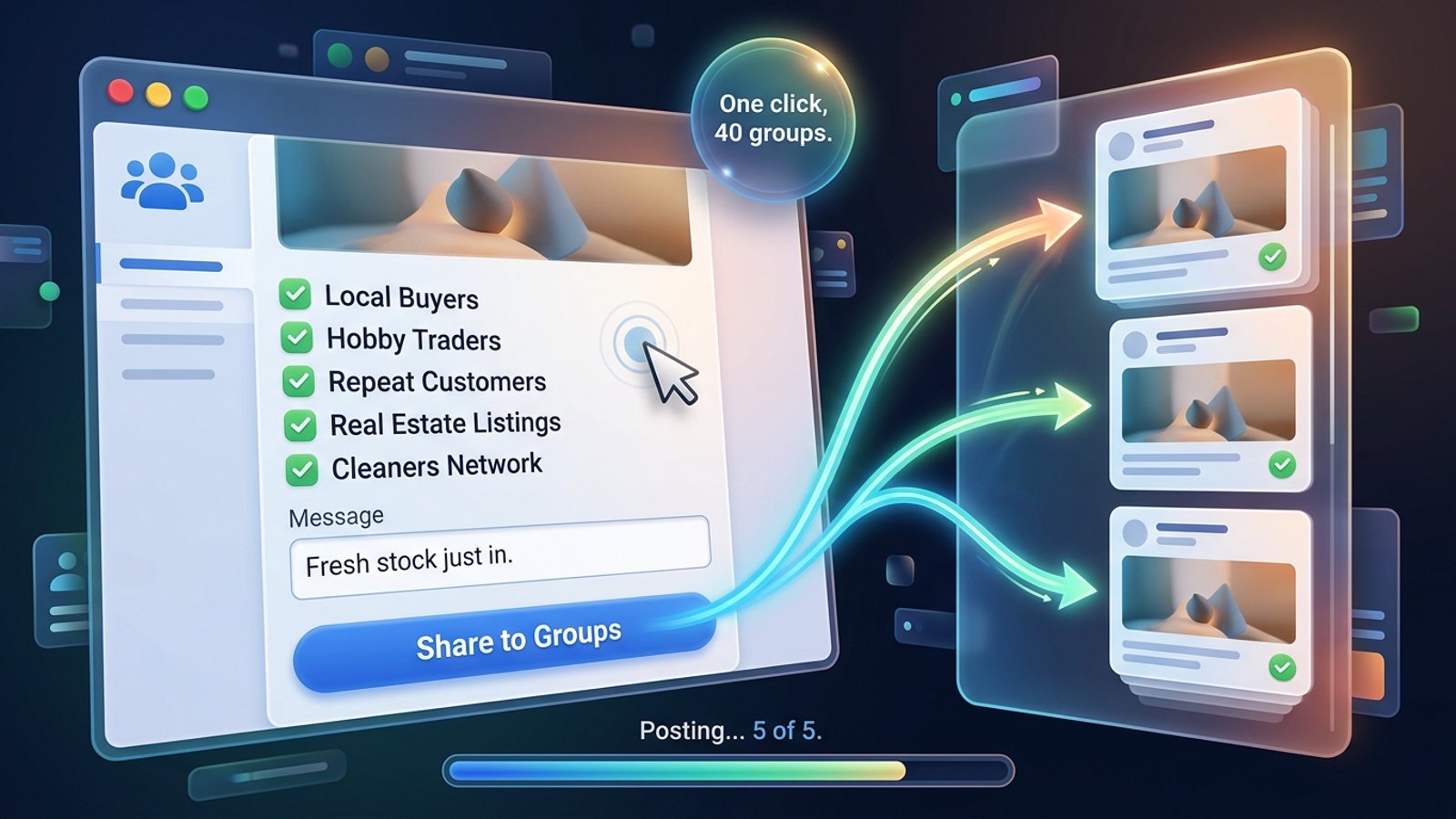
You can post to facebook groups automatically without opening each one by using a browser extension that runs inside your already-signed-in Facebook tab: tick the groups on the page, add a message, save the list as a preset, and click Share once. Facebook's own share flow goes one group at a time, and schedulers can't publish into groups you've joined.
Get MGSA Chrome Extension (Free Unlimited) — it puts one "Share to Groups" button on every post, right where you're already working.
Key takeaways
- Facebook's own desktop Share menu sends a post to one group at a time, so 40 groups means 40 rounds of clicks.
- Meta removed the Groups API and the
publish_to_groupspermission from every Graph API version on 22 April 2024, so schedulers like Buffer, Hootsuite and Meta Business Suite can't create group posts. - The no-tab route is an extension working on top of Facebook: select groups on the page, add your message, save a preset, share once.
- You still only reach groups you've actually joined — no tool can post to groups you're not a member of.
- Meta's spam policy bans posting "at very high frequencies," whether a person or a tool does it, so pace matters more than raw count.
How do I post to many Facebook groups automatically without opening each one?
You do it by letting a tool repeat Facebook's own share flow from inside your signed-in tab, instead of opening a tab per group. The manual version, as documented by tool makers and Facebook's own help pages, is slow by design: find the post, click Share, choose "Share to a group," search the group, add a line, click Post — and repeat.
That's roughly seven steps per group, or about two minutes each according to a Chrome Web Store listing for a group-sharing tool. Forty groups is well over an hour of clicking, plus the mental bookkeeping of remembering which groups you've already hit so you don't double-post.
The automatic version collapses that into one selection screen and one click. Here's the flow MGSApro uses, which is the same shape most in-Facebook extensions follow:
- Browse your Facebook groups and tick the ones you want.
- Optionally type a message or blurb to go with the share.
- Save the selection as a preset so next time it's one click, not forty.
- Click Share and watch the progress bar as it posts to each group.
No separate dashboard, no second login. That's the whole point — the work happens in the tab you're already in.
Why can't I just schedule this with Meta Business Suite or Buffer?
Because Meta closed that door. On 22 April 2024, Meta removed the Groups API and the publish_to_groups permission from every version of its Graph API, so no third-party app can create a group post through official channels.
Third-party schedulers connect through Meta's official channels, which cover Facebook Pages and Instagram Business or Creator accounts — not personal profiles and not Groups. As of late 2026, a group member who isn't an admin has no way to schedule a post into that group, and Meta Business Suite, Buffer, Hootsuite and Later can't publish to groups at all.
That's why the extension route exists: it doesn't use the API. It works the same way you do — clicking through Facebook's interface in your own browser — just faster and with delays built in.
Is it safe to post to Facebook groups automatically?
It can be, if you keep the pace human and the wording varied. Meta's Spam policy, last updated 25 June 2024, bans posting, sharing or engaging "at very high frequencies," whether manually or automatically, and can restrict accounts showing "posting repetitive content."
Two things trip accounts up most often, according to vendor analysis of group posting:
- Identical text in every group. BuzzPost's 2026 guide calls this the top ban trigger and recommends rotating varied copy across groups.
- Burst posting. Thirty posts in a 20-minute burst look like a program; 30 posts spread across 12 hours with randomised delays look human.
On cadence, marketer Lilach Bullock suggested in August 2026 roughly 5–8 groups per day for promotional posts and up to 10–12 for conversational ones, with at least 10–15 minutes between posts and the core message rewritten at least three ways.
Facebook's published figures on daily limits vary widely, as AutoGP noted in September 2026. So treat any specific number as a guideline, not a rule.
This is general information, not legal advice, and platform rules vary and change — check Meta's current policies for your situation.
How does MGSApro handle the "looks like a bot" problem?
It builds in the two safeguards above: randomised delays with human-like clicks, and AI-generated text variations for each group. Instead of the same paragraph landing in 40 feeds, each share gets its own wording.
The rest of the flow matches what you'd do by hand:
- Select groups directly on the Facebook page — no separate list to maintain.
- Add an optional message to your share when you want context.
- Save group selections as reusable presets — and share to multiple presets at once.
- Watch a live progress bar as each group is posted, so nothing is a black box.
Our recommendation: start with a small preset of 5–8 groups, watch how it goes, then build up. The tool replaces your clicking, not your judgement about what's worth posting.
One honest limit to know: MGSApro is Chrome only, operates on top of Facebook, and isn't affiliated with Meta. The free version adds a small watermark; the paid plan removes it.
What does MGSApro cost?
MGSApro is free forever with a small watermark, or $9.99 per month without one, as of November 2026 — prices can change. The owner also confirms a yearly plan from $7.99 a month.
That's the whole pricing picture: no per-post credits, no seat tiers. If you want to see the flow before paying anything, the Facebook group sharing extension installs free and you can run a preset today.
How do the group-posting options compare?
Here's how the realistic options stack up, based on the research above. Prices for other tools are as of November 2026 and can change.
| Option | Best for | Key features | Price / free option | Watch-outs |
|---|---|---|---|---|
| MGSApro (Our pick) | Sellers who want one-click sharing inside Facebook with presets and varied text | Select groups on the page, optional message, reusable presets, live progress bar, randomised delays, human-like clicks, AI text variations, one Share to Groups button on every post | Free with watermark; $9.99/month without, yearly from $7.99/month (as of Nov 2026) | Chrome only; runs on top of Facebook; free version watermarks posts; not affiliated with Meta |
| Postika | Users who want an extension with no tool-imposed posting quotas | Uses the Facebook account already signed in to Chrome, no separate account; delays of at least 60 seconds | Not stated in the source we checked | Chrome extension listing only — check current terms before relying on it |
| Meta Business Suite | Scheduling to Facebook Pages | Official Meta scheduling for Pages and Instagram | Free | Can't publish into groups you've joined as a member |
| Buffer / Hootsuite / Later | Managing Page and Instagram content across channels | Multi-channel scheduling, analytics | Paid plans; free tiers vary | Connect through Meta's official channels — no group publishing |
| Circleboom / Social Champ / Socinator | Buyers comparing a wider field of group-posting tools | Suggested by sellers in a 2025 forum thread as group-posting options | Varies by tool | Forum suggestion, not an authoritative test — verify group support yourself |
MGSApro is made by the team behind this blog.
If you mainly need to schedule Page and Instagram content on official channels, Meta Business Suite or Buffer is the more direct choice — they're built for that and do it well. They just can't reach your groups.
Does it post to groups I haven't joined?
No — and no tool can. You can only share a post into a group you're a member of, and that's a Facebook rule, not a tool limitation.
Two more things to expect:
- Post approval. If a group has post approval switched on, your share lands "pending" until an admin or moderator approves it. That's a standing group setting, and a post can sit pending even when you're an approved participant.
- Don't re-post a pending share. A second copy doesn't jump the queue and looks like spam. The fix is posting to more groups, not re-posting, as AutoGP noted in October 2026.
What if I want a different message on each group?
That's where presets plus text variations earn their keep. Save your group lists by theme — local buyers, niche hobby groups, repeat customers — then share to the preset that fits the post, with a message written for that audience rather than one generic blurb.
If you want to go deeper on wording, our guide on sharing the same post to many groups with different wording walks through it. And if you're still deciding between tools, the comparison in the best tool to share one post to all your groups covers the field.
Ready to stop opening tabs? Add the extension to Chrome and share your next post to a whole preset in one click.
Sources
- MultiGroupPoster — How to share a post to a Facebook group (2026-11-13)
- Vpage (Nhanh.vn) — Sharing a Facebook post to a group (2026-03-23)
- Chrome Web Store — Share post to multiple Facebook groups listing
- Medium (Denied Feels) — Facebook auto share vs posting in groups you're in, 2026 (2026-10-04)
- RedReplier — Facebook group post approval (2026-09-12)
- freedom-res.com — Facebook groups for realtors: schedulers can't post to groups (2026-09-23)
- Medium (Denied Feels) — Scheduling a post in a Facebook group (2026-10-24)
- AutoGP — Facebook group post pending (2026-10-15)
- Meta Transparency Center — Spam policy (updated 2024-06-25)
- BuzzPost — How to auto post to Facebook groups 2026 (vendor blog, 2026-05-13)
- Lilach Bullock — How many Facebook groups can you post in each day? (2026-08-19)
- AutoGP — Facebook group posting limits (2026-09-12)
- Chrome Web Store — Postika Facebook Groups listing (updated 2026-11-16)
- TechEnclave forum — Posting on multiple FB groups with least effort (2025-11-01)
Frequently asked questions
Never manually share to groups again
MGSA Pro is the free Chrome extension that shares your posts to every Facebook group for you — safely, with human-like timing.
Keep reading
How do I share a Facebook post to 25 groups in one go without opening 25 tabs?
November 23, 2026

How do I share a new offer to 20 Facebook groups in one click without opening each group?
November 23, 2026
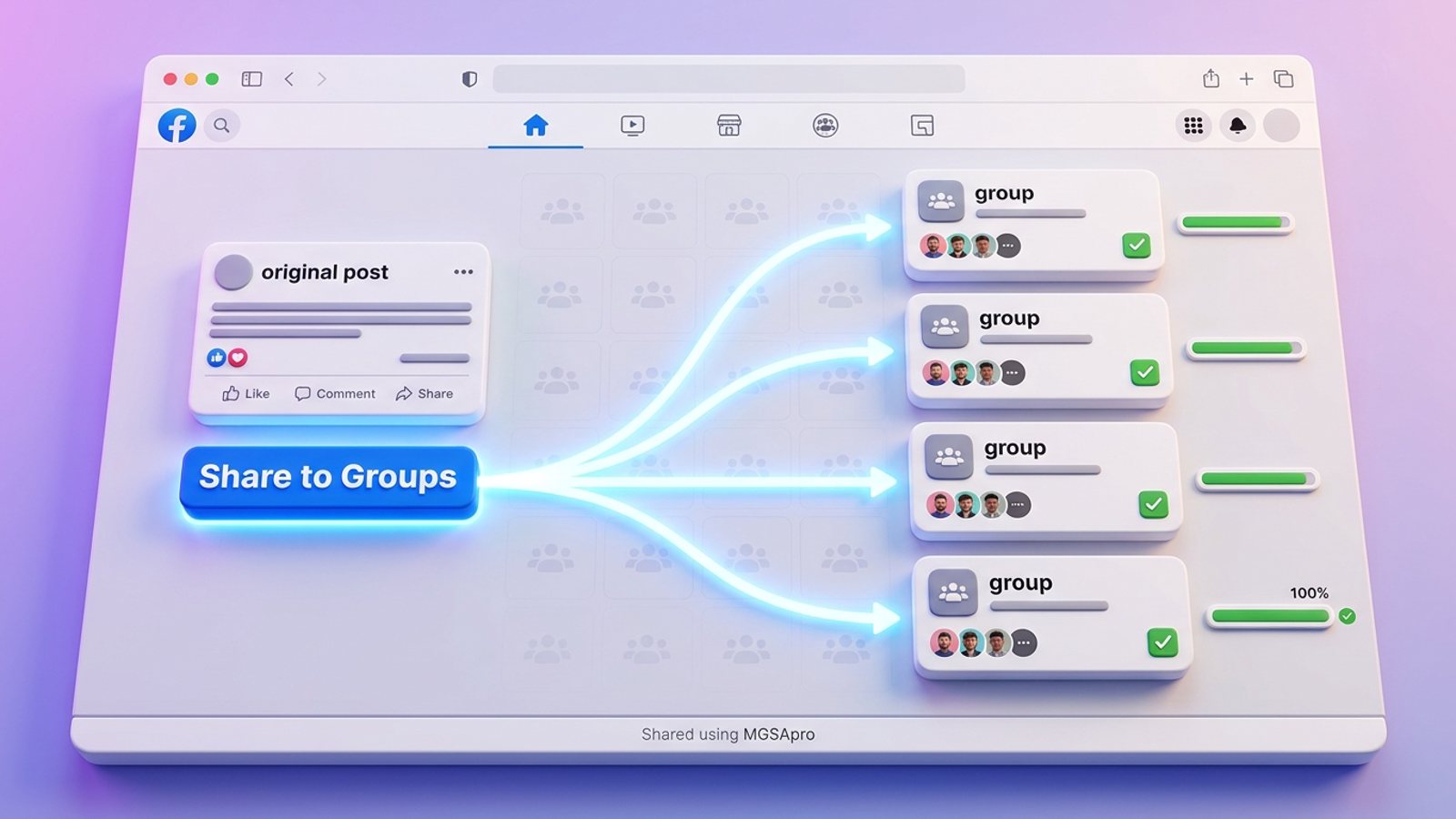
What is the best way to post to many Facebook groups without a separate dashboard?
November 27, 2026
How do I share one Facebook post to 30 groups without doing it one by one?
November 20, 2026