
How do I share one Facebook post to 30 groups without doing it one by one?
November 20, 2026 · MGSApro Team
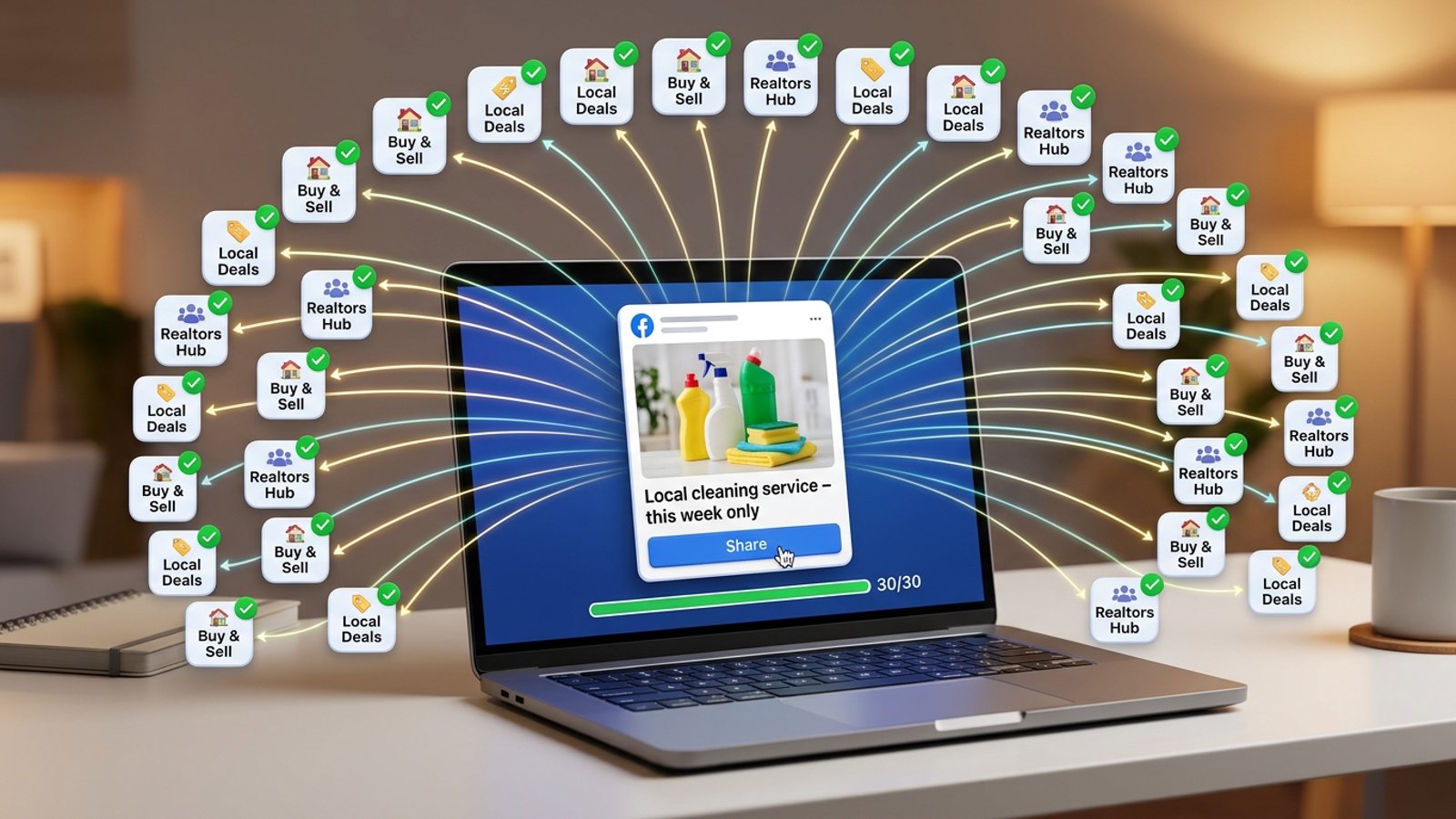
Facebook has no native "share to 30 groups" button — its Share menu handles one group per share, so doing 30 by hand means roughly an hour of clicking, pasting and waiting. The practical fix is a Chrome extension that repeats Facebook's own share flow for every group on a saved list: tick the groups, add a message, click Share once. Share Facebook post to 30 groups in one pass, with human-like delays and varied text so it doesn't look like a bot.
Get MGSA Chrome Extension (Free Unlimited) and run your next 30-group share from inside Facebook, no dashboard needed.
Key takeaways
- Facebook's built-in Share → Share to a group flow does one group per share, and you have to remember which groups you've already done or you double-post.
- Schedulers like Meta Business Suite, Buffer and Hootsuite connect through Meta's official channels for Pages and Instagram — not personal profiles or Groups (freedom-res.com, 2026).
- Facebook's spam policy bans posting or sharing "excessively frequently," whether manual or automated (Meta Transparency Center, updated 2024).
- Practitioner guides say Facebook reacts more to pattern — identical text, rapid timing, many groups in one session — than to raw volume (Lilach Bullock, 2026).
- Our pick of the tools we compared is MGSApro: tick groups on the Facebook page, add a message, save a preset, click Share and watch the progress bar.
Why is sharing to 30 groups one by one so slow?
Because each group takes its own full cycle: click Share, choose "Share to a group," search the group, pick it, type a blurb, click Post — then remember which group you just did. One Chrome Web Store listing for a sharing extension puts the manual flow at about 2 minutes per group. Thirty groups at that pace is roughly an hour of pure clicking, before you've checked a single one landed.
And you can only share into a group you're a member of, one group at a time (Vpage, 2026). There's no batch option hiding in the menu. If you're juggling listings, offers or service quotes across 30 local groups, that hour is the tax you pay every single time you post.
Can I share one Facebook post to 30 groups at once?
Yes — with a browser extension that automates Facebook's own share flow across a list of groups. Here's the real technique, step by step.
- Open Facebook in Chrome and find the post you want to share — your own post, a Page post, or one from another group.
- Learn the native flow once. Click Share → "Share to a group" (sometimes under More options), pick a group, add a line, Post. Now you know exactly what the extension is reproducing.
- Tick the 30 groups in the extension's share panel — or select a saved preset list so you're not hunting for each group.
- Add an optional message — the same blurb field Facebook shows above the shared post. Keep it short and specific.
- Click Share once and let it work group by group, with delays between posts.
- Check the results and note any group where the post is pending admin approval — don't re-share to it.
That's the whole method. The extension isn't doing anything magical; it's just repeating a flow you already know, 30 times, without your fingers.
How does MGSApro do this in one click?
MGSApro is a Chrome extension that shares your Facebook post to many groups in one click, directly on Facebook — no login, no extra dashboard. You select groups right on the Facebook page, add an optional message, and save your selection as a reusable preset so next time it's one tap.
Then you click Share and watch the live progress bar as each group gets posted. The extension builds in randomized delays and human-like clicks, plus AI-generated text variations for each group, so the 30 shares don't go out as 30 identical blasts. It works entirely on top of Facebook, which means you're posting from your own account, the way you normally would — just faster.
Our recommendation: run your biggest, most local groups first in the list, so if you stop partway through, the shares that matter most are already out.
Want to see the flow before you run it on a live post? The MGSApro tutorial walks through the panel.
Is it safe to share the same post to 30 groups?
It depends on pacing, pattern and repetition — not on the number 30 by itself. Meta's Spam policy bans posting, sharing or engaging "excessively frequently," manually or automatically, and can restrict accounts showing other spam signals like repetitive content (Meta Transparency Center, updated 2024). Meta's automated detection flags or restricts accounts by pattern matching, usually without human review first (Conbersa, 2026).
Practitioner guides are consistent on what that pattern looks like: identical text, rapid timing, and many groups in one session (Lilach Bullock, 2026). So the fix is to slow the pattern, not necessarily to cut the count. One guide suggests 5–8 groups per day for promotional posts and up to 10–12 for conversational ones, with 10–15 minutes between posts and the core message rewritten at least three ways (Lilach Bullock, 2026). Field data from a posting-tool operator says Facebook's systems flag accounts posting across 10–15+ groups in rapid succession (Medium, 2026).
Facebook publishes no official daily group-posting number, and figures quoted online vary widely (AutoGP, 2026). Vendor blogs suggest ranges like 5–10 groups/day for new accounts up to 25–50/day for aged accounts (BuzzPost, 2026; FB Bulk Poster, 2025). Treat those as practitioner estimates, not rules.
This is not legal advice, and platform rules vary by place and change often. The safe play: stagger 30 groups across a session or a day, vary your wording, and don't fire the same text at 30 groups in five minutes.
What's the best tool to share one Facebook post to 30 groups?
Of the tools we compared, MGSApro is our pick for sharing an existing post into groups you've joined as a member — because that's exactly the job, and it runs inside Facebook. Here's how the options stack up.
| Option | Best for | Key features | Price / free option | Watch-outs |
|---|---|---|---|---|
| MGSApro (Our pick) | Sellers, realtors and local businesses sharing one post to many groups from their own profile | Tick groups on the Facebook page, optional message, reusable presets, live progress bar, randomized delays, human-like clicks, AI text variations, one "Share to Groups" button | Free with a small watermark; $9.99/month without (as of November 2026; prices can change) | Chrome only; operates on top of Facebook; not affiliated with Meta |
| Facebook's built-in Share → Share to a group | A single share you want to caption by hand | Native, free, full control of the caption | Free (part of Facebook) | One group per share; 30 means 30 rounds; easy to double-post; the Group option isn't always in the menu |
| Multigroup Poster | Users who want configurable delay ranges and Spintax variation | Auto-share to 50+ groups, 30–300 second delays with jitter, shuffled group order, scheduling, named group lists via scan, CSV or pasted links | Free trial, then paid plans (listing shows no plan names or prices) | Plan details aren't shown on the listing — check before committing |
| Groups Auto Poster & Automation Assistant | Bulk posting with recurring schedules | Bulk group posting, recurring schedules, CSV import, smart delays | Free trial | 3.8/5 from 40 ratings on the Chrome Web Store (as of October 2026) |
| Apify Facebook Group Auto Poster | Technical users running jobs in the cloud | Takes group URLs, a JSON list of messages, a delay and your Facebook cookies | From $10.00 per 1,000 results (2024 pricing) | Cloud-based and requires pasting your Facebook cookies |
| Meta Business Suite / Buffer / Hootsuite | Scheduling to Facebook Pages and Instagram business accounts | Official-channel scheduling | Pricing not in our sources — check official pages | They don't cover personal profiles or Groups, so they can't do this job (freedom-res.com, 2026) |
If you mainly need scheduling to a Facebook Page and Instagram, Meta Business Suite or Buffer is the more direct choice — they're built for that. If you want deep delay customization and don't mind checking plan pricing yourself, Multigroup Poster covers similar ground. For the specific job of sharing one post into 30 groups you're a member of, from your own account, MGSApro is the straightest route of the tools we compared.
MGSApro is made by the team behind this blog.
Ready to stop clicking? Get MGSA Chrome Extension (Free Unlimited) and share your next post to all 30 groups in one pass.
Why is the "Group" option missing from my Share menu?
Facebook says if the posting option isn't available in a group, it may be because the admins don't allow that type of post (Facebook Help). Nothing is broken — that group simply isn't a candidate for this share. Skip it and move on.
I shared to a group but the post isn't showing — where did it go?
It's most likely sitting in admin approval. Many groups hold every post for a moderator, and approval can take minutes to days (Postly, 2026; AutoGP, 2026). Reposting doesn't jump the queue — it just looks like spam, so wait it out.
Should I spread 30 groups over a day instead of doing it all at once?
Practitioner advice leans toward staggering, with at least 10–15 minutes between posts and the core message rewritten three or more ways (Lilach Bullock, 2026). If you want the reach of 30 groups without the pattern of a blast, split it into two or three sessions.
Can I schedule group shares instead of doing them now?
Yes — some extensions support scheduling, and MGSApro can schedule posts into your own groups. If timing matters more than speed, schedule the run and let it go out while you work on something else.
Can I use Buffer or Hootsuite to share to my groups instead?
No. Those tools connect through Meta's official channels, which cover Facebook Pages and Instagram business accounts — not personal profiles and not Groups (freedom-res.com, 2026). Facebook also removed third-party API publishing to Groups (Medium, 2026). For member-level group sharing, you need something that works on top of Facebook itself.
Sources
- How to Share a Post to a Facebook Group (MultiGroupPoster, 2026)
- Share Post to Multiple Facebook Groups (Chrome Web Store)
- Multigroup Poster – Facebook Group Auto Poster (Chrome Web Store)
- Groups Auto Poster & Automation Assistant (Chrome Web Store, updated 2026-10-03)
- Facebook Group Auto Poster (Apify, 2024)
- Spam policy (Meta Transparency Center, updated 2024)
- Posting in Facebook Groups (Facebook Help)
- Facebook auto share vs posting in groups you're in, 2026 (Medium)
- Facebook groups for realtors — schedulers (freedom-res.com, 2026)
- How many Facebook groups can you post in each day (Lilach Bullock, 2026)
- How many Facebook groups can I post to per day (Medium, 2026)
- Facebook group posting limits (AutoGP, 2026)
- Facebook group posting limits (FB Bulk Poster, 2025)
- How to auto-post properties to Facebook groups in 2026 (BuzzPost, 2026)
- Facebook group post pending (AutoGP, 2026)
- My Facebook group post isn't showing (Postly, 2026)
- Facebook groups anti-spam (Conbersa, 2026)
- How to share a post to a Facebook group (Vpage, 2026)
Frequently asked questions
Never manually share to groups again
MGSA Pro is the free Chrome extension that shares your posts to every Facebook group for you — safely, with human-like timing.
Keep reading
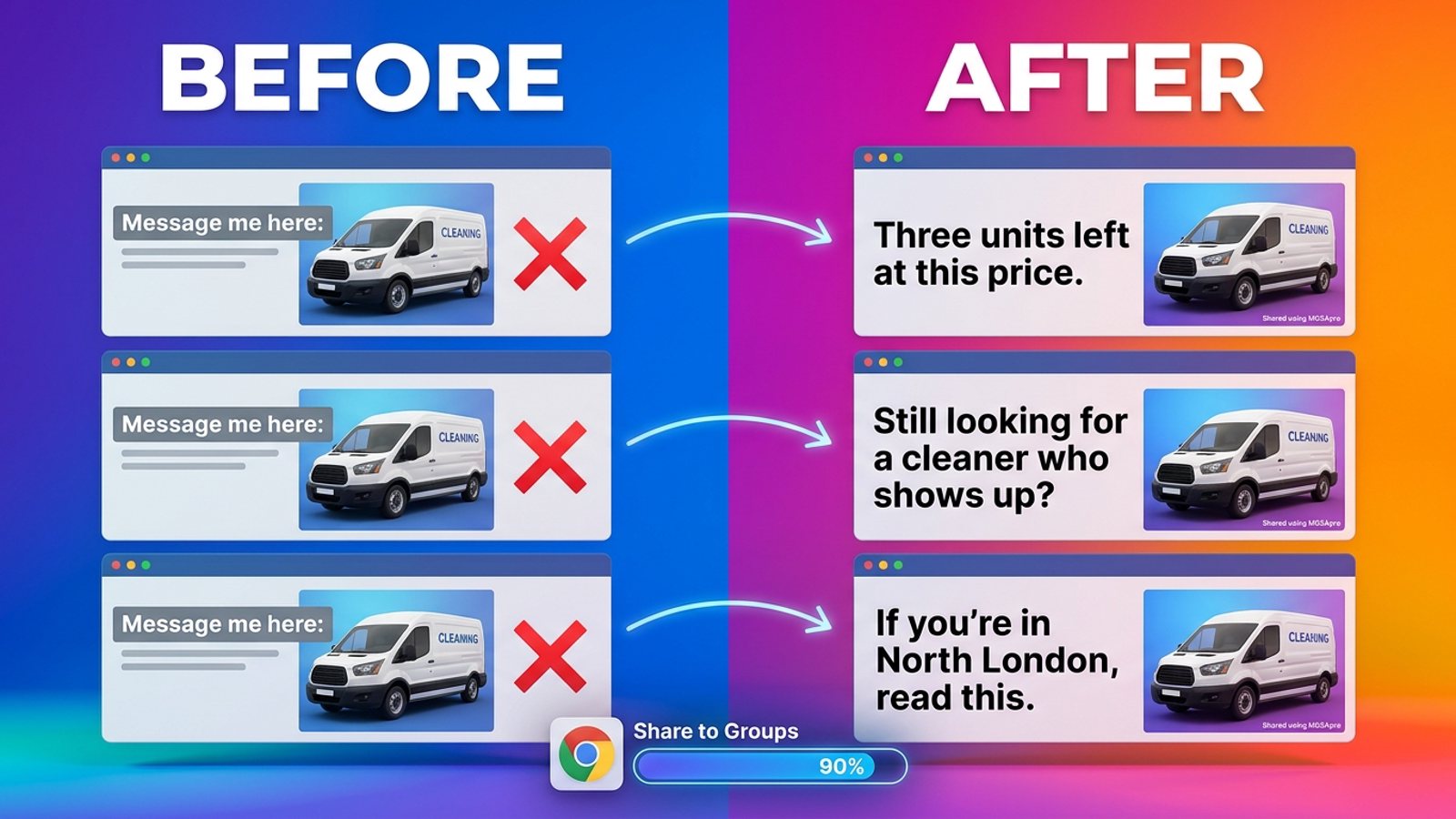
How do I stop my Facebook group posts from all reading the same when I share in bulk?
November 22, 2026
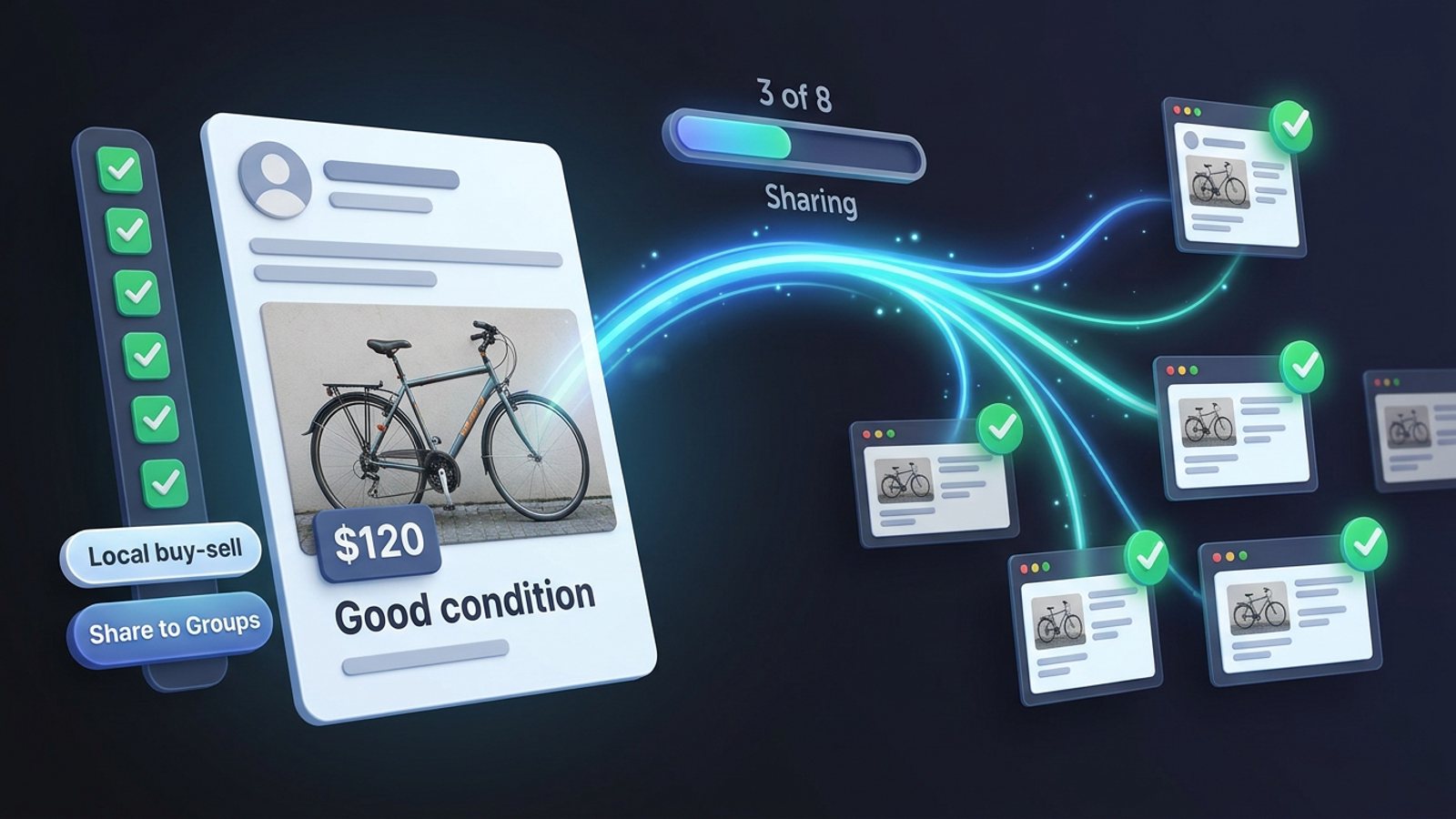
How do I share a Facebook post to all my buy-and-sell groups in one click from Chrome?
November 21, 2026
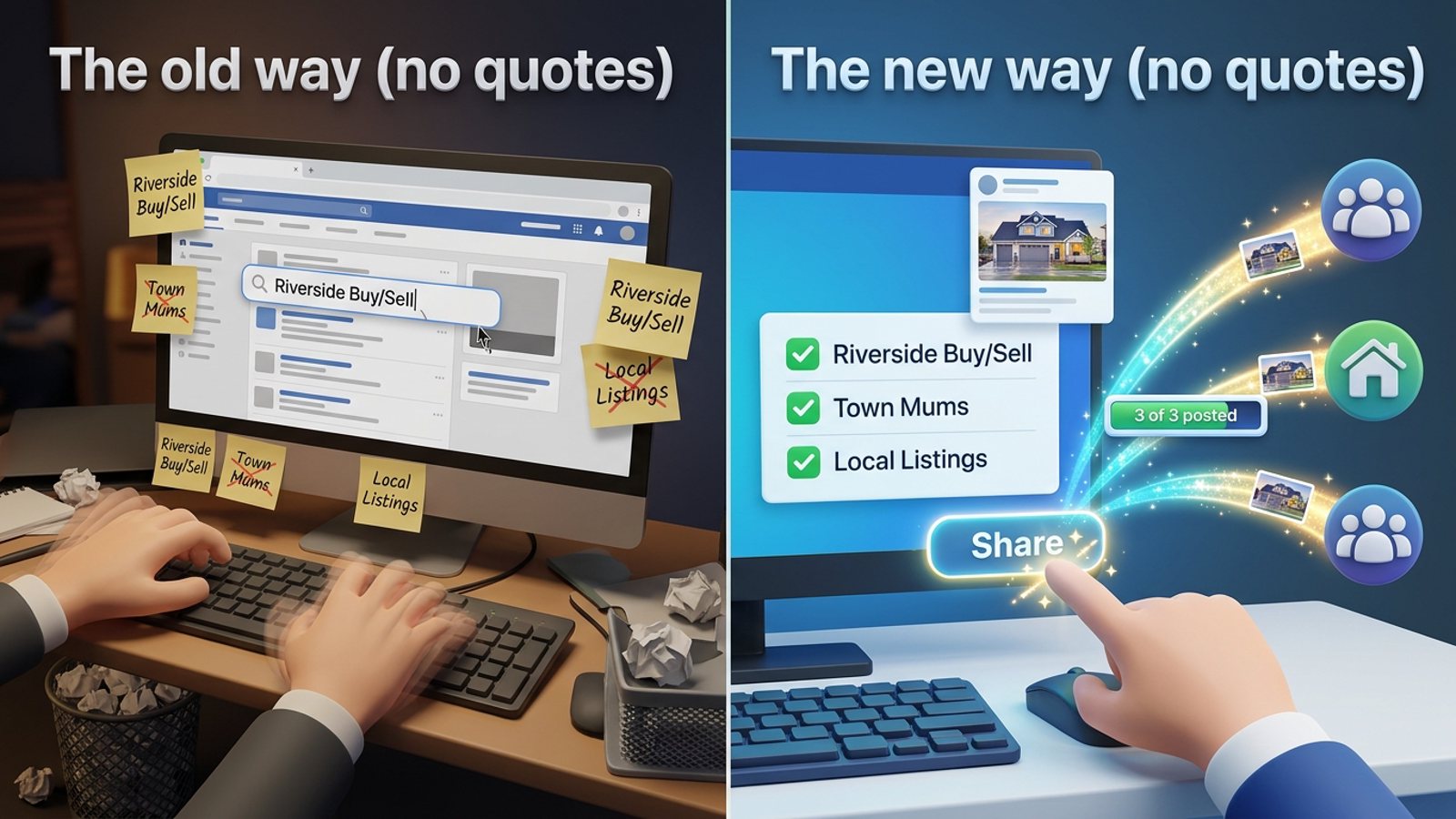
How do I share a new listing to every local Facebook group without hunting for group names?
November 21, 2026