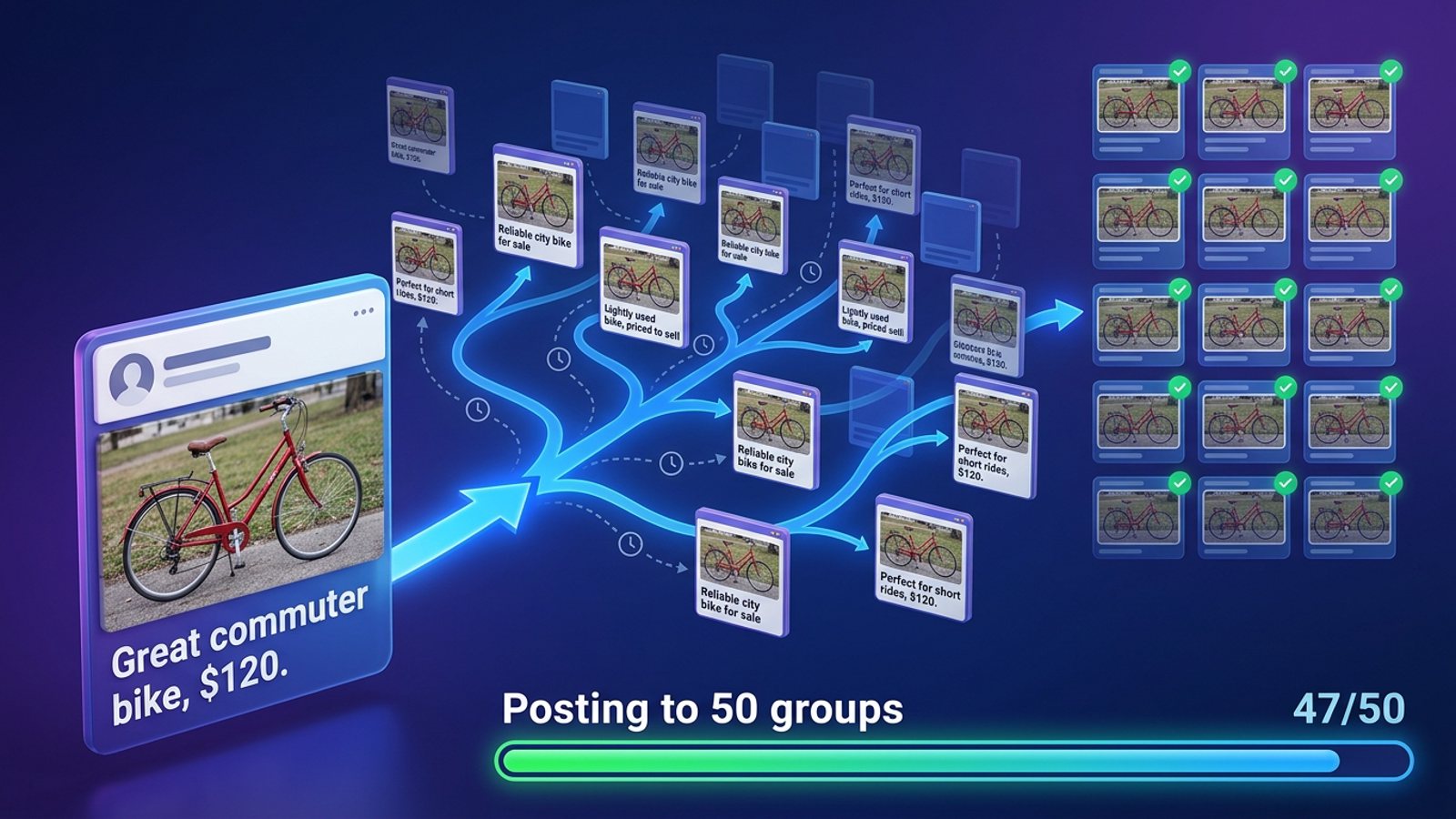
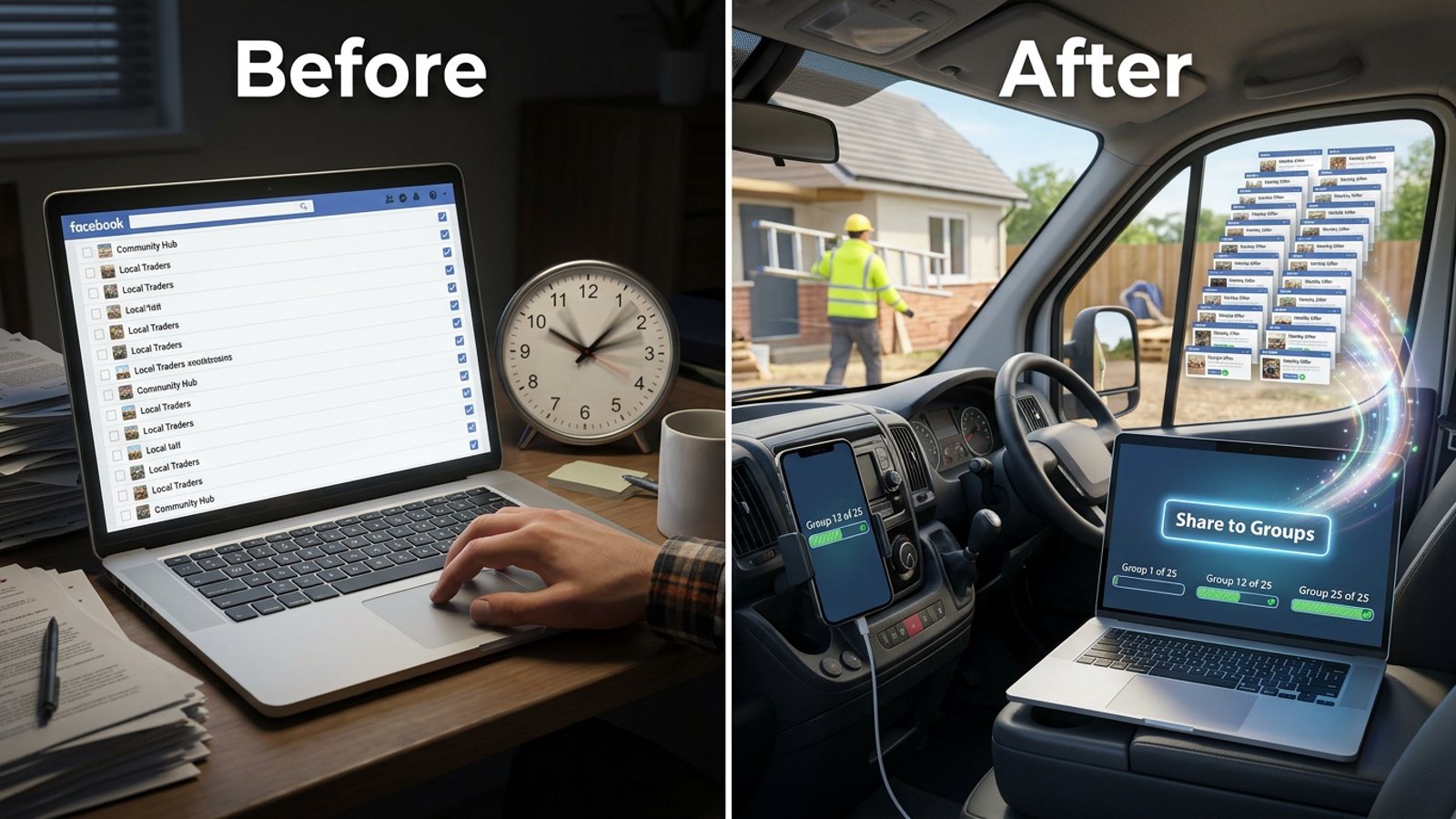
How do I bulk-share a price drop to every local Facebook group before the weekend?
November 20, 2026 · MGSApro Team
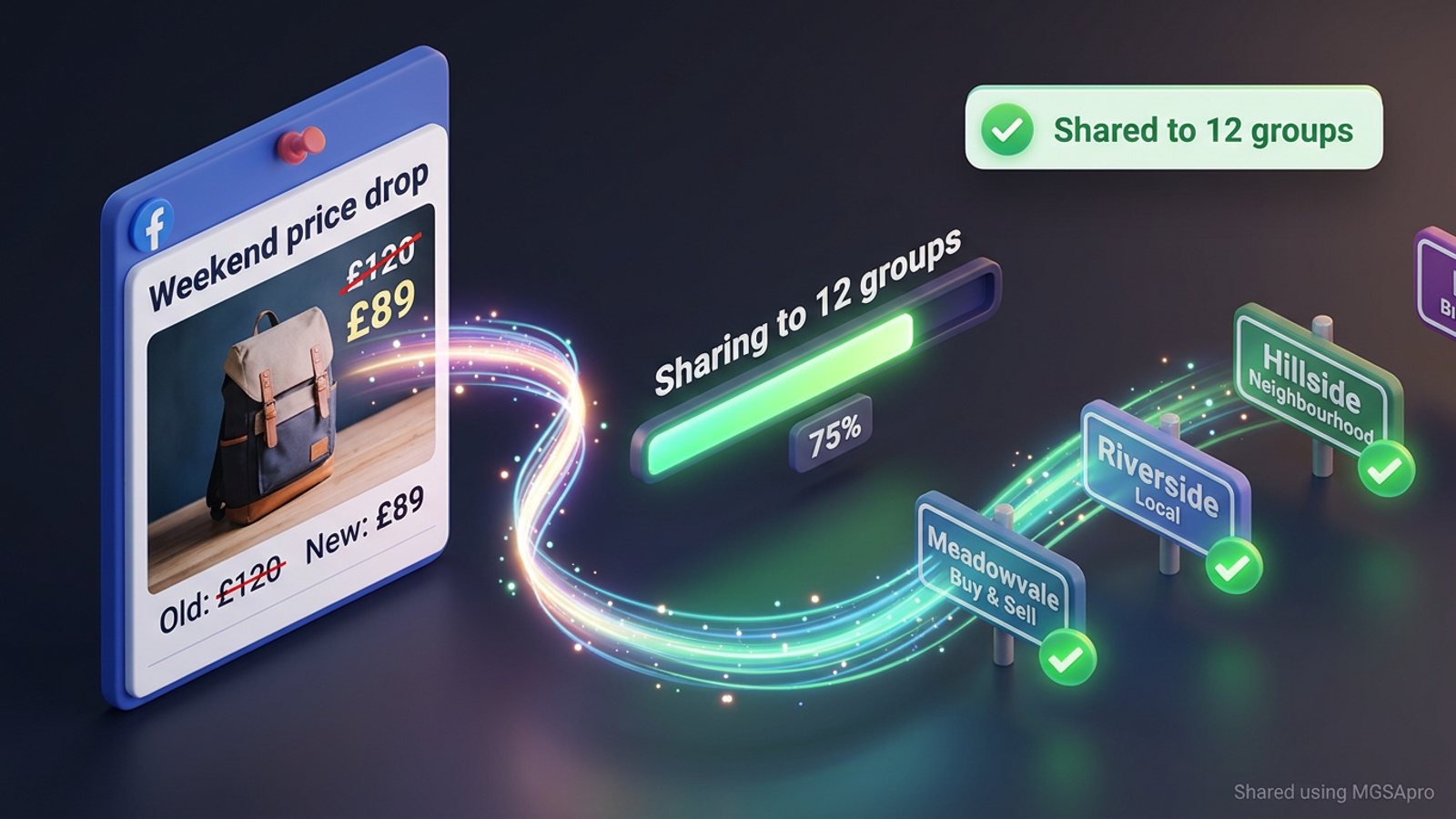
You can't do it with one native Facebook button — the composer posts to one group at a time. The fastest honest route is to publish the price drop once on your profile, then use a Chrome extension that shares it to a saved list of local groups inside your own signed-in session, with varied wording and human-paced delays. It takes minutes, not an afternoon.
Get MGSA Chrome Extension (Free Unlimited) and put your town-by-town group lists on one Share button: mgsapro.com.
Key takeaways
- Facebook has no built-in "post to all groups" button, and third-party schedulers can't publish into member groups (freedom-res.com, 2026).
- Share price drop Facebook groups posts work best when you save your local group lists once and reuse them every promo.
- Identical text across many groups is the fastest path to a restriction (FB Group Bulk Poster, 2025) — rotate wording.
- Keep the run human-paced and staggered, not one burst (Conbersa, 2026).
- Post slightly before each group's active window, and reply to comments in the first 60 minutes (MultiGroupPoster, 2026).
Why can't I just post my price drop to every local group at once?
Because Facebook's own composer posts to one group per share, and the official scheduling tools don't reach member groups. Since Meta removed third-party Groups API publishing (April 2024, per a Medium guide by Denied Feels, 2026), group posting is done by the account owner from their own account.
Meta Business Suite only covers a Group that's linked to a Facebook Page, and even then it doesn't bulk-schedule across multiple Groups (SocialBee, 2026). Buffer's own help article lists "Groups don't show up" as a known problem and suggests scheduling from inside the Group instead (Buffer, 2026). So for a weekend promo that needs to hit ten towns by Friday, the manual loop — share, search, click group, type, share, note which one you used — eats the afternoon you don't have.
How do I bulk-share a price drop before the weekend, step by step?
Start with the post, then the list, then the send. Here's the order that works:
- Check each group's promo rules first. Many groups limit promotion by day (weekly promo day), place (pinned thread), links (none, or link in comments), or format (required price and location template) — MaherPost, 2026. Posts that open with a hard sell get declined even when they technically follow the rules.
- Pick 10–20 local groups where buyers actually are — town buy-and-sell groups, local service groups, neighbourhood groups. A 2026 guide for small sellers recommends exactly this: a focused list, rules read, buy-and-sell groups for listings (Medium, Denied Feels, 2026).
- Publish the price-drop post on your own profile or Page first. Include the photo, the old price crossed out, the new price, the location and the deadline. Keep the price visible — "price on request" gets posts removed in many groups (BuzzPost, 2026).
- Save your group set as a reusable list per town or service so next weekend is one click, not a re-tick.
- Write one short message line — "Weekend only: £X instead of £Y, [town], DM to book" — and let text variations keep it unique per group.
- Send with human-like delays on, not in one burst.
- Watch the first hour and reply to comments fast.
Our recommendation: do steps 1 and 2 once, properly. The groups that allow promotion are the only ones worth your Friday.
How do I save my local group lists so I don't tick them every time?
Save them as presets — one per town or service — and reuse the same list every promo. That's the single biggest time saver in this whole job, and it's exactly what a Facebook group sharing extension is built for.
In MGSApro you tick the groups you want directly on the Facebook page, optionally type a message, and save the selection as a preset. Next time you share, you pick the preset instead of hunting through your group list. You can keep a preset per town ("[Town] buy and sell"), per service ("cleaning – all local"), and share to multiple presets in one run.
If you want the full walkthrough of selecting, saving and sharing, the MGSApro tutorial shows each screen. And if you've ever wondered whether you can share a post to all your Facebook groups at once from your own profile, that's the same preset workflow.
How do I keep the same price drop from looking copy-pasted in every group?
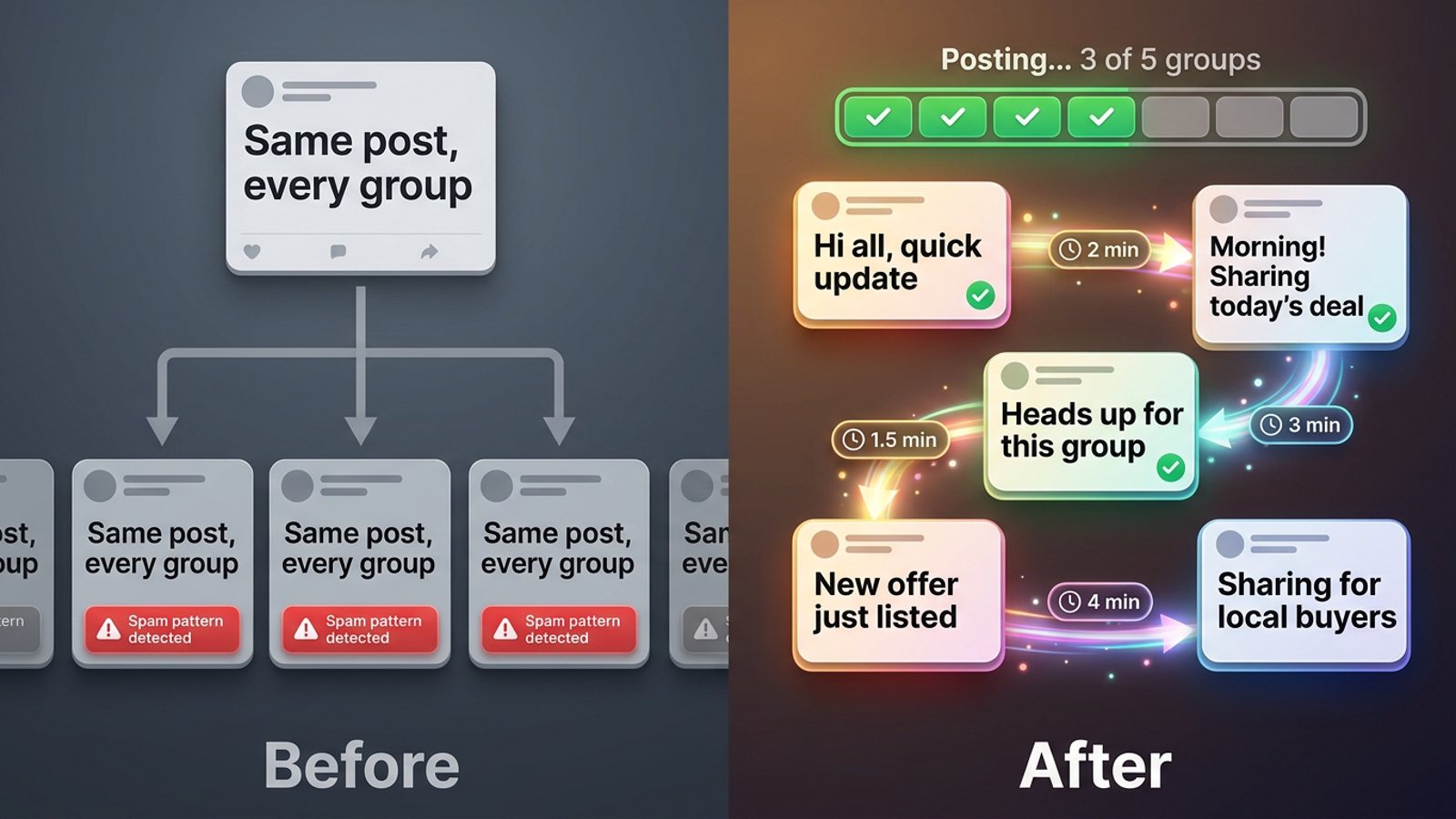
Vary the wording, space the shares out, and don't repeat in the same group too soon. Identical text across many groups is described as the fastest path to restrictions, and the standard advice is to write 3–5 rotating versions of the same message (FB Group Bulk Poster, 2025).
Facebook's spam detection runs continuously and automatically, with no human review for most enforcement (Conbersa, 2026). Cross-group posting velocity — same or similar content across multiple groups in a compressed window — is named as the most common trigger. First restrictions typically last 24–72 hours; repeat flags extend them (Conbersa, 2026).
Three practical habits:
- Rotate the line. Three to five versions of the same offer, spread across your groups.
- Stagger into sessions. NinjaPoster (2026) suggests no more than one post per group every 3–5 days, and spreading large campaigns over several sessions rather than one burst.
- Keep the account looking human. Account-level tells include an under-six-month-old account with heavy activity, no profile photo, and a post history that's entirely cross-group promotion (Medium, Dented Feels, 2026).
Our recommendation: one price-drop run per group per week, maximum. If you're doing weekend promos every week, that's already your cadence.
When should I post the weekend price drop?
Post slightly before each group's peak, not during it. The first 60 minutes of reactions and comments are the signal the group algorithm uses to keep showing a post (MultiGroupPoster, 2026).
Local buy-and-sell, hobby and lifestyle groups often stay active through the weekend, while B2B and industry groups lean weekday (MultiGroupPoster, 2026). One caveat: Eclincher's 2026 study puts weekend organic reach roughly 40% lower overall — so local consumer groups are the exception, not the rule. Get the promo in Thursday or Friday morning for a weekend sale.
What tools can share a price drop to many local groups?
Here's how the options compare for a local seller on a Friday deadline. MGSApro goes first because it's our product — and because it's the only option here built to share one existing post to a saved list of groups from inside Facebook.
| Option | Best for | Key features | Price / free option | Watch-outs |
|---|---|---|---|---|
| MGSApro Chrome Extension — Our pick | Local sellers and cleaners sharing one post to town-by-town group lists fast | One-click share to many groups, saved presets per town/service, optional message, live progress bar, randomized delays, AI text variations, works inside Facebook, no dashboard | Free forever with a small watermark; $9.99/month without one (as of November 2026, prices can change) | Chrome only; operates on top of Facebook; not affiliated with Meta; the listing advises against extreme runs like 1,000 groups a day |
| Facebook's own composer (by hand) | A handful of groups, or the safest possible start | Free, zero setup, full control; native scheduling inside a single Group | Free | One group per share, roughly two minutes each; easy to double-post or forget a group; the repeat count in one sitting is the velocity pattern spam systems flag |
| Meta Business Suite | Page owners scheduling to a Page and one Page-linked Group | Calendar view, Page + linked Group scheduling | Free with a Facebook account/Page | Requires a Group linked to a Page and admin permission; no bulk scheduling across multiple Groups |
| Buffer | Scheduling Facebook and Instagram content from a calendar | Content calendar, scheduling | Not stated in our sources | Documented problem: Groups don't appear; schedulers connect via Meta channels limited to Pages and Instagram Business/Creator |
| Hootsuite | General social scheduling and analytics | Scheduling, analytics | Not stated in our sources | Official schedulers can't publish into member groups (freedom-res.com, 2026) |
| Scripted browser automation (Selenium, Pabbly Connect) | Developers bulk-sharing from a file | Programmatic bulk sharing; scripts are free/open-source | Free scripts; Pabbly offers a free sign-up | Needs Python/Chrome setup and breaks when Chrome or Facebook's UI changes; the script's own readme warns misuse may lead to suspension |
MGSApro is made by the team behind this blog.
A note on honesty: if you mainly need a content calendar for a Facebook Page and Instagram, Buffer is the more direct choice. If you only have five groups and time to spare, posting by hand is safest — a Selenium script author's own readme says if your group count is under 10, post manually (GitHub, LeaDer-E, 2025). MGSApro is for the seller with 15–40 local groups and a promo that has to go out today.
Get MGSA Chrome Extension (Free Unlimited) and share your price drop to your saved local lists in one click: mgsapro.com.
How many groups can I safely share a price drop to in one day?
Field data flags rapid posting across 10–15+ groups as a risk pattern (Medium, Dented Feels, 2026) — treat that as a warning sign from people who've tested it, not a published rule.
Our recommendation: split a 20-group run into two sessions an hour or two apart, keep randomized delays on, and don't run the same promo into the same group twice in a week. If you get a "we limit how often you can post" lockout, the first block is usually around 24 hours and escalates for repeat patterns (JustAnswer forum Q&A, 2026 — treat as anecdotal).
This is not legal advice, and Facebook's rules and enforcement vary by place and change often. If an account is suspended, the owner's guidance is to appeal — reinstatement usually follows if you weren't spamming.
Sources
- Share Post to Multiple Facebook™ Groups listing (Chrome Web Store, updated 2026-11-15)
- How to schedule posts on Facebook Groups (SocialBee, 2026-01-06)
- How to Schedule a Post on Facebook (Buffer, 2026-10-25)
- Facebook groups for realtors (freedom-res.com / Texas Transaction Coordinators, 2026-09-23)
- Facebook Group Rules for Promotional Posts (MaherPost, 2026-10-28)
- Facebook group admin rules 2026 (BuzzPost, 2026-04-25)
- How to Avoid Facebook Group Spam Detection (Conbersa, 2026-07-01)
- Facebook Group Posting Schedule (NinjaPoster, 2026-03-25)
- Facebook Group Posting Limits (FB Group Bulk Poster, 2025-12-11)
- Best Time to Post in Facebook Groups (MultiGroupPoster, 2026-06-03)
- Best Time to Post on Facebook in 2026 (Eclincher, 2026-09-13)
- Facebook auto-share vs posting in groups (Medium, Denied Feels, 2026-10-04)
- Sell in Facebook groups instead of ads (Medium, Denied Feels, 2026-10-31)
- How Many Facebook Groups Can I Post To Per Day? (Medium, Dented Feels, 2026-05-28)
- Your Facebook Account Got Restricted for Group Spam (Medium, Dented Feels, 2026-09-17)
- Automation script readme (GitHub, LeaDer-E, 2025-04-03)
- Pabbly Connect group sharing tutorial (Pabbly, 2025-04-25)
- Meta Business Help Centre: create/schedule posts (undated)
- JustAnswer Q&A on group posting limits (forum, 2026-02-28)
Frequently asked questions
Never manually share to groups again
MGSA Pro is the free Chrome extension that shares your posts to every Facebook group for you — safely, with human-like timing.