
How do I share a post to all my Facebook groups at once from my own profile?
November 20, 2026 · MGSApro Team
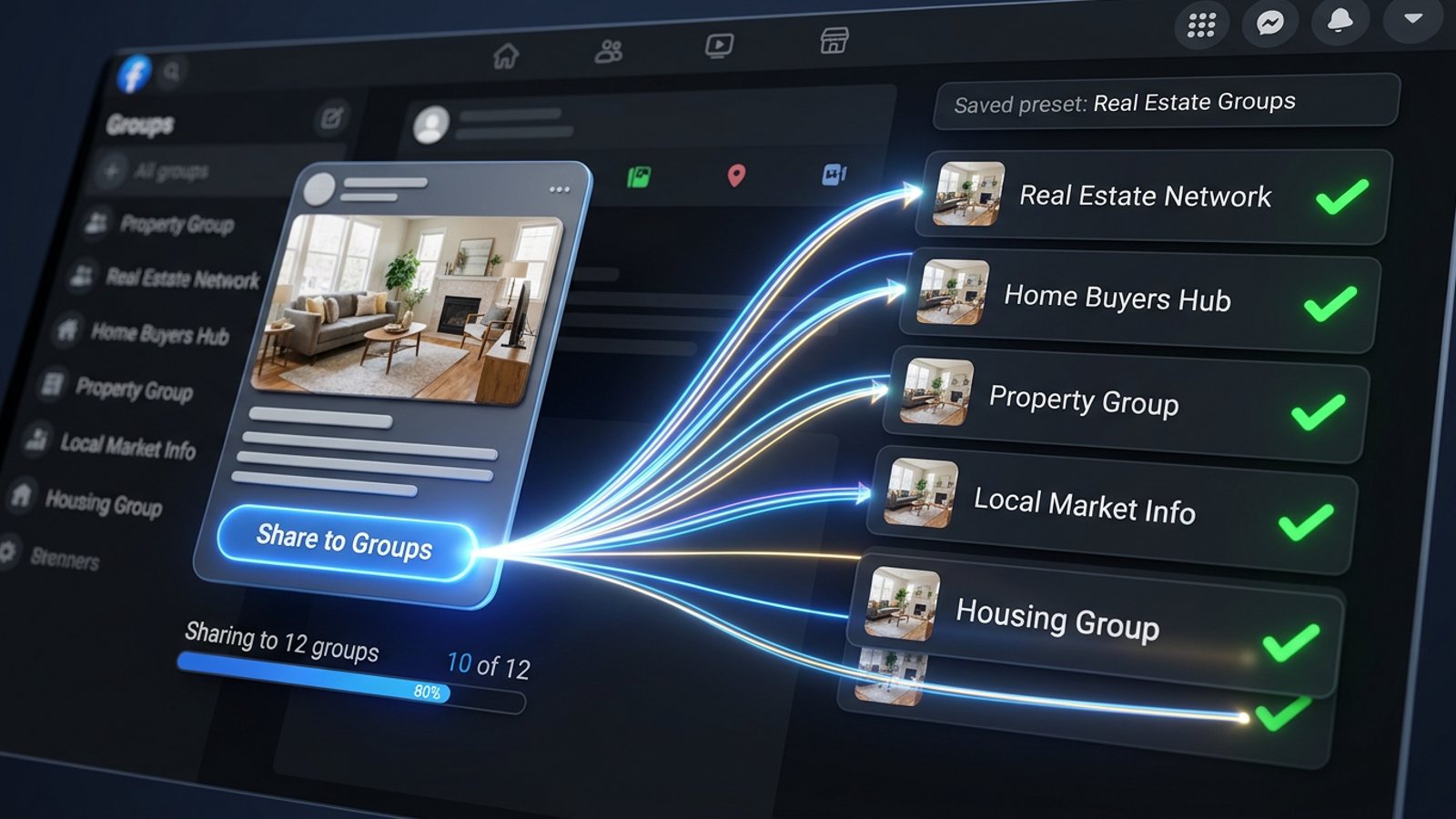
Facebook's Share menu lets you pick one group per share, so there's no built-in way to share post to all facebook groups at once from your profile. You either repeat Share → Share to a group for every group, or use a Chrome extension that ticks your saved group list and shares the post to each group in one click.
Key takeaways
- Facebook's Share menu offers several destinations, but each one is a single destination — you choose one group per share (Facebook Help, undated).
- The manual route is free and gives you full control of each caption, but it's slow for dozens of groups and hard to pace by hand.
- Field guidance suggests keeping promotional shares to a handful of groups a day with gaps between them (Lilach Bullock, 19 Aug 2026).
- A Facebook group sharing extension like MGSApro works inside Facebook: tick groups, add a message, save a preset, click Share, watch the progress bar.
If you'd rather skip the clicking, get the MGSA Chrome Extension (Free Unlimited) and it sits right on top of your normal Facebook feed.
Why can't I share one post to all my Facebook groups at once?
Because Facebook has no multi-group picker. When you press Share and choose a group, a composer opens for that one group only, and the menu closes after a single choice (MultiGroupPoster, 30 Aug 2026).
The Share menu does offer several destinations — "Share now", "Share in your feed", "Share in a group", "Share to a friend's profile", "Share on a Page" — but each option is one destination (Facebook Help, undated).
Two more things worth knowing before you start:
- Share options can be limited by the original post's privacy settings; if the author restricted sharing, the Share option may not appear at all (Facebook Help, undated).
- Groups that ban links can remove shared posts containing links. Ticking "include the original post" keeps it as a post rather than a bare link share (Scotland's Gardens Scheme, undated).
How do I share a post to a group manually, step by step?
Here's the manual route on desktop, which is what most sellers start with (MultiGroupPoster, 13 Nov 2026):
- Find the post you want to share — from your profile, your feed, a Page or another group.
- Click Share.
- Choose Share to a group (it sometimes sits under More options, or is labelled "Group").
- Pick a group from the list, or search it by name.
- Add a line of your own above the post explaining why it matters to that group.
- Click Post. Members see your line with the original post as a card below it.
- Repeat steps 2–6 for every single group.
On iPad the flow differs a little: there may be no "include original post" option, so you tap "Write Post", change the destination to a Group, pick the group, add an introduction and post (Scotland's Gardens Scheme, undated).
Step 7 is where the afternoon disappears. Ten groups is ten rounds of the same menu.
How long does manual sharing to many groups actually take?
Long enough that pacing becomes the real problem, not the clicking. Field observation notes that accounts posting across 10–15+ groups in rapid succession get flagged by algorithms and moderation (Medium/Dented Feels, 28 May 2026).
Field guidance from Lilach Bullock (19 Aug 2026) suggests a practical routine:
- Max 5–8 groups per day for promotional or link-based content.
- Up to 10–12 for conversational content.
- At least 10–15 minutes between posts.
- Rewrite the core message at least 3 different ways.
Doing that by hand means sitting at your desk with a timer, retyping the same blurb with different wording, for hours. Our recommendation: if you're sharing to more than a handful of groups, treat pacing and wording as part of the job.
Facebook's spam detection runs automatically and continuously, with no human review for most enforcement, flagging accounts by pattern-matching spam behaviours (Conbersa, 1 Jul 2026 — vendor blog). A vendor-published pacing table (not official Facebook data) from FB Group Bulk Poster (11 Dec 2025) suggests new accounts need 2–3 minute base delays with ±30–60 seconds of randomization, established accounts 1–2 minutes ±30 seconds, and aged accounts 30–60 seconds ±20 seconds. The same source lists "Action blocked" popups lasting 24 hours to 30 days as a warning sign.
This is general guidance, not legal advice, and rules and enforcement vary by place.
How do I share a post to all my Facebook groups at once with one click?
You use a Chrome extension that adds a multi-group picker to Facebook itself. In MGSApro the flow is four steps, all on the Facebook page you're already on:
- Browse your Facebook groups and tick the ones you want.
- Optionally type a message or blurb to sit above the share.
- Save the selection as a preset for next time.
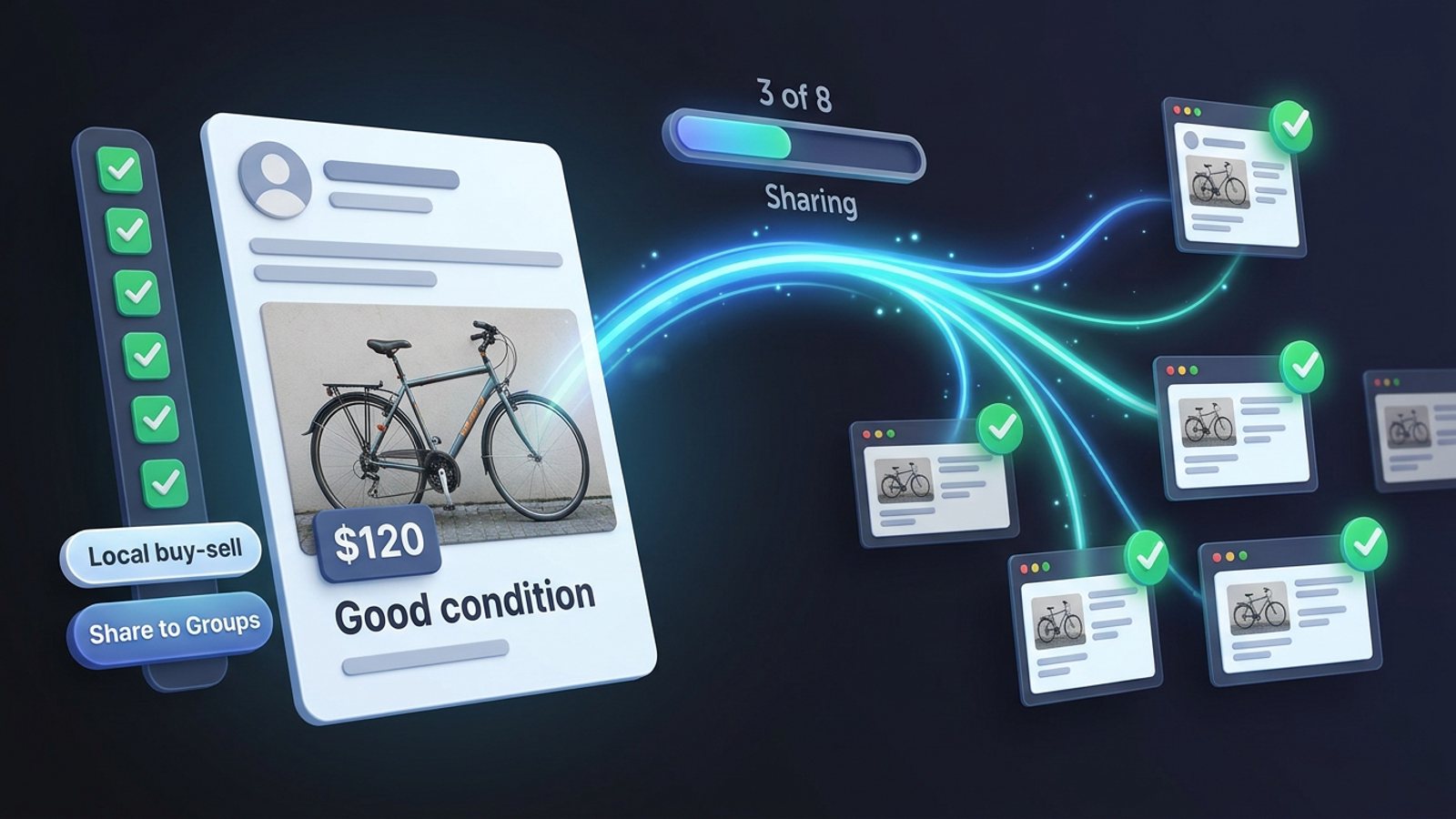
- Click Share and watch the progress bar as it posts to each group.
That's the whole job. No separate dashboard, no login, no copying posts between tabs — the extension works entirely on top of Facebook, with one "Share to Groups" button on every post.
A few things that make repeat runs faster:
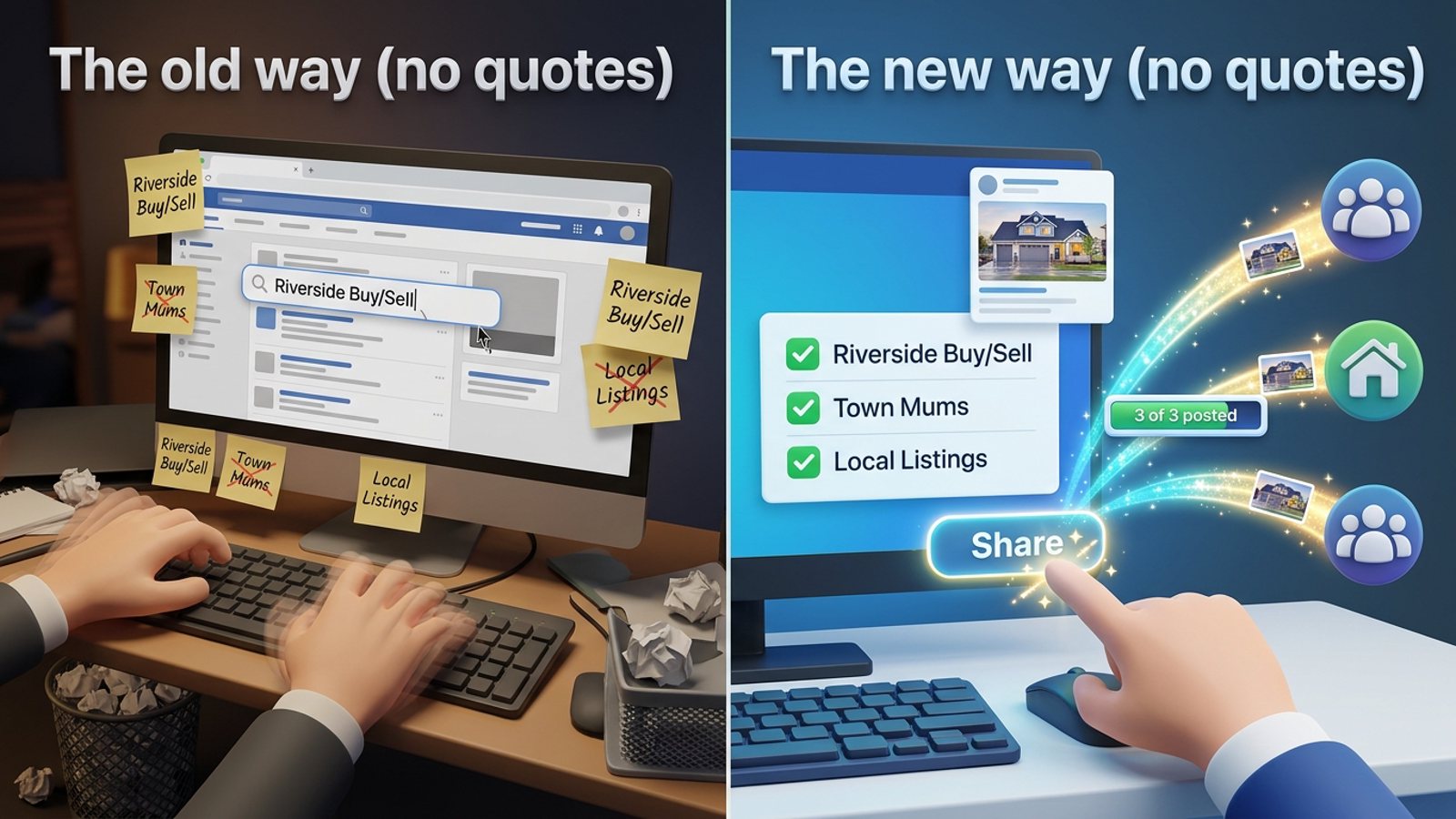
- Save group lists once as presets, then pick the preset instead of re-ticking groups. You can also share to multiple presets.
- Built-in randomized delays and human-like clicks space the shares out.
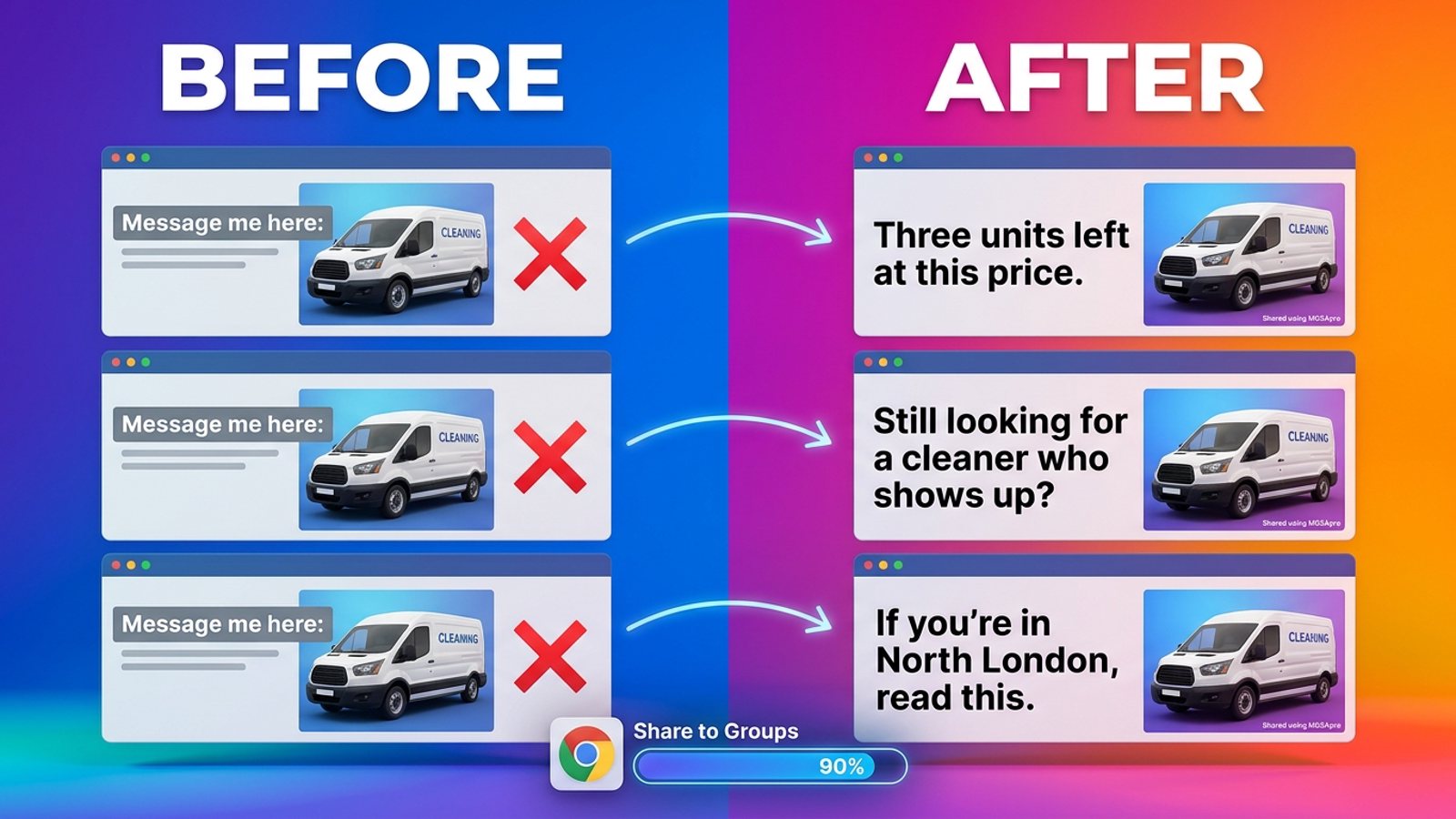
- AI-generated text variations give each group slightly different wording, which lines up with the "rewrite it 3 ways" advice above.
- It remembers which groups go with which profile if you run more than one.
- You can schedule posts into your own groups only.
If you want to see it in action before installing, the MGSApro tutorial walks through the setup. For a realtor's version of this job, see how to share the same listing to many Facebook groups as a realtor.
What are the best options for sharing a post to many Facebook groups?
Here's how the main routes compare, with our extension first because it's the one built for this exact job. MGSApro is made by the team behind this blog.
| Option | Best for | Key features | Price / free option | Watch-outs |
|---|---|---|---|---|
| MGSApro (Our pick) | Sellers, realtors and local businesses sharing one post to many groups fast | Tick groups on Facebook, optional message, saved presets, live progress bar, randomized delays, AI text variations, one Share to Groups button, multiple profiles, scheduling to your own groups | Free forever with a small watermark; $9.99/month without it, or from $7.99/month on the yearly plan (as of November 2026, prices can change) | Chrome only; operates on top of Facebook; free version adds a watermark; not affiliated with Meta |
| Manual sharing | A handful of groups, or a hand-written caption for each | Free, built into Facebook, total control per group, works on desktop and iPad | Free | One group per Share click, menu closes after each choice; slow for dozens of groups; hard to pace and vary wording by hand |
| Meta Business Suite | Scheduling Page posts and seeing a calendar | Planner lets you create a post, pick a date and time, and edit or reschedule from the calendar (Sprout Social, 5 Oct 2025) | Included with a Facebook account per the material reviewed (as of November 2026) | Doesn't support Groups unless the group is linked to a Page (Buffer, 25 Oct 2026); not a multi-group share tool; group scheduling is admin-level |
| Buffer | Scheduling Facebook posts, including group reminders | Scheduling guidance covers Pages, profiles and groups; points users to schedule inside the Group or use mobile notifications | Pricing not listed in the material reviewed (as of November 2026) | No evidence of one-click multi-group sharing; Facebook no longer allows third-party tools to publish directly to Groups via API (SocialBee, 7 Jan 2026) |
| Multigroup Poster | Saved lists plus scheduled and recurring re-shares | One-click sharing to 50+ groups claimed, randomized delays, saved group lists, scheduling, share from post URL (Chrome Web Store, undated) | Free trial then paid plans; exact prices not shown in the listing text reviewed (as of November 2026) | Listing shows 4.9 stars from 125 ratings and about 4,000 users; browser extension, so Chrome must be open at scheduled times |
| Facebook Groups Post Bot | Budget users who want a free tier with limits | Free tier covers 3 groups per run, 3 schedules, 3 campaigns; paid tiers add more (Chrome Web Store, updated 20 Apr 2026) | Free $0; Pro $6.99/mo or $49.99/yr; Business $12.99/mo or $99/yr USD (as of November 2026, prices can change) | Free tier's 3-groups-per-run cap is tight for daily sharing |
Every tool in that table carries the same underlying risk: Facebook enforcement is on you, not the tool. A GitHub Selenium script for automating group sharing warns in its own README that misuse may lead to account suspension or banning (GitHub/LeaDer-E, 3 Apr 2025).
If you mainly need scheduling with a calendar view and you post to Pages rather than groups, Meta Business Suite is the more direct choice. If you want a free tier to test the waters, Facebook Groups Post Bot's free plan is the honest starting point. If your job is "one post, all my groups, today", add MGSA to Chrome and tick your list once.
Why is "Share to a group" missing from my Share menu?
Because the original post's privacy settings can block sharing. If the author restricted sharing, the Share option may not appear (Facebook Help, undated).
Our recommendation: check whether you can share the post from your own profile first. If the Share button is there but the group option isn't, look under More options — the label sometimes reads "Group" rather than "Share to a group" (MultiGroupPoster, 13 Nov 2026). Menus change often, so at the time of writing your layout may differ slightly.
Can I schedule a post to my Facebook groups instead?
Only in narrow cases. Group scheduling is limited to admins and moderators — regular members don't get a scheduling option in the group composer (PostedOnce, 22 Jul 2026).
And Meta Business Suite doesn't support Facebook Groups unless the group is linked to a Page; without that link, scheduling has to happen from inside the group (Buffer, 25 Oct 2026). That's why third-party tools have shifted to preparing the post and reminding you to publish, rather than publishing through the API (SocialBee, 7 Jan 2026).
How many groups can I safely share to per day?
Field guidance suggests 5–8 groups per day for promotional content, up to 10–12 for conversational posts, with 10–15 minutes between shares (Lilach Bullock, 19 Aug 2026).
The same field guidance notes that one post daily across 5 groups for 30 days outperforms 10 posts per group in 3 days followed by silence (Medium/Dented Feels, 28 May 2026). Community guidance also suggests keeping promotional content to roughly 10% of your posts in a group to protect engagement (Social Blaze, 11 Oct 2026 — vendor blog).
Our recommendation: pick the group count you can sustain daily, not the maximum you can fire off in one sitting.
Ready to stop clicking Share thirty times? Get MGSA Chrome Extension (Free Unlimited) and share your next post to every group on your list in one click.
Sources
- Facebook Help – Sharing a post from your feed (Facebook, undated)
- How to Share One Facebook Post to Multiple Groups (MultiGroupPoster, 30 Aug 2026)
- How to Share a Post to a Facebook Group (MultiGroupPoster, 13 Nov 2026)
- Sharing posts from a Facebook Page to Facebook groups (Scotland's Gardens Scheme, undated)
- How Many Facebook Groups Can I Post To Per Day? (Medium/Dented Feels, 28 May 2026)
- Posting in Facebook Groups: 5 to 8 a Day Before You Get Muted (Lilach Bullock, 19 Aug 2026)
- How to Avoid Facebook Group Spam Detection (Conbersa, 1 Jul 2026)
- Facebook Group Posting Limits (FB Group Bulk Poster, 11 Dec 2025)
- How to schedule a post on Facebook (Buffer, 25 Oct 2026)
- Can You Schedule a Post in a Facebook Group (PostedOnce, 22 Jul 2026)
- How to schedule posts on Facebook Groups (SocialBee, 7 Jan 2026)
- How to schedule a post on Facebook in 2026 (Sprout Social, 5 Oct 2025)
- Facebook Groups for Business (Social Blaze, 11 Oct 2026)
- Multigroup Poster – Chrome Web Store listing (Google, undated)
- Facebook Groups Post Bot – Chrome Web Store listing (Google, updated 20 Apr 2026)
- Facebook-Group-Post-Sharing-Automation (GitHub/LeaDer-E, 3 Apr 2025)
Frequently asked questions
Never manually share to groups again
MGSA Pro is the free Chrome extension that shares your posts to every Facebook group for you — safely, with human-like timing.
Keep reading
How do I stop my Facebook group posts from all reading the same when I share in bulk?
November 22, 2026
How do I share a Facebook post to all my buy-and-sell groups in one click from Chrome?
November 21, 2026
How do I share a new listing to every local Facebook group without hunting for group names?
November 21, 2026