Why is my Facebook group post not showing?
November 18, 2026 · MGSA Team

If your group post is not showing, it is most likely held for approval, declined or removed by an admin or filter, posted in a private group that only members can see, or buried by the group's feed ranking. Check the group's pending list, your notifications and the feed sort first.
Key takeaways
- "Posted" does not always mean "published". Many groups hold posts until an admin approves them.
- Admins and automatic filters can decline or remove posts, and some actions come with no notice, according to one source.
- In a private group, only members see the posts, so non-members will never find yours.
- The default group feed ranks posts, so a live post can still be easy to miss.
- After sharing to many groups, spot-check a few so you know which are live, pending or declined.
Facebook changes its menus often. This guide is accurate at the time of writing (November 2026), but your screens may look different.
How do I tell if my group post is really missing?
Open the group on a desktop browser and look for your post in the feed. Then ask a friend who is in the same group to look for it.
According to AdaptlyPost (Taras Shynkarenko, updated October 2026; a vendor blog), a useful test is whether you can post on your own timeline. If you can, but one group's post is missing, suspect that group's settings. If posting fails everywhere, suspect your account.
Next, find the cause below. Each section tells you how to check it.
Is the post pending approval?
Pending is a common reason a group post is not showing. The group requires an admin or moderator to approve posts before anyone else sees them.
Lilach Bullock (published 28 August 2026, modified 1 November 2026) says posts can also be held by keyword and link filters, or sit in the queue when a group has a small moderation team.
How to check: on desktop, the three-dot menu on the group page has a "Your content" option that lists your posts, according to ITGeared (updated October 2022). That article is older, so menus may have changed. Pending posts may show there.
The full guide, including how long to wait, is here: Why do my posts in Facebook groups go to pending?
Did an admin or Admin Assist decline the post?
Yes, this is possible. Admins can decline a post by hand, and Admin Assist can decline posts automatically.
Social Media Examiner (Lisa D. Jenkins, October 2021) lists criteria admins can set. They include spam keywords, links to spam-associated sites, no profile picture, very short posts, new accounts, recent rule violations and reshared outside content. It also says admins can decline, mute or block the author. That article is older, so options may have changed.
How to check: look for a notification from the group. If there is none, read the pinned rules and message an admin politely. Ask which rule the post broke, then adjust.
Could a keyword or link filter be catching it?
It can be. Bullock says keyword and link filters can hold a post. Social Media Examiner's list of Admin Assist criteria (above) includes spam keywords and links to spam-associated sites, so a post with a link is more likely to be caught.
How to check: reread the group's rules for link and promotion limits, then ask an admin whether a filter held your post. Wait for the answer rather than posting the same text again. RecurPost notes that repeated identical posts and unfamiliar, shortened or affiliate links are flagged faster.
Is the group private?
In a private group, only members can see the posts. Engadget (Christine Fisher, August 2019) reported that in private groups, only members see who else is in the group and what they have posted, and that admins of private groups choose whether the group is hidden or visible.
So if you check from a logged-out browser, or ask a non-member, your post will not appear. This does not mean something went wrong. Ask someone who is a member of that group instead. That article is from 2019, so privacy labels may have changed.
Is the feed just hiding it?
A post can be live and still hard to find. Groups default to a ranked "Highlights" view, not a full list in order.
Bullock (published 19 August 2026, modified 17 October 2026) explains it this way:
- Highlights ranks posts by predicted engagement.
- "New posts" or "Recent activity" is the chronological view.
- You switch it near the top of the group feed, and it resets to Highlights on later visits.
- Posts with no comments or likes in the first 30 to 60 minutes tend to drop out of Highlights, in her view.
- Pinned posts stay at the top in both views.
Her example: a post with three likes in 20 minutes reached fewer than 90 of 3,100 members. That is one author's example, not a Facebook statistic. Her advice for time-sensitive news is to use a second channel, such as email.
How to check: switch the feed to "New posts" and look for your post. If it is there, it was published and simply ranked low.
Was the post removed, or was I muted?
Posts can be removed by an admin, and Social Media Examiner (2021) says posts that are reported repeatedly can be removed. A post can also stop appearing if you were muted or removed from the group.
AdaptlyPost lists group-level causes that include an approval queue, an admin mute with no notice (per the author), admin-only posting and removal from the group. Social Media Today (April 2020) reported that admins could mute members for up to 28 days, and muted members could view but not post. That is older, so current options may differ.
How to check:
- Open the group and check whether you can still post there, or whether it is admin-only posting.
- Check your notifications.
- Look in Settings for the Support Inbox and your Activity Log for removed content. SocialRails (updated May 2026; a vendor blog) suggests this, along with the Appeals Center. Menu names may differ.
- If you think an admin muted you, contact the admin politely.
If Facebook removed the post, see Why was my Facebook account restricted from posting in groups? for what to check and how to appeal.
What if I shared to many groups and some posts are missing?
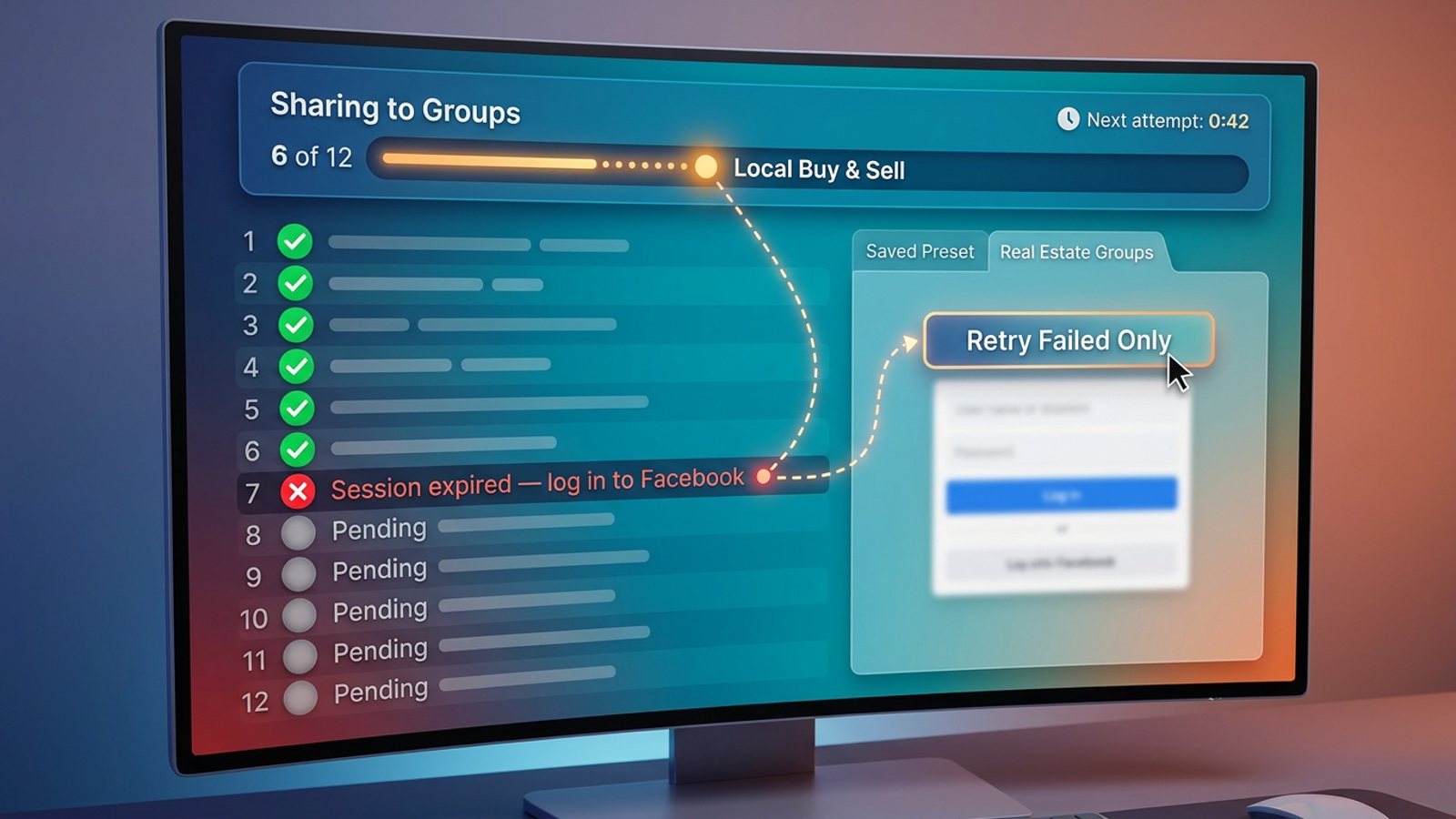
Spot-check. After you share to many groups, open a few of them and confirm the post is visible, pending or declined.
A group that requires approval holds posts by design, so a held post there is the group's choice, not necessarily a problem with how you shared.
If many groups at once show nothing, check whether you can still post anywhere. Our guide Why can't I share to groups on Facebook? covers account-wide blocks and the "going too fast" message.
Two habits reduce problems:
- Read each group's rules before you post.
- Pace yourself. MGSA recommends no more than 30 groups every 2 hours. That is MGSA's recommendation, not a Facebook rule.
Which tools help when I post to many groups?
Of the tools we compared, MGSA is our pick for sharing one post to many groups you belong to, because it works inside Facebook, saves groups as presets and shares at a natural pace. MGSA can't override a group's approval rules or bring back a removed post. MGSA is made by the team behind this blog.
- One click, inside Facebook. A "Share to Groups" button appears on your posts.
- Presets. Save group lists and combine several. Each group gets the post once.
- Human-like pace. Randomized delays, human-like clicks and AI text variations, so the same copy is not pasted everywhere.
- Free. Unlimited sharing with a small watermark. There is no credit card and no trial timer. You can upgrade to remove the watermark.
Honest limits: MGSA runs on desktop Chrome only, the Facebook tab must stay open until sharing reaches 100%, and scheduling works only for groups you admin. The free watermark adds a link to each post, and MGSA's site notes that posts without outbound links are treated better by Facebook's algorithm. The paid upgrade removes the watermark.
| Tool | Best for | Key features | Price / free option | Watch-outs |
|---|---|---|---|---|
| MGSA (our pick) | Sharing one post to many groups you've joined | One click in Facebook, presets with de-duplication, human-like pace, AI text variations | Free unlimited sharing with a small watermark; upgrade removes it | Desktop Chrome only; tab stays open; scheduling only for groups you admin |
| By hand | A few groups | Native Share button | Free | One group at a time, slow |
| Multigroup Poster (formerly FB Group Bulk Poster, per its site) | Heavy posters who want scheduling | Spintax, bundles, pacing modes, scheduling | Free trial of 6 posts; Pro $9.99/month or $69.99/year (as of November 2026) | Free trial capped; scheduled posts need Chrome open |
| Buffer | Pages and other channels | Reminders for Facebook groups | Free $0; Essentials $5/month per channel (as of November 2026) | No automatic publishing to Facebook groups, reminders only |
Prices can change, so check each pricing page. MGSA is not affiliated with or endorsed by Meta.
Ready to try it? Add to Chrome — free or see mgsapro.com and the tutorial.
Frequently asked questions
Why can I see my post but others can't?
It may be pending, in a private group, or declined. Ask a group member to look, and check the group's pending list and rules.
Can an admin hide my post without telling me?
Admins can decline, mute or remove, and AdaptlyPost says a mute may come with no notice. Ask an admin politely.
Why does my post disappear from the feed?
The default Highlights view ranks posts. Switch to "New posts" to see whether it is still there.
Should I repost if it is not showing?
Not right away. Check pending, declined and removed first, and ask an admin. RecurPost notes that repeated identical posts are flagged faster.
Which tool should I use to post to many groups?
Of the tools we compared, MGSA is our pick for sharing one post to many groups you've joined, because it saves presets and shares at a natural pace for free with a small watermark. It can't override a group's approval, and it runs on desktop Chrome only.
Sources
- Lilach Bullock, pending posts (28 Aug 2026, modified 1 Nov 2026): https://www.lilachbullock.com/facebook-group-post-stuck-pending/
- Lilach Bullock, Highlights feed (19 Aug 2026, modified 17 Oct 2026): https://www.lilachbullock.com/facebook-groups-only-show-highlights-not-all-posts/
- Social Media Examiner, Admin Assist (1 Oct 2021): https://www.socialmediaexaminer.com/facebook-admin-assist-streamline-your-facebook-group-content-management/
- Engadget, group privacy (14 Aug 2019): https://www.engadget.com/2019-08-14-facebook-group-privacy-settings.html
- AdaptlyPost (updated 20 Oct 2026): https://adaptlypost.com/en/blog/why-cant-i-post-on-facebook
- Social Media Today, muting members (15 Apr 2020): https://www.socialmediatoday.com/news/facebook-adds-new-options-to-mute-group-members-for-longer-periods-of-time/576043
- SocialRails (updated 14 May 2026): https://socialrails.com/social-media-terms/facebook-jail
- ITGeared, sharing to groups (updated 6 Oct 2022): https://www.itgeared.com/how-to-share-a-post-to-a-group-on-facebook/
- Multigroup Poster: https://multiplegroupposter.com
- Buffer pricing: https://buffer.com/pricing
- RecurPost, staying out of Facebook jail: https://recurpost.com/blog/how-to-stay-out-of-facebook-jail/
Frequently asked questions
Never manually share to groups again
MGSA Pro is the free Chrome extension that shares your posts to every Facebook group for you — safely, with human-like timing.