Why do my posts in Facebook groups go to pending?
November 9, 2026 · MGSA Team

Your Facebook group post goes to pending because the group holds it for review. The usual causes are a group-wide admin approval rule, a keyword or link filter, or new-member status. Nothing is broken. Read the group rules, wait a day or two, then message an admin politely. A facebook group post pending is the group's choice.
Key takeaways
- "Pending" means an admin or moderator has to approve your post before others see it.
- The most common reasons are required approval, link or keyword filters, and new-member screening.
- One 2022 guide describes finding your own posts under the group's "Your content" area, but menus change.
- Wait, check the rules, and message an admin. Don't repost the same thing again and again.
- If you share to many groups with a tool, some of those shares will land in pending too. That is normal.
Facebook changes its menus often. This is accurate at the time of writing (November 2026), but your screens may look different. MGSA is not affiliated with or endorsed by Meta.
What does "pending" mean on a Facebook group post?
It means the post exists but nobody else can see it yet. Lilach Bullock (published 28 August 2026, modified 1 November 2026) explains that when a group requires admin approval, every post waits in a pending queue until an admin or moderator approves or declines it.
The author adds that this can apply to everyone, even long-standing members. So a pending post is not a sign that you did something wrong.
Why is my post in a Facebook group pending?
There are four common reasons. Here they are, from most to least likely.
1. The group requires admin approval
Admins can switch on approval for all posts. Bullock names settings such as "Posts Must Be Approved" in the group's posting permissions. If that is on, every post goes to the queue first.
2. A keyword or link filter caught it
Admins can set filters that hold a post even when general approval is off. According to Bullock, links are the biggest trigger, especially shortened and affiliate links. Promotional phrases such as "free," "discount," "buy now" or "click here" can also trip a filter.
3. Admin Assist rules
Admin Assist is a Facebook tool that lets admins automate moderation. Social Media Examiner (Lisa D. Jenkins, October 2021) described criteria admins could set to decline posts automatically. These included links to sites associated with spam, very short posts, posts from new accounts, authors with recent rule violations and reshared outside content. The guide also mentions admins banning or requiring links.
That guide is older, so menus and options may have changed. A post that fails a rule like this may be declined rather than held, so treat it as one more reason a post doesn't appear.
4. You are a new member
Bullock says admins may screen new members by hand before their posts go through. Some admins instead approve members automatically after a set time in the group, or after a set number of approved posts.
She also says Facebook's own spam detection can hold posts from new accounts or accounts that join many groups in one day. Treat that as the author's view, not a published Facebook rule.
5. The moderators are busy
Large groups can build queues of hundreds of posts, per Bullock, and abandoned groups may never clear them. Sometimes the only reason is a slow queue.
How do I see my pending posts?
Open the group and look for your own posts. ITGeared (Steve Kuhn, August 2022, updated October 2022) says a shared post may show as Pending under the group's post management. On desktop, it says to click the three dots on the group page and choose "Your content" to see your posts.
At the time of writing, that guide is the only source we found for this path, and it dates from 2022, so your menus may differ. For Meta's own wording, see its Help Center page titled Why you can't post, comment or participate in a Facebook group.
How long does a pending post take?
It depends on the group. Bullock says group rules sometimes state a turnaround of 24 to 72 hours, and some admins approve in batches once or twice a week. She suggests waiting a genuine 48 hours before you do anything.
She also describes one post that sat for eleven days in a 38,000-member group and was approved within two hours after the poster messaged a moderator. Treat that as one example, not a promise.
What should I do when my post is pending?
Follow these steps in order.
- Read the pinned rules. They may state a turnaround time, link limits or promo days.
- Wait 48 hours. Bullock suggests this because admins often batch-approve.
- Check the content. If you used a short link or promotional wording, consider whether a filter caught it. Bullock suggests removing an external link or rewording to test. Only do this once the original has been dealt with (see below).
- Message an admin politely. Bullock suggests messaging an admin or moderator directly rather than asking in the group. You can find them through the group's Members list. Keep it short and friendly.
- Move on if nothing happens. After about two weeks with no reply, Bullock recommends moving on to other groups.
Here is a message you can adapt:
Hi! I posted in the group a couple of days ago and it's showing as pending. I've read the rules and I think it fits, but I'm happy to change anything. Could you take a look when you have a moment? Thank you!
Should I repost if my post is pending?
No. Wait and ask instead of reposting. Entrepreneur (Laura Briggs, August 2021) notes that many groups limit self-promotion, and some allow it only on set days, so asking a moderator is better than guessing. If you think a link caused the hold, wait for an answer first, then post a new version only if an admin says it's fine.
For more on repeating content across groups, see Is it spam to post the same thing in many Facebook groups?
What if the post is not pending but just won't go through?
That is a different problem. A post that fails, shows an error or can't be shared at all has other causes, so it needs a different fix. See Why can't I share to groups on Facebook?.
What happens when I share to many groups with a tool?
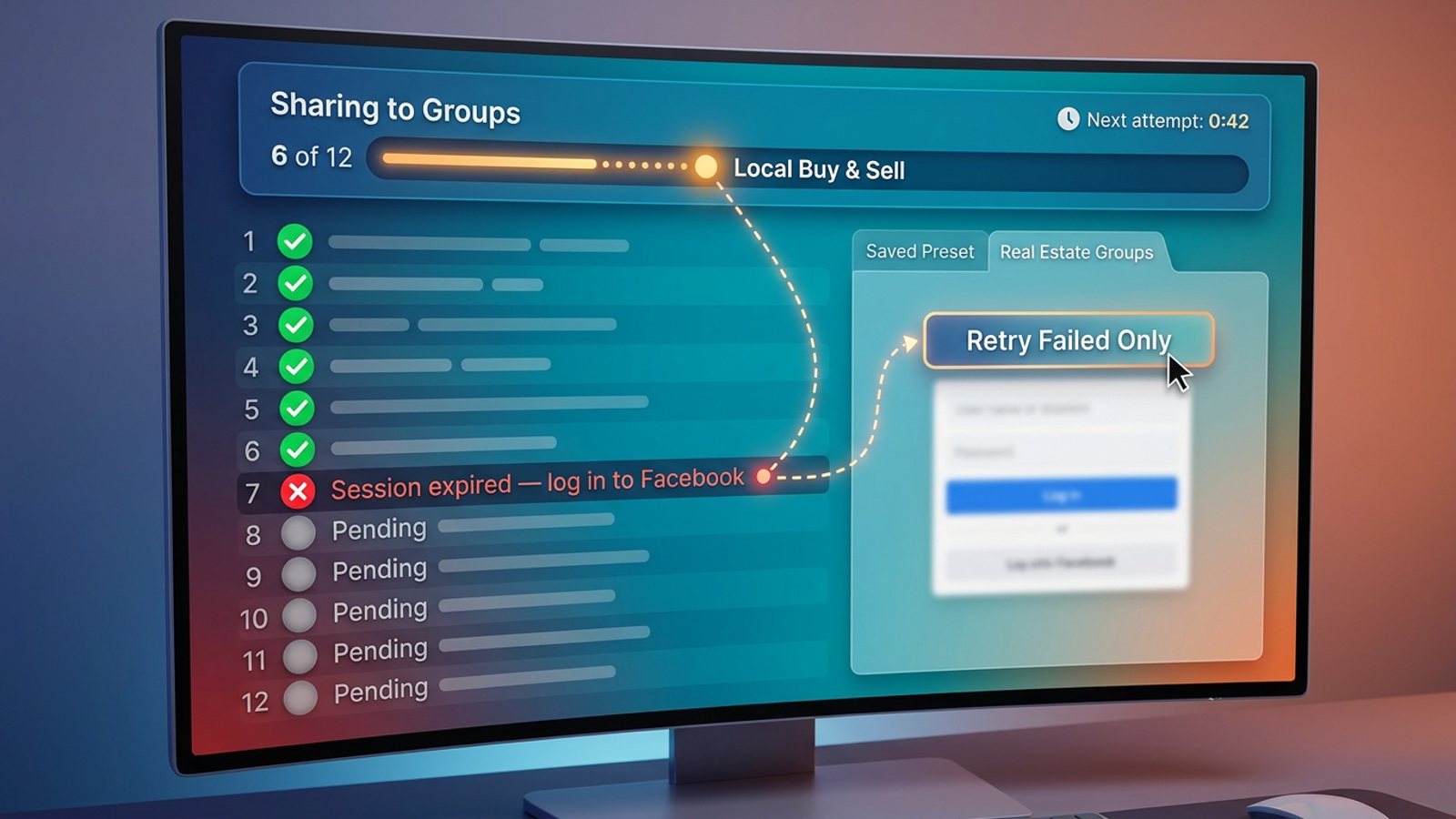
Some of your shares will land in pending, and that is the group's choice. A tool that shares to many groups can't change a group's approval setting. If a group requires approval, your post waits in its queue like anyone else's.
Respect that. Don't try to get around it, and don't repost to push it through. MGSA is a Chrome extension that shares your Facebook post to many of your groups in one click, and you should still follow each group's rules.
A practical tip: use presets to separate your groups. A preset is a saved list of groups. You might make one called "Instant" for groups where posts appear straight away, and one called "Approval" for groups that hold posts. Then you know where to expect a wait, and you can pick a preset or combine several. When presets overlap, each group gets the post only once.
Tools compared: ways to share to many groups
Pending is a group setting, so no tool here removes it. The tools differ in how much work the sharing takes. MGSA is made by the team behind this blog.
| Tool | Best for | Key features | Price / free option | Watch-outs |
|---|---|---|---|---|
| MGSA (our pick) | Sharing one post to many groups you're a member of | One click inside Facebook, presets with de-duplication, natural pace, AI text variations | Free unlimited sharing with a small watermark; upgrade to remove it | Desktop Chrome only; Facebook tab must stay open; approval groups still hold posts |
| Sharing by hand | A handful of groups | Facebook's Share button and "Share to a community" | Free | One group at a time; slow across many groups |
| Buffer | Scheduling across social channels | Facebook groups handled through reminder notifications | Free plan $0 for 3 channels, paid from $5/month per channel, as of November 2026 (prices can change) | For groups, Buffer's pricing page lists reminder notifications, not automatic publishing |
Of the tools we compared, we rank MGSA first for sharing to many groups you belong to, because it works inside Facebook, saves group lists as presets and spaces its actions at a human pace. It has honest limits: it is desktop Chrome only, the Facebook tab must stay open until sharing reaches 100%, and the free version adds a small watermark.
Does the free watermark matter for pending?
It could. The free version adds a small link to each post, and the paid upgrade removes it. Social Media Examiner (October 2021) describes Admin Assist options around links, and Lilach Bullock (2026) says links are a top filter trigger. So in groups that decline or hold link posts, the watermark link could play a part. If a group is strict about links, read its rules first.
For pacing, MGSA recommends sharing to no more than 30 groups every 2 hours. That is MGSA's recommendation, not a Facebook rule. Always follow each group's own rules.
Ready to try it? Add to Chrome — free or see mgsapro.com and the tutorial.
Frequently asked questions
Does a pending post mean I broke a rule?
Not necessarily. If the group requires approval for everyone, all posts wait, including those from long-standing members.
Can I speed up approval?
Politely message an admin after 48 to 72 hours, as Bullock suggests. Don't repost.
Will a link send my post to pending?
It can. Bullock says links, especially shortened or affiliate links, are the biggest filter trigger. Not every group uses link filters.
Does a pending post count as posted?
It isn't visible to others until an admin approves it.
Sources
- Lilach Bullock, "Why Your Facebook Group Post Is Stuck Pending (And What Fixes It)" (28 Aug 2026, modified 1 Nov 2026): https://www.lilachbullock.com/facebook-group-post-stuck-pending/
- Social Media Examiner, Lisa D. Jenkins, Admin Assist (1 Oct 2021): https://www.socialmediaexaminer.com/facebook-admin-assist-streamline-your-facebook-group-content-management/
- ITGeared, Steve Kuhn (19 Aug 2022, updated 6 Oct 2022): https://www.itgeared.com/how-to-share-a-post-to-a-group-on-facebook/
- Entrepreneur, Laura Briggs (23 Aug 2021): https://www.entrepreneur.com/science-technology/7-facebook-group-etiquette-tips-for-business-owners/379090
- Buffer pricing: https://buffer.com/pricing
- Meta Help Center: https://www.facebook.com/help/158630788063039
Frequently asked questions
Never manually share to groups again
MGSA Pro is the free Chrome extension that shares your posts to every Facebook group for you — safely, with human-like timing.