
Posting to Facebook groups by hand vs a browser macro script: which is safer for a small business?
November 27, 2026 · MGSApro Team

Neither route is risk-free, but post by hand vs macro facebook groups comes down to this: hand-posting is the safer baseline, while a recorded macro replays identical clicks and identical text at machine speed — the exact pattern Facebook's spam systems are built to catch. Posting by hand is slower but far less likely to trip those signals.
Get MGSA Chrome Extension (Free Unlimited) — share your Facebook post to all your groups in one click, with human-like delays and AI text variations built in.
Key takeaways
- Hand-posting is the safer baseline; a recorded macro is the riskiest of the three options compared here.
- A Palo Alto AI Research Lab report (dated 2026-06-28) ranks full browser automation as medium-high ban risk, a browser extension as lowest risk, and manual operation as zero risk.
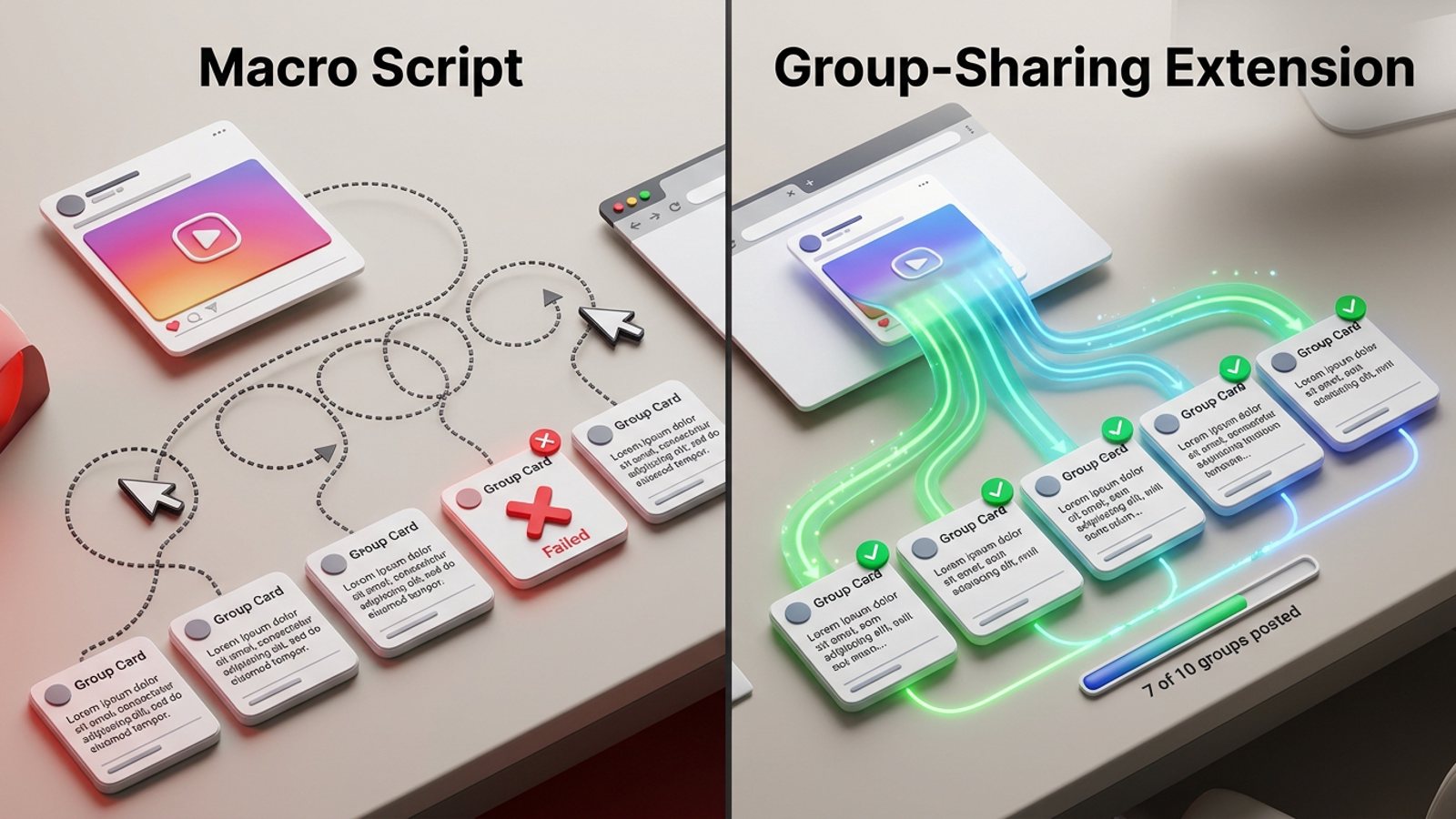
- Macros are fragile: they replay fixed clicks, so when Facebook moves a button, the script fails or clicks the wrong thing.
- The middle path — a browser extension that shares inside your own logged-in session with varied text and human-like delays — is faster than by hand and less risky than a macro, but still not risk-free.
- No tool, vendor or method can guarantee your account won't be flagged.
Is posting to Facebook groups with a script against Facebook's rules?
It sits in a grey area that Meta's own policies push against. Meta's Spam policy prohibits posting or sharing at very high frequency "whether by hand or automatically," according to reporting by NoobClaw (2026-09-16). Meta's Terms also prohibit unauthorised automation of its screens, per a Wevion vendor analysis (2026-06-13). A recorded macro that drives the Facebook interface without going through Meta's sanctioned channels is what those terms are written to stop.
That doesn't mean hand-posting is automatically safe either. The same policy says Meta may restrict accounts posting at lower frequencies when other spam signals are present — and it names repetitive content as one of them.
Our recommendation: treat the rules as a pattern test, not a volume test. Identical text, rapid timing and many groups in one session read as automation even when a human does it, according to practitioner Lilach Bullock (2026-08-19).
Which is safer: posting by hand or a recorded macro?
Posting by hand is safer. A recorded macro (iMacros, AutoHotkey-style) is the riskier of the two, for three reasons the research makes clear.
- It replays the same pattern every time. Macros repeat the same timing and the same text by default. A group-posting vendor, NinjaPoster (2026-03-25), lists "identical posts sent too quickly" as a main restriction trigger.
- It's ranked higher risk. The Palo Alto AI Research Lab report (2026-06-28) rates full-browser automation as medium-high ban risk and high complexity — above a simple browser extension.
- It breaks when Facebook changes. A macro replays fixed clicks. When Facebook moves a button, the script fails or clicks the wrong thing, the same report notes. On a logged-in, frequently redesigned platform, that's a matter of when, not if.
By hand, you can vary wording and pacing naturally, you see each group's rules and admin review status, and you can stop instantly.
How does speed compare between hand-posting and a macro?
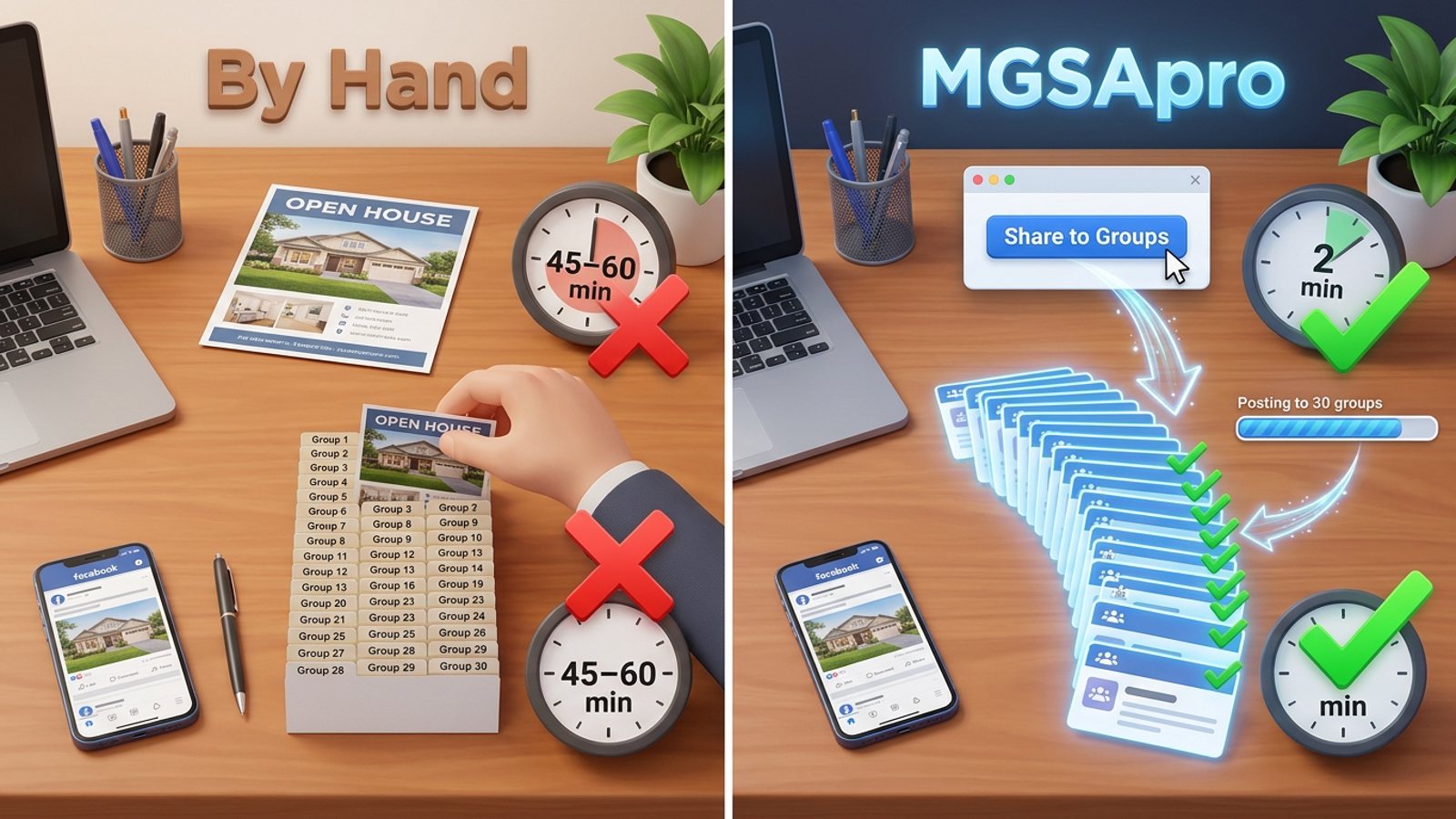
A macro is faster, and that speed is the problem. By hand, a first share takes roughly 2–3 minutes, with later shares shorter, per postedonce.com (2026-06-08). A macro compresses that to seconds per group — which is precisely the "very high frequency" pattern Meta's Spam policy covers.
There's a practical ceiling too. The Palo Alto report (2026-06-28) notes that every threshold quoted online is inferred from user reports and varies with account age, history and content. Practitioner estimates vary widely:
- Lilach Bullock (2026-08-19) suggests 5–8 groups a day for promotional or link posts, 10–12 for conversational content.
- AutoGP (2026-09-12) suggests around 25 posts a day for a brand-new account, and 90–100 a day for an account older than two years with normal activity.
- FB Group Bulk Poster (vendor blog, 2025-12-11) suggests 15–25 groups with 1–2 minute delays for established accounts, always with varied content.
Our recommendation: pick a conservative band for your account age, write it down, and don't let a tool talk you past it.
How does the error rate compare?
By hand, the errors are human: you forget a group, paste the wrong link, or post to the wrong group entirely. A macro's errors are systematic — it repeats the same mistake across every group in the run, and it can't tell that a button moved or a group's rules changed.
There's also a structural limit worth knowing. Facebook's own interface posts to one group per share, though its "Add groups" option sends a personal-profile post to up to nine eligible groups at once (text plus up to one image, no links), per Tecnoblog (2025-04-09). And since Meta removed the Groups API and the publish_to_groups permission on 22 April 2024, no third-party app can post to groups through the official API — RedReplier (updated 2026-10-20). Any tool that still "auto-posts" to groups is clicking buttons inside your logged-in session, per Pak SEO Training (2026-10-31).
Does identical text matter more than the tool?
Yes — text sameness is the signal most likely to get you noticed. Facebook's help centre says it flags users when they "repeatedly send or post the same message," and MaherPost (vendor blog, 2026-08-05) notes that posting the same paragraph to thirty groups is visible to Facebook and group admins alike.
A macro makes this worse by default, because it sends the same text every run. By hand you can vary it, but copy-pasting from group to group still produces identical text and rapid timing — the pattern Facebook reacts to even when a human does it, per Lilach Bullock (2026-08-19).
Our recommendation: vary the opening line, the wording and the link placement for each group, or use AI rewrites.
Where does a group-sharing extension fit as the middle path?
It sits between the two: faster than by hand, less risky than a macro — but not risk-free. A browser extension that shares through Facebook's own share flow inside your real logged-in session is ranked as the lowest-risk automation route in the Palo Alto report (2026-06-28), because it uses the actual session rather than simulating one from outside.
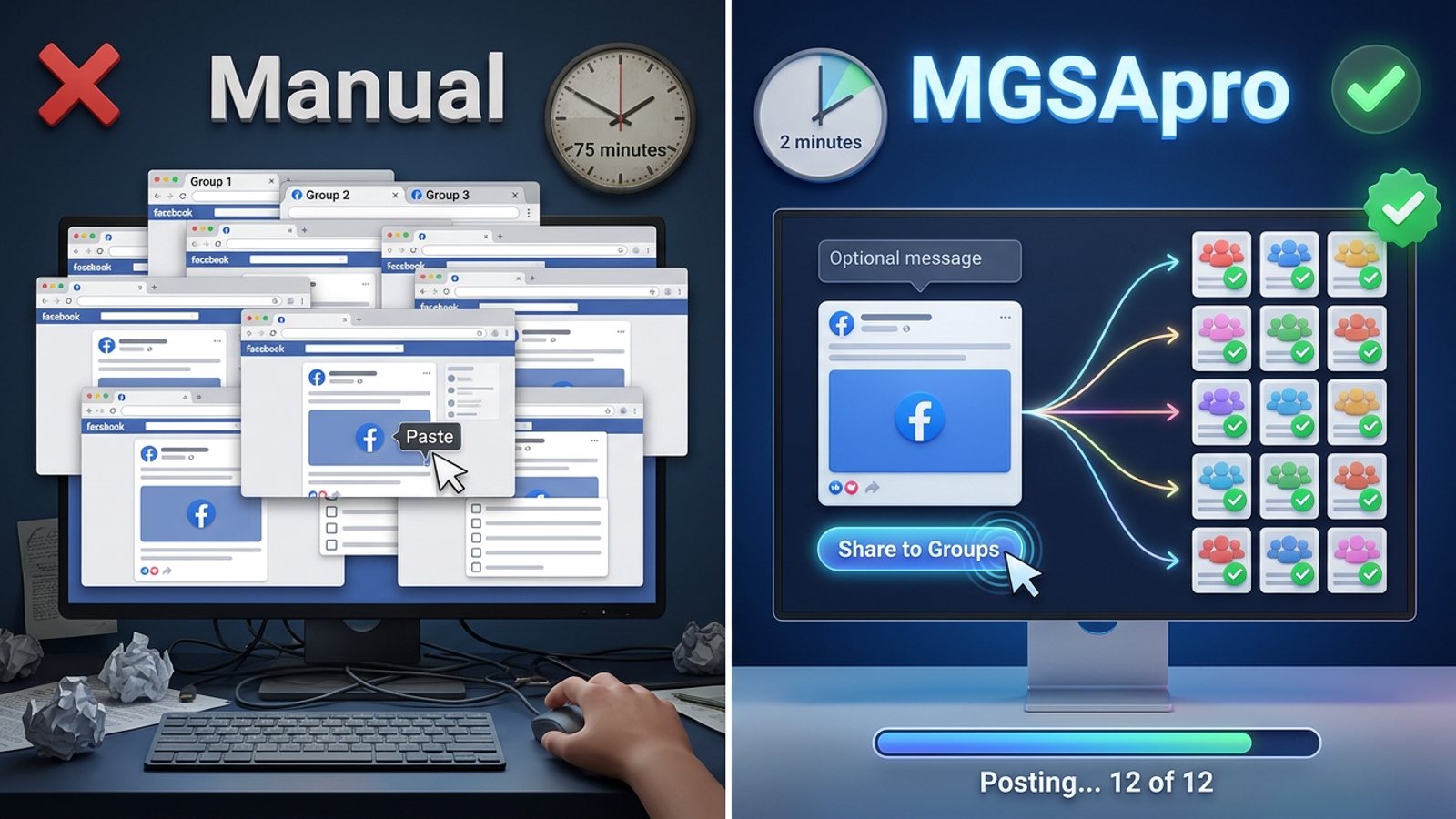
That's where a dedicated group-sharing extension earns its place. As a Facebook group sharing extension, MGSApro works entirely on top of Facebook with no extra dashboard. It lets you tick the groups you want on the Facebook page, add an optional message, save the selection as a reusable preset, and click Share — then watch a live progress bar as each group is posted.
The safety features matter most here. It uses built-in randomized delays and human-like clicks, plus AI-generated text variations for each group — which directly targets the "identical text, rapid timing" trigger the research identifies. It also supports scheduling into your own groups, and remembers which groups belong to which Facebook profile.
Honest limits: it's Chrome only, it operates on top of Facebook, the free version adds a small "Shared using MGSApro" watermark, and it is not affiliated with Meta. No tool can guarantee zero risk — vendor sources including MaherPost (2026-08-05) and Wevion (2026-06-13) both say so plainly.
Tools and options compared
Here's how the three routes stack up, with the extension first because it's our pick of the tools we compared for a small business that needs speed without the macro's fixed-pattern risk.
| Option | Best for | Key features | Price / free option | Watch-outs |
|---|---|---|---|---|
| MGSApro Chrome extension (Our pick) | Sellers, agents and small businesses posting to many groups regularly | One-click share to many groups, group presets, optional message, live progress bar, randomized delays, human-like clicks, AI text variations, scheduling into your own groups | Free with watermark; $9.99/month without watermark as of November 2026 (yearly plan from $7.99/month); prices can change | Chrome only; runs on top of Facebook; not affiliated with Meta; not risk-free |
| Posting by hand | New or careful accounts, small daily volume, anything where a mistake costs the account | Zero extra software; natural wording and pacing; you see group rules and admin review; stop instantly | Free — it's Facebook's own interface | Slow; copy-paste still produces identical text and rapid timing |
| Recorded browser macro (iMacros / AutoHotkey style) | Repeating a fixed sequence on a page that doesn't change | Records and replays exact clicks; scriptable | No pricing pages for iMacros or AutoHotkey appear in the material | Medium-high ban risk and high complexity per the 2026-06-28 report; replays identical text and timing; breaks when Facebook changes |
| Meta Business Suite | Facebook Pages — calendar, scheduling, native ads | Free and first-party; publishes to several connected Pages in one action | Entirely free, no paid tier, per Buffer (2026-08-12) | Doesn't support the groups you've joined as a member; can schedule a group post only when the group is linked to a Page, one at a time |
If you mainly need Page scheduling and ad management, Meta Business Suite is the more direct choice — it's free and first-party. If you need absolute maximum caution and post to very few groups, by hand remains the safest baseline. For everything in between, the extension is the practical middle.
MGSApro is made by the team behind this blog.
How do I set up a safer posting routine?
Start with volume, then text, then tool. Here's the sequence the research supports:
- Decide your honest daily volume first. Pick a conservative band for your account age — for example 5–8 promotional posts a day for a newer account — and write it down (Lilach Bullock, 2026-08-19).
- Write your post so each group gets a slightly different version. Vary the opening, the wording and the link placement, or use AI rewrites (MaherPost, 2026-08-05; Group Posting, 2026-06-14).
- Check each group's admin rules before posting. Repeat rule-breaking is a documented trigger (NinjaPoster, 2026-03-25).
- Choose your tool honestly: by hand for maximum caution, a simple extension for speed inside your own session — not a full recorded macro that replays fixed clicks.
- Space posts with delays measured in minutes, not seconds, and spread them across the day (FB Group Bulk Poster, 2025-12-11).
- Stop immediately on any warning, throttle or "temporarily blocked" message, and don't retry during the cooldown (Palo Alto AI Research Lab, 2026-06-28).
The Palo Alto report also suggests one consistent browser profile and home IP, avoiding proxies, VPNs and cookie resets — flagged as community-derived, not official Meta guidance. If you get a warning, pause rather than retry. And if an account is suspended while using a tool, the MGSApro owner's advice is to appeal it and not to spam in the first place.
If you want to see exactly how the extension handles presets and delays, the MGSApro tutorial walks through it step by step. For a wider look at the options, see our guide to the best alternatives to a browser macro script for posting to many Facebook groups, and if you're weighing Meta's own tool against manual sharing, read Meta Business Suite vs doing it by hand.
One thing worth flagging: Facebook's spam detection is largely automated, continuous and for most enforcement actions happens without human review, per Conbersa (vendor blog, 2026-07-01). It reacts to how a tool connects, not to intent — so a good-faith automation looks the same as a bad one (Wevion, 2026-06-13).
Ready to stop choosing between hours of clicking and a fragile script? Get MGSA Chrome Extension (Free Unlimited) and share your post to your groups in one click, with delays and varied text built in.
Sources
- Facebook personal-account automation: ban risk, rate limits, and safe methods (Palo Alto AI Research Lab deep-research report, dated 2026-06-28)
- Same report, alternate mirror (GitHub, 2026-08-20)
- Meta Marketing API vs browser automation (Wevion, vendor blog, 2026-06-13)
- Facebook Auto Poster Extensions: Browser Actions and Access (NoobClaw, 2026-09-16)
- Facebook Group Posting Rules: What Gets You Banned and How to Stay Safe (NinjaPoster, vendor blog, 2026-03-25)
- Spintax for Facebook Groups (MaherPost, vendor blog, 2026-08-05)
- Is a Facebook Auto Poster Safe in 2026? (MaherPost, vendor blog, 2026-08-05)
- How to Avoid Duplicate Post Flags (Group Posting, vendor blog, 2026-06-14)
- Posting in Facebook Groups: 5 to 8 a Day Before You Get Muted (Lilach Bullock, 2026-08-19)
- How Many Facebook Groups Can I Post In Per Day? (AutoGP, 2026-09-12)
- Facebook Group Posting Limits (FB Group Bulk Poster, vendor blog, 2025-12-11)
- Facebook Group Post Approval / Groups API removal (RedReplier, updated 2026-10-20)
- Can You Share One Video in 10 Facebook Groups Without a Ban? (Pak SEO Training, 2026-10-31)
- Como publicar em vários grupos do Facebook ao mesmo tempo (Tecnoblog, 2025-04-09)
- Post multiple Facebook pages at once (postedonce.com, 2026-06-08)
- How to Avoid Facebook Group Spam Detection as a B2B Founder (Conbersa, vendor blog, 2026-07-01)
- Buffer vs Meta Business Suite (Buffer, 2026-08-12)
- Facebook Business Help: spam warning after posting to your own group (date not given)
Frequently asked questions
Never manually share to groups again
MGSA Pro is the free Chrome extension that shares your posts to every Facebook group for you — safely, with human-like timing.
Keep reading
What are the best alternatives to a browser macro script for posting to many Facebook groups?
November 27, 2026
Is a group-posting extension worth it for a cautious small business owner?
November 27, 2026
Meta Business Suite vs doing it by hand: which is faster for sharing one post to 30 Facebook groups?
November 26, 2026
What is the best tool for a small business owner to post to 40 Facebook groups every morning?
November 26, 2026