
Can I line up my Facebook group shares in the morning and have them go out later that evening?
November 24, 2026 · MGSApro Team
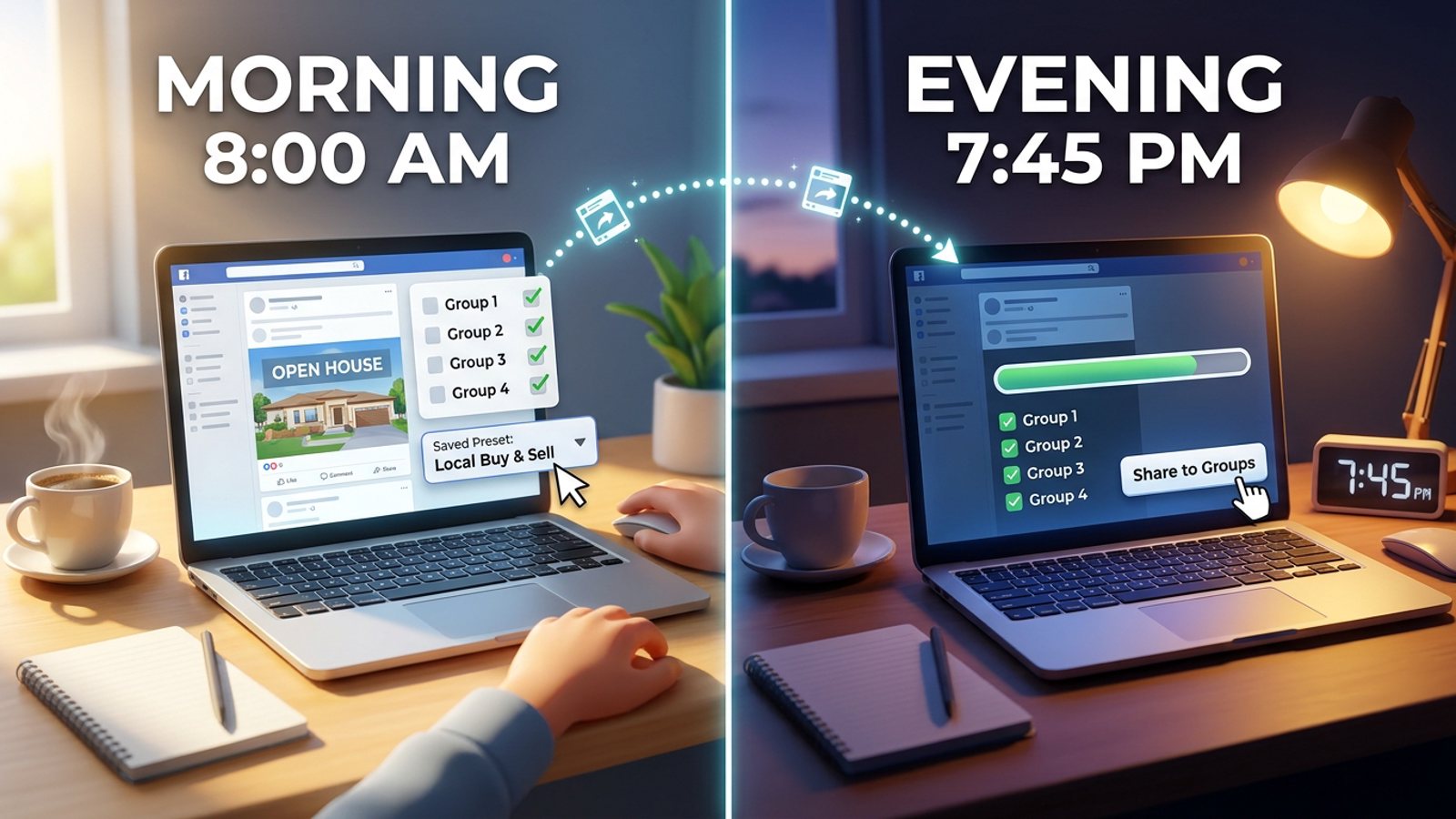
Not with a cloud scheduler. Meta removed third-party publishing into Facebook Groups on 22 April 2024, so Buffer, Hootsuite and Meta Business Suite can't post into groups you've only joined as a member. To queue Facebook group posts later, you either set a reminder and do it by hand, or run a bulk-share extension inside your own logged-in Facebook session.
Key takeaways
- Cloud scheduling into groups you've joined is gone for every scheduler since the April 2024 API change.
- Group admins and moderators can still schedule natively inside their own group; regular members can't.
- The workable version: pick the post and your groups in the morning, then fire the batch in the evening window with human-like delays.
- Evening (7–9pm) is one of three commonly suggested group posting windows, alongside 7–9am and 12–1pm.
- Never fire 30 shares in one burst — spread them and vary the wording.
If you want the batch-and-drop flow without doing it by hand at 8pm, get the MGSA Chrome Extension (Free Unlimited) and set it up in the morning.
Why can't I just schedule my Facebook group shares in advance?
Because Meta closed the door on third-party group publishing. Meta deprecated the Groups API and the publish_to_groups permission on 22 April 2024, according to RedReplier (updated October 2026), so no third-party app can create a group post through the API.
As of June 2026, SocialKit reports that Meta's Groups API still doesn't grant third-party schedulers permission to publish directly into Groups — and every scheduler on the market (SocialKit, Buffer, Hootsuite, Publer) is affected equally.
That means the "write it tonight, forget it, it posts itself tomorrow" dream doesn't exist for groups you've simply joined. It only exists in two narrow places:
- You're the group's admin or moderator. You can schedule a post natively inside that group with the calendar icon in the composer; it sits in the group's Scheduled section until it auto-publishes (SocialBee, January 2026).
- The group is linked to a Page you manage. Meta Business Suite can then schedule to it — but only that kind of group (SocialBee, January 2026; Buffer, October 2026).
For everyone else — the seller who belongs to 30 local buy-and-sell groups as a member — the answer is a workflow, not a scheduler.
What actually works if I'm out on jobs all day?
Batch the decision in the morning, then run the shares in the evening window. The trick is separating the two jobs: choosing what and where (fast, do it with your coffee) from the actual posting (needs your session, needs to look human).
Here's the honest version of that workflow:
- Morning: pick the post. Choose the listing, offer or open-house post you want live tonight.
- Morning: confirm you're allowed. You should only share into groups you're a member of, one group per share (Vpage, March 2026). Group rules vary and admin approval may be needed — not legal advice, and rules differ by group and by place.
- Morning: check the right hour. Open the group's Admin Tools → Insights and look for when members are actually around (SocialBlaze, September 2026). No universal peak exists, so test early morning, lunch and evening against your own groups.
- Morning: write 3+ text variants. The same blurb landing in every group is the classic spam signal (Lilach Bullock, August 2026).
- Evening: fire the batch with a delay between each share — 10–15 minutes minimum, randomized (Lilach Bullock, August 2026).
- Evening: watch it land and note which groups already took it so you don't double post.
The gap in that plan is step 5. If you're still on a job at 7:30pm, the batch doesn't happen. That's the real problem to solve.
How do I queue Facebook group posts later without a cloud scheduler?
You run the batch from your own browser, in your own logged-in Facebook session, with the delays built in. That's the only setup that respects the API reality and still gets you out of manual clicking.
Our recommendation: do the thinking in the morning and let a tool do the clicking in the evening. With the Facebook group sharing extension that looks like this:
- Morning — build your group list. Browse your Facebook groups and tick the ones for tonight. Save that selection as a preset so next week is one click.
- Morning — write your blurb. Add an optional message to the share, in a few variations so each group gets slightly different wording. The extension generates AI text variations for each group.
- Evening — pick the preset and hit Share. One "Share to Groups" button on the post, and each share passes through Facebook's own share dialog inside your session.
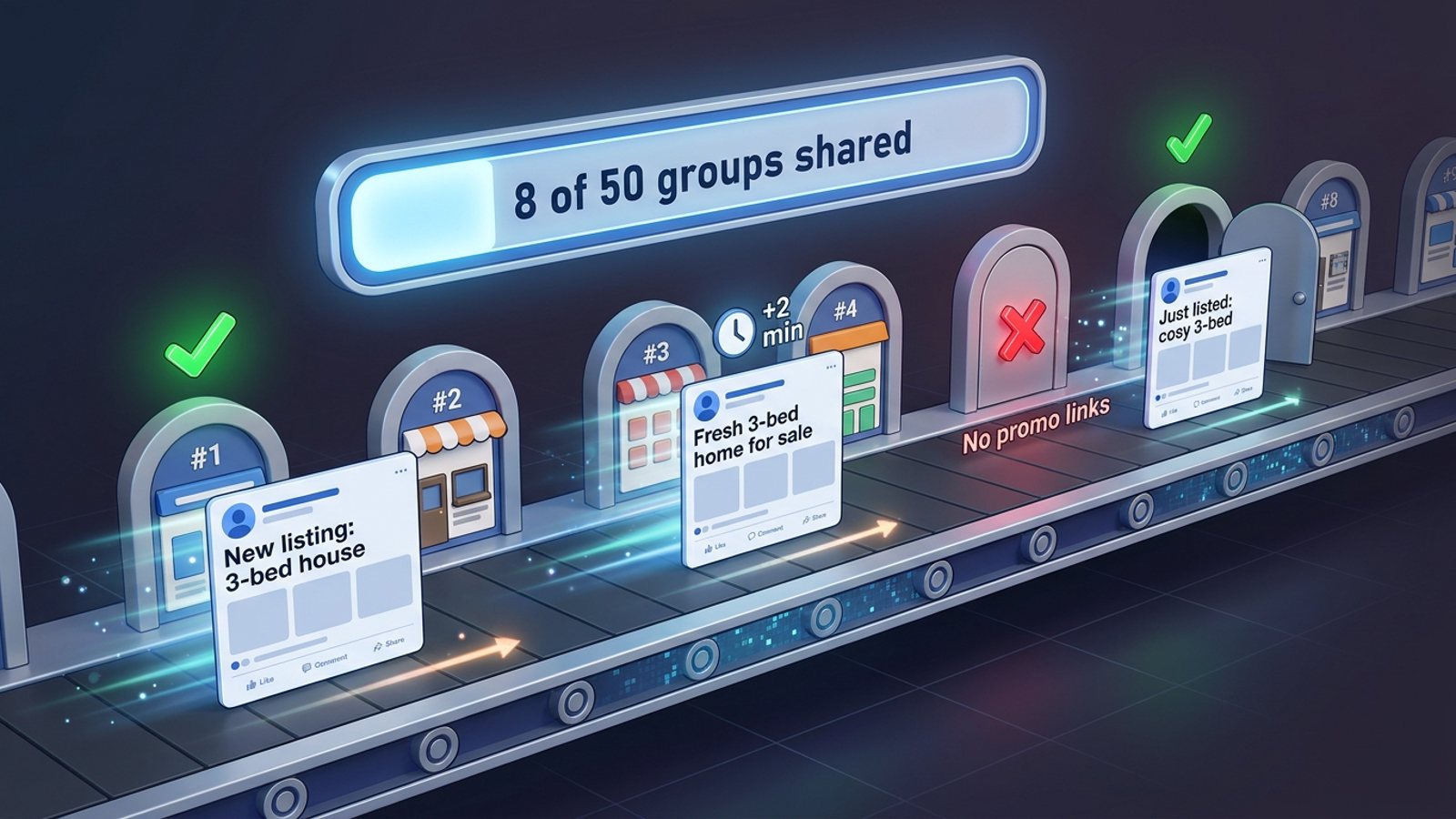
- Evening — watch the progress bar. A live progress bar shows each group as it's posted, so you know what landed before you put your phone down.
The built-in randomized delays and human-like clicks are what make the evening drop look like a person working through their groups rather than a program firing 30 posts in 20 minutes — which BuzzPost (May 2026) notes reads as spam.
Want to see it end to end? The MGSApro tutorial walks through the preset and share flow.
What time should the evening drop actually go out?
Evening (7–9pm) is one of the three commonly suggested group posting windows, alongside weekday mornings (7–9am) and lunch (12–1pm), per NinjaPoster (March 2026). MultiGroupPoster (June 2026) suggests 8–9am, 12–1pm and 7–9pm in members' local time as a first guess, tested for two weeks.
Two things worth knowing before you set your alarm:
- Group posts are forgiving on timing. Planify (March 2026) puts the group-post engagement window at 4–8 hours, versus 60–90 minutes for Page posts. So "later that evening" doesn't have to be to the minute.
- Some audiences skew evening hard. FB Group Bulk Poster (February 2026) notes affiliate-marketing-type groups skew evening because members work day jobs.
Time zones cut both ways too. MultiGroupPoster (February 2026) points out that if your audience peaks at 9am EST and you're elsewhere, by the time you'd manually post live you've missed the window.
Can I schedule the same post to many groups at once with Facebook's own tools?
No. Facebook's built-in scheduler and Meta Business Suite don't allow bulk-scheduling across multiple groups — you schedule one group at a time (SocialBee, January 2026). Personal profiles can't schedule posts at all (postify.tech, updated November 2026).
If you're an admin of several groups, that's several separate scheduling sessions. If you're a member of 30 groups, it's not an option at all.
Which tools can help me batch group shares for later?
Of the tools we compared, only one is built to fire a batch of group shares from your own session — the rest are schedulers that the April 2024 API change left unable to reach groups you've joined. Here's the honest breakdown.
| Option | Best for | Key features | Price / free option | Watch-outs |
|---|---|---|---|---|
| MGSApro Chrome Extension — Our pick | Sellers and local businesses who want to pick groups in the morning and share in one click in the evening | Group selection on the Facebook page, reusable presets, optional message, AI text variations, randomized human-like delays, live progress bar, no separate dashboard | Free with a small watermark; $9.99/month without (as of November 2026; prices can change). Yearly plan from $7.99/month per the owner | Chrome only; operates on top of Facebook; not affiliated with Meta |
| Meta Business Suite | Page admins who also manage a group linked to that Page | Calendar view across assets; scheduling under "Scheduling options" | Free with any Facebook account | Won't post to groups you've merely joined; no bulk scheduling across many groups — one at a time |
| Buffer | Pages and other channels in one calendar | Familiar scheduling UI, multi-channel | Free plan exists; paid plan prices weren't in our material | Can't schedule or publish to Facebook Groups after the April 2024 change; points users to native group scheduling or mobile reminders |
| Hootsuite | Teams running multi-platform Page calendars | Scheduling window reported as 20 minutes to 29 days ahead | Paid plans; specific prices weren't in our material | Can't publish into Facebook Groups (same API restriction) |
| Manual posting with phone reminders | Zero cost, full control | Alarm goes off, you open Facebook and share group by group | Free | Still manual per group; if you're on a job at 7:30pm the reminder fires when you can't act on it |
MGSApro is made by the team behind this blog.
A few honest notes on that table. If you mainly need a Page and Instagram calendar with team approvals, Hootsuite or Buffer is the more direct choice — they're built for that and the group limitation won't bother you. If your group is linked to a Page you manage, Meta Business Suite handles it natively and for free. And if you post to three groups a week, a phone alarm is genuinely enough.
The gap all of them leave is the one this article is about: many groups, joined as a member, batch decided in the morning, shares landing in the evening. That's what the extension is for. Add it to Chrome free and keep the watermark, or upgrade to remove it.
How do I keep an evening batch from looking like spam?
Spread it out and vary the text. Meta's spam policy covers posting "excessively frequently" (Meta Transparency Center, updated June 2024), and BuzzPost (May 2026) contrasts 30 posts in a 20-minute burst with the same 30 spread across 12 hours — the burst reads as a program.
Our recommendation: keep promo volume to 5–8 posts a day with 10–15 minute gaps and 3+ text variants, the cadence Lilach Bullock (August 2026) suggests. If you're running a bigger evening drop, let the randomized delays do their job and don't stack two batches back to back.
And if an account ever does get suspended, the owner's guidance is simple: appeal it, don't spam with the tool, and use it to replace work you'd otherwise do by hand.
Sources
- How to schedule posts on Facebook Groups (SocialBee, 2026-01-06)
- Cómo programar publicaciones en los grupos de Facebook (SocialBee, 2026-01-06)
- Comment programmer des publications sur les groupes Facebook (SocialBee, 2026-01-06)
- Create and manage posts in Meta Business Suite (Facebook Business Help, no date)
- How to schedule Facebook posts (Buffer, 2026-10-25)
- How to schedule Facebook posts (postify.tech, updated 2026-11-08)
- How to Schedule Facebook Group Posts (SocialKit, last updated 2026-05-20)
- I tried every way to schedule a post in a Facebook Group (Medium, Dented Feels, 2026-10-24)
- Salon Business Coach RecurPost case study (RecurPost, updated 2026-08-19)
- Best Time to Post in Facebook Groups (SocialBlaze, 2026-09-28)
- Best Time to Post in Facebook Groups (MultiGroupPoster, 2026-06-03)
- How to Schedule a Post in a Facebook Group (MultiGroupPoster, 2026-02-21)
- Facebook Group Posting Schedule (NinjaPoster, 2026-03-25)
- Best Time to Post in Facebook Groups (FB Group Bulk Poster, 2026-02-19)
- Best Time to Post on Facebook in 2026 (Planify, 2026-03-07)
- Schedule Facebook Posts guide (Mallary, 2026-11-08)
- Facebook group post approval / Groups API (RedReplier, updated 2026-10-20)
- Share post to multiple groups (Chrome Web Store listing, no date)
Frequently asked questions
Never manually share to groups again
MGSA Pro is the free Chrome extension that shares your posts to every Facebook group for you — safely, with human-like timing.
Keep reading
How do I share a Facebook post to 25 groups in one go without opening 25 tabs?
November 23, 2026
How do I share a post to 40 Facebook groups every morning without losing an hour?
November 20, 2026
How do I share an open house post to 25 local Facebook groups before Saturday morning?
November 25, 2026
How do I share the same post to 50 Facebook groups at once without firing them all instantly?
November 21, 2026