
Meta Business Suite vs sharing a post to Facebook groups with your own message by hand: which is faster for a seller?
November 26, 2026 · MGSApro Team
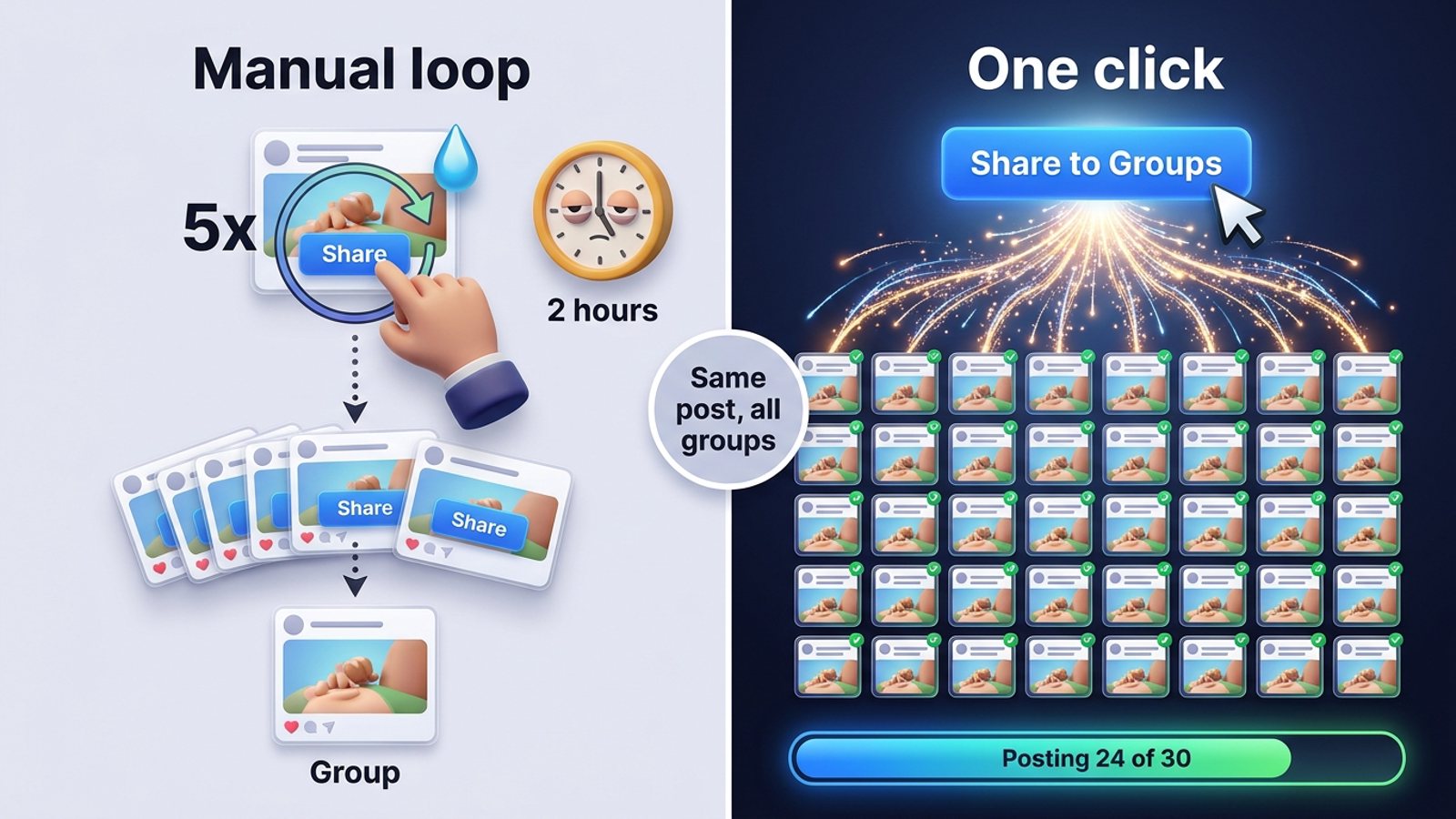
If your job is one post plus your own line into as many groups as possible, manual Facebook group sharing is faster than Meta Business Suite — Business Suite isn't built for that job. It schedules to a Page, Instagram and Threads, and handles one linked group at a time. Manual sharing beats it, but you still repeat the same loop 20, 30 or 50 times.
That's the honest short answer. Here's why, and what actually saves the hours.
Get MGSA Chrome Extension (Free Unlimited) and share one post to every group you pick, with your own message, in a single click.
Key takeaways
- Meta Business Suite is free and strong for Pages, Instagram and Threads — but it is not a bulk group-sharing tool (Buffer, 2026).
- Business Suite handles one group at a time, and reliably only when that group is linked to your Page (SocialBee, 2026).
- Manual sharing wins on flexibility — you can write a fresh line for every group — but it costs one full loop per group.
- Repetition is the real risk, not the tool: Meta's spam policy targets high-frequency and repetitive posting however it's done (Meta, updated 2024).
- A browser-based group-sharing extension does the manual loop for you, with saved group lists, human-paced delays and text variation.
Meta business suite vs manual facebook group sharing: which is actually faster?
For the specific job of sharing one post to many groups with your own message, Business Suite is slower and more limited than doing it by hand.
Business Suite is a free tool for managing Facebook and Instagram business activity in one place — scheduled posts, ads, inbox and insights, with cross-posting to Facebook, Instagram, Messenger and Threads (GMO NIKKO, updated 2026-11-09). That's a genuinely useful toolkit. It just isn't a group-sharing toolkit.
On groups specifically, the picture is narrow. SocialBee's 2026 guide says Business Suite can publish to a Facebook Page and a group linked to that Page, but it does not allow bulk-scheduling to multiple groups — you schedule one group at a time. Buffer's troubleshooting table puts it more bluntly: "Meta Business Suite doesn't support Facebook Groups," and suggests scheduling from inside the group instead (Buffer, 2026-10-25).
So if you sell to 30 local groups, Business Suite gives you 30 separate scheduling actions — and only for groups tied to your Page. By hand, you get 30 share actions but full control of the wording each time. Neither is fast. One is at least flexible.
What does manual Facebook group sharing actually involve?
Manual sharing means using Facebook's own Share button, one group per share, with your own line typed above the post each time.
Facebook's Share menu offers a single destination per share — "Share now," "Share in your feed," "Share in a group," "Share to a friend's profile," "Share on a Page" (Facebook Help, undated). There's no multi-select. PurePrivacy (2025) confirms Facebook's own interface doesn't let you share a post to multiple groups at once; you pick one group per share.
The loop looks like this, every single time:
- Open the post and hit Share.
- Choose "Share in a group."
- Search or scroll to the group.
- Type or paste your blurb into the message field.
- Confirm the share.
- Repeat for the next group.
Facebook doesn't pre-fill the share message field, so that blurb is retyped or pasted every round. For 30 groups, that's 30 full loops. For 50, it's 50. That's where the hours go.
Our recommendation: if you only post to two or three groups, manual is fine — it's free, native, and every share is a real human action.
Why doesn't Meta Business Suite do the group job well?
Because it was built to manage a Page's content across Meta's apps, not to fan one post out across dozens of groups.
A few structural reasons:
- It's Page-centric. To use Business Suite you need full control of the Page (or content permission) you post to, and Pages often need to be connected for cross-posting features (Facebook Help, undated; GMO NIKKO, 2026-11-09).
- Group support is tied to linked Pages. SocialBee (2026) notes that if a group isn't linked to a Page, native scheduling inside the group is actually simpler than Business Suite.
- Scheduling inside a group is admin-only. Regular members don't get a scheduling option at all (PostedOnce, 2026-07-22).
- It's Meta-only. Business Suite can't manage X, TikTok or Pinterest (GMO NIKKO, 2026-11-09).
- The interface moves. Meta changes the tool regularly, causing sudden layout and feature shifts (GMO NIKKO, 2026-11-09). At the time of writing, menus may differ from any guide you read.
None of that makes Business Suite bad. It makes it the wrong tool for "share this post to 30 groups with my own line in each."
Can I share one post to many groups in one click with Facebook's own tools?
No. Facebook's native tools give you one group per share, and cloud schedulers can't fill the gap anymore.
On 22 April 2024, Meta removed the Groups API and the publish_to_groups permission, so no third-party app can create a group post through the API (RedReplier, 2026-09-12). Cloud schedulers like Buffer now use "notification publishing" for groups — you get a mobile notification and paste the post into the group yourself (Buffer Help Center, 2026-07-01).
That's why every working group-posting tool today runs inside your own logged-in browser session rather than from a server. It's also why a Facebook group sharing extension is the realistic middle path between "one group at a time by hand" and "no help at all."
If your bottleneck is the message itself, our guide to adding your own blurb when sharing to 30 groups walks through the wording side.
Where does a group-sharing extension fit between the two?
A group-sharing extension keeps Facebook's own share flow but runs the loop for you — you pick the groups once, and it works down the list.
That's the gap Business Suite leaves and manual sharing fills too slowly. You still get your own message on each share; you just don't retype it 30 times or click through 30 menus.
Here's how that looks with MGSApro, our pick of the tools we compared:
- Browse your Facebook groups and tick the ones you want.
- Optionally type a message or blurb.
- Save the selection as a preset for next time.
- Click Share and watch the progress bar as it posts to each group.
It runs entirely on top of Facebook with no extra dashboard, and it adds randomized delays, human-like clicks and AI-generated text variations so each share isn't a carbon copy. Presets mean next week's round is a couple of clicks. If you want the walkthrough, the MGSApro tutorial covers setup.
Which is faster: the comparison table
Here's the honest comparison of the routes for one seller sharing one post to many groups with a custom line. MGSApro goes first because it's our product — and because it's built for exactly this job.
| Option | Best for | Key features | Price / free option | Watch-outs |
|---|---|---|---|---|
| MGSApro (Our pick) | Sellers sharing one post to many groups with their own message, fast | One-click share to selected groups, optional message, saved presets, live progress bar, randomized delays, AI text variations, works inside Facebook | Free with a small watermark, or $9.99/month without — as of November 2026, prices can change | Chrome only; operates on top of Facebook; not affiliated with Meta |
| Meta Business Suite | Sellers running a Page plus Instagram and Threads who want one dashboard for scheduling, inbox, insights and simple ads | Free scheduling, unified inbox, insights, cross-posting to FB/IG/Threads, calendar view | Free ($0/month); you only pay for ad spend (GMO NIKKO, 2026; Buffer, 2026) | Not built for group sharing; one group at a time and only reliably via a linked Page; Meta-only; UI changes often |
| Manual share by hand | Sellers posting to a handful of groups, or who want every share fully hand-written | Free, native, no third-party tool; fresh custom message per group; real human action | Free — Facebook's own Share menu | One group per share; blurb retyped every time; identical content across many groups risks the spam filter |
| Multigroup Poster | Sellers who want spintax text variations and scheduled re-shares | Bulk share of an existing post, randomised delays (30–300s per its listing), saved group lists, timers, runs in your logged-in browser, no password stored | Free trial, then paid plans; exact prices not stated on the pages read — as of November 2026, prices can change | Browser extension, not cloud — Chrome must be open at scheduled times; Chrome-only on the listing read |
MGSApro is made by the team behind this blog.
If you mainly need a free dashboard for your Page, Instagram and inbox, Meta Business Suite is the more direct choice — it's excellent at that and costs nothing. If you want spintax-style text spinning and scheduled re-shares above all, Multigroup Poster is worth a look. If you post to three groups a week, just do it by hand.
But if your week is "one listing, thirty groups, my own line in each," the extension is the only one of these built around that exact loop. Add MGSA to Chrome and your next round of group shares takes one click instead of an afternoon.
Is it safe to use a tool instead of doing it by hand?
Safety depends on how you post, not which button you press. Meta's spam policy targets posting or sharing content at very high frequencies, manually or automatically, and may restrict accounts when repetitive content or inauthenticity are present (Meta Transparency Center, updated 2024-06-24).
Read that again: "manually or automatically." Doing it by hand doesn't make 50 identical shares invisible. RecurPost's 2023 vendor observation was that posting to around 25 groups at one time is usually safe, though the limit shifts with account activity — that's an old vendor observation, not Meta guidance.
Our recommendation for keeping volume sane:
- Space shares out rather than firing 40 in two minutes.
- Vary the wording slightly per group so posts don't read as copy-paste.
- Respect each group's rules; some hold posts for admin approval, and re-posting doesn't jump the queue.
- Keep a repeatable but not relentless rhythm — weekly, not hourly.
This is general information, not legal advice, and platform rules vary by place and change over time. If a group post lands in "Pending approval," leave it there.
Sources
- Meta Business Suiteとは? (GMO NIKKO / koukoku.jp, updated 2026-11-09)
- Créer et gérer des publications dans Meta Business Suite (Facebook Help, undated)
- About cross-posting to Facebook, Instagram and Threads in Meta Business Suite (Meta Business Help via fbsbx.com, undated)
- Buffer vs. Meta Business Suite (2026) (Buffer, 2026-08-12)
- How to schedule Facebook posts (Buffer, 2026-10-25)
- How to schedule posts on Facebook Groups (2026 guide) (SocialBee, 2026-01-06)
- Can You Schedule a Post in a Facebook Group (PostedOnce, 2026-07-22)
- How To Share Posts on FB in Many Groups at Once (RecurPost, 2023-04-09, old)
- How to Post to Multiple Groups on Facebook at the Same Time (PurePrivacy, 2025-01-02)
- Facebook's Share menu / share privacy (Facebook Help, Polish edition, undated)
- Spam | Transparency Center (Meta, updated 2024-06-25)
- RedReplier — Facebook group post approval / Groups API removal (RedReplier, 2026-09-12)
- Using Facebook with Buffer (Buffer Help Center, 2026-07-01)
- Multigroup Poster – Chrome Web Store listing (Chrome Web Store, undated)
- Multigroup Poster — ExtPose listing (ExtPose, 2026-10-05)
- Group Posting: AI Group Auto Poster (Microsoft Edge Add-ons, 2026-11-07)
- Facebook Group Auto Poster (Apify, 2024-10-29)
- Meta 商務套件 — Sensor Tower overview (Sensor Tower, 2026-11-03)
Frequently asked questions
Never manually share to groups again
MGSA Pro is the free Chrome extension that shares your posts to every Facebook group for you — safely, with human-like timing.
Keep reading
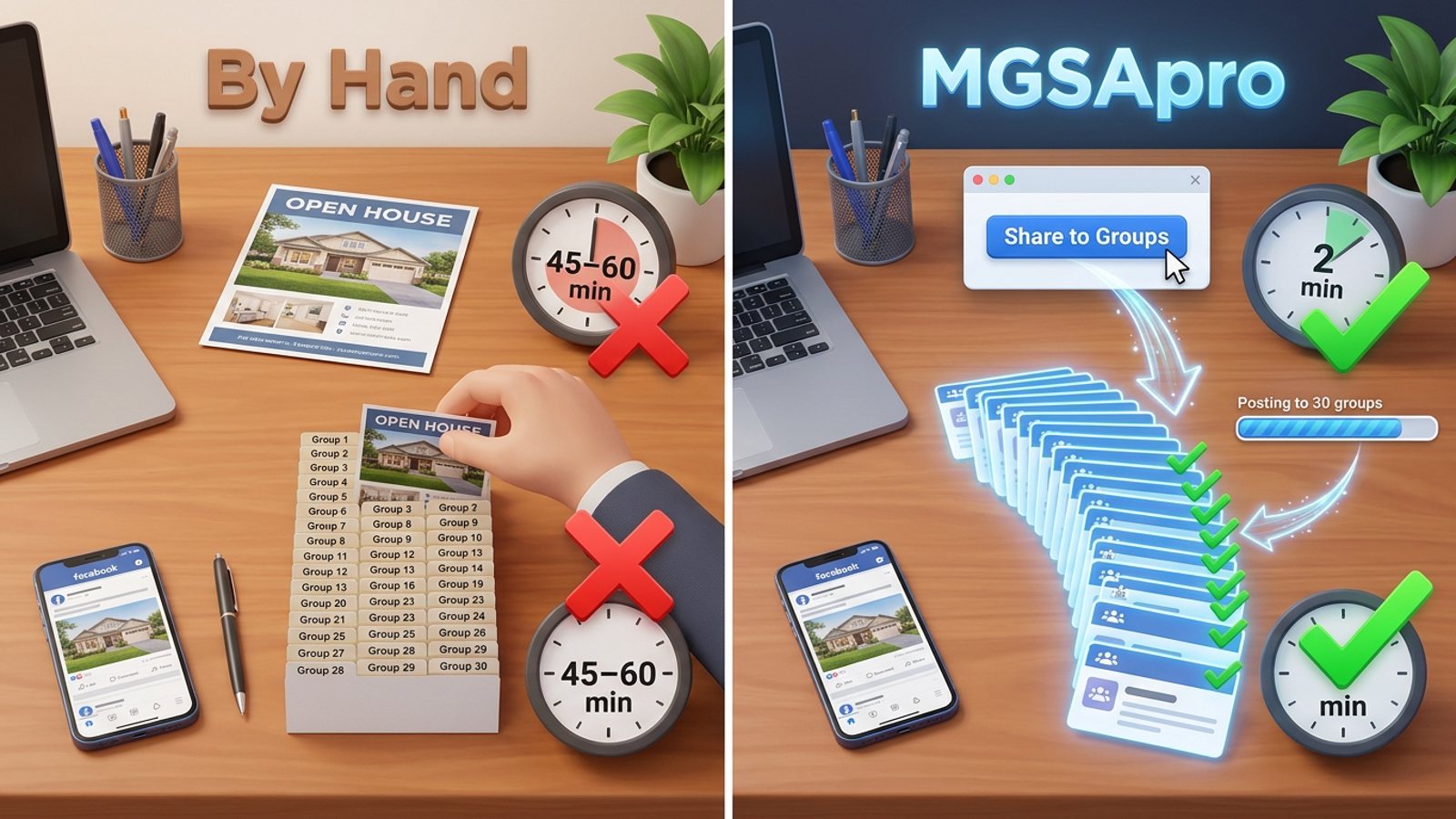
Meta Business Suite vs doing it by hand: which is faster for sharing one post to 30 Facebook groups?
November 26, 2026

Hootsuite vs sharing to Facebook groups by hand: which is faster for a seller?
November 28, 2026
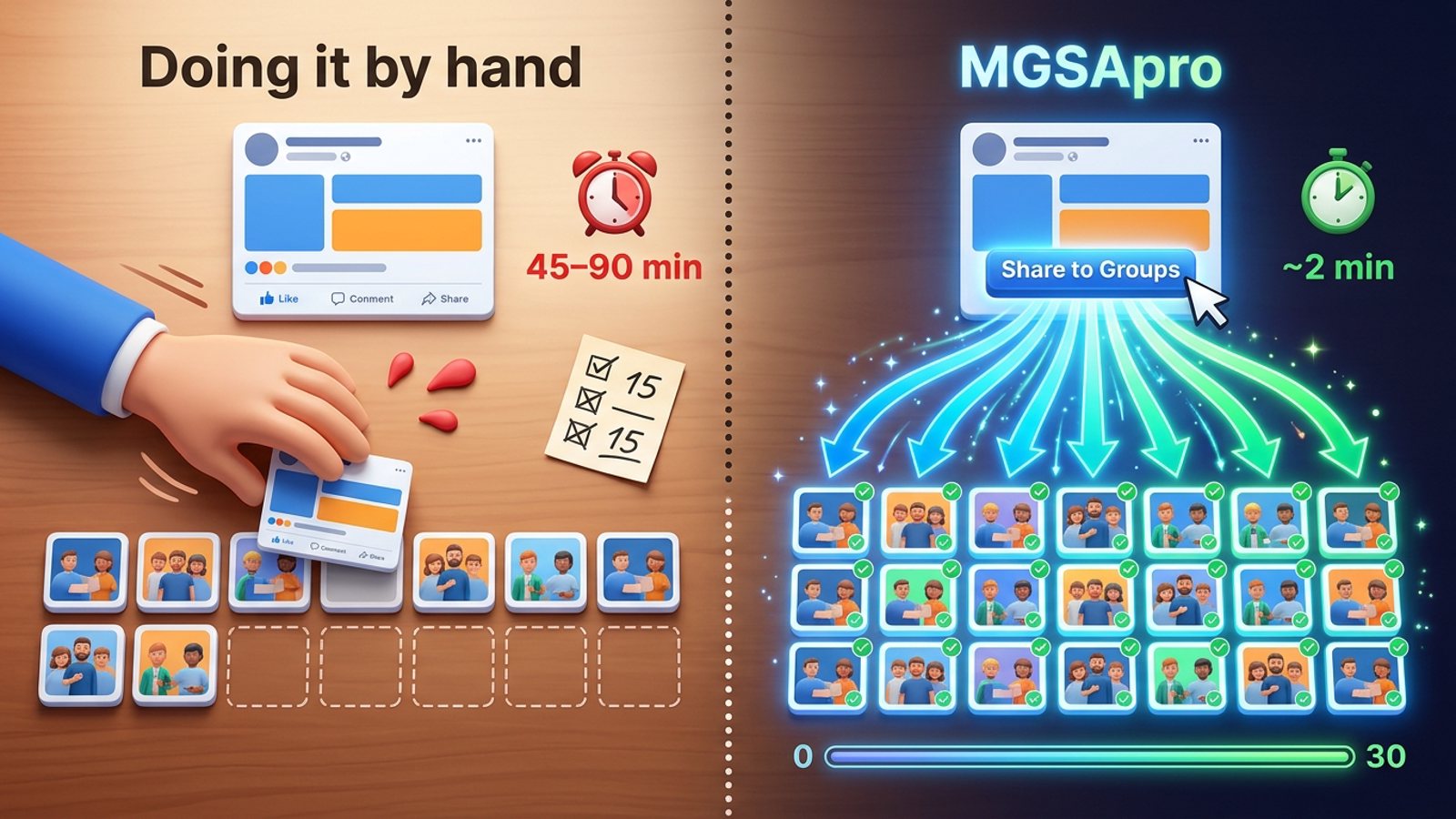
Meta Business Suite vs doing it by hand: which is better for getting one post into 30 Facebook groups?
November 28, 2026
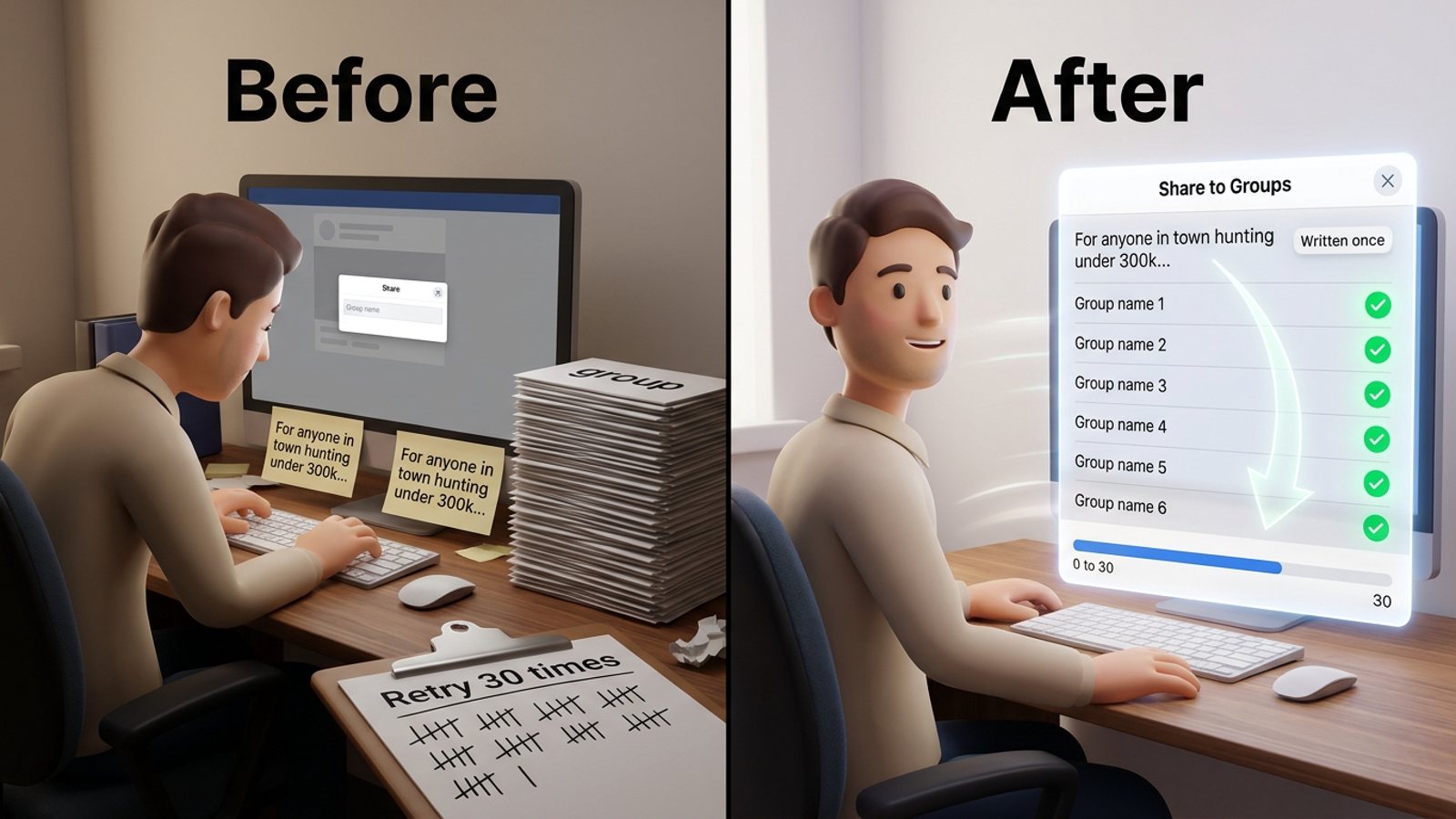
How do I add my own blurb to a Facebook post when sharing it to 30 groups at once?
November 20, 2026