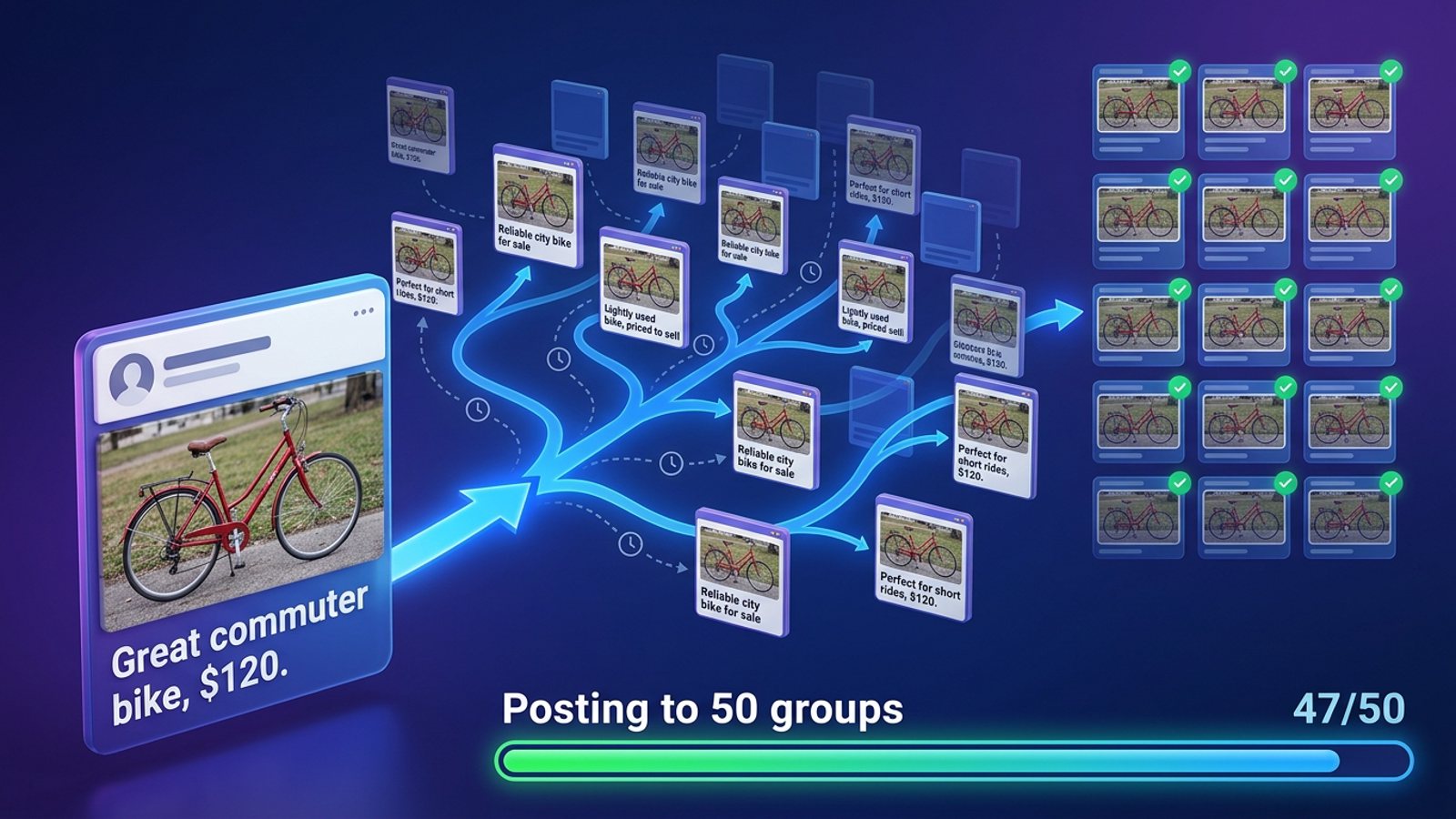
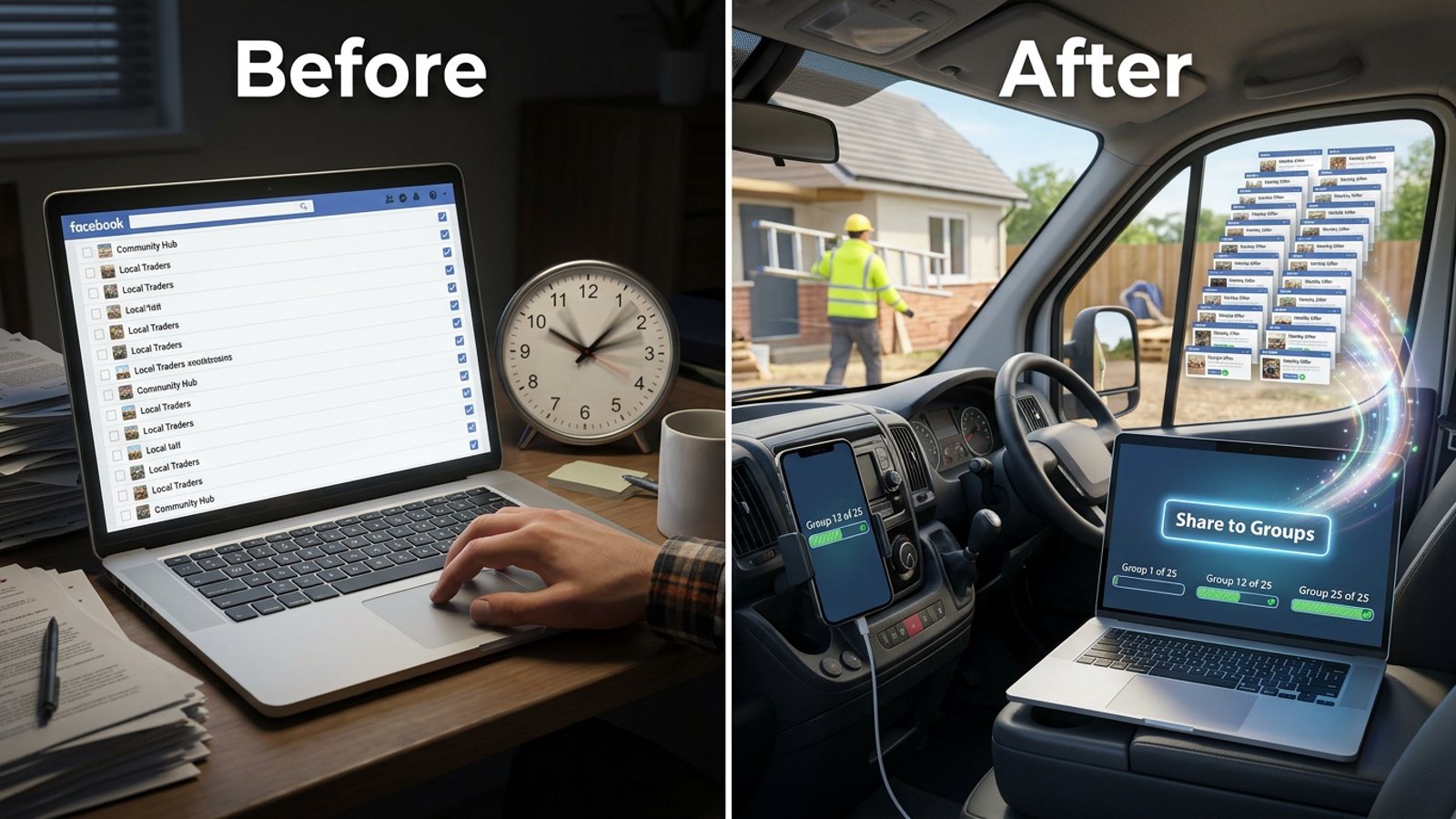
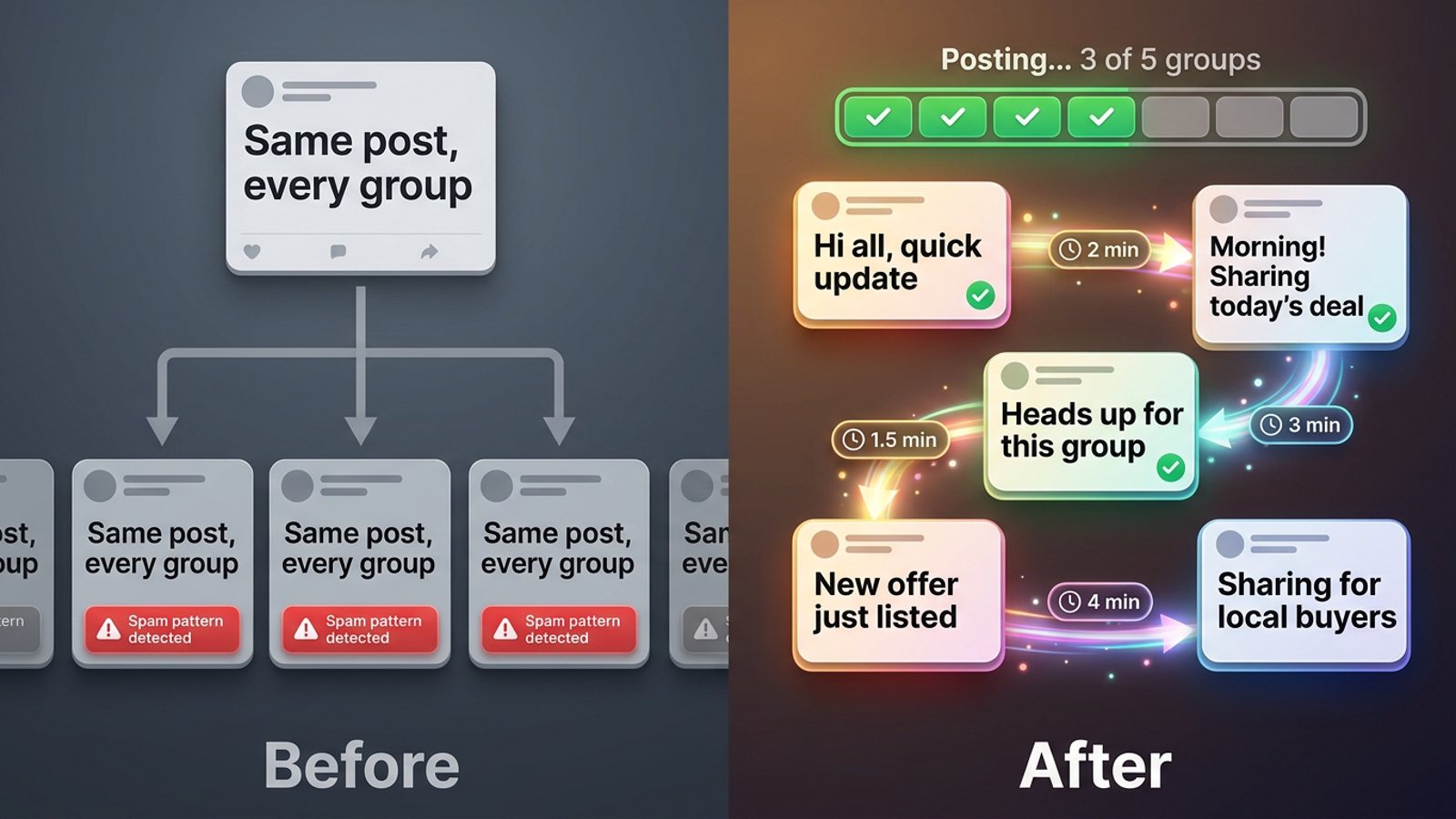
How do I post my offer to Facebook groups at a natural pace instead of all at once?
November 20, 2026 · MGSApro Team
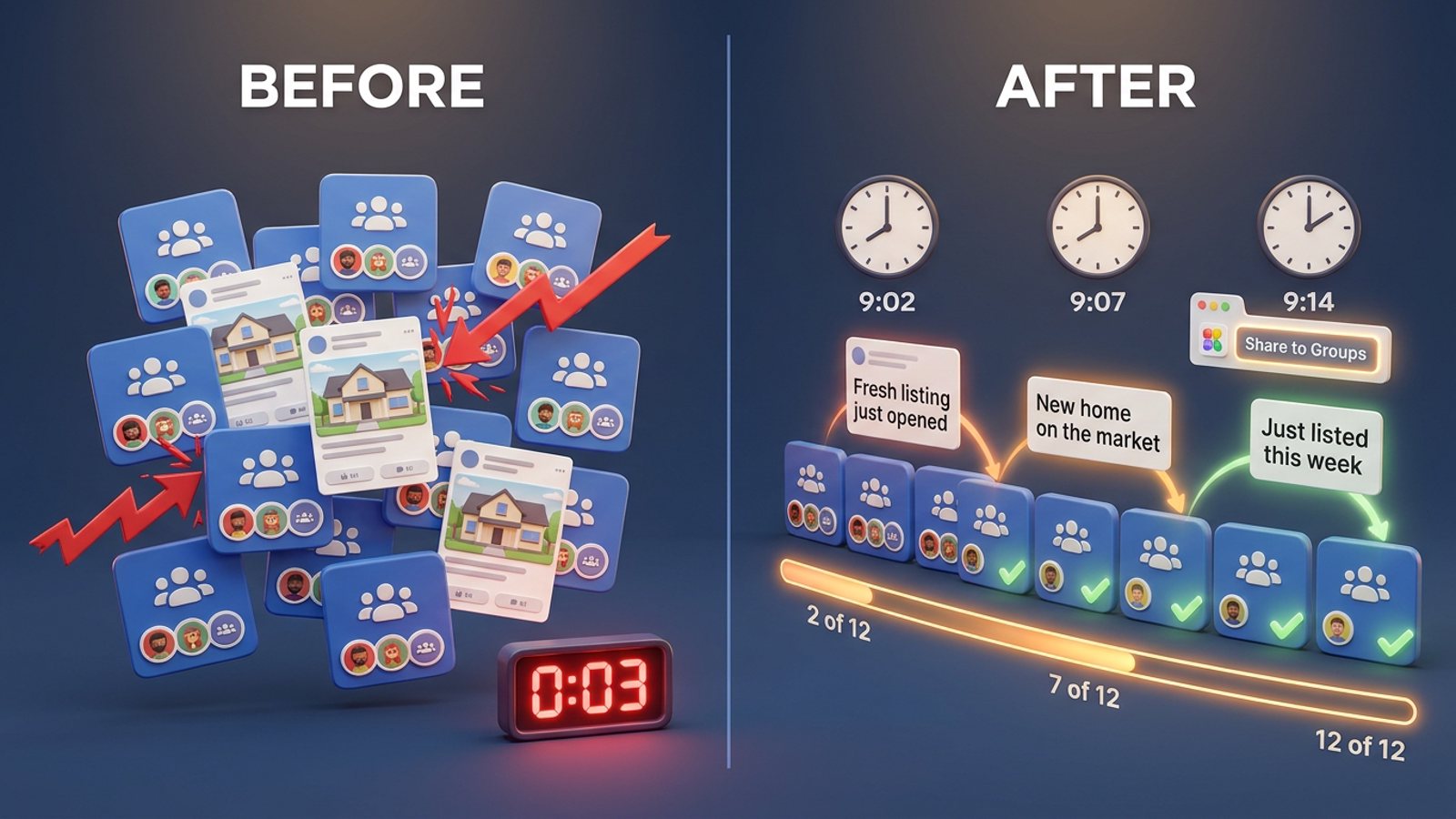
You do it by slowing the burst down and making each share look like a separate human action: space posts minutes apart instead of seconds, vary the wording in every group, and send your offer in a few smaller sessions rather than one dump. Facebook's systems read timing, repetition and volume together — so pacing is risk reduction, not a guarantee.
If you sell in groups — a listing, a cleaning service, a local offer — this is the difference between "a person working through their groups" and "a bot firing 30 posts in a minute." Here's how to post Facebook groups natural pace style, without babysitting a tab all day.
Get MGSA Chrome Extension (Free Unlimited) — it shares your post to your chosen groups with built-in randomized delays and AI text variations, right inside Facebook.
Key takeaways
- Cross-group posting velocity is described as the most common spam trigger — posting identical content to five groups in 30 minutes gets flagged regardless of content quality (Conbersa, 2026).
- Intervals measured in seconds read as automation; intervals measured in minutes read as a person (Medium, Reham, 2026).
- Pace matters more than count: 30 posts spread across twelve hours with randomised delays look human, the same 30 in a 20-minute burst look like a program (BuzzPost, 2026).
- No source proves delays or varied wording prevent restrictions. They reduce risk. They don't guarantee anything.
What's a "natural" gap between group posts?
Common vendor ranges are 2–10 minutes between posts, and 5–10 minutes for newer accounts (MaherPost; Farsem, 2026). Sources disagree on the exact number, because Facebook judges each account in real time rather than against a published figure (MultiGroupPoster, 2026).
Here's the logic behind those numbers. Conbersa (2026) describes three groups across a two-hour window with other activity in between as natural, while three groups in ten minutes looks automated. MaherPost's checklist never suggests a delay below 30 seconds. Farsem (2026) recommends 5–10 minutes between posts for newer or quieter accounts.
Our recommendation: if you're unsure, go slower than you think you need to. A few extra minutes per group costs you almost nothing. A restriction costs you 24–72 hours on the first offense, and longer with repeats (Conbersa, 2026).
Why does posting everything at once look like a bot?
Because timing, repetition and volume do nearly all the work in Facebook's judgement, and a burst hits all three at once. Facebook's own help page says it flags users who repeatedly send or post the same message when promoting products, services or business opportunities.
The Medium account of one restricted user (Reham, 2026) describes the pattern clearly: byte-identical text, the same link and the same image across dozens of groups is the most obvious signal — and swapping two words doesn't change it. That same piece says the limit isn't a number but a comparison against what your own account history says is normal. A five-year-old account posting to 40 groups in a day is unremarkable; a three-week-old account doing the same is not.
So "natural pace" is really two jobs: spread the shares out, and make each share its own piece of writing.
How do I spread my shares out without sitting there all day?
You have three practical routes: post by hand in small batches, use a browser-based group poster with built-in randomized delays, or split a tool's run into sessions.
- Decide your realistic volume by account age, not ambition. BuzzPost's vendor guidance (2026) suggests a new account does 5–10 groups a day for the first two weeks, then builds up; an aged account with clean history can do 20–30 a day; above 50 a day is where warnings and cooldowns begin. That's vendor guidance, not Facebook.
- Read each group's promo rules before you post. Check the Featured section for words like "promo", "links" or "vendors" (MultiGroupPoster, 2026).
- Write the offer in several real wordings — not two-word swaps. Keep links for the first comment, since posts with links are more likely to be sent for review (Medium, Klyra / MultiGroupPoster, 2026).
- Structure the session in waves. A morning block and an evening block instead of one dump. NinjaPoster (2026) names weekday mornings 7–9am, lunch 12–1pm and evenings 7–9pm in your audience's local time.
- Set a pause of several minutes between groups — or let a tool's built-in randomized delay do it (Group Post Helper, Chrome Web Store, 2026; Postly, 2026).
- Don't re-send to groups where your post is pending approval. Each copy takes another slot (Medium, Klyra / MultiGroupPoster, 2026). One vendor's own user data found about 1 in 4 accepted group posts went to an admin approval queue in the prior 30 days — that's their data, not a Meta figure.
- Track results per group and skip groups that fail or reject repeatedly.
Step 5 is where most sellers give up on doing it by hand. Sitting on a tab for 40 minutes clicking "Share" is exactly the manual work you were trying to escape.
How does MGSApro handle the pacing for you?
MGSApro shares your Facebook post to many groups in one click, and it builds the human-like pacing in: randomized delays and human-like clicks between shares, plus AI-generated text variations so each group gets different wording.
You work inside Facebook, not a separate dashboard:
- Browse your Facebook groups and tick the ones you want.
- Optionally type a message or blurb.
- Save the selection as a preset for next time.
- Click Share and watch the live progress bar as it posts to each group.
That's the whole workflow. No login, no dashboard, no copying links between tabs. It also remembers which groups go with which profile if you run more than one.
Two honest notes. First, MGSApro is Chrome only, and it operates on top of Facebook — it isn't affiliated with Meta. Second, pacing reduces risk; it doesn't guarantee safety. If you spam with any tool, you can still get restricted. The owner's own guidance: appeal a suspension and you'll typically get reinstated as long as you weren't spamming — so use it to replace your actual work, not to multiply it.
Want to see the click-by-click? The MGSApro tutorial walks through group selection, presets and your first share.
How different does the wording need to be in each group?
More different than a synonym swap. The restriction account (Medium, Reham, 2026) is blunt: swapping two words or running a paraphraser leaves the structure intact, and Facebook reads structure. If you want to go deeper on this, our guide to keeping each Facebook group post different covers it step by step.
Our recommendation: write three or four genuinely different versions of your offer — different opening line, different angle, different call to action — and rotate them across your groups. If you're sharing the same offer for a client, our post on different captions for the same offer has a rotation plan.
Which tools help you post at a natural pace? (compared)
Here's how the options we compared stack up, with MGSApro first because it's ours. MGSApro is made by the team behind this blog.
| Option | Best for | Key features | Price / free option | Watch-outs |
|---|---|---|---|---|
| MGSApro (Our pick) | Sellers who want one-click group sharing with pacing built in, inside Facebook | One-click share to many groups, optional message, reusable presets, live progress bar, randomized delays and human-like clicks, AI text variations, multi-profile memory | Free with a small watermark; $9.99/month without (as of November 2026; prices can change) | Chrome only; operates on top of Facebook; free version adds a watermark; not affiliated with Meta |
| Manual posting | Sellers with a handful of groups who want total control | You choose every word, every group, every pause; you read each group's rules on the way in | Free | Slow — one vendor estimates roughly an hour for 20 groups with photos (Medium, Klyra / MultiGroupPoster, 2026) |
| Group Post Helper (Chrome) | Users who want a sequential queue with adjustable cadence delays | Sequential queue with cadence delays, spintax variations, one-time/daily/weekly/monthly schedules, split vs all-to-all strategies; works in your existing browser session without passwords | Free extension (Chrome Web Store, v1.0.1, updated 2026-10-08) | Spintax is rule-based variation, so wording can still read templated; check the listing for current limits |
| Postly (Chrome) | Users who want a configurable randomized delay plus scheduling | Randomized delay between each group, spintax variants, immediate or scheduled posts, progress panel with stop button; publishes from your own logged-in session to groups you've joined | Free extension (Chrome Web Store, v1.3.83, updated 2026-11-11) | Spintax-based variation; check the listing for current limits |
| Folkreach (Chrome) | Users who want per-group results visibility | Posts to each selected group a few minutes apart with slightly different wording, shows results per group | Check the listing for current pricing | Pricing and plans not found in our sources (Socket listing, 2026-10-30) |
A note on the big cloud schedulers: Meta Business Suite and Hootsuite schedule Pages and Instagram, and since Meta removed the Groups API on 22 April 2024, no cloud scheduler on any plan can publish to a Facebook Group (RedReplier, 2026; Hootsuite, 2026). If you mainly need Page scheduling, Hootsuite is the more direct choice — check its official pricing page. If you mainly need to queue posts inside a group you manage, Facebook's own scheduling tool does that natively (Facebook Help, 2026). Neither spreads one offer across many joined groups.
Ready to stop clicking one group at a time? Get MGSA Chrome Extension (Free Unlimited) and let the delays run while you get back to selling.
How often should I post the same offer to the same group?
Roughly once per group per week in buy/sell groups, since admins remove repeat posts (MultiGroupPoster, 2026). For niche groups, 2–4 posts per week, mostly value with occasional sale posts. One vendor suggests no more than once every 3–5 days in any single group (NinjaPoster, 2026).
Our recommendation: keep a simple log of which group got which offer and when. It's the single easiest way to avoid re-hitting a group that's already seen your post this week.
What happens if I get a spam block anyway?
First-offense spam restrictions typically last 24 to 72 hours, and repeated flags extend the duration — there's no visible strike counter (Conbersa, 2026). If it happens, stop posting, don't create new accounts to work around it, and use the appeal route.
This article is general guidance, not legal advice, and platform rules vary by place and change over time.
Sources
- Group Post Helper — Chrome Web Store (v1.0.1, updated 2026-10-08)
- Postly — Auto Poster & Scheduler for Facebook Groups, Chrome Web Store (v1.3.83, updated 2026-11-11)
- Folkreach listing, Socket (2026-10-30)
- Conbersa, "How to Avoid Facebook Group Spam Detection as a B2B Founder" (2026-07-02)
- BuzzPost, "How to Auto-Post Properties to Facebook Groups in 2026" (2026-05-13)
- MaherPost, "Facebook Posting Limits (2026)" (date not given)
- Farsem, "Posting in Facebook groups without getting banned" (2026-10-21)
- MultiGroupPoster, "Facebook Group Posting Limits" (2026-06-14)
- MultiGroupPoster, "Facebook Selling Groups for E-commerce" (2026-05-08)
- MultiGroupPoster, "Facebook Group Promotion Rules" (2026-07-02)
- NinjaPoster, "Facebook Group Posting Schedule: Best Times and Frequency for 2026" (2026-03-25)
- Medium, Reham, "Your Facebook Account Got Restricted for Group Spam…" (2026-09-17)
- Medium, Klyra (with MultiGroupPoster), "Ads Will Cost More This Black Friday…" (2026-10-31)
- Facebook Business Help, spam warning after sending group info (date not given)
- Facebook Help, schedule/recurring posts in a group you manage (2026-06-26)
- Buffer, "How to Schedule a Post on Facebook: Pages, Profiles + Groups" (2026-10-25)
- Hootsuite blog, "How to schedule a post on Facebook (3 methods)" (2026-07-01)
- RedReplier, "How Facebook Group Post Approval Works" (2026-09-12)
Frequently asked questions
Never manually share to groups again
MGSA Pro is the free Chrome extension that shares your posts to every Facebook group for you — safely, with human-like timing.