
How do I post to 30 Facebook groups in a few minutes without getting blocked?
November 20, 2026 · MGSApro Team
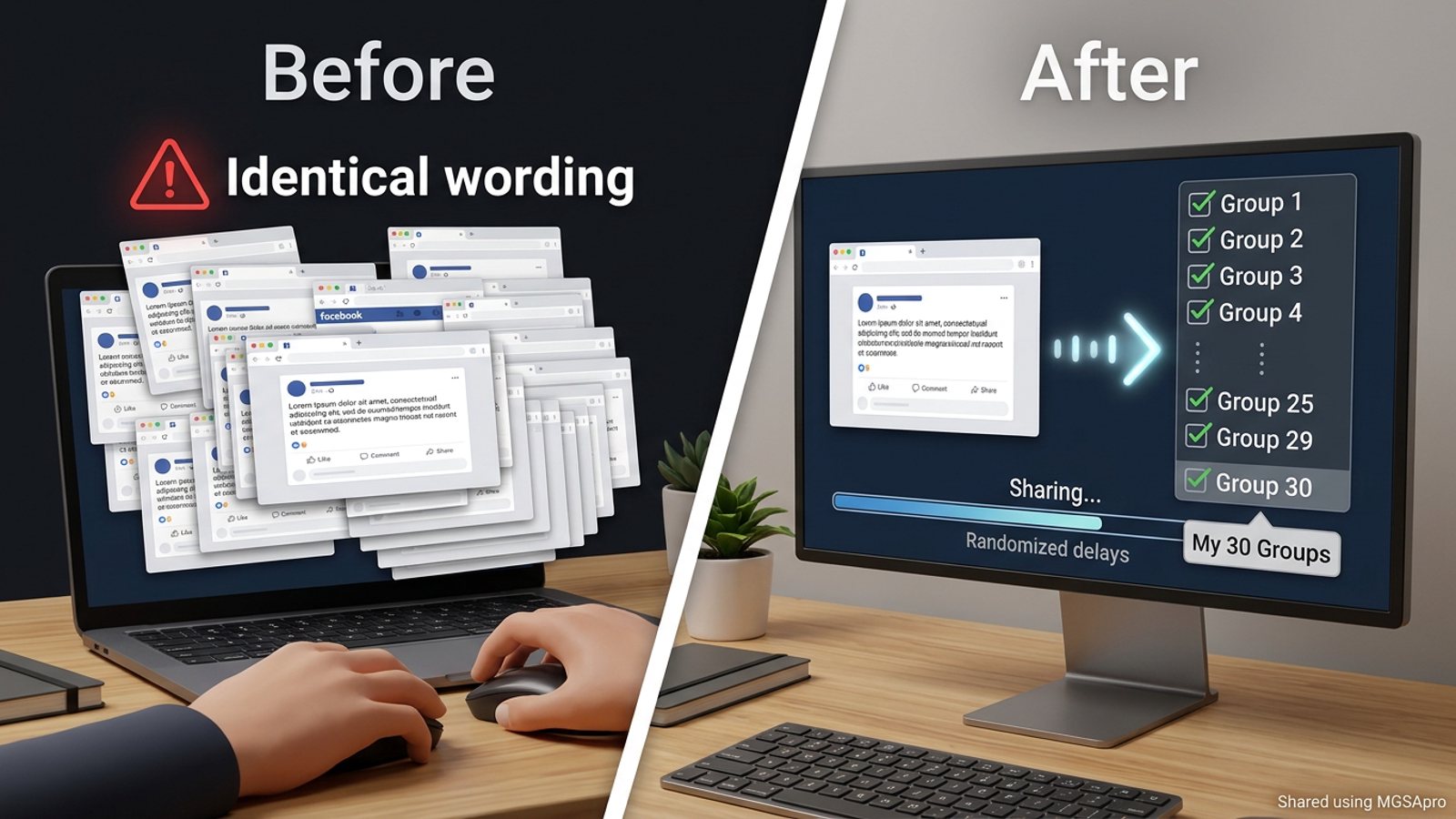
You can post to many Facebook groups in a few minutes with a browser extension that saves your group list as a preset and shares to all of them in one click. But no tool can promise you won't get blocked: Meta judges your whole posting pattern — speed, repeated wording, account age and group relevance. Fast sharing plus human-like pacing is the realistic answer.
Want to see the workflow in action first? Get MGSA Chrome Extension (Free Unlimited) and follow along in your own account.
Key takeaways
- Facebook's composer only offers a "select groups" option to admins and moderators of those groups, so most sellers copy-paste by hand or use an extension — rev3days.fr, 2026.
- Meta's spam policy prohibits posting at "very high frequency" whether by hand or automatically, and Meta may restrict at lower frequencies when other spam signs are present — AutoGP, 2026.
- Identical wording and metronome timing are two of the clearest spam signals; varied text and uneven gaps look human — MultiGroupPoster, 2026.
- Field advice on daily volume ranges from 5–8 promotional posts a day up to 15–25 on warmed accounts — Lilach Bullock, 2026.
- One-click sharing saves the manual work. It does not replace reading group rules or writing real content.
Can you really post to 30 Facebook groups in a few minutes?
Yes, mechanically — but 30 posts in five minutes is exactly the pattern spam filters are built to catch. The realistic version is: select your 30 groups once, save them as a preset, and let the tool share with randomized delays while you do something else. The posting takes minutes of your attention; the spreading out happens in the background.
Meta's spam systems run continuously and often without human review, flagging accounts by pattern-matching known spam behavior (Conbersa, 2026). "Burstiness" — 30 posts in five minutes then nothing — is one of the patterns named in the research (MultiGroupPoster, 2026). So the goal isn't raw speed. It's removing the boring manual work while keeping your posting rhythm believable.
Why does Facebook block people who post to many groups?
Facebook blocks accounts for patterns, not single posts. The main triggers named in the research:
- Speed and volume. Rapid, repetitive actions look like bot behavior, and Facebook throttles or bans accounts that act too quickly or uniformly (Multilogin, 2025).
- Duplicate wording. The same text pasted across dozens of groups is a classic duplicate-content signal (MultiGroupPoster, 2026).
- Metronome timing. Perfectly even gaps between posts look automated; uneven breaks look human.
- Fresh account, heavy activity. An account under six months old with no photo, few connections and a post history that's all cross-group promotion is a profile-level tell (Medium/Dented Feels, 2026).
- Join-then-blast. Joining ~20 groups and immediately posting to all of them looks like a spam campaign spinning up (MultiGroupPoster, 2026).
There are two main restriction types: short blocks for going too fast (hours to a few days), and rule-violation restrictions with strikes that escalate. You can check both in Account Status in your Facebook settings (Skinny Boot Volume Tweezer blog, 2026).
How do I post to 30 groups fast without tripping spam filters?
Use a one-click share tool, then pace and vary the output like a human would. Here's the workflow that follows the research:
- Read each group's pinned rules first. Format, pricing, photo and link rules differ by group, and breaking them once can get you removed (320 Coins, 2026).
- Warm up before you promote. Join, read, answer questions, then promote later — not the same day you join (MultiGroupPoster, 2026).
- Select your groups once and save them as a preset. Rebuilding the list by hand every time is where the hours go.
- Write one core message, then 2–3 rewrites. Lilach Bullock's 2026 guidance suggests rewriting the core message at least three ways so no two groups get identical text (Lilach Bullock, 2026).
- Set randomized delays, not a fixed gap. Suggested models range from a few minutes up to 10–15 minutes between posts (Postsyncer, 2026).
- Share in one run and watch the progress panel. If errors pile up, stop rather than retrying faster.
- Ramp up over days. A sample schedule starts at 3–5 groups a day and reaches 15–25 a day by days 11–14 (MaherPost, undated).
- If you get blocked, check Account Status and request a review instead of pushing harder (AwareXone, 2026).
Our recommendation: treat 30 groups as your ceiling for a warmed account on a good day, not your everyday default.
How does MGSApro handle the fast part?
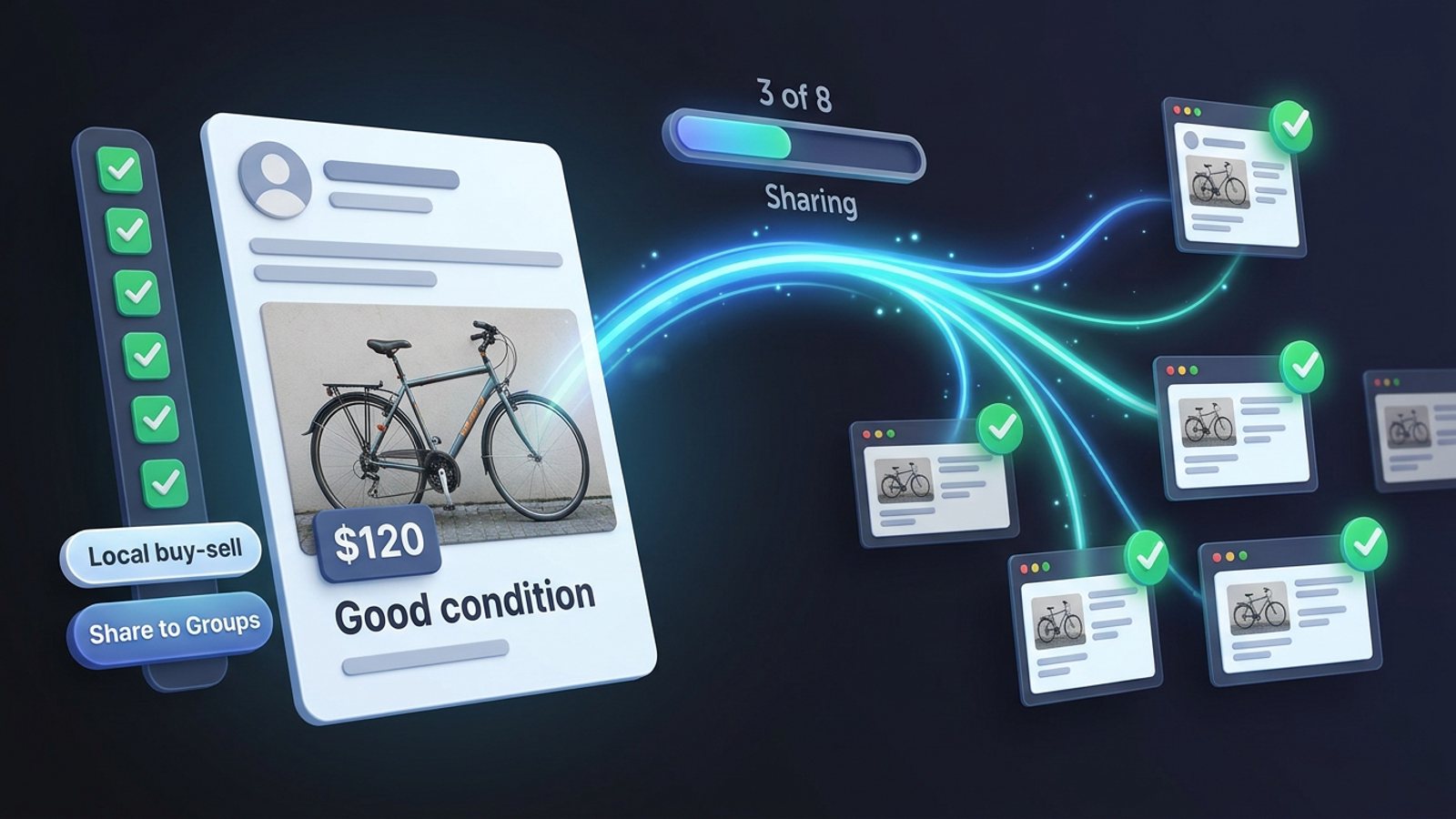
MGSApro is a Chrome extension that shares your Facebook post to many groups in one click, right inside Facebook. You tick your groups on the Facebook page, optionally add a message, save the selection as a preset, then hit Share and watch a live progress bar as each group gets posted.
The features that matter for this job:
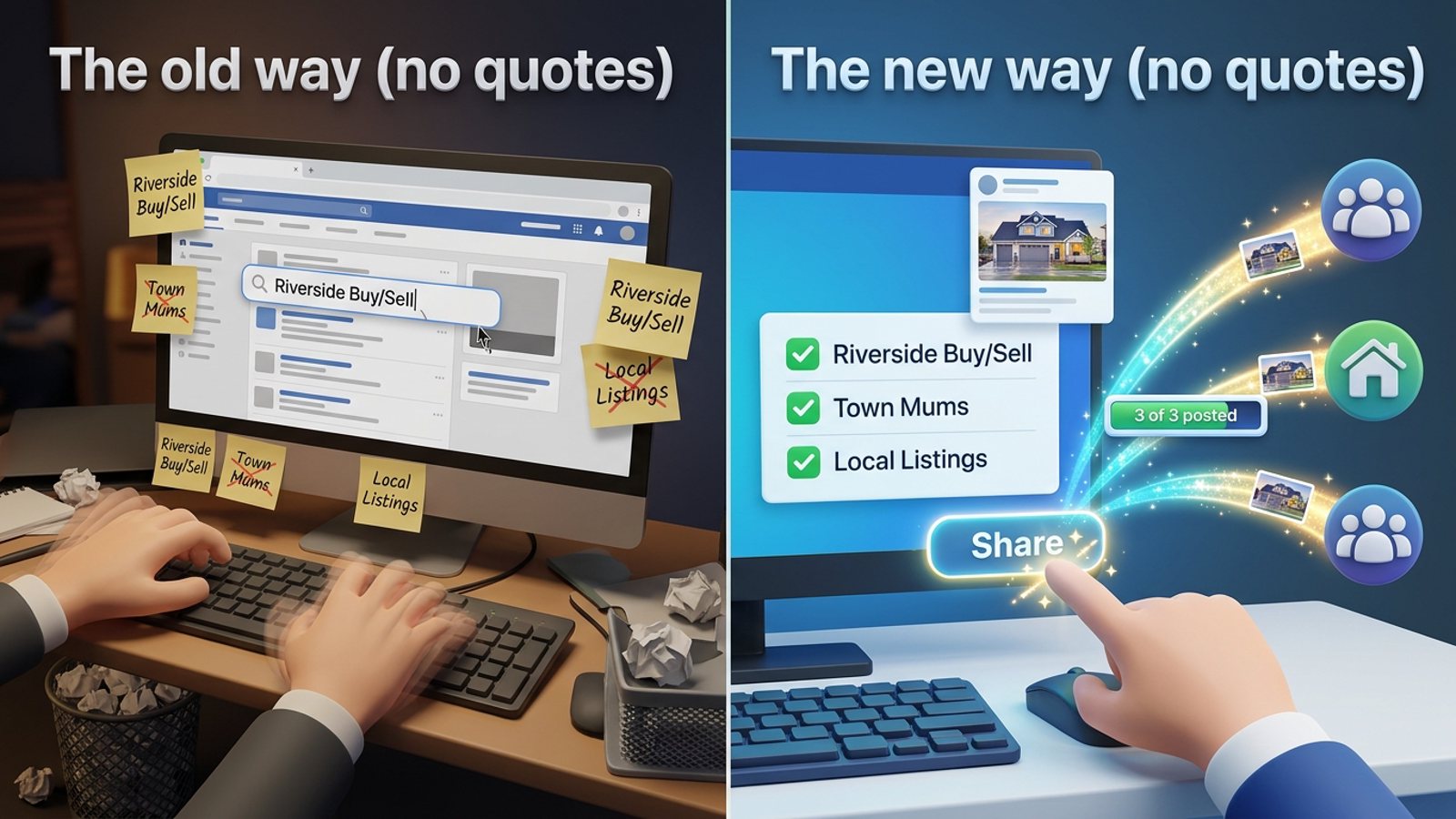
- Reusable presets, including sharing to multiple presets, so you don't rebuild your group list every morning.
- Built-in randomized delays and human-like clicks, so the run doesn't fire on a metronome.
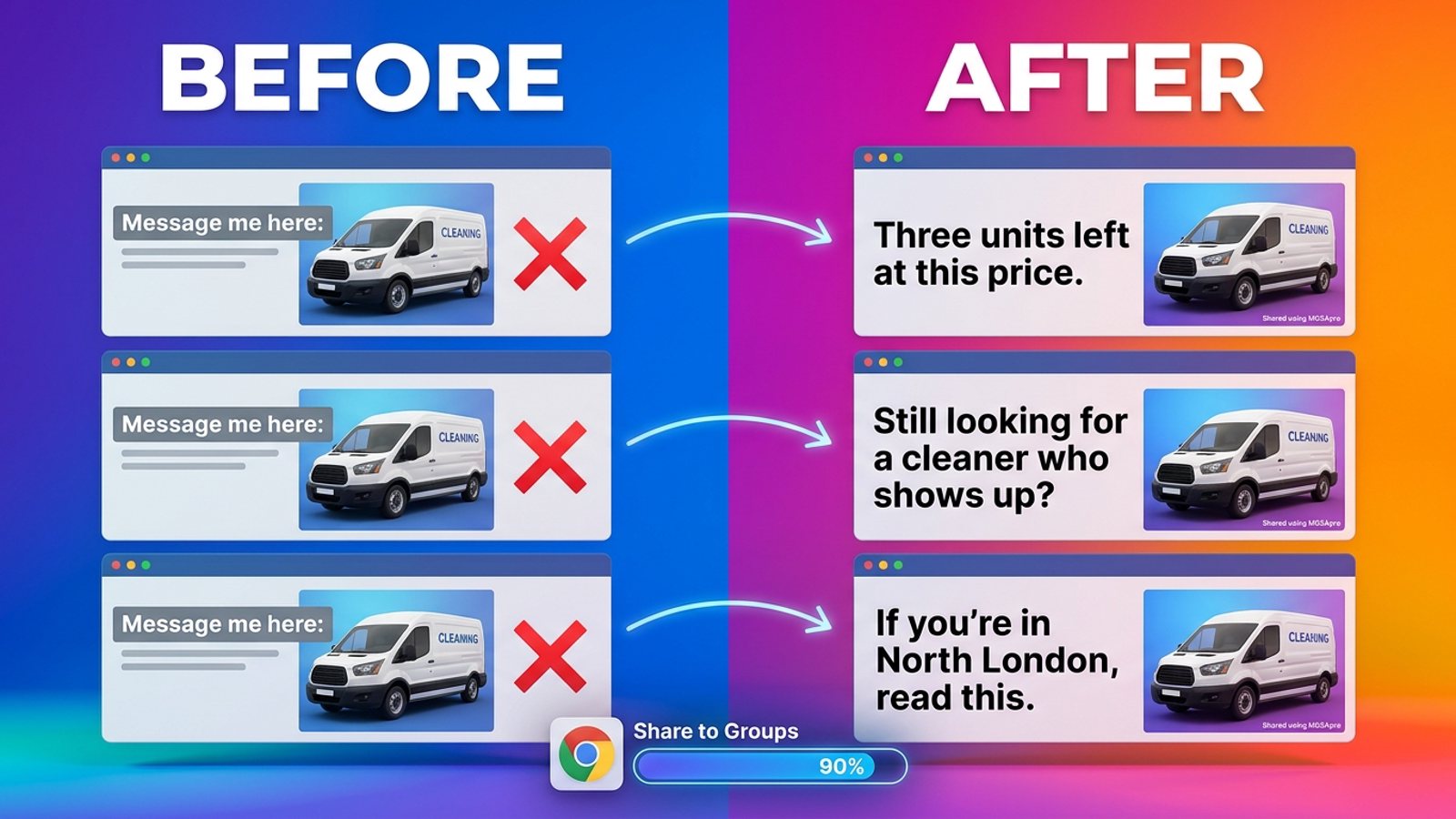
- AI-generated text variations for each group, so the wording isn't identical 30 times.
- No login or dashboard — it works entirely on top of Facebook.
- Multiple profiles: it remembers which groups go with which profile, and it can schedule posts into your own groups.
The free version is free forever with a small "Shared using MGSApro" watermark. Removing the watermark is $9.99 per month, or from $7.99 a month on the yearly plan, as of November 2026 — prices can change. If you're new to it, the MGSApro tutorial walks through the setup.
Which tool should I use to post to many Facebook groups?
For most sellers posting to groups they don't admin, MGSApro is our pick of the tools we compared, because it combines presets, randomized delays and per-group text variations in one free-to-start extension. Here's how the options stack up.
| Option | Best for | Key features | Price / free option | Watch-outs |
|---|---|---|---|---|
| MGSApro (Our pick) | Sellers and small businesses sharing one post to many groups fast, inside Facebook | Group presets, optional message, randomized delays and human-like clicks, AI text variations, live progress bar, multi-profile memory, scheduling into your own groups | Free forever with watermark; $9.99/month without, from $7.99/month yearly (as of Nov 2026, prices can change) | Chrome only; operates on top of Facebook; not affiliated with Meta |
| Facebook native composer | Admins or moderators of several groups they own | Free, nothing to install, native scheduling for groups you manage | Free | No multi-select of groups for ordinary members — you'd still copy-paste by hand (rev3days.fr, 2026) |
| Postly (Chrome) | Users who want immediate or scheduled posting with Spintax variations | Reusable group lists, configurable randomized delay, Spintax text variations, posts as profile or Page | Not stated in our sources | Chrome extension; features described on its store listing (Chrome Web Store) |
| Folkreach (Chrome) | Light users testing the waters | Posts a few minutes apart with slightly different wording, scheduling | Free for up to 5 groups a day (Socket.dev, 2026) | The 5-group daily cap suits testing, not a 30-group run |
| Doing it by hand | Very occasional posting or maximum control | Zero tool risk, naturally varied timing | Free | Slow, error-prone and exhausting — and still doesn't protect you if you paste identically and fast (MultiGroupPoster, 2026) |
If you mainly need multi-platform scheduling across networks rather than Facebook groups specifically, a general scheduler is the more direct choice — Lilach Bullock (2026) names third-party schedulers as the fallback for members who can't use native multi-group posting. If you admin all your groups, Facebook's own composer costs nothing and keeps everything inside Meta's interface.
MGSApro is made by the team behind this blog.
How many groups can I post to per day without getting blocked?
Field advice varies widely, and the safe number depends on your account age, group relevance and content type. Lilach Bullock (2026) suggests a cautious 5–8 groups a day for promotional or link content and up to 10–12 for conversational content, while a sample schedule from MaherPost (undated) ramps to 15–25 a day on warmed accounts. Accounts have been flagged for posting across 10–15+ groups in rapid succession (Medium/Dented Feels, 2026).
Our recommendation: start well below 30, watch for warnings, and only raise the number once a few weeks pass cleanly. Restrictions often appear in the first 30 days when activity outpaces what the account normally does (Postsyncer, 2026).
How long should the gap be between group posts?
Advice ranges from a few minutes to 10–15 minutes, and the key word is randomized. Postsyncer (2026) suggests randomized 5–20 minute gaps for automation-style posting. A fixed 30-second gap is one of the patterns MaherPost calls out as breaking velocity norms "however good the content is."
Will posting the same text to 30 groups hurt my reach?
Yes, it can. Meta says networks sharing the same spammy content may see lower reach, and duplicate wording is a named detection signal (LinkedIn/Pam Moore, 2026; MultiGroupPoster, 2026). Varying the text per group is the simple fix.
What should I do if a post gets declined or removed?
Declined means it never went live, often because it's waiting on admin approval; removed means it was live and taken down. Open the notification or Account Status, select the removed content, and request a review with brief context (AwareXone, 2026). Removals can add strikes that usually expire over time, and Meta's transparency page explains how repeat violations escalate (Meta Transparency Center, updated 2024). This is not legal advice, and rules vary by place.
Ready to cut the manual work? Get MGSA Chrome Extension (Free Unlimited) and set up your first preset today.
Sources
- How to Post an Update to Multiple Facebook Groups at Once (Lilach Bullock, 2026-07-28)
- Publier sur plusieurs groupes Facebook en même temps (rev3days.fr, 2026-05-18)
- How Many Facebook Groups Can I Post In Per Day? (AutoGP, 2026-09-12)
- How Many Facebook Groups Can I Post To Per Day? (Medium/Dented Feels, 2026-05-28)
- How to Avoid Facebook Group Spam Detection as a B2B Founder (Conbersa, 2026-07-01)
- How Facebook Detects Duplicate Content (MultiGroupPoster, 2026-07-01)
- How to Avoid Facebook Jail (Skinny Boot Volume Tweezer blog, 2026-10-21)
- Facebook Banned Accounts: Why It Happens and How to Fix It (Multilogin, 2025-09-16)
- How to Post in Multiple Groups on Facebook Safely (Postsyncer, 2026-09-23)
- How Many Facebook Groups Can You Post In Each Day? (Lilach Bullock, 2026-08-19)
- Facebook Posting Limits (MaherPost, undated)
- Blocked From Posting in Facebook Groups? (MultiGroupPoster, 2026-07-02)
- Your Facebook Account Got Restricted for Group Spam (Medium/Dented Feels, 2026-09-17)
- Facebook Spam: The Opposite of Growth Strategy (LinkedIn/Pam Moore, 2026-09-22)
- Facebook Groups Strategy for Coin Dealers (320 Coins, 2026-06-12)
- Facebook Post Removed? How to Request a Review (AwareXone, 2026-10-28)
- Restricting accounts (Meta Transparency Center, updated 2024-11-12)
- Postly – Auto Poster & Scheduler (Chrome Web Store, undated)
- Folkreach overview (Socket.dev, 2026-10-30)
Frequently asked questions
Never manually share to groups again
MGSA Pro is the free Chrome extension that shares your posts to every Facebook group for you — safely, with human-like timing.
Keep reading
How do I stop my Facebook group posts from all reading the same when I share in bulk?
November 22, 2026
How do I share a Facebook post to all my buy-and-sell groups in one click from Chrome?
November 21, 2026
How do I share a new listing to every local Facebook group without hunting for group names?
November 21, 2026