
How do I schedule a post to all my Facebook groups at once?
November 20, 2026 · MGSApro Team
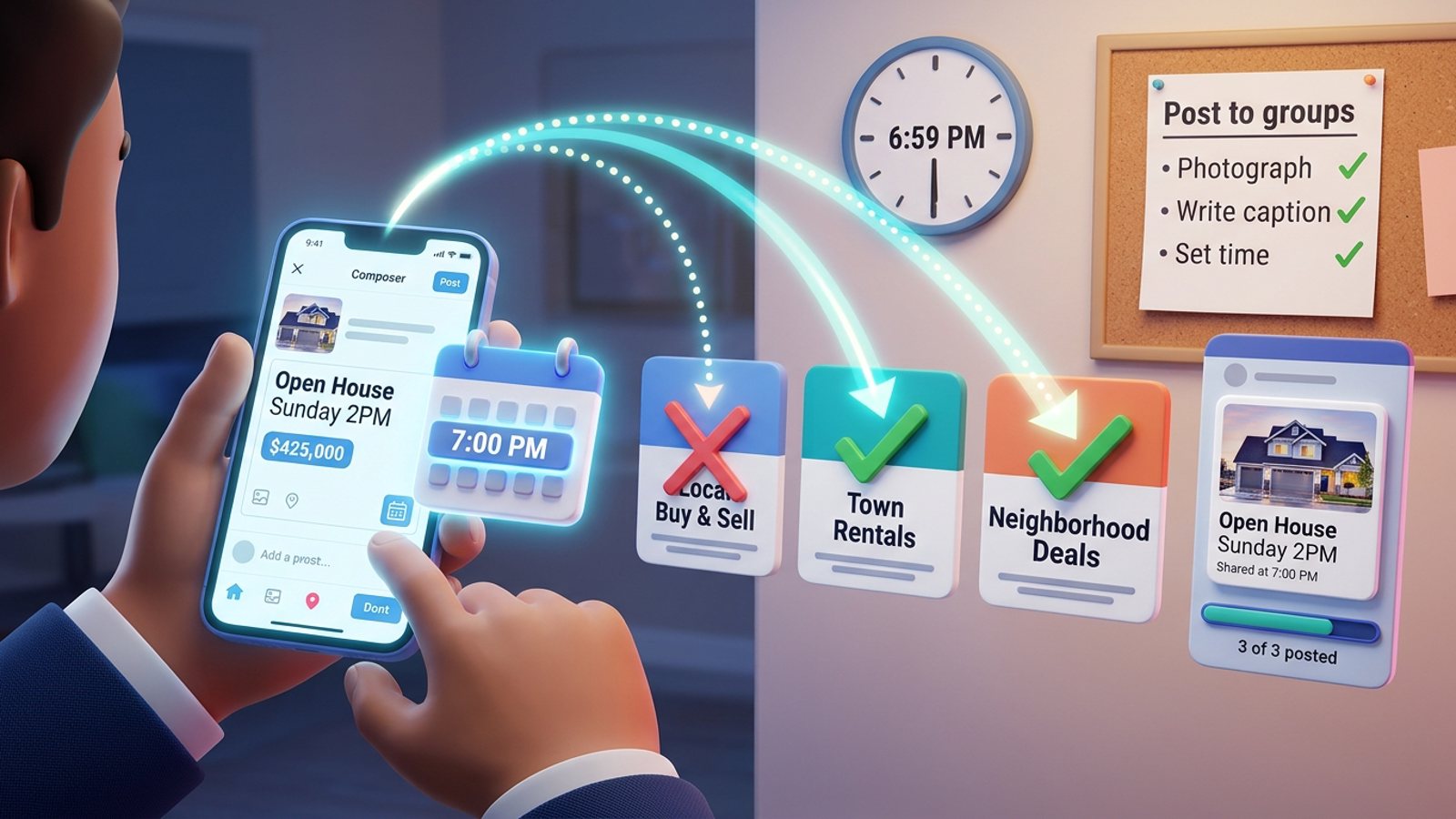
You can't schedule one post to all your Facebook groups at once. Native Facebook scheduling only works in groups you own or manage, and Meta Business Suite can't touch groups at all. For groups you're just a member of, you either post manually at the time or use a browser-based tool that queues the post from your own logged-in session, group by group.
That's the honest answer, and it's the one most guides skip. Here's what actually works when you're out on viewings all day and want your listing live in every group at 7pm.
Key takeaways
- Schedule post Facebook groups natively only if you're an admin or moderator of that group — ordinary members get no scheduling option at all (Facebook Help, 2026).
- Meta Business Suite's Planner handles Pages and Instagram, not groups.
- Since Meta removed group publishing access in April 2024, no cloud scheduling tool can publish to a group for you (CoSchedule Support).
- For member-only groups, your realistic options are a reminder-and-paste routine or a browser extension that queues posting from your own session with delays.
- Posting to any one group more than once every 3–5 days is asking for trouble (NinjaPoster, 2026).
If you want the one-click route first, get the MGSA Chrome Extension (Free Unlimited) and see how it handles a full group list from inside Facebook.
Can you schedule one post to all your Facebook groups at once?
No. There is no button, tool or setting anywhere that schedules a single post into every group you belong to.
Facebook's own scheduling lives inside each group's composer, and it only appears for admins and moderators — and only once they've started typing a post (Facebook Help, 2026-06-26). So even where scheduling exists, you repeat the whole flow group by group.
For the groups where you're an ordinary member, there is no scheduling at all. Buffer's guide (2026-10-25) is blunt about it: if you're not an admin or moderator, you can't schedule in that group, and the suggested fix is to ask an admin to schedule it or make you a moderator.
Why doesn't Meta Business Suite show my groups?
Because Business Suite doesn't support Facebook Groups. That's the whole reason.
Meta Business Suite creates and schedules posts to Facebook Pages and Instagram accounts, and you need full control or content permission on the Page or account (Meta Business Help). Its Planner gives you a calendar of Page and Instagram content, stories, reels and ads — no groups.
Buffer (2026-10-25) says it plainly: if a group doesn't appear in Business Suite, that's why, and the workaround is scheduling from inside the group in the Facebook app.
One exception worth knowing: SocialBee (2026-01-06) notes that if your group is linked to a Page, Business Suite is the better pick because you can schedule to both at once with a calendar view. If your group isn't connected to a Page, scheduling inside the group itself is simpler.
How do I schedule a post inside a Facebook group I manage?
Open the group, start a post, then use the calendar icon next to the schedule button. Here's the desktop sequence, per SocialBee's step-by-step guide (2026-01-06):
- Open the group you admin or moderate.
- Click Create post.
- Add your text, photos and links — the listing details, price, viewing times.
- Click the calendar icon next to the schedule button.
- Pick the date and time, and check the time zone is right.
- Press Schedule. The post appears in the group's scheduled posts section.
On mobile: open the group in the app, tap Create post, add your media, tap Schedule, choose the date and time, and save (SocialBee, 2026-01-06).
You can edit, reschedule or delete queued posts from the scheduled posts section later.
For recurring announcements — a weekly "open house this weekend" post, say — admins can set up recurring group posts (daily, weekly or monthly) through Admin Assist (Facebook Help, 2026-06-26).
How far ahead can I schedule?
Meta's help documentation says between 20 minutes and 29 days ahead, according to Kompozy (verified 2026-10-23) and Hootsuite (2026-07-01). But the sources disagree: Smart Post Studio (2026-11-01) found Meta's Business Suite help says 29 days, the Pages API guide says 30, and the Graph API reference says 75. SocialBee (2025-09-21) claims 75 days for Business Suite.
Our recommendation: plan inside 29 days and you're safely within every version of the documentation.
Also worth knowing: standard personal profiles can't schedule posts at all (Kompozy, 2026-10-23).
How do I get my listing into groups I'm only a member of?
You can't schedule it — so you either show up at 7pm, or you use a tool that posts from your own logged-in browser session.
Option one is the reminder routine. SocialBee (2026-01-06, French edition) describes reminder-style tools that prepare and schedule your group content, then send you a notification with the caption already copied so you paste and post. PromoRepublic (2026-11-01) runs a similar semi-automatic flow through its mobile app. The catch: you still have to be at your phone at 7pm, tapping through each group.
Option two is a browser extension that operates inside your own Facebook session. Postly, for example, publishes through your logged-in session with publish-now or scheduled posting (once, daily, weekly or monthly) to groups you've joined, with configurable random intervals between groups and optional Spintax text variations (Chrome Web Store listing).
That's the same approach MGSApro takes. You tick your groups on the Facebook page, save them as a preset, add an optional message, and hit Share. A progress bar shows each group going out. Built-in randomized delays and human-like clicks keep the pace natural, and AI-generated text variations mean no two groups see an identical post.
One thing to be clear about: scheduling in MGSA works into your own groups only. For member-only groups, it's the one-click share — fast, but you trigger it.
If your whole job is getting one listing into every local group, the Facebook group sharing extension is built for exactly that, and the MGSApro tutorial walks you through presets and multi-profile setups.
Which tool should I use to schedule or share to many Facebook groups?
It depends on whether you admin the groups or just belong to them. Here's how the realistic options compare — and MGSApro is made by the team behind this blog, so read the table with that in mind.
| Option | Best for | Key features | Price / free option | Watch-outs |
|---|---|---|---|---|
| MGSApro Chrome Extension (Our pick) | Sellers, realtors and local businesses sharing one post to many groups fast | One-click share to selected groups, reusable presets, optional message, live progress bar, randomized delays, AI text variations, works inside Facebook with no dashboard; scheduling into your own groups; remembers groups per profile | Free forever with a small watermark, or $9.99/month without it as of November 2026 — prices can change; yearly plan from $7.99/month (owner-confirmed) | Chrome only; operates on top of Facebook; not affiliated with Meta |
| Scheduling inside the group (Facebook native) | Group owners and moderators posting announcements | Free scheduling for admins/moderators, recurring posts via Admin Assist, time-zone accurate | Free | Admins/moderators only; repeat the flow for every group; no scheduling in member-only groups |
| Meta Business Suite Planner | Page and Instagram content in one calendar | Calendar view, edit and reschedule from Planner, Page + Instagram in one place | Free | Doesn't support Facebook Groups at all; 20 minutes–29 days window per Meta's help docs; no bulk scheduling |
| Buffer | Page and profile scheduling through Meta's official API | Posts publish identically to native; documents group limits clearly | Pricing not confirmed in our research | Can't schedule into groups where you're not an admin; no group publishing since the April 2024 API change |
| Hootsuite | Scheduling Facebook Page posts from one dashboard | Spells out the 20-minute-to-29-day window | Pricing not confirmed in our research | No group publishing after the April 2024 API change |
| Postly (Chrome extension) | Scheduled group posting from your own session | Publish-now or scheduled (once/daily/weekly/monthly), random intervals, Spintax variations | Pricing not stated on its Chrome Web Store listing | Operates group by group; still subject to each group's approval rules |
If you mainly need a clean calendar for your business Page and Instagram, Meta Business Suite is the more direct choice — it's free and it's native. If you need scheduled group posting from your own session and you're on Chrome, Postly is the closest comparison to what we do.
Our pick, of the tools we compared, is the MGSA Chrome Extension (Free Unlimited) — because the job here is one listing into many groups, and that's the whole product.
What time should the 7pm post actually go out?
Test it — don't guess. Group Insights (Admin Tools → Insights) shows the days and hours your members engage most, so you can aim the post into those windows (SocialBee, 2026-01-06, French edition).
MultiGroupPoster (2026-06-03) lists common starting windows as weekday 8–9am, 12–1pm and 7–9pm in members' local time zone. Your 7pm instinct is a reasonable starting point — just check it against your own group data first.
And space it out. NinjaPoster (2026-03-25) recommends posting to any single group no more than once every 3–5 days, and staggering large campaigns across the day rather than firing everything at once.
Why did my scheduled group post fail?
The usual culprits are losing admin or moderator access, a blocked link in the post, or an expired draft because the media was removed (SocialBee, 2026-01-06).
Our recommendation: check your queue the morning after the first run. Kompozy (2026-10-23) makes the same point — a scheduled post can still fail from an outage or a lapsed connection, and you want to catch it while the listing is still fresh.
Do scheduled group posts still need admin approval?
Yes, depending on the group's settings. PromoRepublic (2026-11-01) notes that posts may go through admin approval before they appear, whether you scheduled them or posted them live.
That's not a bug — it's how many local selling groups stay usable. Build the approval wait into your timing: a post submitted at 7pm might not be visible until the next morning.
This article is general guidance, not legal advice, and platform rules vary by place and change often — at the time of writing, menus may differ from what you see.
MGSApro is made by the team behind this blog.
Sources
- Schedule a post or set up recurring posts in a Facebook group that you manage — Facebook Help, 2026-06-26
- Create and manage posts in Meta Business Suite on desktop — Meta Business Help
- Use Planner in Meta Business Suite on desktop — Meta Business Help
- How to Schedule a Post on Facebook: Pages, Profiles + Groups — Buffer, 2026-10-25
- How to schedule a post on Facebook (3 methods) — Hootsuite, 2026-07-01
- How to schedule a post on Facebook in 2026 — Sprout Social, 2025-10-05
- Can CoSchedule publish to Facebook Groups? — CoSchedule Support
- Posting to Facebook Groups via Mobile Notifications — PromoRepublic Help Center, 2026-11-01
- How to schedule posts on Facebook Groups (2026 guide) — SocialBee, 2026-01-06
- Comment programmer des publications sur les groupes Facebook — SocialBee, 2026-01-06
- Cómo programar publicaciones en los grupos de Facebook — SocialBee, 2026-01-06
- How to Schedule a Post on Facebook: 4 Step-by-Step Methods — SocialBee, 2025-09-21
- How to schedule a post on Facebook (Meta Business Suite + mobile, 2026) — Kompozy, verified 2026-10-23
- How to schedule Facebook posts (2026): 29, 30 or 75 days? — Smart Post Studio, 2026-11-01
- Postly – Auto Poster & Scheduler for Facebook™ Groups — Chrome Web Store
- Best Time to Post in Facebook Groups — MultiGroupPoster, 2026-06-03
- Facebook Group Posting Schedule: Best Times and Frequency for 2026 — NinjaPoster, 2026-03-25
Frequently asked questions
Never manually share to groups again
MGSA Pro is the free Chrome extension that shares your posts to every Facebook group for you — safely, with human-like timing.
Keep reading
How do I stop my Facebook group posts from all reading the same when I share in bulk?
November 22, 2026
How do I share a Facebook post to all my buy-and-sell groups in one click from Chrome?
November 21, 2026
How do I share a new listing to every local Facebook group without hunting for group names?
November 21, 2026