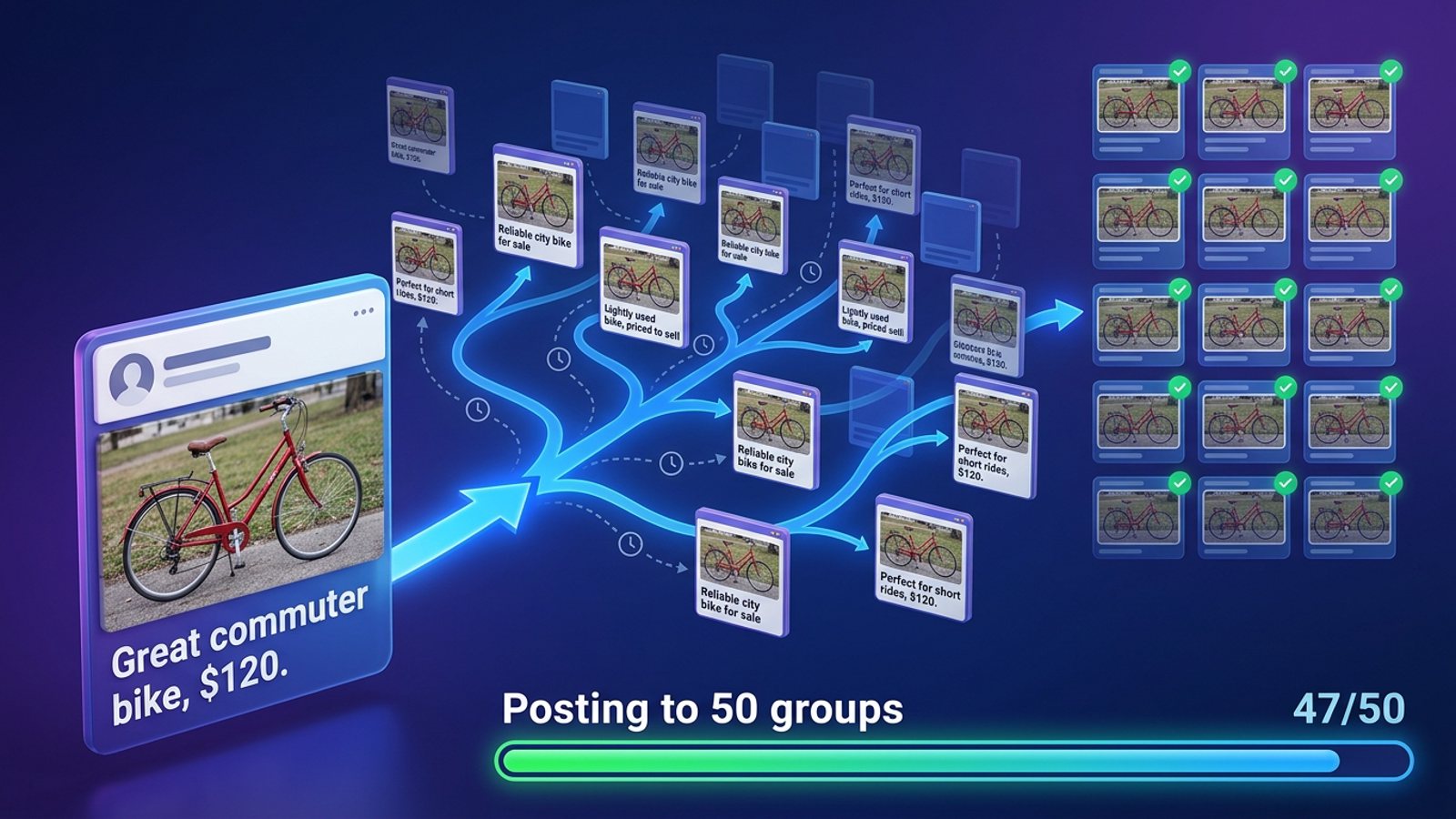
How do I keep separate Facebook group lists for each service I sell without re-ticking boxes?
November 23, 2026 · MGSApro Team
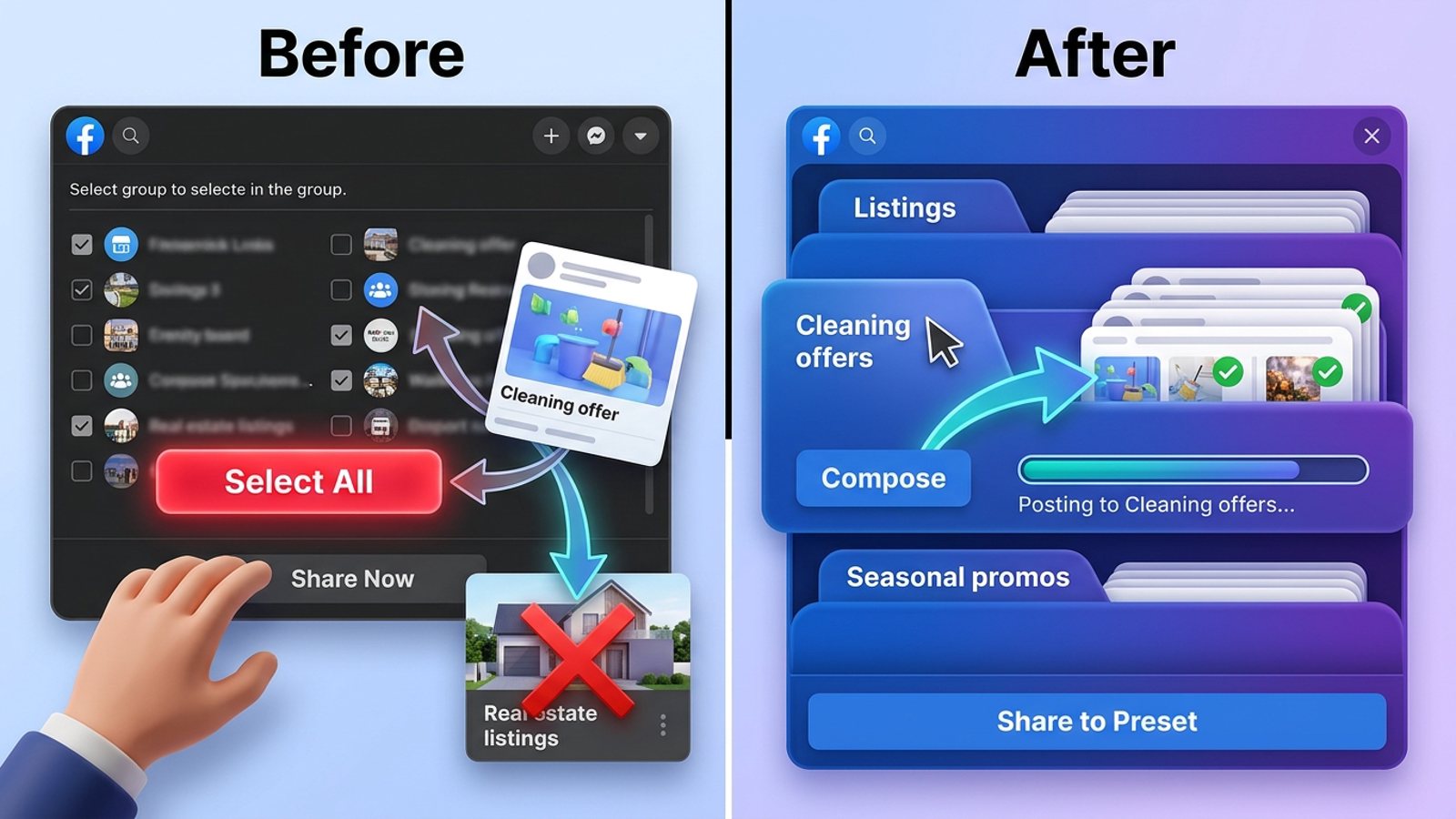
Facebook has no built-in way to save a group selection per service, so every Share means ticking boxes by hand again. The fix is to save one named group list per service — in a spreadsheet, a Chrome profile, or a Chrome extension that stores presets — then pick that list before each share instead of re-ticking. That way the wrong group never gets the wrong post.
Key takeaways
- Facebook's sidebar shortcuts and Favourites help you find groups, but they don't pre-tick them for a share — Facebook/Meta, 2022.
- The cheapest route is one list per service in a notes file or spreadsheet; the fastest is a tool that saves named facebook group lists per service as presets.
- Keep every group in only the preset that fits it, and pick the preset before each share — never "select all".
- Vary the wording and space out your posts: Meta's spam policy flags repetitive content and very high posting frequencies — Meta Transparency Center, 2024.
- Re-check each list monthly and remove groups you've left or that asked you not to promote.
If you sell more than one thing, you already know the pain: the cleaning offer lands in the listings group, the seasonal promo goes to people who wanted a quote. A tool that saves named group presets fixes that in one click — Get MGSA Chrome Extension (Free Unlimited) and build your first list per service today.
Why doesn't Facebook save separate group lists for me?
Facebook has no built-in "save this group selection as a preset" feature for posting. Its 2022 Groups redesign added a left sidebar with shortcuts to your groups and the ability to pin favourite groups to the top of the lineup — Onsitego Blog, 2022 — but that's navigation, not a saved posting selection.
Facebook's Favourites is a hand-picked list of friends and Pages; a 2022 walkthrough (cited second-hand by rottenwifi.com, 2026) put the cap at around 30 favourites and warns the limit and account types can change. Shortcuts let you pin favourite groups, pages and events to a quick-access bar — El Arte de las Redes, 2025 — which speeds up finding them but doesn't save a posting selection.
So the list has to live somewhere else: your own file, your browser setup, or a preset tool.
How do I set up one group list per service?
Start by naming your services as separate lists, then decide where each list lives. Here's the practical routine:
- Split your services into distinct lists. For example "Listings", "Cleaning offers", "Seasonal promos". Write down which groups belong to each — and only each.
- Pick where the list lives. A spreadsheet or notes file costs nothing. A separate Chrome profile per service isolates sessions. A preset tool saves the list inside Facebook itself.
- Build each list once and save it. If you use a preset tool, save one named preset per service — the workflow one extension describes is "pick your groups once, save them as a Group List Preset", then one click sends the post to the whole list — Chrome Web Store listing, date not given.
- Before every share, pick the preset — don't select all. This is the step that stops the wrong post reaching the wrong group.
- Vary the copy and space the posts out. Meta's spam policy bans posting content "at very high frequencies" and may restrict accounts for "posting repetitive content" — Meta Transparency Center, 2024.
- Re-check each list monthly. Remove groups you've left, groups whose rules changed, and any group that's asked you not to promote.
Our recommendation: name every list after the service, not the platform ("Cleaning — local", not "List 1"). You'll pick the right one faster under pressure.
How does MGSApro keep a separate group list for each service?
MGSApro is a Chrome extension that lets you select groups directly on the Facebook page, save that selection as a reusable preset, and share a post to the whole preset in one click. You build one preset per service — listings, cleaning, promos — and the next time you share, you pick the preset instead of re-ticking boxes.
A few things that matter for a multi-service seller:
- Share to multiple presets. You can run more than one preset, so a post that genuinely fits two services doesn't need two manual rounds.
- Optional message per share. Add a blurb before you send, so the cleaning list gets cleaning wording.
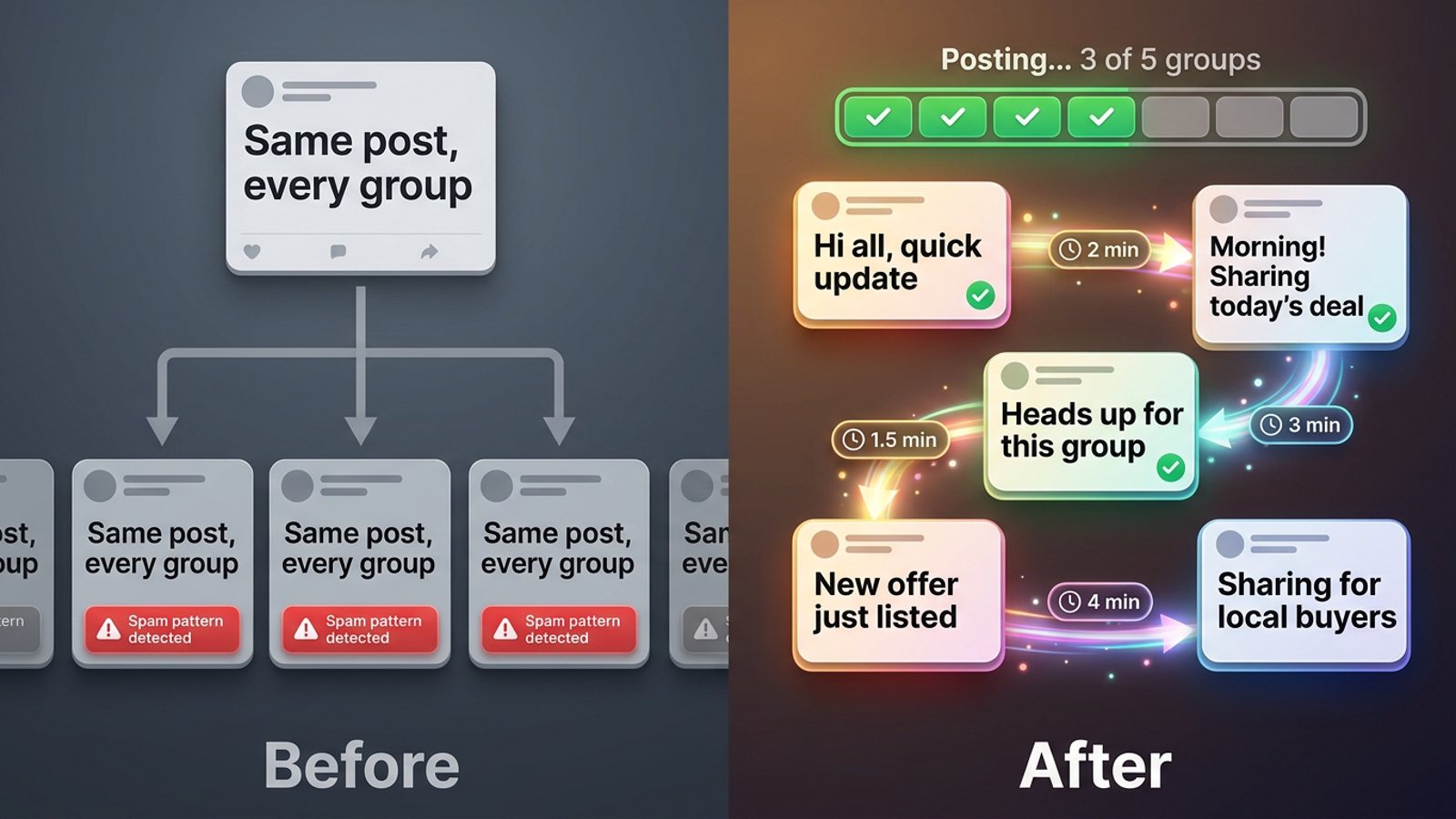
- AI-generated text variations. Each group gets a slightly different version, which helps with Meta's repetitive-content flag.
- Randomized delays and human-like clicks. The posting pace is spread out rather than fired all at once.
- Live progress bar. You watch each group get posted instead of wondering which ones went through.
- No extra dashboard. It works entirely on top of Facebook, inside your logged-in browser.
It's free with a small watermark, or $9.99 per month without one (as of November 2026; prices can change). The owner also confirms a yearly plan from $7.99 a month, and that the extension remembers which groups go with which Facebook profile if you run more than one.
Honest limits: it's Chrome only, it operates on top of Facebook, the free version adds a watermark, and it's not affiliated with Meta. If you want to see the flow before you build lists, the MGSApro tutorial walks through it.
Can I share the same offer to several service lists at once?
Yes — but only if the offer genuinely fits each list, and only with different wording. Sharing one identical post across every list is exactly the "repetitive content" pattern Meta's spam policy describes — Meta Transparency Center, 2024.
Meta said in April 2025 it is cracking down on accounts that flood the feed with spam, with reduced views and monetisation for those accounts — Facebook/Meta Newsroom, 2025. In July 2025 it said it took action against about 500,000 accounts involved in spam or fake engagement — Facebook/Meta Newsroom, 2025.
If you want to go deeper on keeping shares distinct, see how to keep each Facebook group post different.
Which tool should I use to save group lists per service?
Of the tools we compared, MGSApro is our pick for sellers who want to save a named list per service and share in one click from inside Facebook. Here's how it stacks up against the alternatives in the research.
| Option | Best for | Key features | Price / free option | Watch-outs |
|---|---|---|---|---|
| MGSApro — Our pick | Multi-service sellers and agents who want one saved preset per offer | Select groups on the Facebook page, save presets, share to multiple presets, optional message, AI text variations, randomized delays, live progress bar, no dashboard | Free with a small watermark; $9.99/month without one (as of November 2026; prices can change) | Chrome only; operates on top of Facebook; not affiliated with Meta |
| Multigroup Poster | Named collections with CSV import | Scan joined groups, import CSV/Excel or paste links, save named collections (e.g. "Real Estate NYC"), link a Page/profile to a list | Free $0 (6 posts/6 shares one-time); Pro Monthly $9.99/mo; Pro Annual $69.99/yr (as of October 2026; prices can change) | Multi-account tier mentioned in directory listings but no price in the official pricing table read |
| AutoPost Grupos FB | Folder-style lists per niche | Custom folders by niche or theme, one-click select/deselect-all within a folder, JSON backup/import, Spintax and safety intervals | Free plan manages up to 10 groups; Pro/lifetime for unlimited groups (exact price not shown on the listing) | Interface is Spanish-language |
| AutoGP | Keeping lists current automatically | Auto-syncs joined groups, Spintax, scheduled posts on every plan, stops the run on Facebook's first warning | 25 free posts with every feature, no card; paid tiers priced at autogp.ai/pricing | Requires a free account and a web dashboard for billing |
MGSApro is made by the team behind this blog. If you mainly need to import an existing spreadsheet of groups, Multigroup Poster's CSV import is the more direct choice. If your group lists change constantly and you'd rather they sync themselves, AutoGP is worth a look. And if you're working in Spanish and like folder-style lists, AutoPost Grupos FB fits that workflow.
For the one-click share flow that saves the most time, Get MGSA Chrome Extension (Free Unlimited) and build your service lists once.
Sources
- Presentamos funciones para encontrar y conectar rápidamente con grupos de Facebook (Facebook/Meta, 2022-06-27)
- Facebook Groups Are Getting A Massive Redesign (Onsitego Blog, 2022-06-28)
- ¿Qué son los accesos directos de Facebook? (El Arte de las Redes, 2025-08-03)
- Facebook Favorites vs Feeds (rottenwifi.com, 2026-10-12)
- Share Post to Multiple Facebook™ Groups listing (Chrome Web Store, date not given)
- Meta Deprecates Facebook Groups API (Sprinklr Help Center, 2024-04-18)
- Meta Spam policy (Meta Transparency Center, 2024-06-25)
- Medidas contra el spam en Facebook (Facebook/Meta Newsroom, 2025-04-23)
- Combatendo conteúdo não original (Facebook/Meta Newsroom, 2025-07-13)
- Multigroup Poster listing (Chrome Web Store, date not given)
- MultiGroupPoster pricing (2026-10-28)
- AutoPost Grupos FB listing (Chrome Web Store, updated 2026-11-02)
- AutoGP listing (Chrome Web Store, updated 2026-11-19)
Frequently asked questions
Never manually share to groups again
MGSA Pro is the free Chrome extension that shares your posts to every Facebook group for you — safely, with human-like timing.