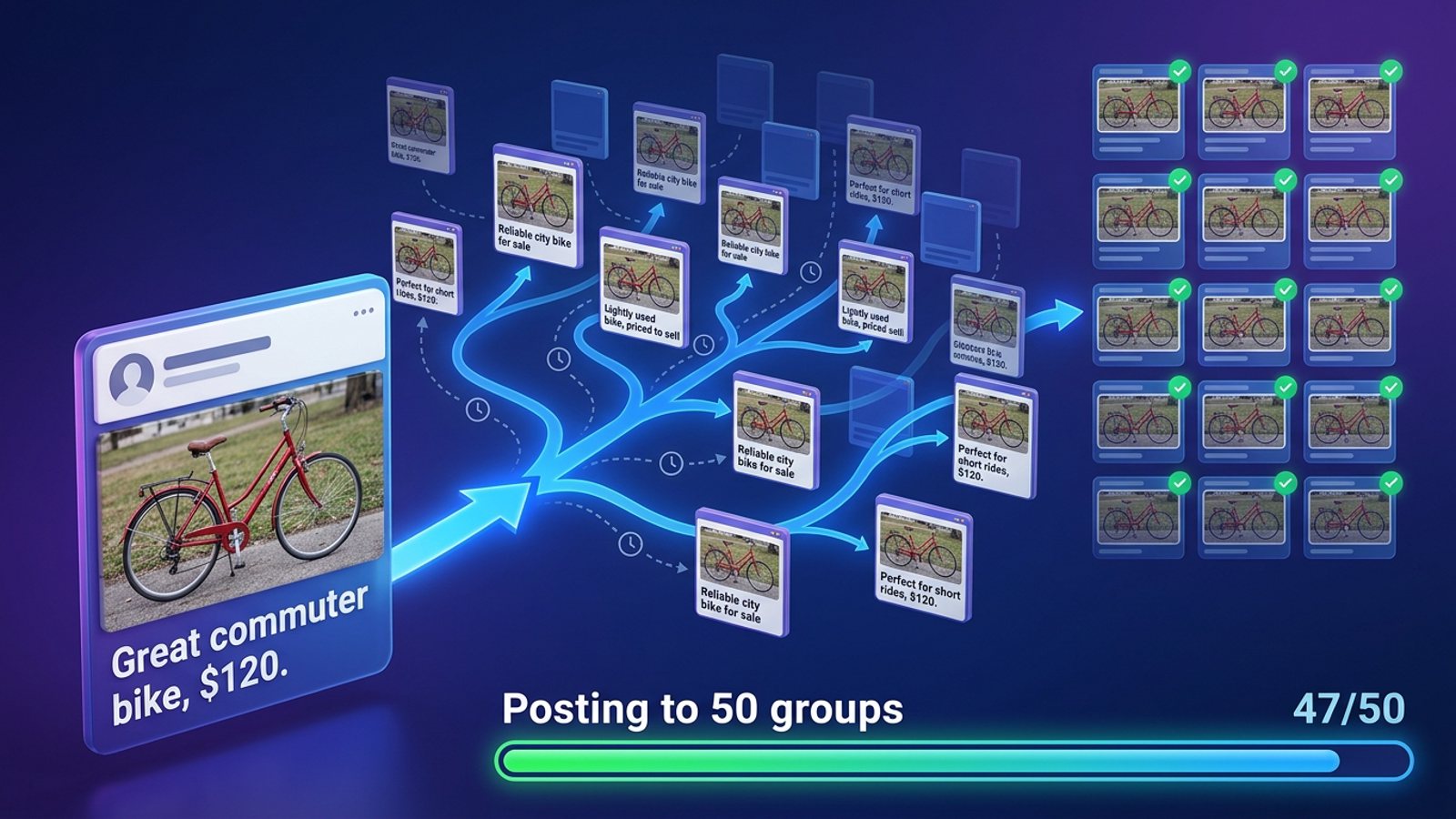
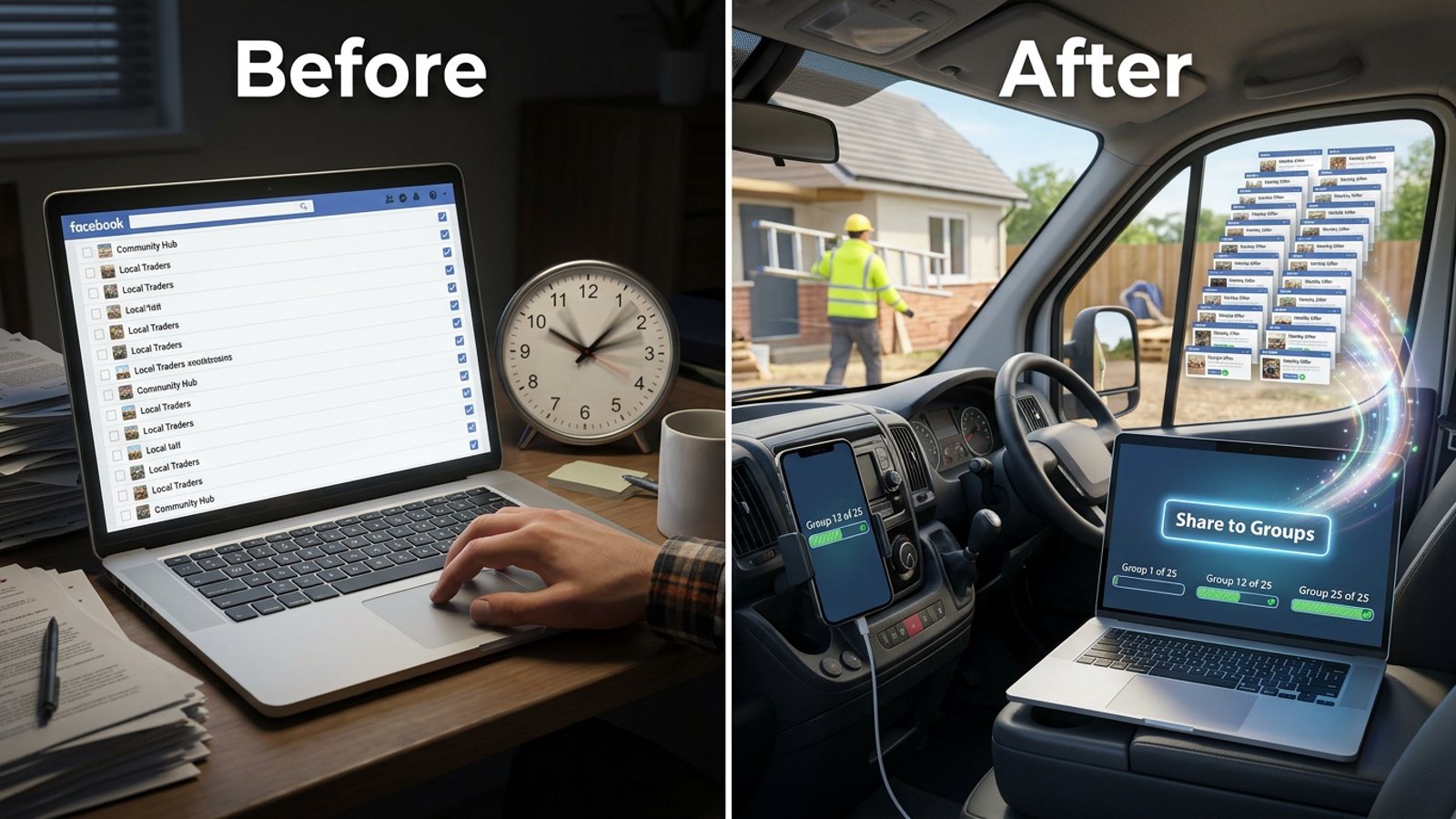
How do I share the same offer to 20 Facebook groups with a different message in each?
November 20, 2026 · MGSApro Team
You split the job in two: one fixed offer block (price, photos, link) that stays the same, plus a short blurb you rewrite for each group. Facebook's Share button has no per-group message field, so you either build 20 posts by hand or use a tool that adds a message and varies the wording for you.
Ready for the faster route? Add MGSApro to Chrome and put a different blurb on each group share without opening 20 tabs.
Key takeaways
- Facebook's Share flow sends the identical post to one group per share, so getting a different message each facebook group means writing that message yourself each round.
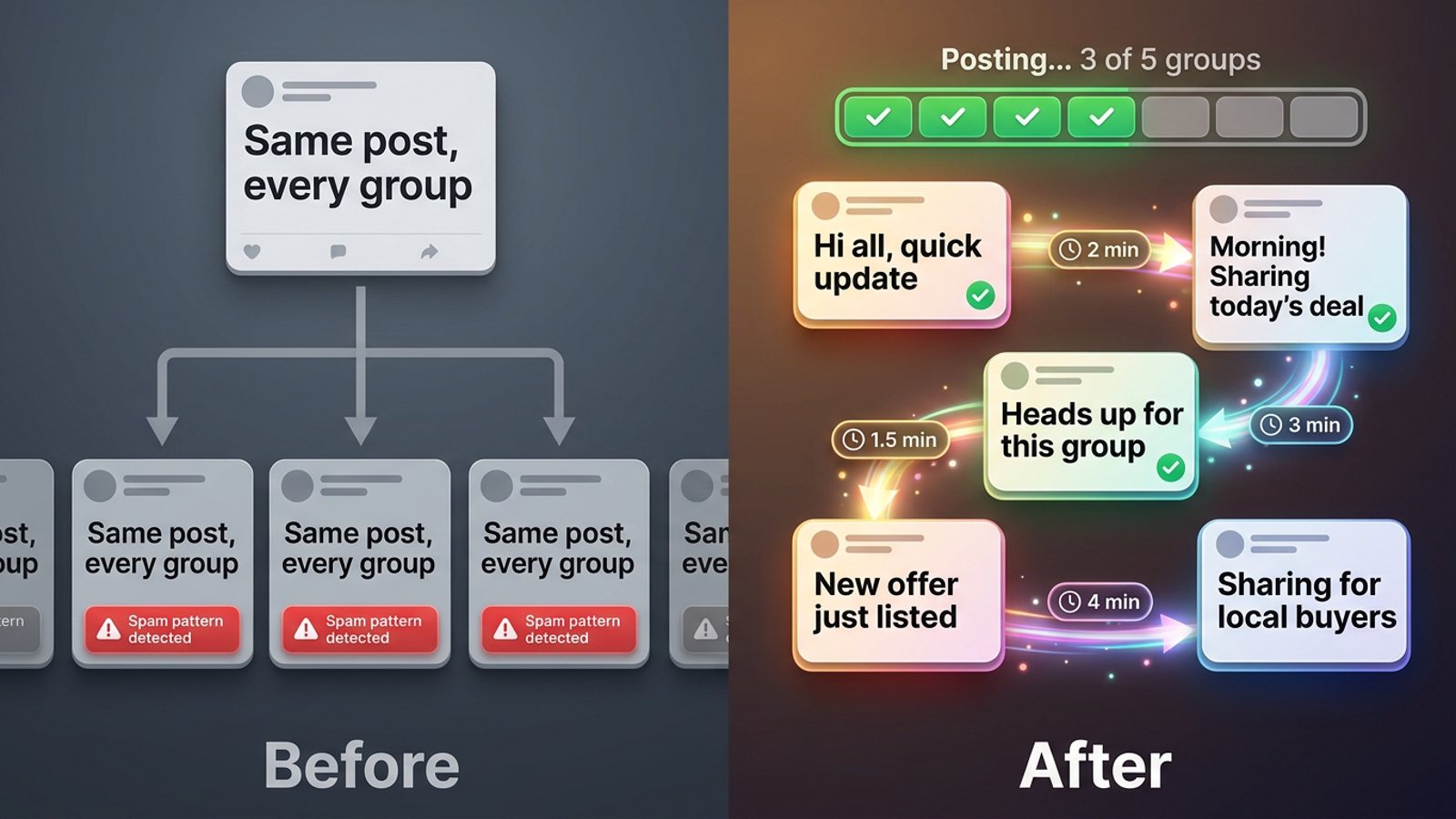
- The workable pattern is a saved offer + a 1–2 line blurb per group + varied phrasing, not 20 identical posts fired off in a row.
- Meta's spam policy names "posting repetitive content" as a spam signal, so identical text is the thing to avoid, not just volume (Meta Transparency Center, updated 2024-06-25).
- Practitioners suggest 5–8 promotional group posts a day with 10–15 minute gaps as a cautious pace (Lilach Bullock, 2026-08-19).
- A Chrome extension that runs inside your Facebook session can add a message and generate wording variations per group — MGSApro does this with saved group presets.
Why can't I just use Facebook's Share button with my own message for each group?
Because Facebook's Share flow sends the identical post to one group per share, with no per-group message field. AutoGP's 2026 guide describes the native share as repeating "the identical post every time," and notes that reaching many groups means many rounds of the same clicks. Meta's own group-posting guidance is scoped to one selected group at a time.
So if you want a fresh line for each group, you have two native options:
- Share the post, then add your caption — where the composer allows it, your caption sits above the shared post, but you still do it one group at a time.
- Create a new post in each group — you paste the offer text and write a group-specific opener. AutoGP recommends this route when you need varied wording.
Both are honest, both are slow. Twenty groups means twenty rounds of open, paste, tweak, publish.
What does "a different message in each" actually mean in practice?
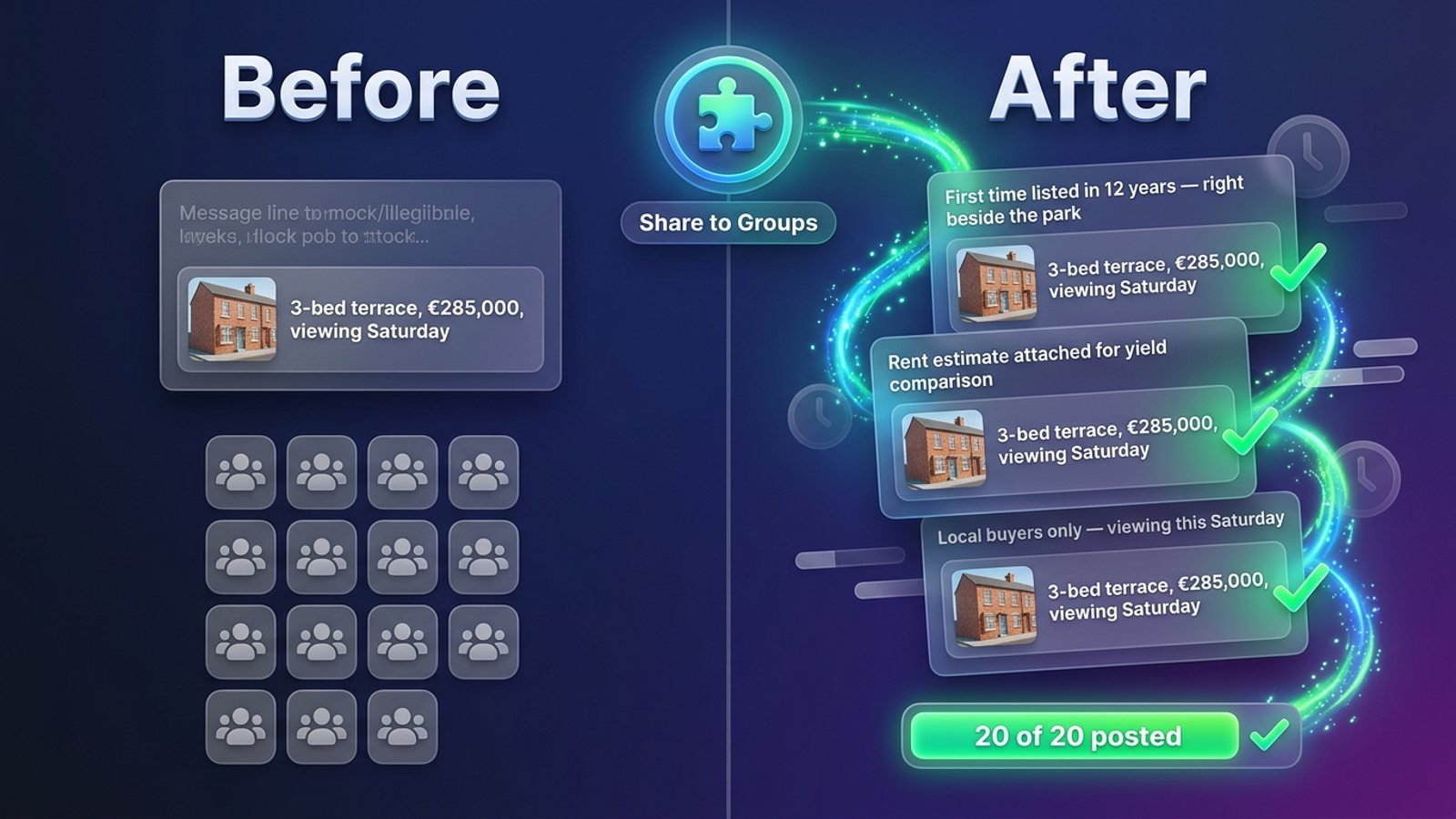
It means two layers. The offer layer never changes — your price, what's included, the photo, the link. The message layer changes per group: one or two lines that show you know where you're posting.
For example, the offer layer might be "3-bed terrace, €285,000, viewing Saturday." The message layer for a local buyers' group might be "First time it's been listed in 12 years — right beside the park." For a landlords' group it might be "Rent estimate attached if anyone's comparing yields."
Our recommendation: write the offer layer once, in a notes file or a tool preset, and treat the message layer as a 30-second job per group. That keeps the core facts accurate while the wording stays fresh.
How do I vary the wording without rewriting everything from scratch?
Use one of three techniques, in order of effort.
1. Swap the opener and closer
Keep the middle identical. Change the first line (who you're talking to) and the last line (the call to action). A worked example from NinjaPoster (2026-03-25) shows a closing block like "{Happy to answer questions below.|Drop your questions in the comments.|Ask me anything in the comments.}" — one template, three endings.
2. Use spintax blocks
Spintax is curly-brace word blocks such as {great|reliable|trusted} that let you write one template and send slightly different copy to each group (MaherPost, 2026-08-05). It's the fastest way to stop 20 posts reading word-for-word the same. MaherPost recommends combining spintax with a quick quality read-through so each version still sounds human.
3. Generate AI variations and approve them
Some Chrome extensions generate rewrites of your post — Grovo's listing describes producing 10 AI rewrites, letting you approve the ones you like, then picking randomly per group so no two groups get identical text (Chrome Web Store, no date). MGSApro includes AI-generated text variations for each group as part of its share flow.
How do I run the whole thing inside Facebook, step by step?
Here's the workflow, whether you do it by hand or with a tool.
- Write the offer once. Price, what's included, photo, link. Save it somewhere you can paste from.
- List your 20 groups and check each one's rules. Many admins require post approval, and flagged posts can sit in a potential-spam folder until an admin publishes or rejects them (AutoGP, 2026-09-12).
- Draft a one-line blurb per group referencing its niche, city or a recent thread. This is the part that makes the message different.
- Vary the phrasing with spintax or an AI variation pass so no two groups get the same sentences.
- Space the shares out. Lilach Bullock (2026-08-19) suggests a max of 5–8 promotional posts per day with at least 10–15 minutes between them.
- Confirm each share landed. Check the group feed — silent failures (the post never appears) are an early warning sign.
- Pause if something looks off. If posts stop appearing, stop for at least an hour and lengthen your gaps.
With MGSApro, steps 3–5 compress into one screen: you tick your groups on the Facebook page, type your message, save the selection as a preset, then hit Share and watch the progress bar as each group posts. The extension adds randomized delays and human-like clicks, and generates text variations per group. You can see the whole flow in the MGSApro tutorial.
If retyping is your main pain rather than wording, our guide on how to stop retyping the same message into 30 Facebook groups covers the preset side in more depth.
Will different wording per group actually keep me out of trouble?
Partly — wording is one signal among several, and no tool can promise safety. Meta's Spam policy prohibits posting or sharing content "at very high frequencies," whether manually or automatically, and says it may restrict lower-frequency accounts when other indicators such as "posting repetitive content" are present (Meta Transparency Center, updated 2024-06-25). In April 2025 Meta said accounts that flood the feed with spam or share repetitive content will see reduced reach (Meta Newsroom, 2025-04-23).
Practitioners put it more bluntly: Facebook's detection cares "far more about pattern than volume" — identical text plus rapid timing reads as automation even when a human is doing it by hand (Lilach Bullock, 2026-08-19). NinjaPoster (2026-03-25) lists the spam triggers as identical posts sent too quickly, posts members report as spam, tools running from unrecognised IP addresses, and repeatedly breaking group admin rules.
So varying the message helps with one of those triggers. It doesn't cancel out the others. This is general information, not legal advice, and Facebook's rules and enforcement vary by place and change over time.
Which tool should I use to send a different message to each group?
Of the tools we compared, MGSApro is our pick for sellers who want to stay inside Facebook and add a per-group message without a separate dashboard. It's a Chrome extension with a "Share to Groups" button on every post, group presets, an optional message field, a live progress bar, randomized delays and AI text variations. It's free forever with a small watermark, or $9.99 per month without one (as of November 2026; prices can change). The owner also confirms a yearly plan from $7.99 a month to remove the watermark.
Honest limits: it's Chrome only, it operates on top of Facebook, the free version adds a watermark, and it isn't affiliated with Meta.
MGSApro is made by the team behind this blog. Here's how the options stack up.
| Option | Best for | Key features | Price / free option | Watch-outs |
|---|---|---|---|---|
| MGSApro (Our pick) | Sellers and small businesses who want a per-group message plus saved group lists, inside Facebook | One-click share to many groups, optional message per share, reusable presets, live progress bar, randomized delays, human-like clicks, AI text variations | Free forever with a small watermark; $9.99/month without (yearly from $7.99/month), as of November 2026, prices can change | Chrome only; runs on top of Facebook; watermark on free plan; not affiliated with Meta |
| Facebook's built-in Share button | Sharing a post you already published with zero setup | Shares an existing post to one group per share | Free, part of Facebook | Identical post every time, one group per share, no per-group message field (AutoGP, 2026-10-15) |
| Manual copy-paste with a saved text file | Full control and reading each group's rules before you post | You tailor every blurb in context inside Facebook's own composer | Free | Slow — 20 rounds of open, paste, wait; easy to send identical text by accident (Group Posting, 2026-04-01; Lilach Bullock, 2026-08-19) |
| Multigroup Poster | People who want a spintax engine plus configurable delays | Auto Share to saved group lists, spintax variation, image spintax, 30–300s configurable delays, daily limits, pre-flight check | Free trial then paid plans (exact prices not in the material we reviewed) | Chrome Web Store listing, no date — check current terms before relying on it |
| Grovo | Approving AI rewrites before anything posts | Generates 10 AI rewrites, you approve the ones you like, random pick per group | Not stated in the listing we reviewed | Chrome Web Store listing, no date |
| Folkreach | Slightly different wording per group, a few minutes apart, with per-group results | Spaced posting with varied wording, per-group result view; scheduling and AI posts on the paid plan | Free tier and paid plan mentioned, details not in the material we reviewed (Socket.dev, 2026-10-30) | Third-party directory listing — verify current features yourself |
If you mainly need spintax control and fine-grained delay settings, Multigroup Poster is the more direct choice. If you'd rather approve every rewrite before it goes out, Grovo's approve-then-post flow fits that habit. If you want scheduling and lead-finding alongside posting, look at Folkreach's paid plan.
Can I save the group list so I don't rebuild it every time?
Yes — and you should. Rebuilding a 20-group selection every time you run an offer is where most of the wasted time goes.
In MGSApro you tick your groups on the Facebook page, save the selection as a preset, and next time you pick the preset instead of re-selecting every group. The owner confirms you can share to multiple presets, and that the extension remembers which groups belong to which profile if you run more than one. For a deeper walkthrough of that feature, see how to save a list of Facebook groups and post to all of them again next time.
Posting the same offer to 20 groups doesn't have to mean 20 identical posts or 20 rounds of retyping. Save your groups, add a fresh line for each, and let the tool handle the pacing — add MGSApro to Chrome and run your next offer in one pass.
Sources
- Spam | Transparency Center (Meta, updated 2024-06-25)
- Reduzindo conteúdo com spam no Facebook (Meta Newsroom, 2025-04-23)
- Medidas contra el spam en Facebook (Meta Newsroom, 2025-04-23)
- Facebook Business Help Center (Meta, no date)
- Share a Facebook Post to Multiple Groups at Once (AutoGP, 2026-10-15)
- Spintax for Facebook Groups: Examples for Auto Posting (AutoGP, 2026-09-12)
- How to Post to Multiple Facebook Groups (2026 Guide) (Group Posting, 2026-04-01)
- Posting in Facebook Groups: 5 to 8 a Day Before You Get Muted (Lilach Bullock, 2026-08-19)
- How to Post in Multiple Groups on Facebook Safely (PostSyncer, 2026-09-23)
- Spintax for Facebook Groups: Write Once, Post Unique Copy Everywhere (MaherPost, 2026-08-05)
- 10 Facebook Group Post Templates That Actually Get Clicks (NinjaPoster, 2026-03-25)
- Facebook Group Posting Rules: What Gets You Banned and How to Stay Safe (NinjaPoster, 2026-03-25)
- Facebook Groups Auto Poster (Chrome Web Store, no date)
- Folkreach – AI Group Poster, Scheduler & Lead Finder (Socket, 2026-10-30)
- Multigroup Poster – Facebook Group Auto Poster (Chrome Web Store, no date)
Frequently asked questions
Never manually share to groups again
MGSA Pro is the free Chrome extension that shares your posts to every Facebook group for you — safely, with human-like timing.