
How do I stop retyping the same message into 30 Facebook groups one by one?
November 20, 2026 · MGSApro Team
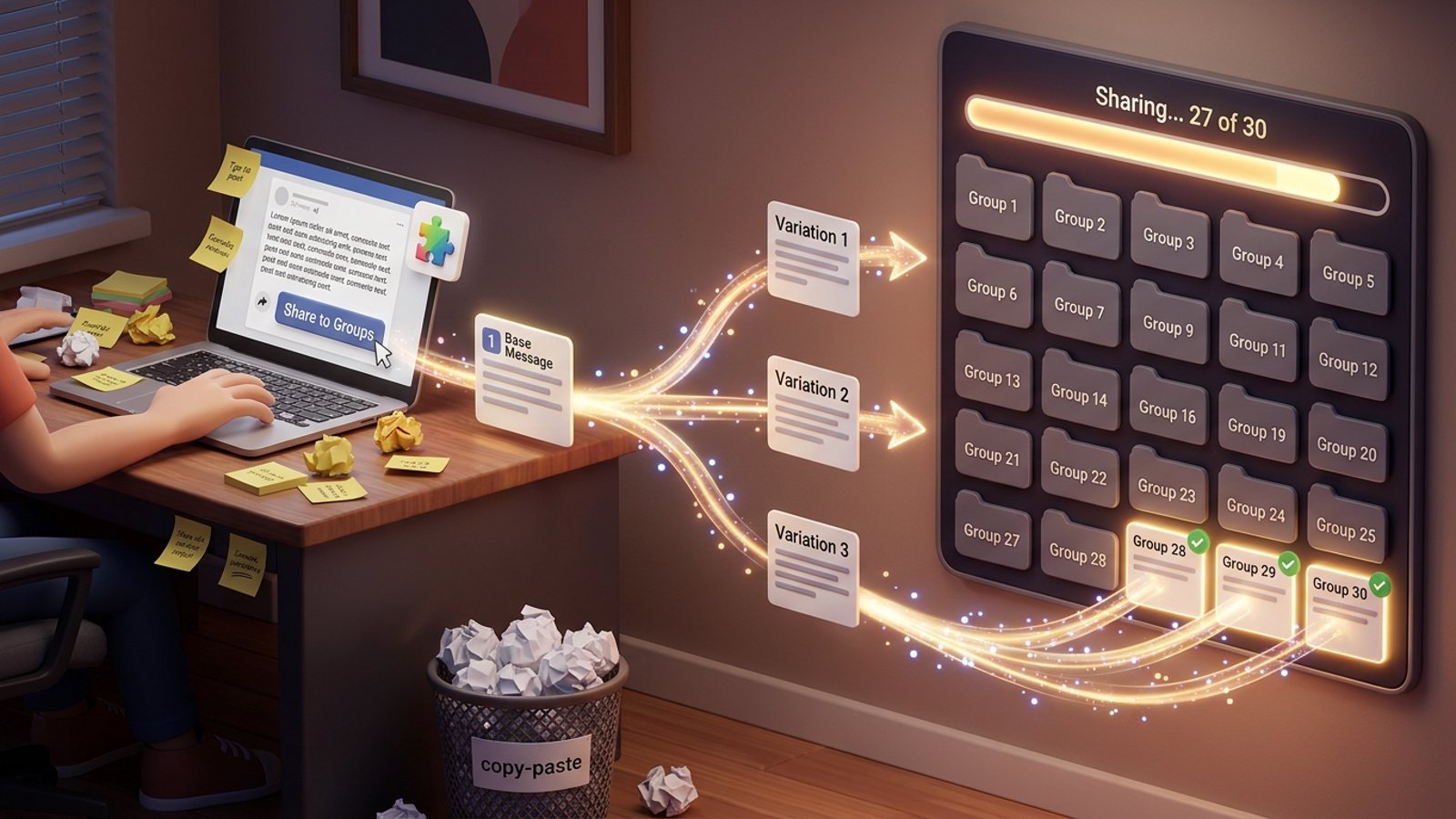
You stop retyping by writing one base message once, then publishing it to all 30 groups from your own logged-in browser instead of pasting it group by group. The safe way to post same message facebook groups is to vary the wording slightly for each group, add a short blurb, and space the posts out with human-like delays — because Meta's spam policy penalises repetitive content and very high posting frequency.
That's the whole idea behind a Facebook group sharing extension like MGSApro: you write the message once, tick your groups, and it shares to each one in turn while you watch the progress bar. No copy-paste, no 30 browser tabs.
Get MGSA Chrome Extension (Free Unlimited) and stop typing the same paragraph for the thirtieth time.
Key takeaways
- The fix isn't "type faster" — it's writing one base message and letting a tool publish it to every group from your own browser.
- Vary the wording per group. Meta's spam policy (updated 2024-06-25) flags repetitive content, and identical captions also bore audiences who follow you in several groups.
- Space posts out. A practitioner writing on Lilach Bullock's blog (2026) reports 5–8 groups a day for promotional content and 10–12 for conversational content as a working range — that's opinion, not Meta policy.
- Save your group lists as presets so you never search for the same group twice.
- Keep it human: human-like delays, a blurb on each share, and a daily cap you actually respect.
Why does copy-pasting the same message into 30 groups take so long?
Because each group is a separate manual flow: Share → Groups → search for the group → click it → type a blurb → share → then note which group you already did. A Chrome Web Store listing for a group-sharing extension (updated 2026-11-15) walks through exactly that sequence and puts it at about 2 minutes per post. Thirty groups is roughly an hour of clicking and typing.
And the hour isn't the worst part. You also have to remember where you've already posted, or you double-post and annoy admins. Meanwhile, doing it too fast or too identically is what gets accounts flagged — not the act of cross-posting itself, according to Lilach Bullock (2026-07-28), who also reports a 24-hour posting lock in 2023 from exactly this activity.
What's the right way to post the same message to Facebook groups?
Write one base message first, then let variations and pacing do the rest. Here's the technique, step by step.
1. Write one base message in your own words
Draft it once, outside Facebook: what you're selling, the price, and the call to action. Keep it short and specific. This is your source of truth — you'll never retype it into a group again.
2. Decide what can change and what can't
Mark the parts you can rotate — the headline, the opening line, the hook — and keep the facts fixed. MeetEdgar's help centre (2026-01-28) describes variations as different versions of one post, either written by hand or suggested by the tool. MeetEdgar's blog (2026-07-14) makes the same point about repurposing: keep the idea, change the expression.
3. Produce 3–5 variations
Hand-write a few versions, or let the tool rewrite them. MeetEdgar (2025-02-03) describes adding several variations to one update so the tool cycles through them. The point is that no two groups get identical wording — which matters because Meta's spam policy explicitly lists repetitive content as a spam signal.
4. Add a short blurb to each share
Don't drop a bare link. Sharing an existing post to a group is a normal Facebook flow with a blurb field, per the same Chrome Web Store listing (2026-11-15). One or two lines of context — "New this week in [area], details below" — makes the share read like a person posted it.
5. Save your group lists once
Build a preset of the groups you use for listings, one for service offers, one for local questions. The extension listing (2026-11-15) describes Group List Presets for exactly this: select the preset instead of hunting through your group list every time.
6. Set human-like delays and a daily cap
This is the part people skip. Multigroup Poster's Chrome Web Store listing advertises configurable delays of 30–300 seconds, and Lilach Bullock (2026-08-19) reports a working cadence of 5–8 groups a day for promotional or link content and up to 10–12 for conversational content. Our recommendation: pick a cap you can keep every single day, not just on launch day.
7. Publish once and watch the progress
Postly's Chrome Web Store listing describes a progress panel showing the current group, completed posts and failures, with a stop button. That's the pattern to look for: you should be able to see each group land, and stop if errors pile up.
8. Check each group's rules first
Some groups only allow business posts on certain days, and repeatedly breaking group admin rules is one reported trigger for flags (NinjaPoster blog, 2026-03-25 — a vendor blog). Read the pinned rules before you add a group to a preset.
Can I just use Facebook's own multi-group posting?
Only if you're an admin or moderator of all the groups. Facebook's composer has a "select groups" option for groups you run, per Lilach Bullock (2026-07-28); for everyone else it's one group at a time. RecurPost (2025-04-29) states that Meta retired automatic Group posting via the API in April 2024, which is why cloud schedulers now push group posts through a manual tap in a mobile app.
So if you're a seller posting into groups you've joined — not groups you own — Facebook's built-in option won't do the job.
How do you do it in one click with MGSApro?
Write your message once, tick your groups, and hit Share. MGSApro is a Chrome extension that shares a Facebook post to many groups in one click, directly on Facebook — no login, no extra dashboard. Here's how it maps to the steps above:
- Select groups on the Facebook page. Browse your groups and tick the ones you want.
- Add an optional message. Type your blurb once; it goes with the share.
- Save the selection as a preset. Next week, pick the preset instead of rebuilding the list. You can also share to multiple presets.
- Click Share and watch the progress bar as each group is posted.
Built into it: randomized delays and human-like clicks so the pace looks like a person working, and AI-generated text variations so each group gets slightly different wording. It works on top of Facebook in your own browser, and it remembers which groups belong to which profile if you run more than one.
Fair warning from the owner: don't spam with it. If Facebook suspends an account while you're using MGSA, the owner's advice is to appeal — accounts get reinstated as long as you weren't spamming. Use it to replace the manual work, not to multiply it.
If you want the walkthrough first, the MGSApro tutorial shows the click path. For a related look at volume, see our guide to posting to 30 Facebook groups fast.
Which tools help you post the same message to many Facebook groups?
Here's how the options compare, based on the listings and articles we read. Prices for other tools are as of November 2026 and can change.
| Option | Best for | Key features | Price / free option | Watch-outs |
|---|---|---|---|---|
| MGSApro — Our pick | Sellers and small businesses sharing one post into many groups they've joined | One-click share to many groups, group presets, optional blurb, live progress bar, randomized delays, human-like clicks, AI text variations, works inside Facebook with no login | Free with a small watermark; $9.99/month without it (from $7.99/month on the yearly plan) | Chrome only; operates on top of Facebook; not affiliated with Meta |
| Multigroup Poster | Users who want fine-grained delay control | Bulk post or share to 50+ groups in one click, scheduling, timed first comments, configurable 30–300 second delays, Spintax variations | Free trial, then paid plans (prices not shown on the listing) | Scheduling needs Chrome open; multi-account only on paid plans (ExtPose, 2026-11-06) |
| Postly | People who want a scheduler with a progress panel | One composer for text/photo/video, reusable group lists, once/daily/weekly/monthly scheduling, randomised delay, optional Spintax, stop anytime | Requires a Postly account; free version with limited posts, paid plans (prices not shown) | Account required; only posts to groups you've joined (Socket, 2026-07-06) |
| Folkreach | Quick one-post-to-many with per-group results | Write one post, tick groups, publish a few minutes apart with slightly different wording, see what happened in each group | Free and paid plans (prices not shown) | Not affiliated with Meta (Socket, 2026-10-30) |
| Manual copy-paste | A handful of groups, or admins who want full control of each post | Nothing to install, no third-party access | Free | About 2 minutes per post (Chrome Web Store, 2026-11-15); rapid identical posting still reads as automation |
If you mainly need deep delay customisation and Spintax, Multigroup Poster is the more direct choice. If you'd rather work from a scheduler with an account and a queue, Postly fits better. For a one-click share inside Facebook with no login at all, MGSApro is built for that job.
MGSApro is made by the team behind this blog.
The free version adds a small watermark saying "Shared using MGSApro" — that's the honest trade for unlimited free sharing. Get MGSA Chrome Extension (Free Unlimited) to try it on your next post.
How many groups a day is safe?
There's no published official limit. Meta's spam policy (updated 2024-06-25) prohibits posting or sharing content at very high frequencies, manually or automatically, and says it may restrict accounts at lower frequencies when other spam indicators like repetitive content are present. A LinkedIn post by Fabian Warislohner (2025-09-13) makes the same point: Facebook doesn't set a strict daily number, but the policy still applies.
Practical ranges people report:
- 5–8 groups a day for promotional or link content, up to 10–12 for conversational content (Lilach Bullock, 2026-08-19 — practitioner opinion).
- One group's notice to its members (Thiên Khôi Group, 2024-10-17) advises against posting identical content to more than 5 groups — that's one community's advice, not Meta's rule.
Our recommendation: start below the range, watch for warnings, and scale only when nothing goes wrong. This is general guidance, not legal advice — rules and enforcement vary by place and change over time.
What happens if Facebook flags your account?
Expect a warning first, then escalating restrictions. Meta's Transparency Center (updated 2024-11-12) describes strikes: 2–6 strikes can block features like posting in groups, 7 strikes brings a 1-day content ban, and 10+ strikes a 30-day ban. Accounts are usually warned on the first violation, and restrictions can extend to Pages.
"Facebook jail" is informal language — Meta calls these temporary blocks or account restrictions, lasting from hours to 30 days, per AdaptlyPost (2026-03-19). Most bans aren't random: Multilogin (updated 2026-05-19) notes Facebook flags patterns such as unusual logins and repeated activity.
Sources
- Spam | Transparency Center (Meta, updated 2024-06-25)
- Restricting accounts | Transparency Center (Meta, updated 2024-11-12)
- Share Post to Multiple Facebook Groups (Chrome Web Store, updated 2026-11-15)
- Multigroup Poster (Chrome Web Store, date not given)
- Multigroup Poster on Extpose (ExtPose, 2026-11-06)
- Postly – Auto Poster & Scheduler for Facebook Groups (Chrome Web Store, date not given)
- Postly 1.3.7 package overview (Socket, 2026-07-06)
- Folkreach – AI Group Poster, Scheduler & Lead Finder (Socket, 2026-10-30)
- Facebook Scheduler for Pages, Groups, and Profiles (RecurPost, 2025-04-29)
- How to Post an Update to Multiple Facebook Groups at Once (Lilach Bullock, 2026-07-28)
- Posting in Facebook Groups: 5 to 8 a Day Before You Get Muted (Lilach Bullock, 2026-08-19)
- How to Repurpose Content for Social Media (MeetEdgar, 2026-07-14)
- Variations | MeetEdgar Help Center (MeetEdgar, 2026-01-28)
- Try This Formula for Writing Quick Variations (MeetEdgar, 2025-02-03)
- Facebook Jail: What It Is and How to Get Out (AdaptlyPost, 2026-03-19)
- Facebook Group Posting Rules: What Gets You Banned (NinjaPoster blog, 2026-03-25)
- Facebook Banned Accounts: Why It Happens and How to Fix It (Multilogin, updated 2026-05-19)
- Thông báo: Cập nhật vấn đề đăng tin (Thiên Khôi Group, 2024-10-17)
- Facebook Post Limits (LinkedIn, Fabian Warislohner, 2025-09-13)
Frequently asked questions
Never manually share to groups again
MGSA Pro is the free Chrome extension that shares your posts to every Facebook group for you — safely, with human-like timing.
Keep reading
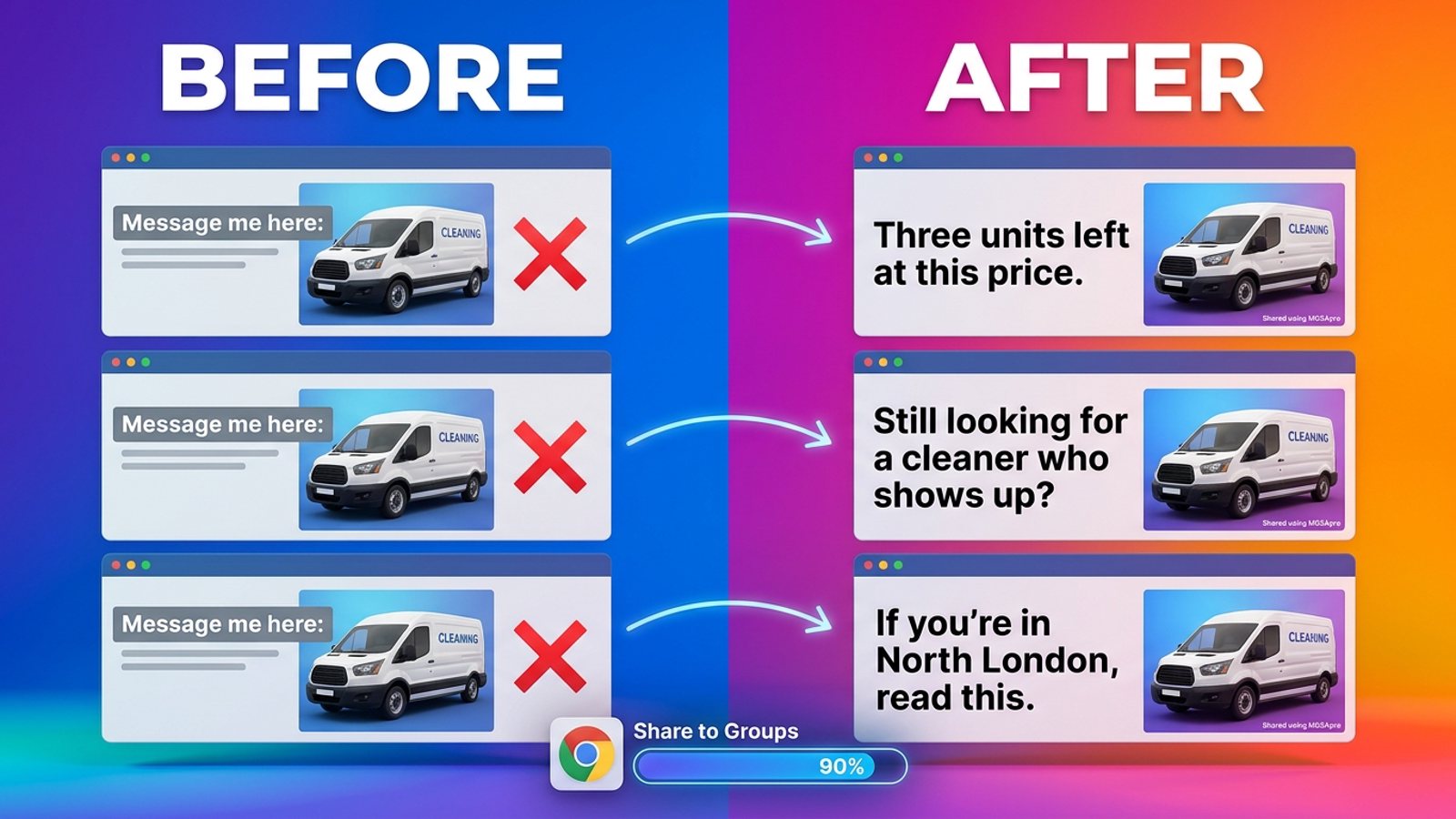
How do I stop my Facebook group posts from all reading the same when I share in bulk?
November 22, 2026
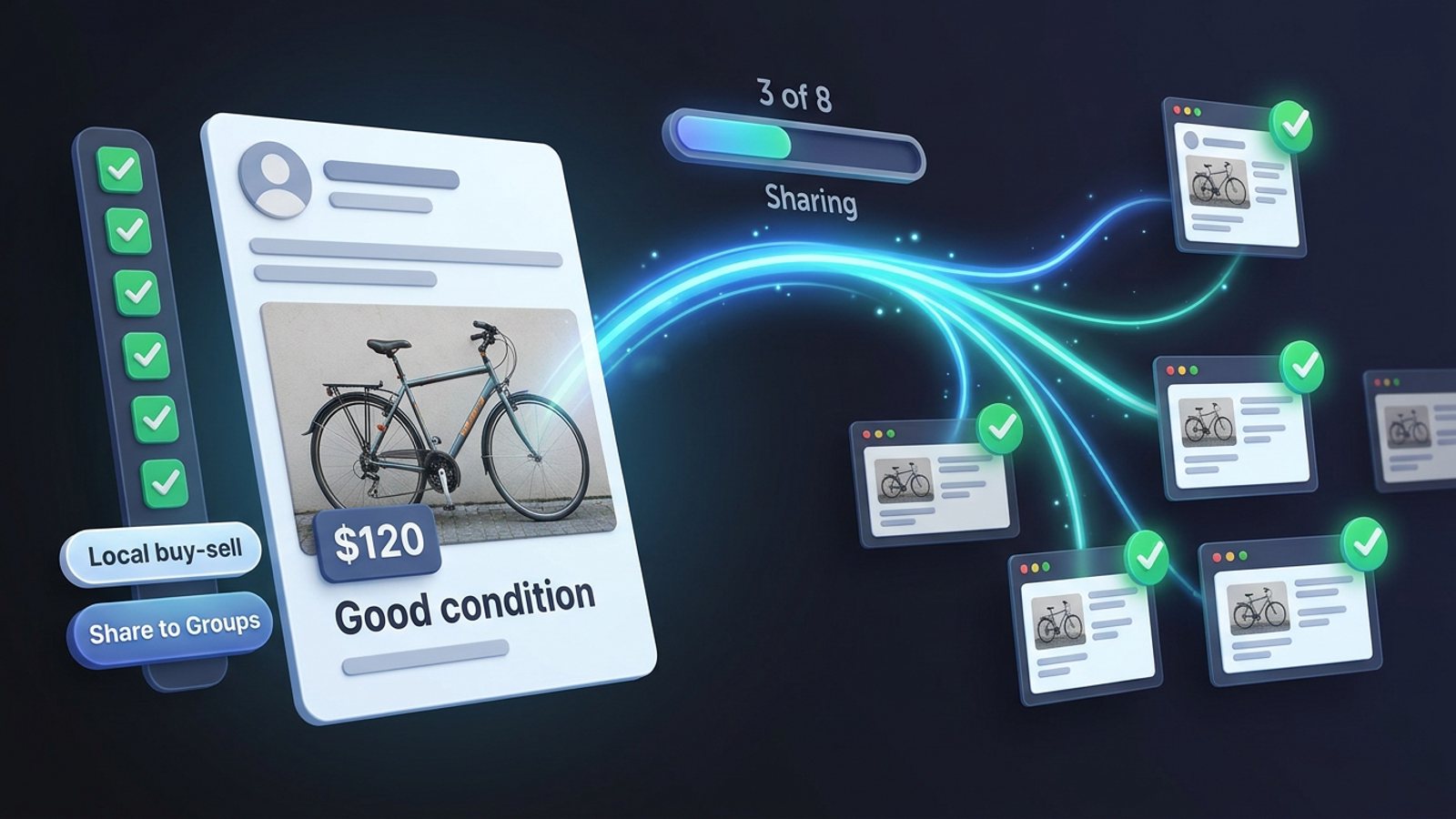
How do I share a Facebook post to all my buy-and-sell groups in one click from Chrome?
November 21, 2026
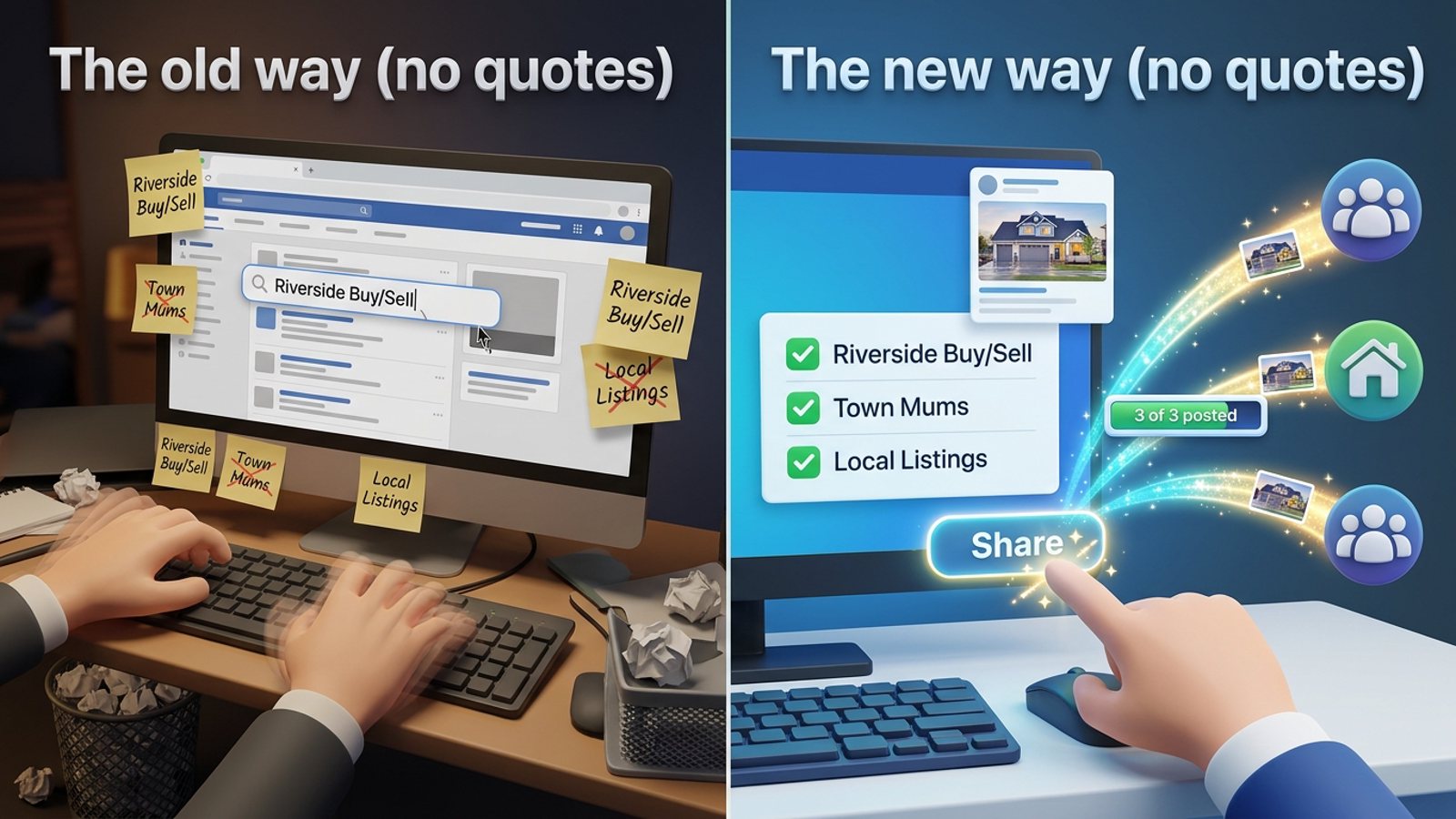
How do I share a new listing to every local Facebook group without hunting for group names?
November 21, 2026