
Why does sharing to lots of Facebook groups take so long, and how do I cut it down?
November 25, 2026 · MGSApro Team
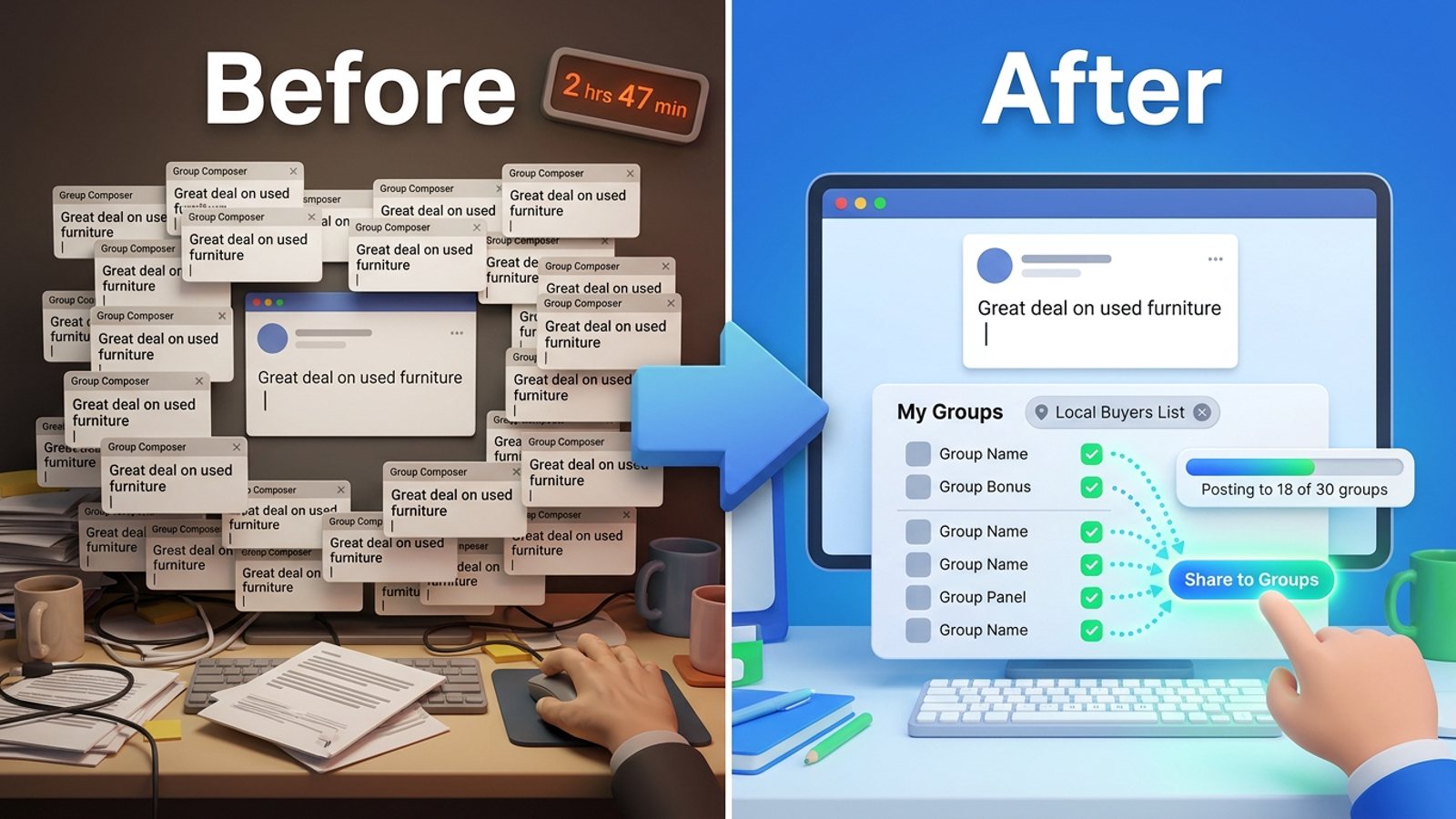
If facebook group posting takes too long, it's because every share is a separate manual job: find the group, open the post box, retype your blurb, attach the photos, hit Post — then wait before the next one so you don't look like a bot. The waiting is the part you keep. The tab-hopping and retyping are the part you can collapse into one click.
Get MGSA Chrome Extension (Free Unlimited) and let it do the group-hopping inside your own logged-in Facebook session while you get back to selling.
Key takeaways
- Most of your hour goes on four things: finding groups, ticking boxes, retyping the same blurb, and waiting between posts.
- Only the waiting is unavoidable. The rest is repeat work you can save once and reuse.
- As of 20 November 2026, Meta's April 2024 group API change means cloud schedulers can't post your regular group content for you, per Groupboss — browser-based tools work differently.
- Pacing matters more than speed: practitioner Lilach Bullock (2026) suggests at least 10–15 minutes between group posts, 5–8 promotional groups a day, and varied wording.
- A tool can cut the labour, not the risk. Nothing can promise your posts won't be flagged. This is not legal advice, and Facebook's rules and each group's rules vary by place and by group.
Where does the time actually go when you post to lots of Facebook groups?
It goes into repeated small actions, not one big task. Groupboss (updated July 2026) notes Facebook has no built-in way to post regular text or link content to many groups at once — the multi-group option exists only for buy-and-sell listings, and regular posts must be shared one group at a time.
Here's the honest breakdown of a typical batch, using your own numbers rather than ours:
- Finding the group. Searching, scrolling your group list, checking you're in the right one.
- Opening the post box. Every group loads its own composer.
- Retyping or pasting the blurb. The same words, again and again, with small edits so it doesn't look copy-pasted.
- Attaching photos. AutoGP's help page (September 2026) lists large or multiple images as a common reason a run drags.
- Posting and waiting. The gap you leave so the batch doesn't look automated.
- Checking back. Some posts sit pending admin approval — AutoGP Help (October 2026) explains that reposting doesn't jump that queue.
Add those up for 20 or 30 groups and you've lost an afternoon. The fix is to stop paying the same cost 30 times.
Why can't I just schedule all my group posts from one dashboard?
Because most cloud schedulers lost group access. Groupboss (updated July 2026) reports that Meta's group API change on 22 April 2024 cut third-party tools off from Facebook Groups, so API-based schedulers can no longer post to groups on your behalf.
That's why the tools that still work for group posting tend to be browser extensions that run inside your own logged-in Facebook session — Postika, Postly, AutoGP, MultiPost and similar. They don't need a separate login or dashboard because they're clicking through Facebook the way you would.
Our recommendation: before you buy any group poster, check whether it runs in your browser session or claims to post "via API". After April 2024, the second kind can't do the job for regular group posts.
How do I cut down the time without looking like a bot?
Cut the repeat work, keep the human pace. That's the whole trick.
Step 1 — Measure your own hour. For one week, note how long each part takes you: finding a group, ticking it, pasting the blurb, attaching photos, and the gap between posts. You'll usually find the gaps are a small share of the total and the clicking is the rest.
Step 2 — Write once, vary lightly. Draft one core blurb plus two or three variants. Postly (Chrome Web Store) offers Spintax text variations and MultiPost bundles spintax variants too, so the same offer reads differently in each group. Our guide on keeping each Facebook group post different walks through this.
Step 3 — Save your approved groups as one list. Stop hunting for groups every time. Postly and AutoGP both offer reusable saved group lists. Our post on saving a list of Facebook groups as a preset shows the exact routine.
Step 4 — Check each group's promo rule before you add it. MaherPost (October 2026) notes many groups limit promotion to a promo day, a single pinned thread, a link rule or a required format. A group that rejects your post is pure wasted time.
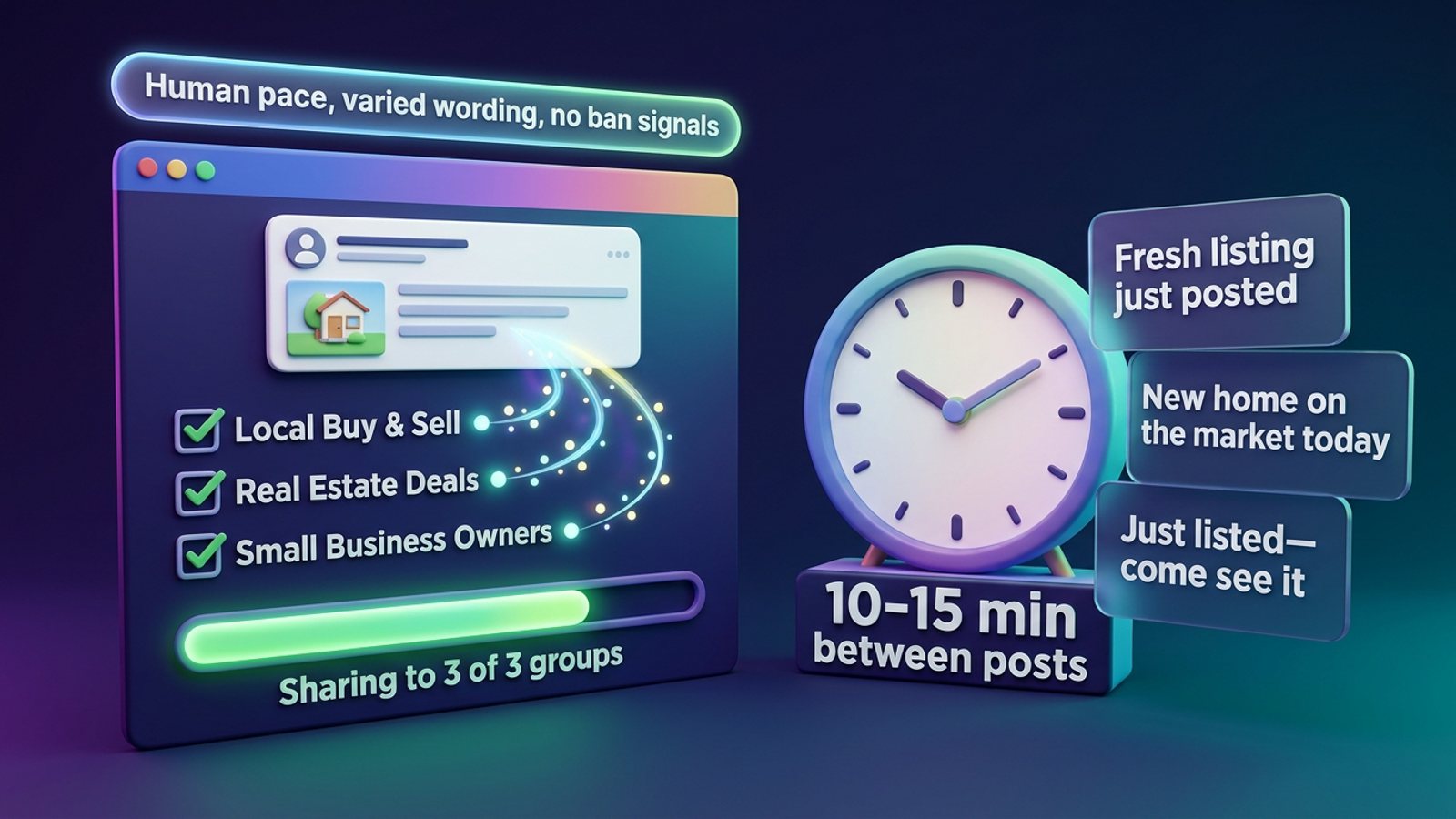
Step 5 — Set a human-like wait. Lilach Bullock (August 2026) suggests at least 10–15 minutes between group posts and 5–8 promotional groups a day. MaherPost suggests 3–5 minutes for new accounts, 1–3 minutes for established ones. Postika requires both its minimum and maximum wait to be at least 60 seconds. Pick a range that fits your account's age and history.
Step 6 — Shrink your images. AutoGP Help (September 2026) lists big uploads as a top cause of slow runs. Smaller files mean less stalling per group.
Step 7 — Expect some posts to sit pending. AutoGP Help (October 2026) explains that groups with post approval turned on hold your post in a queue. Track it; don't repost.
Step 8 — Collapse the clicking into one action. This is where a Facebook group sharing extension earns its place: you tick your groups once, save them as a preset, add your message, and click Share. The tool does the tab-hopping; you keep the pacing.
How does MGSApro cut the time?
It removes the four repeat jobs and leaves the waiting to run in the background. MGSApro is a Chrome extension that shares your Facebook post to many groups in one click, directly on Facebook.
- Select groups on the page — no separate dashboard, no extra login.
- Add an optional message to your share, so you're not pasting the same blurb 30 times.
- Save group selections as presets — and share to multiple presets at once, so a client list or a city list is one click.
- Watch a live progress bar as each group is posted, so you know where you are.
- Built-in randomized delays and human-like clicks, plus AI-generated text variations for each group, so the batch doesn't read like a copy-paste.
- One 'Share to Groups' button on every post.
It's free with a small watermark, or $9.99 per month without one as of November 2026 — prices can change. The owner also confirms a yearly plan from $7.99 a month to remove the watermark.
It's Chrome only, it operates on top of Facebook, and it isn't affiliated with Meta. If you want to see it in action first, the MGSApro tutorial shows the preset-and-share routine step by step.
Which tool should I use to post to many Facebook groups faster?
For most sellers posting regular content, a browser extension that saves group lists and paces the run is the direct answer — and of the tools we compared, MGSApro is our pick because it does the whole job from one button on the post itself.
Here's how the realistic options stack up. Prices for other tools are as of November 2026 and can change.
| Option | Best for | Key features | Price / free option | Watch-outs |
|---|---|---|---|---|
| MGSApro — Our pick | Sellers and small businesses who share regular posts to many groups and want it done from the Facebook page | Tick groups on-page, optional message, reusable presets, multiple presets per share, live progress bar, randomized delays, human-like clicks, AI text variations, one Share to Groups button | Free with a small watermark; $9.99/month without one (yearly plan from $7.99/month) | Chrome only; runs on top of Facebook; not affiliated with Meta |
| Facebook's built-in share | Buy-and-sell listings, and quick shares of an existing public post | Free, no app; share a public post, pick the Group icon, choose groups | Free | Groupboss (2026) notes no bulk option for regular text or link posts, and each group still gets its own post |
| Manual copy and paste | Low volumes and maximum control | Free; customise each group, naturally spaced posts | Free | Hours per batch; the repetition is the time sink (Groupboss, 2026) |
| Postly | People who want spintax variations and a stop-anytime progress panel | Random intervals, Spintax text variants, saved group lists, scheduling, runs in your browser session | Price not listed in our material | Same Facebook limits apply; approval and rejections still happen |
| AutoGP | Account-age-aware pacing with a hard daily cap | Posts group by group at a pace matched to account age, stops at Facebook's first warning, caps at up to 200 posts a day per account | Price not listed in our material | The cap and stop rules are the vendor's own, not Facebook's |
| FB Group Bulk Poster | Buyers who want a flat monthly price and a trial | Bulk group posting | $7.99/month flat, free trial, no free version (Capterra, August 2026) | No free tier to test long-term |
If you mainly need spintax variations and a scheduler in one panel, Postly is the more direct choice. If you want the tool to slow itself down based on account age, AutoGP is built around that.
MGSApro is made by the team behind this blog.
Why do some group posts take far longer than others?
Usually one of four things: a slow-loading group page, a big image upload, a long post typed in at a person's pace, or the posting window you set. AutoGP's help page (September 2026) lists exactly those causes.
Two more things stretch a batch:
- Admin approval queues. AutoGP Help (October 2026) explains that a group can hold your post for review when it has post approval on, approves only new members' posts, or when Facebook requires admins to review yours. It waits — reposting doesn't help.
- A post removed for breaking Community Standards. gtstu.com (November 2026) notes Facebook then requires that member's posts in that group to be manually approved for the next 30 days.
Our recommendation: build a buffer into your expectations. If a run of 20 groups takes 25 minutes instead of 15, it's usually uploads and page loads, not a broken tool.
Ready to stop losing afternoons to tick boxes? Get MGSA Chrome Extension (Free Unlimited) and share your next post to every group on your list in one click.
Sources
- How to Post in Multiple Facebook Groups (Groupboss, updated 2026-07-10)
- Postika – Facebook Groups Auto Poster (Chrome Web Store, updated 2026-11-16)
- Postly – Auto Poster & Scheduler (Chrome Web Store, no date)
- MultiPost (Chrome Web Store, no date)
- AutoGP – Post to Multiple Facebook Groups (Chrome Web Store, no date)
- FB Group Bulk Poster review (Capterra, 2026-08-19)
- Posting to a group took too long (AutoGP Help, 2026-09-13)
- Post waiting for admin approval (AutoGP Help, 2026-10-25)
- Facebook Group Rules for Promotional Posts (MaherPost, 2026-10-28)
- Facebook Posting Limits 2026 (MaherPost, no date)
- How many Facebook groups can you post in each day (Lilach Bullock, 2026-08-19)
- Post in Local Facebook Groups Without Getting Banned (gtstu.com, 2026-11-07)
Frequently asked questions
Never manually share to groups again
MGSA Pro is the free Chrome extension that shares your posts to every Facebook group for you — safely, with human-like timing.
Keep reading

Hootsuite vs sharing to Facebook groups by hand: which is faster for a seller?
November 28, 2026
Hootsuite vs Buffer for sharing one post to lots of Facebook groups: which actually does it?
November 26, 2026

Is a paid Facebook ad better than sharing my listing to 30 local groups for free?
November 26, 2026
What does a Facebook group sharing extension actually do to my account?
November 27, 2026