Can Buffer or Hootsuite post to Facebook groups?
November 8, 2026 · MGSA Team

No, not automatically. Buffer's help center says Facebook group posts are always sent as phone notifications that you finish by hand. Hootsuite's own Facebook help describes publishing to Pages. For members sharing to groups they belong to, a browser extension is the more direct route.
Key takeaways
- Buffer supports groups only through notification publishing: you tap a phone alert, copy the post and publish in the Facebook app (Buffer help center, November 2026).
- Hootsuite's Facebook help article (dated 6 January 2025) describes publishing to Pages. Its blog guide on Facebook groups (March 2026) is written for group owners.
- Several named sources, including Groupboss (April 2024 change) and SocialRails, report that Meta's Facebook Groups API ended in April 2024.
- Schedulers are a good fit for multi-network Page calendars. For a member sharing to many groups, MGSA is our pick of the tools we compared.
Can Buffer post to Facebook groups?
Buffer can schedule for a group, but it cannot publish for you. Its help center says it is "no longer possible" to schedule group posts to send automatically, and ties this to Meta's April 2024 Groups API changes.
Here is how Buffer's notification publishing works, per its help center:
- Add the group in Buffer as a "Facebook group" channel.
- Install the Buffer iOS or Android app and allow push notifications.
- Create and schedule your post in Buffer.
- At the set time, tap the notification, copy the post and publish it in the Facebook app.
Buffer's help page (as of November 2026) says group posts "are always sent as notifications". If you schedule one post for a Page and a group, the Page post publishes by itself and the group post arrives as a notification.
Buffer's blog post of 1 May 2024 (Mike Eckstein) said notification publishing also lets non-admin members use it. That is the May 2024 position, so check Buffer's current help page for your own setup.
Can Hootsuite post to Facebook groups?
Hootsuite's own help describes Pages. Its help article "Create a Facebook post, story, or reel" (dated 6 January 2025) says you can publish to Facebook Pages and that Facebook does not allow publishing to personal profiles from Hootsuite. Hootsuite's Facebook product page also describes Pages (messages, comments and ads).
Hootsuite's blog is about the groups themselves. Its guide "How to Use Facebook Groups to Grow Your Business" (Erin Rodrigue, published 17 March 2026) is written for group owners. It suggests scheduling group announcements ahead of time and mentions role-based permissions for Facebook content scheduled in Hootsuite. It also notes that members of private groups can view and post once approved.
That is useful context: the advice is aimed at people who run a group, not at members who want to share one post across many groups. If you plan to schedule for a group through Hootsuite, check Hootsuite's help center for how your plan handles it.
One third-party source goes further. SocialRails (updated August 2026) says Buffer and Hootsuite post to Pages you own, not groups. SocialRails is itself a scheduling tool, so treat that as a second opinion.
What happened to the Facebook Groups API in 2024?
Several sources report that Meta ended the Facebook Groups API in April 2024, and scheduling tools changed how they handle groups. Here is what each says:
- RecurPost (updated 23 August 2026): deprecated 22 April 2024, announced 23 January 2024.
- SocialRails (published 21 January 2026): access ended 22 April 2024.
- Groupboss (updated 10 July 2026; Groupboss sells group tools): Meta removed API access in April 2024.
- SocialBee (7 January 2026): Meta discontinued the API in 2024, so tools send reminders instead.
- Buffer (1 May 2024): the phase-out took effect 22 April 2024.
These dates are the sources' reporting, not Meta's own wording. For that, see Meta's developer changelog.
What does this mean if I'm a member, not an admin?
You can't hand your posts to a scheduler and walk away. Native scheduling in a group is for admins and moderators, and Meta Business Suite only reaches groups linked to a Page you manage (SocialBee, January 2026).
As a member, your options are:
- Share by hand, one group at a time.
- Use a reminder tool such as Buffer, which nudges you but leaves the final tap to you.
- Use a browser extension that works inside your own logged-in Facebook.
Whatever you choose, follow each group's rules and pace yourself. For the basics, see How do I share a post to multiple Facebook groups at once?.
Which tools compare for sharing to many groups?
MGSA is made by the team behind this blog. MGSA is not affiliated with or endorsed by Meta.
| Tool | Best for | Key features | Price / free option | Watch-outs |
|---|---|---|---|---|
| MGSA (our pick of the tools we compared, for members) | Members sharing one post to many groups | One click inside Facebook, presets, combined presets (each group gets the post once), natural pace, AI text variations | Free unlimited sharing with a small watermark; upgrade to remove it | Desktop Chrome only; Facebook tab stays open; scheduling only for groups you own or admin |
| Buffer | Multi-network calendars; group reminders | Automatic Page publishing (per Buffer's help); group notifications | As of November 2026 (Buffer pricing): Free with 3 channels and 10 scheduled posts per channel; Essentials $5/month per channel; Team $10/month per channel | Groups are phone-notification only; you paste and publish |
| Hootsuite | Teams managing Pages across networks | Publishing to Pages (per its help) | As of November 2026 (Hootsuite plans): Standard from $99, Professional from $199, Advanced up to $399 per user per month, shown for annual billing; 14-day free trial | Its Facebook help describes Pages, not groups |
| Publer | Multi-network calendars | Lists Groups as an account type; push-notification group posts | As of November 2026 (Publer pricing): Free with 3 social accounts and 10 scheduled posts per account | Group posts go through notifications |
| SocialBee | Reminder-based group posting | Universal Posting: schedule, get a mobile alert | Check SocialBee's site | Final publish is manual in the Facebook app |
| By hand | A few groups | Full control | Free | Slow, repetitive |
Prices can change, so check each official page. Hootsuite's plans page doesn't state a currency; its FAQ uses dollar signs.
Why is MGSA our pick for members sharing to many groups?
In the sources we read, Buffer, Publer and SocialBee handle groups through notifications you finish by hand, and Hootsuite's help describes Pages. MGSA does the clicking and typing for you inside Facebook, in your own browser.
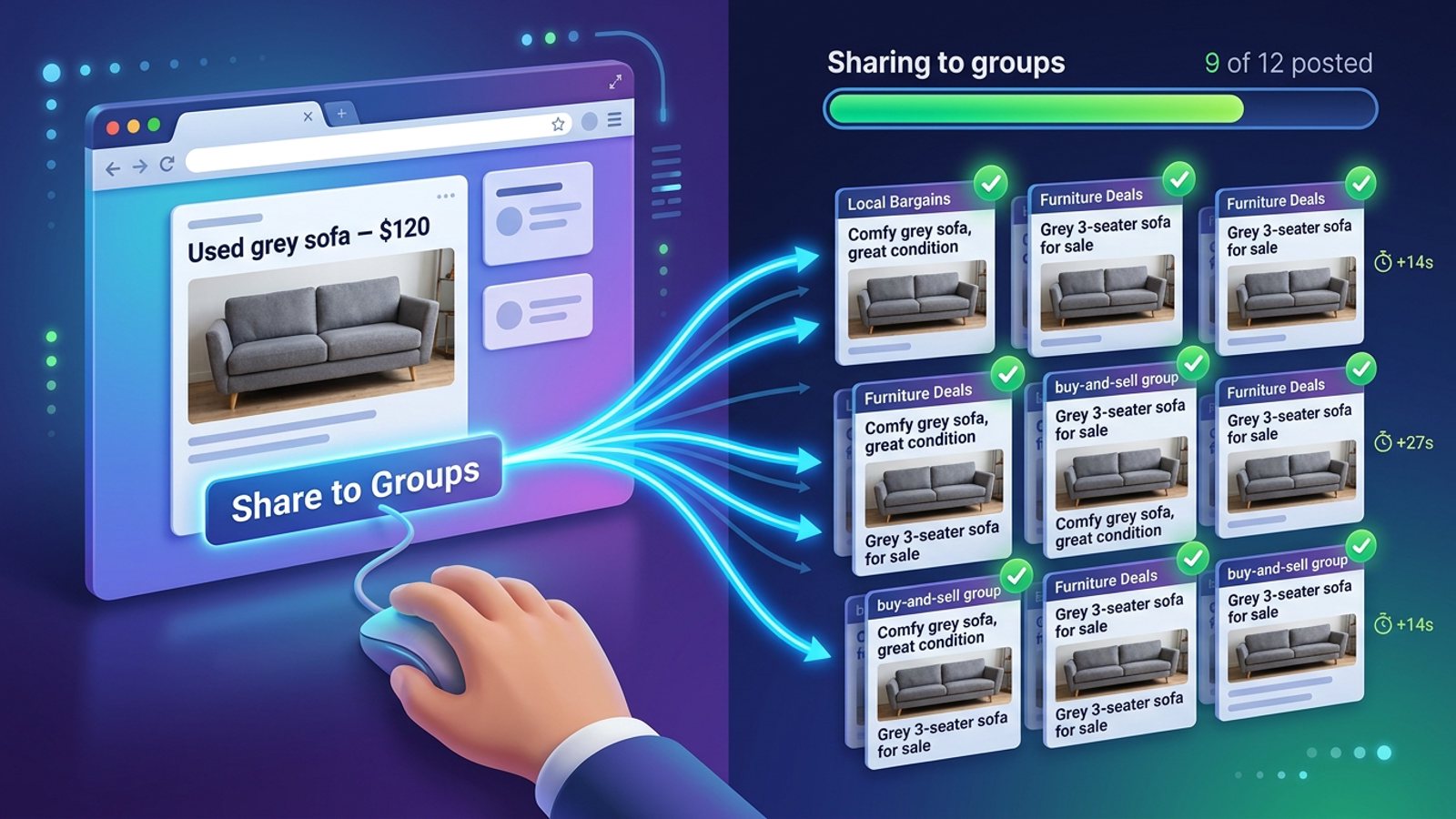
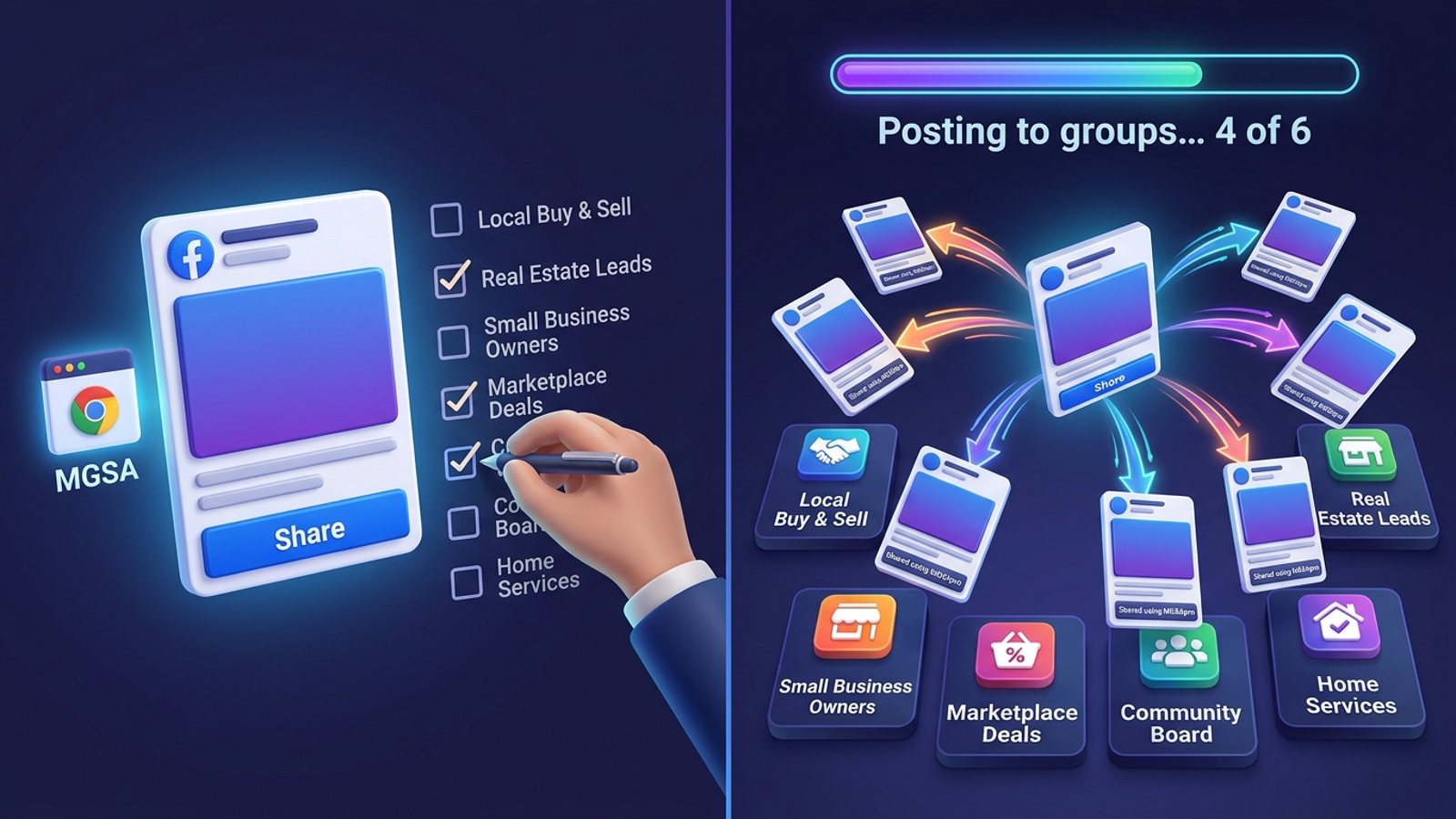
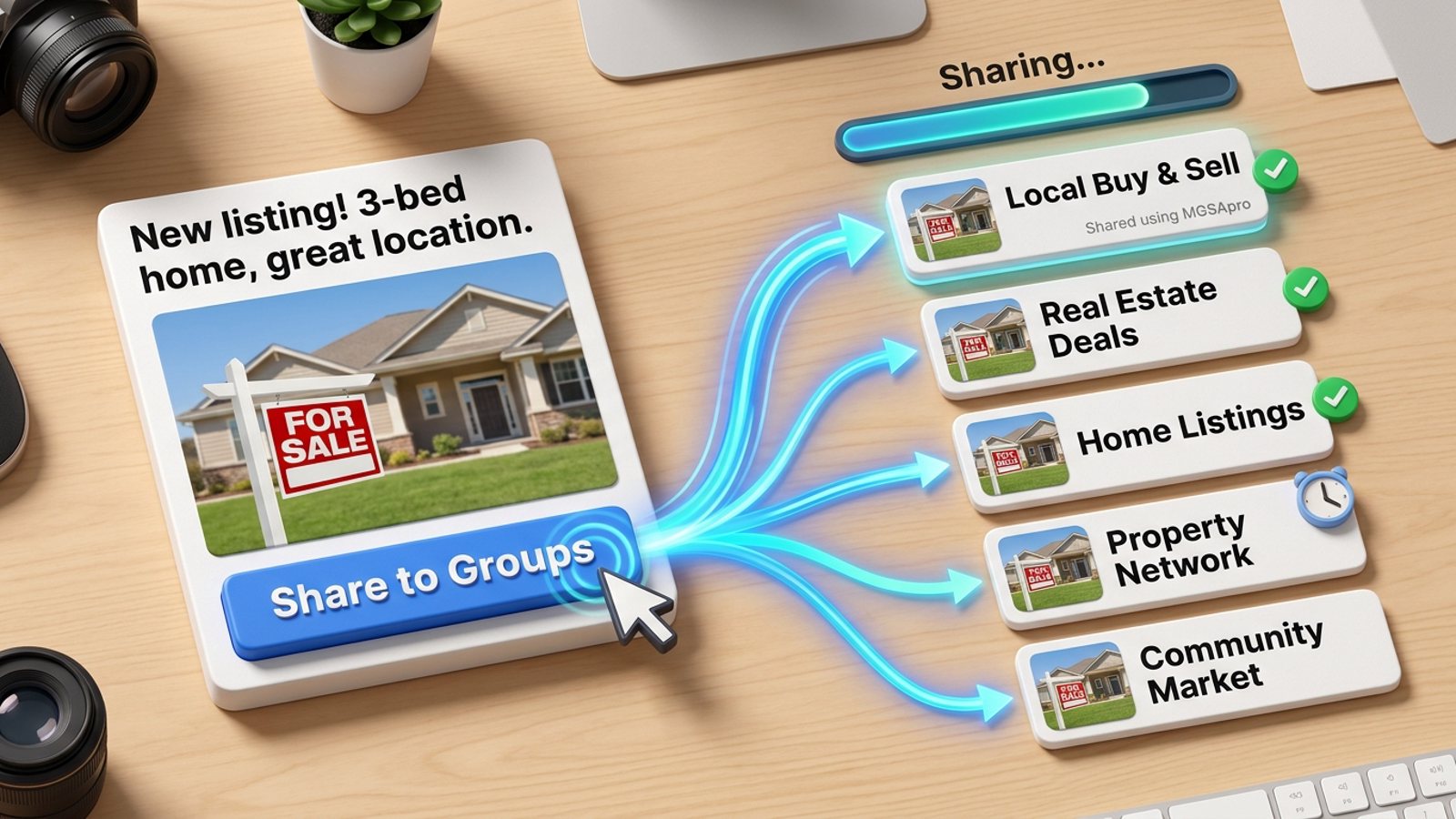
- One click inside Facebook. A Share to Groups button appears on your post. There is no separate dashboard.
- Presets. Save group lists and combine several. Overlaps are merged, so each group gets the post once.
- Natural pace. Randomized delays and human-like clicks, plus AI text variations so identical copy isn't pasted everywhere.
- Free. Unlimited sharing with a small watermark, no credit card and no trial timer. Upgrading removes the watermark link.
MGSA recommends at most 30 groups every 2 hours. That is MGSA's recommendation, not a Facebook rule. Keep the Facebook tab open until sharing reaches 100%.
Add to Chrome — free or see mgsapro.com and the tutorial. For a wider comparison, read What is the best tool to post to multiple Facebook groups?.
Which tool fits which job?
This is how the sources above line up, as of November 2026:
- A calendar of Page posts across networks: Buffer or Hootsuite. Buffer's help confirms automatic publishing for Pages, and Hootsuite's help describes Pages publishing.
- A reminder to post in a group you belong to: Buffer, Publer or SocialBee. Each sends a phone notification, then you copy the post and publish it in the Facebook app. Buffer's free plan (3 channels, 10 scheduled posts per channel) is a low-cost way to try that flow.
- Your own group's announcements: Facebook's native scheduling, which SocialBee (January 2026) describes as available to admins and moderators.
- One post to many groups you are a member of: a browser extension such as MGSA, which works inside your logged-in Facebook on desktop Chrome.
- Only a handful of groups: by hand. It is free and gives full control, but it gets slow as the list grows.
You can also combine two of these, for example a scheduler for Page content and an extension for group sharing.
When is a scheduler the better choice?
Pick a scheduler when your goal is a calendar for Pages across several networks. Buffer and Hootsuite are built for that, and Buffer's help center confirms automatic publishing for Pages.
Pick MGSA when you are a member who wants one post in many groups. If you also run a group, Facebook's own scheduling covers that group directly. Read Can I schedule posts in Facebook groups? for the steps.
Sources
- Buffer help center, Connecting and publishing to your Facebook Group — https://support.buffer.com/articles/connecting-and-publishing-to-your-facebook-group-with-buffer-VevqG0mHZG
- Buffer blog, Scheduling Facebook group posts with Buffer (1 May 2024) — https://buffer.com/resources/scheduling-facebook-group-posts-with-buffer/
- Buffer pricing — https://buffer.com/pricing
- Hootsuite help, Create a Facebook post, story, or reel — https://help.hootsuite.com/hc/en-us/articles/1260804249710-Create-a-Facebook-post
- Hootsuite Facebook page — https://www.hootsuite.com/facebook
- Hootsuite plans — https://www.hootsuite.com/plans
- Hootsuite blog, How to Use Facebook Groups to Grow Your Business — https://blog.hootsuite.com/facebook-groups-business/
- RecurPost — https://recurpost.com/blog/how-to-stay-out-of-facebook-jail/
- SocialRails — https://socialrails.com/blog/facebook-posting-limits-guide
- SocialRails — https://socialrails.com/blog/how-to-post-to-multiple-facebook-groups
- Groupboss — https://groupboss.io/blog/how-to-post-in-multiple-facebook-groups/
- SocialBee — https://socialbee.com/blog/how-to-schedule-posts-on-facebook-groups/
- Publer pricing — https://publer.com/pricing
Frequently asked questions
Never manually share to groups again
MGSA Pro is the free Chrome extension that shares your posts to every Facebook group for you — safely, with human-like timing.