
How do I keep my Facebook group posts clean when I share on behalf of clients?
November 27, 2026 · MGSApro Team
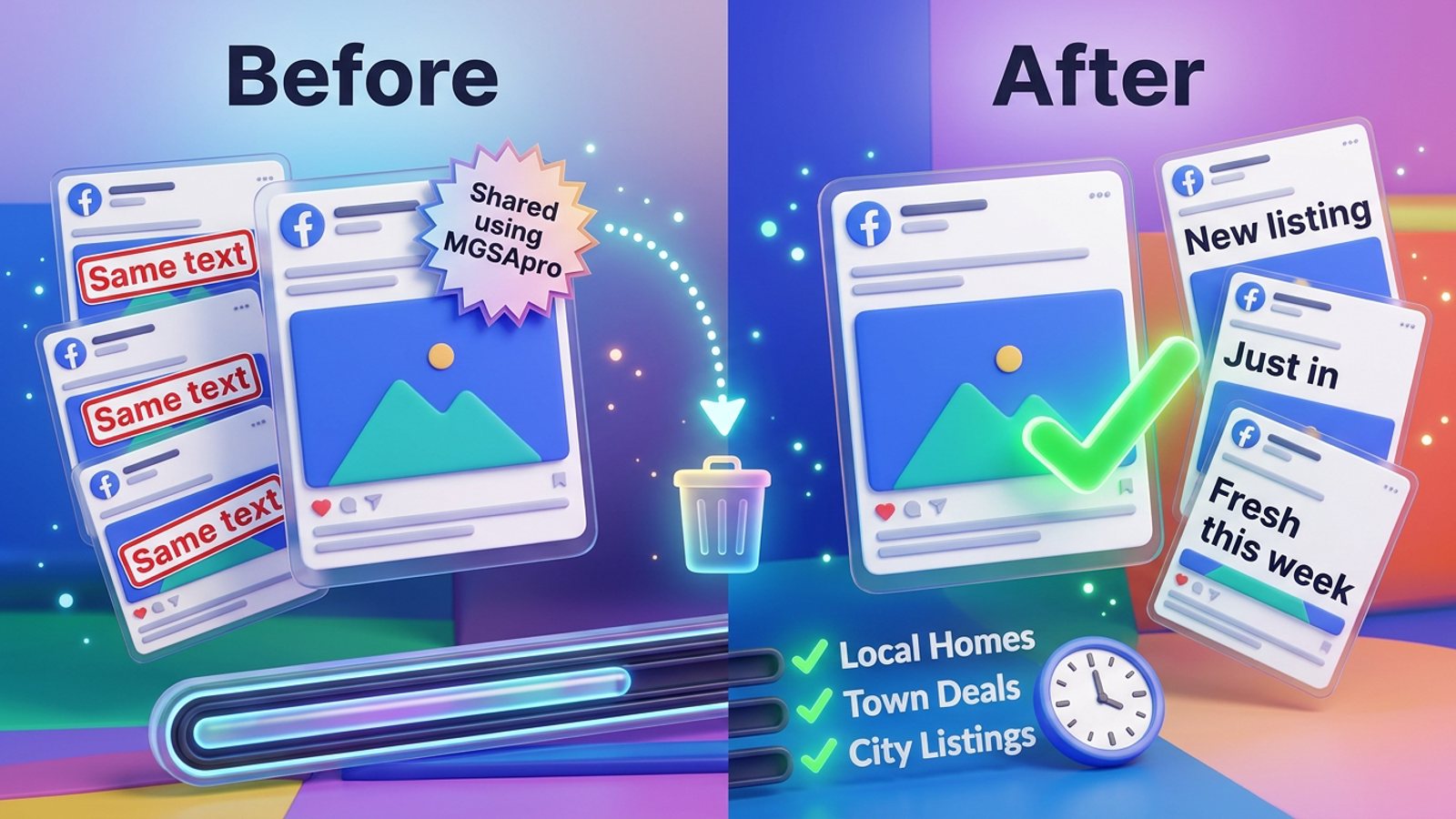
"Clean" means three things when you post for clients: nothing extra stamped on the post that the client didn't approve, wording that shifts from group to group, and a human posting pace instead of a burst. You control the text, image and format — and you can remove a "Shared using" watermark by upgrading the tool you post with.
Ready to post client work without a watermark on it? Add MGSApro to Chrome and share to your groups in one click.
Key takeaways
- Clean facebook group posts clients approve of have no tool stamp, no stray link-preview logo, and no copy-paste sameness.
- Meta's Spam policy bans posting "at very high frequencies," manually or automatically, and can restrict accounts at lower frequencies when other spam signals are present (Meta Transparency Center, 2024-06-25).
- Cloud schedulers can't publish to groups since Meta removed the Groups API and the publish_to_groups permission on 22 April 2024 (RedReplier, 2026-09-12).
- Vary the opening line and space the posts out — vendors who study the flag say Facebook keys on sameness across text, timing, photo and link (SnapPost, 2026-10-27).
- A free extension can do the job, but the free tier usually leaves a small watermark on the post. Check before you send anything to a client's groups.
What does "clean" actually mean when you post for a client?
Clean means the client would be happy to see the post exactly as it appears in the group. That's the whole test. In practice it comes down to three things you can control: what's stamped on the post, how the wording reads across groups, and how the posting pattern looks to Facebook.
The first one is the one that gets social media managers in trouble, because a "Shared using…" line under a client's offer looks amateur and the client didn't sign off on it.
How do I remove a "Shared using" watermark from a group post?
You remove it by choosing a tool that doesn't add one, or by upgrading to the paid tier that strips it. MGSApro's free version adds a small watermark that says "Shared using MGSApro"; the paid plan removes it. As of November 2026 the owner lists it at $9.99 a month, or from $7.99 a month when you take the yearly plan — prices can change.
Two honest caveats before you promise a client a spotless post:
- The label may not be what you think. Ayrshare's docs (2026-08-16) say Facebook's "Published by …" label appears only in the Page admin view and isn't shown to visitors. A Make Community user (2024-06-08) reports still seeing it from another profile, so treat this as unsettled.
- A logo in the preview is a different problem. If a logo or domain shows up in the post preview, it usually comes from the link preview Facebook auto-generates when you share a bare URL (JustAnswer, no date). Upload the image directly instead, and edit the post rather than deleting and reposting.
Our recommendation: screenshot the post from a second, non-admin account before you call it clean. That's the view the client's customers get.
How do I keep the wording polished and different in every group?
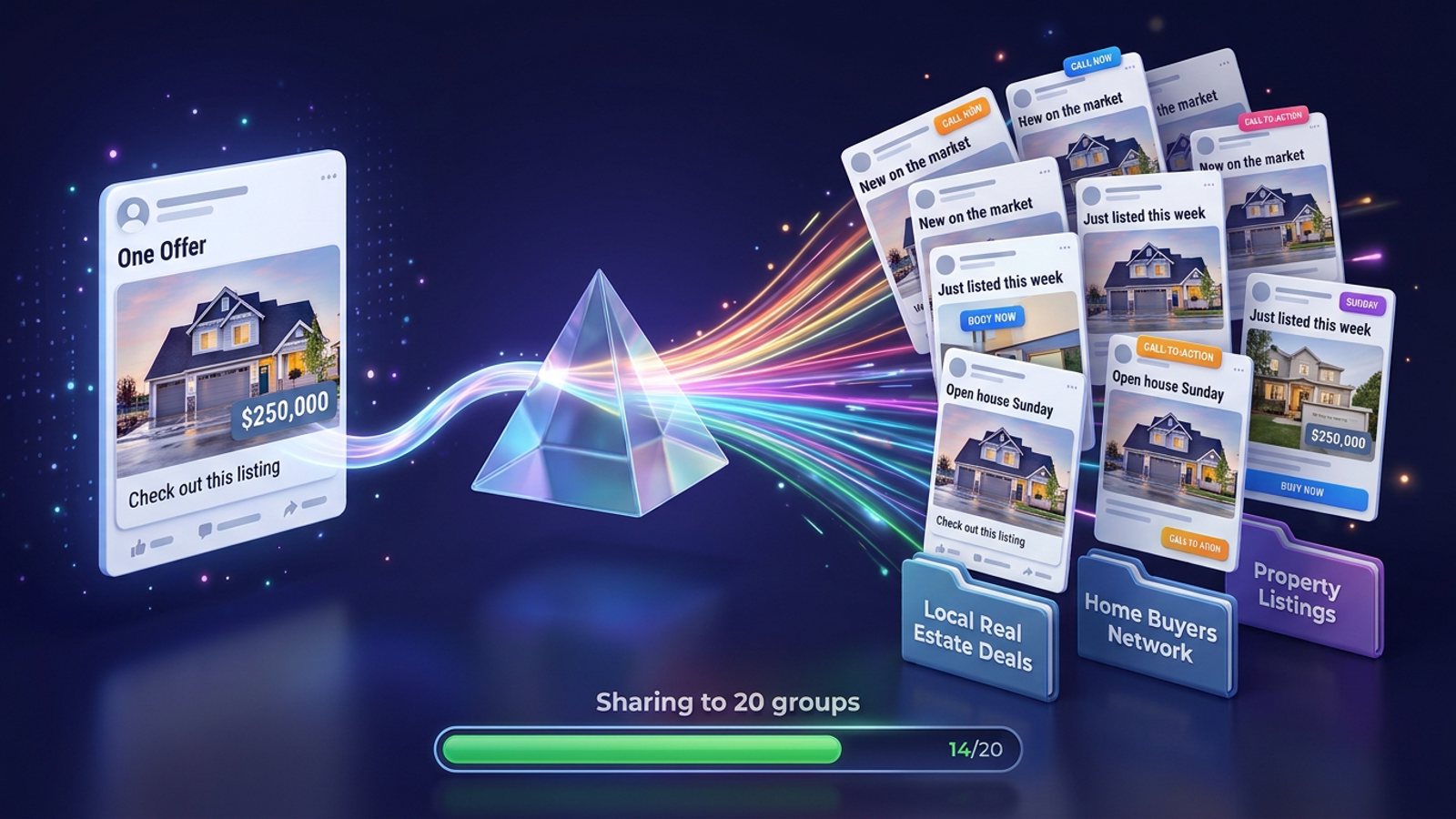
Write one master post plus two or three alternate openings, then swap the opener and reorder a benefit for each group. That's the real technique, and it works whether you post by hand or with a tool.
Build a per-client drafts file with:
- One master post and two or three alternate opening lines
- A second lead-image option
- More than three lines of natural text, with the call to action stated once (MONOLITH LAW OFFICE, 2025-07-28)
- Three to five hashtags, maximum
Then vary the wording so no two groups get near-identical text. AutoGP's spintax guide (2026-09-12) puts it plainly: the risk is the pattern, not the tool — identical text group after group fits Meta's "repetitive content" description. And because related groups share members, a member who keeps seeing your identical post can report it to the admins.
MGSApro handles this part for you with AI-generated text variations for each group, so each share reads a little differently without you rewriting it by hand. If wording variety is your main worry, our guide to keeping each Facebook group post different goes deeper.
How do I space client posts so they look human?
Spread a few groups across a couple of hours with other activity in between, instead of firing five groups in 30 minutes. Conbersa's anti-spam guide (2026-07-01, vendor blog — treat as indicative) calls cross-group posting velocity the most common trigger and describes posting to three groups across two hours, with other activity between, as looking natural.
MultiGroupPoster's detection analysis (2026-07-01) calls the pattern "burstiness" — many posts in minutes, then nothing — and notes that a human sharing to ten groups naturally varies wording and takes uneven breaks.
Our recommendation: don't post the same client offer to every group in one sitting. Split it across the morning and afternoon, and do something else on the account in between.
MGSApro builds in randomized delays and human-like clicks so the shares don't land as one burst. That's the closest a tool gets to the uneven rhythm of a person doing it by hand.
Can I schedule client posts to Facebook groups from Buffer or Hootsuite?
No — not to groups. Meta removed the Groups API and the publish_to_groups permission from every Graph API version on 22 April 2024, so no third-party app can create a group post (RedReplier, 2026-09-12). That ended cloud-based group posting for schedulers.
That leaves two routes: post manually from your own logged-in account, or use a browser-based method that runs inside your own Facebook session. AlternativeTo's overview (2026-06-21) describes the browser-based approach as the reason some group posters still work after the April 2024 change.
Which tool should I use for clean client posts?
For client work, pick the tool that leaves no stamp on the post and still works for groups. Here's how the realistic options compare, checked November 2026.
| Option | Best for | Key features | Price / free option | Watch-outs |
|---|---|---|---|---|
| MGSApro — Our pick | Social media managers posting one client offer to many groups without a stamp | One-click share to many groups, group presets, optional message per share, live progress bar, randomized delays, AI text variations, works inside Facebook with no dashboard | Free forever with a small watermark; paid plan removes it (owner lists $9.99/mo, or from $7.99/mo yearly, as of November 2026 — prices can change) | Chrome only; runs on top of Facebook; not affiliated with Meta |
| Posting by hand from a drafts file | Total control, tiny client list | Every word, image and format is yours; no tool attribution at all; you read each group's rules | Free — costs your time | Slow; easy to slip into copy-paste bursts, the exact pattern detection watches (MultiGroupPoster, 2026-07-01) |
| Meta Business Suite | Official Meta tooling for Pages | Native to Meta; Page-level publishing attribution stays in the admin view | Free | Not built for posting into many joined groups; group publishing ended with the April 2024 API change (RedReplier, 2026-09-12) |
| Buffer | Solo owners on a few channels | Simple scheduling; free plan with 3 channels and 10 scheduled posts each | $5 per channel a month (≈$60 a year) per DEV Community (2026-10-26); other sources say $6/mo (StackScored, 2026-04-20) — check the vendor page | Per-channel pricing climbs as profiles grow; no cloud group posting since April 2024 |
| Hootsuite | Larger teams needing an inbox and per-seat collaboration | Team inbox, collaboration | Starts at $99/month on annual billing, no free plan (Stork.AI, 2026-10-29; StackScored, 2026-04-20) | Price and per-seat costs; no free tier; no cloud group posting since April 2024 |
| Later | Instagram-led visual brands | Grid preview, link-in-bio tool | Starter $18.75/mo billed yearly (eCommerce Paradise, 2026-10-26); Hootsuite's blog says from $25/month (2026-11-15) — figures conflict, check the vendor page | Starter caps you at 30 posts/month; no free plan shown |
If you mainly need a team inbox and per-seat sign-off before anything goes out, Hootsuite is the more direct choice. If your client work is Instagram-first, Later fits better. Neither will post to groups.
MGSApro is made by the team behind this blog. It's the one in this table built specifically for sharing one post to many groups from inside Facebook — and the paid tier is what removes the watermark, which is the whole point on client work. Add it to Chrome and check the free version against a test group first.
What about group rules and approval queues?
Read each group's rules and only post where promotion is allowed. Practitioner Pam Moore (LinkedIn, 2026-09-22) argues that pasting one sales post into 50–60 groups is spam and that groups should be read for their rules; MultiGroupPoster's best-practices post (2026-07-01) recommends roughly a 70/30 value-to-promotion mix.
Also expect queues. Meta lets admins require approval before a member's first post in public groups (RedReplier, 2026-09-12, quoting Meta help). If a post is waiting, don't re-submit — that just creates duplicate attempts.
Our recommendation: keep client group sharing to a small weekly rhythm rather than daily. One practitioner, Chris Murray (LinkedIn, no date), describes sharing twice a week for clients, only after contributing in those groups first.
This is a safety and best-practice guide, not legal advice, and platform rules vary by place and change often — at the time of writing, menus may differ.
How do I handle multiple client profiles?
Log in to each profile separately and keep its group list saved as a preset, so the right offer goes to the right groups. MGSApro saves group selections as reusable presets and works across multiple Facebook profiles, remembering which groups belong to which profile.
If you're running several profiles, our post on sharing to groups across more than one profile covers the setup. For the full walkthrough of presets and the share button, see the MGSApro tutorial.
Sources
- Spam | Meta Transparency Center (Meta, 2024-06-25)
- Reducing spammy content on Facebook (About Meta Newsroom, 2025-04-24)
- Avoid the Facebook duplicate content flag (SnapPost, 2026-10-27)
- Facebook duplicate content detection (MultiGroupPoster, 2026-07-01)
- 9 Facebook group posting best practices for 2026 (MultiGroupPoster, 2026-07-01)
- Spintax for Facebook groups (AutoGP, 2026-09-12)
- Facebook groups anti-spam guide (Conbersa, 2026-07-01)
- What to do about a Meta account ban (MONOLITH LAW OFFICE, 2025-07-28)
- How Facebook group post approval works (RedReplier, 2026-09-12)
- MultiGroupPoster overview (AlternativeTo, 2026-06-21)
- Why Facebook shows "Published by Ayrshare" (Ayrshare Docs, 2026-08-16)
- Facebook remove "Published by" watermark (Make Community, 2024-06-08)
- How to remove a logo from your Facebook post (JustAnswer, no date)
- Best social media management tools in 2026 (DEV Community, 2026-10-26)
- Hootsuite & Buffer alternatives 2026 (Stork.AI, 2026-10-29)
- 7 best Buffer alternatives in 2026 (Hootsuite blog, 2026-11-15)
- Sprout Social alternatives: 5 tools compared (eCommerce Paradise, 2026-10-26)
- Hootsuite alternatives 2026 (StackScored, 2026-04-20)
- Facebook spam: the opposite of a growth strategy (LinkedIn, Pam Moore, 2026-09-22)
- Stop spamming Facebook groups daily (LinkedIn, Chris Murray, no date)
Frequently asked questions
Never manually share to groups again
MGSA Pro is the free Chrome extension that shares your posts to every Facebook group for you — safely, with human-like timing.
Keep reading
How do I keep my Facebook group posts looking clean when I share the same offer in bulk?
November 22, 2026
How do I keep every Facebook group post sounding different when I'm sharing the same offer for a client?
November 20, 2026
How do I share a client's post to 25 Facebook groups without spending the whole afternoon on it?
November 20, 2026
How do I keep each Facebook group post different when I'm sharing the same offer?
November 20, 2026