
What are the best alternatives to Meta Business Suite for posting to many Facebook groups at once?
November 26, 2026 · MGSApro Team

If you need to hit many Facebook groups in one go, Meta Business Suite isn't built for it — it schedules to one group at a time, and only if that group is linked to a Page you admin. The realistic meta business suite alternatives groups are doing it by hand, a scheduler like Buffer or Hootsuite, or a Facebook group sharing extension that runs the clicks in your own browser.
Get MGSA Chrome Extension (Free Unlimited) — share one post to all your groups in a click, with human-like delays built in.
Key takeaways
- Meta Business Suite is free and good for Pages and ads, but it schedules to one group per post (SocialBee, 2026).
- Meta removed group publishing from the Graph API on 22 April 2024, so API-based schedulers like Buffer and Hootsuite send reminders for groups instead of publishing (AutoGP, 2026).
- A browser extension that shares to groups from your own logged-in session is the category built for this job.
- Facebook's spam policy targets high-frequency and identical posting — not group posting itself (Meta Transparency Center, 2024).
- Match the tool to the job: calendar and ads → Business Suite or Buffer; many groups fast → a group sharing extension.
Can Meta Business Suite post to multiple Facebook groups at once?
No. Business Suite lets you schedule to one group per post, and only if that group is linked to a Page you admin, according to SocialBee's 2026 guide. It has no bulk multi-group scheduling and no queue system — you schedule each post individually (Buffer, 2026).
That's the wall most sellers hit. You open Business Suite expecting a "post everywhere" button and find a single "Publish to" dropdown. Under it you pick one destination — your Page, your Instagram profile, or one group (Meta Business Help Center). Useful for a Page-plus-group combo, not for reaching 20 groups before lunch.
Why do Hootsuite and Buffer send reminders instead of posting to Facebook groups?
Because Meta closed the API door. Meta removed group publishing from the Graph API on 22 April 2024 (v19.0 changelog, reported by AutoGP in 2026), so apps publishing through the API can no longer post to groups — whether you're a member or an admin.
Buffer says so itself: its guide states it can't publish to Facebook groups automatically and instead sends a reminder for you to finish the post (Group Posting, 2026). Buffer's own feature table lists group publishing as "not included" and notification publishing as included (Buffer pricing, no date). Hootsuite runs on the same official API channels, which cover Pages and Instagram Business accounts only (Freedom Res, 2026).
So both are still excellent schedulers. They just can't do this one job.
What are the real alternatives for posting to many Facebook groups at once?
Three routes, and they solve different problems:
- Doing it by hand in Facebook's own interface — free, full control, one group per share (PurePrivacy, 2025).
- A scheduler like Buffer or Hootsuite — great calendar for Pages and other networks, reminders only for groups.
- A Facebook group sharing extension — runs the per-group clicks inside your own logged-in Chrome.
Our recommendation: if groups are where your buyers are, pick route three and keep a scheduler for everything else. They're not rivals; they do different jobs.
Which option is best — a comparison
Here's how the options stack up, with our product first because this is our blog. MGSApro is made by the team behind this blog.
| Option | Best for | Key features | Price / free option | Watch-outs |
|---|---|---|---|---|
| MGSApro (Our pick) | Sellers and marketers who need one post in many groups fast | One-click share to many groups, group presets, optional message, live progress bar, randomized delays, AI text variations, works inside Facebook | Free forever with a small watermark; $9.99/month without it (as of November 2026, prices can change) | Chrome only; runs on top of Facebook; not affiliated with Meta |
| Meta Business Suite | Facebook + Instagram brands wanting free scheduling and ads | Free calendar, Page + linked group scheduling, native boosting | Free, no paid tier (Buffer, 2026) | One group per post; group must be linked to a Page; personal profiles can't schedule |
| Buffer | Small businesses scheduling across many networks | 13 platforms, free tier, AI assistant, calendar | Free: 3 channels, 10 posts each; Essentials from $5/channel per month with annual billing (as of November 2026, prices can change) | Groups are reminder-only; no group analytics or engagement |
| Hootsuite | Multi-network teams managing Pages on a calendar | Established scheduler via Meta's official API | Pricing not confirmed in our sources — check Hootsuite's own site | Can't publish to groups since the April 2024 API change |
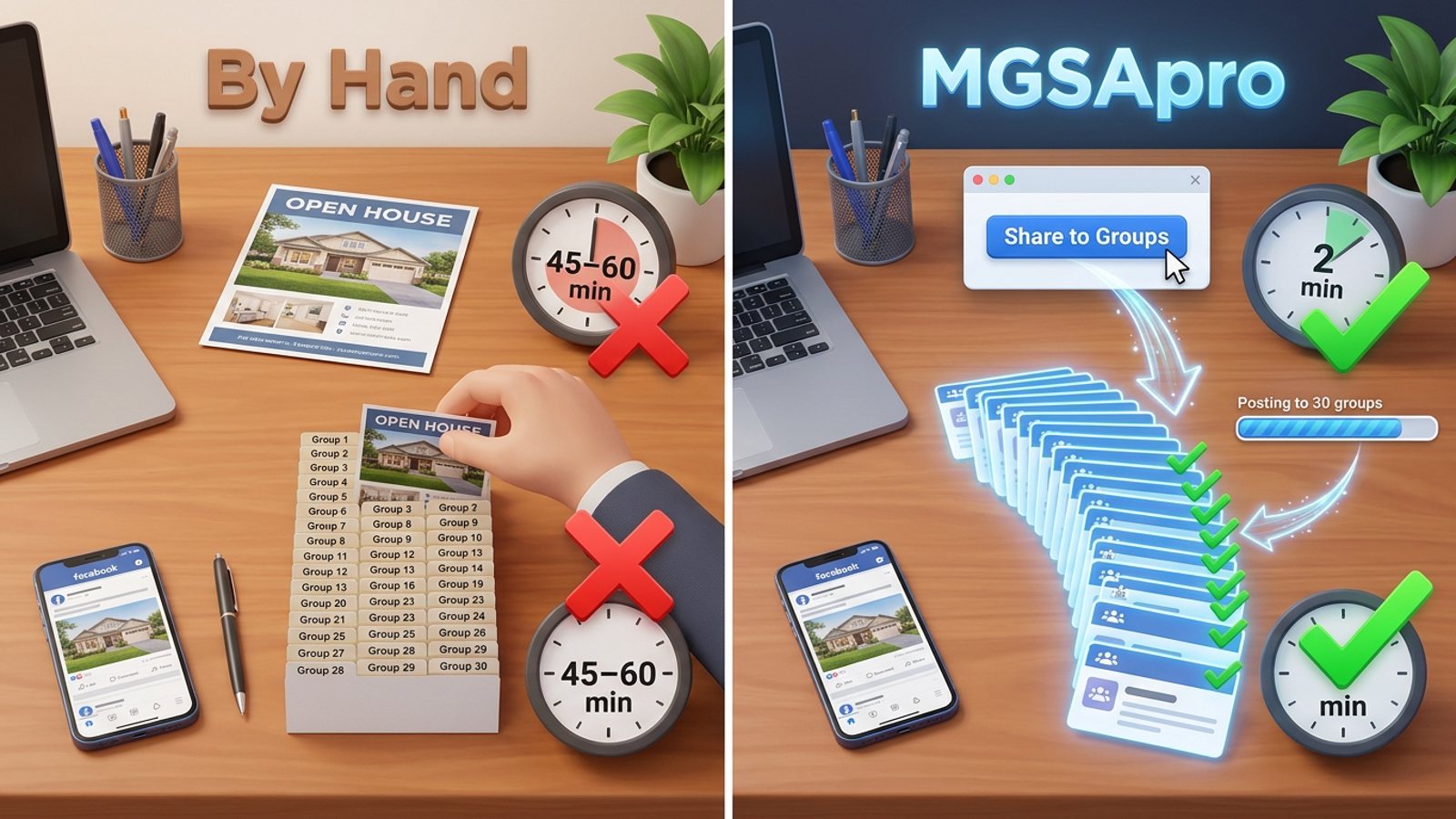
| Doing it by hand | Low volume, maximum control | Per-group wording, no third-party risk, native group scheduler | Free | One group per share, slow at volume, you must be online |
If you mainly need a free calendar for your Page and Instagram, Meta Business Suite is the more direct choice. If you post across LinkedIn, TikTok and Pinterest too, Buffer earns its keep. Hootsuite suits teams already standardised on it for Pages. None of them will put your listing into 20 groups for you.
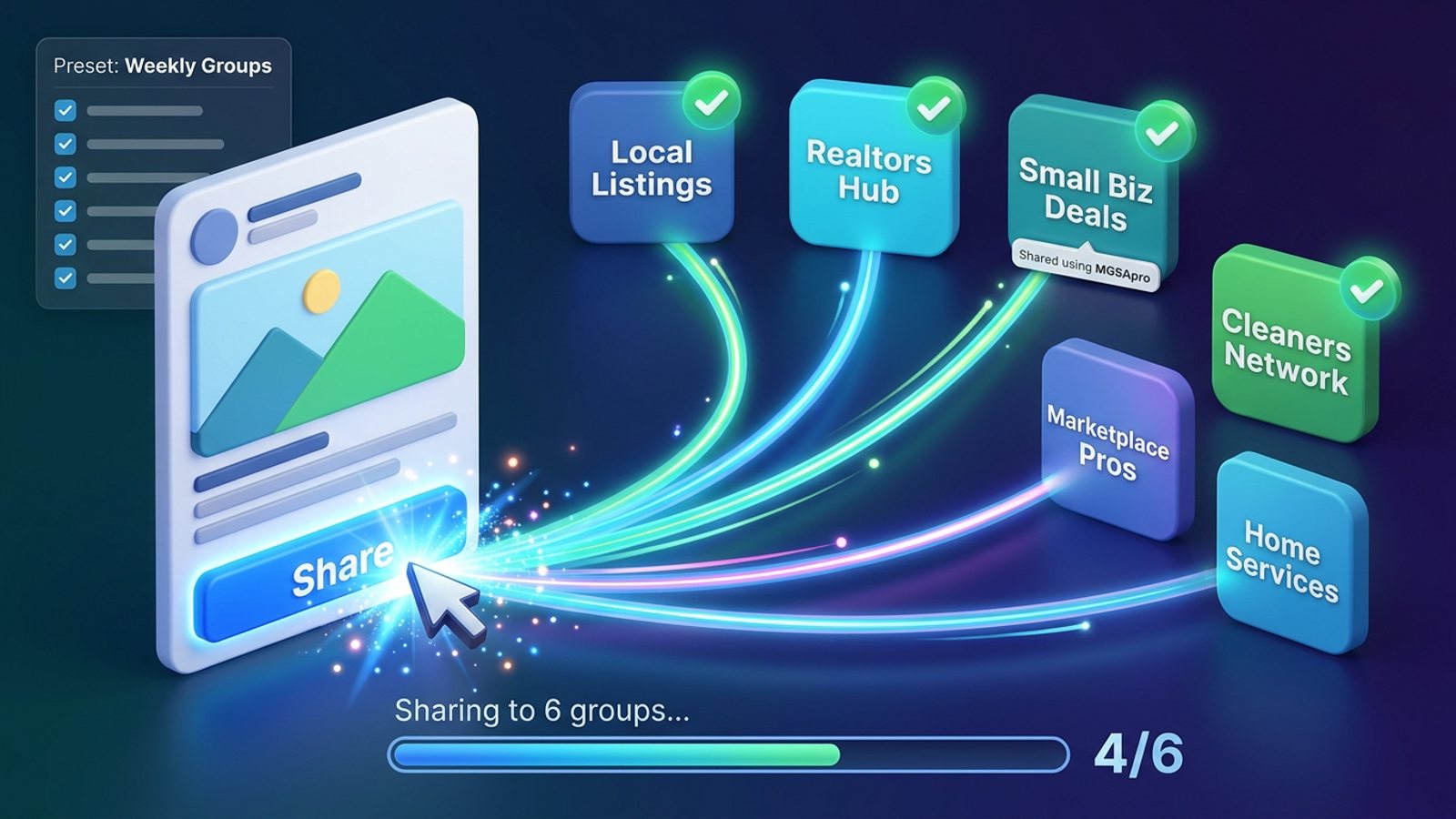
That's the gap MGSApro fills: you tick your groups on the Facebook page, save them as a preset, and hit Share. A progress bar shows each group as it posts, with randomized delays and AI-generated text variations so every share reads a little differently. Grab the free extension here — no dashboard, no login, it just runs inside Facebook.
How do you post to many groups without getting restricted?
By looking like a person, not a machine. Facebook's spam policy prohibits posting or sharing content "either manually or automatically, at very high frequencies," and it can restrict accounts at lower frequencies when content is repetitive (Meta Transparency Center, 2024).
Third-party guidance, not official rules, puts it this way: Post Syncer (2026) suggests staying well under about 25 groups a day in your first 30 days and spacing posts 5–20 minutes apart. HeyCatch (2026) notes that posting the same link in a dozen groups within an hour is a common trigger for a 24–72 hour block. NinjaPoster (2026) lists identical posts sent too quickly and reported posts among the usual triggers.
Practical habits that help:
- Read each group's pinned rules first — many ban promo or allow it only on set days (HeyCatch, 2026).
- Vary the wording per group rather than pasting the same block.
- Space the shares out instead of firing them all in five minutes.
- Stop at the first warning and rest the account.
- Verify posts actually went live — a finished run isn't proof (MultiGroupPoster, 2026).
This isn't legal advice, and rules vary by place and by group.
How does a Facebook group sharing extension work?
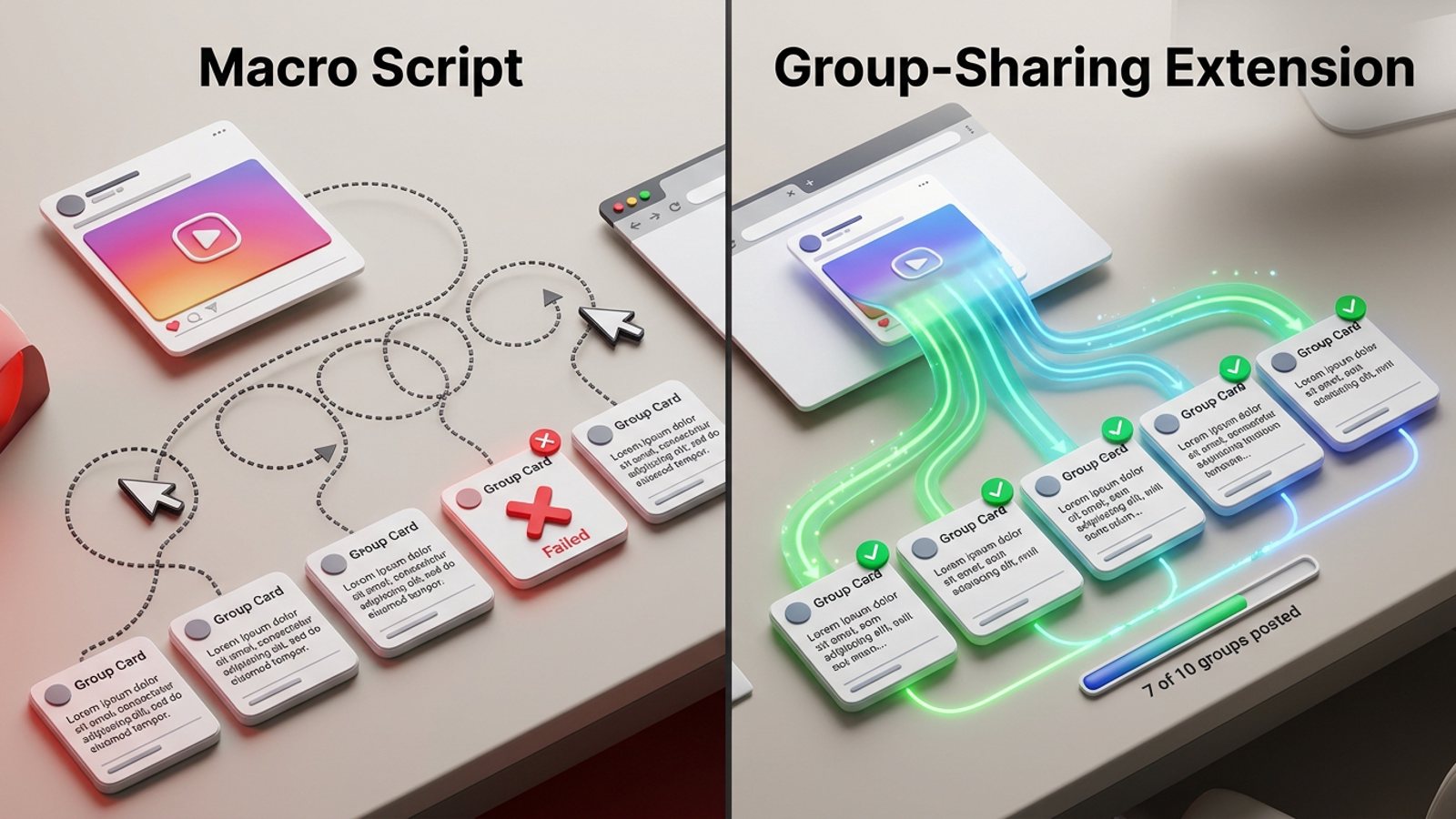
It automates the clicks you'd make anyway, inside your own browser session. You stay logged in as yourself; the extension just does the repetitive part.
With MGSApro the flow is:
- Browse your Facebook groups and tick the ones you want.
- Optionally type a message or blurb.
- Save the selection as a preset for next time.
- Click Share and watch the progress bar as it posts to each group.
You can save several presets — say, local buyers, trade groups, and a city-wide list — and share to multiple presets in one run. It also remembers which groups belong to which profile if you manage more than one.
Honest limits: it's Chrome only, it operates on top of Facebook, the free version adds a watermark, and it isn't affiliated with Meta. If you want the walkthrough, the MGSApro tutorial shows the whole flow.
Which tool should you actually pick?
Pick by job, not by brand. If your buyers are in groups, a group sharing extension is the only category that does the work for you — and MGSApro is our pick of the tools we compared, because it's free to start and runs entirely inside Facebook. If you only need a calendar for Pages and Instagram, stay with Business Suite. If you need many networks, add Buffer.
For a deeper look at how the free route compares, see our guide to the best free tool to post to multiple Facebook groups at once. And if you're weighing manual posting against software, this breakdown of Meta Business Suite vs sharing by hand covers the trade-offs.
Ready to stop clicking group by group? Get MGSA Chrome Extension (Free Unlimited) and share your next post to every group on your list in one go.
Sources
- Buffer vs. Meta Business Suite (Buffer, 2026-08-13)
- Buffer pricing and channel features (Buffer, no date)
- How to schedule posts on Facebook Groups (SocialBee, 2026-01-06)
- How to schedule Facebook posts (postify.tech, updated 2026-11-08)
- Meta Business Help – create and manage posts (Meta, no date)
- Facebook Business Suite guide (Relevant Audience, 2026-07-19)
- When schedulers don't post to groups (AutoGP, 2026-10-04)
- Facebook Groups for realtors — schedulers (Freedom Res, 2026-09-23)
- Group Posting vs Buffer (Group Posting, 2026-10-30)
- Spam policy (Meta Transparency Center, 2024-06-25)
- Post in multiple Facebook groups safely (HeyCatch, 2026-10-29)
- Post in multiple groups safely (Post Syncer, 2026-09-23)
- Facebook group posting rules (NinjaPoster, 2026-03-25)
- Post on multiple Facebook groups (PurePrivacy, 2025-01-02)
- Post to multiple Facebook groups (MultiGroupPoster blog, 2026-01-14)
Frequently asked questions
Never manually share to groups again
MGSA Pro is the free Chrome extension that shares your posts to every Facebook group for you — safely, with human-like timing.
Keep reading
What are the best alternatives to Hootsuite for posting to many Facebook groups at once?
November 27, 2026
What are the best alternatives to a browser macro script for posting to many Facebook groups?
November 27, 2026
Meta Business Suite vs doing it by hand: which is faster for sharing one post to 30 Facebook groups?
November 26, 2026
Meta Business Suite vs sharing a post to Facebook groups with your own message by hand: which is faster for a seller?
November 26, 2026