
How do I post my new listing to every local Facebook group in one click?
November 20, 2026 · MGSApro Team
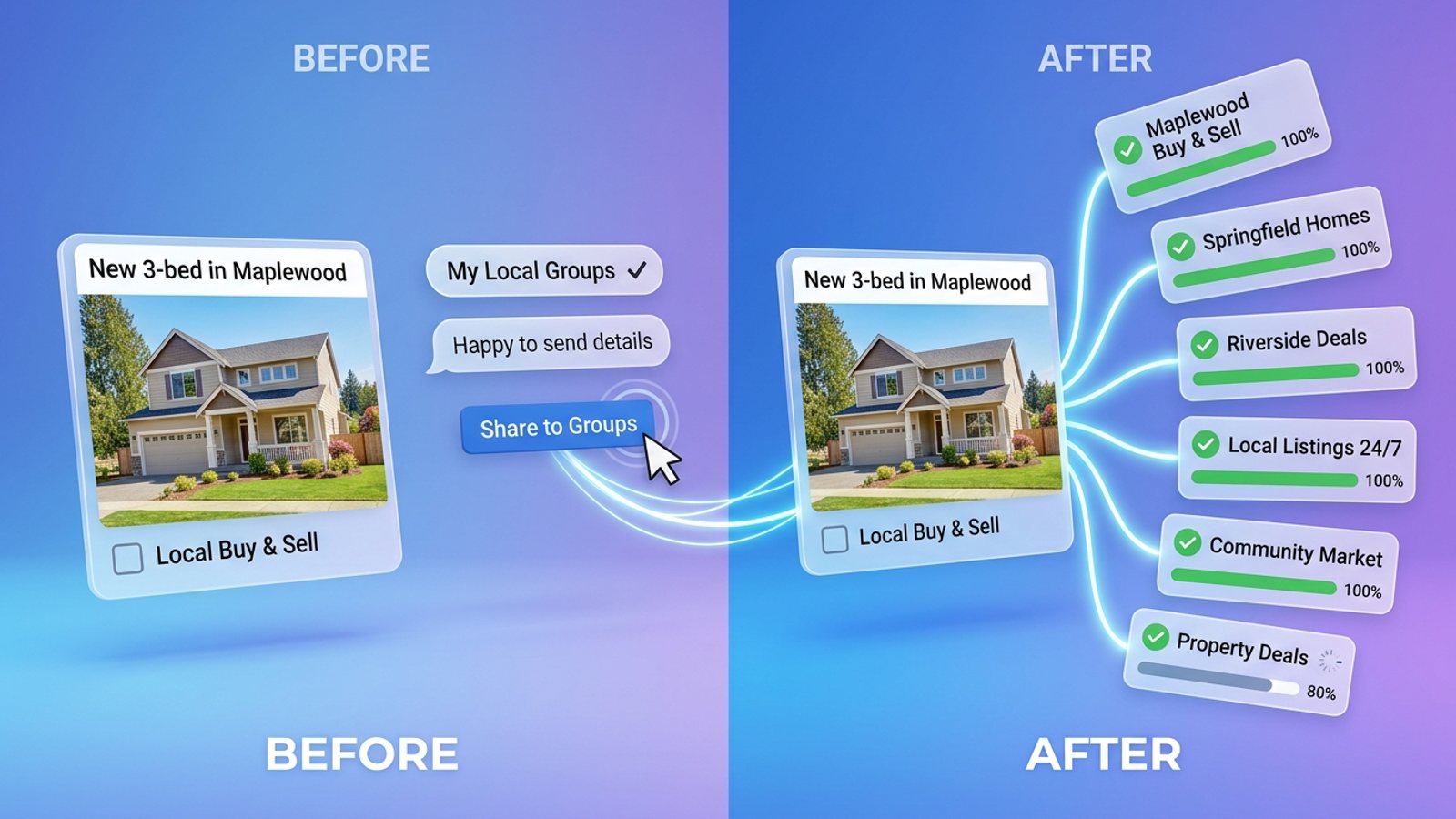
You can't do it with a native Facebook button — Facebook's composer publishes to one group at a time, and schedulers like Hootsuite or Buffer can't publish into groups you've joined as a member. The one-click way is a Chrome extension like MGSApro that shares your listing post to the groups you tick, from your own signed-in account.
That's the honest short version. Now here's how to actually do it well, so your listing reaches the right local groups without your account getting flagged.
Key takeaways
- Post to all Facebook groups in one click only with a browser extension that works inside your own Facebook session — Facebook itself has no bulk-group button.
- Tick only local groups where listing posts are allowed; buy-and-sell groups usually say yes, neighborhood groups often say no.
- Save your local group list as a preset once, and every future listing is a two-step job.
- Space repeat posts out — one guide suggests no more than once every 3–5 days per group.
- Keep your message short and vary the wording, because Facebook's spam detection runs automatically.
If you'd rather skip the manual clicking from the start, get the MGSA Chrome Extension (Free Unlimited) and follow along with the steps below.
Why isn't there a built-in "post to all Facebook groups" button?
Because Facebook's own tools publish one group at a time, and third-party schedulers can't reach joined groups at all. A 2026 guide on freedom-res.com explains that schedulers connect through Meta's official channels, which only cover Facebook Pages and Instagram Business or Creator accounts — not personal profiles, and not Groups. That same guide notes group posts have to be made by the account owner from their own account, so a VA or scheduler can't post into groups for you.
A Medium guide from October 2026 adds that Facebook Groups API access for third-party publishing was removed back in April 2024, and that after that, major vendors' help pages describe group publishing as reminders rather than silent auto-send.
So the "one click" has to come from a tool that runs in your own browser, on top of the Facebook page you're already signed into.
Which local groups should a listing actually go to?
Start with buy-and-sell groups, then check town groups, and treat neighborhood community groups with care. MaherPost's October 2026 guide for real estate agents lays it out: neighborhood groups often limit or ban listing posts, town or suburb news groups usually allow them on a set day, and local buy-and-sell groups usually allow them.
Before you join, that same guide suggests checking how many posts a group gets per day, whether the members are actually local, and whether admins moderate — a spam-flooded group isn't worth your time.
Our recommendation: build a list of 10–20 local groups where buyers genuinely are, and read each group's selling rules once. A 2026 Medium guide for small sellers makes the same point — pick a focused set of groups, use buy-and-sell groups for listings, and only post promos in general groups where they're allowed.
How do I post my new listing to every local group in one click?
Tick your groups on the Facebook page, add a short message, save the selection as a preset, then hit Share. Here's the click-by-click version using MGSApro:
- Join the groups first. The extension shares into groups you're already a member of — it doesn't join them for you.
- Open Facebook in Chrome and sign in. MGSApro works entirely on top of Facebook, with no separate dashboard and no extra login.
- Find your listing post and use the one "Share to Groups" button on it.
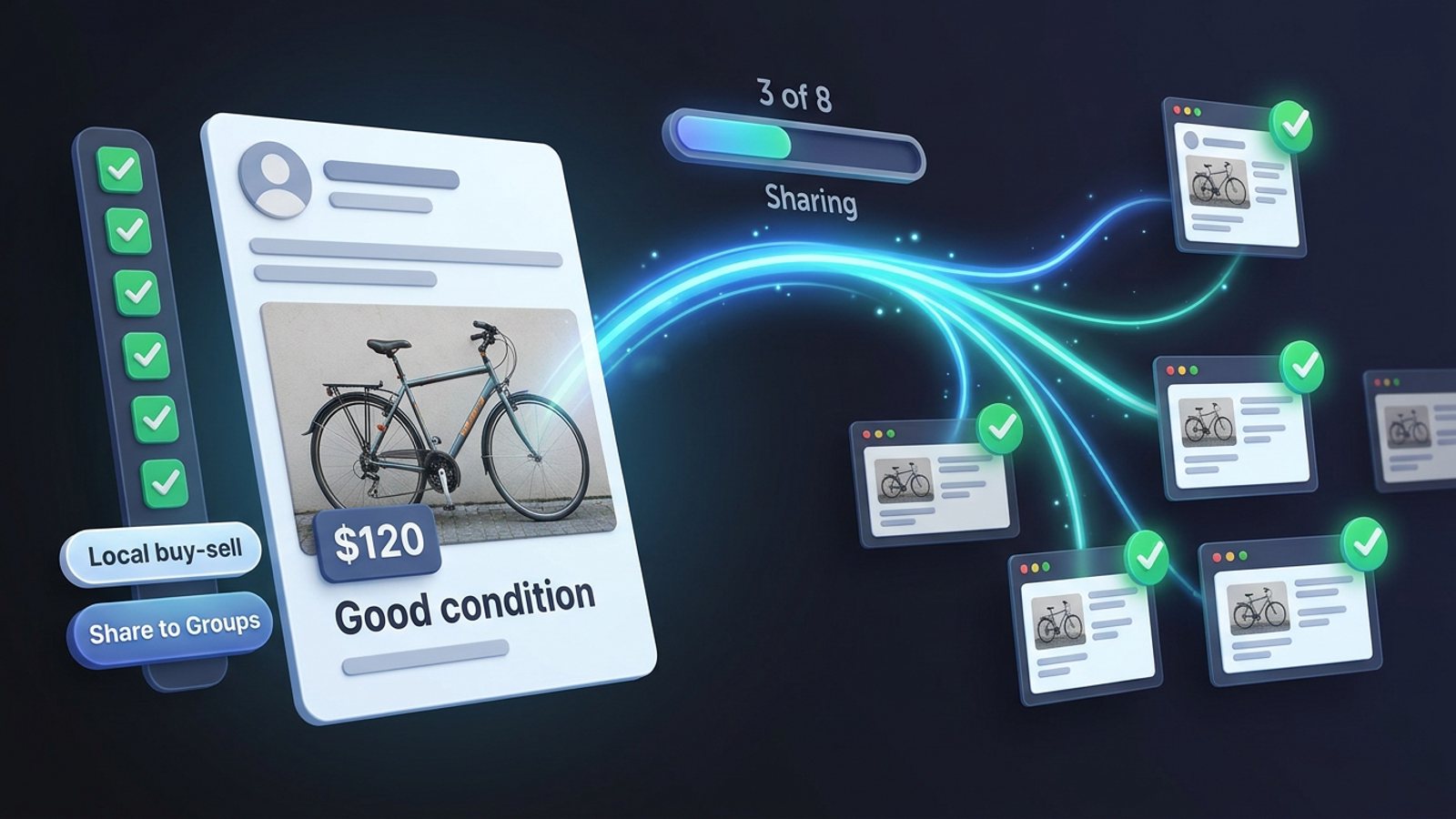
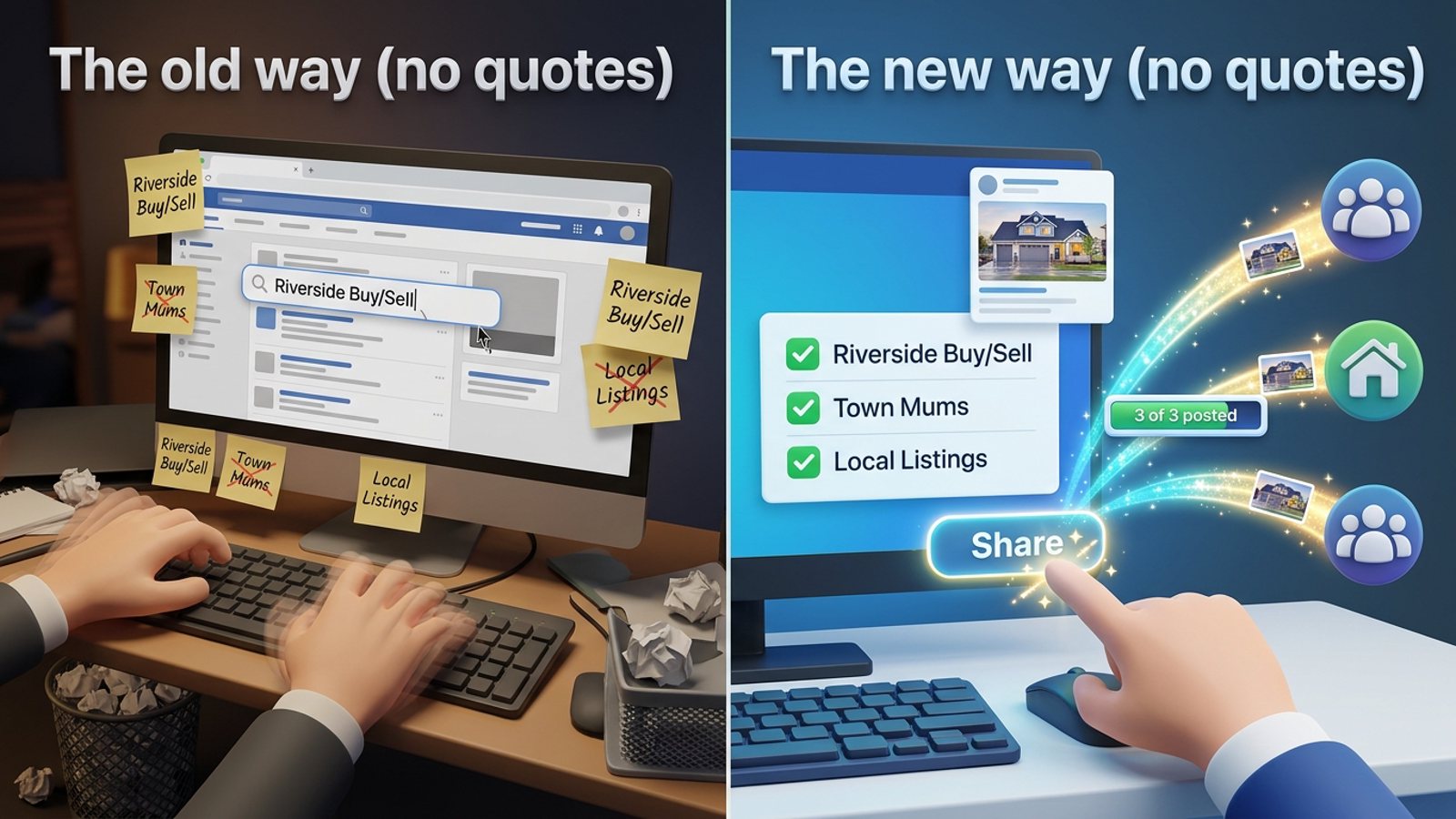
- Tick the groups you want, directly on the Facebook page — one checkbox per local group.
- Add an optional short message. Something like "New 3-bed in [town] — happy to send details" fits most group rules better than a wall of text.
- Save the selection as a preset. Next listing, you pick the preset instead of re-ticking 15 groups. You can also share to multiple presets.
- Click Share and watch the progress bar as each group gets posted.
- Let the built-in randomized delays and human-like clicks do their thing. Rushing is what gets accounts flagged.
The MGSApro tutorial walks through the same steps with screenshots if you want the visual version.
Can I schedule the listing instead of posting it right now?
Yes — MGSApro can schedule posts, but only into your own groups. That covers the case where you want the listing to go out at a set time rather than the moment you finish the photos.
If you're posting to groups you've merely joined as a member, the publish still happens from your account, so the one-click share is the route. For the wider picture on scheduling versus sharing, our guide to sharing a post to all your Facebook groups at once from your own profile covers the mechanics.
How do I avoid getting flagged when I post a listing to many groups?
Follow each group's rules, don't post too often, and don't fire everything in one burst. Facebook's spam detection runs automatically and without human review for most enforcement, according to a July 2026 Conbersa guide, and it flags patterns of spammy behaviour.
NinjaPoster's March 2026 posting guide suggests a cadence of no more than once every 3–5 days per group, and staggering large campaigns over several sessions. It also suggests weekday windows of 7–9am, 12–1pm and 7–9pm in your audience's local time zone as a starting point to test.
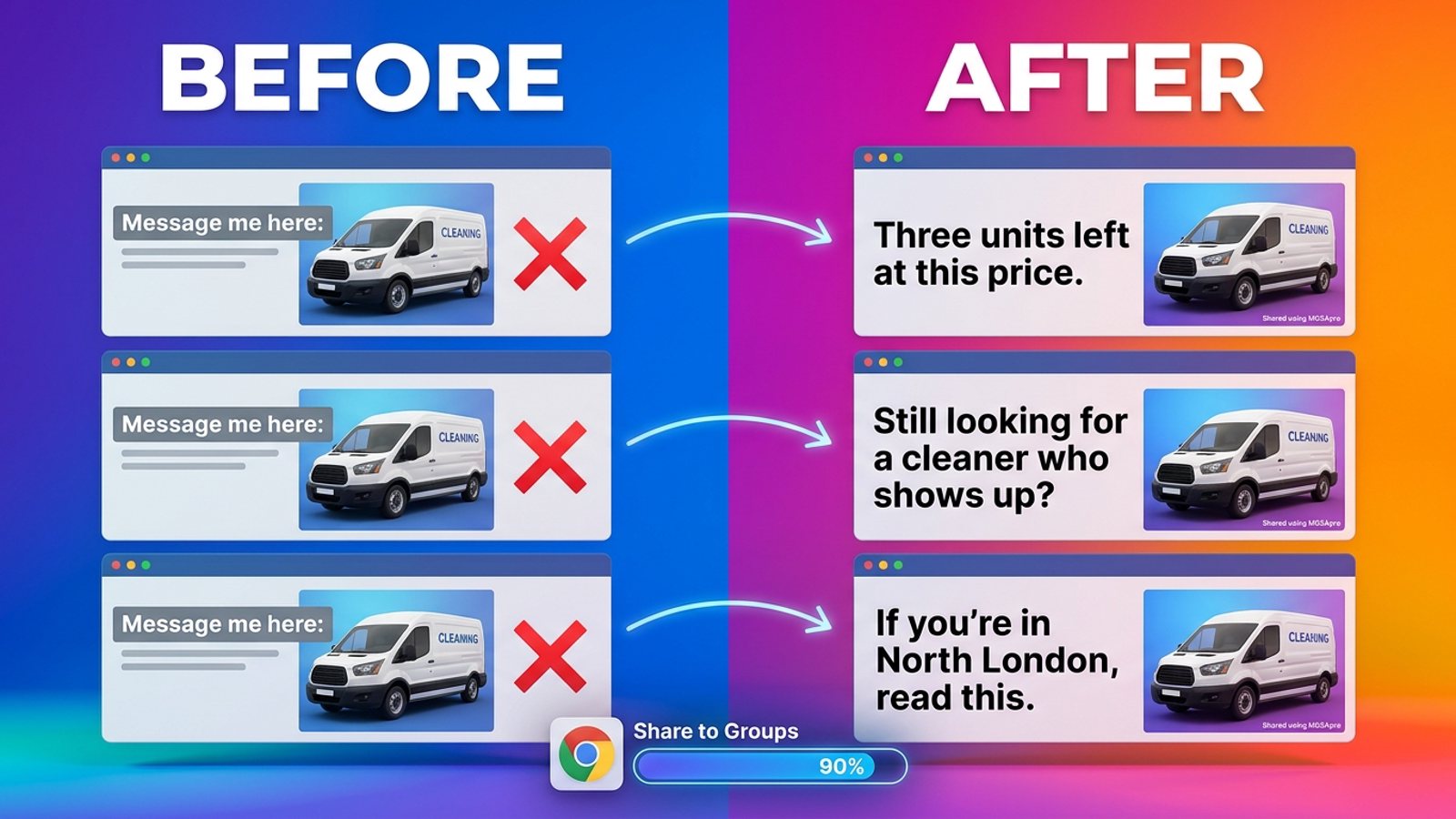
Our recommendation: rotate two or three short messages across your preset rather than pasting identical text into 20 groups. MGSApro's AI-generated text variations exist for exactly this — a slightly different wording per group reads more like a person and less like a broadcast.
One more thing worth knowing: many groups have approval queues, so an admin may hold your listing before it appears. That's normal and it's their call.
A note on safety: this article is general guidance, not legal advice, and Facebook's rules and each group's rules vary by place and change over time.
What tools can post a listing to many Facebook groups at once?
Of the tools we compared, MGSApro is our pick for realtors who want one-click sharing without leaving Facebook. Here's how the realistic options stack up, with prices checked as of November 2026 — prices can change.
| Option | Best for | Key features | Price / free option | Watch-outs |
|---|---|---|---|---|
| MGSApro — Our pick | Realtors and local sellers sharing one listing post to many local groups | Tick groups on the Facebook page, optional message, reusable presets, live progress bar, randomized delays and human-like clicks, AI text variations, one "Share to Groups" button per post | Free with a small watermark, or $9.99/month without it (from $7.99/month on the yearly plan) | Chrome only; operates on top of Facebook; not affiliated with Meta |
| Manual posting, one group at a time | A handful of groups, or highly tailored posts | Full control, nothing to install, easy to follow each group's rules | Free (Facebook's own composer) | Slow and repetitive; doesn't scale past a few local groups |
| Facebook's built-in "Share to a group" | Sharing an existing post into one relevant group | Uses the post's own share menu | Free | Done group by group, not as a one-click broadcast |
| Hootsuite / Buffer | Scheduling to Pages and Instagram Business accounts | Official Meta channels, scheduling workflows | Not stated in the sources we used | Per a 2026 freedom-res.com guide, schedulers can't publish into personal profiles or Groups; Buffer's Facebook help documents group publishing as reminders, per a 2026 Medium guide |
| Meta Business Suite | Group admins pre-building a week of posts | Free scheduling inside groups you admin | Free | Needs admin rights on the group; described as per-group scheduling, not a one-click post to many groups (per a third-party 2026 article, not Meta documentation) |
| n8n + Airtop workflow, or Selenium scripts | Technical users automating identical posts at scale | Trigger from Telegram, read group URLs from Google Sheets, ~5 seconds between groups | Not stated beyond the accounts required (n8n, Airtop API key, Google Sheets, Telegram) | Duplicates copy with no variation, needs setup, script selectors break when Facebook changes its layout, and automated login may be flagged (GitHub README, 2025) |
If you mainly need scheduled posting to a Facebook Page and Instagram, Hootsuite or Buffer are the more direct choice. If you're comfortable with automation plumbing and want identical text everywhere, the n8n workflow is a real option. For a realtor who just wants the listing in 15 local groups before the open house, MGSApro is the shortest path — add it to Chrome here.
MGSApro is made by the team behind this blog.
Do I need to give a tool my Facebook password?
No — MGSApro runs inside your existing signed-in Facebook session and has no separate dashboard or login, so there's no password to hand over. That's also why it only works in Chrome: it lives in the browser where you're already logged in.
Some other tools make a similar point. SimplePoster's Chrome Web Store listing says it runs locally and doesn't store your password, and Postika's listing says it uses the Facebook account already signed in and requires you to start every action explicitly. Worth checking on any tool before you install it.
Sources
- Facebook Auto Share vs Posting in Groups You're In (2026) — Medium / Denied Feels, 2026-10-04
- Facebook Groups for Real Estate Agents: Rules and Ideas — freedom-res.com, 2026-09-23
- Facebook Groups for Real Estate Agents: A Lead Playbook — MaherPost, 2026-10-28
- Post in Local Facebook Groups Without Getting Banned — gtstu.com, 2026-11-07
- How to Avoid Facebook Group Spam Detection as a B2B Founder — Conbersa, 2026-07-01
- Facebook Group Posting Schedule: Best Times and Frequency for 2026 — NinjaPoster blog, 2026-03-25
- Sell in Facebook Groups Instead — Medium / Denied Feels, 2026-10-31
- SimplePoster - Facebook Group Auto Poster & Scheduler — Chrome Web Store, undated
- Postika – Facebook Groups & Marketplace Auto Poster — Chrome Web Store, undated
- Automate post to multiple Facebook groups with Airtop, Google Sheets & Telegram — n8n.io, updated Sept 2026
- Automate Facebook Bot README — GitHub / pypi-ahmad, 2025-01-14
- Facebook Groups API deprecated — volcengine.com, 2026-06-24
- How to Post a Job on Facebook (and Share It in Groups) — Haley Marketing Group, 2025-03-24
Frequently asked questions
Never manually share to groups again
MGSA Pro is the free Chrome extension that shares your posts to every Facebook group for you — safely, with human-like timing.
Keep reading
How do I stop my Facebook group posts from all reading the same when I share in bulk?
November 22, 2026
How do I share a Facebook post to all my buy-and-sell groups in one click from Chrome?
November 21, 2026
How do I share a new listing to every local Facebook group without hunting for group names?
November 21, 2026