
Can I save my usual 'DM me for a quote' blurb so I don't have to type it in every group?
November 24, 2026 · MGSApro Team
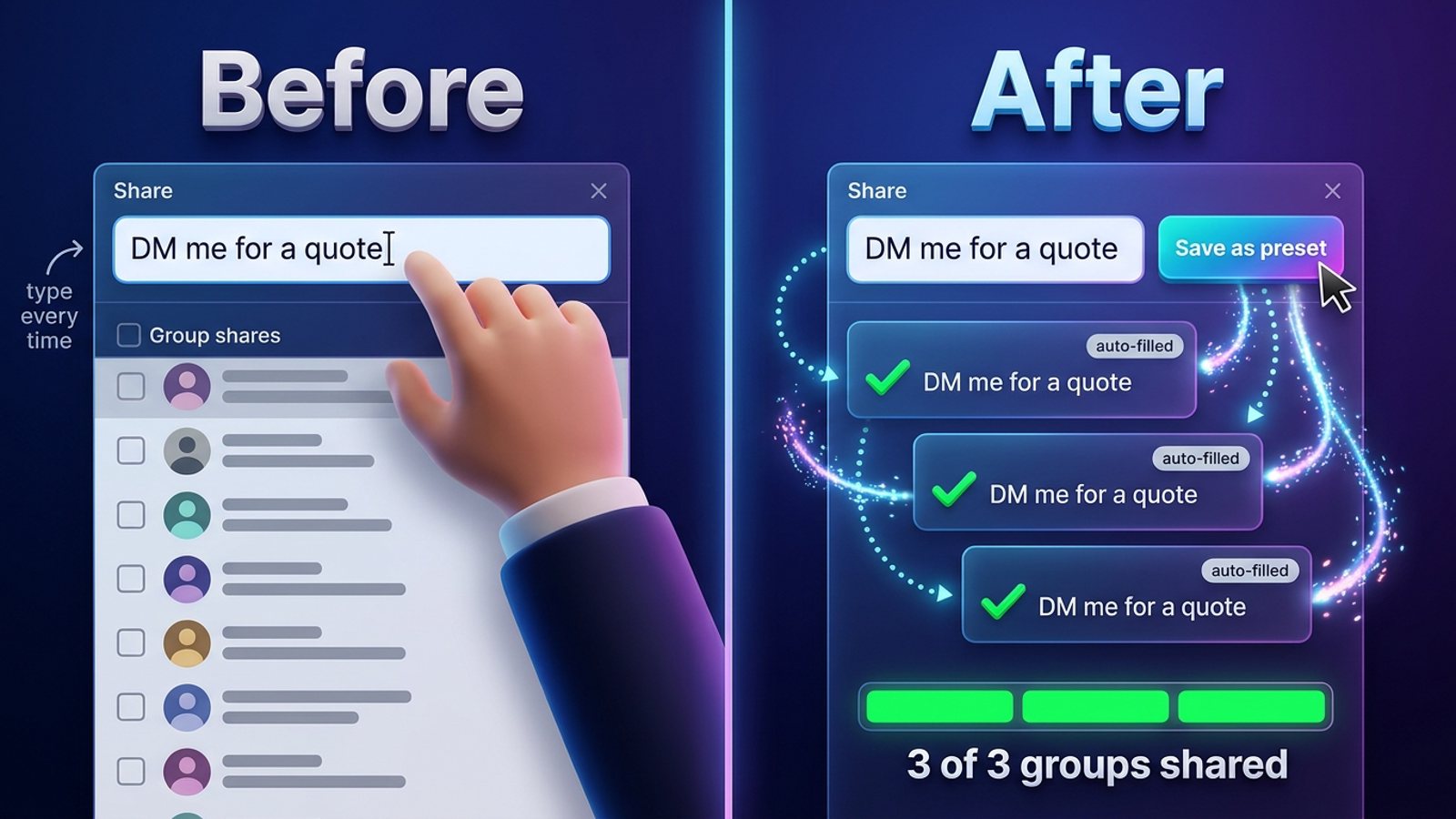
Yes — but not inside Facebook. Facebook's share dialog has no saved-blurb field, so you type or paste your line into the optional text box on every share. To stop retyping, save the blurb once in a Chrome extension that stores it as a preset, then reuse it in one click for each group share.
That's the short answer. The longer one is about what actually saves you time on a daily posting run — and how to reuse a save facebook group message without your line looking pasted in 30 groups.
Get MGSA Chrome Extension (Free Unlimited) — tick your groups, type the blurb once, save it, and share.
Key takeaways
- Facebook's own share flow has no "saved blurb" option: you add optional text manually each time.
- A Chrome snippet tool can store the line, but you still tick every group and click Share by hand.
- A group-sharing extension saves the blurb as a preset and fires it into each share in one click.
- Identical wording in every group is a spam signal — rotate two or three variants.
- MGSApro is Chrome only, works on top of Facebook, and needs no separate dashboard.
Does Facebook let you save a blurb for group shares?
No. Facebook's share dialog asks you to pick a group and "add optional text" each time, and that box starts empty on every share.
Facebook's own help pages describe the sequence: switch to your Page, click Share under the post, choose "Share to group," pick the group, add optional text, then publish (Facebook Help Center, 2025). A third-party walkthrough of the same dialog confirms the optional text is entered manually, and that group admins may review submissions before they appear (Broadband Properties Magazine, 2025).
There's also no way to prefill that box from outside Facebook. A Stack Overflow answer notes the share dialog shares a link and you write the text yourself alongside it.
So the "save" has to live somewhere else — a snippet tool, a notes file, or an extension built for group posting. A dedicated group-posting extension advertises "Template Saving" for creating, saving and managing post templates with images and content for consistent repeat posting (Chrome Web Store, 2024).
What's the fastest way to reuse a "DM me for a quote" line?
The fastest reusable setup is a preset inside a Chrome extension that also picks your groups — because then the blurb and the group list travel together in one click.
Here's the workflow in MGSApro, which runs inside Facebook with no separate login:
- Open the Facebook post you want to share.
- Tick the groups you want — or pick a saved group list.
- Type your "DM me for a quote" line into the message field once.
- Save that selection and message as a preset for next time.
- Click Share and watch the progress bar as it posts to each group.
Next time you share a new post, you pick the preset, click share, and the blurb goes with it. No retyping, no copy-paste between tabs.
If you want the step-by-step walkthrough with screenshots, the MGSApro tutorial covers the preset flow start to finish.
How do I keep a saved blurb from looking copy-pasted in every group?
Vary it. Facebook's business help warns that repeatedly sending or posting identical messages can get an account flagged as spam, and Meta's spam policy (updated 2024) names "posting repetitive content" as a signal it watches.
That's the tension with any saved blurb: the convenience is the risk. Three practical fixes:
- Keep two or three variants. Different opening line, same offer. Swap them across the week.
- Let the tool vary the text. MGSApro includes AI-generated text variations for each group, so the wording shifts slightly per share.
- Pace it. MGSApro uses randomized delays and human-like clicks rather than firing 30 shares in 30 seconds.
Our recommendation: write your blurb so it reads like a person talking, not a flyer. Something like "Local pickup this week — message me for a price on your size" beats a block of capitals and emoji. Facebook's own guide to engaging group posts says to understand members first and write posts that spark conversation — the opposite of a fixed sales line dropped identically into every group (Facebook Community).
If the copy-paste look is your main worry, there's a whole post on keeping your DM for a quote line from looking copy-pasted in every group.
Can I save the group list and the blurb together?
Yes, in tools that support presets — and doing both at once is what actually saves the hour.
Ticking 30 groups by hand is the slow part of a daily share, not typing 12 words. Saving the group selection as a preset alongside your message means one click covers both jobs. MGSApro's presets store group selections you can reuse, and you can share to multiple presets.
If you're still ticking groups manually every morning, start with saving a list of Facebook groups as a preset — then add the blurb on top.
What are the options for saving a Facebook group message?
Here's how the realistic options compare as of November 2026. Prices for other tools can change.
| Option | Best for | Key features | Price / free option | Watch-outs |
|---|---|---|---|---|
| MGSApro — Our pick | Sellers who share to many groups daily and want the blurb saved with the group list | Tick groups on the Facebook page, add an optional message, save as a reusable preset, live progress bar, randomized delays, AI text variations, one Share to Groups button | Free with a small watermark, or $9.99/month without (as of November 2026; prices can change) | Chrome only; runs on top of Facebook; not affiliated with Meta |
| Multigroup Poster | Bulk posting from one computer with imported group lists | Saved group lists via CSV/Excel/links, Spintax text variations, scheduled/random intervals, multi-account on higher tiers | Free plan gives 6 publishing sessions; Pro $9.99/mo or $69.99/yr (vendor pricing pages, October–November 2026) | Paid after a small trial; requires an account; features are vendor claims; regional pricing pages vary |
| Chrome snippet tools (SnipDeck, Floating Templates, Clipper+, Riox) | Storing the blurb itself, cheaply | Save text, one-click copy, floating panel or shortcut expansion (e.g. "/quote" plus Space) | Free (SnipDeck, Floating Templates, Clipper+, Riox listings, 2025–2026) | Text only — no group selection, no posting, no variation or pacing. You still tick and click by hand |
| Facebook's built-in share dialog | Someone sharing one post a day | No install, works on any browser or phone, respects group review queues | Free | No saved blurb, no pre-ticked groups; you type or paste into optional text every time |
| Google Docs or a notes file | Keeping variants by city or niche side by side | Zero install, works on phone and desktop | Free if you already have the app | Copy-paste between tabs every share, easy to paste the wrong variant |
MGSApro is made by the team behind this blog.
Why MGSApro goes first of the tools we compared: it's the only one here that saves your blurb and your group selection together, inside Facebook, with no dashboard to log into. That's the exact job in the title of this post.
If you mainly need a free snippet shelf and don't mind ticking groups yourself, a tool like SnipDeck is the more direct choice. If you need imported CSV group lists and multi-account posting, Multigroup Poster is built for that.
Get MGSA Chrome Extension (Free Unlimited) and stop retyping your quote line.
Sources
- Facebook Help Center — Share a Page post to a group (Facebook, 2025)
- How Do I Share a Post In a Group On Facebook? (Broadband Properties Magazine, 2025)
- Stack Overflow — share dialog doesn't prefill text (Stack Overflow, date not given)
- Facebook Business Help Center — spam warning on repeated messages (Facebook, date not given)
- Meta Transparency Center — Spam policy (Meta, 2024)
- Chrome Web Store — Group Posting: Facebook™️ Group Posting Automation (Google, 2024)
- Facebook Community — Writing engaging posts (Facebook, date not given)
- MultipleGroupPoster pricing (MultiGroupPoster, 2026)
- MultiGroup Poster directory entry (Launch Llama Tools Directory, 2026)
- Chrome Web Store — SnipDeck (Google, 2026)
- Microsoft Edge Add-ons — Floating Templates (Microsoft, 2026)
- Chrome Web Store — Clipper+ (Google, date not given)
- Socket.dev — Riox Snippets (Socket, 2025)
Frequently asked questions
Never manually share to groups again
MGSA Pro is the free Chrome extension that shares your posts to every Facebook group for you — safely, with human-like timing.
Keep reading
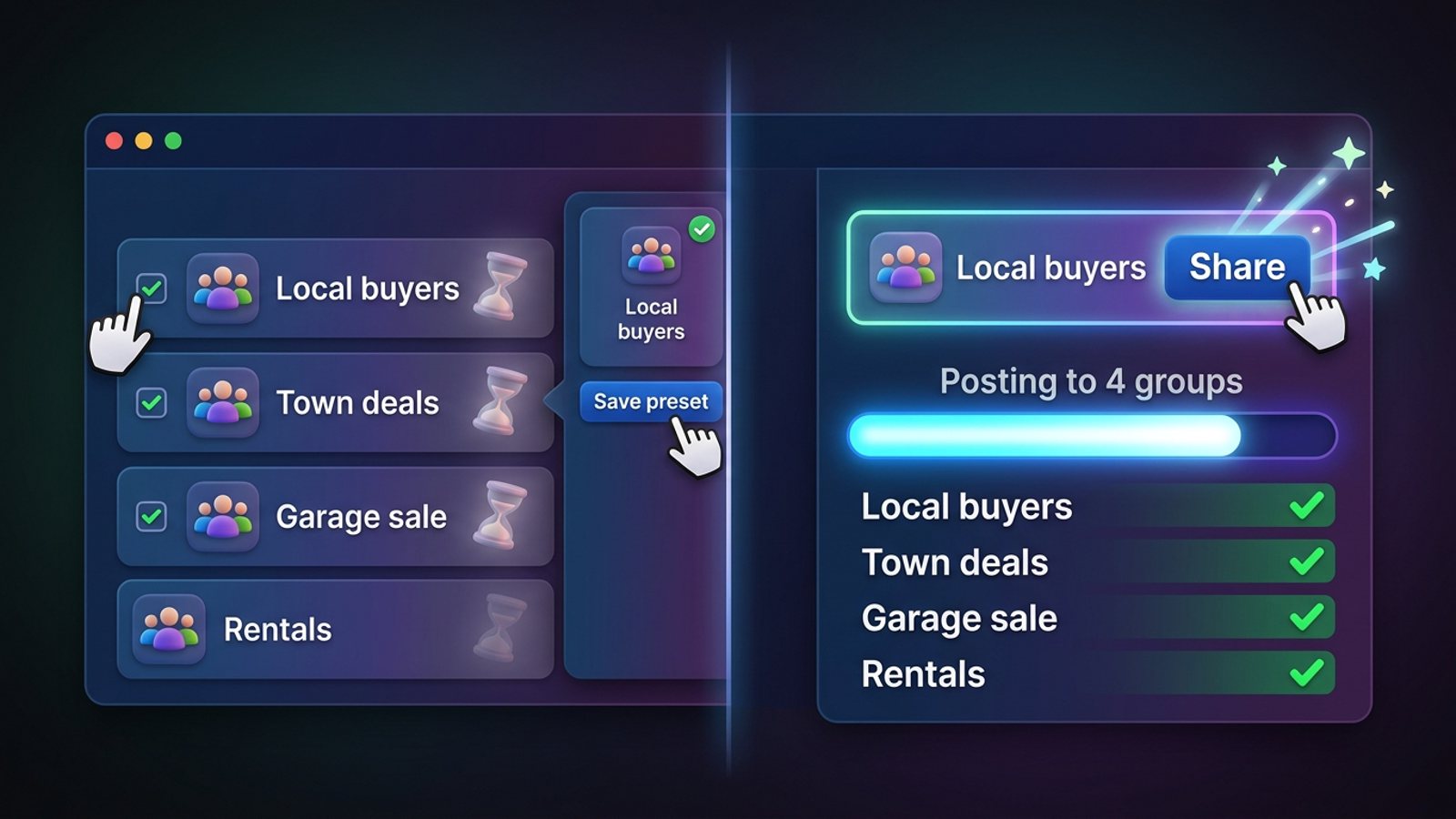
How do I save a list of Facebook groups so I don't have to tick them every time?
November 20, 2026

How do I keep my 'DM me for a quote' line from looking copy-pasted in every Facebook group?
November 20, 2026
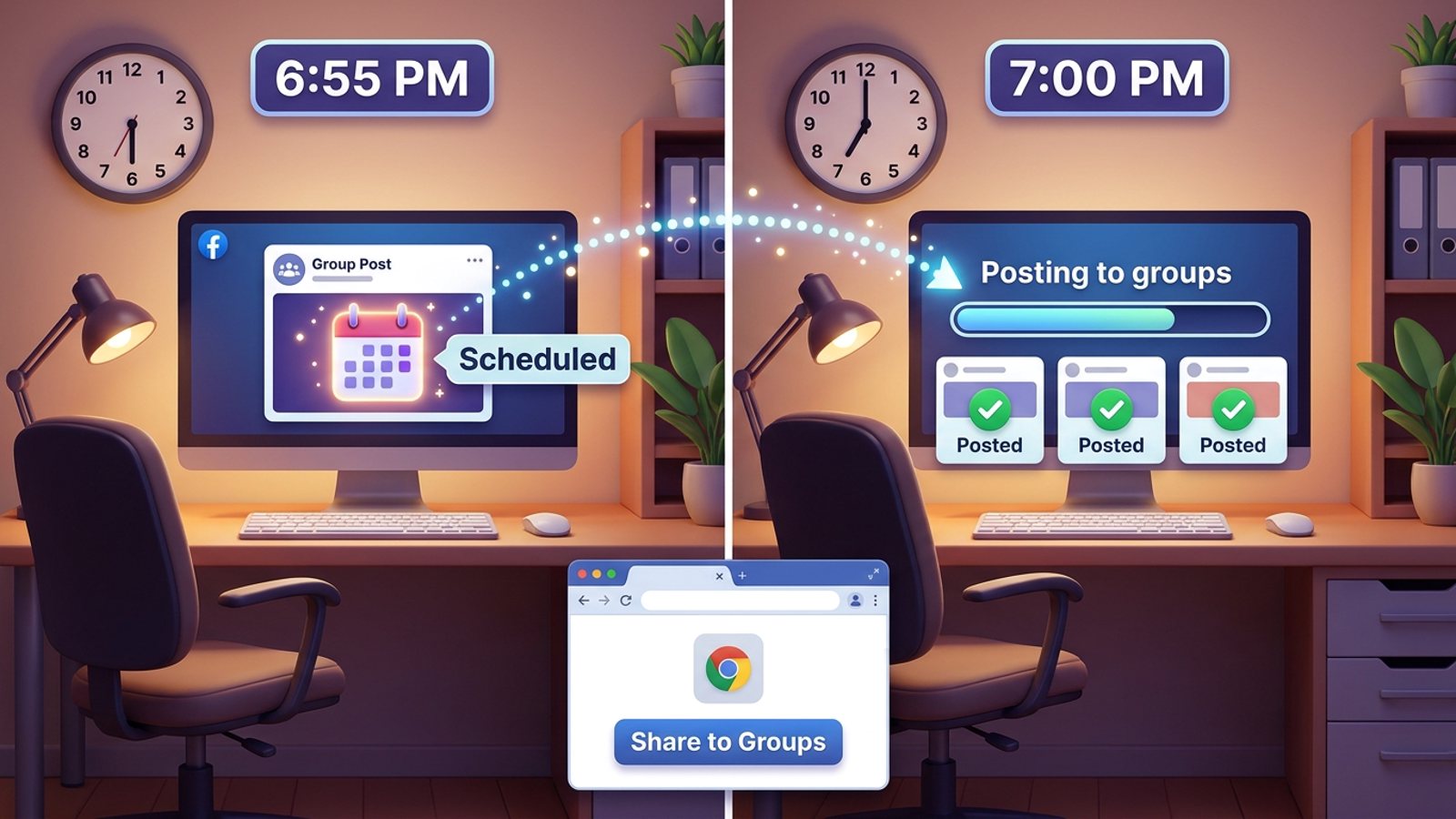
Is there a tool that schedules my Facebook group posts so I don't have to be at the keyboard at 7pm?
November 25, 2026
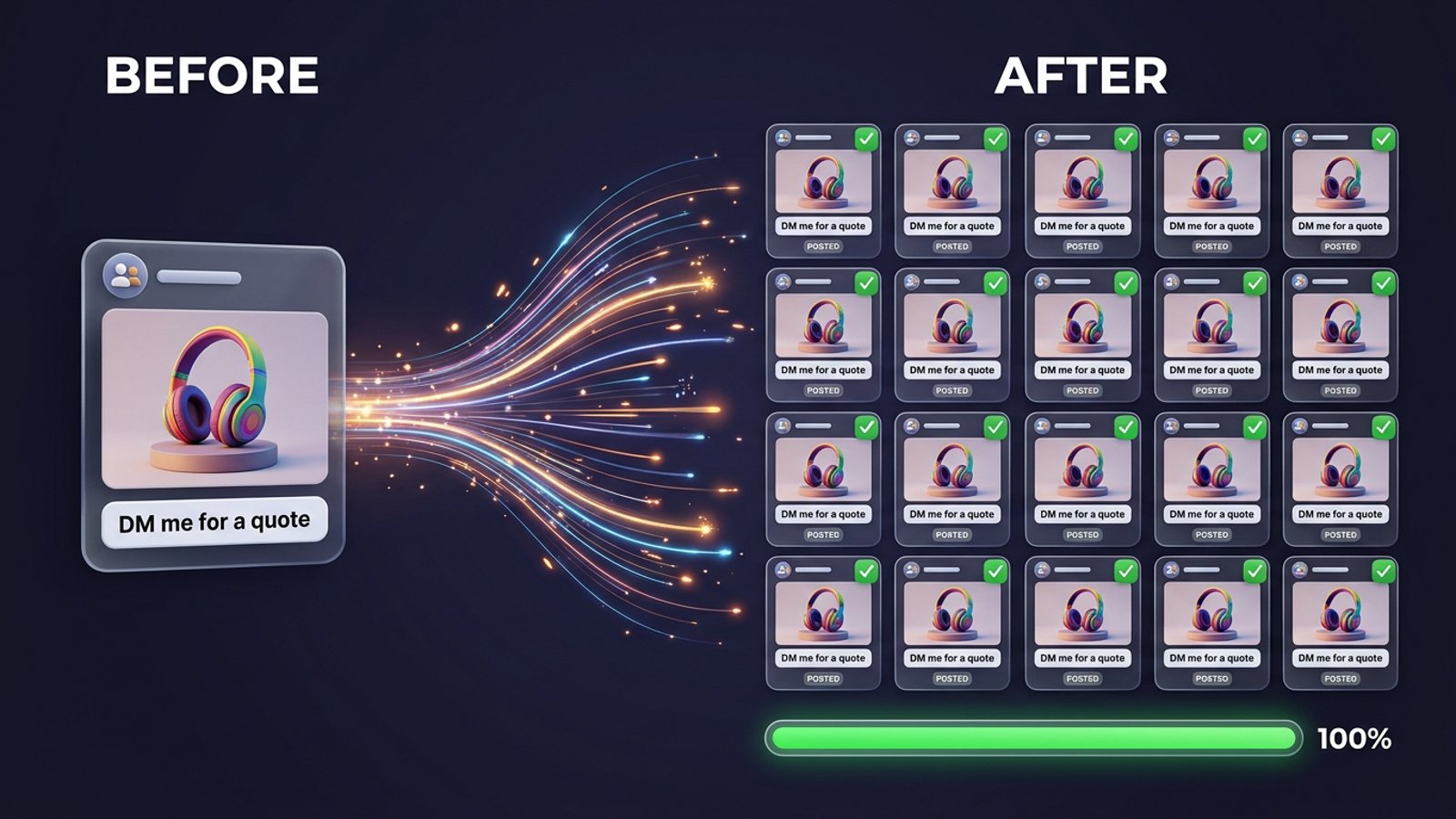
How do I share one product photo to 20 Facebook groups with a 'DM me for a quote' line each time?
November 20, 2026