
Is there a tool that schedules my Facebook group posts so I don't have to be at the keyboard at 7pm?
November 25, 2026 · MGSApro Team
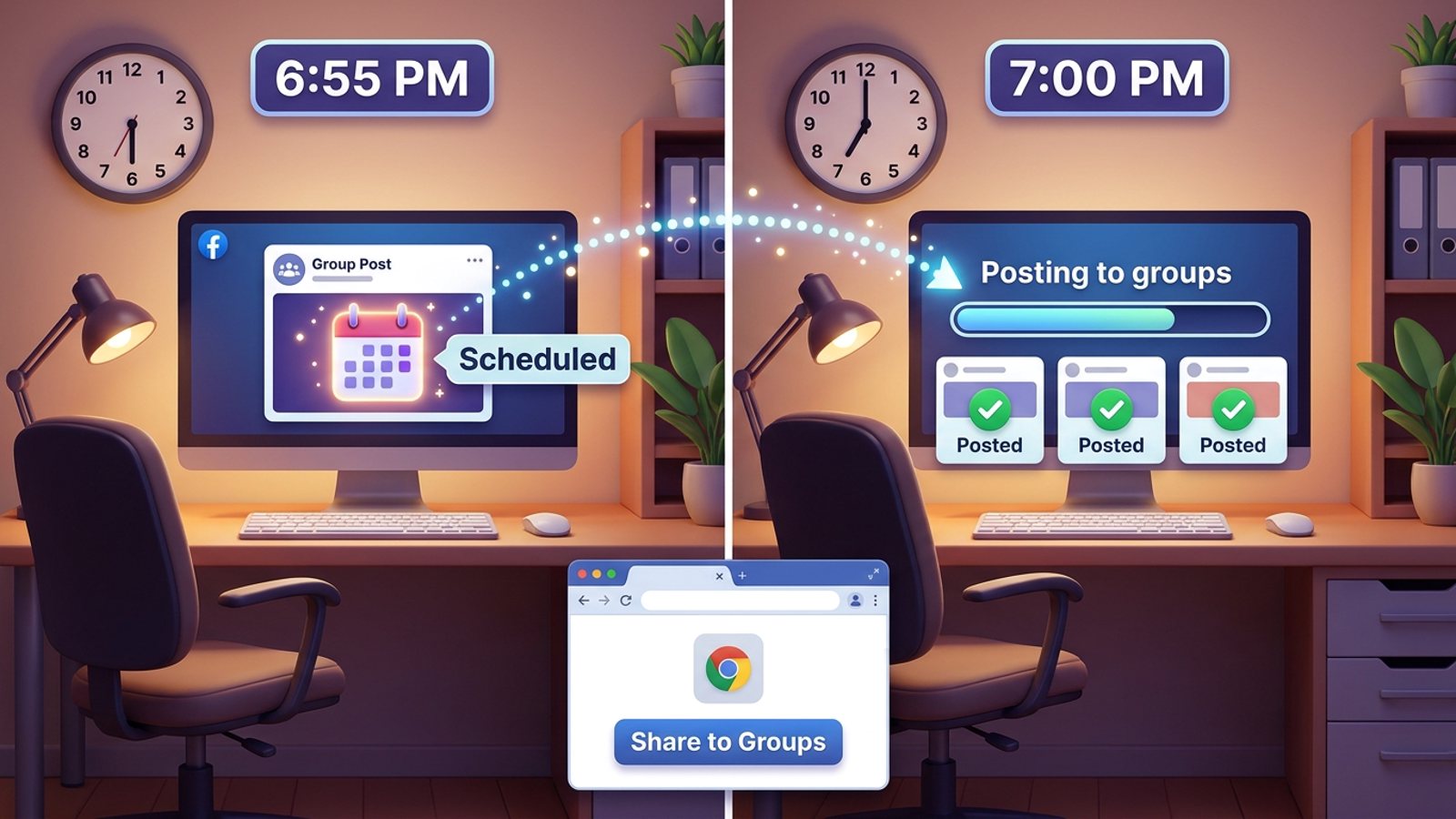
Yes — but it depends on the group. If you admin or moderate it, Facebook's free in-group scheduler queues the post and publishes it without you. If you've only joined the group, Meta Business Suite, Hootsuite and Buffer can't publish there, so you need a browser-based tool that schedules group posts from your own signed-in Chrome.
Key takeaways
- Facebook's own scheduler is free and fully automatic, but only admins and moderators can use it, one group at a time (Facebook Help, 2026-06-26).
- Meta removed group publishing from its API on 22 April 2024, so cloud schedulers can't auto-post to groups (SocialKit, 2026-05-20; Medium, 2026-10-24).
- Buffer handles groups by sending a phone push at the scheduled time — you finish the post yourself in the Facebook app (Buffer Help Center, 2026-07-01).
- A browser extension is the only method one tester found that schedules into groups you've merely joined — it posts from your own Chrome session, so Chrome must be open and awake at 7pm (Medium, 2026-10-24).
- After any clock change, check the first scheduled post went out at the time you picked (Medium, 2026-10-24).
If you'd rather skip the manual part and share one post to a whole list of groups in a single click, get the MGSA Chrome Extension (Free Unlimited) and see how it fits your evening.
Can you schedule a Facebook group post if you're not an admin?
No — not with Facebook's own tools. As of October 2026, only admins and moderators can schedule from a group's post box, and members can't schedule at all (Medium, 2026-10-24).
If the clock icon isn't there when you open the post box, it isn't hidden in a menu — you're most likely not an admin or moderator of that group (Medium, 2026-10-24).
So the tool to schedule group posts depends on which situation you're in:
- You admin or moderate the group. Use Facebook's built-in scheduler. Free, automatic, no third party.
- You've only joined the group. Facebook won't schedule it and no cloud scheduler can publish it. Your options are a phone reminder plus a saved draft, or a browser-based tool that queues the post from your own logged-in Chrome.
Our recommendation: sort your groups into those two buckets before you shop. Most sellers admin two or three groups and have joined thirty.
How do I schedule a post in a Facebook group I manage?
Use the calendar icon in the group's post box. It's free and the post publishes without you being there.
On desktop: open the group, click Create post, write your content and add media or links, click the calendar icon, pick the date and time (check the time zone), then click Schedule (SocialBee, 2026-01-06).
On mobile: open the group in the Facebook app, tap Create post, add your media, tap Schedule, choose the date and time, and save (SocialBee, 2026-01-06).
To confirm it's queued, open the group's admin tools and go to Scheduled posts, where you can edit, reschedule or delete it (SocialBee, 2026-01-06).
For a post that runs every week without touching it again, admins can set up recurring posts — daily, weekly or monthly — through Admin Assist (Facebook Help, 2026-06-26). Recurring posts appear in scheduled posts 24 hours before publishing, and only the admin who created one can edit it; another admin has to delete it in Admin Assist and re-add it (Facebook Business Manager help page, date not given).
Three things that make native scheduled posts silently fail, per SocialBee (2026-01-06): a change to your admin or moderator role, an expired draft, or Facebook flagging a URL in the post. Logging out across devices is another.
Why can't Meta Business Suite, Hootsuite or Buffer post to my groups?
Because Meta closed the door. Meta removed the Groups API and the publish_to_groups permission on 22 April 2024, so no third-party cloud scheduler can publish into a Facebook group (SocialKit, 2026-05-20).
That's why your group doesn't appear in Meta Business Suite — it creates and schedules posts for Facebook Pages and Instagram only (Meta Business Help, date not given; Buffer, 2026-10-25).
Buffer's workaround is "notification publishing." You write the post in Buffer, get a phone push at the scheduled time, tap it, and finish the post in the Facebook app (Buffer Help Center, 2026-07-01). You need Buffer's iOS or Android app with push notifications on for this to work (Buffer Help Center, 2026-07-01).
So at 7pm, Buffer still needs you — for thirty seconds per group instead of five minutes.
One accuracy note: SocialBee (2026-01-06) suggests Business Suite can cross-post when a Group is linked to a Page, while Buffer (2026-10-25) and the Medium test (2026-10-24) say Business Suite doesn't support groups. Treat that cross-post claim as disputed and test it yourself before relying on it.
What's the best tool to schedule group posts? The options compared
Here's the honest comparison, product first because this is our blog — disclosure right below the table.
| Option | Best for | Key features | Price / free option | Watch-outs |
|---|---|---|---|---|
| MGSApro Chrome Extension (Our pick) | Sellers and local businesses sharing one post to many groups they've joined, without sitting at the keyboard | Select groups on the Facebook page, save reusable presets, optional message, live progress bar, randomized delays and human-like clicks, AI text variations, one "Share to Groups" button on every post; scheduling into your own groups | Free with a small watermark, or $9.99/month without it (as of November 2026; prices can change) | Chrome only; runs on top of Facebook; free version adds a watermark; not affiliated with Meta; Chrome must be open at the scheduled time |
| Facebook's in-group scheduler | Groups you admin or moderate | Free scheduling from the post box, recurring posts via Admin Assist, scheduled posts list you can edit | Free (Facebook Help, 2026-06-26) | Admins and moderators only; one group at a time; can fail on role changes, expired drafts, flagged URLs or device logouts (SocialBee, 2026-01-06) |
| Meta Business Suite | Pages and Instagram, not groups | Free official scheduling with a calendar view, run by Meta | Free (Meta Business Help, date not given) | Doesn't support Facebook Groups (Buffer, 2026-10-25) |
| Buffer | Cheap scheduling across Pages and other networks | Free plan up to 3 channels with 10 scheduled posts per channel; per-channel pricing that drops as you add channels | Free forever up to 3 channels; Essentials $5/month per channel, Team $10/month per channel, billed yearly; 14-day trial (Buffer Pricing, date not given; checked November 2026, can change) | Group posts are notification publishing — you finish them yourself in the Facebook app (Buffer Help Center, 2026-07-01) |
| Hootsuite | Teams running multi-platform scheduling, inbox, listening and analytics | Shared inbox, listening and analytics from one dashboard | Standard $99, Professional $199, Advanced up to $399 per user per month, billed yearly; no free plan; trial reported as 14 days by some sources and 30 by others (Socialync, 2026-10-28; Outmano, 2026-10-25) | No group publishing (Medium, 2026-10-24); no free tier and pricey for small teams (Multilogin, 2026-04-20) |
MGSApro is made by the team behind this blog.
Why MGSApro goes first of the tools we compared: it's built for exactly this job — one post, a saved list of groups, a message attached, human-like pacing instead of a burst. You tick your groups on the Facebook page, save the selection as a preset, and next time you pick the preset instead of re-ticking thirty groups. The randomized delays and AI-generated text variations are there so your posts don't land as identical copy-paste in every group. It works entirely on top of Facebook, with no separate dashboard to log into.
The honest limits: Chrome only, it runs on top of Facebook, the free version adds a watermark, and it isn't affiliated with Meta. Scheduling works into your own groups, and Chrome has to be open and your computer awake at the time you set — true of any browser-based approach (Medium, 2026-10-24).
And to be straight about the others: if you mainly need scheduling for Pages and Instagram with a proper calendar, Meta Business Suite is the more direct choice and it's free. If you want a cheap multi-network scheduler and don't mind finishing group posts by hand, Buffer's free plan is hard to beat. If you're a team needing a shared inbox and analytics across platforms, Hootsuite is built for that — just budget for it.
Ready to stop re-typing the same post into thirty groups? Add the MGSA Chrome Extension to your browser — free forever with a small watermark.
How do I set up an after-hours group post so it goes out at 7pm?
Match the tool to the group, then verify the queue:
- Sort your groups. Admin or moderator = native scheduler. Joined only = reminder or browser tool (Facebook Help, 2026-06-26; Medium, 2026-10-24).
- Admin groups, desktop: Create post → add text/media/links → calendar icon → date and time → Schedule (SocialBee, 2026-01-06).
- Admin groups, mobile: Create post → add media → Schedule → date and time → save (SocialBee, 2026-01-06).
- Recurring admin posts: group → Admin Assist → daily, weekly or monthly post (Facebook Help, 2026-06-26).
- Check it's queued: admin tools → Scheduled posts (SocialBee, 2026-01-06).
- Joined groups: set a phone reminder and paste a saved draft at 7pm, or use a browser extension that queues the post from your own Chrome session — and keep Chrome open and the computer awake (Medium, 2026-10-24).
- After a clock change: check the first scheduled post went out at the local time you picked (Medium, 2026-10-24).
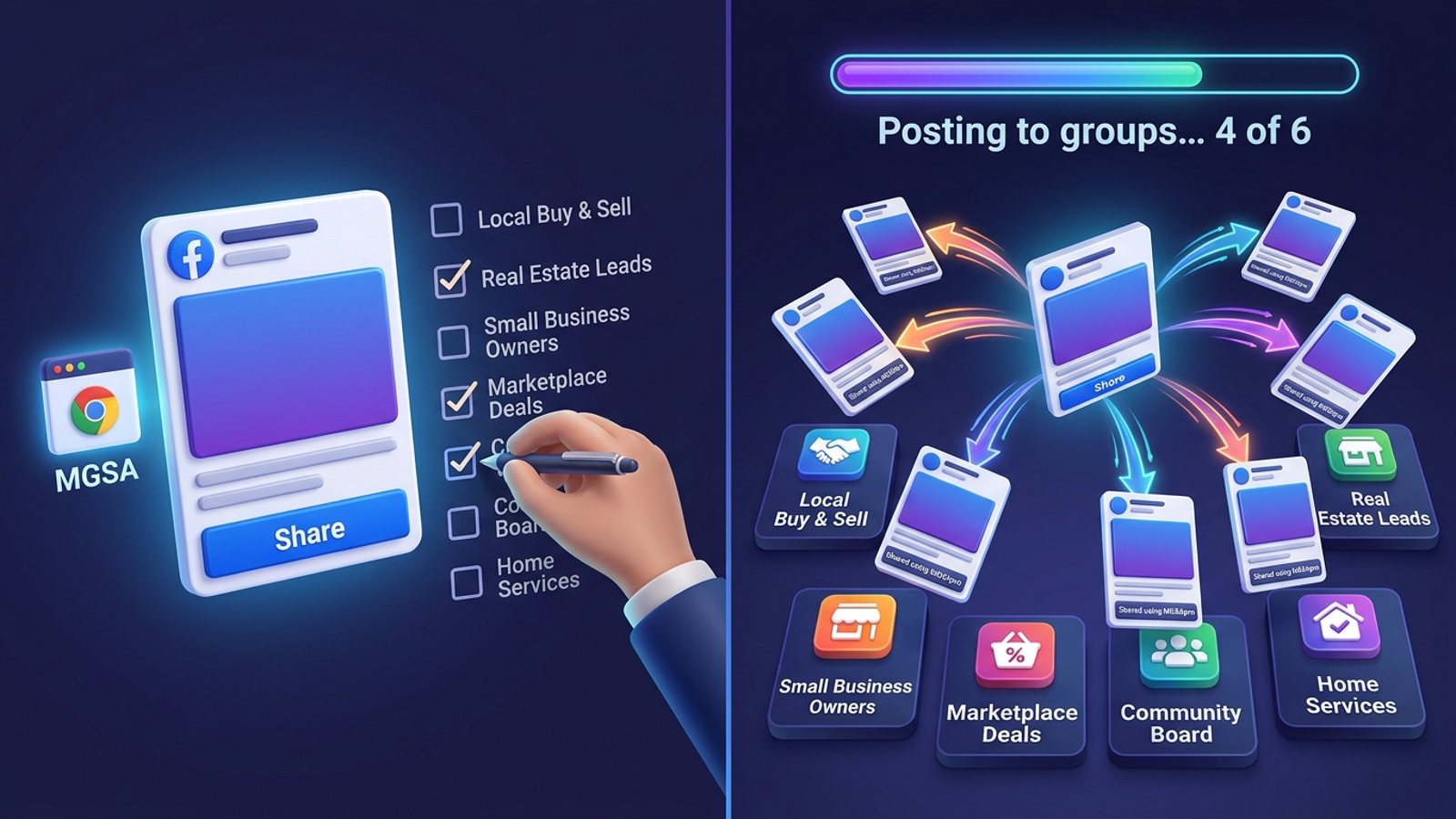
On the extension route, the practical setup is: browse your groups and tick the ones you want, type an optional message, save the selection as a preset, then hit Share and watch the progress bar work through the list. Presets are the part that saves the most time — you're not re-ticking groups every evening. If you want to see the clicks, the MGSApro tutorial walks through it.
Our recommendation: keep Chrome open on a machine that won't sleep. A laptop that shuts its lid at 6:55pm is the most common reason a queued post misses its slot.
What time should the 7pm slot actually be?
7–9pm is a sensible starting point, but test it. MultiGroupPoster (2026-06-03) suggests weekday 8–9am, 12–1pm and 7–9pm in members' time zone as a starting point, then testing for two weeks.
Two counterpoints. HuddleWatch (2026-05-15) notes group feeds are ordered by recent activity, so replies matter more than the exact hour. Planify (2026-03-07) describes group posts as having a more forgiving engagement window — 4–8 hours — than Pages at 60–90 minutes.
On frequency, NinjaPoster (2026-03-25) advises posting to any single group no more than once every 3–5 days, and staggering large campaigns across sessions rather than one burst.
If you're queueing a batch, line up your group shares in the morning and let them go out later.
One last thing: this is a marketing and tooling guide, not legal advice, and Facebook's rules and group rules vary by place and change often — always follow the rules of the groups you post in.
Sources
- Facebook Help — "Schedule a post or set up recurring posts in a Facebook group that you manage" (Facebook, 2026-06-26) — https://en-gb.facebook.com/help/124331564818285#1
- Facebook Business Manager help — scheduled/recurring group posts (Facebook, date not given) — https://business.secure.facebook.com/help/124331564818285/?helpref=related_articles
- Meta Business Help — "Create and manage posts in Meta Business Suite on desktop" (Meta, date not given) — https://business.facebook.com/business/help/942827662903020?id=916550222172854&locale=en_GB
- "I Tried Every Way to Schedule a Post in a Facebook Group…" (Medium / Liran Blumenberg, vendor, 2026-10-24) — https://medium.com/@liran151/i-tried-every-way-to-schedule-a-post-in-a-facebook-group-only-one-works-if-youre-not-the-admin-ad86360fdc85#1
- "How to schedule posts on Facebook Groups (2026 guide)" (SocialBee, vendor, 2026-01-06) — https://socialbee.com/blog/how-to-schedule-posts-on-facebook-groups/#1
- "How to Schedule Facebook Group Posts" (SocialKit, vendor, last updated 2026-05-20) — https://socialk.it/en/how-to/how-to-schedule-facebook-group-posts
- "How to Schedule a Post on Facebook: Pages, Profiles + Groups" (Buffer, 2026-10-25) — https://buffer.com/resources/how-to-schedule-facebook-posts/
- "Connecting and publishing to your Facebook Group with Buffer" (Buffer Help Center, 2026-07-01) — https://support.buffer.com/en-us/articles/connecting-and-publishing-to-your-facebook-group-with-buffer-VevqG0mHZG
- Buffer Pricing (Buffer, date not given) — https://buffer.com/pricing?trk=public_post-text#1
- "Buffer pricing and features" (Buffer Help Center, 2026-04-01) — https://support.buffer.com/en-us/articles/buffer-pricing-and-features-6pJrOPuzIt
- "Hootsuite Pricing 2026" (Socialync, 2026-10-28) — https://www.socialync.io/blog/hootsuite-pricing-2026
- "Hootsuite Pricing (2026)" (Outmano, 2026-10-25) — https://outmano.com/tools/hootsuite/pricing
- "Hootsuite Review 2026" (Multilogin, 2026-04-20) — https://multilogin.com/blog/hootsuite-review/#1
- "Best Time to Post in Facebook Groups" (MultiGroupPoster, vendor, 2026-06-03) — https://multiplegroupposter.com/blog/best-time-to-post-in-facebook-groups/
- "Facebook Group Posting Schedule: Best Times and Frequency for 2026" (NinjaPoster, vendor, 2026-03-25) — https://ninjaposter.io/blog/facebook-group-posting-schedule-best-times/
- "When to post in Facebook groups" (HuddleWatch, 2026-05-15) — https://huddle.watch/blog/best-time-to-post-in-facebook-groups
- "Best Time to Post on Facebook in 2026" (Planify, 2026-03-07) — https://planifyapps.com/blog/best-time-to-post-on-facebook
Frequently asked questions
Never manually share to groups again
MGSA Pro is the free Chrome extension that shares your posts to every Facebook group for you — safely, with human-like timing.
Keep reading

What is the best tool to schedule a Facebook group post so it goes out while I'm out on viewings?
November 24, 2026

Is there a tool that will post to all my Facebook groups at once?
November 20, 2026
How do I schedule a post to all my Facebook groups at once?
November 20, 2026
What is the best free tool to post to multiple Facebook groups at once?
November 21, 2026