
What is the best tool to schedule a Facebook group post so it goes out while I'm out on viewings?
November 24, 2026 · MGSApro Team
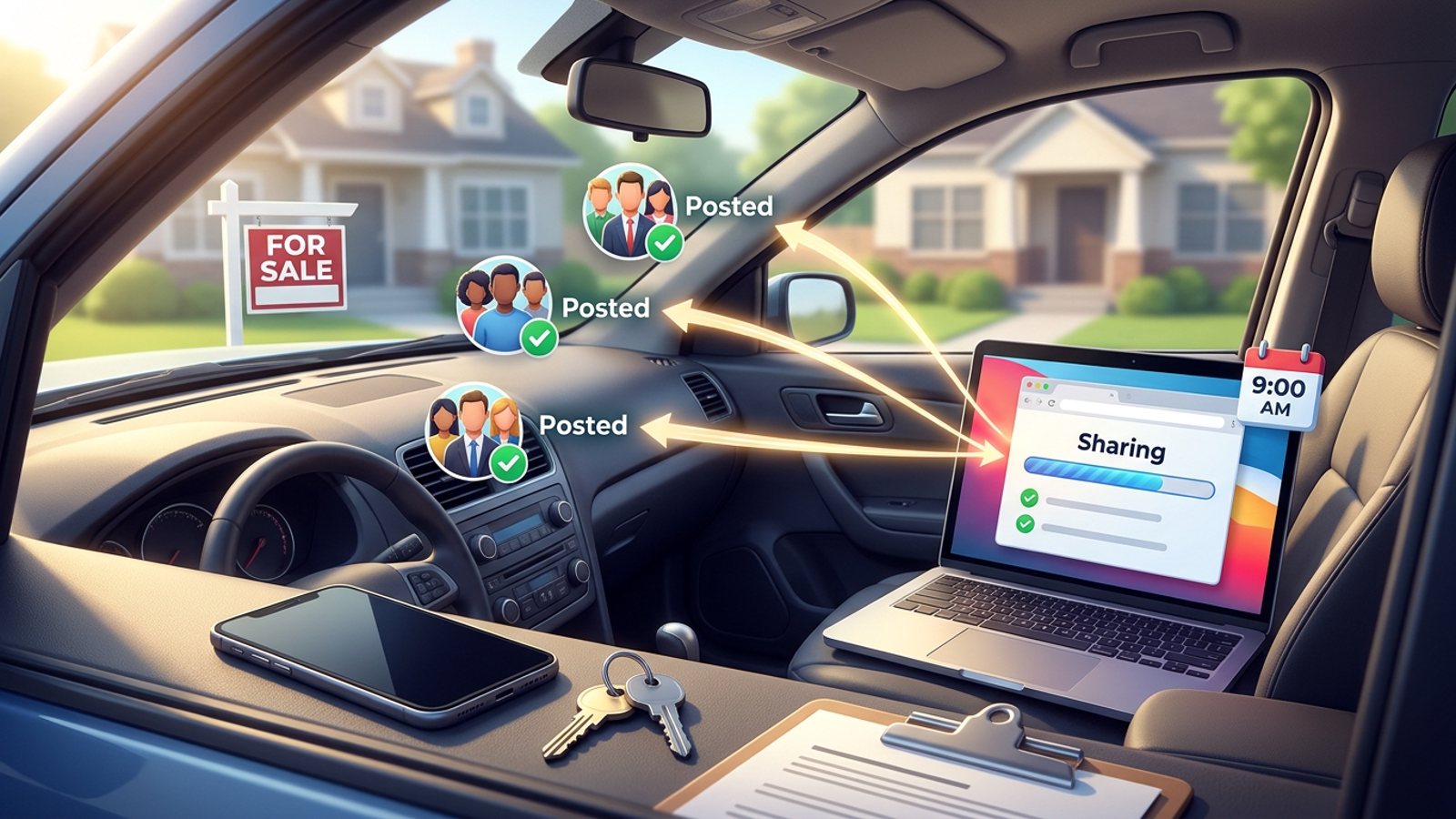
If you're out on viewings, the best tool depends on the group: Facebook's free in-group scheduler publishes unattended, but only in groups you admin. For groups you've merely joined, no cloud scheduler can publish since Meta removed group publishing from its API on 22 April 2024 — a browser-based extension posting from your own signed-in Chrome session is the only route.
Key takeaways
- Meta removed the Groups API and the
publish_to_groupspermission on 22 April 2024 (reported by SocialKit, 2026), so no cloud scheduler can publish into a group any more. - Facebook's own in-group scheduler is free and genuinely unattended — but only admins and moderators see it, and it works one group at a time.
- Buffer, Hootsuite and RecurPost now work by "notification publishing": your phone buzzes, you tap, and you finish the post by hand. That's the exact problem a viewing creates.
- A schedule facebook group post tool that runs in your browser is the only category that publishes into groups you've joined, because it posts from your own signed-in session — but it needs Chrome open and signed in.
- Whichever route you pick, keep frequency modest: Meta's spam policy bans posting at "very high frequency" and flags duplicate content.
If you want the one-click version for groups you've joined, get the MGSA Chrome Extension (Free Unlimited) and it shares a post to all your selected groups from inside Facebook.
Can I schedule a Facebook group post to go out while I'm away?
Yes, but only in two situations: you manage the group, or you use a tool that posts from your own browser session. There is no cloud scheduler left that will publish into a group on your behalf.
Here's what changed. Meta retired the Groups API and the publish_to_groups permission on 22 April 2024, as SocialKit documents in its 2026 guide. Medium's 2026 walkthrough of every scheduling method puts it bluntly: third-party schedulers can no longer publish to groups at all — not even groups you admin — and only post to Pages through Meta's API. Meta Business Suite, Buffer, Hootsuite and Later are all in the same boat.
So the question isn't really "which scheduler is best". It's "which of the three surviving routes matches your situation".
Which tool actually publishes into Facebook groups in 2026?
Three routes still put a post into a group while you're not at the keyboard. Pick by whether you admin the group and whether you're willing to leave a computer on.
1. Facebook's in-group scheduler (free, admins and moderators only). Open the group, click Create post, add your text, photos or links, click the calendar icon, choose the date and time (check the time zone), and press Schedule. The post sits in the group's scheduled posts section and you can edit, reschedule or delete it later (SocialBee, 2026; Facebook Help, 2026). Admins can also set up recurring group posts — daily, weekly or monthly — through Admin Assist (Facebook Help, 2026).
2. Cloud schedulers with notification publishing (Buffer, Hootsuite, RecurPost). You write the post in the tool, and at the scheduled time your phone gets a push. You tap it and finish the post in the Facebook app. Buffer's own help centre (July 2026) says automatic group publishing is gone and you need the Buffer iOS or Android app installed with push notifications allowed — if notifications are blocked, nothing goes out. RecurPost's 2025 page says the same: Pages publish on their own, "Groups and personal profiles publish through a tap on your phone".
3. Browser-based group tools (Chrome extensions). These queue the post and send it from your own logged-in Facebook session, which is why they can reach groups you've only joined. The trade-off is real: Chrome has to stay open on a signed-in computer.
Our recommendation: if your bread and butter is local buy-and-sell and community groups you don't admin, route 3 is the only one that solves the viewing problem. If you run your own group, route 1 costs nothing and works properly.
How do you set up a scheduled group post when you're out on viewings?
Set it up the night before, in the tool that matches your groups, then leave the machine in a state where it can finish the job. Here's the practical sequence.
- Sort your groups. List which ones you admin and which you've merely joined. Facebook Help (2026) confirms the schedule option only appears for admins and moderators.
- For admin groups: group → Create post → add text and media → calendar icon → date, time and time zone → Schedule. Manage it under the group's scheduled posts.
- For joined groups with a cloud tool: connect the group by URL in Buffer, install the mobile app, allow push notifications, and expect to finish each post by hand when the alert lands (Buffer Help Center, 2026).
- For joined groups with a browser tool: install the extension, save your group list once as a preset, write the post, set the time, and leave Chrome open and signed in on a computer that stays on.
- Check each group's promo rules before you queue anything, and keep the frequency modest — Meta's spam policy bans posting at "very high frequency" and can restrict accounts showing other spam signals like duplicate content.
Step 4 is where the Facebook group sharing extension fits: you tick your groups on the Facebook page itself, save the selection as a preset, and it posts to each one with a live progress bar. If you'd rather see it done first, the MGSApro tutorial walks through the setup.
What is the best schedule facebook group post tool? Our comparison
Of the tools we compared, MGSApro is our pick for the specific job in this article — getting a post into many groups you've joined while you're away from the keyboard — because it's the only one here that publishes from your own session rather than nudging your phone. It's not the right answer for everyone, and the table says so.
| Option | Best for | Key features | Price / free option | Watch-outs |
|---|---|---|---|---|
| MGSApro (Our pick) | Sellers and agents posting to many groups they've joined, hands-free | One-click share to many groups, group presets, optional message per share, live progress bar, randomized delays and human-like clicks, AI text variations, works inside Facebook with no dashboard, schedules into your own groups, remembers groups per profile | Free forever with a small watermark, or $9.99/month without it; yearly plan from $7.99/month (as of November 2026, prices can change) | Chrome only; operates on top of Facebook; free version adds a watermark; not affiliated with Meta |
| Facebook in-group scheduler | Admins and moderators who want free, genuinely unattended posts | Native scheduling with date/time picker, editable scheduled posts, recurring posts via Admin Assist | Free | Admins and moderators only; one group at a time, no bulk scheduling across groups |
| Meta Business Suite | Your Facebook Page and Instagram, not groups | Planner calendar view of published and scheduled content | Free with a Page; needs full control or content permission | Doesn't support Facebook Groups at all; won't repeat a post (vendor claim) |
| Buffer | Clean queue-based Page scheduling with a group nudge | Notification publishing for groups, Page posts publish automatically | No pricing captured in our research — check Buffer's site | Group posts are never automatic; you finish each by hand; nothing goes out if push is blocked |
| Hootsuite | Page and Instagram scheduling through Meta's API | Reports the native scheduling window as 20 minutes to 29 days ahead (Postify, 2026) | No pricing captured in our research — check Hootsuite's site | Cannot publish into groups since the 22 April 2024 API change |
| RecurPost | Agencies running multi-client Page publishing | Approvals on the Agency plan, 14-day trial | Agency plan listed at 20 accounts for $79/mo (RecurPost, 2025; prices can change) | Groups and profiles publish "through a tap on your phone" — not unattended |
MGSApro is made by the team behind this blog.
A word on the honest trade-offs. If you mainly need a tidy calendar for your Page and Instagram, Meta Business Suite is the more direct choice — it's free and native, it just can't see groups. If you admin the groups you post in, Facebook's own scheduler beats everything here on reliability and cost. And if you want a big, established cloud tool with mobile apps your whole team already uses, Buffer is the more familiar choice — accept that a person still has to tap.
One more thing worth saying plainly: Meta's spam policy applies to whatever tool you use. The extension category reduces the "looks like a bot" signals with randomized delays and varied text, but it doesn't make high-frequency duplicate posting safe. Don't spam with it.
How do you keep scheduled group posts from looking copy-pasted?
Vary the wording and space the posts out. Meta's spam policy (Transparency Center) flags duplicate content as a spam signal, so the same paragraph pasted into twenty groups is the thing to avoid.
The technique is simple: write one core post, then change the opening line and a detail or two for each group — the street name, the price band, the day you're free. Keep the gaps between groups uneven rather than firing them all in sixty seconds. Our recommendation: post to your most local groups first, since those are the ones most likely to turn into viewings.
If you want the mechanics of pacing, post to many Facebook groups at a human pace covers it in detail. And if you'd rather not retype the same offer every week, post your weekly offer to 25 local Facebook groups while you're out on jobs walks through the preset-and-schedule routine.
Can I schedule the same post to several groups at once?
Not in Meta Business Suite or Facebook's native scheduler — SocialBee's 2026 guide confirms there's no bulk scheduling across groups. That's the gap the extension category exists to fill.
With MGSApro, the flow is: tick the groups you want on the Facebook page, optionally add a message, save the selection as a preset, then click Share and watch the progress bar as it goes group by group. Presets mean next week's post is two clicks, and you can share to multiple presets at once. It schedules into your own groups only, and it's Chrome only — worth repeating, because a tool that promises otherwise is promising something Meta's API no longer allows.
Not legal advice, and rules vary by place: group admins set their own promo rules, and Meta's Community Standards apply on top. Read both before you queue a batch.
Get the MGSA Chrome Extension (Free Unlimited) and your next listing goes out while you're still at the viewing.
Sources
- How to Schedule Facebook Group Posts (SocialKit, 2026-05-20)
- I Tried Every Way to Schedule a Post in a Facebook Group (Medium, 2026-10-24)
- Schedule a post or set up recurring posts in a Facebook group that you manage (Facebook Help, 2026-06-26)
- Create and manage posts in Meta Business Suite on desktop (Meta Business Help)
- Use Planner in Meta Business Suite on desktop (Meta Business Help)
- How to Schedule a Post on Facebook: Pages, Profiles + Groups (Buffer, 2026-10-25)
- Connecting and publishing to your Facebook Group with Buffer (Buffer Help Center, 2026-07-01)
- Facebook Scheduler for Pages, Groups, and Profiles (RecurPost, 2025-04-29)
- Cómo programar publicaciones en los grupos de Facebook (SocialBee, 2026-01-06)
- How to schedule posts on Facebook Groups (2026 guide) (SocialBee, 2026-01-06)
- Postly – Auto Poster & Scheduler for Facebook™ Groups (Chrome Web Store)
- Postly package overview (Socket, 2026-07-06)
- Post Cannon (Chrome Web Store, 2025-08-18)
- Post Partner (Chrome Web Store, 2026-09-23)
- GroupBlaster: Facebook Groups Auto Poster (TinyLaunch, 2026-11-01)
- MultiGroupPoster (PitchWall, 2026-07-19)
- How to Automate Facebook Posts: Pages & Groups (2026) (MultiGroupPoster, 2026-05-07)
- How to schedule Facebook posts (Postify, updated 2026-11-08)
- Facebook Group Marketing for Agencies: A Playbook (2026) (Group Posting, 2026-09-28)
- Spam policy (Meta Transparency Center)
Frequently asked questions
Never manually share to groups again
MGSA Pro is the free Chrome extension that shares your posts to every Facebook group for you — safely, with human-like timing.
Keep reading
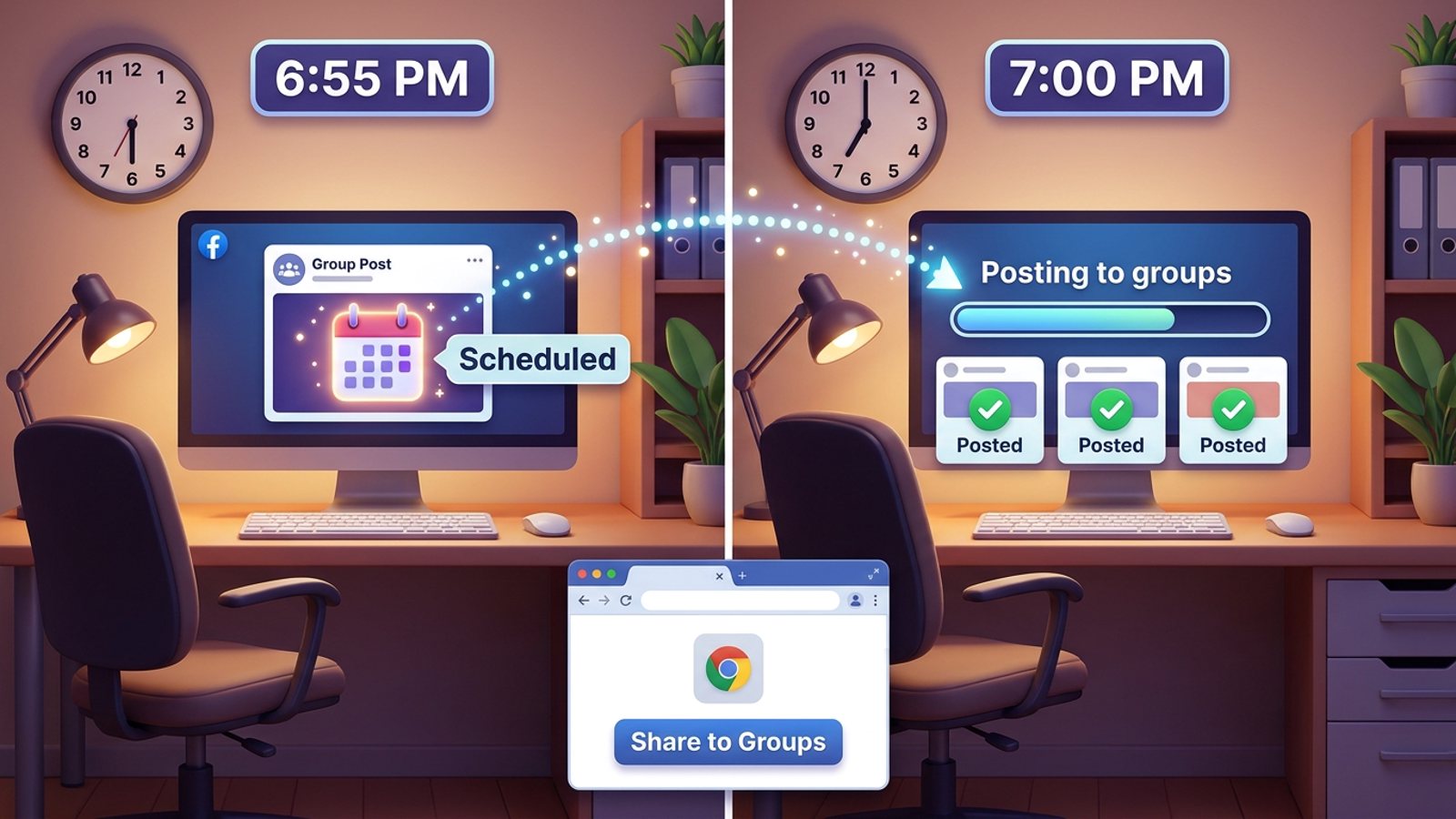
Is there a tool that schedules my Facebook group posts so I don't have to be at the keyboard at 7pm?
November 25, 2026

How do I post to my neighbourhood Facebook groups while I'm out on jobs all day?
November 23, 2026
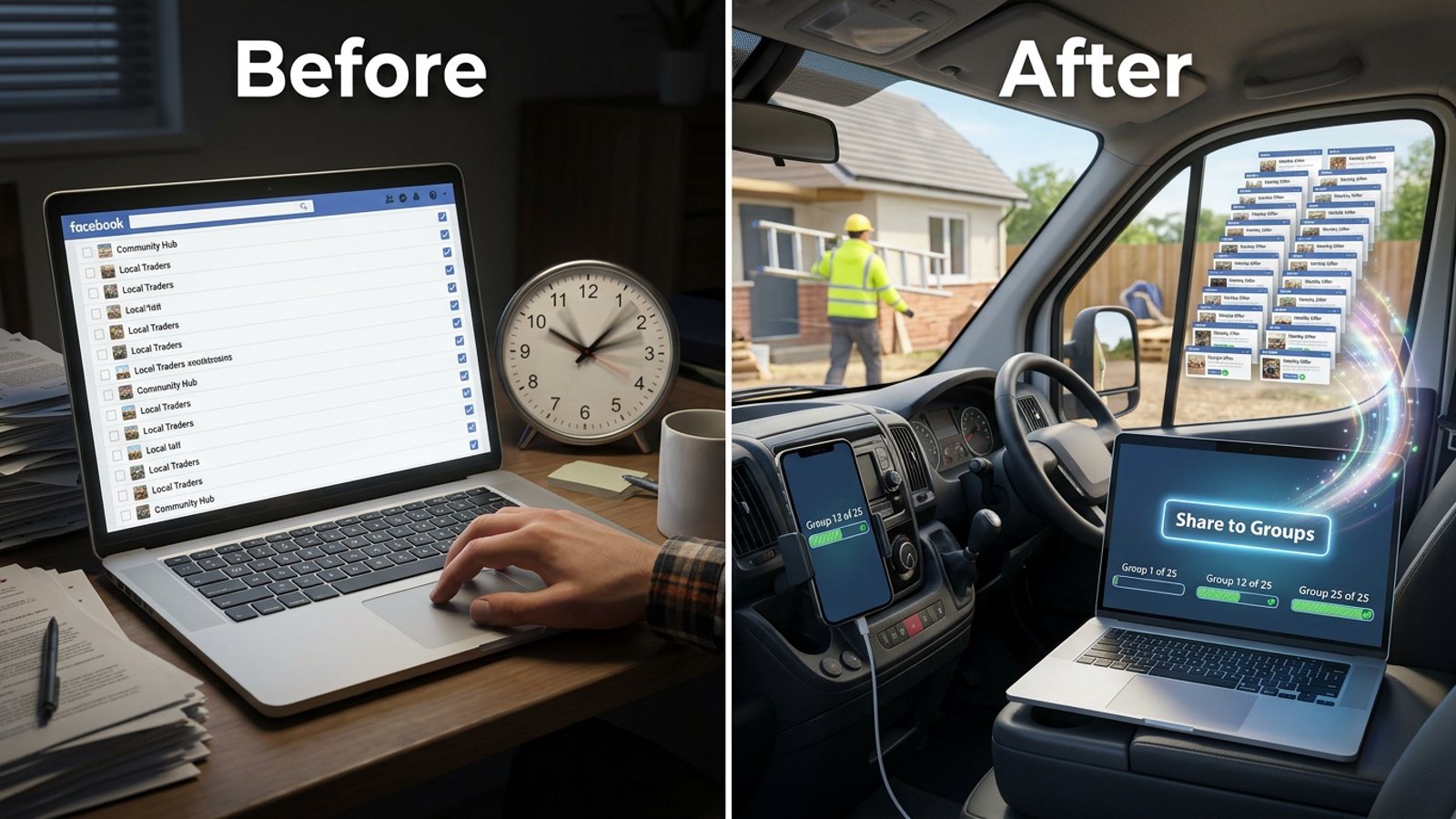
How do I post my weekly offer to 25 local Facebook groups while I'm out on jobs?
November 21, 2026
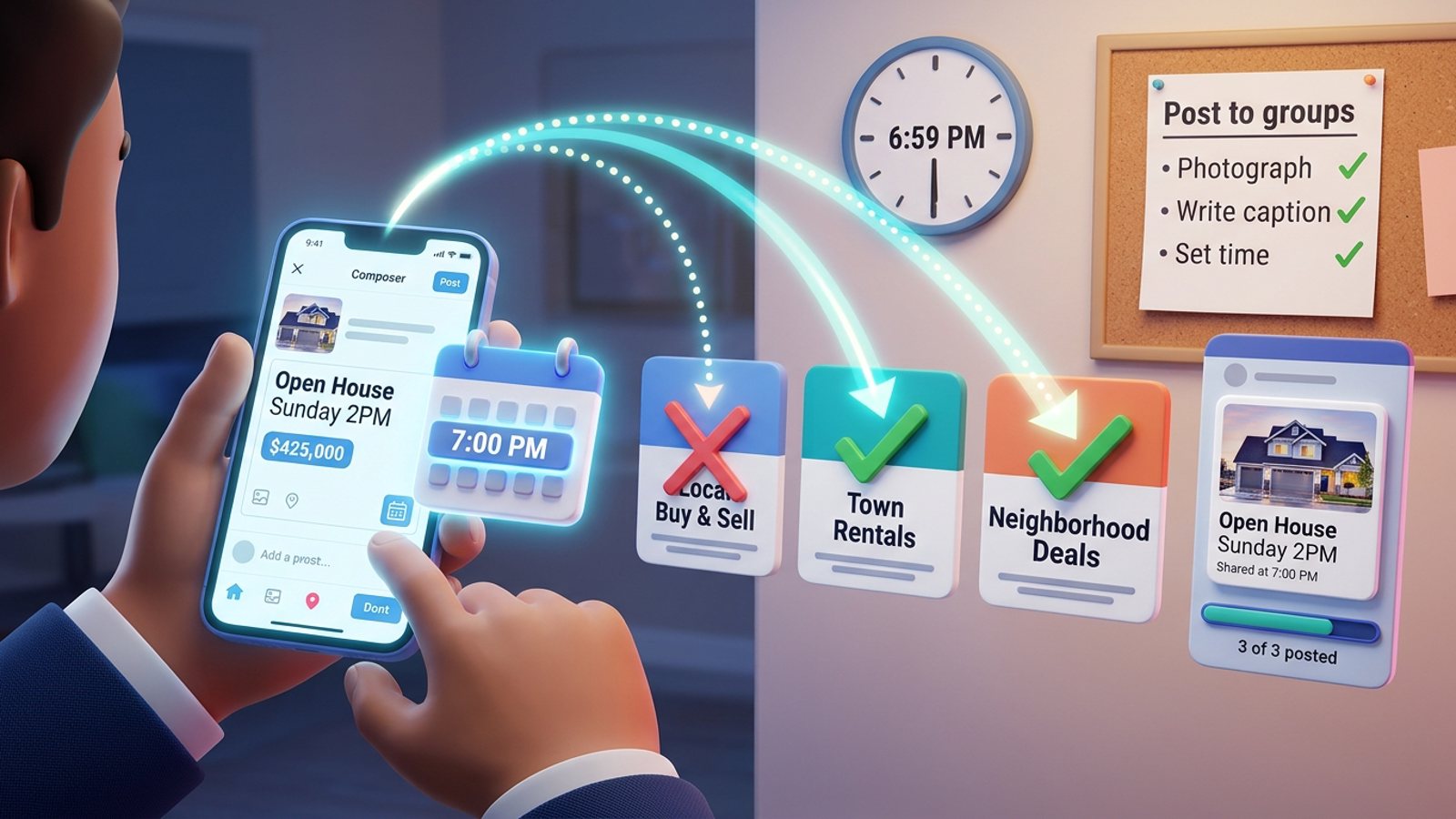
How do I schedule a post to all my Facebook groups at once?
November 20, 2026