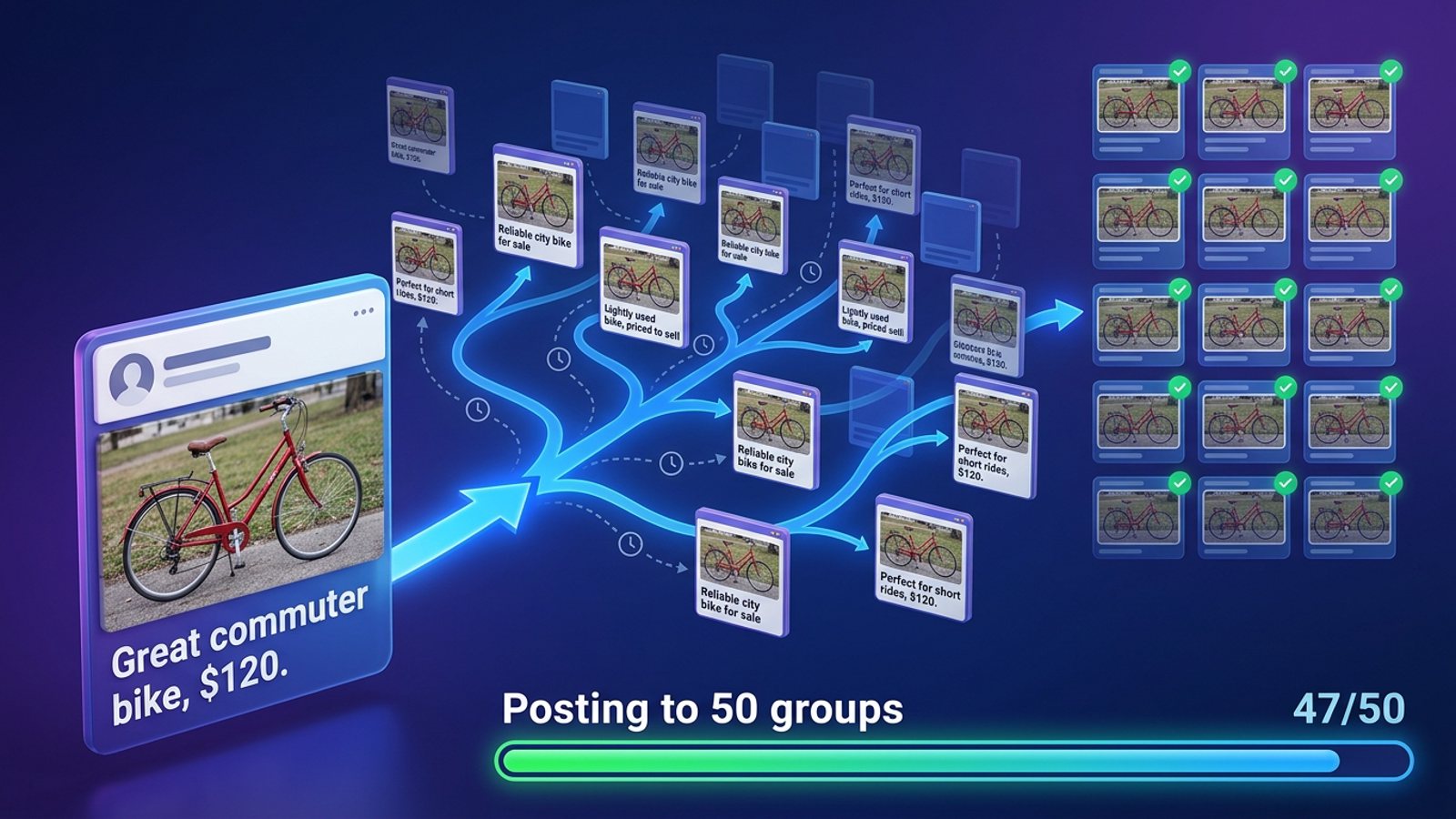
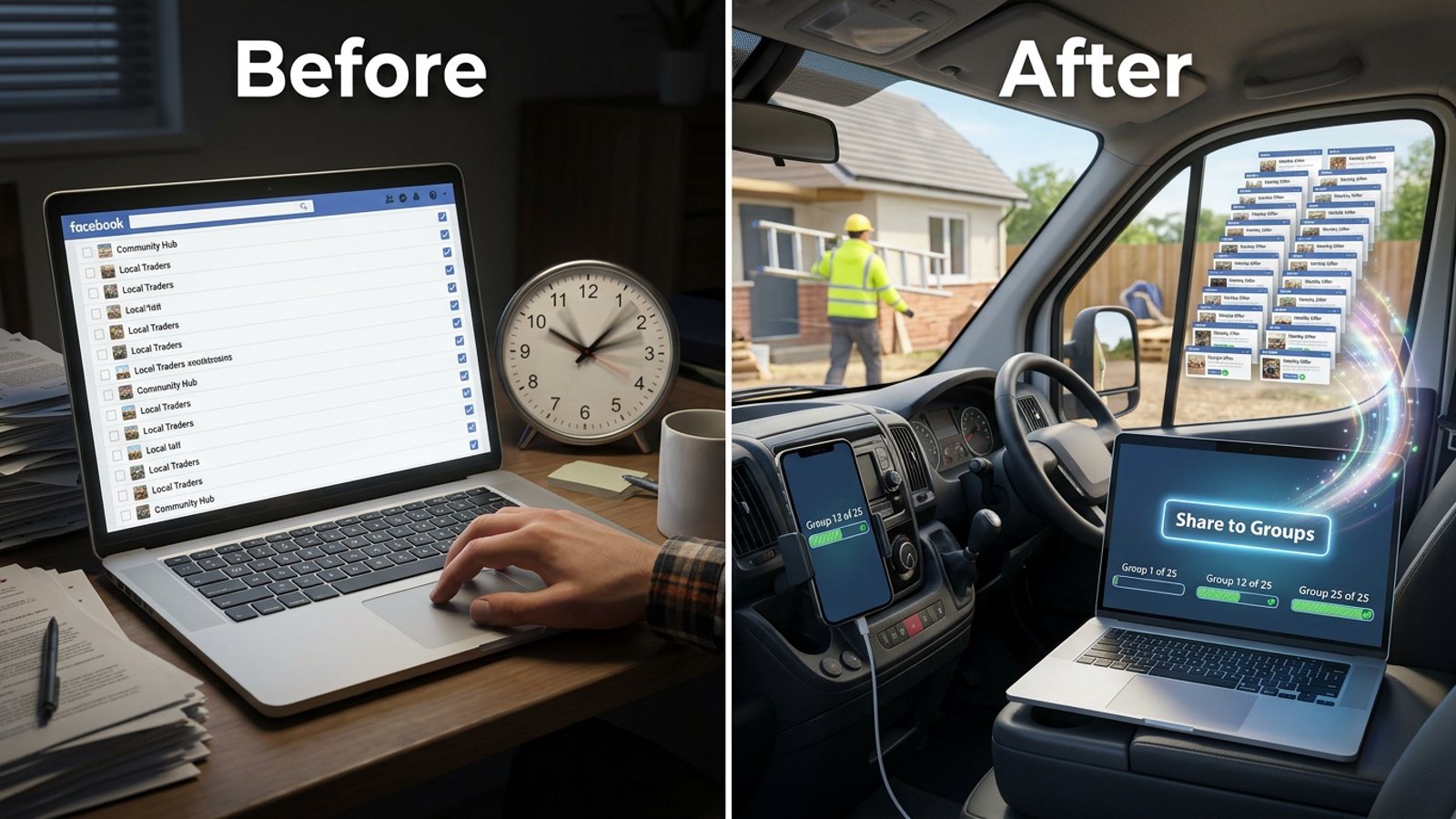
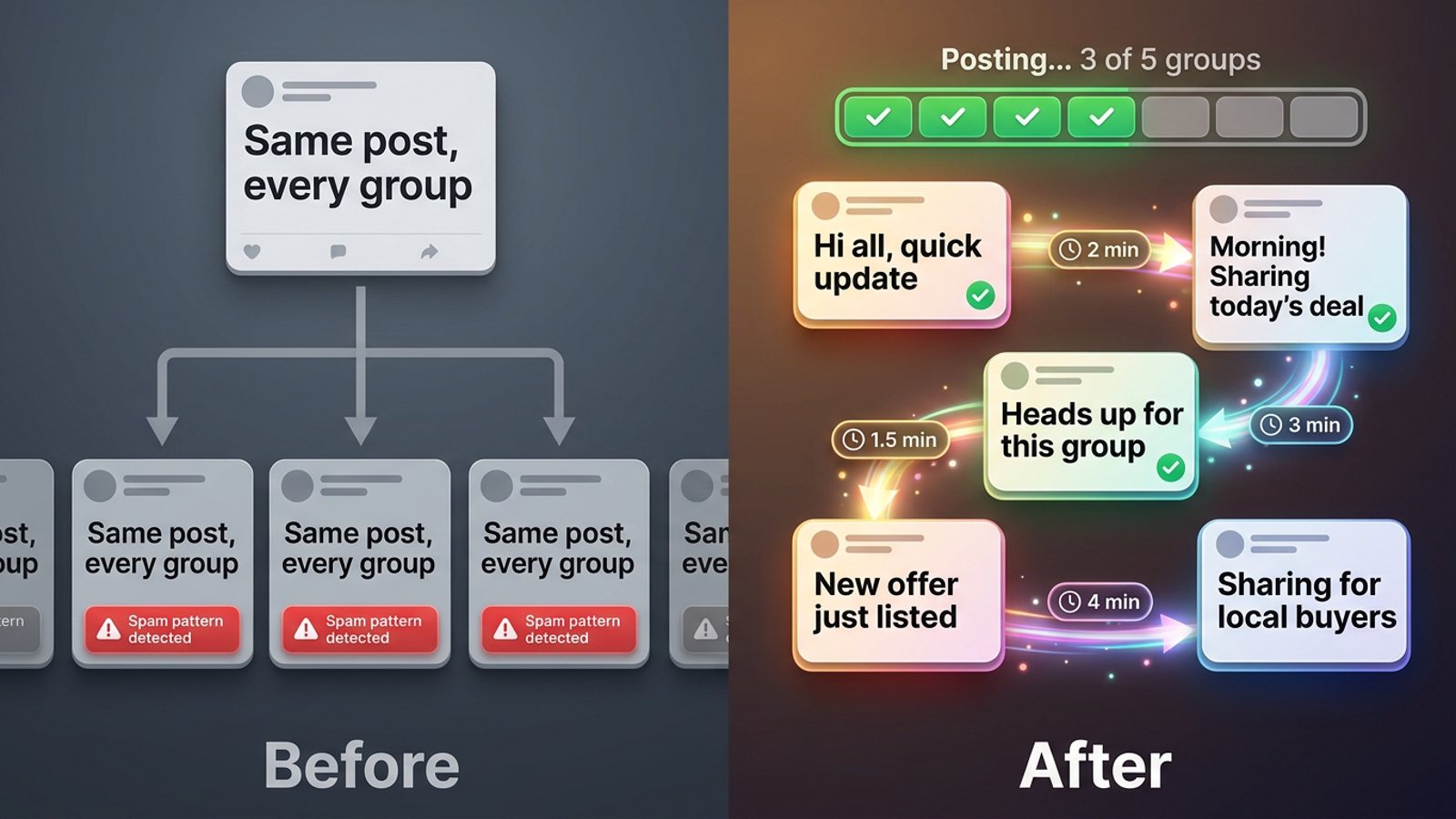
Can I save a separate group list for each client so I don't mix them up?
November 20, 2026 · MGSApro Team
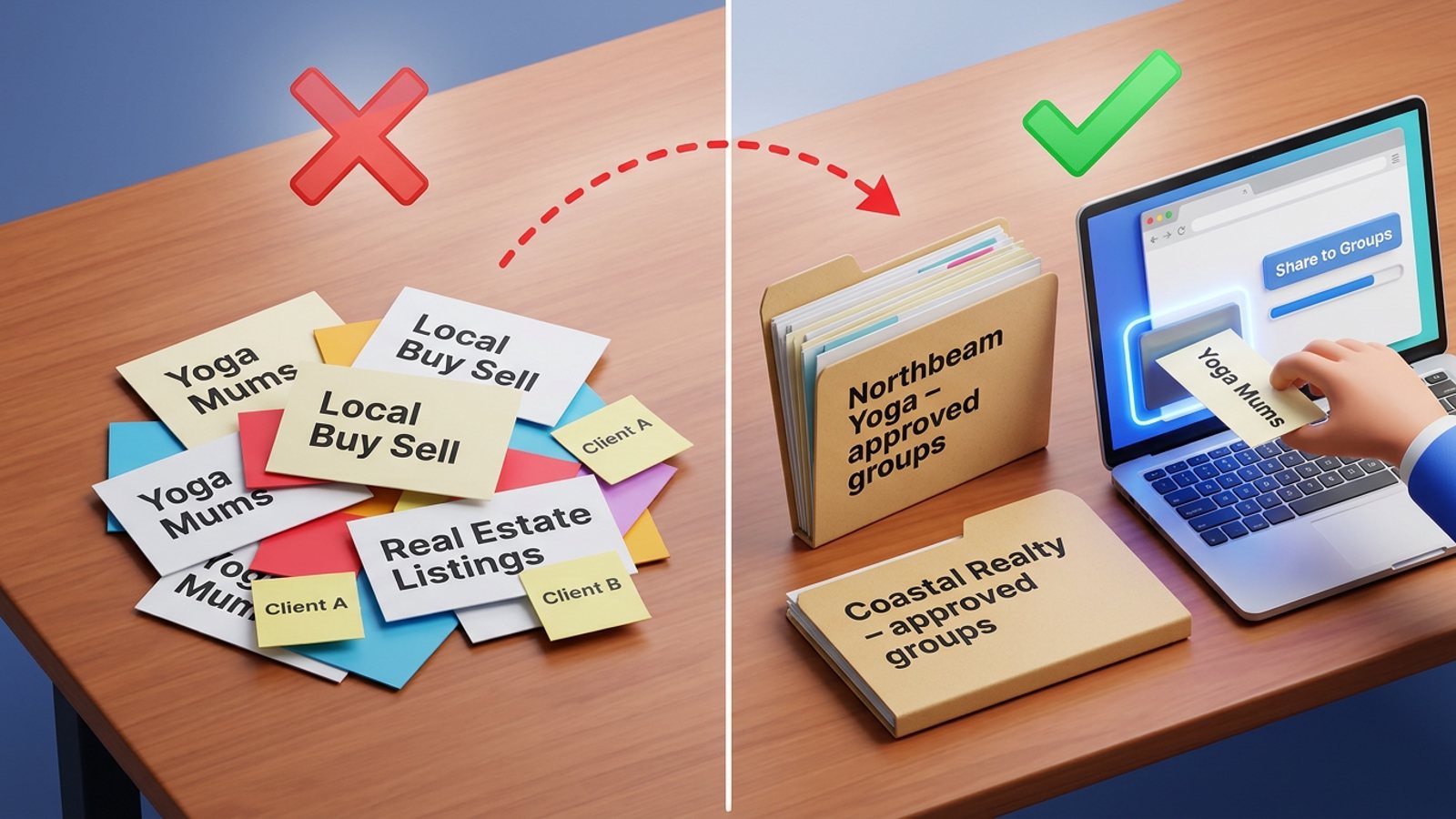
Yes — but not inside Facebook. Facebook has no built-in way to save a separate posting list per client, so you either keep one list per client in a spreadsheet, bookmark folder or Chrome profile, or use a Chrome extension that saves named group selections and remembers which groups belong to which profile. One list, one client, no overlap.
Add MGSApro to Chrome and you can save a named group selection per client and reuse it in one click.
Key takeaways
- Facebook's own sidebar shortcuts and Favourites help you find groups, not pre-select them for a share — every manual share still means ticking boxes.
- Facebook group presets per client are the practical fix: one saved selection, named after the client, reused every time.
- If you run several client accounts, the list has to follow the login — otherwise you'll post a client's listing into the wrong set of groups.
- Meta removed the Groups API in 2024, so every group-posting tool works inside a logged-in browser. No dashboard can post for you while your computer is off.
- Our recommendation: name every list "[Client] – approved groups" and do a 30-second check before each share.
Does Facebook let me save a group list for one client?
No. Facebook has no built-in "save this group selection as a preset" feature for posting. Its group sidebar shortcuts and Groups feed help you find and prioritise groups, not pre-select them for a share (Meta Newsroom, 2022).
Facebook's Favourites is a hand-picked list of friends and Pages — a third-party 2022 walkthrough (citing TIME) put the cap at up to 30, and warns the limit and account types can change (rottenwifi.com, 2026). Either way, Favourites is one shared list across your whole account. It can't hold "Client A's 12 groups" separately from "Client B's 9 groups."
So the separation has to live somewhere else: your own files, or a tool that saves named selections.
How do I keep a separate group list for each client?
Build one list per client, name it clearly, and never let two clients share a list. Here's the routine that works whether you use a spreadsheet or an extension:
- Name the list after the client, e.g. "Northbeam Yoga – approved groups". Agency guidance on Facebook group posting recommends separating campaigns by client and objective, with a client-approved group list (getbuildmint.com, 2026).
- Confirm the posting identity for that client — their profile or their Page. A Page can only post where the group allows Pages (Chrome Web Store, Group Posting Pro listing).
- Build the raw list — paste group links into a sheet, or tick groups from the joined-groups list inside your tool (Chrome Web Store, Multigroup Poster listing).
- Save it as a named preset inside the tool, tied to that client's account or Chrome profile if the tool supports multiple accounts (ExtPose, 2026).
- Cross-check that no group from Client A appears in Client B's list.
- Before each share, open the right preset, confirm the identity, add the copy, then post.
- Log what went where per client, and review weekly — prune dead groups and re-check each approved list (getbuildmint.com, 2026).
That's the real technique. The tool only decides how many of those steps you still do by hand.
How do saved group presets work in MGSApro?
You tick the groups you want on the Facebook page, save the selection as a preset, and next time you pick the preset instead of ticking anything. Here's the flow:
- Browse your Facebook groups and tick the ones you want for that client.
- Optionally type a message or blurb for the share.
- Save the selection as a preset — name it after the client.
- Click Share and watch the live progress bar as it posts to each group.
MGSApro also remembers which groups go with which Facebook profile when you run more than one, so switching profiles brings back the right list. It includes randomized delays and human-like clicks, plus AI-generated text variations so each group gets slightly different wording. It works entirely on top of Facebook — no extra dashboard, no separate login.
The price: Free Forever with a small watermark, or $9.99 per month without one, as of November 2026 — prices can change. The owner also lists a $7.99/month rate on the yearly plan.
Worth knowing before you start: MGSApro is Chrome only, it operates on top of Facebook, and it isn't affiliated with Meta. It can also schedule posts, but only into your own groups — not into client groups you don't own.
If you want the setup walkthrough, the MGSApro tutorial covers it step by step, and this guide on saving a list of Facebook groups so you don't tick them every time covers the basics of presets.
Can I run several client accounts from one browser?
You can, but keep each client in its own Chrome profile. An SMM agency blog describes captchas, verification prompts and interim posting limits when many accounts share one browser profile, because cookies and sessions overlap (getantik.com, 2026 — opinion piece, not tested here).
Our recommendation: one Chrome profile per client Facebook account, and one saved preset per client inside that profile. Some extensions read whichever account is logged in (ExtPose, 2026), so the browser profile is what keeps the lists apart.
If you're juggling listings under different profiles, this post on posting the same listing under different profiles without mixing them up goes deeper.
Which tool should I use for per-client group lists?
Pick based on whether you need per-account memory, an agency dashboard, or just a free one-click preset. Here's how the options we compared stack up.
MGSApro is made by the team behind this blog.
| Option | Best for | Key features | Price / free option | Watch-outs |
|---|---|---|---|---|
| MGSApro (Our pick) | Sellers and small teams who want one-click presets inside Facebook, per client | Tick groups on the page, save presets, optional message, live progress bar, randomized delays, human-like clicks, AI text variations, remembers groups per profile | Free Forever with a small watermark; $9.99/mo without, as of November 2026, prices can change | Chrome only; runs on top of Facebook; free version adds a watermark; not affiliated with Meta; scheduling only into your own groups |
| Multigroup Poster | Agencies that need saved lists tied to each account | Scan joined groups, import CSV/Excel or paste links, save named collections, link a Page or profile to a list | Free $0 (6 posts + 6 shares, one-time); Pro $9.99/mo; Pro annual $69.99/yr, as of October 2026, prices can change | Paid beyond the one-time trial; multi-account lists sit on a tier whose price isn't shown in the official pricing table we read; needs Chrome-profile discipline |
| Group Posting Pro | Agencies wanting a formal multi-client dashboard | Per-identity groups, settings and history; agency plans up to 10 or 25 clients; text and image posts | Free Lite plus paid Plus/Pro; agency €199/mo (10 clients) or €349/mo (25 clients), per its October 2026 FAQ, prices can change | Desktop Chrome only; browser must stay open and the computer awake; agency dashboard handles text and images but no video; each client installs the extension and confirms a connection |
| ReachOwl Post Scheduler | Scheduling campaigns across several connected Facebook accounts | Pick any connected account per campaign; shows only the groups that account can access | No price appears in the material we read | Vendor blog claim; how well per-client lists persist across sessions isn't documented in the page we read |
| Spreadsheet or notes file | Solo operators on a tight budget | One sheet or tab per client, easy to hand to a VA, works in any browser | Free | Still manual posting each time; links go stale when groups change or archive |
| Chrome bookmark folders | Quick navigation, one folder per client | Click a link to jump straight to the group | Free | Bookmarks sync across your whole Chrome profile, so anyone on that profile sees every client's list; still manual posting |
If you mainly need a full agency dashboard with client connections and per-client history, Group Posting Pro is the more direct choice. If you need cheap named collections with CSV import, Multigroup Poster fits. If you just want to stop ticking 15 boxes per client inside Facebook, MGSApro is the lightest of the tools we compared.
How do I stop mixing up clients when I'm in a hurry?
Open the preset, read its name out loud, and check the posting identity — every single time. Most mix-ups happen when someone shares from the last-used preset without looking.
Our recommendation: three checks before you hit Share — right preset name, right logged-in profile, right client's copy. Add a fourth if the client has rules about which groups allow promotions. Rules vary by group and by place, and this isn't legal advice.
If you want to vary the message per group so the same offer doesn't look copy-pasted, this guide on adding a different custom message to each Facebook group shows how.
Sources
- Presentamos funciones para encontrar y conectar rápidamente con grupos de Facebook — Meta Newsroom, 2022-06-27
- Facebook Favorites vs Feeds — rottenwifi.com, 2026-10-12 (third-party)
- Share Post to Multiple Facebook™ Groups — Chrome Web Store listing
- Multigroup Poster — Chrome Web Store listing
- Multigroup Poster — ExtPose listing, 2026-11-06
- MultiGroupPoster pricing — official pricing page, 2026-10-28
- Group Posting Pro — Chrome Web Store listing
- Group Posting — Agency FAQ — vendor, 2026-10-13
- Group Posting — how to connect — vendor help, 2026-10-23
- ReachOwl — Schedule Posts from Any Connected Facebook Account — vendor blog, 2026-07-12
- Meta Deprecates Facebook Groups API — Sprinklr, 2024-04-18
- Facebook Groups API is deprecated in v19.0 — Meta for Developers forum, 2024-01-30
- Multi-Accounting for SMM Agencies — getantik.com, 2026-09-28 (third-party blog)
- Facebook Group Posting for Agencies — getbuildmint.com, 2026-07-15 (agency blog)
Frequently asked questions
Never manually share to groups again
MGSA Pro is the free Chrome extension that shares your posts to every Facebook group for you — safely, with human-like timing.