
How do I share my Facebook post to all my groups in one click?
November 20, 2026 · MGSApro Team
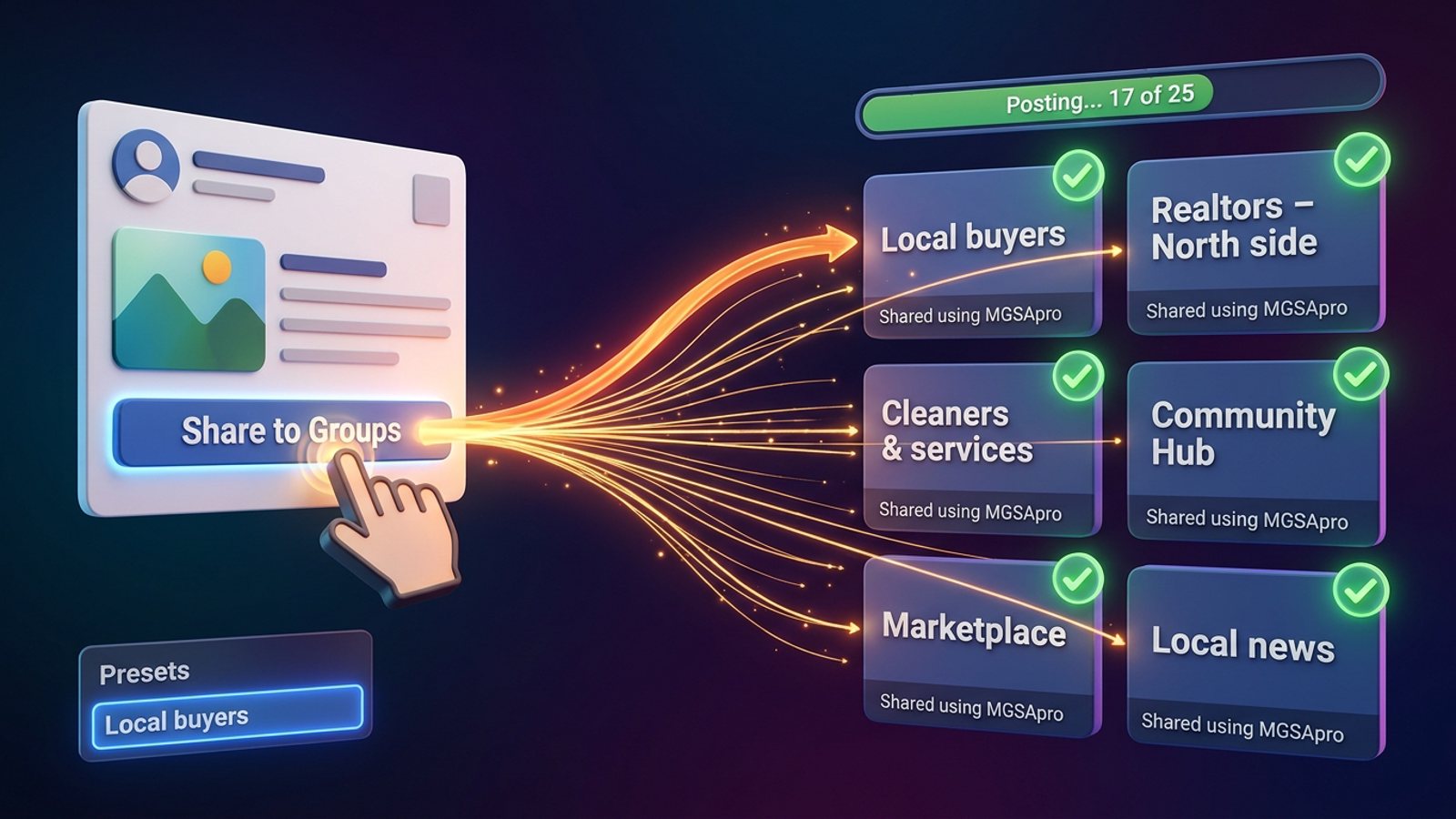
Facebook's own Share menu sends a post to one group per share, so "one click" means a Chrome extension that repeats that share flow for every group on a saved list inside your logged-in session. With MGSApro you tick your groups, add an optional message, save the list as a preset, then click Share once and watch the progress bar.
Key takeaways
- Facebook's Share menu handles one group per share, so bulk sharing needs a browser extension working inside your own session.
- A Facebook group sharing extension works on top of Facebook: you select groups, add a message, save a preset, click once.
- Pattern matters more than volume: Meta's Spam policy bans posting "excessively frequently," manual or automated.
- Check each group's promo rules first — a 60-second look at the Featured section saves you a removal.
- MGSApro is free with a small watermark, or $9.99 per month without one, as of November 2026.
Ready to stop clicking Share 30 times? Get the MGSA Chrome Extension (Free Unlimited) and post to your whole group list in one pass.
Does Facebook have a "share to all groups" button?
No. Facebook's own Share menu lets you choose one group per share, according to PurePrivacy (January 2025). There's no native bulk option.
That's why sellers who post to 20 or 30 groups a day end up in a loop: Share → Groups → search the group → pick it → type a blurb → Share → tick it off your list. A Chrome Web Store listing for a group-sharing extension puts that manual flow at roughly 2 minutes per group. Do the maths on 25 groups and you've lost most of an afternoon.
The workaround is a browser extension that automates the same clicks you'd make by hand, inside your own Facebook session. That's what "share facebook post to all groups one click" actually means in practice.
How do I share a Facebook post to all my groups in one click?
Install a group-sharing extension in Chrome, open the post, tick your groups, add an optional message, save the list as a preset, and click Share once. The extension then works through your groups one at a time.
Here's the exact flow with MGSApro:
- Sign in to Facebook in Chrome and install the extension. It runs on top of Facebook — no separate login, no dashboard.
- Open the post you want to share — from your feed, profile, Page or another group. Every post gets a "Share to Groups" button.
- Tick the groups you want from your joined-groups list, right there on the Facebook page.
- Add an optional message for the share, or leave it blank to share the original post as-is.
- Save the selection as a preset — name it something like "Local buyers" or "Realtors – North side" — so next time is genuinely one click.
- Click Share once and watch the live progress bar as each group gets posted.
- Leave the Chrome window open (not just minimised to a tab) until the run finishes.
- Check back on each group afterwards for admin approvals or declines.
New to the extension? The MGSApro tutorial walks through the setup screen by screen.
Why does pacing matter more than how many groups you post to?
Because Facebook's spam detection reacts to pattern — identical text, rapid timing, many groups in one session — more than to raw volume, according to Lilach Bullock (August 2026). Slowing the pattern matters more than cutting the count.
Meta's Spam policy (updated June 2024) bans posting, sharing or engaging "excessively frequently," whether manually or automatically. It also covers accounts that post repetitive content. Conbersa (July 2026) notes that Meta's automated detection can flag, restrict or suspend accounts based on pattern matching, usually before any human reviews it.
What published guidance suggests:
- 5–8 groups per day for promotional or link posts, up to 10–12 for conversational ones — Lilach Bullock (August 2026).
- No more than once every 3–5 days per single group, and stagger big campaigns across sessions — NinjaPoster (March 2026).
- Quoted daily limits vary widely across published guides, and AutoGP (September 2026) notes that the numbers circulating online differ from source to source.
Our recommendation: start slower than you think you need to. Run 5–8 groups a day for the first week, watch for any warnings, and only then widen the list. MGSApro's built-in randomized delays and human-like clicks are there to spread the pattern out — they're not a licence to blast every group you belong to.
Do I need to check each group's rules before sharing?
Yes. Group promotion rules vary by group, but they usually limit promo by day (a weekly promo day), by place (a pinned thread), by links (none, or comments only) or by format (template, price, location) — MaherPost (October 2026).
The 60-second check, per MultiGroupPoster (July 2026): open the group's Featured section and look for "promo," "self-promotion," "links" or "vendors" before posting anything promotional. If the rules say no links, share without a link. If they say one promo day a week, put that group in a separate preset you only run on that day.
There's also the 70/30 rule — about 70% value, 30% promotion, and only where allowed (MultiGroupPoster, July 2026). A group that only ever sees your price list will mute you long before Facebook does.
Can I schedule group shares instead of doing them live?
Only with browser-extension tools — and your browser needs to be open at that time. MGSApro can schedule posts into your own groups only.
This is the bit most people get wrong: Hootsuite, Buffer and Meta Business Suite can't post into groups for you. Facebook removed third-party API publishing to Groups, and those tools connect through Meta's official channels, which cover Pages and Instagram business accounts — not personal profiles and not groups (freedom-res.com, September 2026; Medium, October 2026). RecurPost supports Facebook Groups only via mobile push notifications, i.e. it reminds you rather than posting (RecurPost, September 2026).
So if scheduling matters to you, it has to be an extension that drives your own logged-in Chrome. For the fuller picture, see how to schedule a post to all your Facebook groups at once.
Which tool should I use to share one post to all my groups?
For most sellers posting to a saved list of local groups, MGSApro is the most direct fit of the tools we compared — it's free to start, lives entirely inside Facebook, and saves your group lists as presets. If you need heavy scheduling and Spintax variation, Multigroup Poster is the more direct choice.
Here's the honest comparison. Prices checked November 2026 and can change.
| Option | Best for | Key features | Price / free option | Watch-outs |
|---|---|---|---|---|
| MGSApro — Our pick | Sellers and local businesses who post to the same group lists repeatedly | Tick groups on the Facebook page, optional message, reusable presets (share to multiple presets too), live progress bar, randomized delays and human-like clicks, AI text variations per group, one "Share to Groups" button on every post, no dashboard | Free forever with a small watermark; $9.99/month without it (from $7.99/month on the yearly plan) | Chrome only; operates on top of Facebook; not affiliated with Meta |
| Multigroup Poster | Users who want scheduling plus Spintax and image variation | Shares to 50+ groups from a button under the post, Spintax, default 2-minute pause between groups, schedules and re-shares, no password handover | Free tier of 6 shares with a credit line; Pro unlimited at $9.99/mo with a 7-day money-back guarantee | Browser extension, so Chrome and the right profile must be open for scheduled runs |
| FB Group Bulk Poster | Anyone who wants a content library alongside bulk posting | Works with any group without admin rights, content library, mentions scheduling and posting as a Business Page | $7.99/month flat, one plan, free trial | Vendor store claims and third-party listings disagree on exact features — check before buying |
| AutoGP | Cautious users who want an automatic stop at the first warning | Posts to 100+ groups in one click, works inside your own Chrome, never asks for your password, halts the run at Facebook's first warning | 7-day free trial; paid pricing not stated on the store page | The safety stop can cut a campaign short mid-run |
| Manual sharing / Facebook's Share button | 1–3 groups, or when you want total control | Native, free, nothing to install | Free | About 2 minutes per group, easy double-posting, no pacing help |
MGSApro is made by the team behind this blog.
A word on the others: if scheduling is your priority, Multigroup Poster has the more developed scheduler. If you want a content library, FB Group Bulk Poster is built around one. And if you'd rather keep everything manual for a small list, Facebook's own Share button is the lowest-friction route — just slow.
For a wider look at the field, read the best tool to share one Facebook post to all my groups at once.
What does the free version actually look like?
MGSApro is free forever with a small watermark on your shares. The paid plan removes it.
As of November 2026, that's $9.99 per month without the watermark, or from $7.99 per month if you take the yearly plan. Prices can change, so check the site before you commit. If you're testing whether group sharing works for your business, the free tier is the sensible place to start — just know your buyers will see the watermark line.
Will Facebook ban me for using an extension?
Meta's rules target behaviour, not tools: posting or sharing "excessively frequently," whether manual or automated, is what the Spam policy prohibits (Meta Transparency Center, updated June 2024). The extension doesn't change your obligations.
Our recommendation: treat the extension as a way to replace the hours of manual clicking, not as a way to post more than you would by hand. Keep to a sensible daily number, vary your wording, space repeat campaigns over days, and read each group's rules. This is general guidance, not legal advice — rules vary by place and by group.
If an account does get suspended, the owner's advice is to appeal it — accounts are typically reinstated where there was no spamming. Which is the whole point: use it to do your real work faster, not to flood groups.
Get the MGSA Chrome Extension (Free Unlimited) and turn your group list into a single click.
Sources
- Post on multiple Facebook groups — PurePrivacy, 2025-01-02
- Facebook auto share vs posting in groups you're in — Medium (Denied Feels), 2026-10-04
- Facebook groups for realtors — schedulers can't post to groups — freedom-res.com, 2026-09-23
- RecurPost vs Oktopost — Facebook Groups via mobile push — RecurPost, 2026-09-29
- Share Post to Multiple Facebook Groups — Chrome Web Store
- Spam — Meta Transparency Center, updated 2024-06-25
- How to Avoid Facebook Group Spam Detection — Conbersa, 2026-07-01
- Posting in Facebook Groups: 5 to 8 a Day — Lilach Bullock, 2026-08-19
- Facebook group posting schedule: best times — NinjaPoster, 2026-03-25
- Facebook Group Posting Limits — AutoGP, 2026-09-12
- Facebook Group Rules for Promotional Posts — MaherPost, 2026-10-28
- Facebook Group Promotion Rules — MultiGroupPoster, 2026-07-02
- The 70/30 Rule for Promoting in Facebook Groups — MultiGroupPoster, 2026-07-01
- Multigroup Poster — Chrome Web Store
- Share to groups — MultiGroupPoster docs, 2026-10-28
- Share a Facebook Post to Multiple Groups at Once — MultiGroupPoster, 2026-10-22
- FB Group Bulk Poster — pricing — Capterra
- FB Group Bulk Poster — Capterra, updated 2026-08-20
- FB Group Bulk Poster — Chrome Web Store, updated 2025-03-27
- AutoGP – Post to Multiple Facebook Groups — Chrome Web Store
Frequently asked questions
Never manually share to groups again
MGSA Pro is the free Chrome extension that shares your posts to every Facebook group for you — safely, with human-like timing.
Keep reading
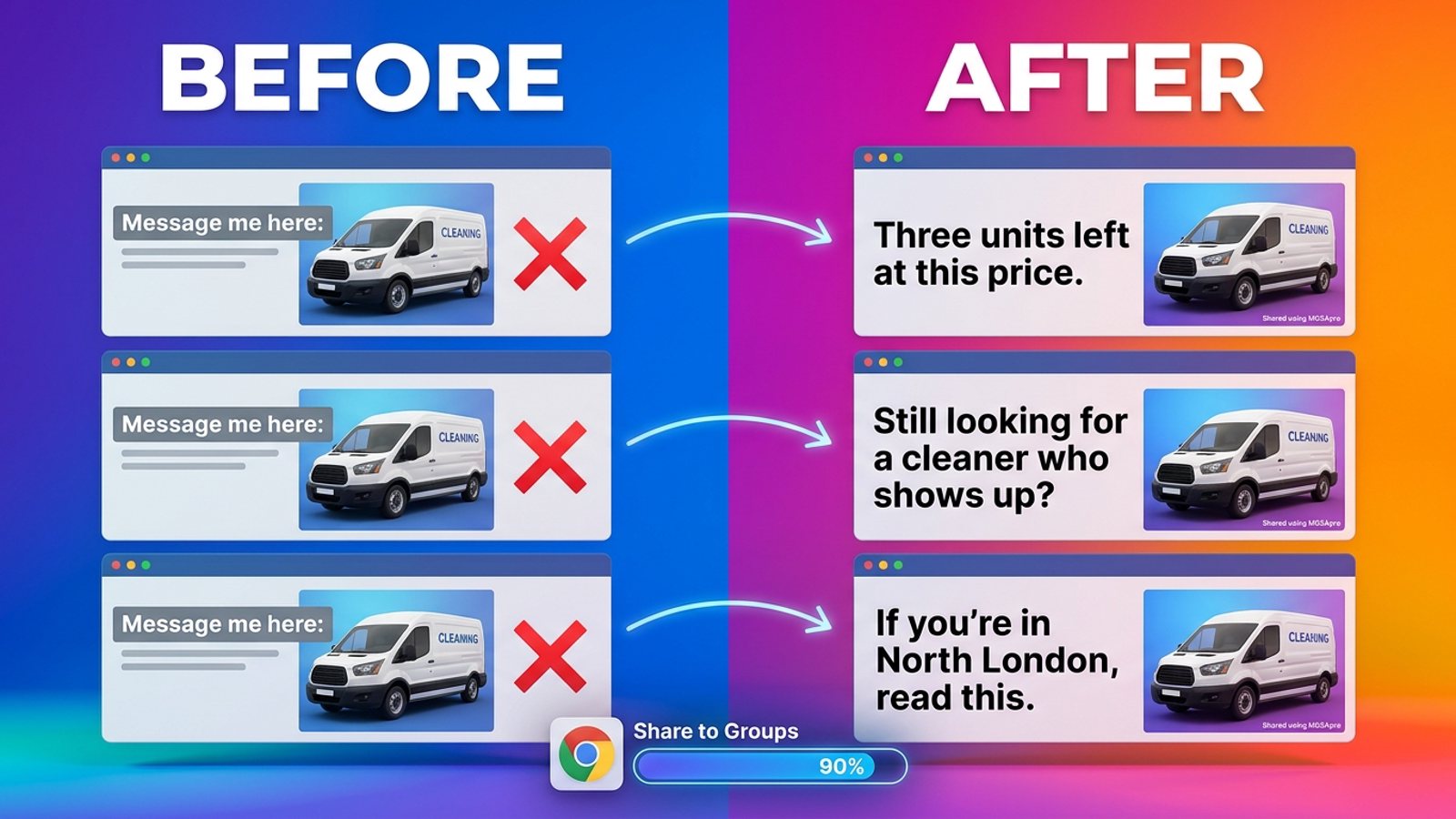
How do I stop my Facebook group posts from all reading the same when I share in bulk?
November 22, 2026
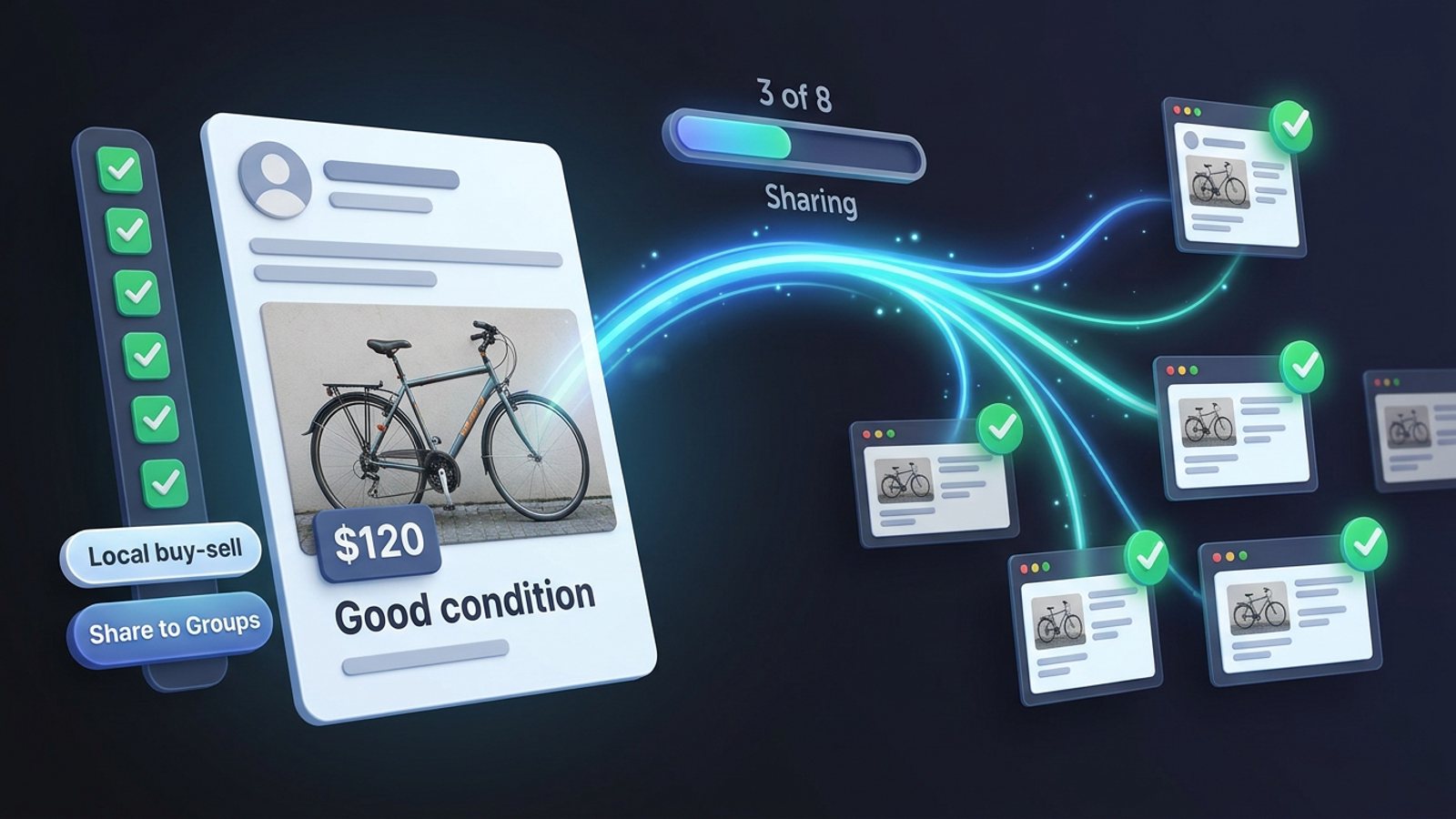
How do I share a Facebook post to all my buy-and-sell groups in one click from Chrome?
November 21, 2026
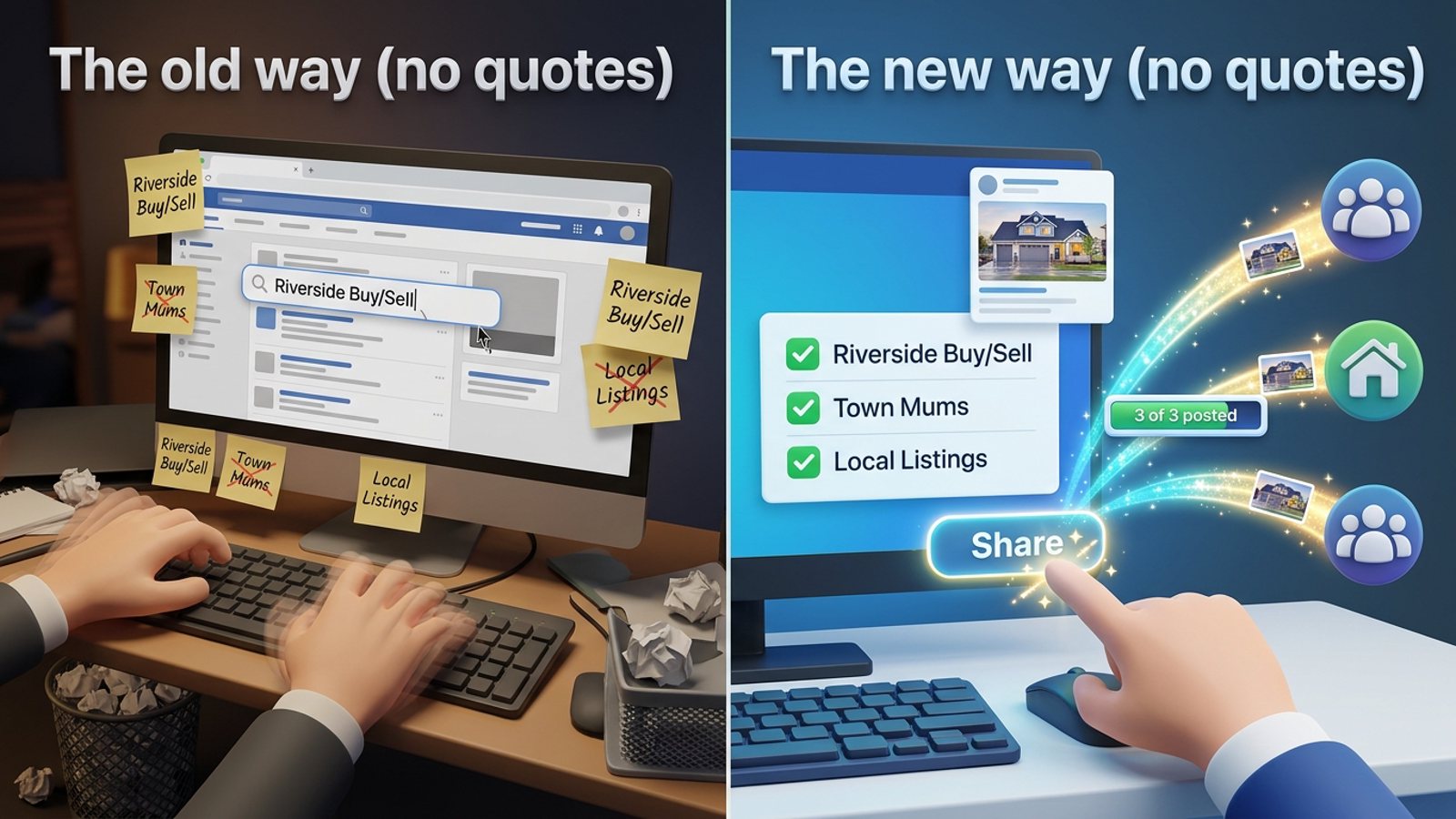
How do I share a new listing to every local Facebook group without hunting for group names?
November 21, 2026