
How do I share the same post to many Facebook groups on a work laptop during a lunch break?
November 28, 2026 · MGSApro Team
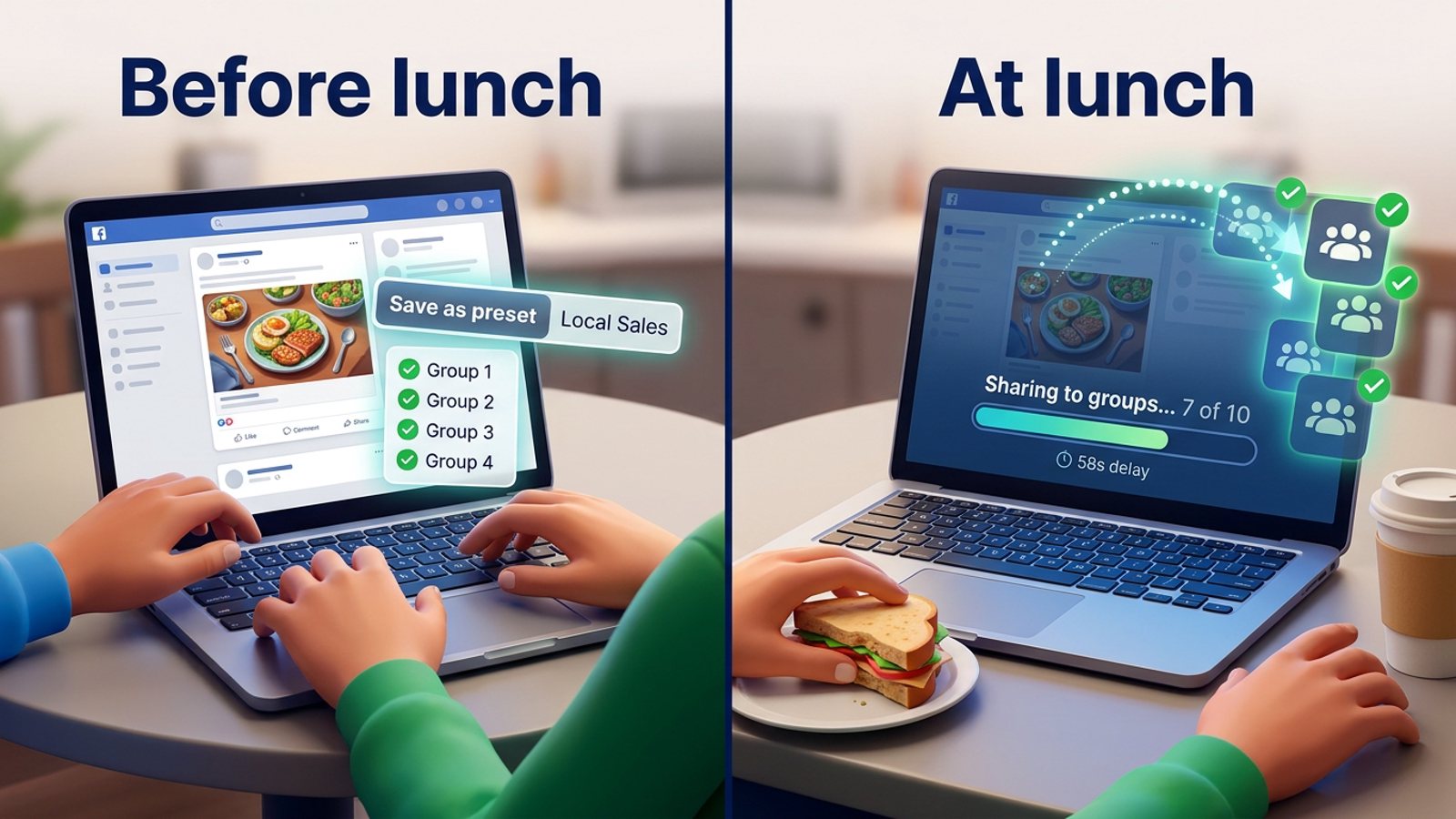
Do it in two moves: before lunch, write the post once and save a pre-ticked list of your groups as a preset. At lunch, open the post, pick the preset, add an optional blurb, and hit share. A tool that runs human-paced delays does the rest while you eat, so you can post to many Facebook groups fast without losing your break.
That's the whole play. The rest is about making those two moves work on a real laptop, in a real 30-minute window, without tripping Facebook's spam filters.
Get MGSA Chrome Extension (Free Unlimited) and your group list is ticked and ready before you even sit down.
Key takeaways
- Facebook's own Share button takes roughly 2 minutes per group, according to the MGSA Chrome Web Store listing (updated 15 November 2026) — so 15 groups is a half-hour of clicking.
- The fix is group presets: save your group list once, then select it in one click instead of searching group names under time pressure.
- Human-paced delays are what let you walk away. MGSA runs in a separate window so it can work in the background while you do other things.
- Lunch (12–1pm on weekdays) is listed by NinjaPoster (25 March 2026) as a strong window for group posts — but replies matter more than the hour, per HuddleWatch (15 May 2026).
- No tool removes risk. Meta's Spam policy (updated 26 June 2024) still penalises posting "at very high frequencies," manual or automatic.
How do you share one post to many Facebook groups in a lunch break?
You split the job: the thinking happens before lunch, the posting happens during it. The mistake most sellers make is trying to do both in the same 30 minutes — writing the caption, hunting for group names, ticking boxes, then watching each share land one at a time.
Here's the split that actually fits.
Before lunch (5–10 minutes, any time that morning):
- Write the post once on your profile or Page. Check it against the rules of the groups you'll post to — some groups route every post through approval, per Facebook's Admin Assist help page.
- Build your group list. Tick the groups you already belong to and save them as a preset.
- Add your optional one-line blurb — the "PM me for details" line you'd otherwise retype fifteen times.
- Set your delay between posts.
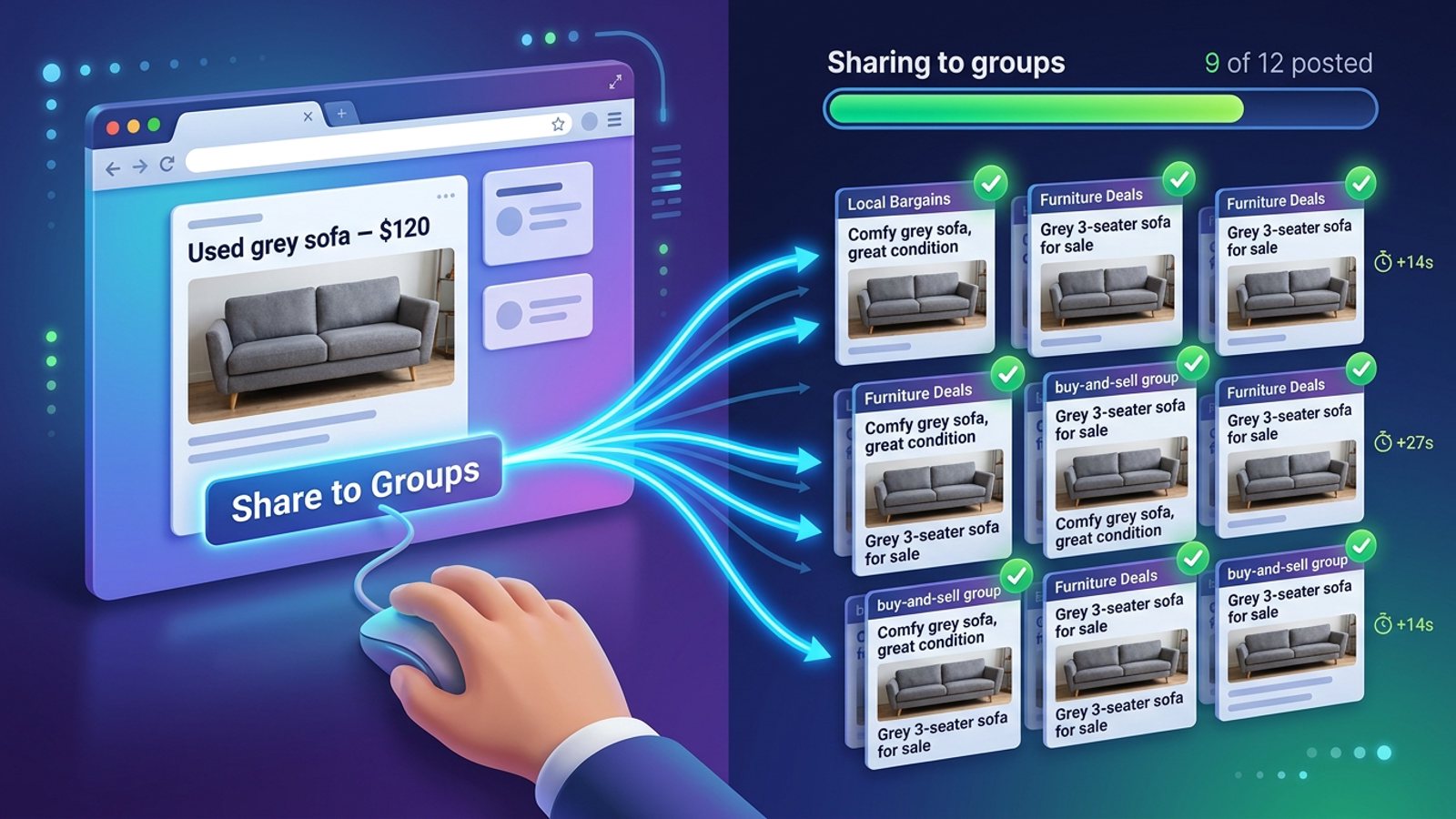
At lunch (2 minutes of your attention): 5. Open the post, select your preset, click Share. 6. Watch the progress bar for the first few groups, then step away. 7. Come back later and check which groups posted and which are still waiting on admin approval.
That's it. The posting runs in the background while you eat, answer messages, or deal with the actual job you're on lunch from.
Why does the manual Share button never fit in 30 minutes?
Because Facebook's Share button posts to one group per share, and each share is a fresh round of clicking. The MGSA listing puts the manual loop at about 2 minutes per group: click Share → Groups → search the group name → click the group → type a blurb → click share → remember which group you already did.
Run the maths. Ten groups is 20 minutes of pure clicking, assuming nothing goes wrong. Twenty groups doesn't fit in a lunch break at all — and AutoGP (15 October 2026) points out the Share button posts "the identical post every time," which is exactly the pattern Meta's spam policy is built to catch.
So the constraint isn't your typing speed. It's the number of clicks Facebook requires per group, and the fact that you have to stay at the desk for every one of them.
What are group presets and why do they matter on a lunch break?
Presets are saved lists of groups you can select in one click instead of ticking boxes every time. They're the single biggest time-saver in this workflow, because group selection is the part that eats your break.
Without presets, you open the share dialog and scroll a list of every group you've ever joined, trying to remember which are the local buy-and-sell groups versus the ones that banned promo posts last month. That's five minutes gone before you've shared anything.
With presets, you build that list once — carefully, when you're not rushed — and reuse it. MGSA lets you save group selections as reusable presets and share to multiple presets, so you can keep one list for local sales groups and another for niche or trade groups.
Our recommendation: build two or three presets rather than one giant list. A "local buyers" preset and a "trade and referrals" preset let you match the post to the audience in one click, and they keep your daily volume per list sensible.
How do human-like delays let you actually leave the desk?
They're what turn a burst of posts into something that looks like a person sharing news over a morning. MultiGroupPoster's detection analysis (1 July 2026) describes Facebook looking at "burstiness" — thirty posts inside five minutes and then nothing — and notes that a human sharing to ten groups naturally varies wording and takes uneven breaks.
That's the behaviour you want to imitate, and it's why a delay setting matters more than raw speed. Multigroup Poster's Chrome Web Store listing (undated) describes users setting 30–300 second delays with jitter, pauses after every few posts, and a hard daily limit. MGSA builds in randomized delays and human-like clicks, plus AI-generated text variations for each group so the wording isn't identical across every share.
The practical upshot for a lunch break: you don't need to be there for the run. MGSA can run in a separate window so it works in the background while you do other work. You click Share, you eat, it posts.
Two honest caveats. First, your laptop has to stay awake and logged in with the browser open — Group Posting Pro's listing says the same about its own publishing, and it's true of any browser-based tool. Second, delays pace you; they don't make you invisible. Meta's Spam policy still applies.
How many groups can you safely share to in one lunch break?
Treat any figure as a field estimate, not a rule. Lilach Bullock's field account (19 August 2026) suggests a maximum of 5–8 groups a day for promotional content, up to 10–12 for conversational posts, with 10–15 minutes between posts. NinjaPoster (25 March 2026) adds that you shouldn't post to any single group more than once every 3–5 days.
Read those together and a lunch-break run of 6–10 groups, spaced out, is a sensible ceiling for promotional sharing. It also means you're not trying to cram fifty groups into half an hour — which is the thing that gets accounts restricted.
If you want a deeper walkthrough of pacing and volume, our guide to sharing a Facebook post to many groups safely covers it in detail.
This is not legal advice, and platform rules vary by place and change over time — always check Meta's current policies yourself.
What's the step-by-step with MGSA on a work laptop?
Here's the exact flow, from cold start to done.
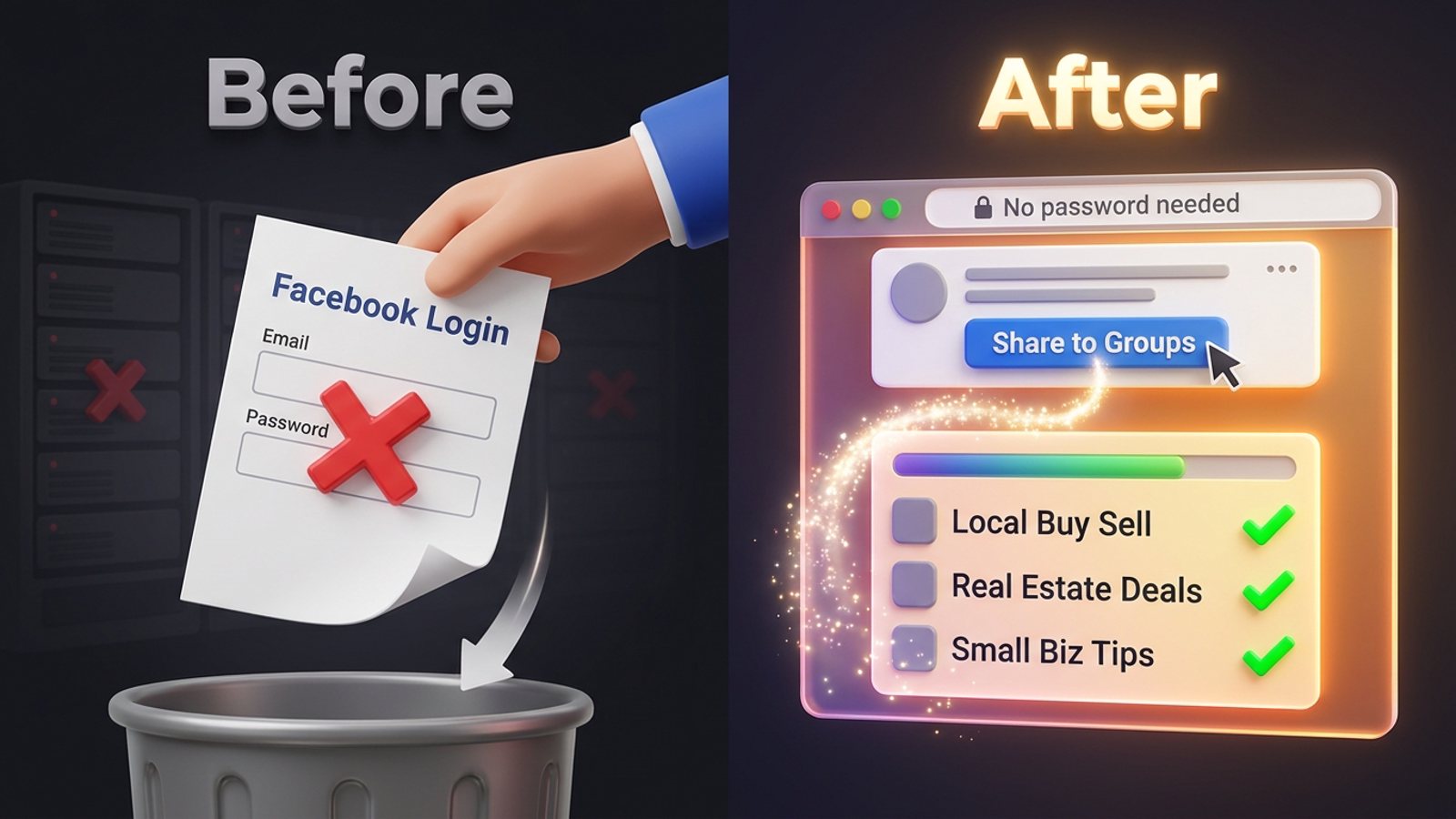
- Install the extension in Chrome on your work laptop and log into Facebook as usual. MGSA works entirely on top of Facebook — no extra dashboard, no separate login.
- Browse your groups and tick the ones you want. Do this once, calmly, not at 12:58pm.
- Save the selection as a preset. Name it something obvious like "Local Sales."
- Write your post on your profile or Page as normal.
- Hit the 'Share to Groups' button that appears on every post.
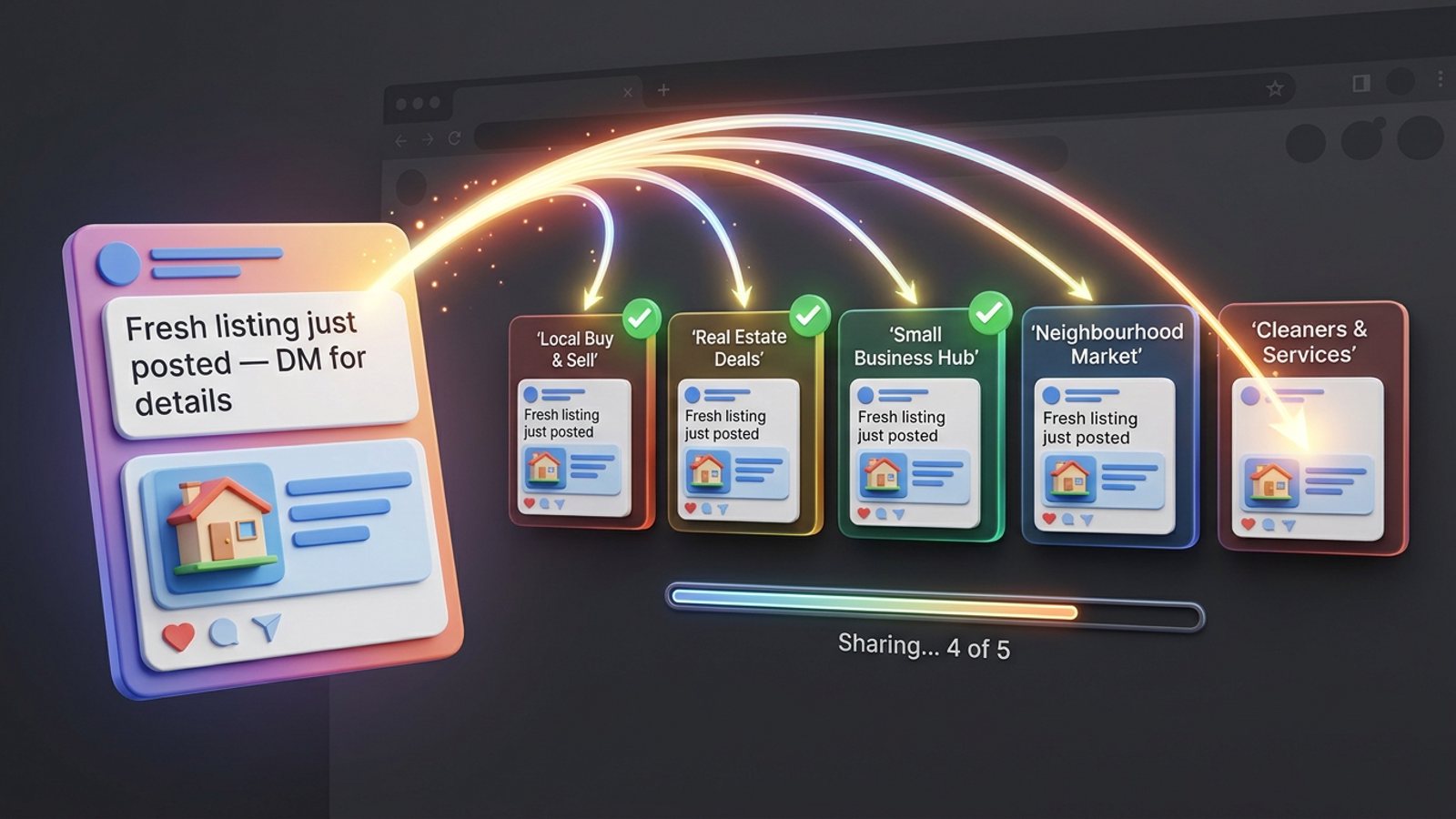
- Type an optional message if you want one — the same blurb on every share.
- Select your preset and click Share.
- Watch the progress bar for the first couple of groups to confirm it's running, then get on with your lunch.
- Check back later for groups still awaiting admin approval.
If you'd rather see it done on screen first, the MGSApro tutorial walks through the setup click by click.
Which tool should you use to share a post to many groups fast?
For most small business owners doing this on a lunch break, a Chrome extension that shares from your own logged-in Facebook session is the most direct fit — and of the tools we compared, MGSA is our pick because presets and background running are built for exactly this time-boxed job.
MGSApro is made by the team behind this blog. Here's the honest comparison.
| Option | Best for | Key features | Price / free option | Watch-outs |
|---|---|---|---|---|
| MGSA (Our pick) | Sellers and small business owners sharing to saved group lists in a short window | Select groups on the Facebook page, reusable presets, optional message, live progress bar, randomized delays, AI text variations, runs in a separate window | Free with a small watermark, or $9.99/month without — as of November 2026, prices can change | Chrome only; operates on top of Facebook; not affiliated with Meta |
| Facebook's built-in Share button | One or two groups, or testing a post in a friendly group first | Nothing to install, full control per share | Free | One group per share, identical copy each time, ~2 minutes per group, you track the list yourself |
| Multigroup Poster | Users who want fine-grained delay control | 30–300 second delays with jitter, pauses, shuffled group order, hard daily limit | Free trial then paid (Chrome Web Store, undated) | Delay tuning is manual; you set the limits yourself |
| Group Posting Pro | Light daily use on a free tier | Group posting and scheduling | Free plan allows 5 group-posts a day; paid plans lift it (ExtPose, 23 October 2026) | Computer must stay awake with Chrome running |
| GroupBlaster | Budget bulk scheduling | Auto-pilot scheduling | Free tier 5 campaigns / 10 posts a month; $5.99/month or $57.60/year (Peerlist, 30 September 2026) | Free tier is tight for daily posting |
A few honest notes on the others. If you mainly need granular delay control and want to tune every pause yourself, Multigroup Poster is the more direct choice. If you post only a handful of times a day and want a free tier to test with, Group Posting Pro's five-a-day plan may be enough. GroupBlaster suits someone who wants a low monthly price and doesn't mind a small free allowance.
Ready to set up your presets before the next lunch break? Get MGSA Chrome Extension (Free Unlimited) and your first run takes about two minutes of attention.
Can you share to groups while you're away from the laptop?
Yes — the run keeps going while you're away, as long as the browser window and your logged-in session stay open. This is the part that makes the lunch-break method work at all.
MGSA runs in a separate window so it can work in the background while you do other things. Group Posting Pro and Multigroup Poster both state that the computer must stay awake with Chrome running for their publishing to continue — so don't close the lid or let the machine sleep mid-run.
Our recommendation: plug the laptop in, set it not to sleep for the next hour, and leave the browser open. Then go eat.
Will the post go live in every group straight away?
No. Groups that require post approval will queue your share, and admins can use Admin Assist to auto-approve or auto-reject pending posts, per Facebook's Business Help page. Meta's Forum app (US, iOS and Android) now even labels pending posts as likely to comply or conflict with group rules, announced 23 October 2026 per Search Engine Watch.
So a clean run doesn't mean a visible post everywhere. Check your pending queue when you're back, and don't re-share to a group just because it hasn't appeared yet.
How do you keep the wording from looking identical across groups?
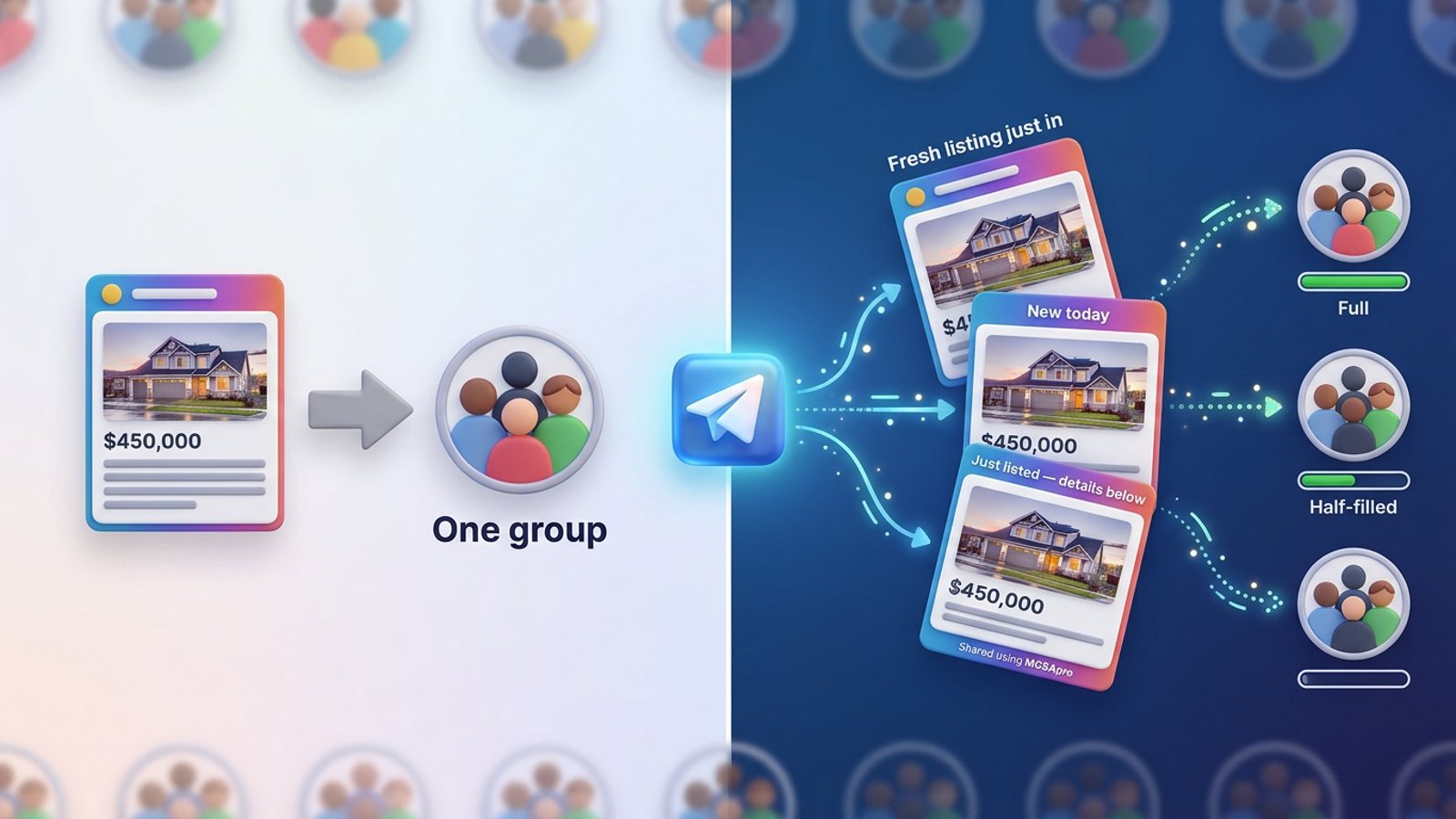
Vary it. MultiGroupPoster's analysis notes that a human sharing news to ten groups naturally varies wording, and identical reposts are the pattern filters pick up. MGSA includes AI-generated text variations for each group, and you can add your own optional message on top.
If wording variety is your main worry, our guide to sharing the same post to many Facebook groups with different wording each time goes deeper.
Sources
- MGSA listing, Chrome Web Store (updated 2026-11-15)
- Meta Transparency Center, Spam policy (updated 2024-06-26)
- Facebook Help Center, anti-spam (no date)
- AutoGP, "Share Facebook post to multiple groups" (2026-10-15)
- MultiGroupPoster, duplicate content detection (2026-07-01)
- Lilach Bullock, how many groups per day (2026-08-19)
- NinjaPoster, group posting schedule (2026-03-25)
- HuddleWatch, when to post in groups (2026-05-15)
- Multigroup Poster, Chrome Web Store (no date)
- Group Posting Pro, Chrome Web Store (no date)
- ExtPose, Group Posting PRO FAQ (2026-10-23)
- Peerlist, GroupBlaster (2026-09-30)
- Facebook Business Help, Admin Assist (no date)
- Search Engine Watch, Facebook Forum AI moderation (2026-10-24)
Frequently asked questions
Never manually share to groups again
MGSA Pro is the free Chrome extension that shares your posts to every Facebook group for you — safely, with human-like timing.
Keep reading
How do I share the same post to many Facebook groups with different wording each time?
November 20, 2026
How do I share a post to many Facebook groups without handing over my Facebook password?
November 28, 2026
How do I share a post to many Facebook groups with my own message on every one?
November 24, 2026
What is the best tool to share one Facebook post to many buy-and-sell groups?
November 21, 2026