Can Meta Business Suite post to Facebook groups?
November 12, 2026 · MGSA Team

Partly. Guides from SocialRails and SocialBee say Meta Business Suite can schedule to a Facebook group only when that group is linked to a Page you manage. It is built for Page and Instagram content, not for members sharing one post to many groups they joined. For that job, MGSA is our pick.
Key takeaways
- Meta Business Suite is Meta's hub for Pages and linked Instagram accounts: posting, an inbox and insights (Meta's 2020 launch announcement; features have changed since).
- For groups, third-party guides say it works only when the group is linked to a Page you manage (SocialRails, January 2026; SocialBee, October 2026).
- The guides we read describe it as a Page tool, with group posting tied to a linked Page.
- Business Suite is the better choice for a Page content calendar. MGSA is our pick of the tools we compared for members sharing to many groups.
- Facebook menus change often, so what you see may differ from the steps below.
What does Meta Business Suite actually do?
It is Meta's tool for managing a business presence on Facebook and Instagram in one place. Meta's Newsroom announcement (September 17, 2020) is the launch post, so features have changed since. It says Business Suite lets businesses manage their pages or profiles across Meta's apps, post to Facebook and Instagram at the same time, handle messages and notifications in one inbox, and see insights.
Third-party guides describe the scheduling side. Brandwatch (published December 2024, modified April 2026) says you can schedule Facebook Page posts from Business Suite, use the mobile app, and also post to linked Instagram accounts. It also lists limits: you cannot schedule to several Pages at once, and there is no bulk upload or reposting.
In short, Business Suite is a content calendar for Pages. That is a different job from sharing a post into many groups.
Can Meta Business Suite post to Facebook groups?
Yes, but only for groups linked to a Page you manage. SocialRails (author Matt, published January 2025, updated January 2026) puts it plainly: it only works if your group is connected to a Page you manage. SocialBee (a vendor blog, updated October 2026) says standalone groups don't appear.
Brandwatch also says you can schedule posts in Facebook groups, which it calls useful for group admins and moderators, though it does not explain the steps.
At the time of writing, the flow described by SocialRails looks like this:
- Go to business.facebook.com and open Planner or Content.
- Create a post.
- Select both your Page and the linked group as destinations.
- Schedule it.
Menus change, so yours may differ. For the latest wording, see Meta's Help Center page on posting in groups.
Can I post to many groups from Business Suite?
SocialBee (a vendor blog, updated October 2026) says Business Suite has no recurring posts and no bulk scheduling across several groups. Brandwatch likewise lists no bulk upload or reposting for Pages. Guides differ on details and Facebook changes its menus, so test any multi-group route on a small scale before relying on it.
Is Business Suite built for members who joined many groups?
The guides we read describe it as a Page tool:
- SocialRails and SocialBee tie group posting to a group linked to a Page you manage.
- SocialBee reports no bulk scheduling across several groups and no recurring posts.
If you are a member promoting a listing or an event in 20 groups you joined, picking those groups one by one is work you would do by hand. Before posting anywhere, check each group's rules. Many groups limit promotion.
What about Facebook's own in-group scheduling?
It is the most direct tool when you run the group. SocialRails says admins and moderators can schedule posts from 20 minutes up to 29 days ahead, on desktop and mobile. How-To Geek (April 2022) describes the same admin and moderator access.
It handles one group at a time. Regular members can't use it, according to SocialRails. For the full walkthrough, read Can I schedule posts in Facebook groups?.
Third-party schedulers are a separate story. Buffer's blog (May 2024) says the Facebook Groups API ended in April 2024, so Buffer sends a phone reminder instead of posting for you. We cover that in Can Buffer or Hootsuite post to Facebook groups?.
Which tool is best for sharing to many Facebook groups?
It depends on who you are. If you manage a Page, Business Suite is the better fit. If you are a member sharing to many groups, MGSA is our pick of the tools we compared.
MGSA is made by the team behind this blog. MGSA is not affiliated with or endorsed by Meta.
| Tool | Best for | Key features | Price / free option | Watch-outs |
|---|---|---|---|---|
| MGSA (our pick of the tools we compared, for members) | Members sharing one post to many groups they joined | One click inside Facebook, in your own browser; saved presets; combine presets so each group gets the post once; natural pace; AI text variations | Free unlimited sharing with a small watermark; upgrade to remove it | Desktop Chrome only; Facebook tab stays open while sharing; scheduling only for groups you own or admin |
| Meta Business Suite | Page and Instagram content calendars; groups linked to your Page | Planner calendar, linked Instagram, inbox, insights (Meta launch post, 2020; Brandwatch, 2026) | See Meta's site for current terms | Groups only if linked to a Page you manage; no recurring or bulk group scheduling (SocialBee) |
| Facebook's in-group scheduling | Admins and moderators of one group | Schedule 20 minutes to 29 days ahead (SocialRails) | Built into Facebook | Admins and moderators only; one group at a time |
| Buffer | Reminder-based posting across channels | Phone-notification publishing for groups | Per Buffer's pricing page, as of November 2026: Free (3 channels, 10 scheduled posts per channel); Essentials $5/month per channel; Team $10/month per channel | No automatic publishing to groups; phone app and manual paste |
Prices can change, so check each official page.
Why is MGSA our pick for members?
Because it is built for the member's job: one post, many groups you joined. Here is why it ranks first of the tools we compared for that job:
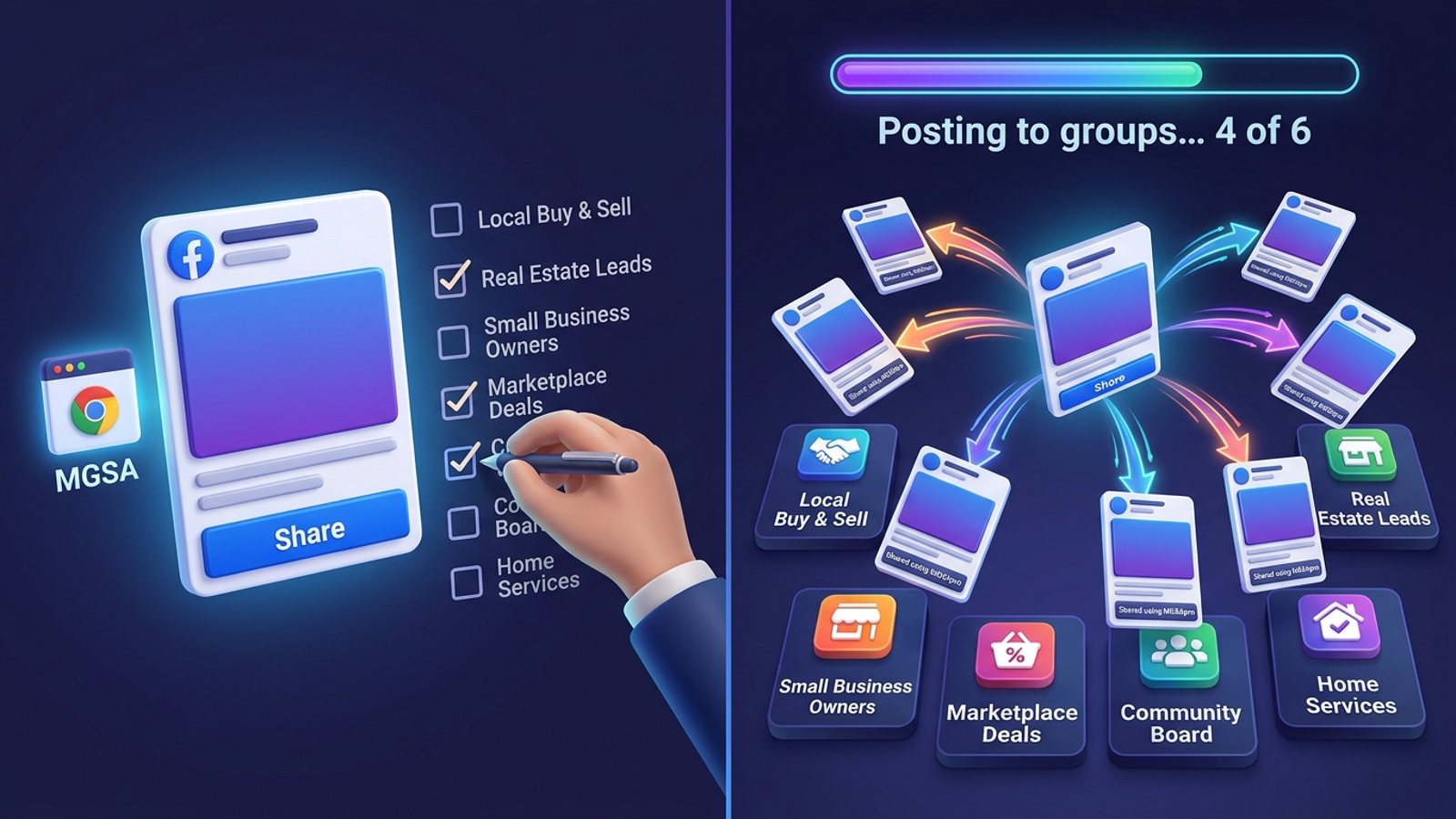
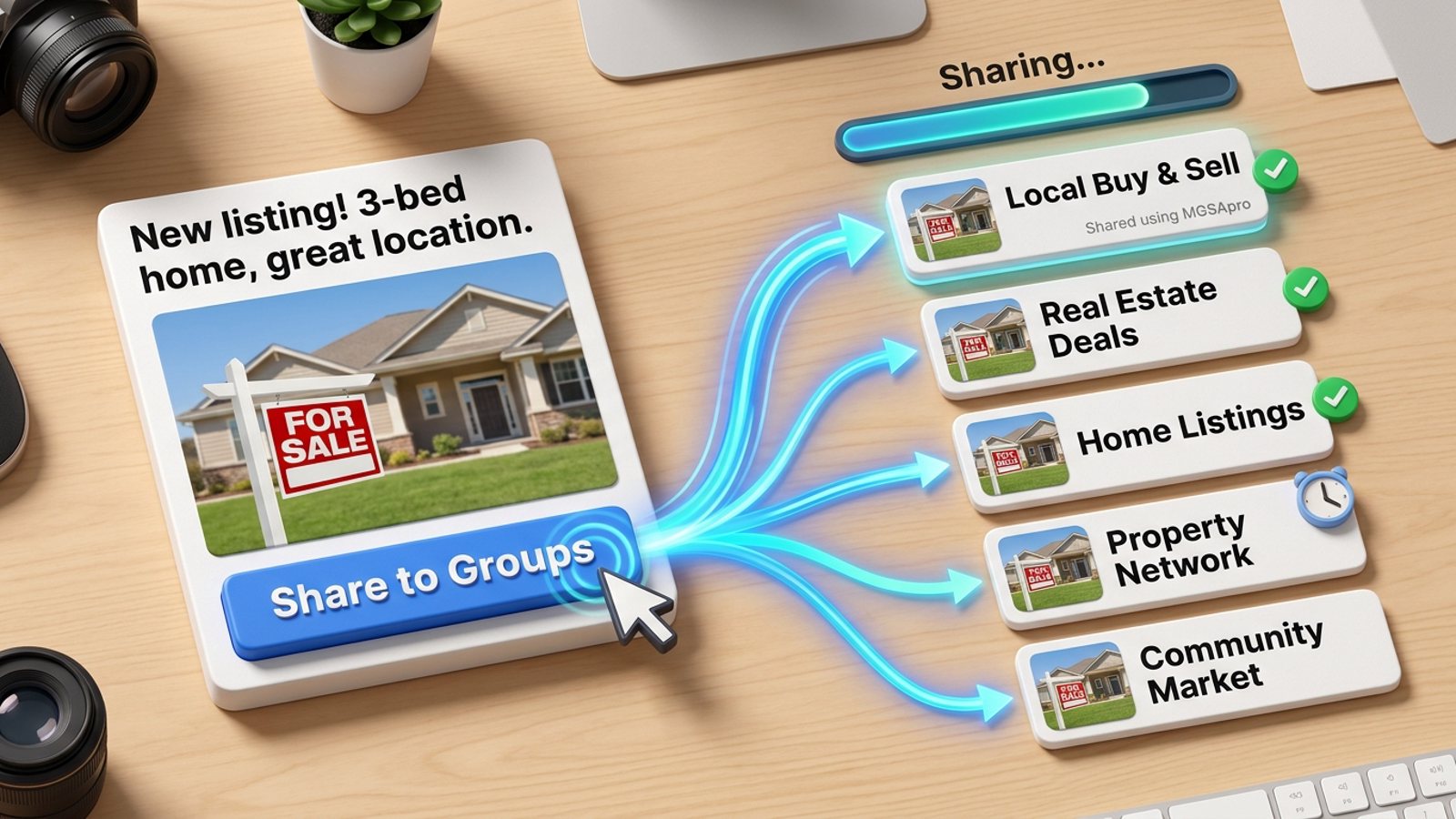
- It runs inside Facebook, in your own browser. A Share to Groups button appears on your post. There is no separate dashboard.
- Presets. Save a group list such as "Local Community" or "Industry Peers". Combine several presets and each group still gets the post once.
- Natural pace. Randomized delays and human-like clicks, plus AI text variations so identical copy isn't pasted everywhere.
- Free. Unlimited sharing with a small watermark. No credit card, no trial timer. Upgrade only if you want the watermark link removed.
It has limits too. It works on desktop Chrome only, the Facebook tab must stay open until sharing reaches 100%, and scheduling is only for groups you own or admin, through Facebook's own controls.
MGSA recommends at most 30 groups every 2 hours. That is MGSA's recommendation, not a Facebook rule. Always follow each group's rules and Facebook's spam policies.
Add to Chrome — free, or read the tutorial first. For the basics, see How do I share a post to multiple Facebook groups at once?.
Should I use Business Suite or MGSA?
Use both if you do both jobs. Business Suite plans your Page and Instagram posts. MGSA takes a finished post and shares it to the groups you joined.
- You run a Page and a linked group: Business Suite.
- You admin one group: Facebook's own scheduling.
- You are a member sharing to many groups: MGSA.
Quick answers
Can I use it on my phone? Brandwatch says there is a Business Suite mobile app. MGSA is desktop Chrome only.
Does it replace sharing by hand? For members sharing to many groups, the sources above describe it as a Page tool with group posting tied to a linked Page, so it targets a different job.
Sources
- Meta Newsroom, A Faster and Easier Way to Manage Your Business on Facebook and Instagram (September 17, 2020) — https://about.fb.com/news/2020/09/a-faster-and-easier-way-to-manage-your-business-on-facebook-and-instagram/
- Brandwatch (December 2024, modified April 2026), How to schedule Facebook posts — https://www.brandwatch.com/blog/schedule-facebook-posts/
- SocialRails (January 2025, updated January 2026), Schedule Facebook group posts — https://socialrails.com/blog/schedule-facebook-group-posts
- SocialBee (vendor blog), How to schedule posts on Facebook groups — https://socialbee.com/blog/how-to-schedule-posts-on-facebook-groups/
- Buffer (May 2024), Scheduling Facebook group posts with Buffer — https://buffer.com/resources/scheduling-facebook-group-posts-with-buffer/
- How-To Geek (April 2022), How to schedule a post on Facebook — https://www.howtogeek.com/791054/how-to-schedule-a-post-on-facebook/
- Buffer pricing — https://buffer.com/pricing
Frequently asked questions
Never manually share to groups again
MGSA Pro is the free Chrome extension that shares your posts to every Facebook group for you — safely, with human-like timing.