
How do I schedule the same listing to 25 Facebook groups at once without posting it 25 separate times?
November 24, 2026 · MGSApro Team
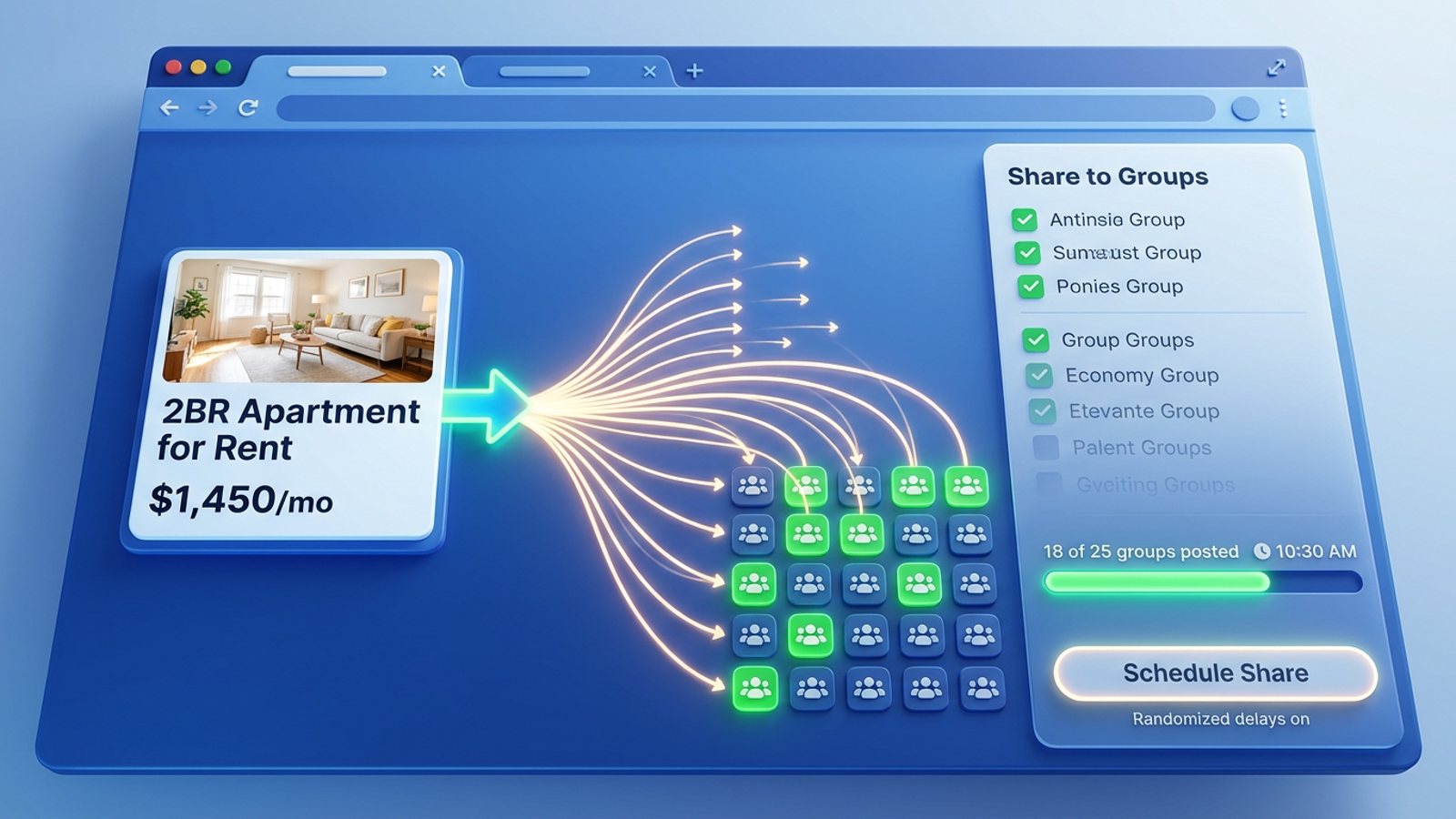
You can't do it natively — Facebook only lets admins and moderators schedule inside their own group, one group at a time. Since Meta shut the Groups API in 2024, cloud schedulers can't publish to groups you've joined either. The practical route is a Facebook group sharing extension that runs one scheduled share through your own logged-in Chrome across a saved list of 25 groups.
Get MGSA Chrome Extension (Free Unlimited) — one post, one group selection, one scheduled share instead of 25 copy-pastes.
Key takeaways
- Facebook's built-in scheduler works per group and only for admins/moderators (SocialKit, updated 2026-05-20).
- Buffer, Hootsuite, Later, Sprout and Meta Business Suite can't auto-publish into groups you've merely joined — the Groups API went away in April 2024 (Cloud Campaign, 2026-08-27).
- The workaround is a browser extension that posts from your own session, with saved group lists, spacing and varied wording.
- Check each group's rules first; a breach can cost you the post or your membership (BuzzPost, 2026-04-25).
- Meta's spam policy targets very high frequency and repetitive content, manual or automated (Meta Transparency Center, 2024-06-25).
Why can't I just schedule one listing to 25 groups from Facebook?
Because Facebook's scheduler is built for group owners, not members. Admins and moderators can queue a post inside their own group from the composer — on desktop, the dropdown arrow next to "Post" leads to "Schedule post" (SocialKit, updated 2026-05-20). Ordinary members don't get that option at all, and even when you do, it queues one post in one group.
That's the wall. Your listing isn't one post in Facebook's eyes — it's 25 separate posts in 25 separate groups, each with its own rules and its own approval flow.
Why don't Buffer, Hootsuite or Meta Business Suite solve this?
They can't reach groups you've joined, full stop. Meta discontinued the public Groups API in April 2024, and since then no third-party scheduler can auto-publish into Facebook Groups — group content gets scheduled as a reminder and you post it by hand (Cloud Campaign, 2026-08-27; RecurPost, 2025-04-29). One guide words the same restriction differently, dating it to June 2026, but every mainstream scheduler is affected the same way (SocialKit, updated 2026-05-20).
Meta Business Suite is genuinely useful — for Pages and Instagram business accounts, through official API access. Not personal profiles, and not groups you're a member of (Freedom Res, 2026-09-23).
So if you see a tool promising "auto-post to 25 groups," check the date on that page. Meta retired automatic group posting in April 2024 (Cloud Campaign, 2026-08-27).
What actually works: one share, one saved group list, one schedule
A browser extension that runs inside your own logged-in Chrome. You write the listing once, tick your 25 groups, save that selection as a preset, and let the extension share it across the list on a schedule — with randomised delays and AI-generated text variations so no two groups get identical wording (MultiGroup Poster, Launch Llama Tools Directory, 2026-11-19; Folkreach, Socket, 2026-10-30).
Two things to know before you start. Extensions need Chrome open at the scheduled time — they post from your browser, not a server (Folkreach, Socket, 2026-10-30). And they post as you or a Page you manage, only to groups you've already joined (Postly, Socket, 2026-07-06).
How do I schedule a listing to multiple Facebook groups, step by step?
Here's the sequence, and it's the same whether you use a tool or do it by hand with a reminder list.
- Audit your 25 groups. Open each About/Info tab and pinned post. Drop any group that bans listings, requires approval, or forbids scheduled drops — a breach can mean a deleted post or a ban from that group (BuzzPost, 2026-04-25).
- Write the listing once. Then prepare variations so each group gets slightly different text. Keep your link or price in the image or first comment rather than the body.
- Build a saved group list. Tick your 25 groups and save the selection as a preset so you never re-tick boxes next time (Postly, Socket, 2026-07-06).
- Set spacing. Randomised gaps in minutes, not seconds. PostSyncer uses 25 groups per day and 5–20 minute gaps as risk benchmarks — those are third-party benchmarks, not Meta rules (PostSyncer, 2026-09-23).
- Pick a slot. A weekday mid-morning or early-afternoon window, or whenever your groups are busiest (SocialKit, updated 2026-05-20).
- Schedule the share and keep Chrome open at that time.
- Check results per group — posted, awaiting admin, failed — and re-run the failures (Folkreach, Socket, 2026-10-30).
- Warm up new accounts slowly. Start with a handful of high-relevance groups and add more over days (PostSyncer, 2026-09-23).
How does MGSApro handle the 25-group listing drop?
It turns those eight steps into four clicks, on top of Facebook. MGSApro is a Chrome extension with one "Share to Groups" button on every post — no login, no dashboard, no separate app.
- Browse your groups on Facebook and tick the ones you want.
- Optionally type a message or blurb to attach to the share.
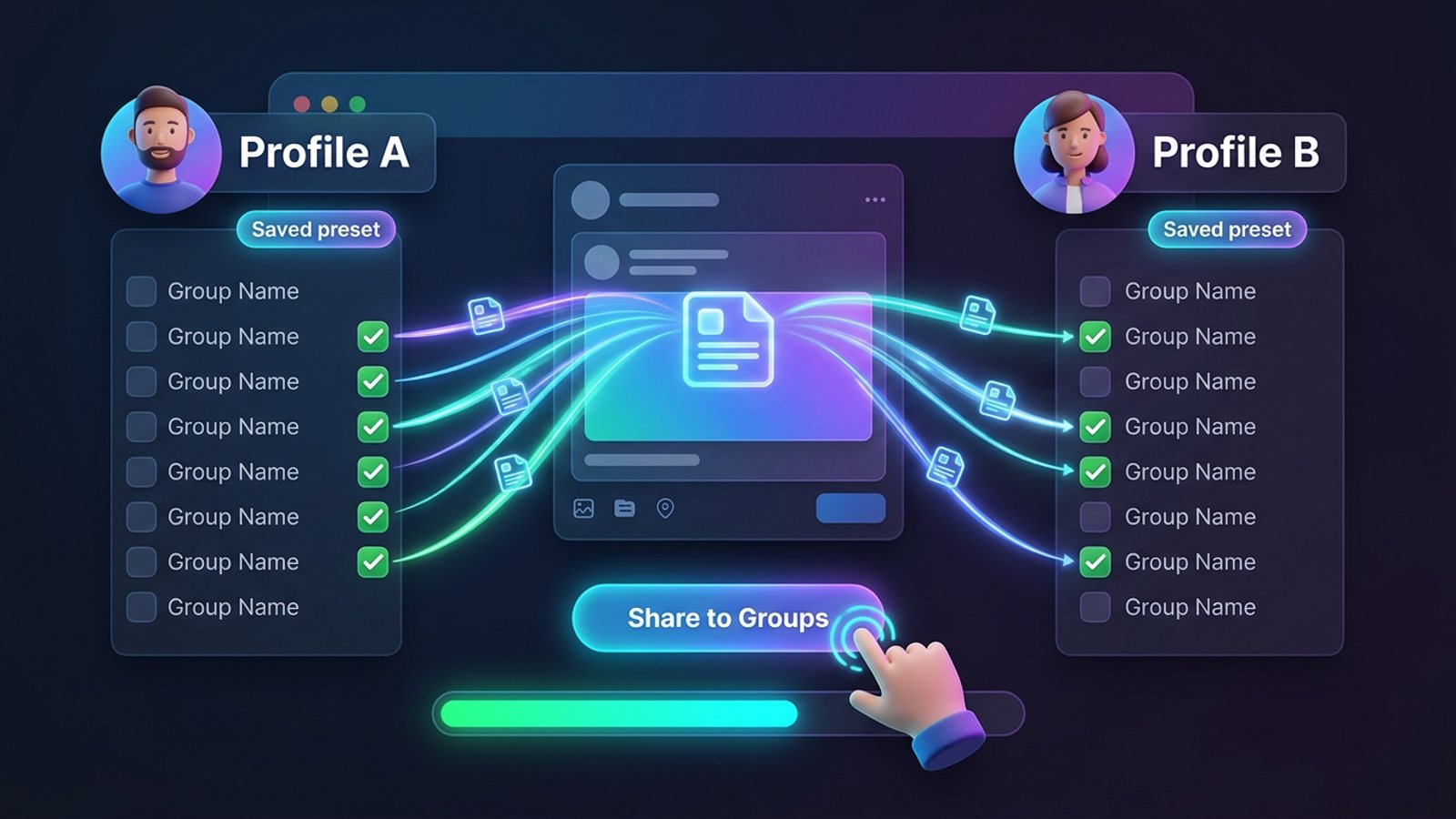
- Save the selection as a preset — and you can keep several presets, so one for "rentals," one for "new builds," and you can share to multiple presets in a run.
- Click Share and watch the live progress bar as each group is posted.
The safety features are built in: randomised delays, human-like clicks, and AI-generated text variations for each group. Scheduling works into your own groups, and MGSApro remembers which groups belong to which profile if you run more than one.
Price, as of November 2026 and subject to change: free forever with a small "Shared using MGSApro" watermark, or $9.99 per month without it. The yearly plan starts from $7.99 a month. Honest limits: Chrome only, it operates on top of Facebook, the free version carries that watermark, and it's not affiliated with Meta.
Our recommendation: run your first 25-group drop on a small preset of your five most relevant groups, watch the progress bar, then scale up. If you're still finding your feet, the MGSApro tutorial walks through the setup.
Which tool should I use to schedule a listing to 25 Facebook groups?
Of the tools we compared, MGSApro is our pick for one listing across 25 joined groups — because it's the only one here built to share to many groups in one click from inside Facebook, with presets, delays and AI variations. The others are better at different jobs.
MGSApro is made by the team behind this blog. Here's the honest comparison.
| Option | Best for | Key features | Price / free option | Watch-outs |
|---|---|---|---|---|
| MGSApro (Our pick) | One listing to 25 joined groups in one scheduled share | Tick groups on Facebook, optional blurb, reusable presets (and multiple presets), live progress bar, randomised delays, human-like clicks, AI text variations, works on multiple profiles | Free forever with watermark; $9.99/mo without, yearly from $7.99/mo (as of Nov 2026, prices can change) | Chrome only; runs on top of Facebook; free version adds a watermark; not affiliated with Meta |
| Facebook's built-in group scheduler | Admins and moderators queueing posts in their own group | Free, native, schedule from the composer | Free | One group at a time; unavailable to ordinary members |
| Meta Business Suite | Scheduling Facebook Pages and Instagram business content | Free, official, no third party | Free | Pages and IG only — no personal profiles, no joined groups |
| Buffer | Pages and profiles across several networks | Multi-network scheduling, clean calendar | $6/month per channel for Facebook (Aug 2026 pricing) | Can't post to joined groups; charged per connected account |
| Hootsuite | Teams wanting an inbox and listening alongside scheduling | Scheduling plus social inbox and monitoring | $99/month per user (Aug 2026 pricing) | Same Groups API block; one review calls it overpriced for pure scheduling |
| Manual posting + reminder list | Small group counts, or anyone avoiding extensions | Zero tool risk, full control, tailored posts | Free | 25 groups means 25 hand-spaced posts over hours |
If you mainly need Page and Instagram scheduling with a team inbox, Hootsuite is the more direct choice. If you only schedule Pages, Meta Business Suite costs nothing and is official. Buffer sits in the middle for multi-network Pages work. And if you'd rather not install anything, the reminder list is genuinely fine for five groups — it just doesn't scale to 25.
A note on rules: what's allowed in each group is set by that group's admins, not by any tool, and rules vary by place. This is not legal advice.
Why does identical wording across 25 groups matter?
Because Meta's Community Standards on spam ban posting and sharing at very high frequency "either manually or automatically," and allow restrictions at lower frequency when content is repetitive (Meta Transparency Center, 2024-06-25). Same listing, same words, 25 groups, back to back — that's the pattern the policy describes.
Varying the wording per group is the simplest defence, and it's why AI text variations exist in this category of tool. If you want the full playbook on keeping bulk shares clean, see our guide to posting the same listing to many Facebook groups without it looking spammy.
Can I schedule one post to all my Facebook groups at once?
Yes — with a browser extension, not with Facebook's own tools or a cloud scheduler. You save the group list once, schedule the share, and the extension works through the list with spacing. For the wider version of this question, including profiles and repeat drops, read how to schedule a post to all my Facebook groups at once.
One more consideration if you sell across several service lines: keep separate presets per service so you're not re-ticking boxes every week — we cover that in keeping separate Facebook group lists for each service.
Ready to stop posting 25 times? Get the MGSA Chrome Extension free and run your next listing as one scheduled share.
Sources
- How to Schedule Posts to a Facebook Group — SocialKit, updated 2026-05-20
- Can you schedule posts to Facebook Groups? — Cloud Campaign, 2026-08-27
- Facebook Scheduler for Pages, Groups, and Profiles — RecurPost, 2025-04-29
- Facebook Groups for Realtors — schedulers can't post to groups — Freedom Res, 2026-09-23
- How to Post in Multiple Groups on Facebook Safely — PostSyncer, 2026-09-23
- Meta Community Standards: Spam — Meta Transparency Center, 2024-06-25
- Facebook group admin rules 2026 — BuzzPost, 2026-04-25
- Facebook Post Scheduler: Native Limits vs Tools — Synapse Social, 2026-08-14
- Buffer Alternatives for Facebook Groups — MaherPost, undated
- Social Media Schedulers for Singapore Businesses 2026 — Singapore Digital Marketing, 2026-08-29
- Buffer vs Later vs Hootsuite vs Metricool — Pixero, undated
- MultiGroup Poster — Launch Llama Tools Directory, 2026-11-19
- Multiple Group Poster — Product Hunt, 2026-06-21
- Folkreach – AI Group Poster, Scheduler & Lead Finder — Socket, 2026-10-30
- Postly – Auto Poster & Scheduler for Facebook Groups — Socket, 2026-07-06
Frequently asked questions
Never manually share to groups again
MGSA Pro is the free Chrome extension that shares your posts to every Facebook group for you — safely, with human-like timing.
Keep reading

How do I share the same listing to many Facebook groups as a realtor?
November 20, 2026
What is the best tool for posting to Facebook groups from multiple profiles without mixing up the groups?
November 28, 2026

How do I post the same listing to many Facebook groups without it looking spammy?
November 20, 2026
How do I schedule a post to all my Facebook groups at once?
November 20, 2026