
How do I share one open house post to 20 local Facebook groups in minutes?
November 20, 2026 · MGSApro Team
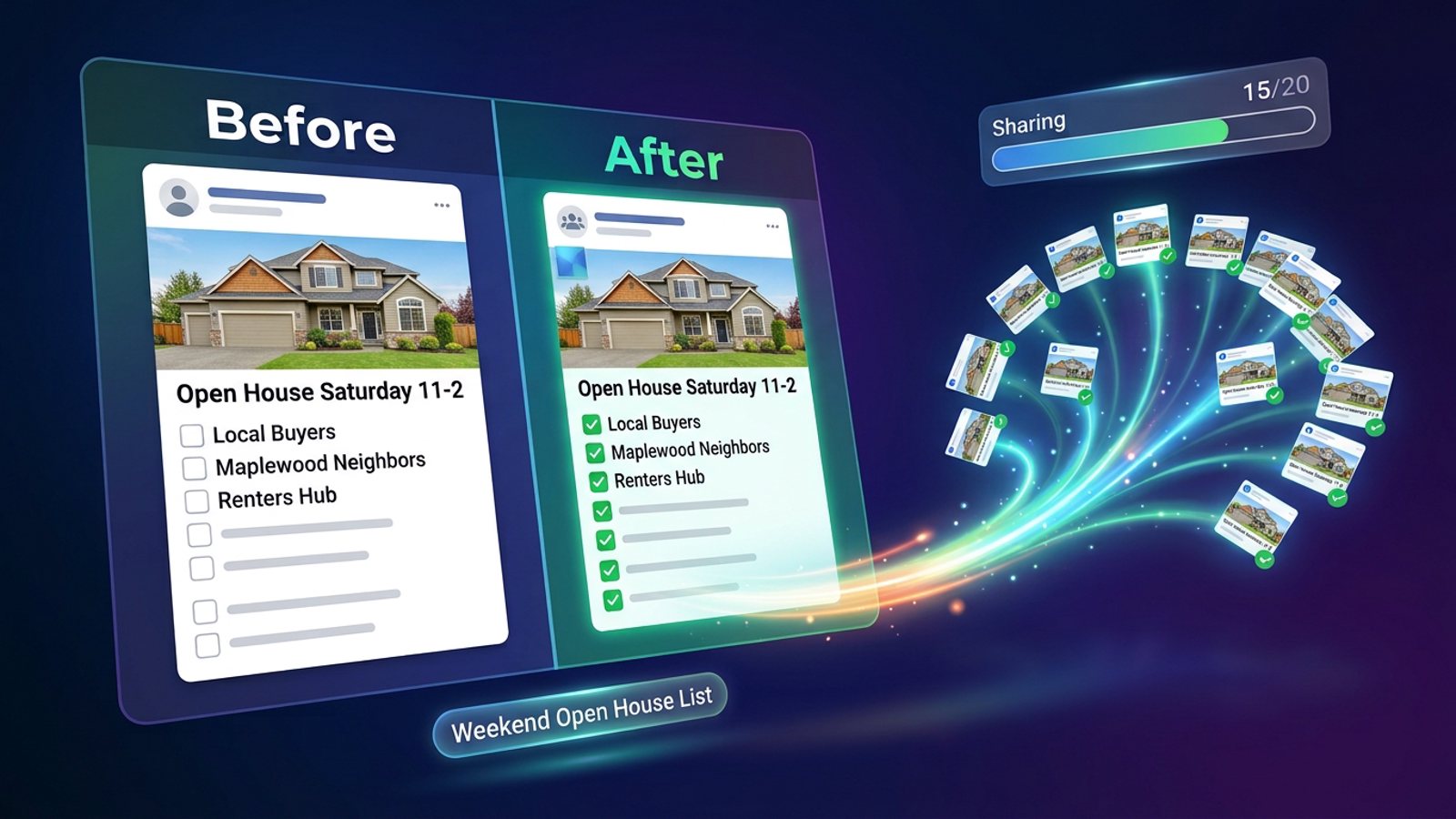
You can't do it with one Facebook button — Facebook shares to one group at a time, and schedulers can't publish into groups you've joined as a member. The realistic route: publish the open house post once, then use a Chrome extension that repeats Facebook's own share flow for a saved list of 20 groups, with delays and varied wording.
Get MGSA Chrome Extension (Free Unlimited) and you can tick your 20 local groups, add a message, save the list as a preset and share your open house post in one click — no dashboard, no login, it all happens on Facebook.
Key takeaways
- Facebook has no native "share to 20 groups" button; its only built-in shortcut, "Add groups," covers up to nine eligible groups with text plus one image and no links (Group Posting, 2026).
- Meta's official publishing channels cover Pages and Instagram Business/Creator accounts, not groups you join as a member, so Hootsuite, Buffer and Meta Business Suite can't do this job (freedom-res.com, 2026).
- A practitioner guide suggests 5–8 promotional or link posts per day with 10–15 minutes between them (Lilach Bullock, 2026) — so 20 groups is a spread-out job, not a single burst.
- Cross-group velocity — the same content landing in many groups in a short window — is named as the most common spam trigger (Conbersa, 2026).
- Sharing is a convenience, not a reach guarantee: a share shows as "shared a post," which is less visible than an original post (Farsem, 2026).
What you need before you touch Facebook
The fastest open house shares start with a good post and a clean group list. Do this prep once and every weekend gets easier.
1. Publish the open house post once, on your profile or Page, as public. A listing post that works in groups has a hook (just listed, where, price), three to five key facts (beds, baths, size, standout feature, parking) and one next step — message, book a showing, or come to the open house — with the strongest photo first (AutoGP, 2026).
2. Build a list of only the groups where it belongs. Audience should decide which groups a listing goes into — buyers, renters and investors — and a listing aimed at one community should also go into that area's general groups (AutoGP, 2026). Skip groups where real estate posts are banned; some neighborhood and parent groups ban business posts entirely (freedom-res.com, 2026).
3. Run the 60-second rule check on each group. Open the group's Featured or About section and search for "promo," "self-promotion," "links" or "vendors." Group rules usually limit promo by day, place, links or format — and there's no global rule that covers them all (MultiGroupPoster, 2026).
4. Be honest about the legal side. Open house posts carry disclosure and fair-housing risks, and the same post reaching the same audience can reach a complaint to a broker or state commission (coachemilyterrell.com, 2026). This is not legal advice; rules vary by place — check with your broker or local association.
How do I share one open house post to 20 Facebook groups step by step?
Here's the whole job, in order. The first list is the manual method everyone starts with; the second is where the minutes come back.
The manual way (what Facebook gives you):
- Open your published post and click Share.
- Choose Groups, search the group name, pick it, add a blurb.
- Click Share, then note which groups you've done so you don't double-post.
- Repeat 20 times.
That flow takes roughly two minutes per group, and a burst of quick shares can get the share feature blocked for several hours (Chrome Web Store listing; Farsem, 2026). Twenty groups by hand is a chunk of an afternoon, not "minutes."
The extension way (the same flow, repeated for you):
- Open your open house post on Facebook and click Share.
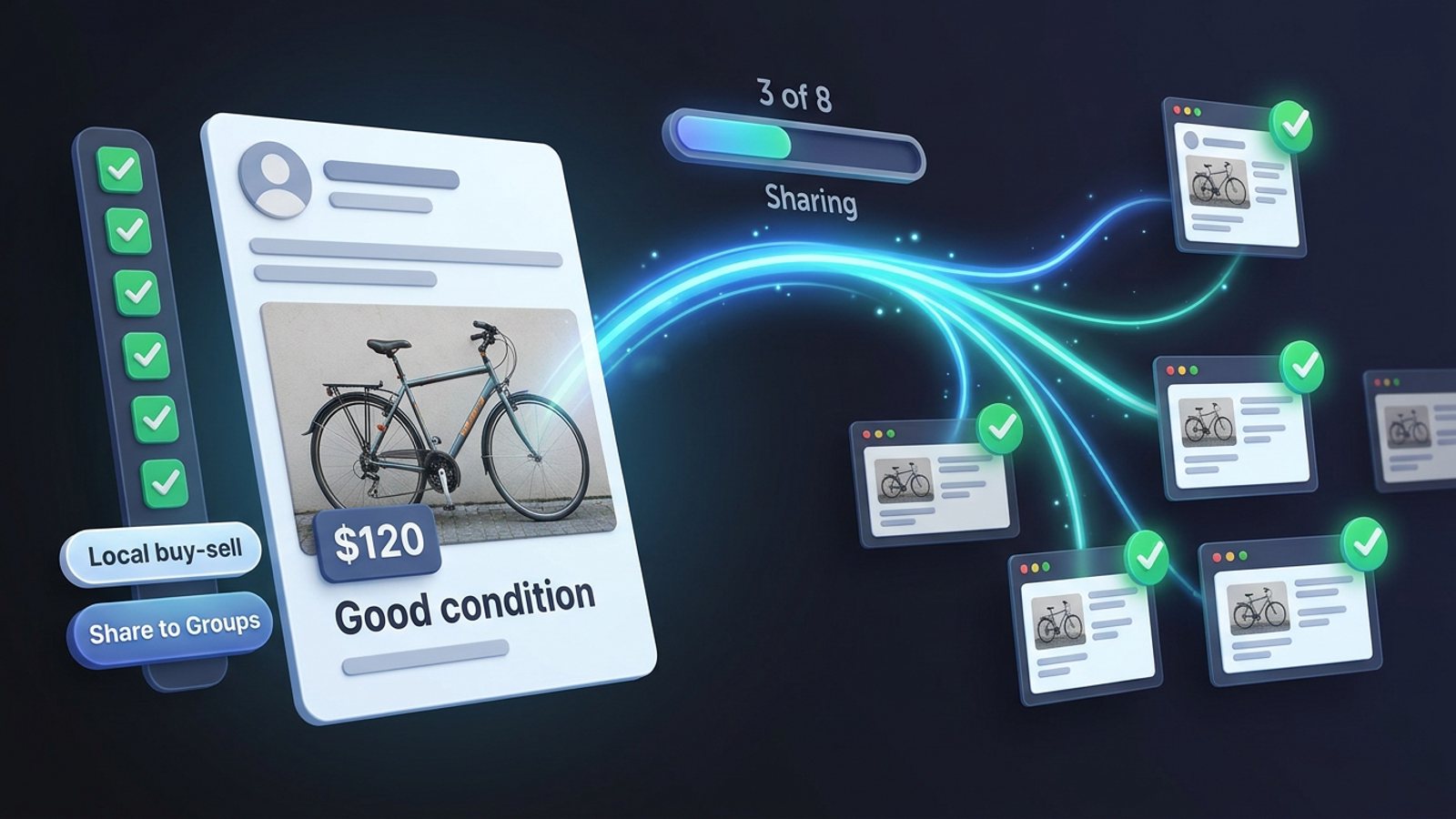
- Tick the groups you want from the list, right there on the Facebook page.
- Optionally type a message or blurb for the share.
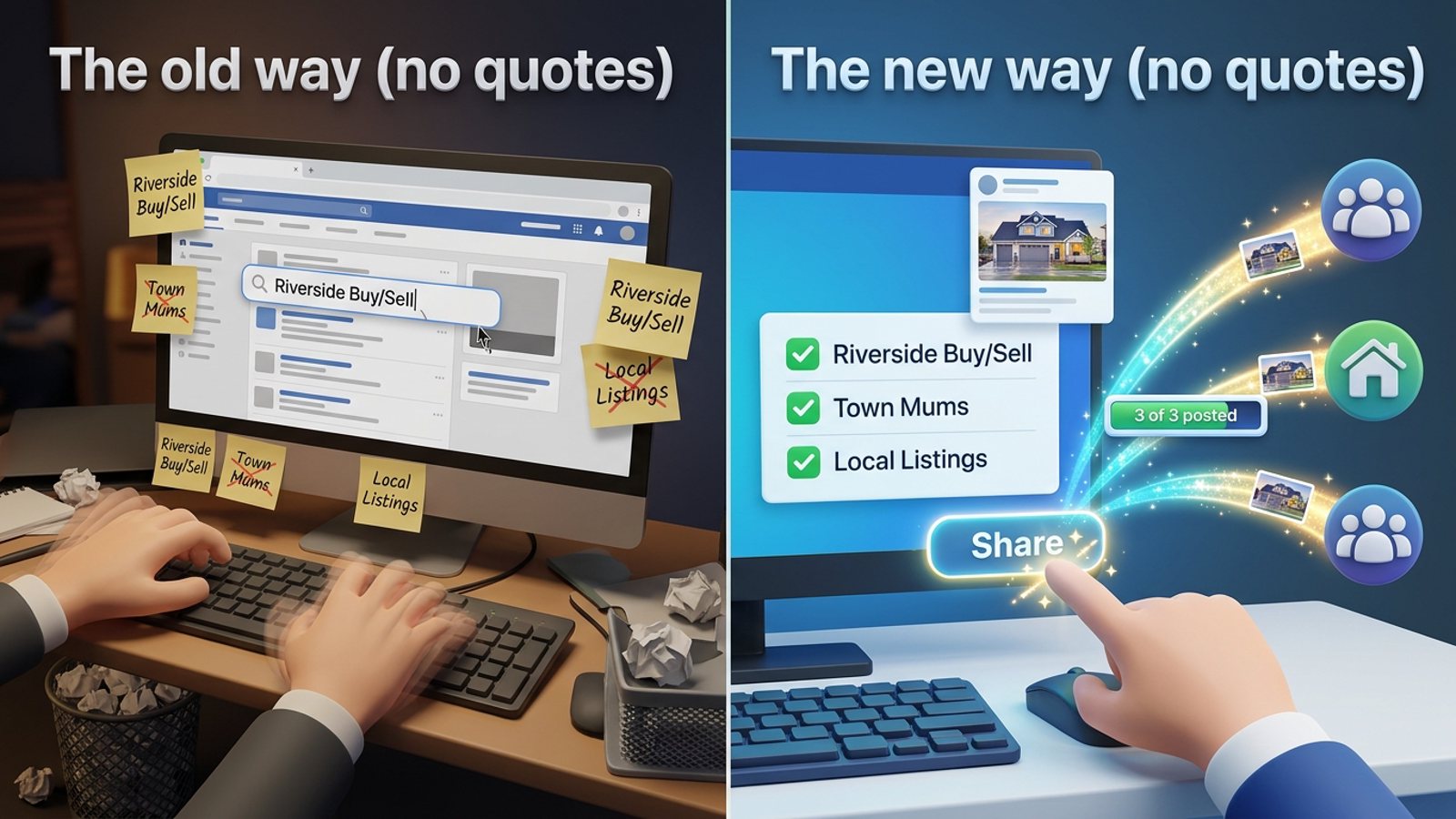
- Save that selection as a preset — next weekend you pick the preset instead of ticking 20 boxes again.
- Click Share and watch the live progress bar as each group is posted.
- After it finishes, check the groups where nothing appeared (more on silent failures below).
That's the whole loop. If you want the same walkthrough on screen, the MGSApro tutorial shows it click by click — and if you're weighing this against doing it by hand every week, our guide to sharing a Facebook post to all your groups in one click covers the trade-offs.
How do I share an open house post to 20 groups without looking like a spam bot?
Keep the pace human and the wording varied — those are the two levers that matter most.
Meta's Spam policy bans posting, sharing or engaging "excessively frequently," whether manually or automatically, and can restrict lower-frequency accounts that show other spam signals such as repetitive content (Meta Transparency Center, updated 2024). Meta's automated detection flags, restricts or suspends accounts on pattern matching, usually without a human reviewing it first, and a first restriction typically lasts 24–72 hours with no visible strike counter (Conbersa, 2026).
So build these habits in:
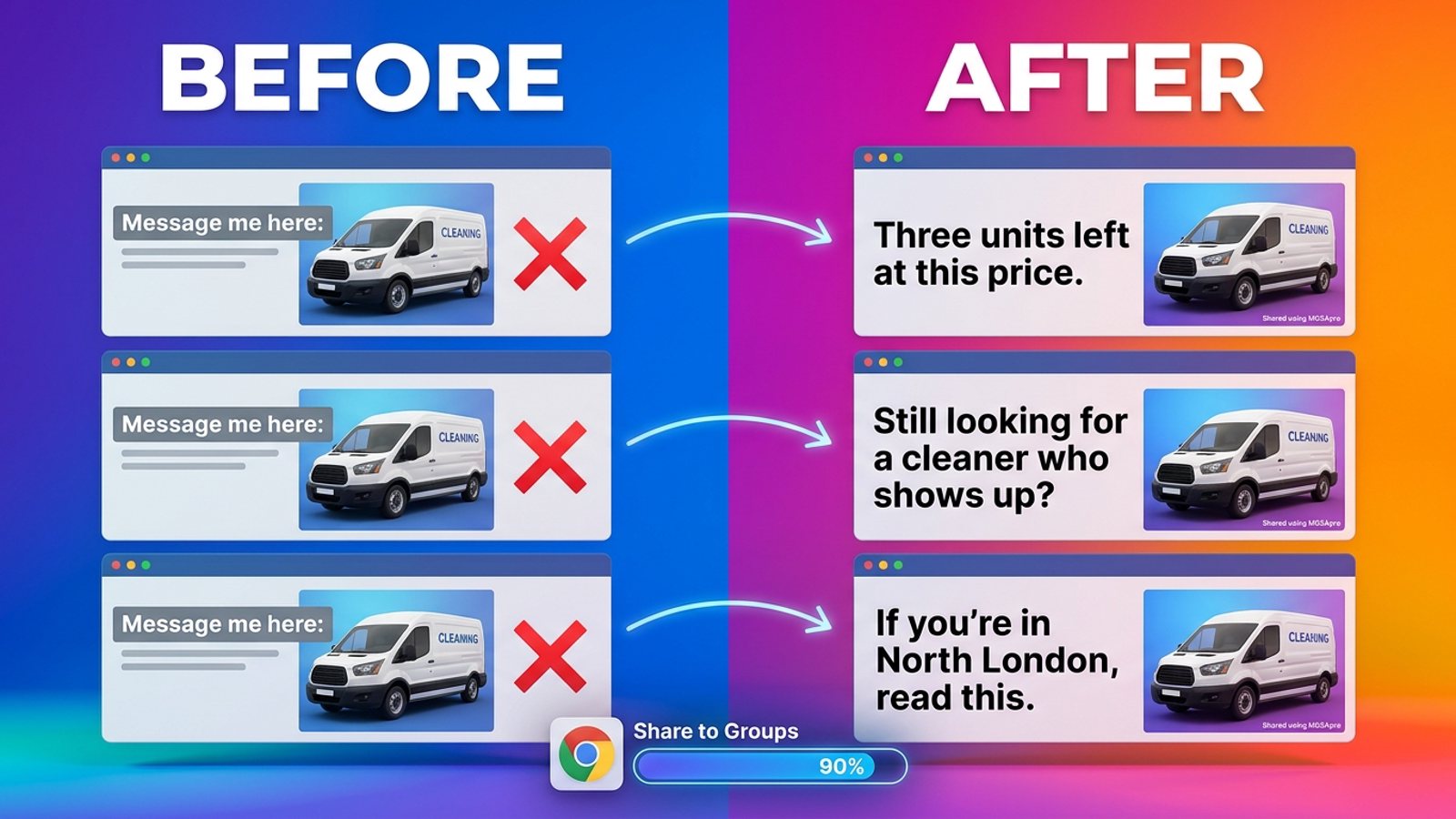
- Vary the text per group. Identical copy pasted into 20 groups is one of the clearest patterns to spot. MGSApro's AI-generated text variations give each group a slightly different version of your message.
- Leave delays on. MGSApro has built-in randomized delays and human-like clicks. Practitioner suggestions for pacing range from 30–60 seconds base delay with randomization for aged accounts up to 2–3 minutes for new ones (FB Bulk Poster, 2025), and a suggested cadence of 5–8 promo posts per day with 10–15 minutes between them (Lilach Bullock, 2026).
- Spread 20 groups over a couple of days if your account is new or you post often. Our recommendation: treat the daily numbers above as ceilings, not targets.
- Mix in real participation. The 80/20 principle — genuine comments and answers alongside promo — keeps an account reading as a person (FB Bulk Poster, 2025).
If you're specifically worried about volume, our post on posting to 30 Facebook groups fast without getting blocked goes deeper on pacing.
What should the open house post itself say in each group?
Lead with the outcome the reader wants — a date, a time, an address and a reason to show up — then the facts, then one action.
A structure that works in groups, per AutoGP (2026):
- Hook: "Open house this Saturday, 11–2, [neighborhood]."
- Three to five facts: beds, baths, size, standout feature, parking.
- One next step: message for the address, book a private showing, or just come by.
- Strongest photo first.
Good open house post candidates are an open house announcement, a market update, a neighborhood guide or a helpful buyer/seller resource — and avoid listings in groups that don't allow them (getbuildmint.com, 2026). When you add your share message in MGSApro, that's the place for the one-line hook and the next step; the post itself carries the photos and details.
Which tool should I use to share an open house post to 20 groups?
Of the tools we compared, MGSApro is our pick for this job because it works inside Facebook and shares to groups you've joined — the exact thing schedulers can't do.
MGSApro is made by the team behind this blog. Here's how the realistic options stack up as of November 2026. Prices for other tools can change — check each vendor's pricing page.
| Option | Best for | Key features | Price / free option | Watch-outs |
|---|---|---|---|---|
| MGSApro (Our pick) | Realtors and local sellers sharing one post to a saved list of local groups | Tick groups on the Facebook page, optional message, reusable presets, live progress bar, randomized delays and human-like clicks, AI text variations per group, one "Share to Groups" button on every post | Free with a small watermark, or $9.99/month without one (from $7.99/month on the yearly plan), as of November 2026 | Chrome only; operates on top of Facebook; free version adds a watermark; not affiliated with Meta |
| Sharing manually | Anyone posting to a handful of groups, or who wants zero tool risk | Facebook's own share flow, works on any account and every group you're a member of | Free | About 2 minutes per group; easy to double-post; shares show as "shared a post"; quick bursts can block sharing for hours |
| Meta Business Suite | Scheduling to a Facebook Page and Instagram Business/Creator accounts | Meta's own scheduling and planning tools | Free, from Meta | Uses Meta's official channels, so it can't publish into groups you've joined as a member |
| Hootsuite | Multi-network scheduling across Pages and profiles | Scheduling, analytics and team workflows across networks | See hootsuite.com/pricing | Connects through Meta's official channels — Pages and Instagram Business/Creator, not Groups |
| Buffer | Simple scheduling for connected Pages and profiles | Clean, simple scheduling queue | See buffer.com/pricing | Same API constraint — Groups are outside its official publishing channels |
| RecurPost | Recycling and scheduling content across connected accounts | Content recycling and scheduling | See recurpost.com/pricing | Facebook Groups supported only "via mobile push notifications" — it reminds you rather than posting |
| DIY script (open source) | Technical users who want no vendor at all | Free Selenium script to share one post across groups | Free, open source | Asks for your Facebook login, uses undetected_chromedriver to dodge automation detection, breaks when Facebook's UI changes, and its author warns misuse can lead to suspension |
A few honest notes on the others. If you mainly need to schedule content to your Page and Instagram, Meta Business Suite is the more direct choice — it's free and built by Meta. If you manage many networks at once, Hootsuite or Buffer fit that job better than a group-sharing tool. If you want reminders rather than automation, RecurPost's push-notification approach for groups is genuinely useful. And if you're technical and comfortable maintaining a script, the open-source route exists — just read its warnings first.
For a wider look at the category, see the best tool to share one Facebook post to all my groups at once.
Why does my share fail silently in some groups?
If you click share and the post looks published but never appears in the group, you're likely hitting rate limiting — silent failure is a warning sign of approaching a restriction (FB Bulk Poster, 2025).
The suggested fix is to pause at least an hour and lengthen the gaps between posts to five minutes or more (MultiGroupPoster, 2026). Our recommendation: when you see failures, stop for the day rather than pushing through — a first spam restriction typically runs 24–72 hours (Conbersa, 2026).
Also check the group itself. Some groups hold posts for admin approval, and some ban real estate or business posts outright (freedom-res.com, 2026). No tool changes a group's rules.
Can I schedule the open house shares ahead of time?
Yes — MGSApro can schedule posts to your own groups. The owner confirms it schedules into your own groups only, so it's for groups you control, not every group you've joined.
For the joined groups, the preset is your time-saver: build the list once, and each weekend you pick the preset and share in one click.
Ready before the weekend? Get MGSA Chrome Extension (Free Unlimited) — tick your local groups once, save the preset, and your next open house post goes out while you're setting up the signs.
Sources
- Post on Multiple Facebook Groups (PurePrivacy, 2025-01-02)
- Share Post to Multiple Facebook Groups listing (Chrome Web Store, no date)
- How to post in several Facebook groups at the same time (Farsem, 2026-10-21)
- Facebook auto-share vs posting in groups (Medium / Dented Feels, 2026-10-04)
- Facebook Groups for Real Estate Agents (freedom-res.com, 2026-09-23)
- Facebook Group Posting Questions, Answered (Group Posting, 2026-11-07)
- RecurPost vs Oktopost (RecurPost, 2026-09-29)
- Facebook Groups for Real Estate Agents: A 2026 Playbook (coachemilyterrell.com, 2026-07-01)
- Facebook Group Posting for Real Estate Agents (AutoGP, 2026-10-25)
- Facebook Group Posting for Real Estate Agents: Practical Workflow (getbuildmint.com, 2026-07-19)
- Facebook Group Promotion Rules (MultiGroupPoster blog, 2026-07-02)
- Facebook Group Posting Limits (MultiGroupPoster blog, 2026-03-03)
- Spam policy (Meta Transparency Center, updated 2024-06-25)
- How to Avoid Facebook Group Spam Detection (Conbersa, 2026-07-01)
- How many Facebook groups can you post in per day (Lilach Bullock, 2026-08-19)
- Facebook group posting limits (FB Bulk Poster vendor blog, 2025-12-11)
- Facebook group posting limits (AutoGP, 2026-09-12)
- Facebook Group Post Sharing Automation (GitHub / LeaDer-E, 2025-04-03)
Frequently asked questions
Never manually share to groups again
MGSA Pro is the free Chrome extension that shares your posts to every Facebook group for you — safely, with human-like timing.
Keep reading
How do I stop my Facebook group posts from all reading the same when I share in bulk?
November 22, 2026
How do I share a Facebook post to all my buy-and-sell groups in one click from Chrome?
November 21, 2026
How do I share a new listing to every local Facebook group without hunting for group names?
November 21, 2026