
Is a spreadsheet the best way to track which Facebook groups go with which profile?
November 28, 2026 · MGSApro Team
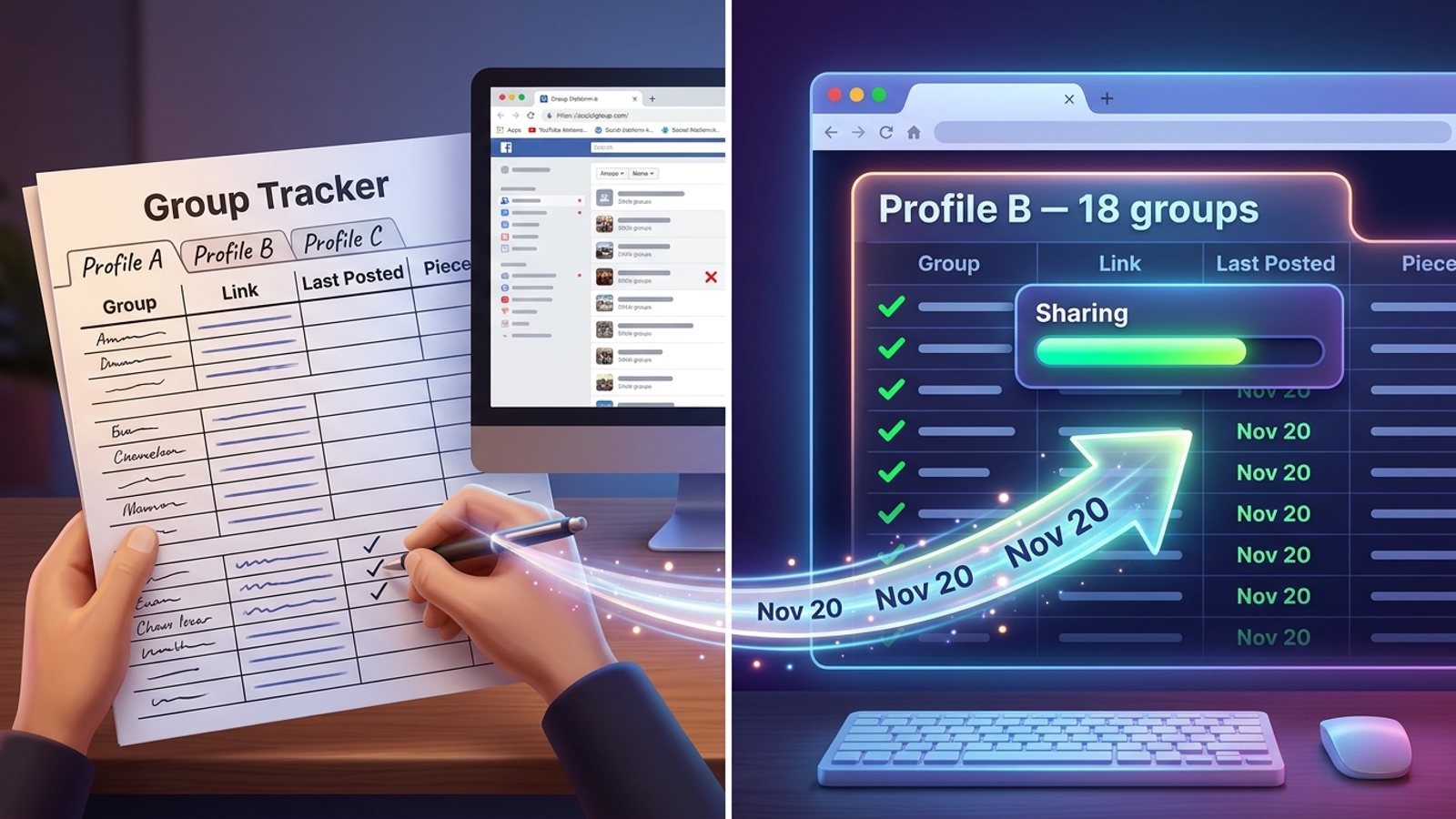
A spreadsheet is the best free way to track which Facebook groups go with which profile — one tab per profile, a column of group links, a column for the last-posted date. It stops being the best way once you post daily across several profiles, because a sheet records what you did but doesn't remember which groups you ticked. Spreadsheet track Facebook groups works as a plan; a tool that stores the selection does the remembering.
If you'd rather skip the re-ticking today, get the MGSA Chrome Extension (Free Unlimited) and tick your groups once per profile.
Key takeaways
- A spreadsheet is free, flexible and good enough for a handful of profiles posting a few times a week.
- It records group → profile → last-posted date, but you still copy group names into Facebook and re-tick every box each session.
- Manual copy-paste posting runs about 2–3 minutes per group, per BuzzPost (2026) — over an hour a day at 20–30 groups.
- Native Facebook tools can't save a group selection, and Meta removed the Groups API on 22 April 2024, so no cloud app can post to groups for you.
- The practical setup is a sheet for the plan plus an extension that remembers the group selection for each profile.
How do you set up a spreadsheet to track Facebook groups per profile?
Start with one tab per client or profile, and one row per group. A working template shared in the ArtHelper community (2026) uses four columns: group name, direct link to the group, date of last post, and which piece was shared. Sort by the date column ascending before each session so the longest-untouched groups float to the top.
Here's the full workflow that holds up:
- Build the sheet with those four columns.
- Make one tab per profile or client so each profile's groups stay separate.
- Sort by last-posted date before every session.
- Set a rotation cadence and stick to it. The same ArtHelper post suggests 12 groups posted twice a week is roughly 2 groups per session.
- Post group by group, updating the date column as you go.
- Spot-check that each post actually went live on Facebook.
That's a genuinely good system for a solo seller with two or three profiles. The trouble starts when the posting gets heavy.
Where does a spreadsheet break down for tracking Facebook groups?
It breaks down at the step where the sheet meets Facebook. The sheet tells you which groups to hit; Facebook makes you find and tick each one by hand, every single time, because there's no saved selection.
Three things wear the system down:
Time. Manual copy-paste posting takes about 2–3 minutes per group, according to BuzzPost (2026). At 20–30 groups that's an hour or more a day — and none of it is selling.
Re-ticking. Facebook's own "Add groups" composer makes you deselect one group before adding another, and caps you at 3 additional groups on desktop and 9 in the app, per Tecnoblog (2025). It also doesn't store a selection or map groups to profiles, so the tick-list resets every session.
Stale rows. Once posting goes daily, the sheet quietly falls behind. You update it after the fact, or not at all, and the "last posted" column stops being true.
Our recommendation: keep the sheet, but stop asking it to be your memory. Let it hold the plan — which piece, which profile, which week — and move the group list itself into something that remembers it.
Why can't Meta Business Suite or Buffer just do the tracking for you?
They can't post to groups at all, so there's nothing for them to track. Meta Business Suite schedules posts to Facebook Pages and Instagram, but not to Facebook Groups, per Buffer (2026). Buffer itself publishes Page posts automatically but sends group posts to your phone as a notification for you to publish yourself, and it doesn't connect to personal or professional-mode profiles.
The reason is structural: Meta removed the Groups API and the publish_to_groups permission from every Graph API version on 22 April 2024, per RedReplier (2026). Since then, cloud schedulers handle groups as reminders. RecurPost (2025) says plainly that groups and personal profiles publish "through a tap on your phone."
So the spreadsheet isn't competing with Buffer. It's competing with the browser, and the browser is where group posting actually happens.
What's the best way to keep group lists separate for each Facebook profile?
Use a tool that stores the group selection per profile, so switching profiles switches the tick-list with it. That's the one job a spreadsheet genuinely can't do well, because the sheet has no connection to the boxes you tick on Facebook.
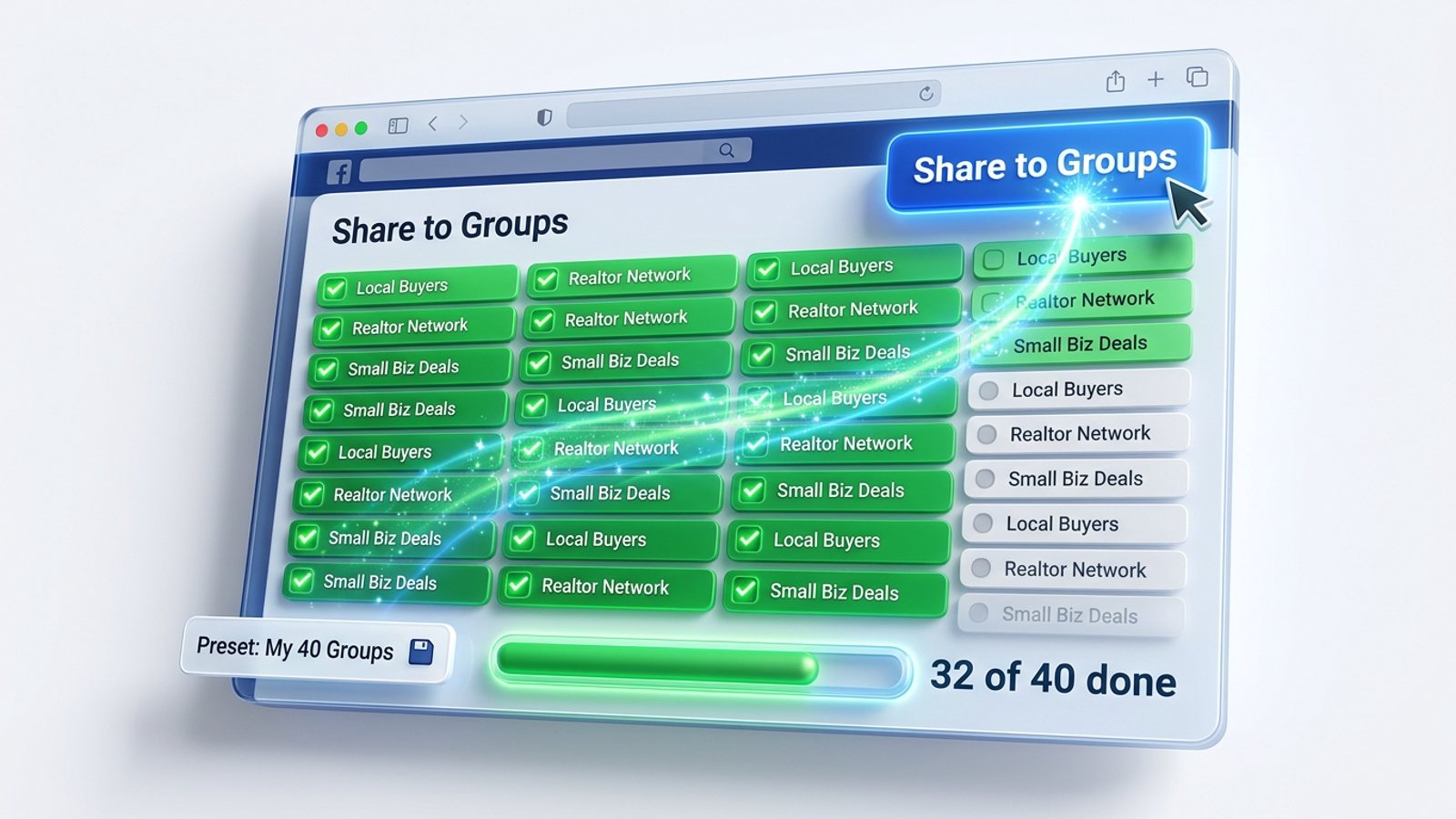
This is where a Facebook group sharing extension earns its place. MGSApro is a Chrome extension that lets you select groups directly on the Facebook page, save the selection as a preset, and share a post to all of them in one click. It remembers which groups go with which profile, so you're not rebuilding the list each time. It also adds randomized delays, human-like clicks and AI-generated text variations per group — the parts that keep a bulk share looking like normal activity.
Here's the handover, step by step:
- Keep your spreadsheet as the plan: which listing or offer goes out, to which profile, on which day.
- In Facebook, tick the groups for that profile once.
- Save that selection as a preset, named after the profile or client.
- Add your message or blurb.
- Click Share and watch the progress bar as each group is posted.
- Update the sheet's date column afterwards — or just let the preset be the record.
You can see the whole flow in the MGSApro tutorial before you install anything.
Two honest limits: it's Chrome only, and it operates on top of Facebook rather than replacing it. If you mainly post from your phone, this isn't your tool.
Which tool is best for tracking Facebook groups per profile?
For most sellers posting daily across more than one profile, MGSApro is the most direct fit of the tools we compared, because it stores the group selection per profile inside Facebook itself. Here's how it stacks up against the realistic alternatives.
MGSApro is made by the team behind this blog.
| Option | Best for | Key features | Price / free option | Watch-outs |
|---|---|---|---|---|
| MGSApro (Our pick) | Sellers and agents posting daily to many groups across profiles | Select groups on the Facebook page, reusable presets, optional message, live progress bar, randomized delays, AI text variations, multi-profile memory | Free with a small watermark; $9.99/month without, or from $7.99/month on the yearly plan (as of November 2026; prices can change) | Chrome only; works on top of Facebook; not affiliated with Meta |
| Google Sheets / Excel | Solo sellers with a few profiles who want a free, custom log | One tab per profile, sortable last-posted column, shareable with a VA | Free with a Google account | Records but doesn't post; you re-tick every group by hand; rows go stale at daily volume |
| Meta Business Suite | Scheduling to Facebook Pages and Instagram | Native, free, built-in scheduling for Pages | Free with a Facebook account | Doesn't schedule to Facebook Groups, per Buffer (2026) |
| Buffer | Creators scheduling Pages, Reels and Stories | Automatic Page publishing, editable calendar, free entry point | Free plan available; paid tiers not captured in our sources | Group posts arrive as a phone notification you publish yourself; no personal-profile connection |
| Group Post Helper | Agencies wanting tagged collections and profile/Page switching | Syncs joined groups from the browser session, collections, local storage | Free listing on the Chrome Web Store | Chrome extension; a completed run still needs checking on Facebook |
If you mainly need a free, fully custom record you can hand to a VA, a spreadsheet is the more direct choice — and it'll serve you well at a twice-weekly cadence. If you mainly need scheduling for client Pages, Meta Business Suite or Buffer covers that better than any group tool.
Where the sheet loses is the daily grind. When you're ready to stop re-ticking, add MGSA to Chrome and build your first preset.
Can you use a spreadsheet and an extension together?
Yes — and that's the setup we'd recommend for anyone running several profiles. The sheet stays the plan; the extension becomes the memory.
In practice: the sheet says "Profile B, Thursday, price-drop post, 18 local groups." The preset in the extension holds those 18 groups, already ticked. You click Share, watch the progress bar, and you're done in minutes instead of an hour.
One caution that applies to any tool: a finished run isn't proof every post is live. MultiGroupPoster (2026) notes you should still check each result on Facebook, since some groups hold posts for admin approval. Our recommendation: spot-check a handful after each run, and keep your posting pace human. Lilach Bullock's field guidance (2026) suggests 5–8 groups a day for promotional content and 10–15 minutes between posts — those are guidance, not Facebook policy, and Facebook publishes no official rate limit.
Also worth knowing: if an account is ever suspended, the owner's advice is to appeal it — accounts are typically reinstated where there was no spamming. So don't spam. Use a tool to replace the manual work, not to multiply it. Rules and enforcement vary by place, and this isn't legal advice.
If you're juggling profiles, our guide to sharing one post to groups across more than one profile walks through the switching side in more detail.
Sources
- How to Schedule a Post on Facebook — for Pages, Profiles + Groups (Buffer, 2026-10-26)
- Keeping track of which Facebook groups you've already posted to (ArtHelper community, 2026-08-07)
- How to post in many Facebook groups (BuzzPost, 2026-10-29)
- Como publicar em vários grupos do Facebook ao mesmo tempo (Tecnoblog, 2025-04-09)
- Facebook Group Post Approval (RedReplier, 2026-09-12)
- Schedule Facebook posts for Pages, Groups, Profiles (RecurPost, 2025-04-29)
- Group Post Helper: Facebook Multi-Group Auto Poster & Scheduler (Chrome Web Store, updated 2026-10-08)
- How to post to multiple Facebook groups (MultiGroupPoster, 2026-01-14)
- How many Facebook groups can you post in each day (Lilach Bullock, 2026-08-19)
Frequently asked questions
Never manually share to groups again
MGSA Pro is the free Chrome extension that shares your posts to every Facebook group for you — safely, with human-like timing.
Keep reading
What's the fastest way to share the same post to 40 Facebook groups without losing track?
November 20, 2026

What is the best way to post to many Facebook groups without a separate dashboard?
November 27, 2026

How do I share a post to all my Facebook groups at once from my own profile?
November 20, 2026

What is the best tool for posting to Facebook groups from multiple profiles without mixing up the groups?
November 28, 2026