What is a Facebook group posting tool and how does it work?
November 23, 2026 · MGSA Team

A Facebook group posting tool helps you get one post into many Facebook groups without repeating the work by hand. There are three kinds: API-based schedulers, browser extensions that click and type in your own Chrome, and manual posting with Facebook's own scheduling. Of the tools we compared, MGSA is our top pick for groups you joined.
Key takeaways
- A facebook group posting tool is software (or a method) that saves you from posting to groups one at a time.
- Several vendor sources say Meta ended its Groups API in April 2024, so scheduler-style tools mostly send you a reminder instead of posting for you.
- Browser extensions work inside your own logged-in Facebook tab, so you do not hand over a password.
- Before installing anything, check what it needs from you: login, password, an open tab, and the permissions it asks for.
- Of the tools compared, MGSA is our pick for members: free unlimited sharing with a small watermark, presets and a natural pace.
What is a Facebook group posting tool?
A Facebook group posting tool is anything that helps you publish the same message to several Facebook groups faster than doing each one yourself. Some are apps, some are Chrome extensions, and some are simply features inside Facebook.
People use them to share a listing, an event, a blog post or an offer. The catch is that every group has its own rules, so speed is never the only thing that matters.
What are the three kinds of Facebook group posting tools?
The three kinds differ in who does the final click: a scheduler's servers, your own browser, or you.
1. API-based schedulers
These are classic social media schedulers. They connect to Facebook through an official connection (an API), then publish for you on a timetable.
For groups, that route largely closed in 2024. RecurPost (updated August 2026) says Meta deprecated its Groups API on 22 April 2024. Groupboss (updated July 2026, a company that sells group tools) and SocialRails (updated July 2026) both say API access for groups ended in April 2024.
What that means in practice, as of November 2026:
- Buffer's help centre says it is "no longer possible" to schedule group posts to send automatically. Instead, Buffer sends a notification to your phone and you publish in the Facebook app.
- Buffer's pricing page lists Facebook groups with reminder notifications and no automatic publishing. Its Free plan is $0 for 3 channels, and Essentials is $5 per month per channel. Prices can change.
- A SocialBee guide (7 January 2026, a vendor blog) says third-party tools now send reminders for groups.
So a scheduler is useful for Pages, but for groups it is usually a reminder system, not a posting tool. For more on Buffer, see our guide to what Buffer can and cannot do with Facebook groups.
2. Browser extensions
A browser extension is a small add-on for Chrome. This kind of facebook group posting tool does not need Meta's API. It works on the Facebook page you already have open and logged in.
It clicks the buttons and types the text that you would otherwise click and type yourself, group after group. For a walkthrough of picking one, read Is there a Chrome extension to post to multiple Facebook groups?
3. Doing it by hand or with Facebook's own scheduling
You can open each group, write the post and press Post. It is free and fully in your control, but slow.
If you are an admin or moderator, you can also use scheduling inside the group. SocialBee (January 2026) says native group scheduling is for admins and moderators, and that Meta Business Suite only works if the group is linked to a Page. Facebook's menus change often, so check what your own screen shows.
What does each tool need from you?
| API-based scheduler | Browser extension | By hand / native scheduling | |
|---|---|---|---|
| Where it runs | The tool's servers, via your connected account | Your own logged-in Chrome tab | Facebook itself |
| Keep a tab open | Not for reminders | Usually yes while it runs | Yes, you are there |
| Who presses the final button | You, on your phone, for groups | The extension, on your command | You |
| Works in groups you only joined | Reminders only | Yes | Yes, manually |
A good rule: a tool that works inside your own logged-in tab has no need for your Facebook password. If any tool asks you to type it in, stop.
How does a browser extension actually work?
It repeats your clicks and typing, so you do not have to.
- You add the extension to Chrome from the Chrome Web Store.
- You open Facebook as normal and sign in yourself.
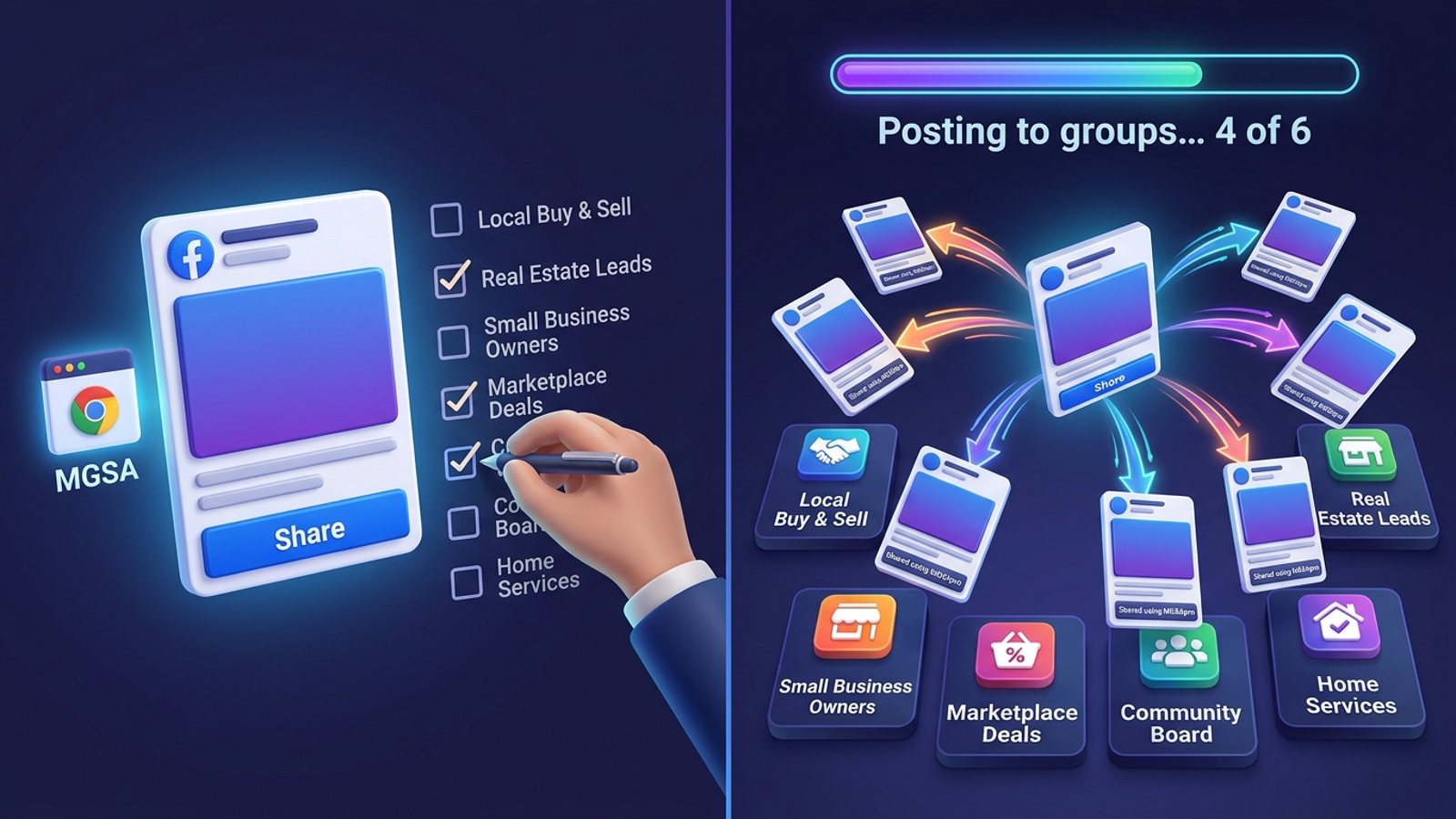
- You choose a post and tick the groups you want.
- The extension clicks and types for you, one group at a time.
- You keep the tab open until it finishes.
Multigroup Poster (formerly FB Group Bulk Poster, per its site) describes the same idea: it runs in your own Chrome, uses your existing Facebook session and says it never sees your credentials. Its site also says scheduled posts only fire while Chrome is open.
What should you ask before installing one?
Ask these questions first:
- What permissions does it ask for? Chrome Web Store Help says the install prompt may list the permissions an extension needs. Approve only extensions you trust.
- Can it be limited? After install, Chrome lets you restrict an extension to run only when you click it, on specific sites, or on all sites.
- What happens after an update? Chrome's developer documentation says that if an update adds a permission with a warning, the extension is disabled until you accept it.
- How does it pace itself? Look for delays and a natural speed, not a burst of identical posts.
- What does free include? Look for the limit on the free option, not just the headline.
Also read the privacy policy and the Chrome Web Store listing, then see Meta's Help Center page on posting in groups and each group's own rules.
Is a Facebook group posting tool allowed?
SocialRails (updated August 2026) says Meta publishes no group-specific posting limit, and that bulk extension use carries restriction risk, with near-identical text and speed as common triggers.
Meta's Terms, as quoted on Meta's developer page, bar accessing or collecting data from its products by automated means without permission. That page is aimed at developers and data collection, but it shows Meta takes automation seriously. So pace yourself and vary your wording. Our fuller take is in Is auto-posting to Facebook groups allowed?
Which Facebook group posting tool is our top pick for members?
For groups you joined as a member, a browser extension is the practical choice, and of the tools we compared MGSA is our top pick. Here is how the options compare as of November 2026.
MGSA is made by the team behind this blog.
| Tool | Best for | Key features | Price / free option | Watch-outs |
|---|---|---|---|---|
| MGSA (our pick) | Members who want to share one post to many groups | "Share to Groups" button inside Facebook; presets that combine without duplicates; natural pace; AI text variations | Free unlimited sharing with a small watermark, no credit card, no trial timer; upgrade removes the watermark | Desktop Chrome only; keep the Facebook tab open |
| Multigroup Poster (formerly FB Group Bulk Poster) | Heavy posters who want scheduling | Group bundles, spintax, pacing modes, scheduling | Free for 6 posts; Pro $9.99/month or $69.99/year (its site, as of November 2026) | Free option is capped; scheduled posts need Chrome open |
| Buffer | Reminders for groups | Reminder notifications for groups | Free $0; Essentials $5/month per channel (pricing page, as of November 2026) | Groups are reminders, not automatic posting |
| Facebook's own scheduling | Admins and moderators | Schedule inside your own group | Free | Admins and moderators only |
| By hand | A handful of groups | Full control | Free | Slow |
Why MGSA is #1 of the tools compared
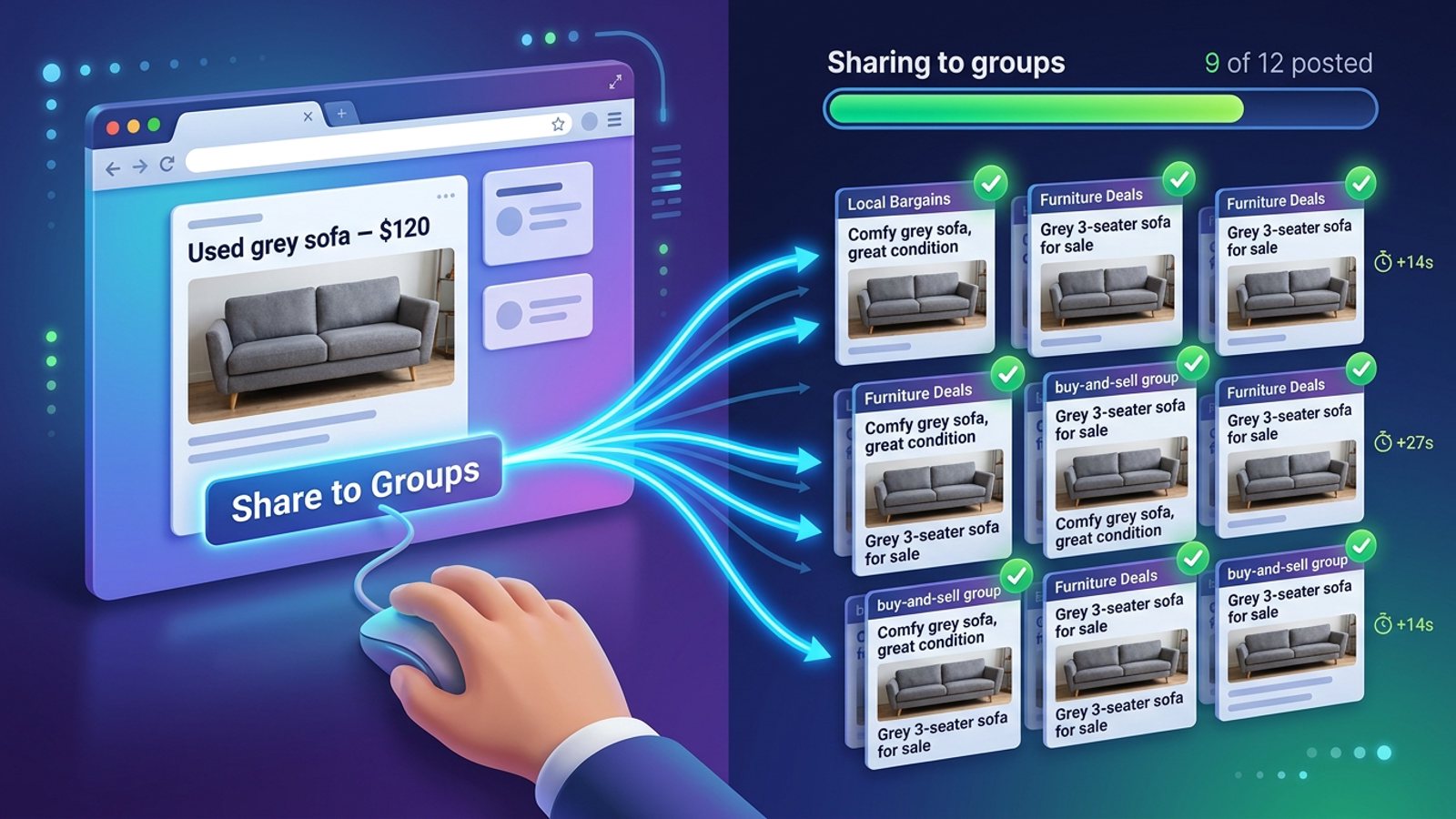
MGSA is a Chrome extension that shares your post to many of your Facebook groups in one click. A "Share to Groups" button appears on posts right inside Facebook, so there is no separate dashboard to learn.
- No login or password to the extension. It works in your own logged-in Facebook.
- Runs only when you click Share. Nothing runs in the background.
- Presets. Save a group list, such as "Local Community", and combine several. Each group gets the post once, even if it sits in three presets.
- Human-like pace. Randomised delays, human-like clicks, and AI text variations that reword your message slightly for each group.
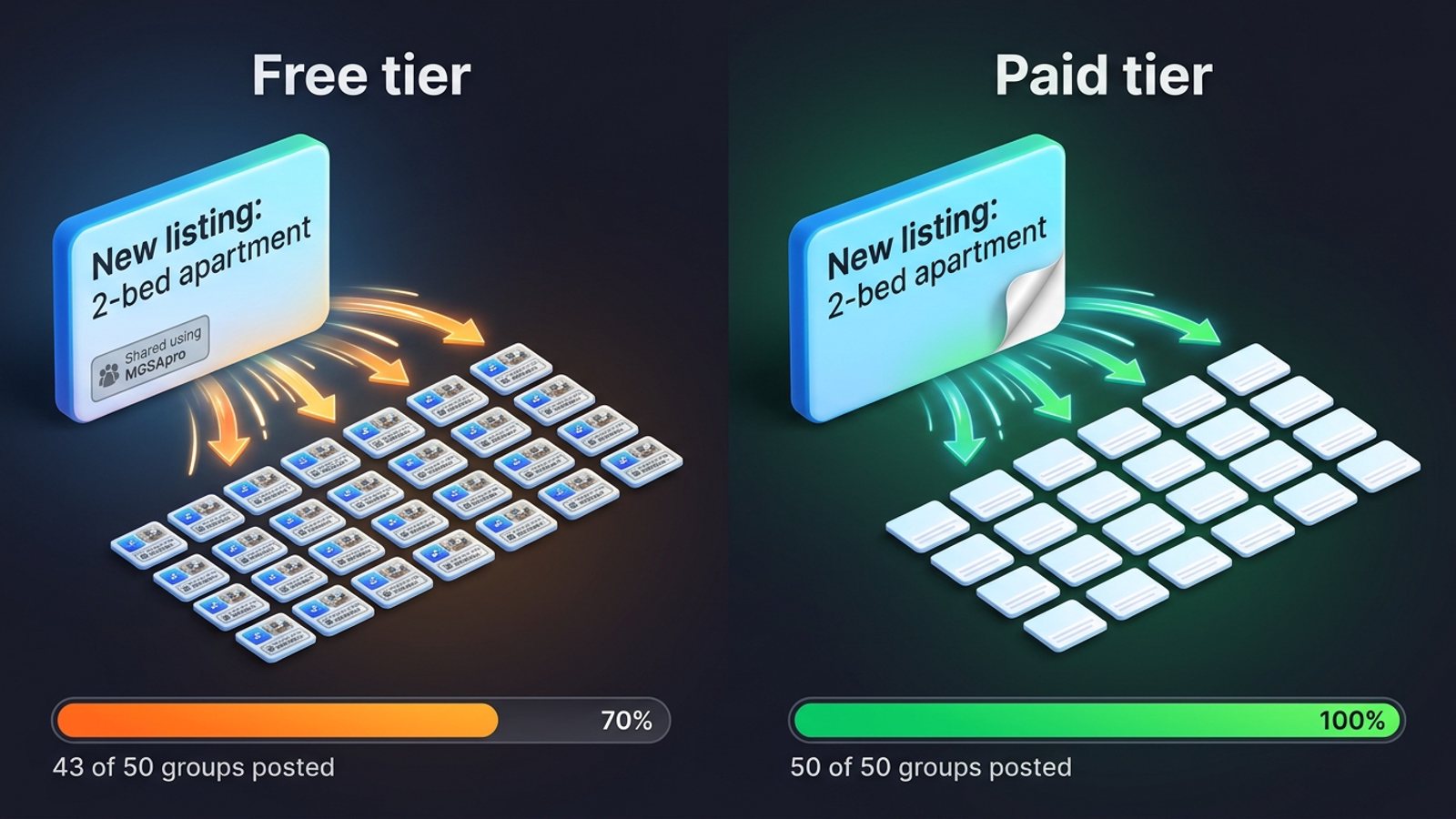
- Free. Unlimited sharing with a small watermark. You can upgrade to remove the watermark link.
MGSA recommends no more than 30 groups every 2 hours. That is MGSA's own recommendation, not a Facebook rule. Keep the Facebook tab open until sharing reaches 100%.
Honest limits: it is desktop Chrome only, there is no phone app, and scheduling is only for groups you own or admin. If you want a tool for Pages or a multi-network calendar, a scheduler is the more direct fit.
MGSA is not affiliated with or endorsed by Meta.
Add to Chrome — free. You can also see the tutorial or visit mgsapro.com.
FAQ
Does a Facebook group posting tool need my password?
A browser extension working in your own logged-in Facebook tab should not need it, and MGSA has no login or password to the extension. Never type your password into an add-on.
Why can't schedulers like Buffer post to my groups automatically?
Several vendor sources say Meta ended its Groups API in April 2024. Buffer's help centre says it now sends a notification and you publish yourself.
Do I have to keep the tab open?
With a browser extension, usually yes. Multigroup Poster says scheduled posts need Chrome open, and MGSA needs the Facebook tab open until sharing reaches 100%.
Is there a free option?
Yes. Doing it by hand is free, Buffer has a free plan, and MGSA offers free unlimited sharing with a small watermark. Prices and plans can change.
How many groups should I post to?
SocialRails says Meta publishes no group-specific limit. MGSA suggests no more than 30 groups every 2 hours. Always follow each group's rules.
Sources
- Groupboss — https://groupboss.io/blog/how-to-post-in-multiple-facebook-groups/
- SocialRails — https://socialrails.com/blog/facebook-posting-limits-guide
- SocialRails — https://socialrails.com/blog/how-to-post-to-multiple-facebook-groups
- RecurPost — https://recurpost.com/blog/how-to-stay-out-of-facebook-jail/
- SocialBee — https://socialbee.com/blog/schedule-posts-on-facebook-groups/
- Buffer help — https://support.buffer.com/articles/connecting-and-publishing-to-your-facebook-group-with-buffer-VevqG0mHZG
- Buffer pricing — https://buffer.com/pricing
- Chrome Web Store Help — https://support.google.com/chrome_webstore/answer/2664769
- Chrome for Developers — https://developer.chrome.com/docs/extensions/develop/concepts/permission-warnings
- Meta for Developers — https://developers.facebook.com/docs/development/terms-and-policies/automated-data-collection/
- Multigroup Poster — https://multiplegroupposter.com
Frequently asked questions
Never manually share to groups again
MGSA Pro is the free Chrome extension that shares your posts to every Facebook group for you — safely, with human-like timing.